Time

SqueakTime lets you use Apple Watch faces on your iPhone’s Lock screen

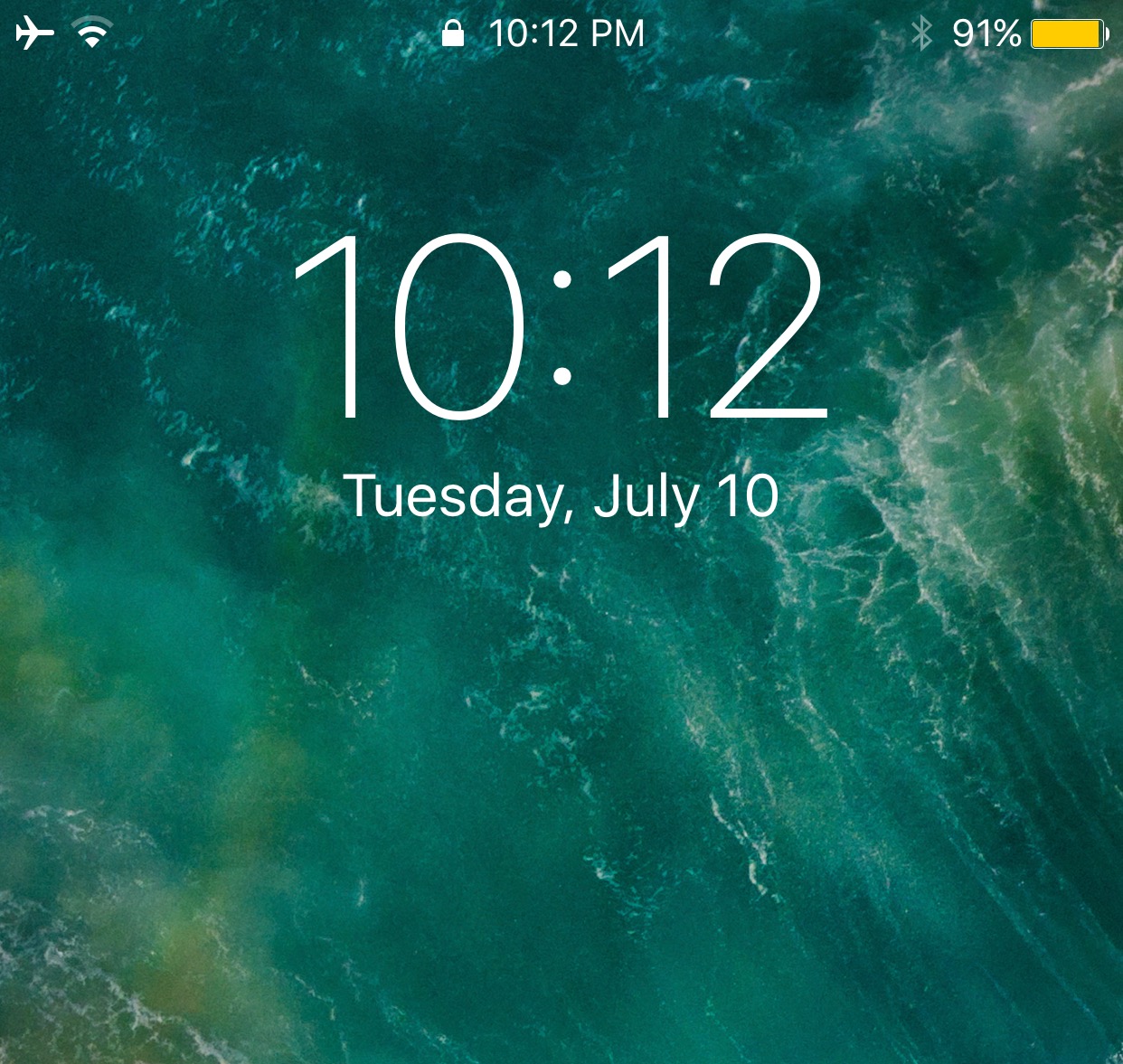
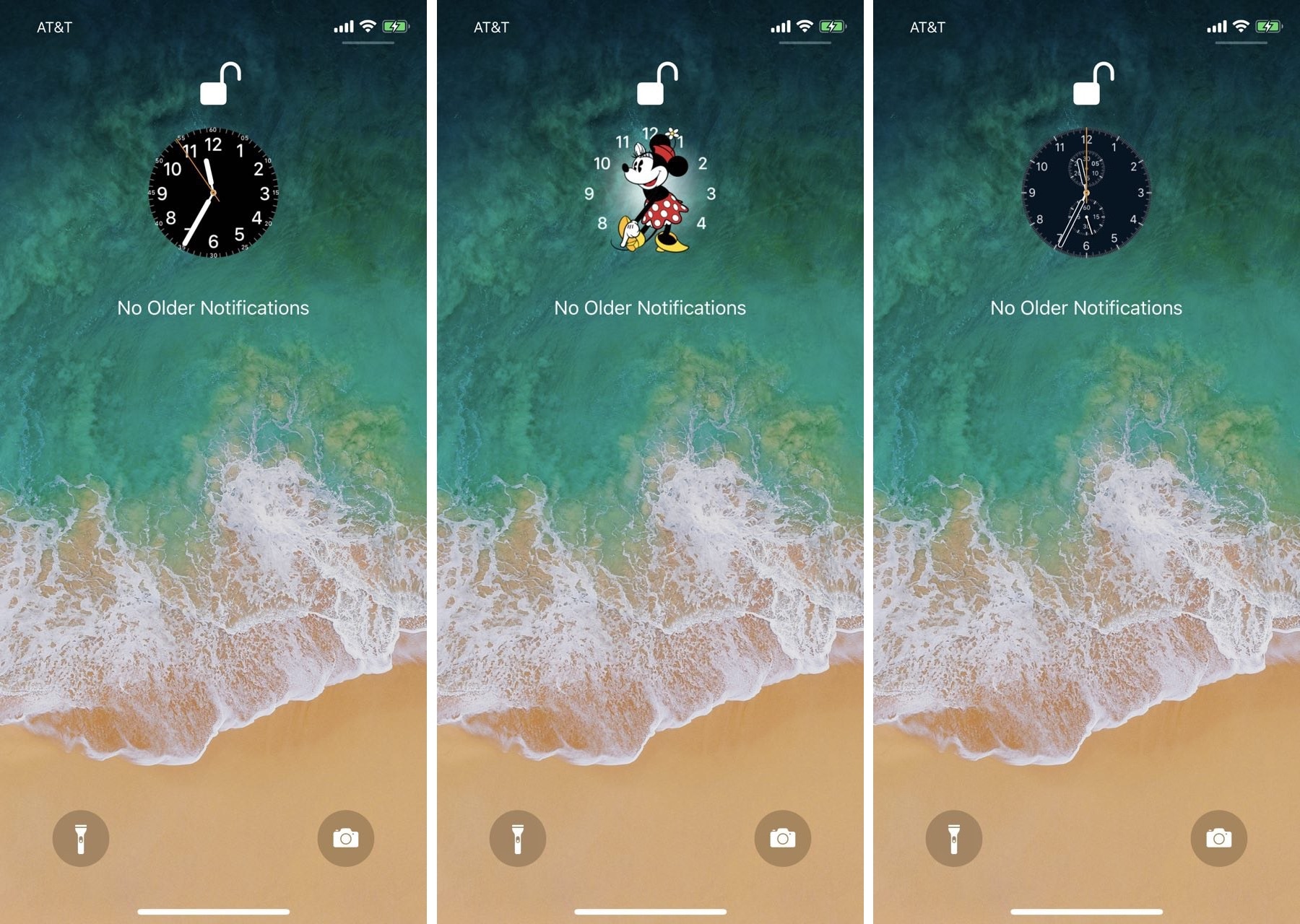
While perusing the Changes tab in the Cydia Store this week, we happened upon a brand-new jailbreak tweak dubbed SqueakTime by iOS developer Andy Wiik. With it, you can replace the Lock screen’s native time indicator with official Apple Watch faces.

After you’ve installed SqueakTime, you’ll take notice of a new “Use on Lockscreen” button that appears next to every Apple Watch face preview in the native Watch app:

Relocate the Lock screen’s date and time indicator with mcClock11

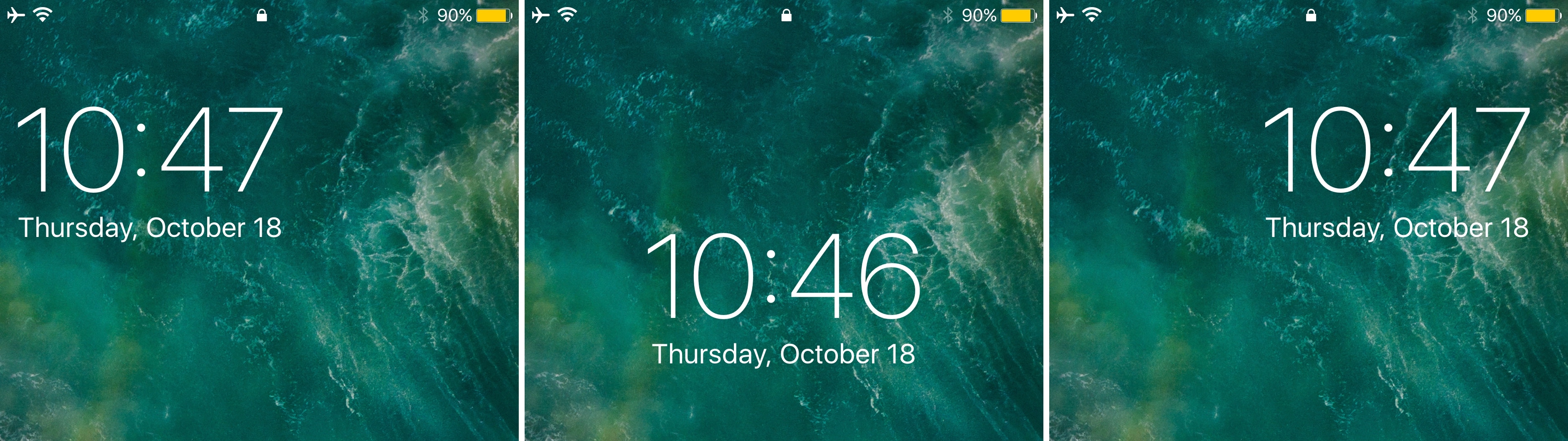
Right out of the box, your iPhone centers the date and time near the top of the Lock screen interface. But if you’ve ever wanted to move the date and time indicator around to different positions on the Lock screen, then you’re in luck.

A new free jailbreak tweak called mvClock11 by iOS developer Soh lets you relocate the Lock screen’s date and time indicator anywhere you’d like.

Semperon adds an ‘always-on-display’ to your jailbroken iPhone

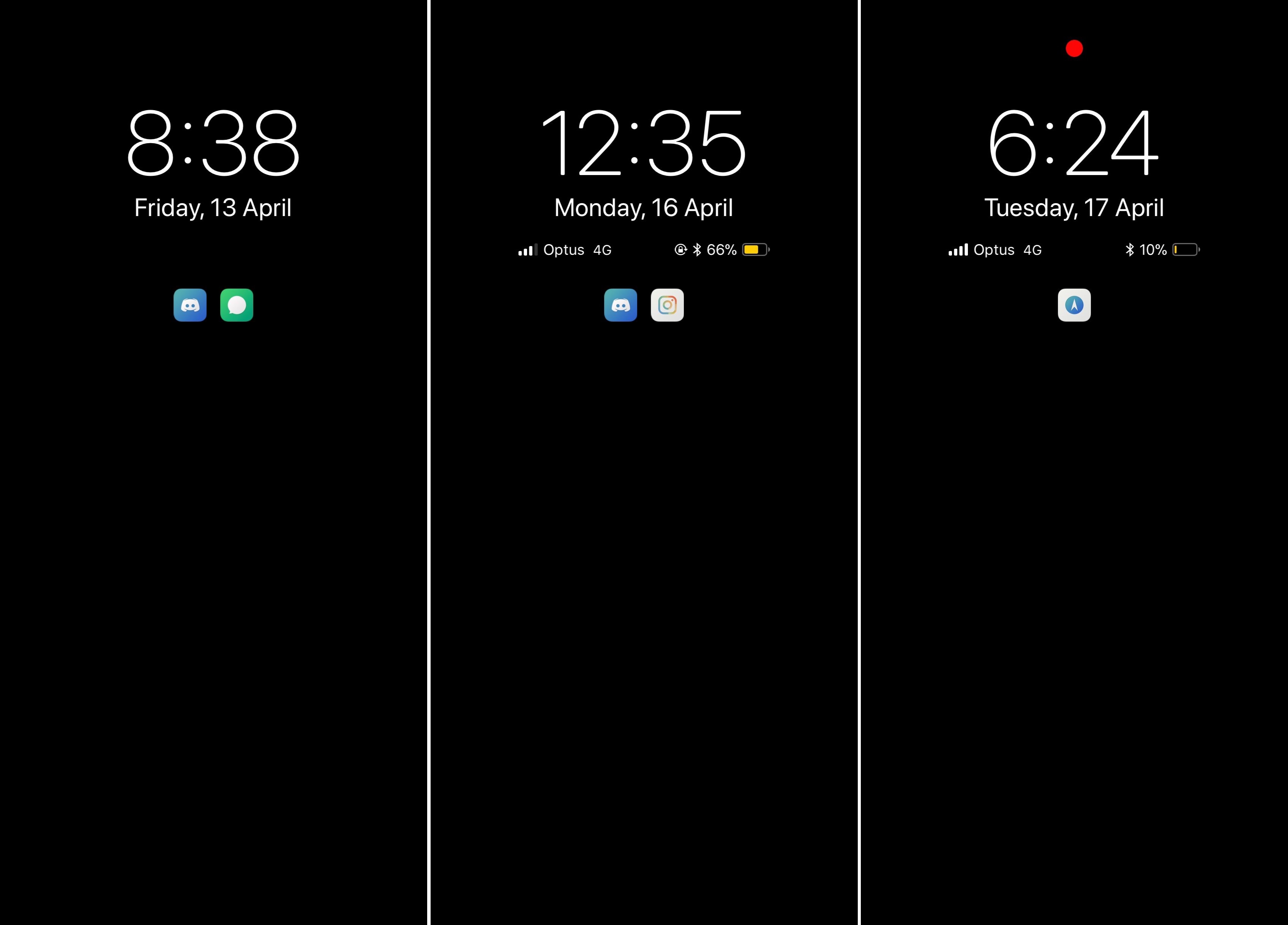
A plethora of Android smartphones on the market today support ‘always-on-display’ functionality in which the background remains dark, but the time and date appear in legible white font for your convenience.

Until now, you couldn’t experience this effect on an Apple handset, but a new jailbreak tweak dubbed Semperon by iOS developer LaughingQuoll mimics this functionality on any jailbroken iPhone or iPad running iOS 11.

This jailbreak tweak lets you use the current time as your passcode

A few years back, a controversial jailbreak tweak was released that allowed you to use the current time as your iPhone’s unlocking passcode. Intriguingly, that idea appears to be making a comeback following the release of Electra1131.

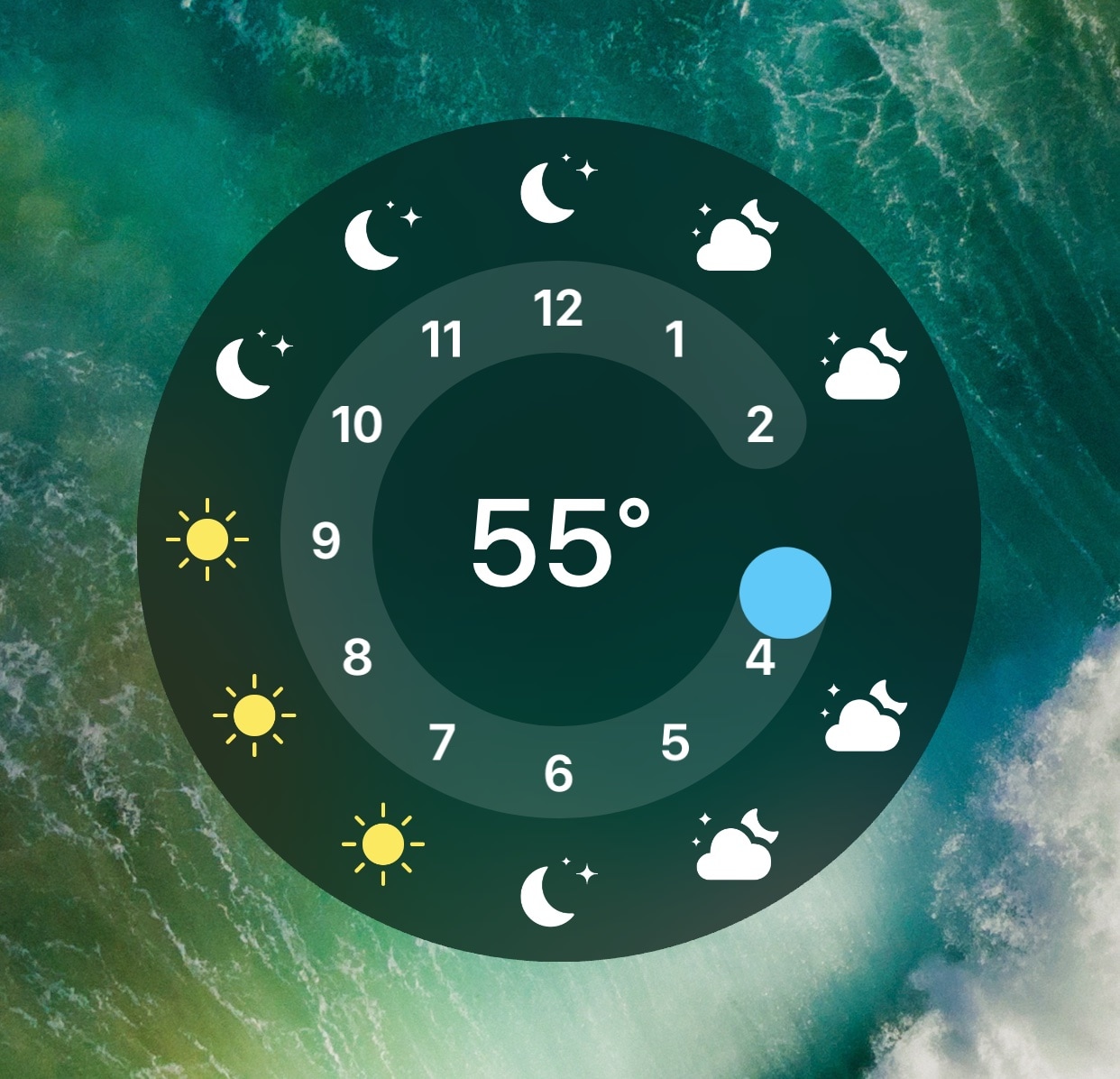
Enter TimeToUnlock, a new free jailbreak tweak by iOS developer Jake James that revives this relatively classic passcode concept on jailbroken iOS 11 devices.  

LockWatch adds Apple Watch-inspired clocks to your iPhone’s Lock screen

As an avid Apple Watch user, I was excited to learn about a jailbreak tweak dubbed LockWatch by iOS developer Sniper_GER, which ports several of the Apple Watch’s watch faces to the Lock screen of jailbroken devices.

LockWatch continues to undergo development as of this writing, but it’s a fascinating to check the time on your iPhone precisely as you would when glancing at your wrist. Furthermore, the tweak supports both analog and digital watch faces, to provide options for those with personal preference.

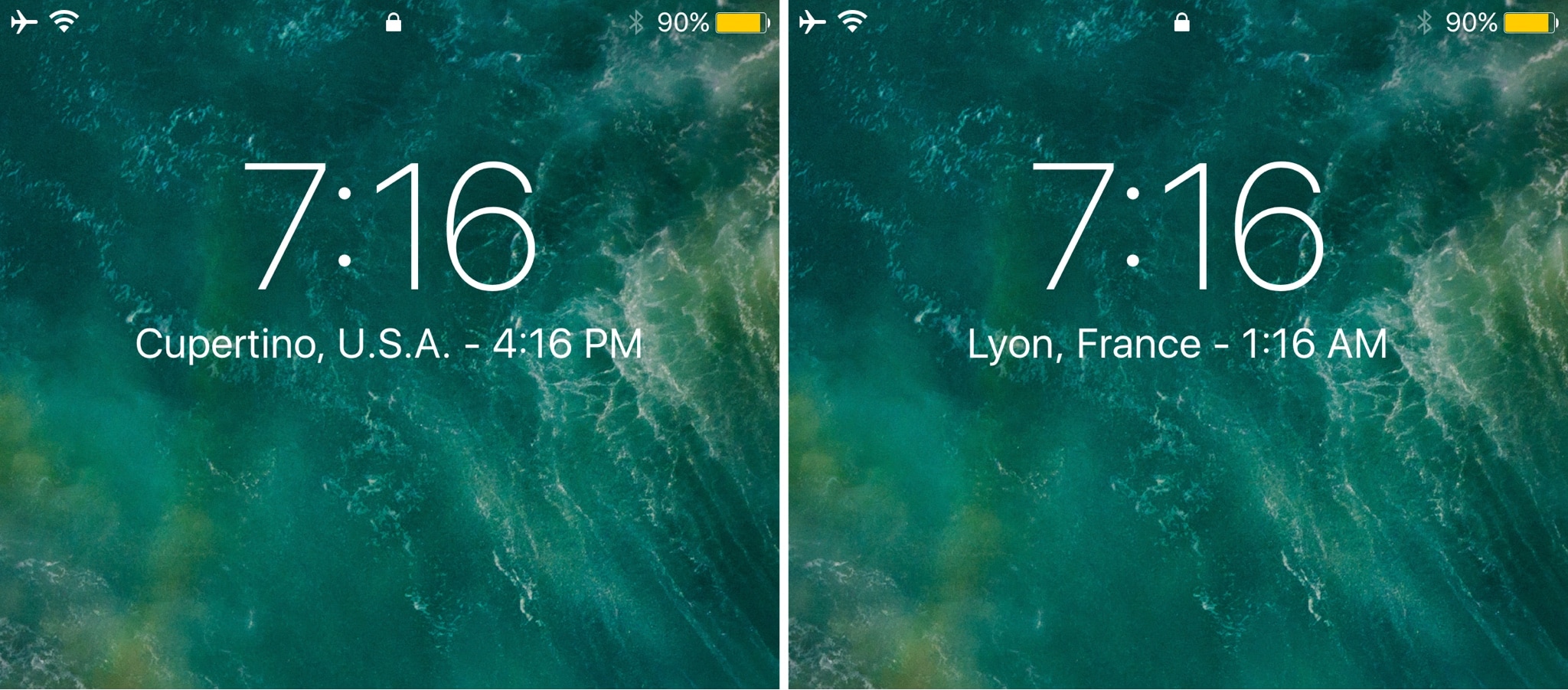
Simple WorldClock adds a World Clock display to your Lock screen

If you keep track of several time zones around the globe, then the World Clock tab in the native Clock app can be your best friend. Nevertheless, it takes an effort to find, launch, and check the Clock app whenever you want to know what time it is in another part of the world.

Enter Simple WorldClock, a new free jailbreak tweak by iOS developer NeinZedd9 that puts all your World Clocks under the large time display on the Lock screen.

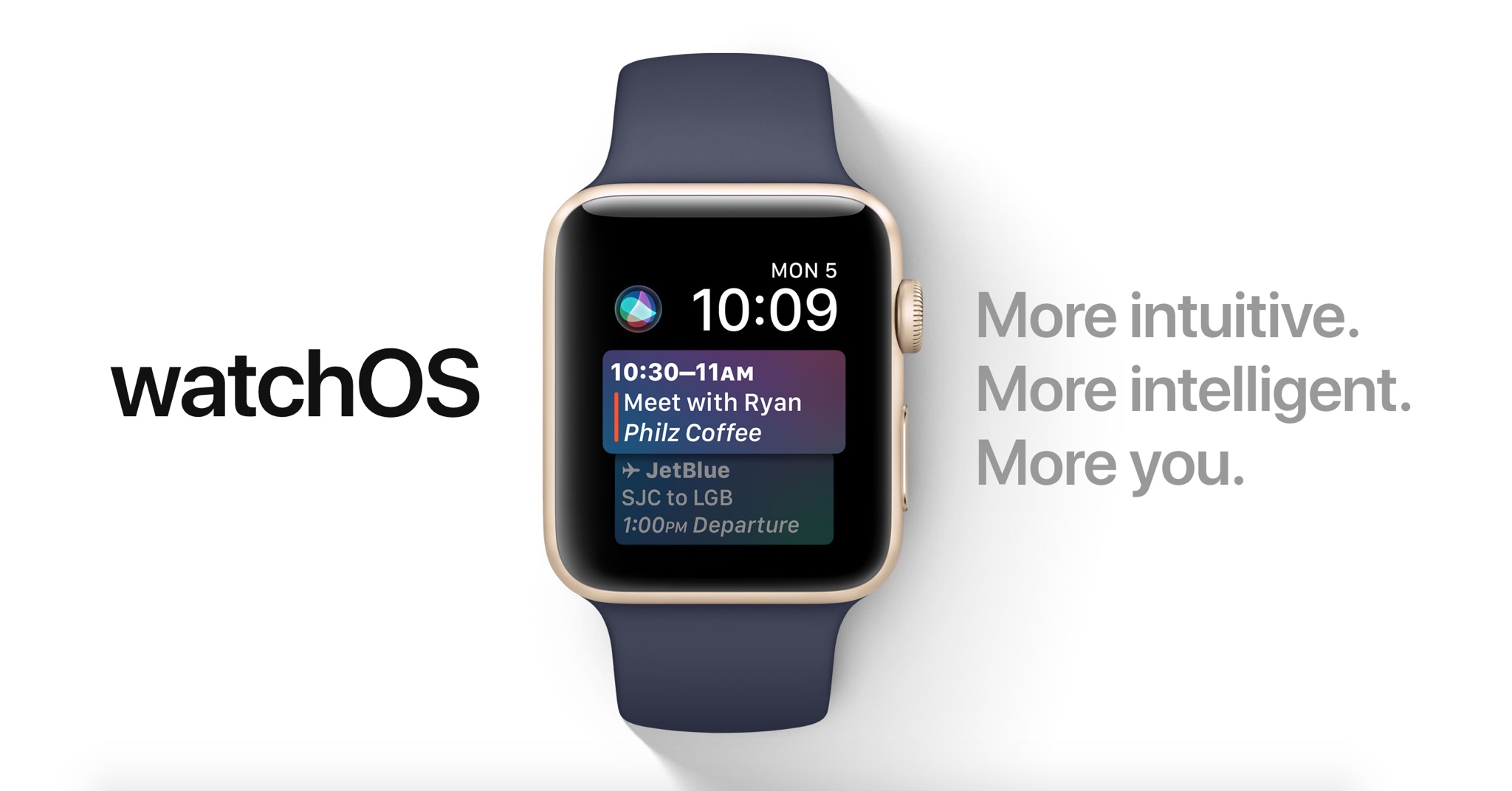
60+ new Apple Watch features in watchOS 4

Apple demonstrated a host of useful new features that will ship with watchOS 4 at the WWDC 2017 keynote, but as always, they were constrained on time and couldn’t show us everything the update has to offer.

In this piece, well talk about everything we’ve found new in watchOS 4 so far. We'll include everything Apple demonstrated in addition to lesser-known features that weren’t given the spotlight at the event.

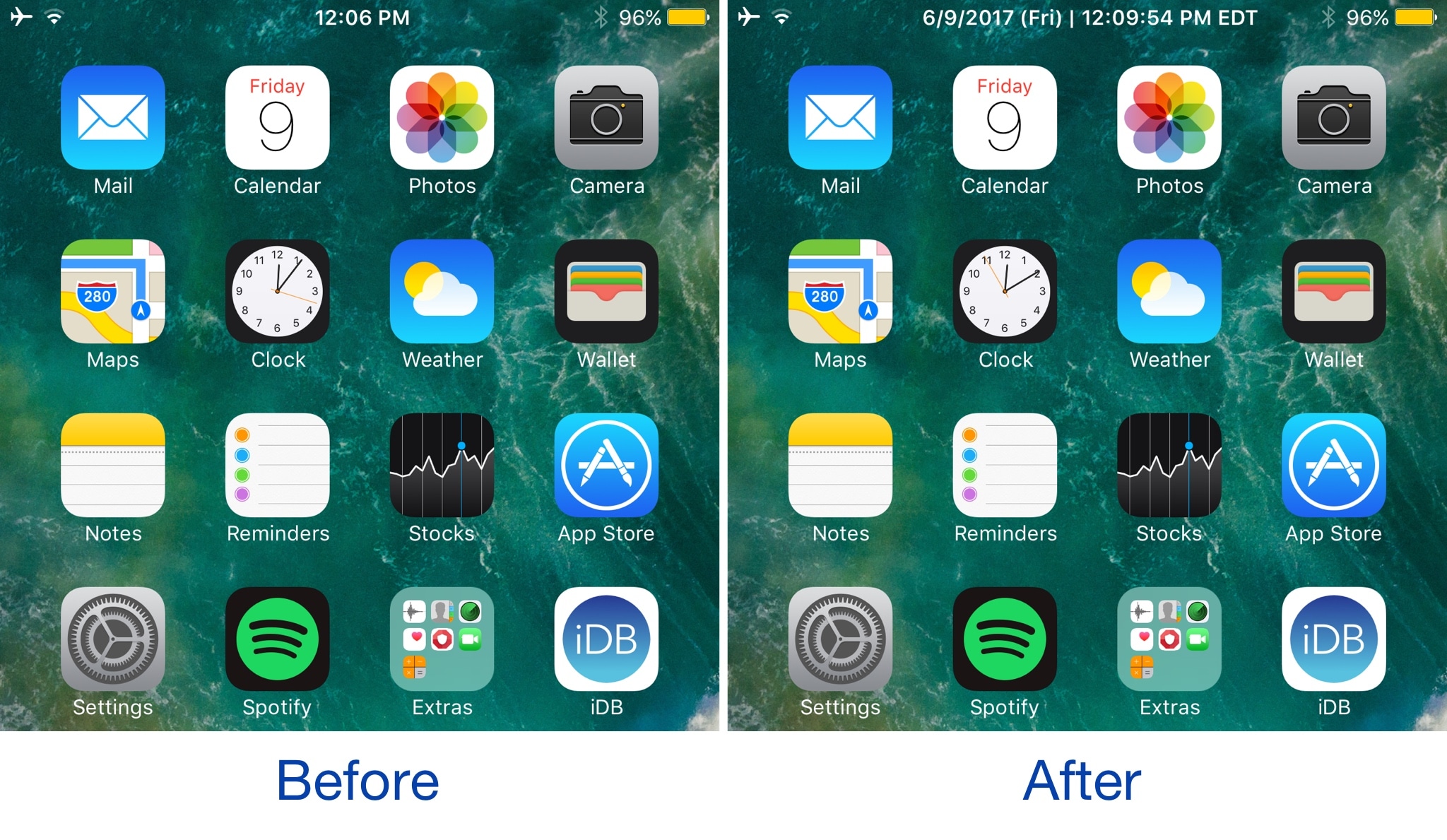
AdvancedStatusTime lets you customize the Status Bar time format

Your Status Bar is home to a digital clock that you can glance at throughout the day to keep track of time, but whether or not you like the way it’s formatted out of the box remains to be seen.

A new jailbreak tweak dubbed AdvancedStatusTime by iOS developer Maxwell Lang gives you a way to customize the time text string so that your time is displayed in the Status Bar how you want it to be.

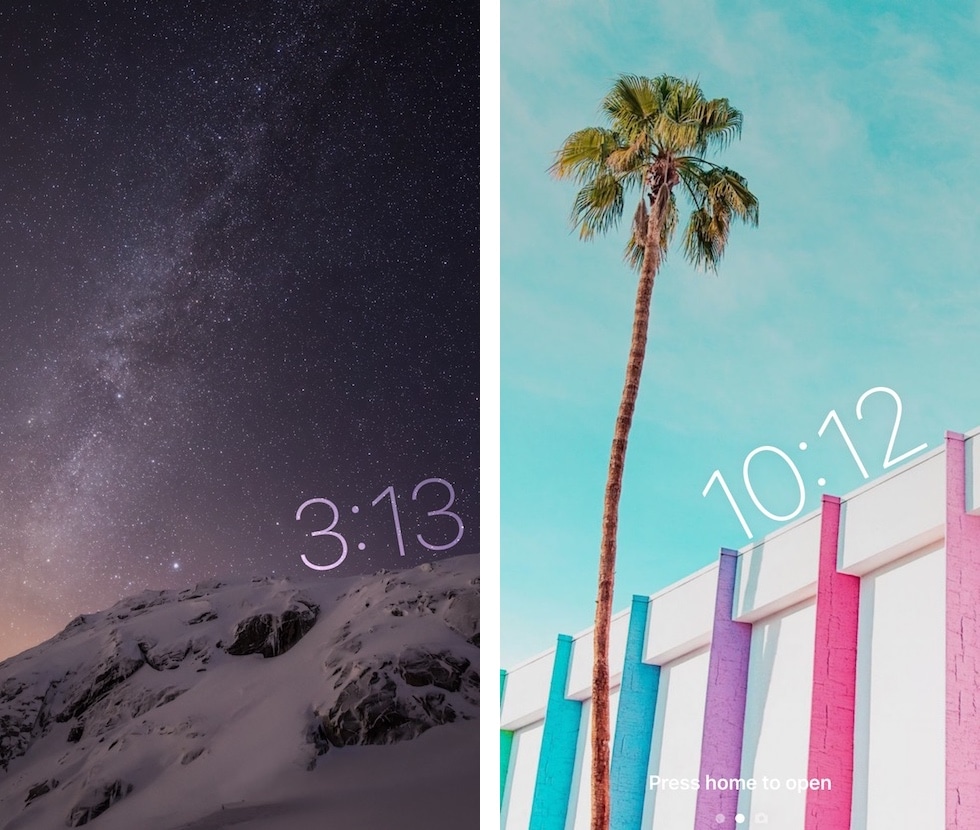
TimeMover offers creative tools for moving and rotating your Lock screen clock

Depending on what kind of wallpaper you’re using on your Lock screen, a new jailbreak tweak dubbed TimeMover by iOS developer NeinZedd9 can help you re-orient your Lock screen clock to better match it.

Whether you want to move the time up or down or side-to-side slightly, or rotate it to follow the lines or effects appearing in your wallpaper, TimeMover has an intuitive tap and drag-based user interface for fine-tuning your Lock screen clock to match your unique setup.