Time

How to stop your iPhone from vibrating when your alarm rings

By default, any time you set an alarm on your iPhone, it'll vibrate when the alarm goes off. For some people, this is a good way to help get woken up, but for others it's a waste of battery and can be completely annoying to hear that loud vibration on the night stand.

In this tutorial, intended for iPhone users only, we'll be showing you how you can set up an alarm so that your iPhone doesn't vibrate when it goes off.
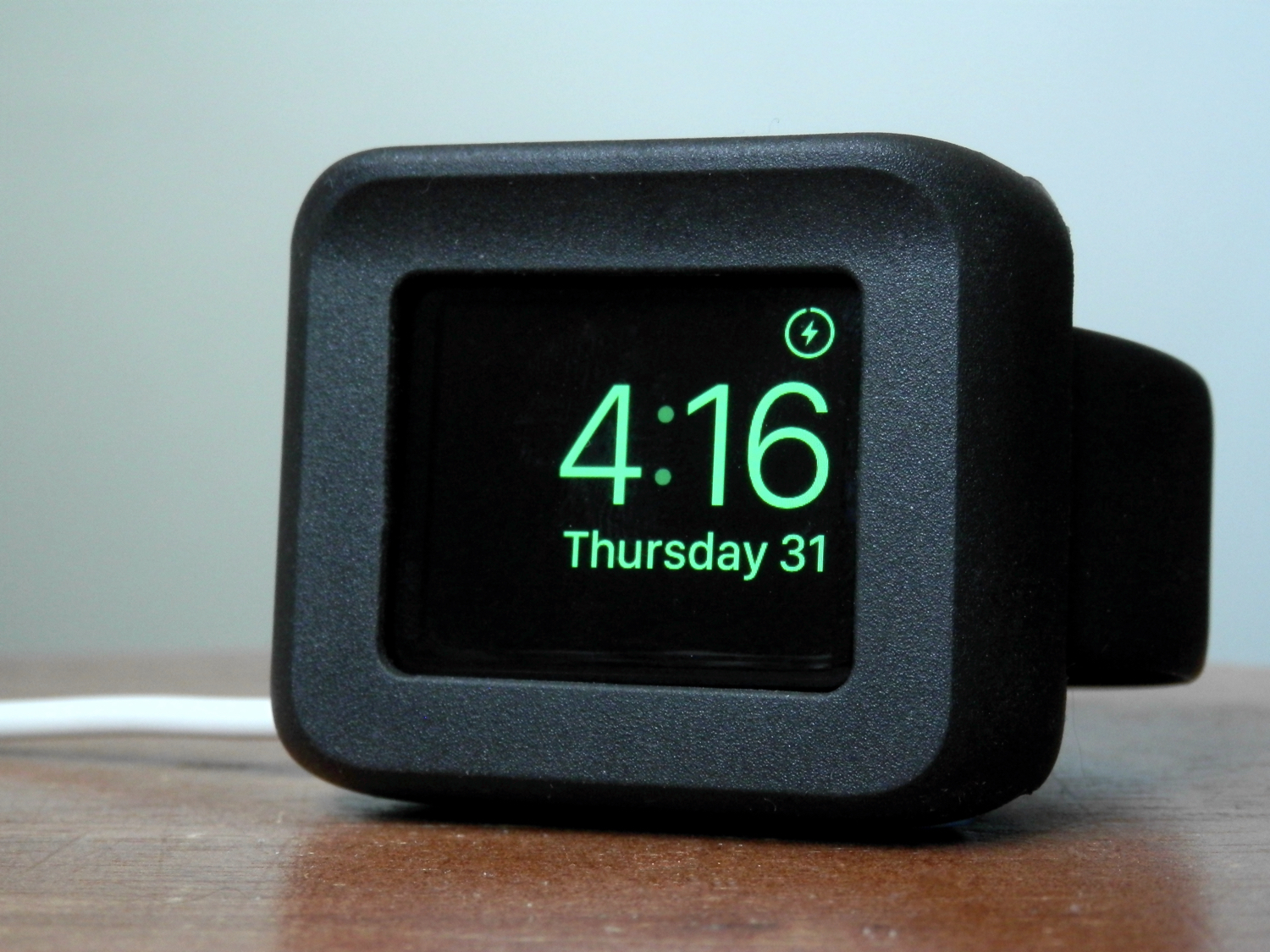
Timeframe: the Apple Watch desk stand that doubles as a case

Fellow Apple Watch users, the Timeframe by Ten One Design is a wonderful way to enjoy Night Stand mode while it charges at night.

Moreover, it'll still feel as though your device is well-protected from falls or pets that might like to climb up on your night stand at night because it offers a protective bezel that surrounds all of the delicate parts of the device.

In this review, we'll walk you through our thoughts on the Timeframe.

miniTime is a tweak that makes the Lock screen clock smaller

Looking for a new minimalist take on the Lock screen clock for your iOS device? If so, then a new jailbreak tweak called miniTime might be worth stopping to take a look at.

This tweak gives you various options for shrinking down the Lock screen clock to more comfortable viewing sizes, and even comes with some other customization goodies you can use to make the Lock screen more your own.

This tweak protects your iPhone from the “January 1, 1970” bug

A recent bug discovered in the iOS firmware where setting your date back to a certain point in time could brick your device has been getting quite the coverage all across the internet as of late.

With so many people now having knowledge of the problem, the risk has never been greater than it is right now that someone with malicious intent could grab your iPhone while you're not looking and set your date back to the dangerous date to brick your device on you.

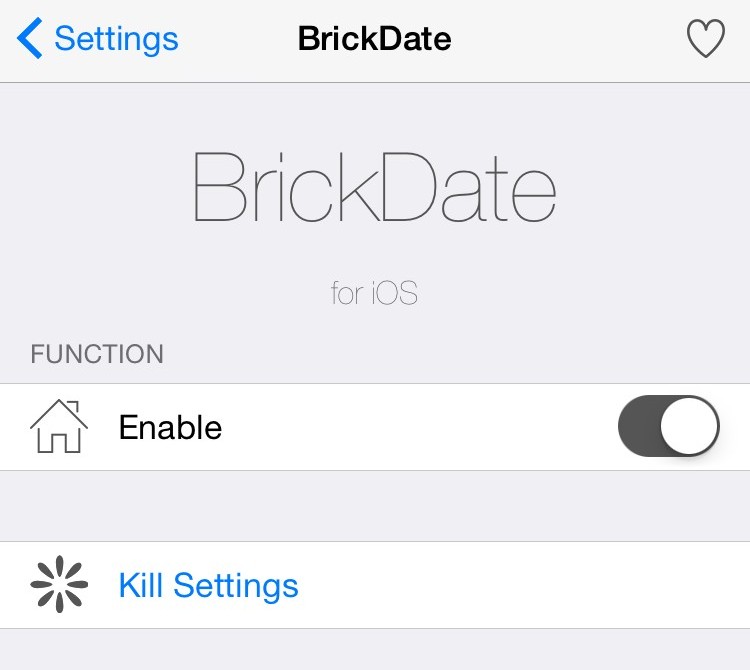
Fortunately, a new free jailbreak tweak called BrickDate is available in Cydia that can protect you from having your date changed to the dangerous date.

Apple promises a fix for iPhone bricking stemming from date and time bug

A newly published support document from Apple, which was first discovered by German blog Apfelpage.de, has acknowledged an issue where any 64-bit iPhone could be bricked by setting the date back to a specific time, causing it to fail to boot properly and requiring a physical repair to put the device back into working order.

According to the document, a permanent fix for the problem will be released as part of a future software update. Meanwhile, the affected iPhone owners are advised to contact Apple Support.

Don’t try this at home: iPhones apparently getting bricked after date is set back to a specific time

According to a post on Reddit and reports out of China, it is possible to brick an iPhone by setting the date back to a specific time.

I wasn't brave enough to test it myself, but the post claims the bug only affects 64-bit iOS devices.

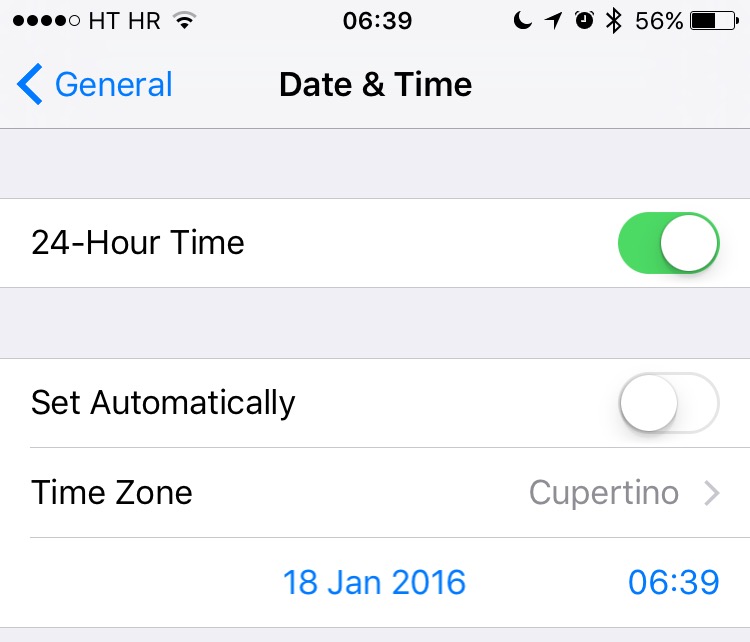
It would seem that changing the device's Date & Time values to a specific point in time would cause it to fail to boot properly.

Basically, it gets bricked and stuck at the Apple logo boot image. Neither DFU mode nor restoring from a backup would bring a bricked device back to life as a physical repair is required to put it back into working order.

Apple investigating iPhone 6s battery percentage issue, offers temporary fix

Has the battery percentage indicator been acting up lately on your iPhone 6s or iPhone 6s Plus? If so, you're not alone: this is a known issue, according to Apple's newly published support document.

“If you change the time on your iPhone 6s or iPhone 6s Plus manually or change time zones when traveling, you might notice that the battery percentage doesn’t update,” reads the document.

Apple is aware of the problem and working hard to deliver a permanent fix.

Tim Cook makes TIME’s 100 Most Influential People list

Tim Cook added to his long list of accolades on Thursday, by making TIME's annual '100 Most Influential People' list. The Apple CEO joins other pioneers, leaders and cultural icons such as rap artist Kanye West, Pope Francis, and Xiaomi founder Lei Jun.

Civil rights leader and Georgia Congressman John Lewis calls Cook a 'courageous innovator' in his TIME piece on the executive, praising him for both the work he has done at Apple, and his unwavering commitment to the fight for equality and human rights.

iPhone time-tracking app Hours to be available for Apple Watch ‘on day one’

Apple Design Award winner Tapity announced that its popular time-tracking application, Hours for iPhone, will be available for the new Apple Watch “on day one”. While telling time is the core function of any watch, time tracking could easily become the killer feature of Apple's device.

Designed to take the pain out of time tracking by visualizing how you spend your precious time, Hours for iPhone debuted in mid-July and we immediately fell in love with it.

"The Apple Watch will be a game-changed for tracking time with Hours," developer Jeremy Olson tells me.

Bono: Apple’s Jony Ive is Obi-Wan of design

Time Magazine's list of the 100 most interesting people for 2013 is packed with profiles of technology leaders. Apple design guru Jony Ive is among those listed, described as a Star Wars' Obi-Wan leading a team of Jedi employees.

The thread of Apple's innovation runs through other profiles, including Samsung's CEO, who is viewed by a former executive of the iPhone maker as carrying on the tradition of Steve Jobs...