Learn how to add a shadow effect or reflection to a photo, text box, or shape in a Pages, Numbers, or Keynote document on your iPhone, iPad, or Mac.
How to add shadow or reflection to an object in Pages, Numbers, Keynote
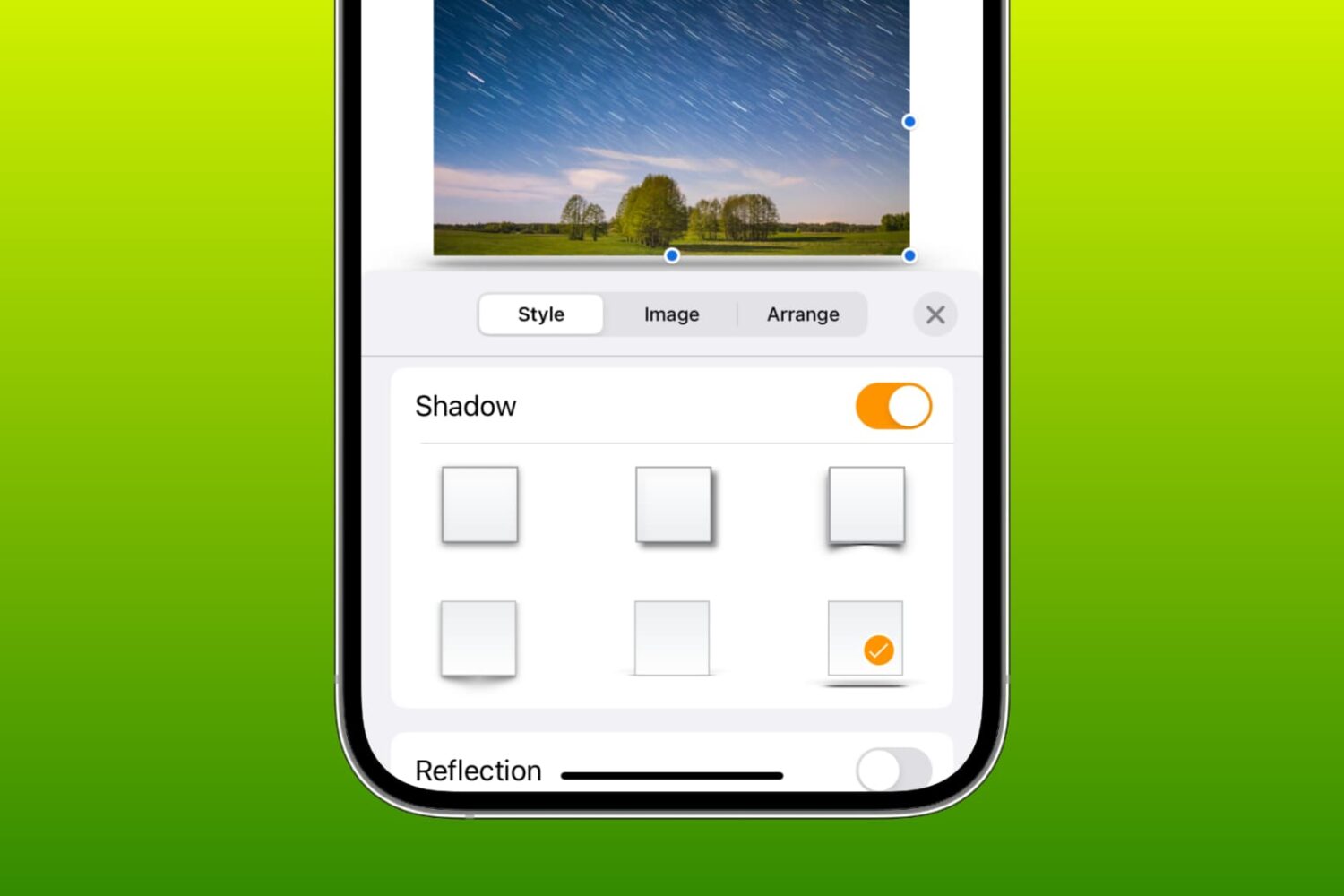
Learn how to add a shadow effect or reflection to a photo, text box, or shape in a Pages, Numbers, or Keynote document on your iPhone, iPad, or Mac.
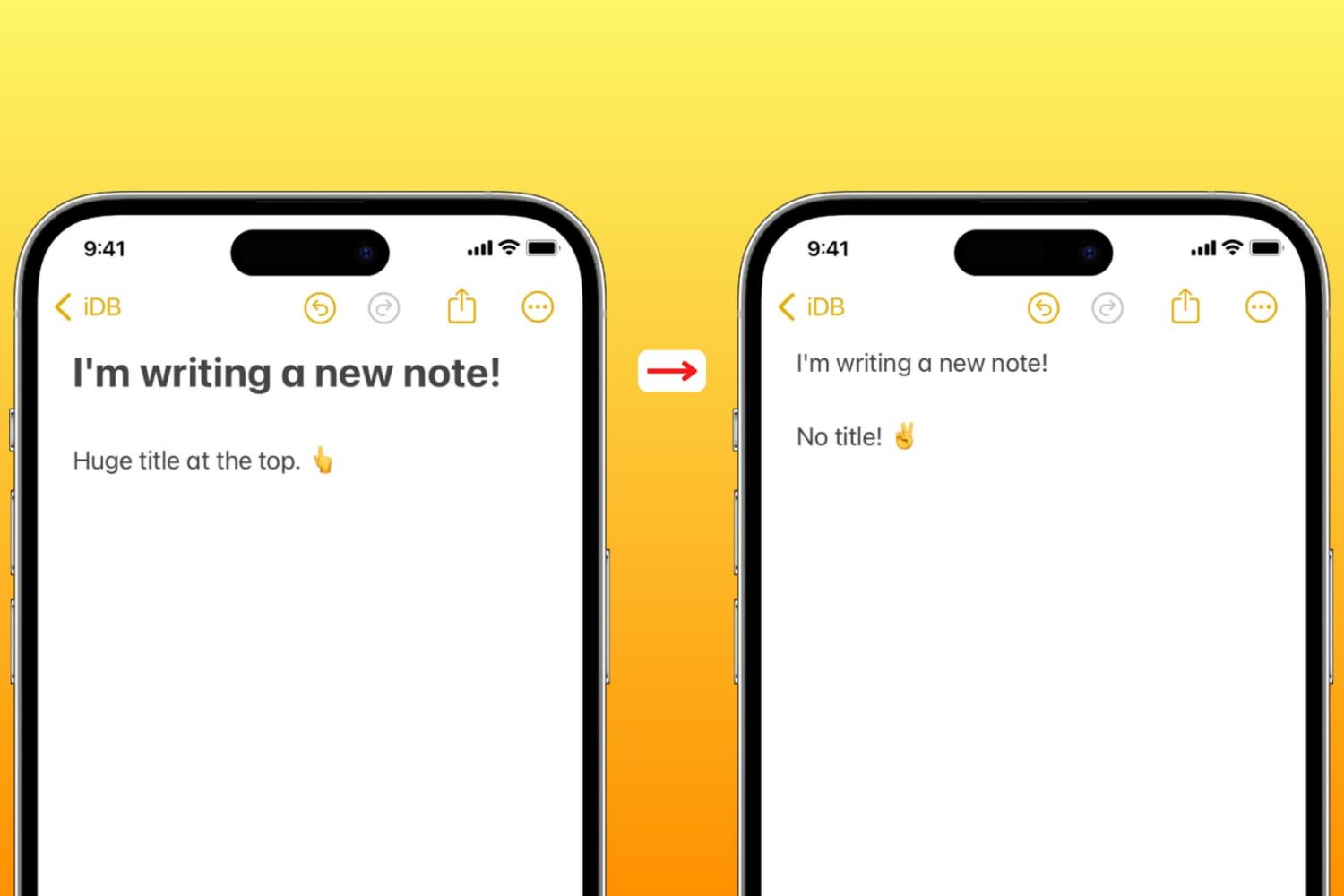
Learn how to set the Apple Notes app on your iPhone, iPad, and Mac to start new notes with a smaller font instead of large title text.
With just a few adjustments, you can have your Mac announce alerts and speak text. Spoken alerts are super handy for grabbing your attention when you’re hard at work, and spoken text can help you spot errors or get pronunciations.

Learn how to make the text bigger in Safari for every website to see things more clearly when browsing the web on your iPhone, iPad, and Mac.
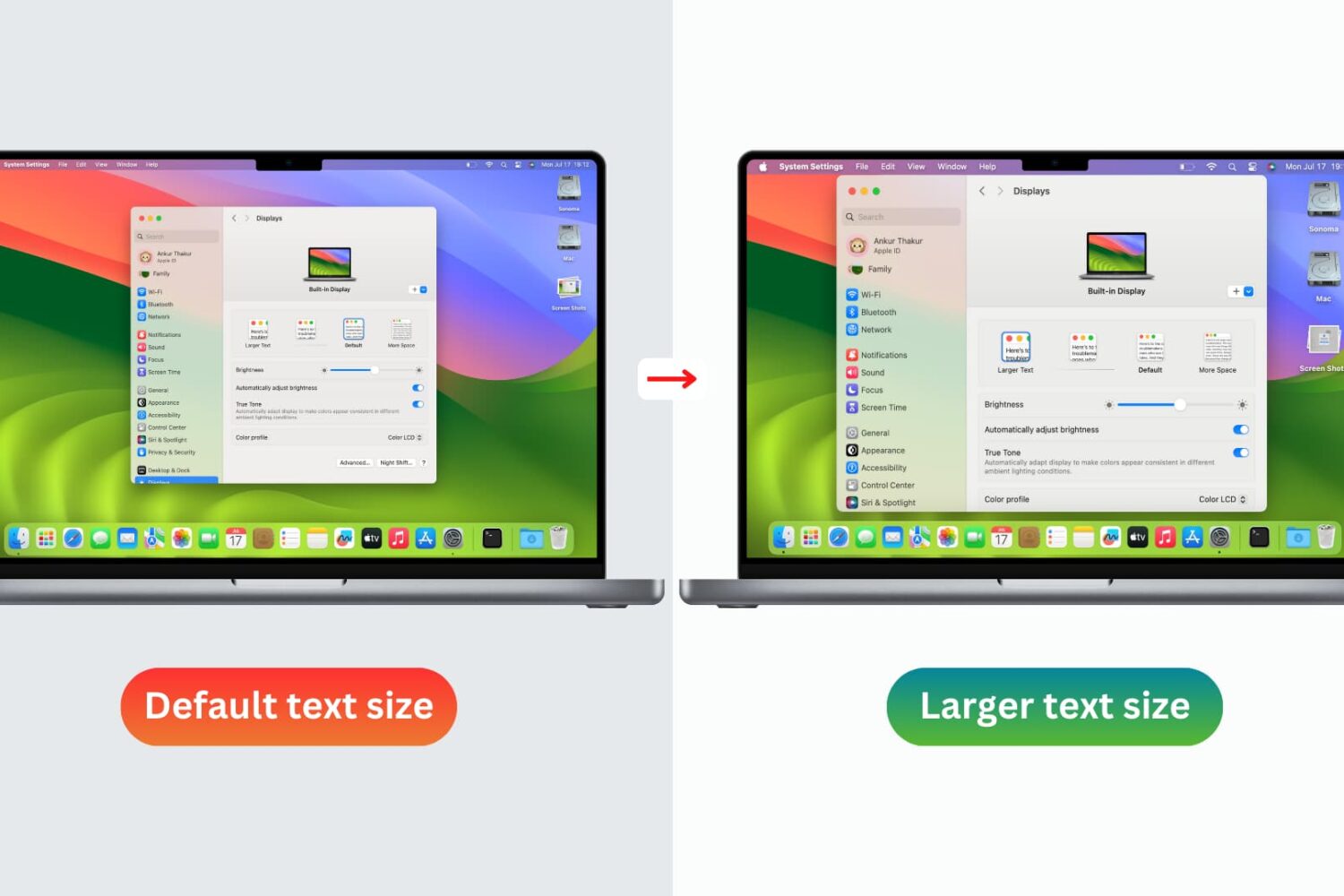
You don’t need to strain your eyes or grab your reading glasses to see items on your screen more clearly. Use these built-in options to increase the font size on your Mac and enjoy a more comfortable computing experience.
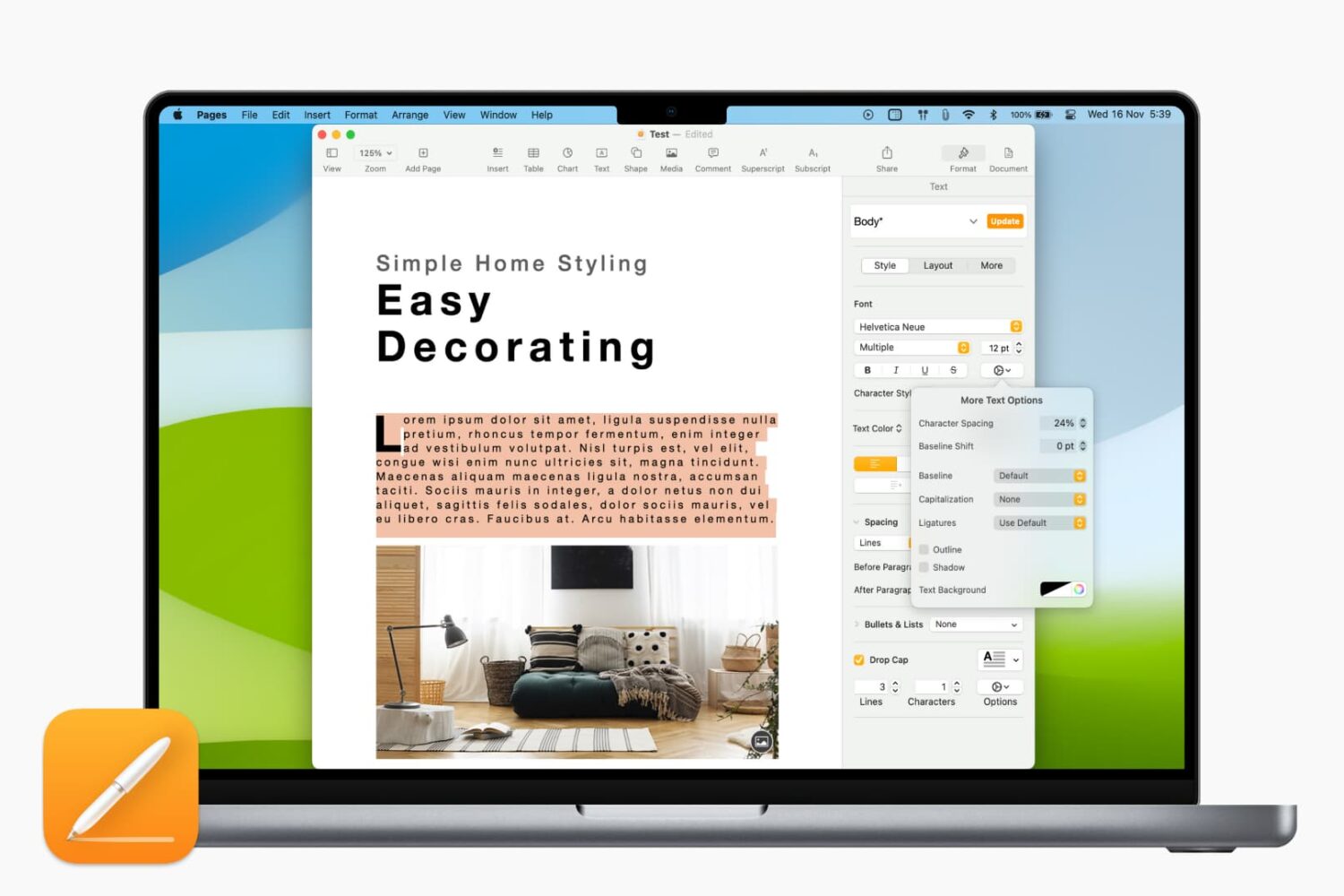
Learn how to adjust the character spacing to make text stand out in a Pages document on your Mac.

Check out these best free iOS text editor apps that allow you to use markdown and work in plain text on your iPhone or iPad for a cleaner document experience.