Software

How to add Wander to the Shortcuts app to install & update the Odyssey jailbreak

Just like unc0ver, the Odyssey jailbreak app is intended to be side loaded into a compatible iPhone or iPad. To help make the process of side-loading the Odyssey jailbreak app easier, the Odyssey Team officially endorsed the brand-new Wander add-on for Apple’s Shortcuts app shortly after the tool came out of public beta.

The Wander add-on doesn’t replace side loading utilities like AltStore and ReProvision or signing services like Jailbreaks.app, but rather synergizes with them to make the process of installing Odyssey and updating to newer versions faster and less cumbersome while providing a more native user experience through Apple’s Shortcuts app in the process. In this tutorial, we’ll show you how to set up the Wander add-on with your Shortcuts app.
Wander: An add-on for Apple’s Shortcuts app to install the Odyssey jailbreak

The Odyssey Team officially released the Odyssey jailbreak to the general public last week following a limited public beta testing period. While the Odyssey jailbreak can be installed with the AltStore utility for both Mac and Windows, some users might be excited to learn about a new on-device option dubbed Wander by BurritoSoftware, which can be used to deploy an installation shortcut via Apple’s own free Shortcuts app.

Wander is especially made for iOS 13 devices, which makes it an ideal match for the iOS 13-centric Odyssey jailbreak. The new shortcut installs the Odyssey jailbreak with just a tap, and more importantly, is fully compatible with other side-loading utilities including AltStore, ReProvision, and signing services like Jailbreaks.app. The announcement that it would be used by the Odyssey Team was made via Twitter:

How to run the checkra1n jailbreak on a Windows PC with bootra1n

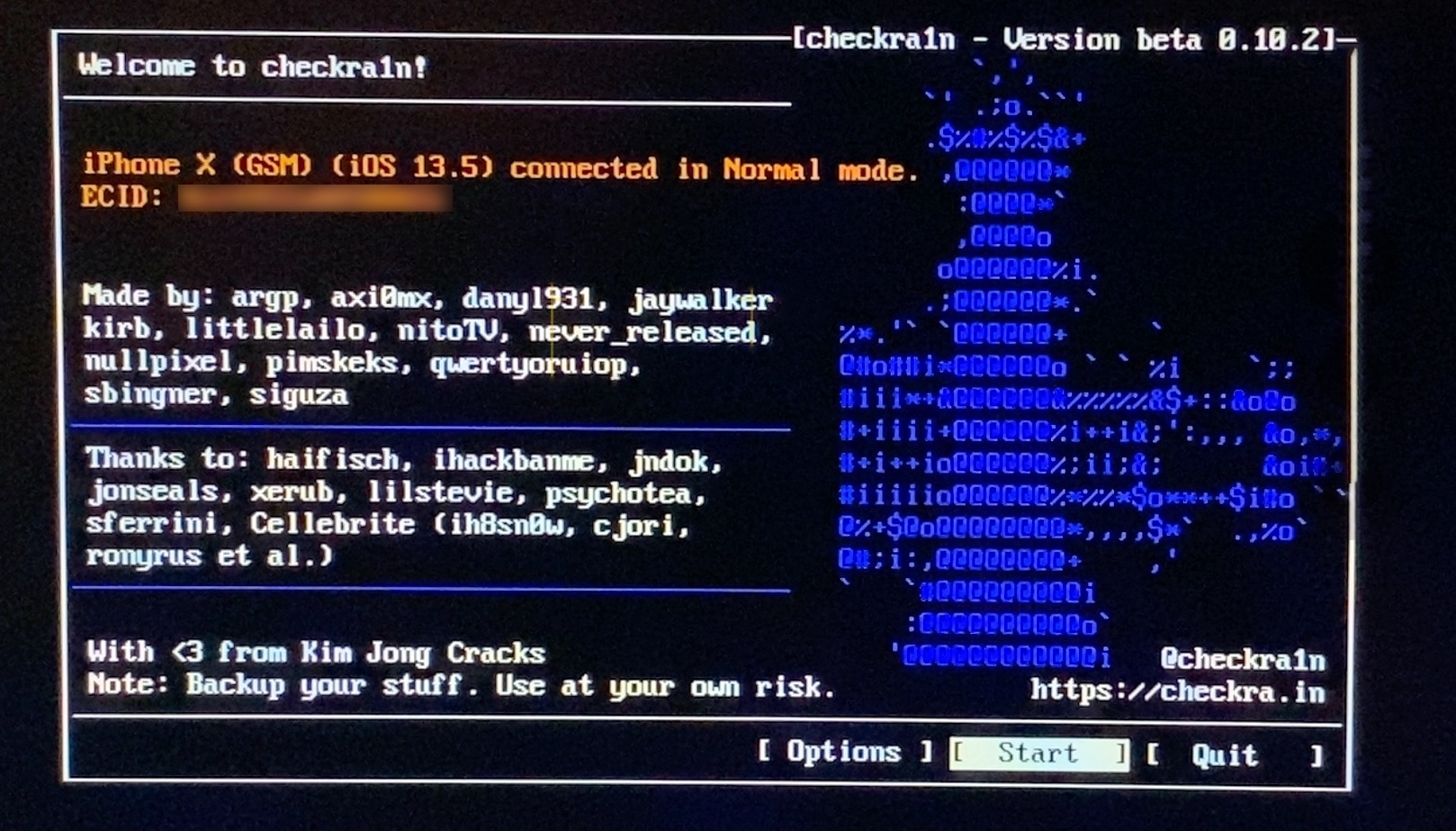
If you follow the checkra1n team closely on Twitter and you pay attention to the our news pieces as the team releases updates to the tool, then you’d probably come to assume that you can’t run the checkra1n jailbreak unless you have a Mac or a computer running Linux. While the aforementioned state is still technically true, you can use a helpful utility called bootra1n to run the checkra1n jailbreak on your Windows PC.

While it takes a little more finesse than simply running the checkra1n application on a Mac or a Linux box, using bootra1n is a great way to get jailbroken if you don’t have access to either of the above. In this tutorial, we’ll be showing you how to go about it, step by step.

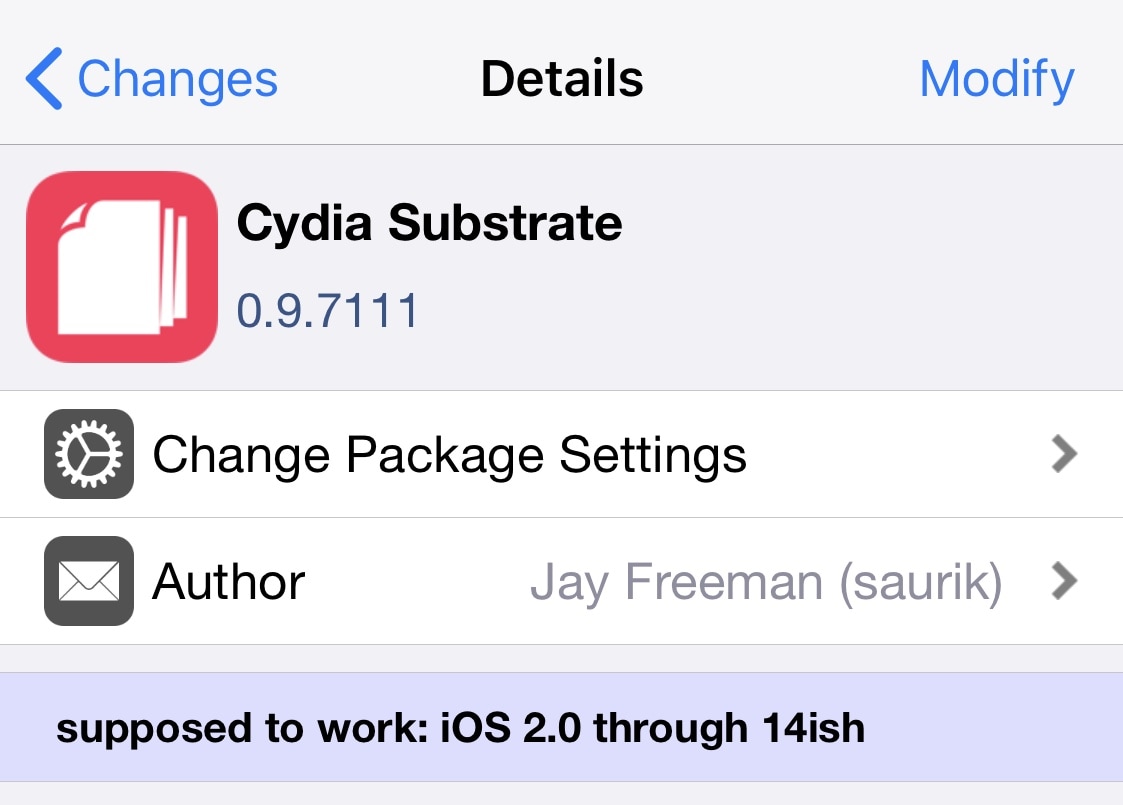
Saurik updates Cydia Substrate to v0.9.7111 to address another bug

Saurik released yet another update for the Cydia Substrate tweak injection package on Saturday in a move to help improve the software’s overall reliability and stability with day-to-day use.

The latest update, coined version 0.9.7111, is said to fix a problem that Saurik purportedly introduced in the older 0.9.7109 update. Saurik notes in the newest change log that the update intended to solve a problem with an earlier update, but inadvertently un-fixed a totally different issue in doing so:

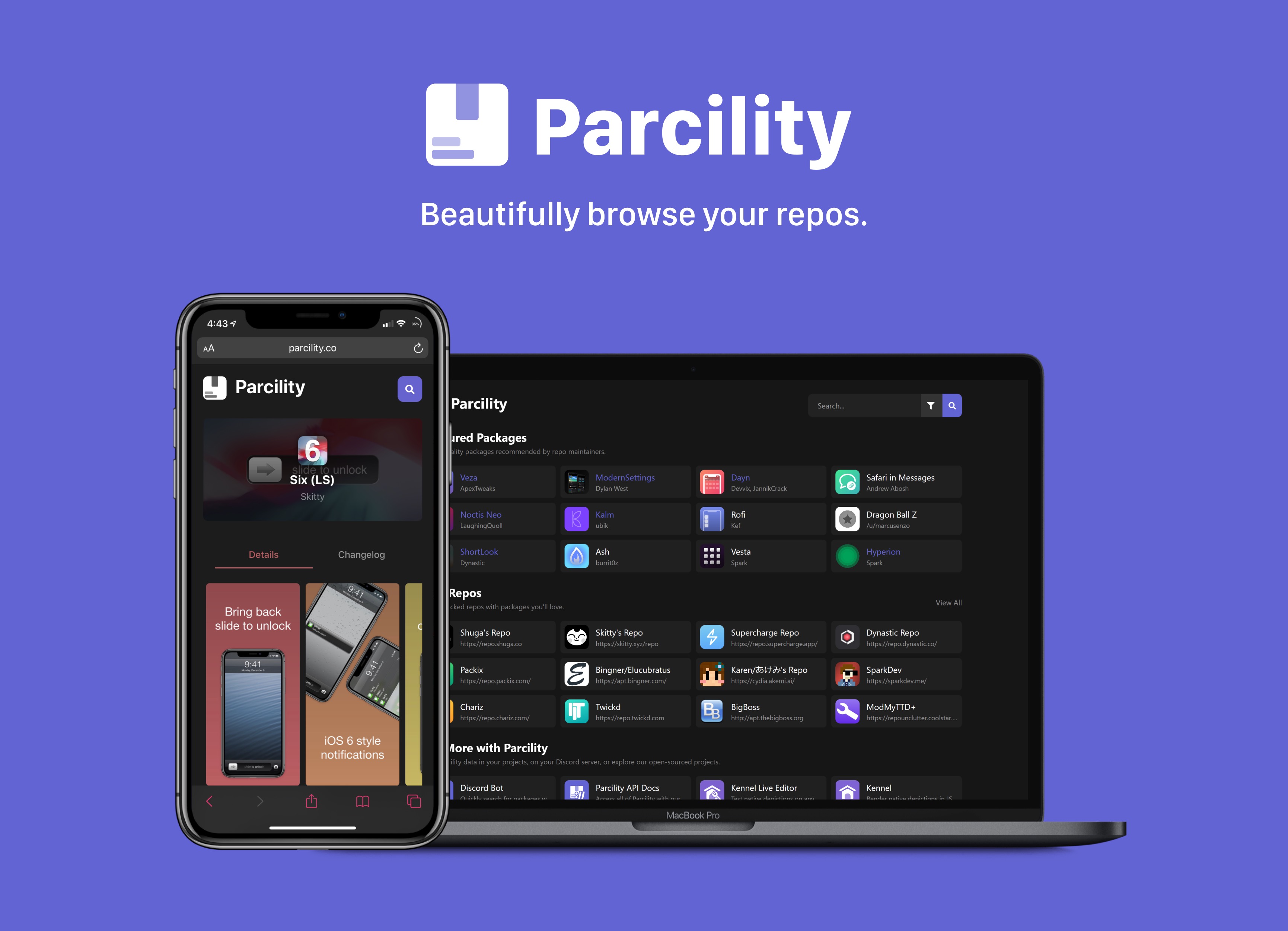
Web-based Parcility jailbreak repository browser officially launches to the public

Repository fragmentation is a growing problem in today’s jailbreak community, especially if you’re a jailbreaker and you’re trying to keep up with all the latest tweak and extension releases from various sources. After Saurik closed the Cydia Store back in 2018, jailbreak tweak developers began flocking to one of the three major repository giants that still support paid packages. Otherwise, they opt to provide their own repositories to host their packages on.

Package managers like Cydia, Installer, Sileo, or Zebra can make it easier to peruse jailbreak repositories, but when using a computer or a non-jailbroken device, you might find yourself visiting a particular repository’s website to learn more about the packages it hosts. We teased a web-based utility dubbed Parcility a few days ago that intended to coalesce information from various repositories into one place, and we’re excited to share that it’s officially available to the public starting today.

Odyssey jailbreak updated to version 1.0.1 to fix side-loading issues

Following a month-long period of public beta testing, the Odyssey Team formally moved the Odyssey jailbreak out of beta late Friday night and released the tool for the general public’s enjoyment via the team’s official website.

Not even an hour after the official release, the Odyssey Team released its first update to the public version of its jailbreak tool coined Odyssey v1.0.1. The announcement was shared via Twitter early Saturday morning:

Saurik responds to asinine claim that recent Cydia Substrate updates are about competition

If you’ve spent any time brushing up on your jailbreak news over the past couple of months, then you likely noticed that Jay Freeman, also commonly known as Saurik, has released a plethora of updates for Cydia Substrate recently.

Those who know their jailbreak facts will know that the Cydia Substrate package isn’t one to normally receive a ton of updates. As such, many jumped to the conclusion that Saurik may be trying to modernize Cydia Substrate solely for competitive purposes as other tweak injection methods gain steam on alternative jailbreaks. A statement recently released by Saurik reveals that this couldn’t be further from the truth…

Parcility is an upcoming website & API for browsing jailbreak repositories

In most scenarios, someone with the desire to view jailbreak apps and tweaks would need to fire up their jailbroken device and launch a package manager such as Cydia, Installer, Sileo, or Zebra to do so. Sometimes, however, you might fancy searching for specific packages hosted on your favorite repositories even when your jailbroken device isn’t in reach, and this poses unique challenges in and of itself.

An upcoming website and API dubbed Parcility will strive to make all of this information readily available from virtually any web browser, whether you’re using a personal computer or a non-jailbroken device to browse jailbreak-centric repositories. Citing the concept’s release post on /r/jailbreak, Parcility will index more than 600 individual repositories, and this equates to a whole lot of browsing power.

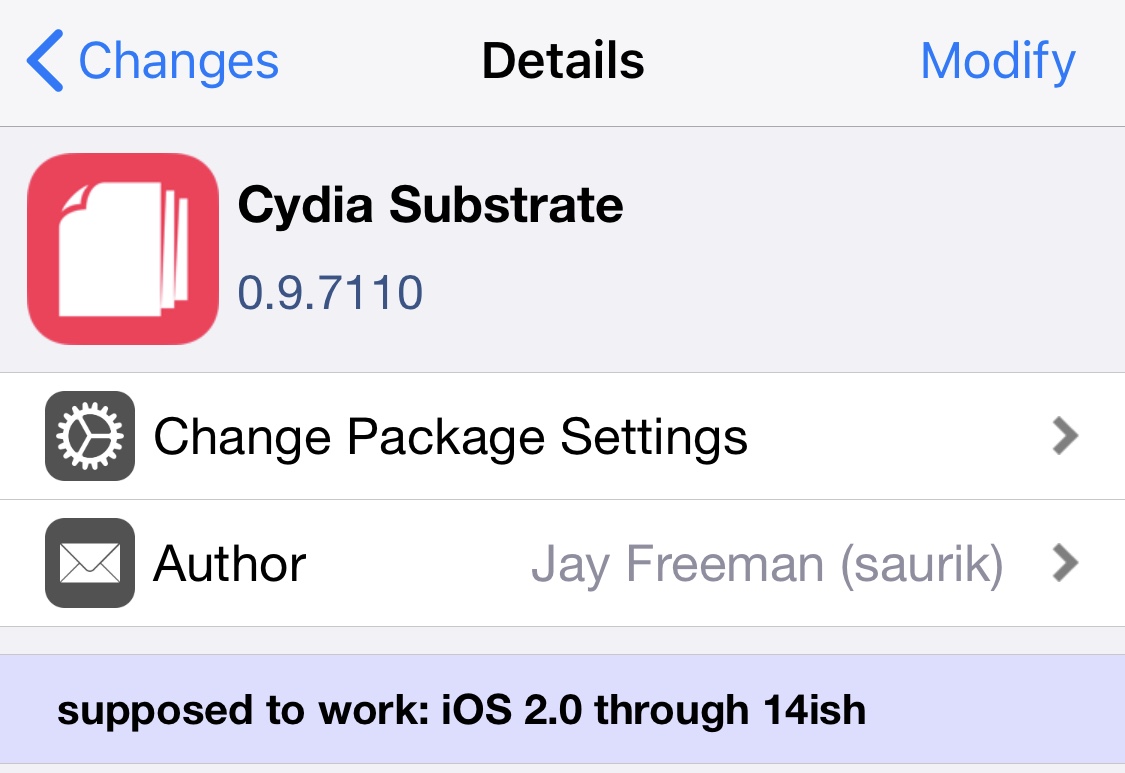
Saurik updates Cydia Substrate again with additional stability-centric fixes

Following a chain of recent updates to the Cydia Substrate package this past weekend, Saurik issued yet another update late last night with notable bug fixes and changes. The latest update brings the tweak injection method up to version 0.9.7110.

The change log comments via Cydia Substrate’s official package depiction are particularly extensive for this release, and are as follows:

Cydia Substrate updated to version 0.9.7109 with more bug fixes

Following a pair of updates released for both the Cydia Substrate and Substrate Safe Mode packages bright and early Sunday morning, it seems that Saurik has pushed a second update for the Cydia Substrate package Sunday afternoon to fix a few bugs that were introduced in the first update.

The latest version of the Cydia Substrate package is now version 0.9.7109, and according to the change log for this release, Saurik notes the following changes in this release:

Cydia Substrate & Substrate Safe Mode receive twin updates with improvements

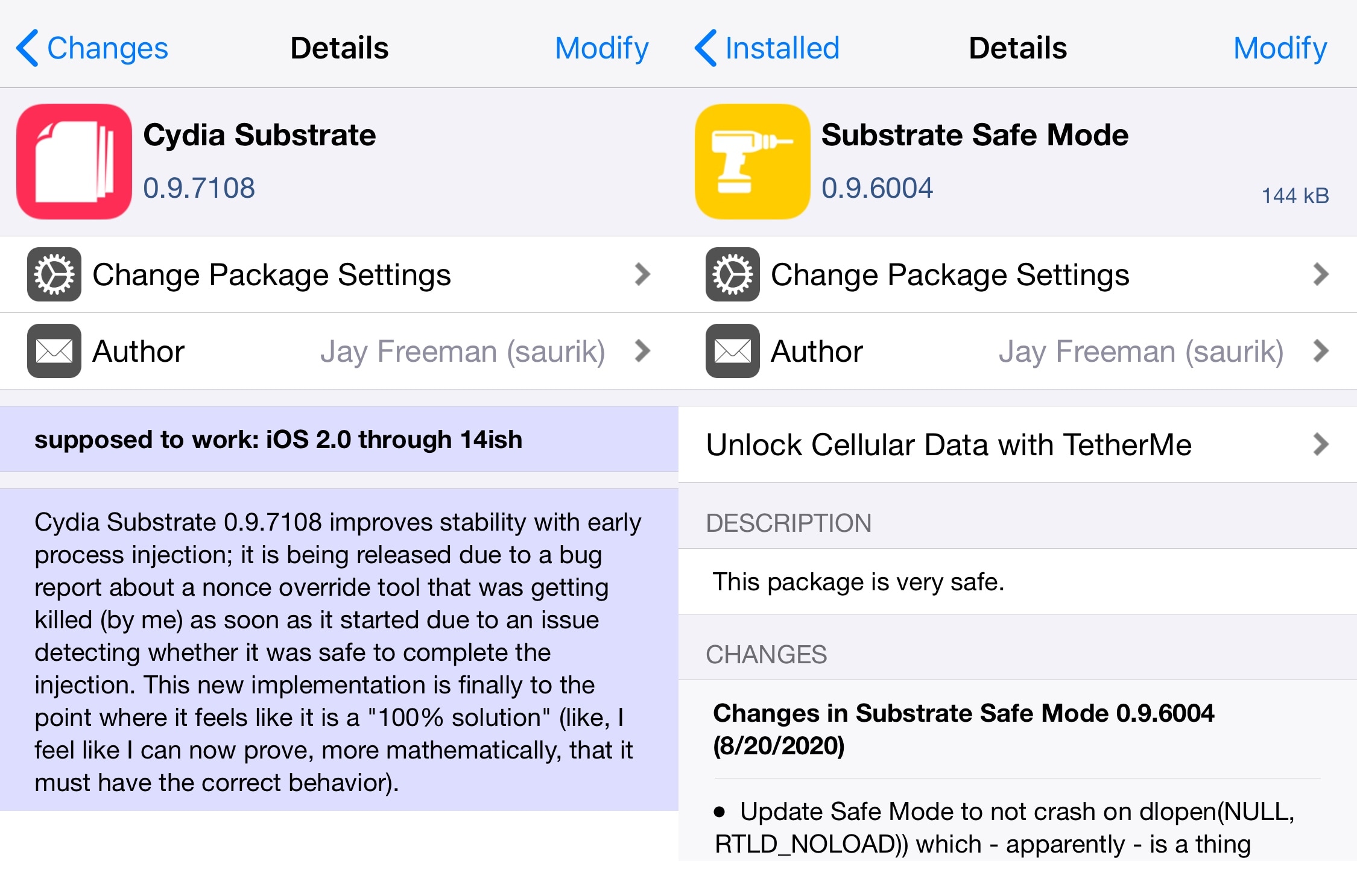
After a brief hiatus from last month’s rush of Cydia Substrate updates, Saurik appears to be at it again. Starting this morning, checkra1n jailbreak users should be able to refresh their sources and see two notable new updates including Cydia Substrate version 0.9.7108 and Substrate Safe Mode version 0.9.6004.

Both packages are especially important for the checkra1n jailbreak, as one drives tweak injection while the other serves as the last line of defense between jailbreak tweak failures and the possibility of a consequential boot loop. Fortunately, these packages work in tandem to permit jailbreak tweak usage in a safe environment.

Apple closes signing window for iOS 13.6 to stop downgrades from iOS 13.6.1

Apple stopped signing iOS & iPadOS 13.6 Wednesday evening, a predictable move on the Cupertino-based company’s part that is known to prevent users of these particular devices from downgrading from the newer iOS & iPadOS 13.6.1 firmware that was released to the general public one week ago to address a ‘green tint’ issue exhibited by some OLED displays, among other things.

We say predictable because Apple follows this trend like clockwork every time the company releases a new version of iOS & iPadOS, but we digress…