Ahead of HomePod's scheduled launch in Canada three days from now, Apple's Siri-driven wireless speaker can already reads the news in the 37 million people country.
HomePod can now read the news in Canada
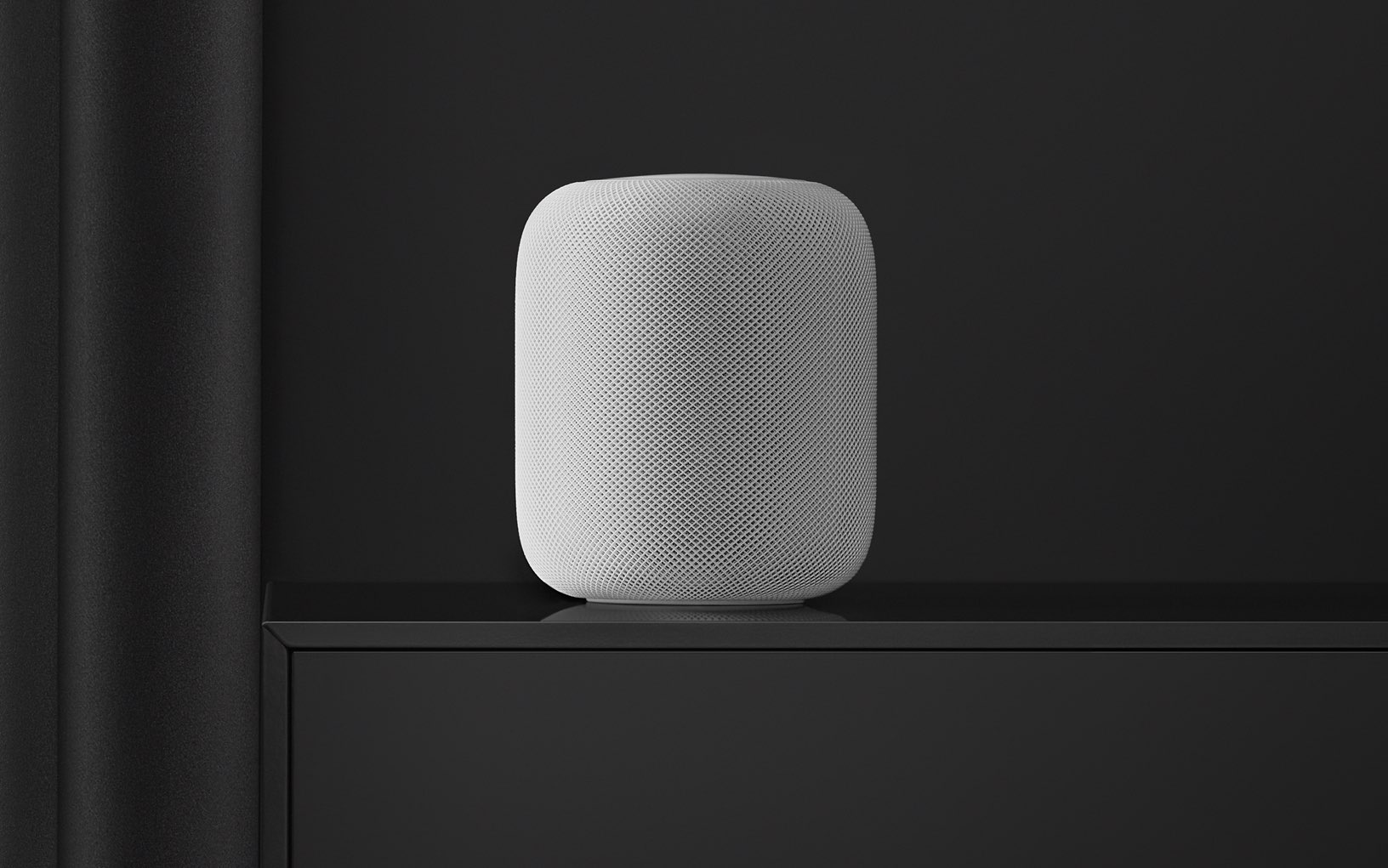
Ahead of HomePod's scheduled launch in Canada three days from now, Apple's Siri-driven wireless speaker can already reads the news in the 37 million people country.
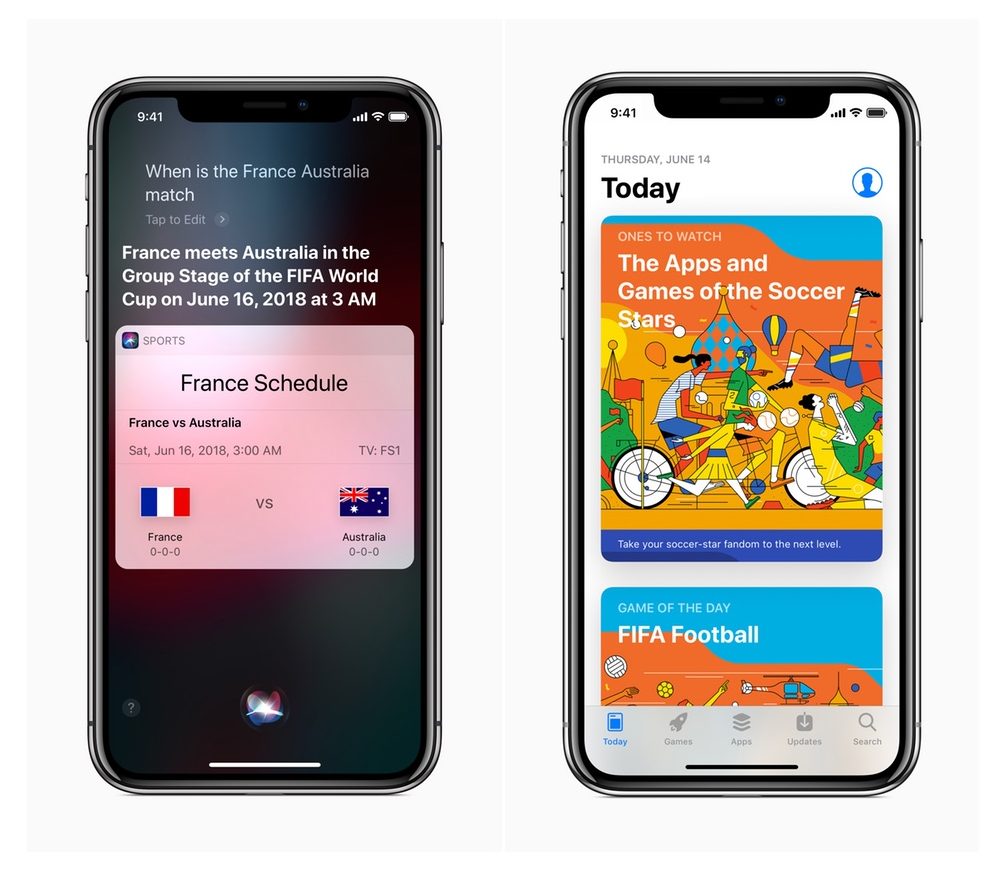
We're now just a few days away from the World Cup, and Apple has announced that it has made it easier to follow along with the action using its devices and services. Siri, iBooks and Apple News have all been updated with new content for the big event.

Learn everything there is to know about using the Siri watch face on your Apple Watch to automatically get timely and helpful information on your wrist.

Sonos today unveiled a brand-new smart sound bar for your TV with dual-assistant support and beam-forming mics whilst confirming that Siri voice control and AirPlay 2, the latest and greatest version of Apple's local media-streaming technology, are both coming to the One, second-generation Play:5, Playbase and future speakers via a free software update in July.
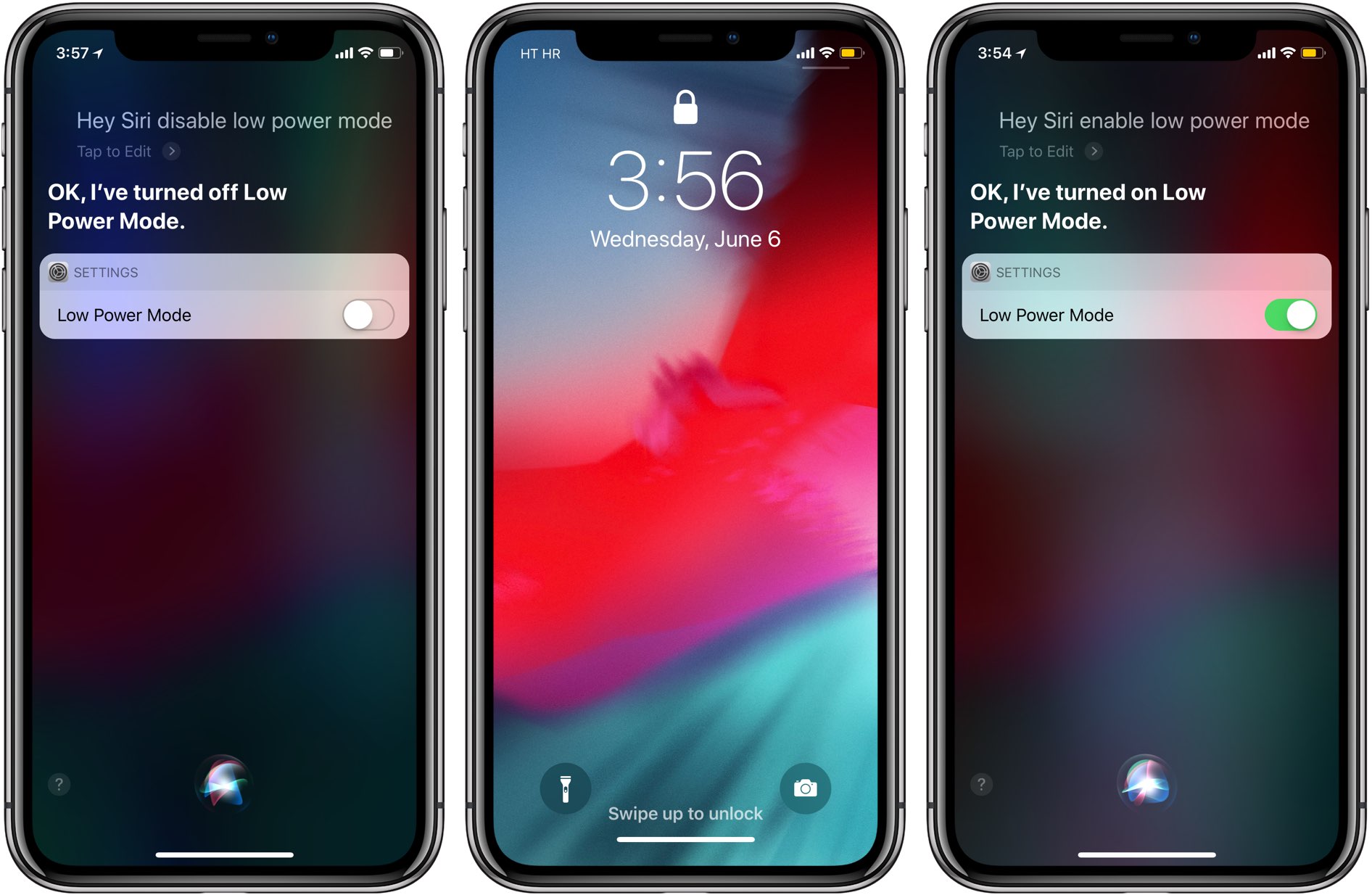
iOS 12 adds support for Hey Siri even when your iPhone's battery is running low.
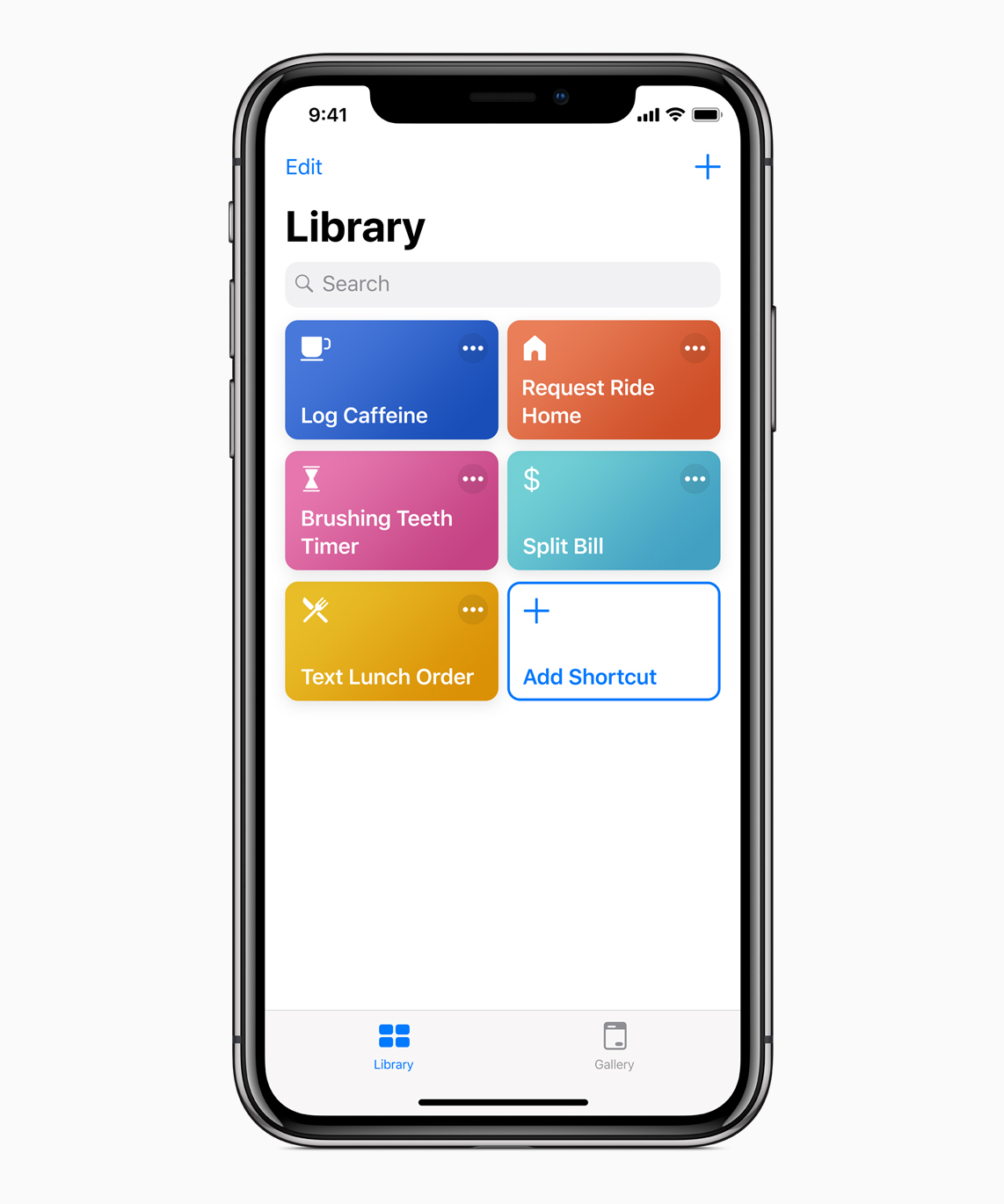
Folks hoping to see Apple improve upon its digital assistant Siri in iOS 12 will be happy to hear it has announced a new app called Shortcuts. The app, which looks every bit like the Workflow automation app it acquired a year ago, will allow you to connect 'Shortcut' operations to Siri, making complex tasks as simple as speaking a command.
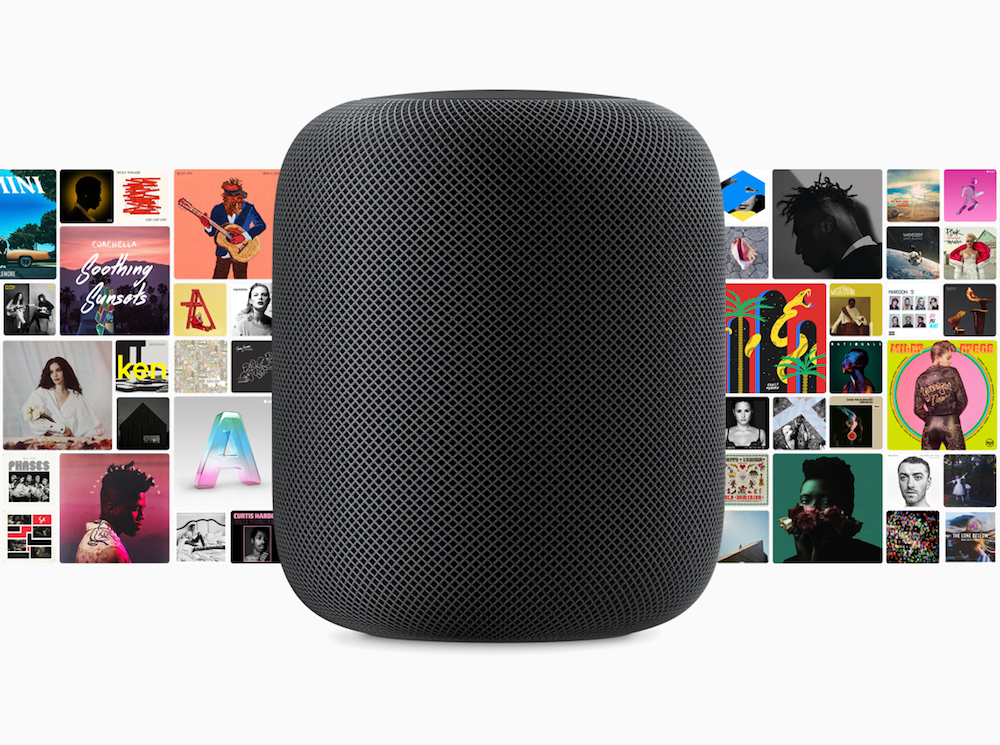
AirPlay 2 brings the ability to control audio across multiple speakers from your HomePod, iPhone, iPad or Apple TV. You can use voice commands to do things like play music in a particular room, play different songs on different speakers, enjoy a playlist on all or just specific speakers, continue playing a track on another speaker and more. Here's our list of the best AirPlay 2 Siri voice commands that are specific to multi-room audio support.
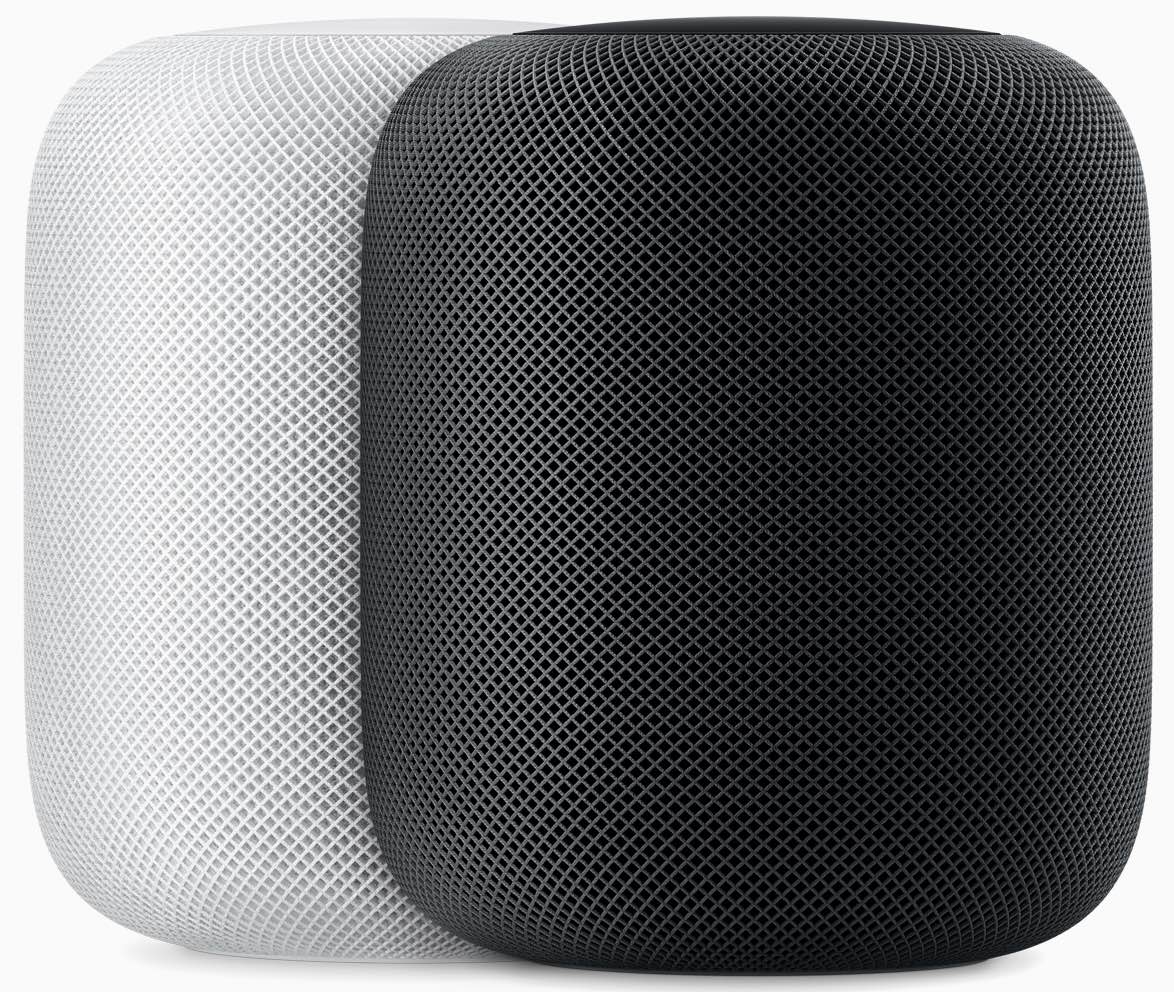
Thanks to yesterday's software updates, Siri on HomePod now understands French, German and Canadian English languages and dialects spoken in those countries, with additional support for Canadian French coming down the pike later this year.
Has price kept you from buying a HomePod? At what price point would you consider ditching Google or Amazon and buying a smart speaker from Apple? What about $250? That's the price one Apple analyst predicts Apple will charge for a new Beats-branded speaker that could be announced at next week's Worldwide Developers Conference (WWDC).
Following its January launch in the United States, the United Kingdom and Australia, Apple is keeping true to its promise by announcing today that the HomePod wireless speaker has been scheduled to expand to Canada, France and Germany on Monday, June 18.
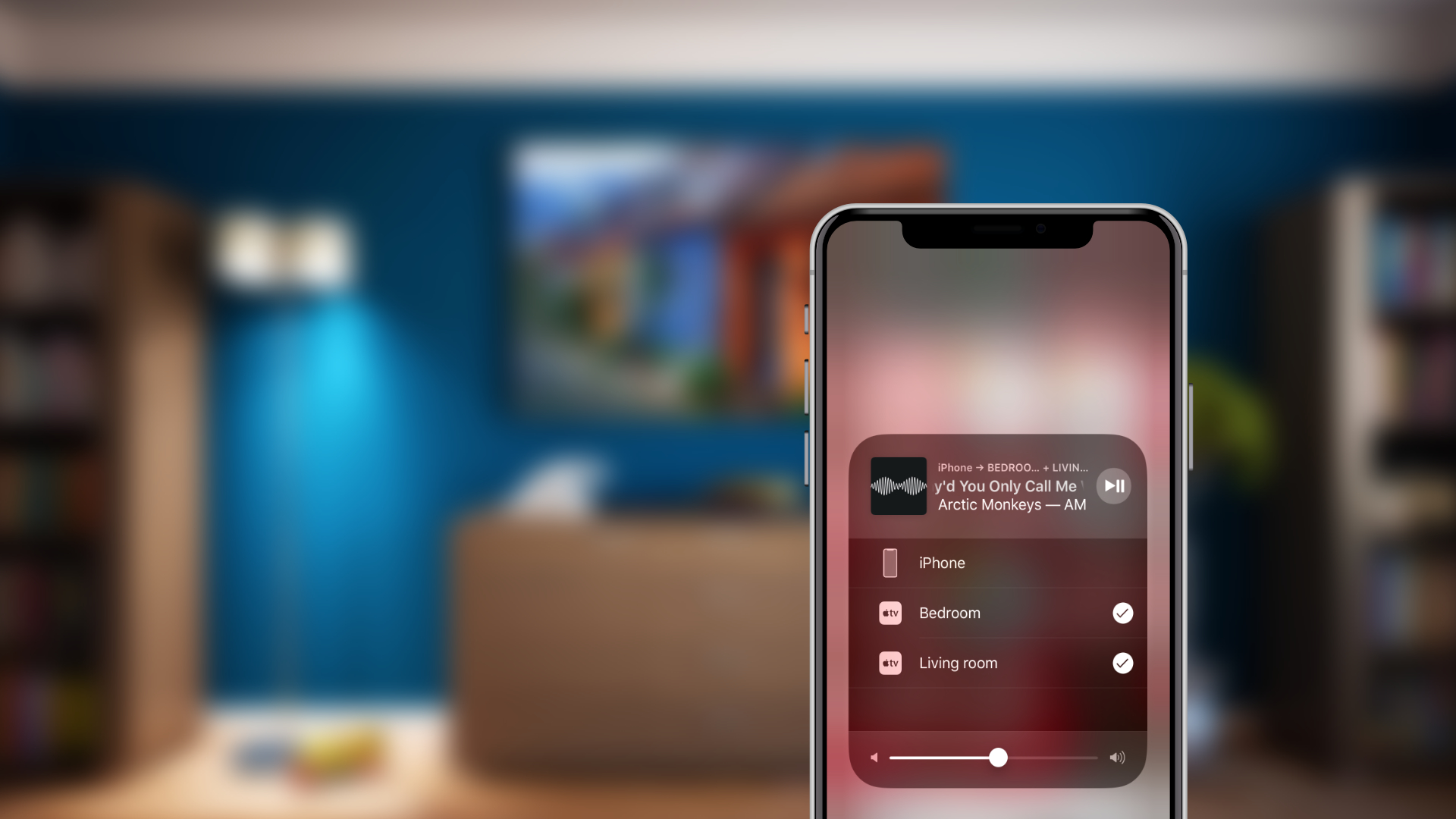
Apple will release the iOS 11.4 update later today, bringing new features to iPhone, iPad and iPod touch device owners such as AirPlay 2, BuzzFeed News reported Tuesday morning.

A new Apple patent application shows that Siri could one day provide an iPhone caller with a reason why you had to reject their call. In doing so, the process of declining calls could become a more enjoyable and useful experience for those on both sides of the digital cord.