In this guide, we go over several ways to quickly run a shortcut on your iPhone, iPad, or Mac that don't required opening Apple's Shortcuts app.
19 ways to quickly run a shortcut on iPhone, iPad, and Mac
In this guide, we go over several ways to quickly run a shortcut on your iPhone, iPad, or Mac that don't required opening Apple's Shortcuts app.
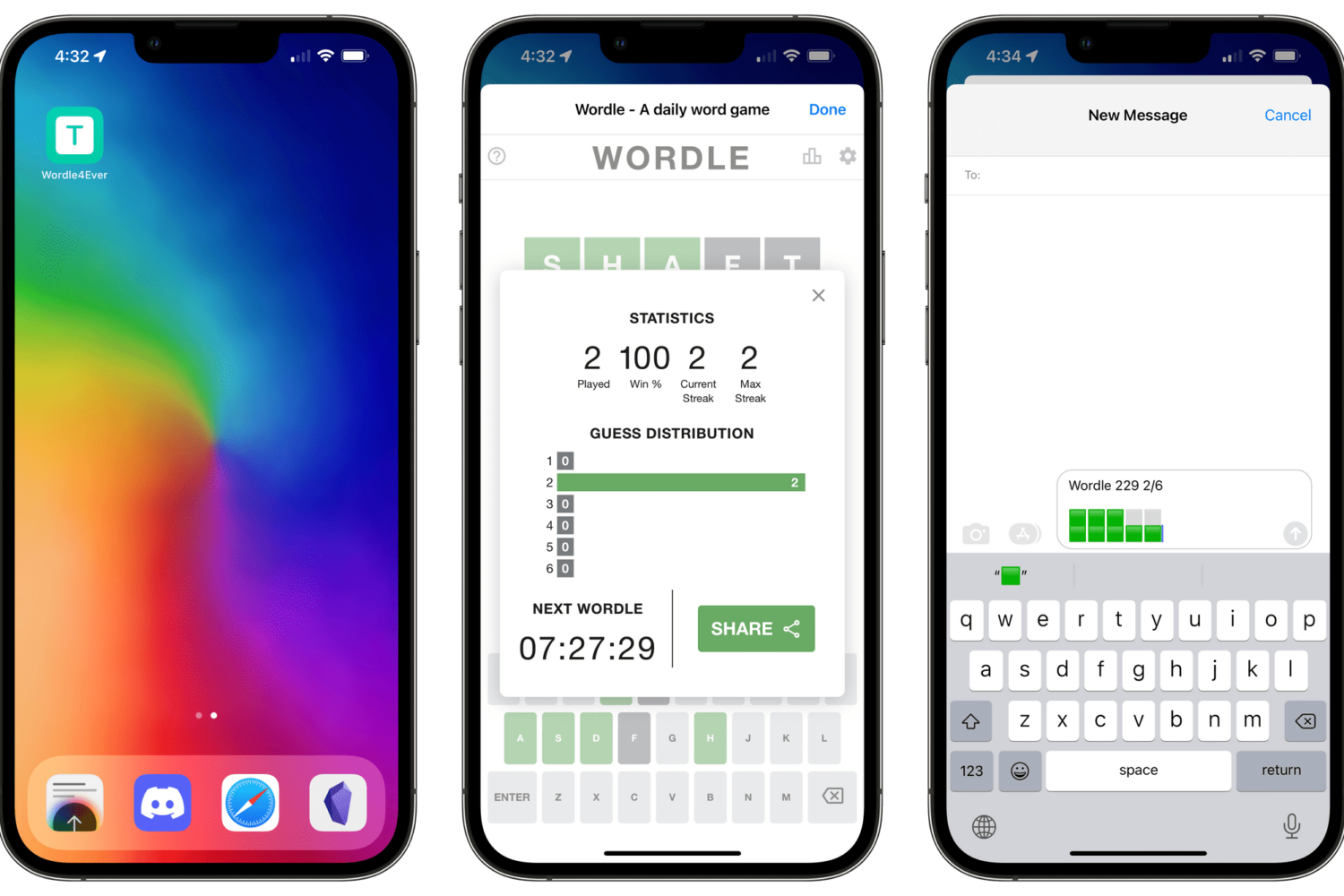
With the power of Apple's Shortcuts app, you can create a simple workflow script that will enable you to preserve the original game and play Wordle forever in offline mode.
Learn how to execute personal iOS automations in the Shortcuts app on your iPhone and iPad completely silently, without ever seeing the annoying notification banner.
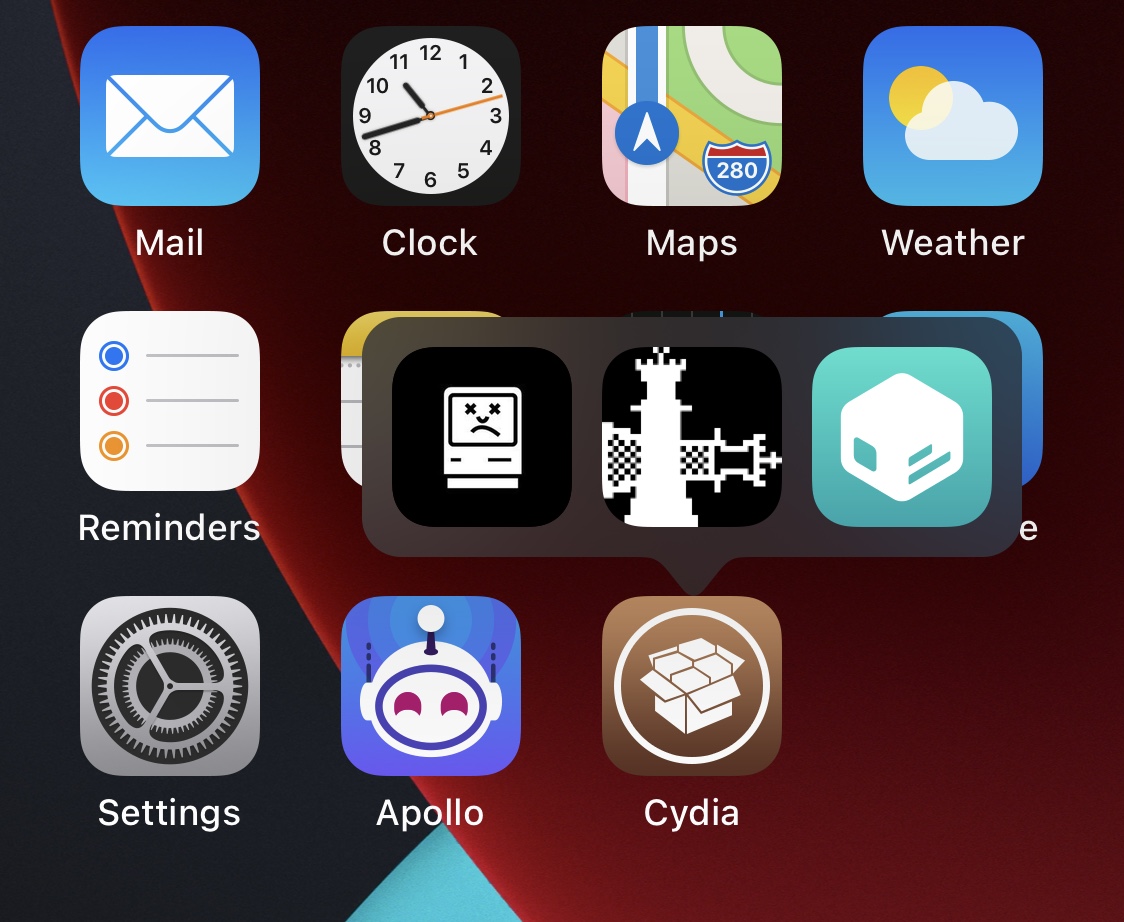
A common thing that happens to jailbreakers, especially when they’re using iOS or iPadOS 13 or 14, is that they find themselves unable to add shortcuts that have been made in the Shortcuts app on an iOS or iPadOS 15 device.
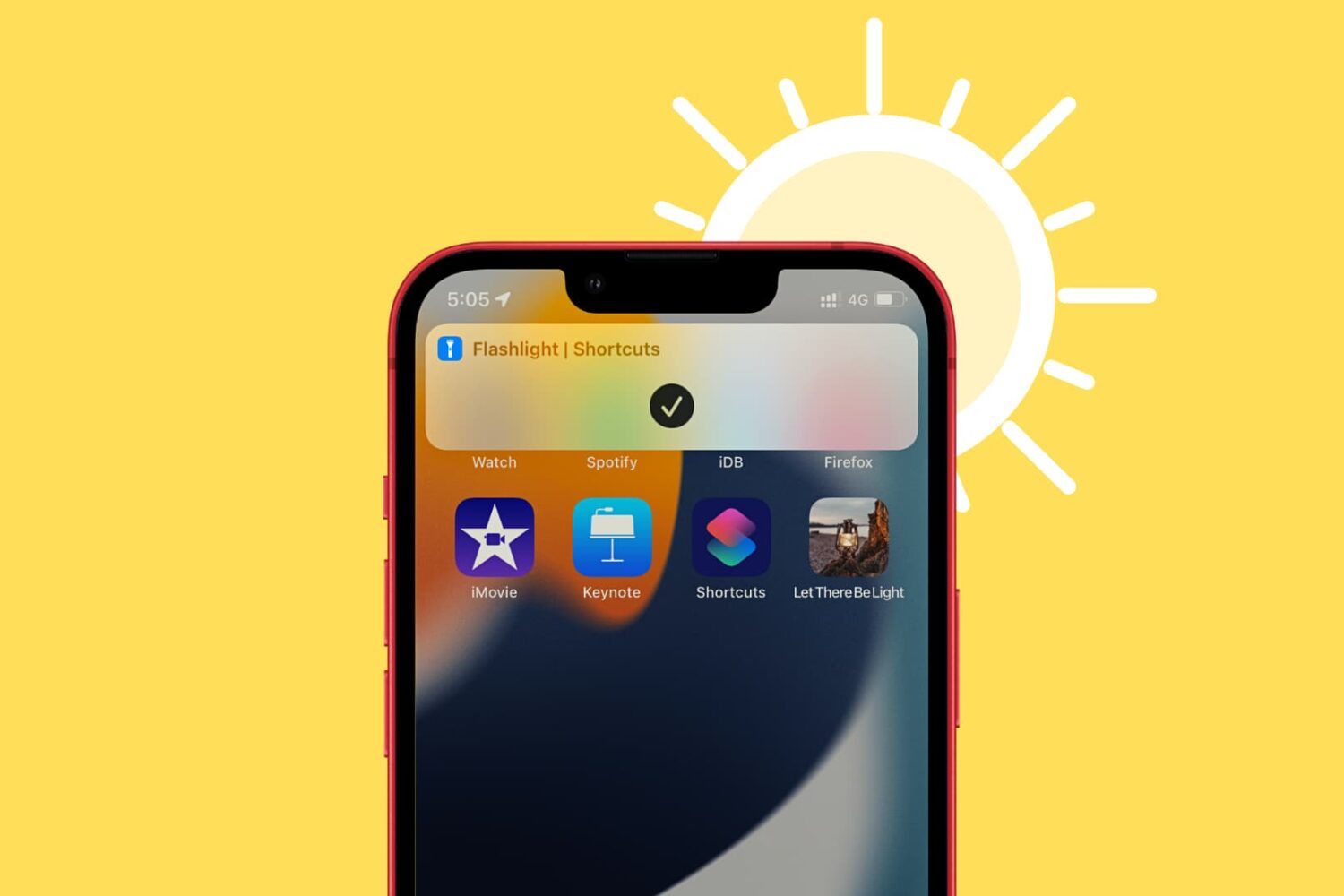
In this brief tutorial, we’ll show you how to create a flashlight shortcut on your iPhone or iPad Home Screen for easier access.
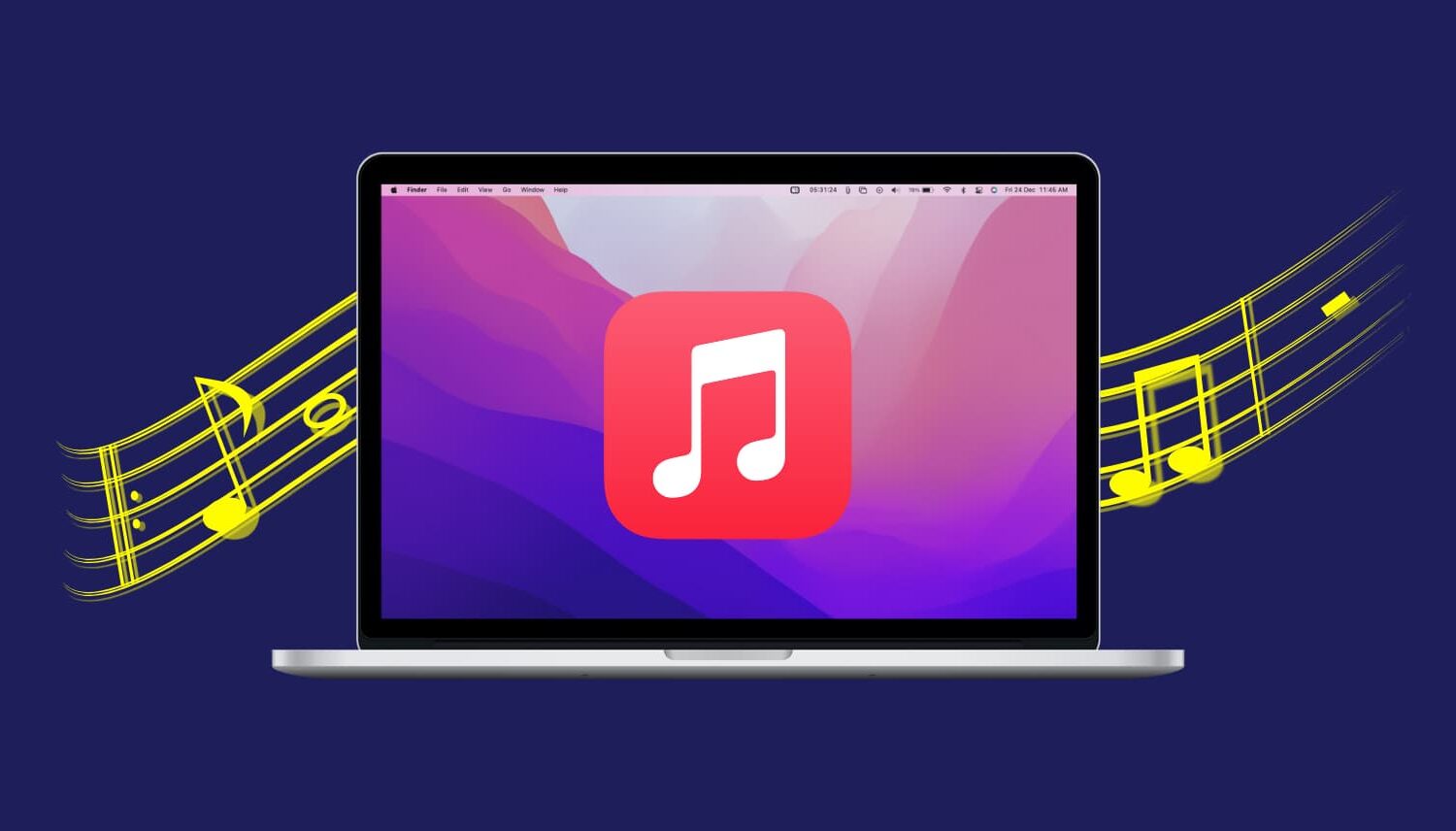
In this tutorial, we will show you how to set your Mac to automatically start playing music when it starts up or after a reboot.
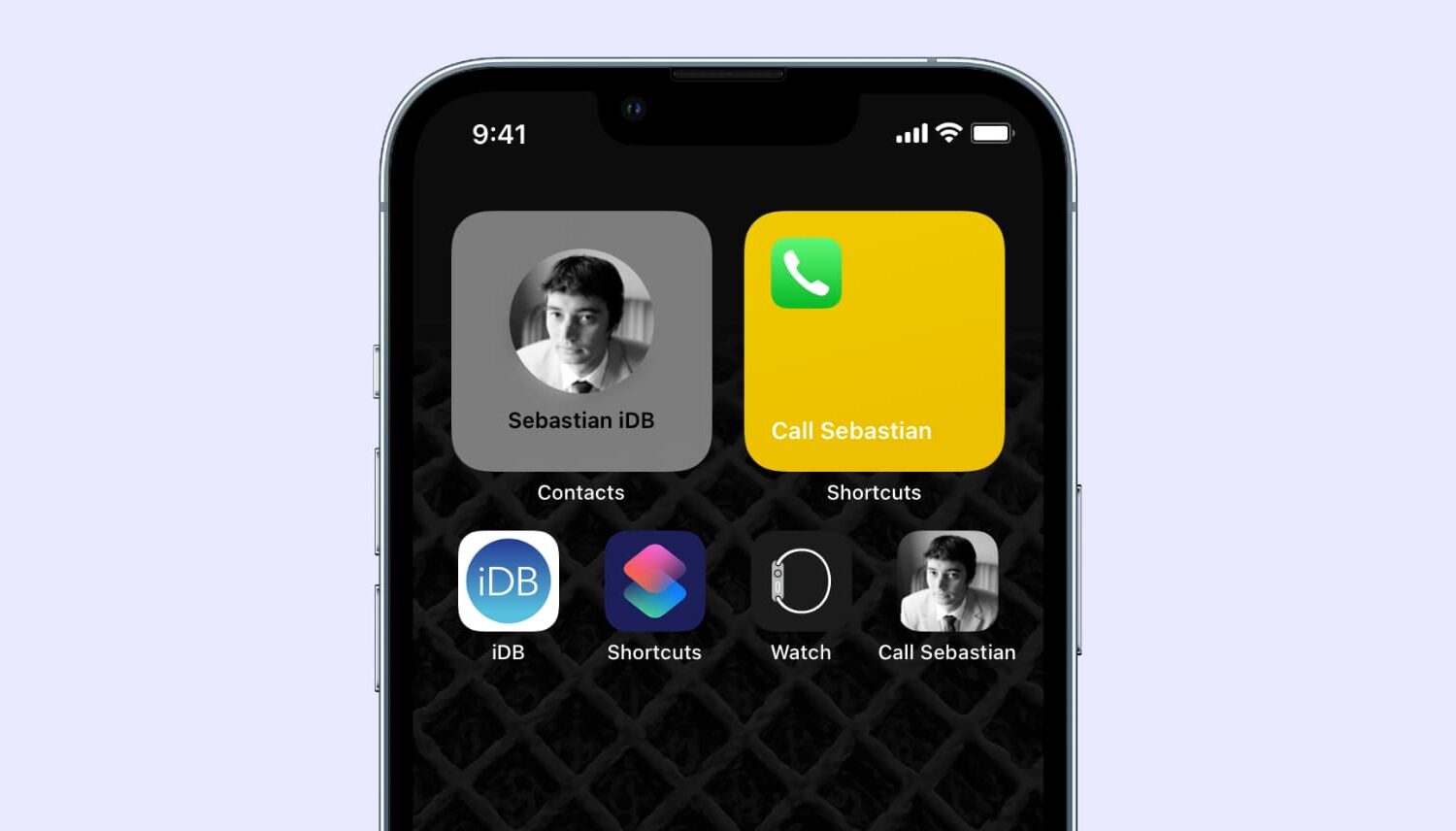
Among several of my favorite things to do with a jailbroken iPhone or iPad, creating shortcuts to my most-used apps and features ranks high on my list.
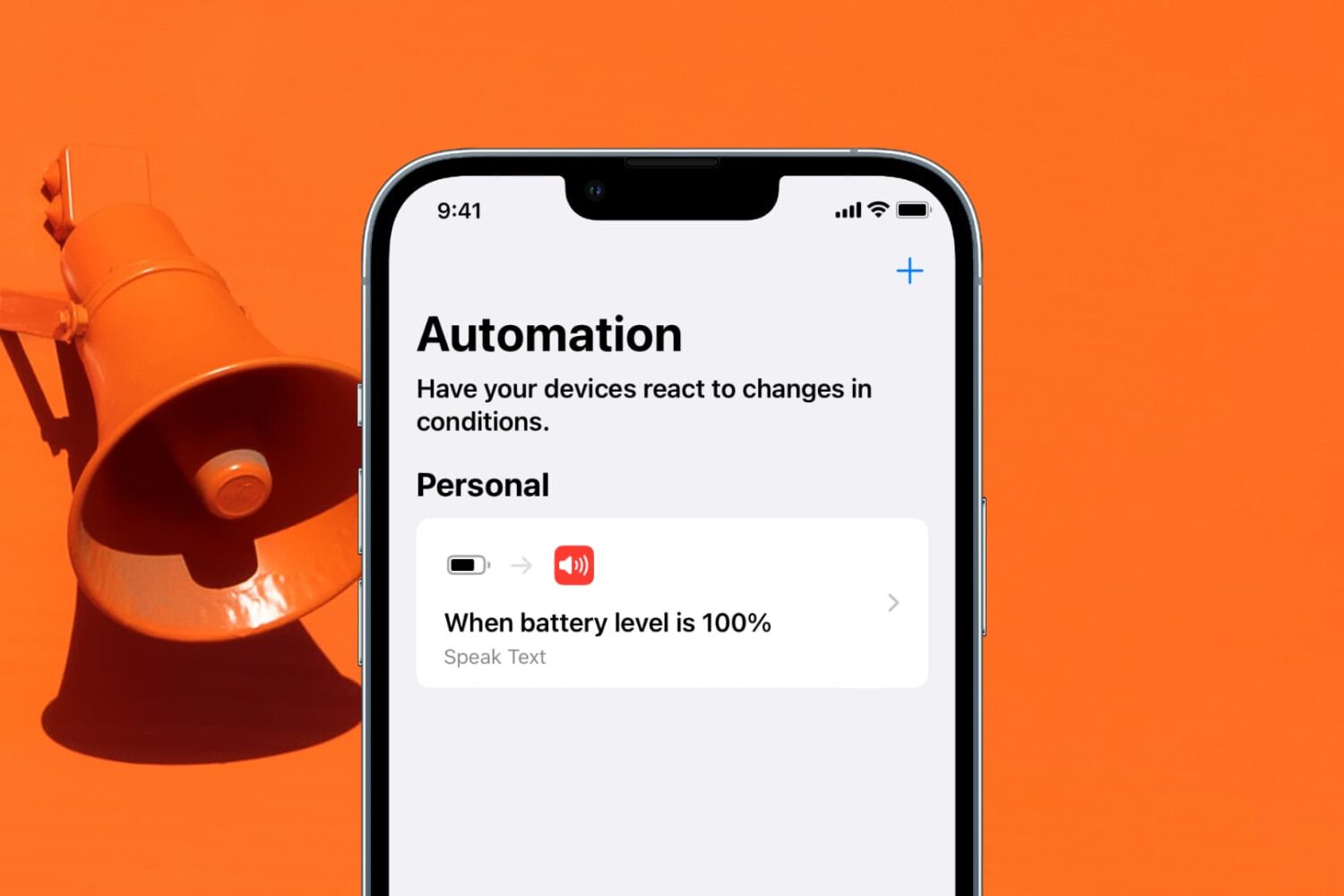
Learn how to get a notification when the battery of your iPhone or iPad has reached 100% and is fully charged.
Have you accidentally dropped your iPhone in water and found that the sound coming out of the speakers is all muffled? In this guide, we’ll show you how to get rid of the liquid stuck inside the speaker grill.
Anyone who takes advantage of the Shortcuts app to perform automations would be familiar with the notification banner that manliest itself after the automation completes.
Apple intended for this notification to let the user know when the automation finishes running, but if you’re already familiar with what your automation is supposed to do, then sometimes it can come off as redundant information.
That was a quick turnaround. Which is a good thing, as Apple was able to fix an apparent issue causing problems with sharing older Shortcuts links.
Following recent news that older iCloud links used by iOS automation fans to share their Shortcuts workflows with others have stopped working, Apple has now promised a fix.