In this tutorial, we’ll explain how to use modifier keys to accurately reposition or refine the dimensions of the selection area when you’re taking screenshots of your Mac’s screen.
4 tips to take accurate screenshots on Mac
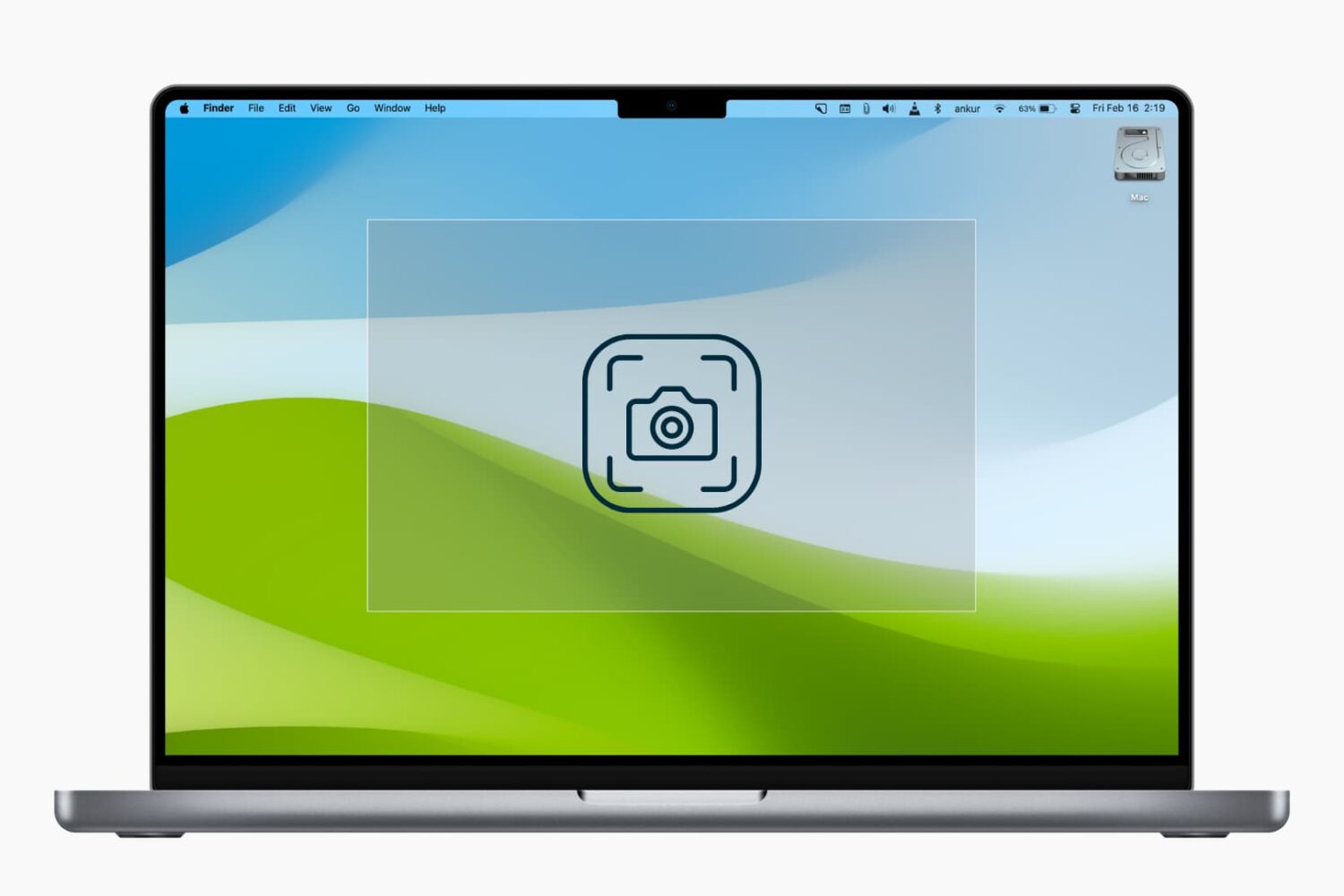
In this tutorial, we’ll explain how to use modifier keys to accurately reposition or refine the dimensions of the selection area when you’re taking screenshots of your Mac’s screen.
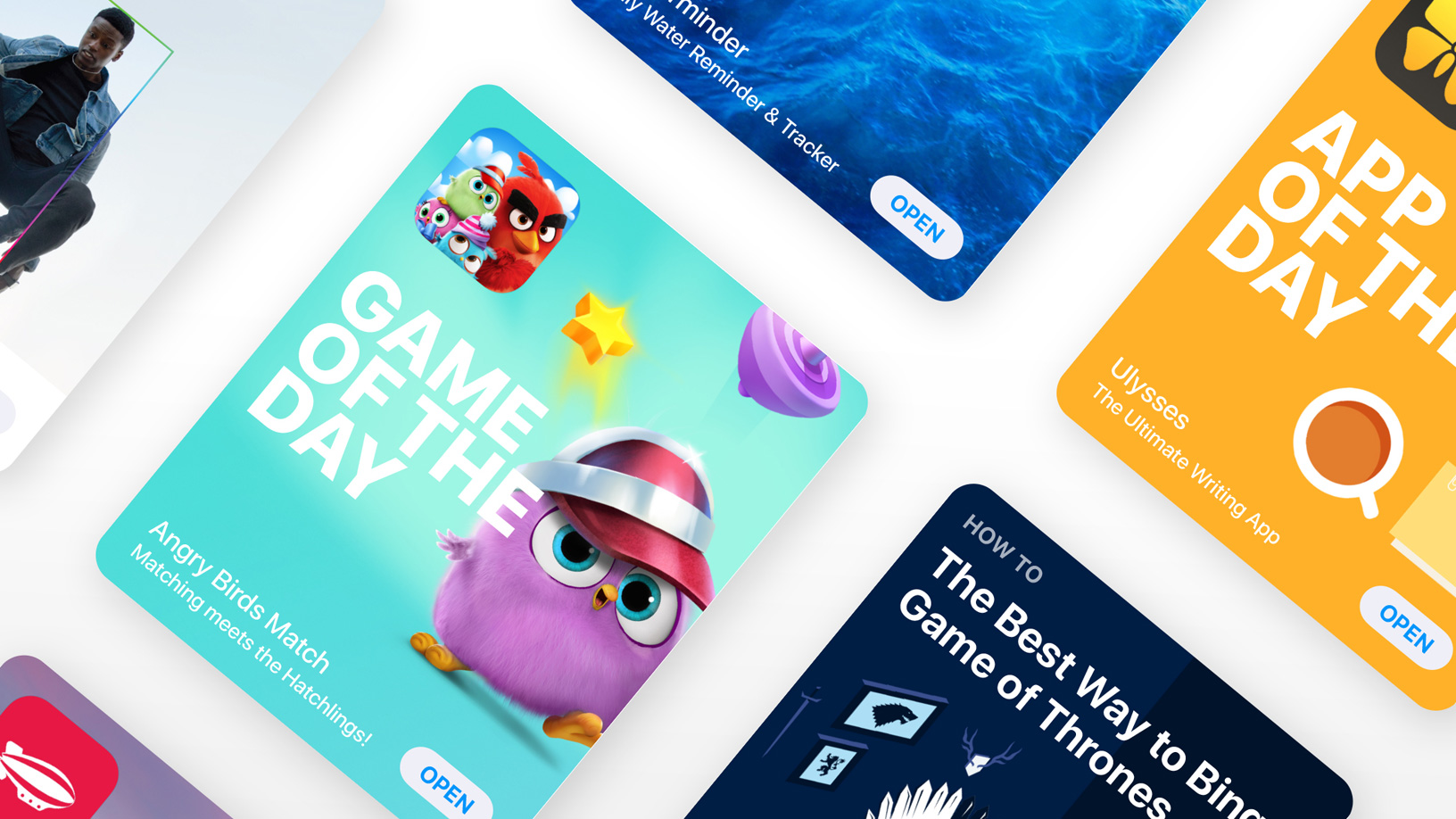
Developers can now upload and feature up to ten screenshots per device on App Store.

Instagram has been testing a new feature to notify users when someone takes a screenshot of their stories. Similar to what Snapchat has been doing for a while, this new privacy feature aims at increasing the privacy of users will likely roll out to all users eventually.
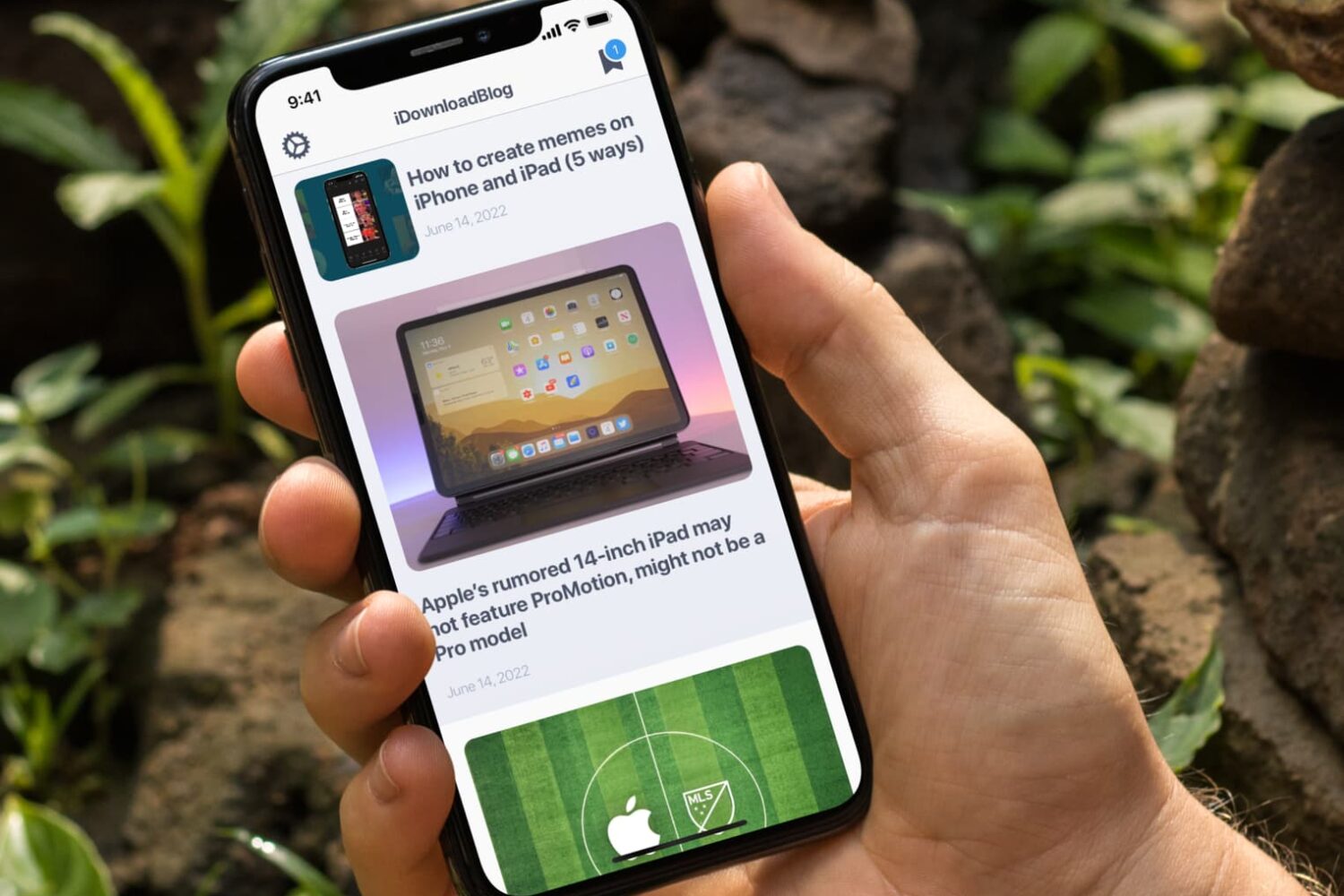
In this tutorial, we’ll let you in on a little iPhone trick to skip past the screenshot-editing screen and jump directly from your screenshot to the iOS Share Sheet.
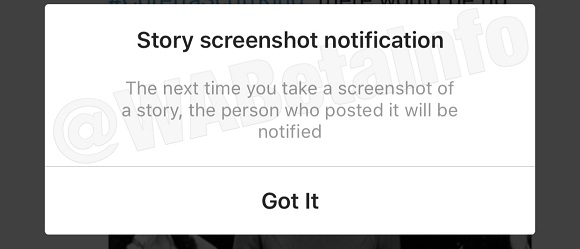
Instagram is currently trialing a new privacy-focused feature with a small percentage of its users that would alert them via a notification when someone took a screenshot of their Story.
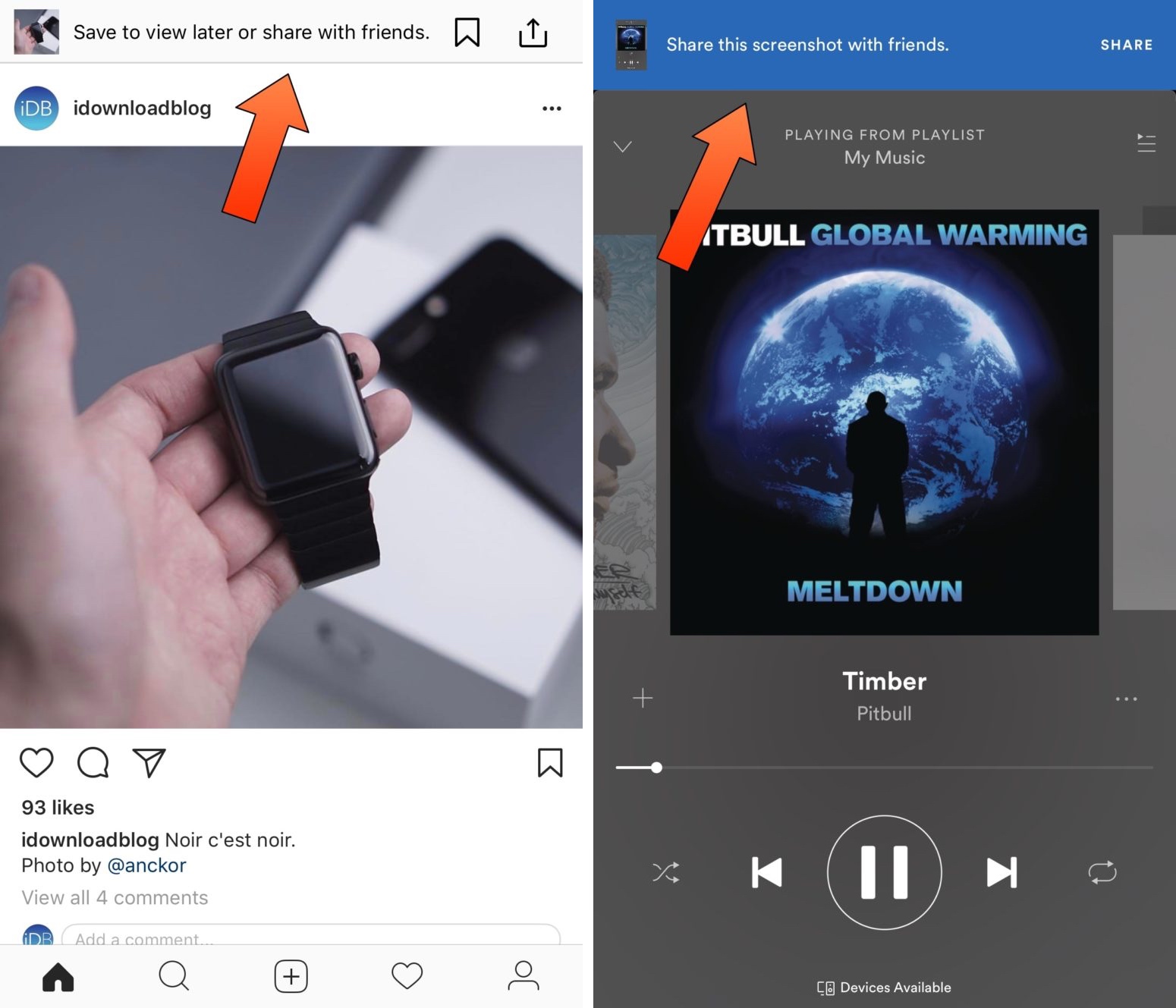
A developing trend inside of App Store apps is to display an in-house notification banner anytime you snap a screenshot from within those apps. Although they’re supposed to make sharing things more accessible, some people don’t find the provided sharing options useful.
A whole host of recent jailbreak tweaks responded to these banners in apps like Instagram and Spotify, but a new free release called KillinAppsScreenshot by iOS developer CydiaGeek strives to become the ultimate all-in-one solution to disable these annoying banners in every one of your apps.
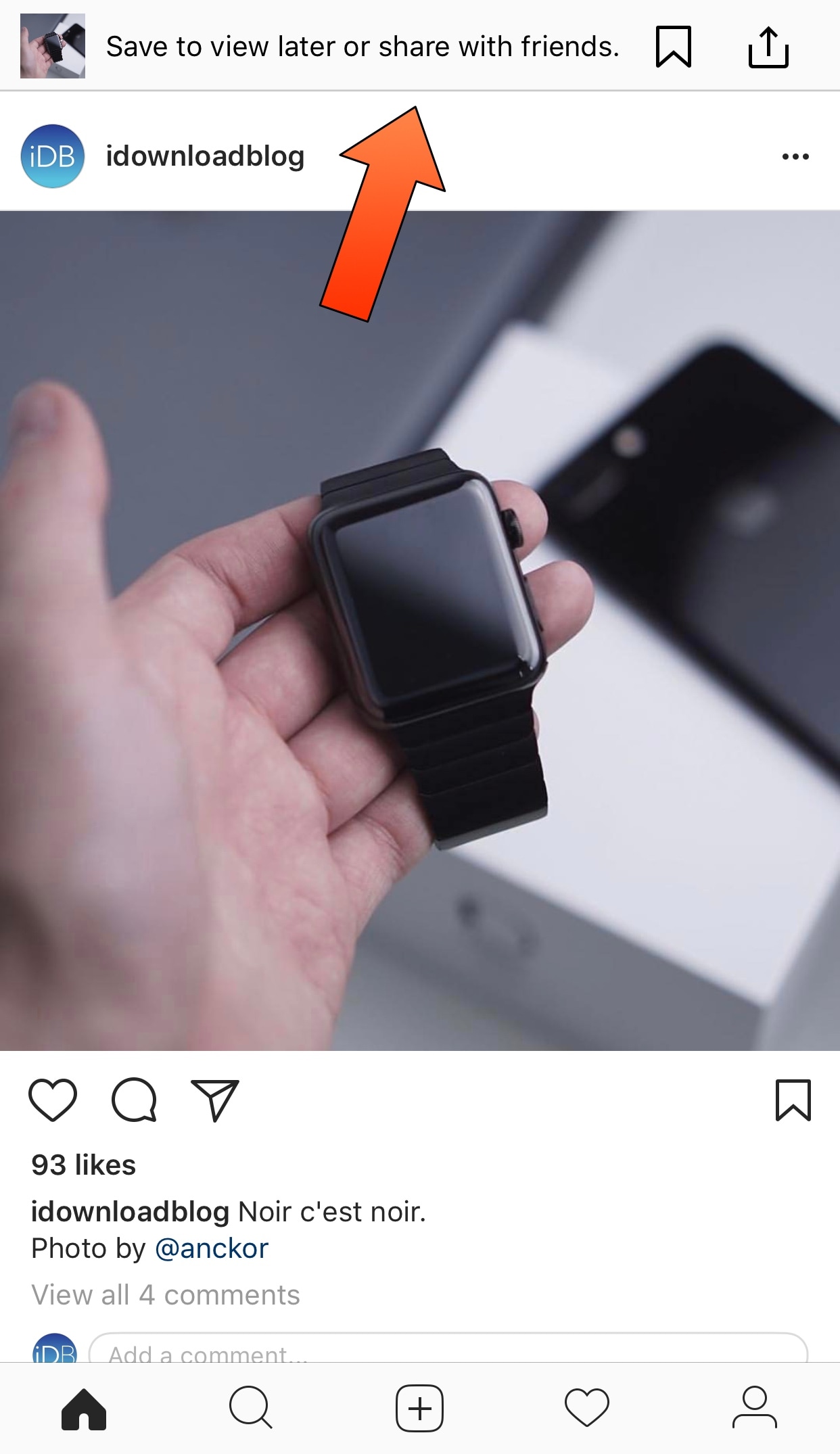
Many apps are now following a new trend where taking a screenshot will yield an in-house notification for sharing it. We’ve seen this in apps like Amazon and Spotify, and now Instagram is doing it too.
If you’d like to disable this banner in the Instagram app to keep it from appearing whenever you take a screenshot of someone’s post, then we’d recommend a new jailbreak tweak called ShyInstaShot by iOS developer CydiaGeek.
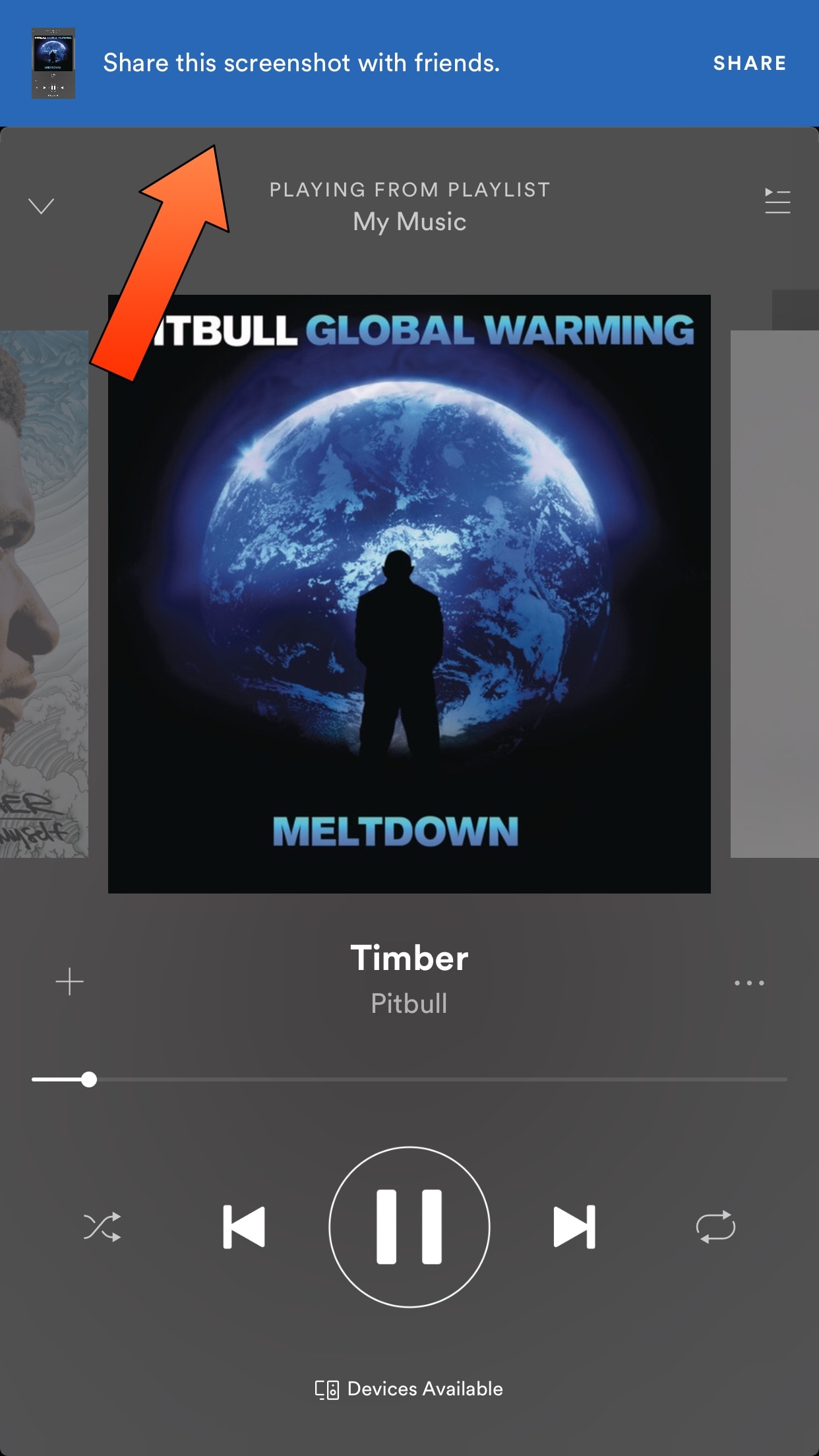
Aside from Apple Music, Spotify is one of the most popular ways to stream music on an iPhone or iPad. In fact, Spotify is my preferred way to listen to music altogether. Still, I acknowledge that the app's obtrusive banner for sharing any screenshots you take tends to get bothersome.
Enter NoSpotiScreenShot, a new free jailbreak tweak produced by iOS developer xxthepersonx that keeps the banner you see above from appearing after snapping a screenshot of Spotify Now Playing interface.
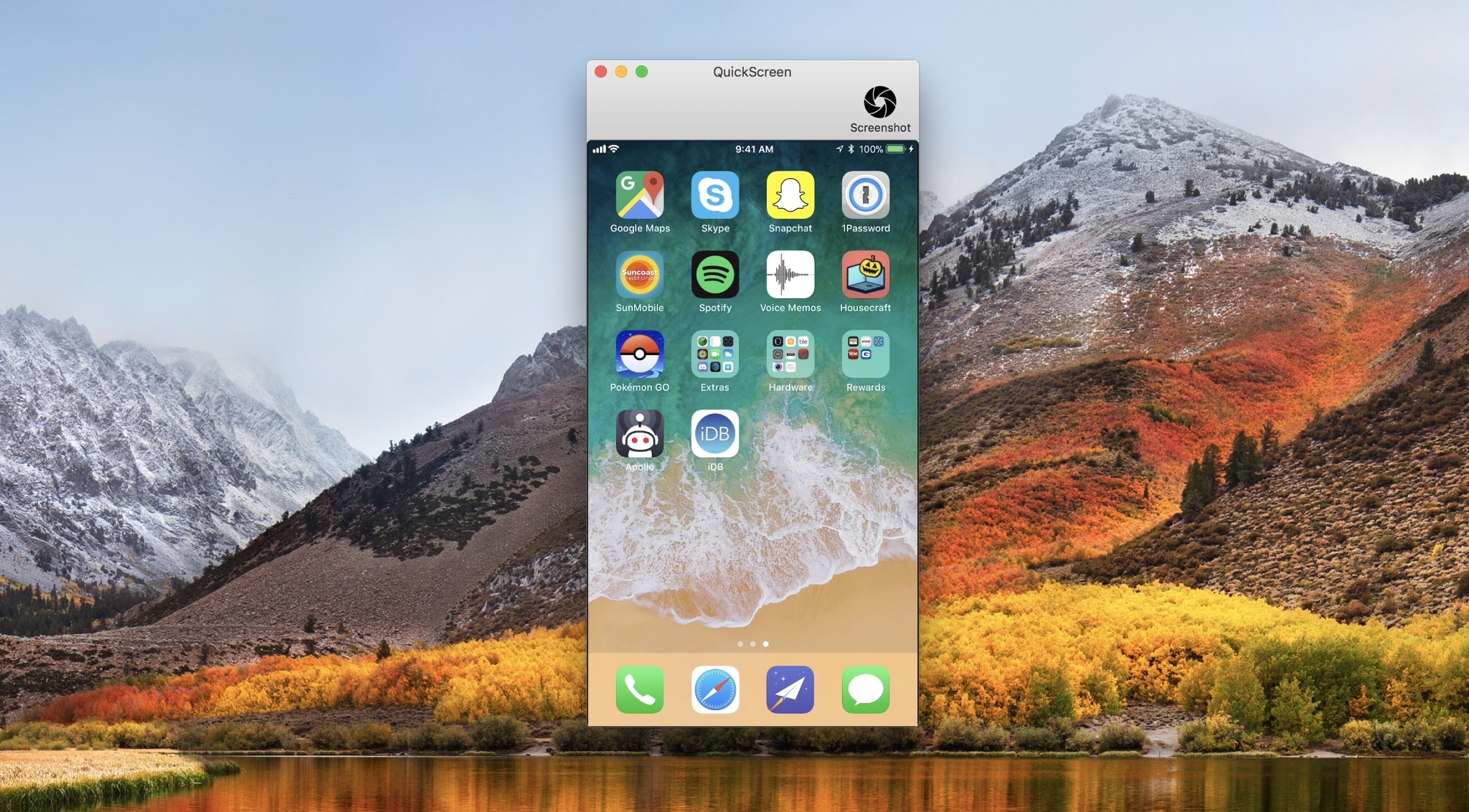
QuickScreen is a convenient new Mac utility by Frogg GmbH that lets you demo your iPhone’s screen directly on your computer’s display.
Designed with ease-of-use in mind, all you have to do to get started with QuickScreen is plug your iPhone or iPad into your machine with a MFi-certified Lightning cable, and the app detects its display automatically.
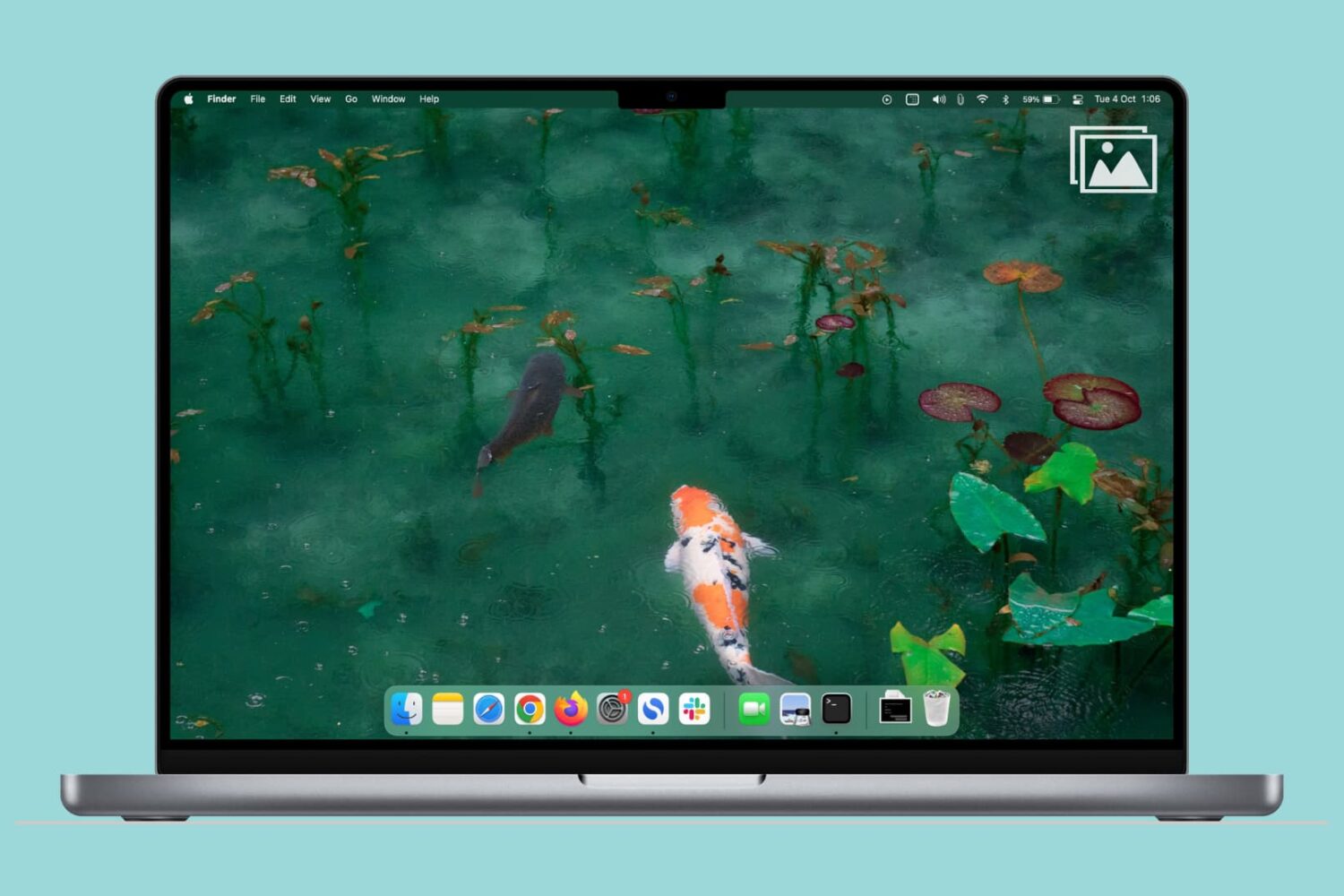
Learn how to quickly find all screenshots taken on your Mac, regardless of their save location, even if you manually moved them to custom folders.
Developers are always connecting their devices to their machines. It has been a necessary evil to install apps, perform diagnostics, screen recordings, and more. In Apple's purge of wires, Xcode 9 has unlocked the ability to connect tvOS, or iOS devices to your Mac wirelessly.
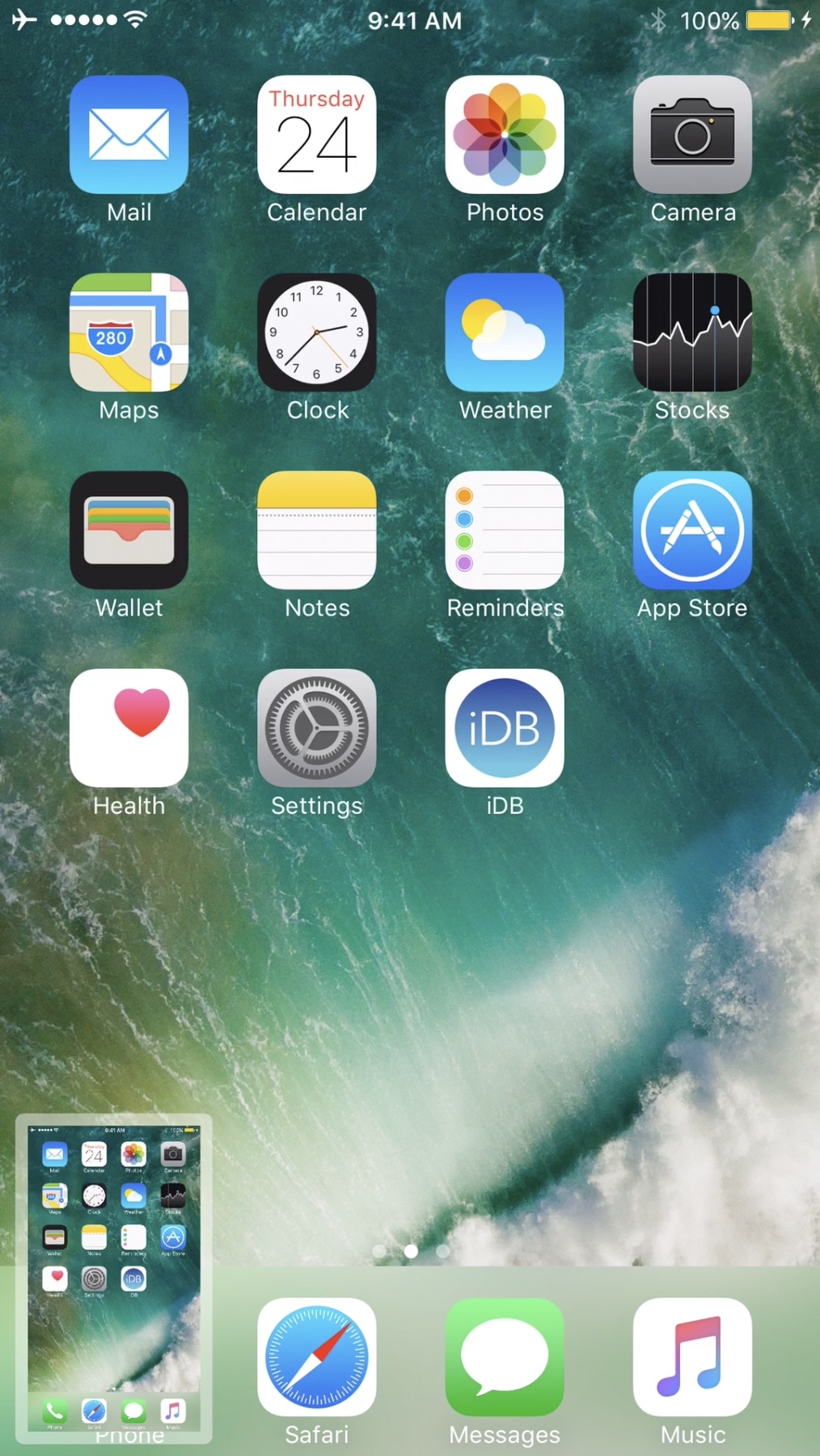
If you've forgotten about all the new features that come bundled with the iOS 11 update launching this Fall, then let this serve as a small reminder that it includes significant upgrades to screenshot handling on your iPhone or iPad. Waiting another month isn’t a big deal for stock device users, but upgrading isn't an accessible option for jailbreakers.
If you’re jailbroken and want the same supercharged screenshot features that come with iOS 11 without upgrading this Fall, you can use a new jailbreak tweak dubbed ScreenshotXI by iOS developer DGh0st to get them right away.