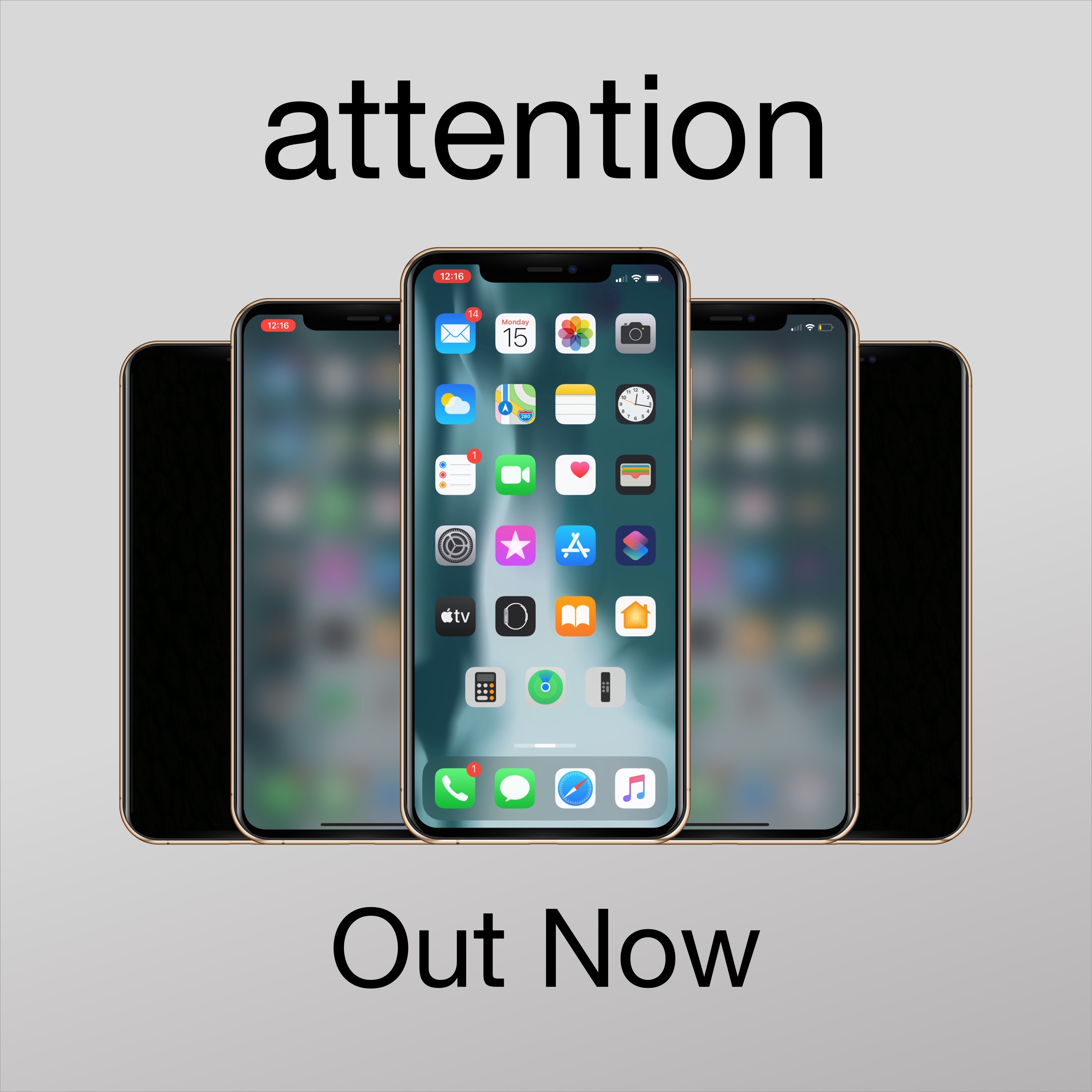
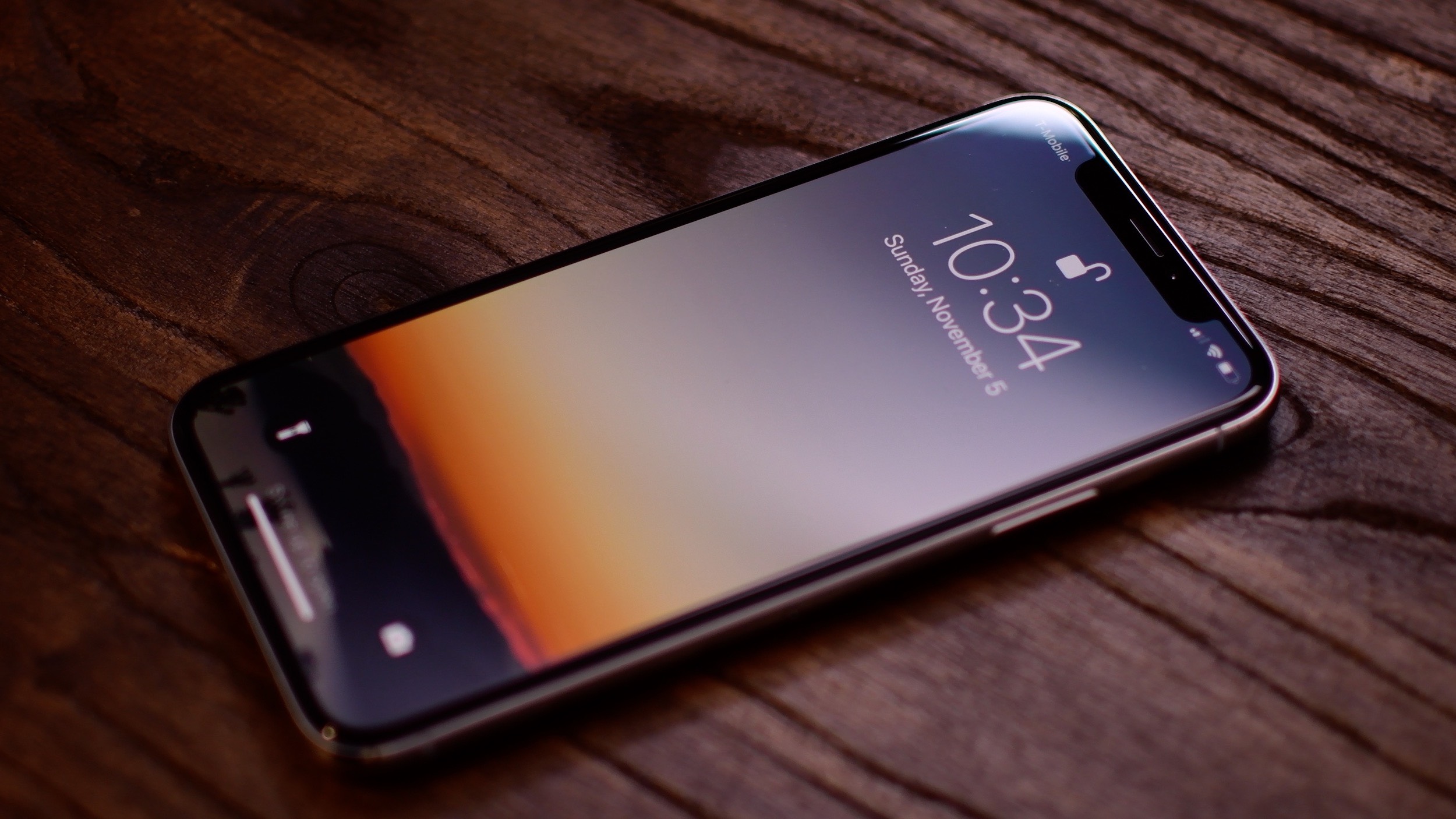
Apple designed iOS in such a way that when you don’t use your unlocked iPhone after a certain period of time, the display will start to dim before eventually falling asleep and locking entirely. Some people like this feature because it helps keep battery drain at bay during times of idle use, but if you’re interested in something different, then you may take a liking to a newly released and free jailbreak tweak called attention by iOS developer woofy.
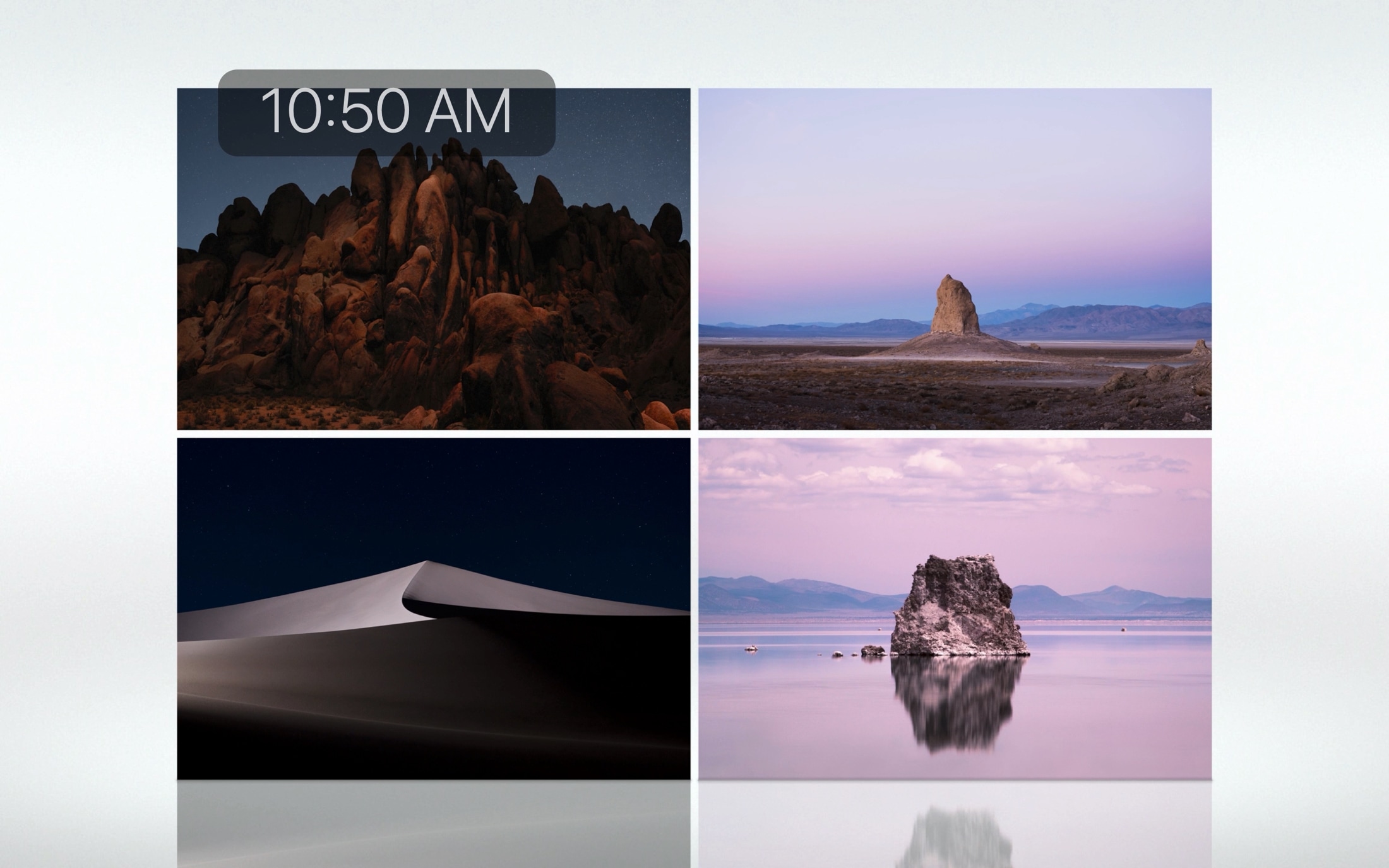
Upon installing attention, your iPhone will still automatically lock itself after a predetermined period of inactivity. The only major difference, however, is that your handset’s display will exhibit a blurred effect after a period of inactivity and right before falling asleep instead of dimming the display’s backlight.