Google has chosen to see how the whole spatial computing thing plays out before committing to developing a native YouTube app for Apple's Vision Pro headset.
Google confirms a native YouTube Vision Pro app “is on our roadmap”

Google has chosen to see how the whole spatial computing thing plays out before committing to developing a native YouTube app for Apple's Vision Pro headset.
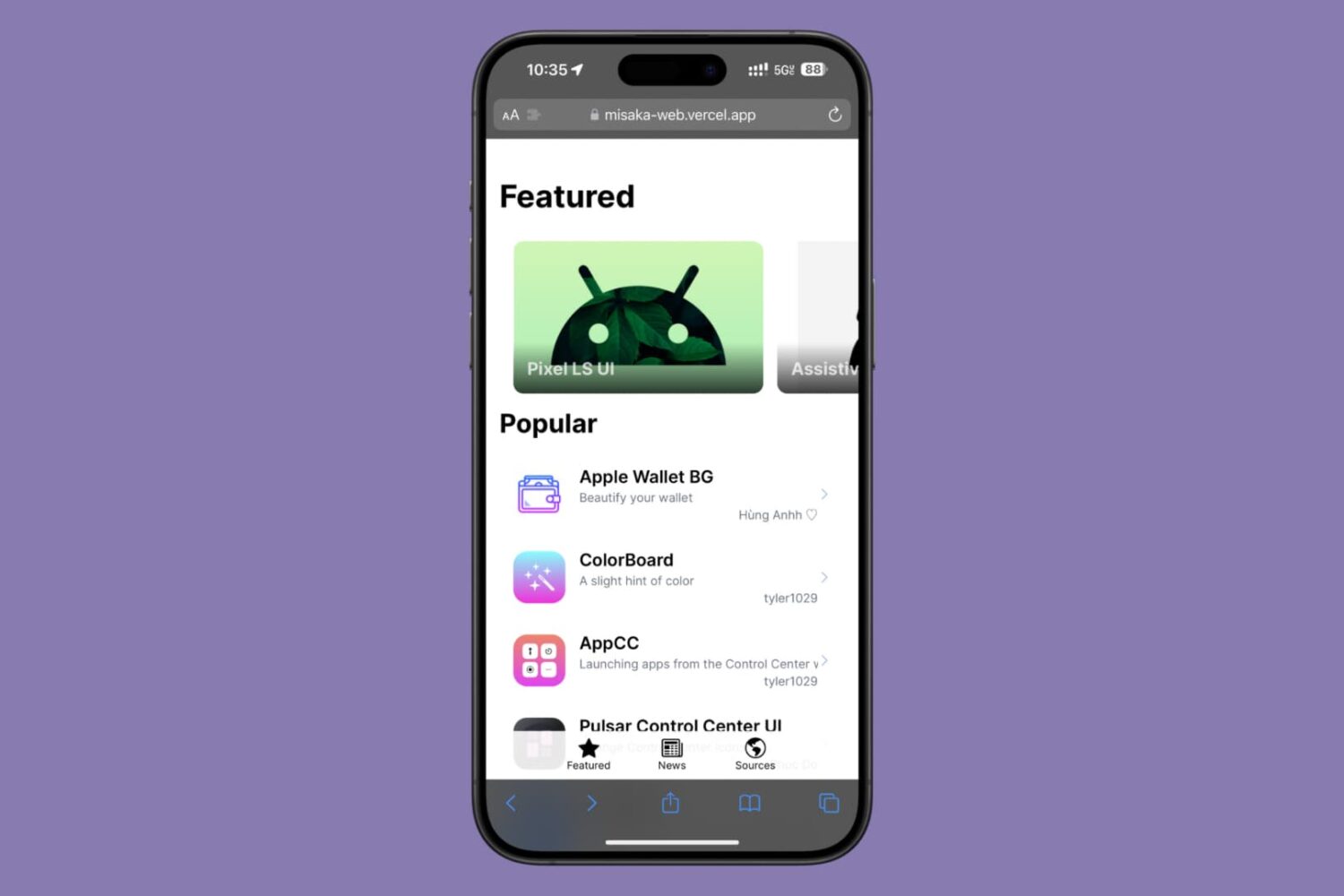
We’ve long understood Misaka to be a package manager that you could sideload or perma-sign on an iPhone or iPad to view a catalog of packages supporting the MacDirtyCow (MDC) and Kernel File Descriptor (KFD) exploits, but what if we told you that you didn’t even need to sideload or perma-sign the app?
Apple says Safari iOS 17.3 patches four security and privacy vulnerabilities on older macOS editions, one of which may have been exploited.

Instead of building a native visionOS app, Netflix is taking a pass on Apple Vision Pro. Early adopters, get ready to use the Netflix web app in Safari or another browser.
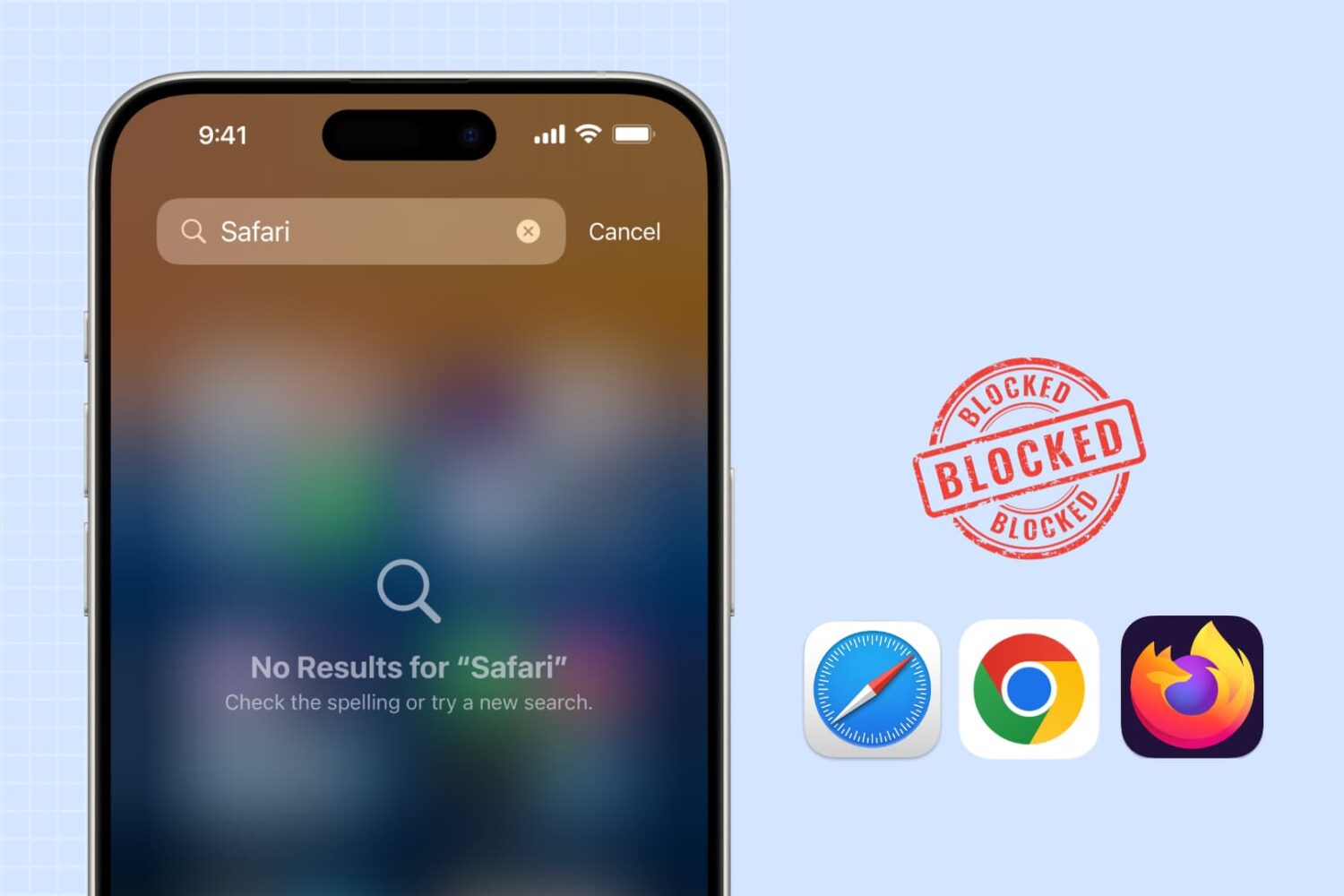
Learn how to block web browsing in Safari, Google Chrome, and other browsers to increase security, limit distractions, and protect children from inappropriate content on iPhone or iPad.
Apple keeps 36 percent of search advertising in its Safari browser on its devices, with the remaining 64 percent going to Google.
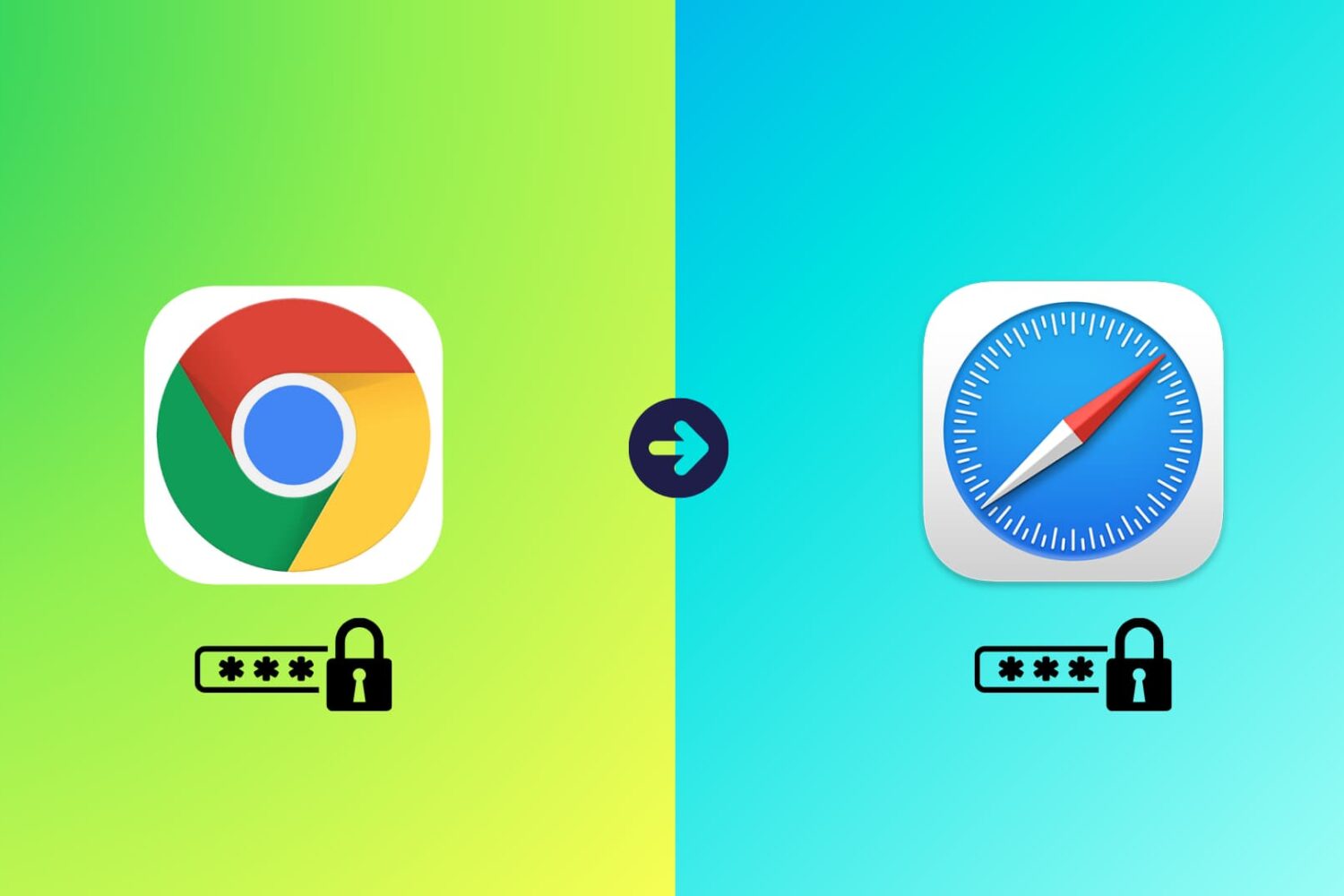
Learn how to transfer your saved website login details, including email addresses, usernames, and passwords, from Google Chrome to Apple Safari on your iPhone, iPad, and Mac.
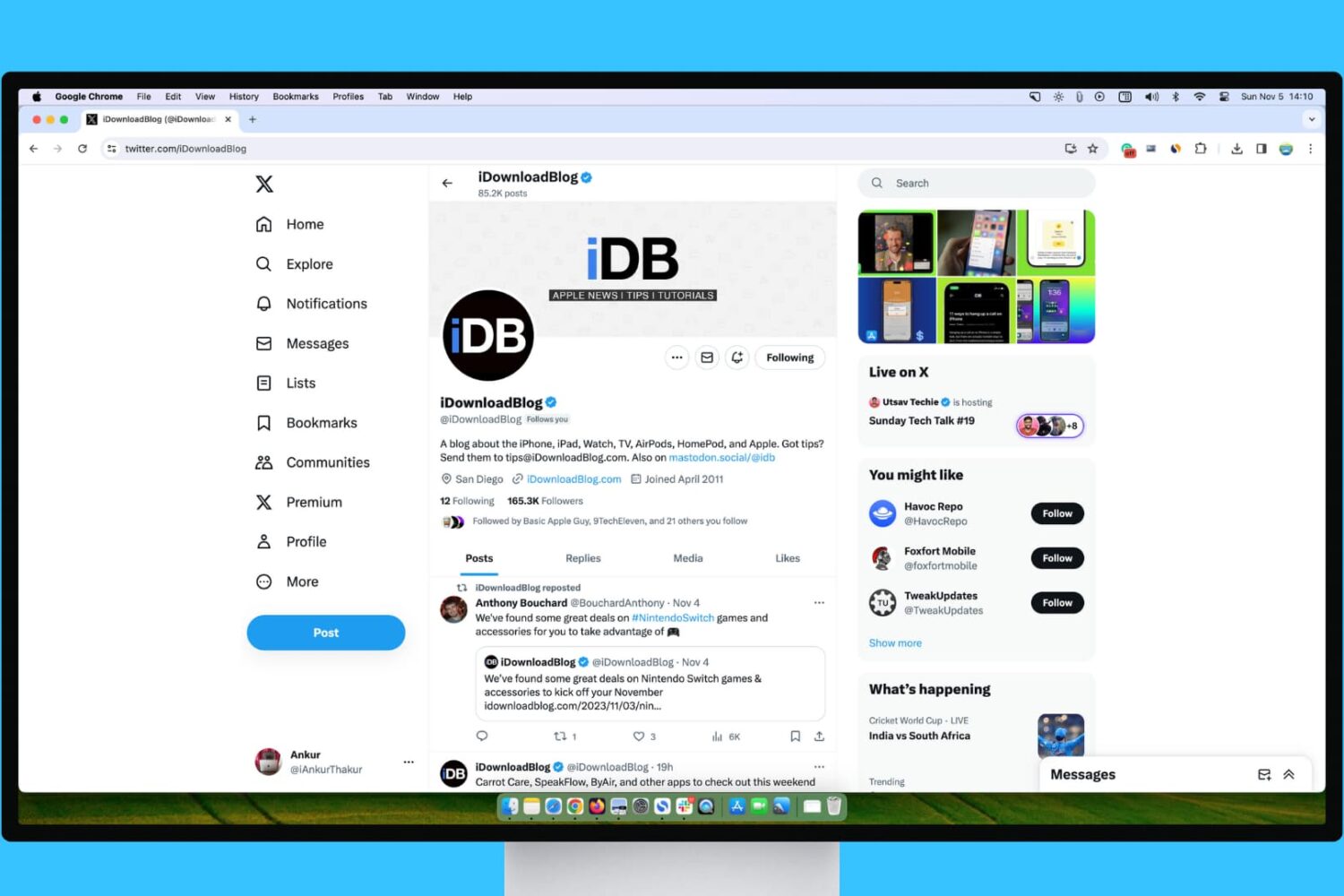
Learn what steps to take if your experience with X (Twitter) on your Mac or Windows PC isn’t up to par.
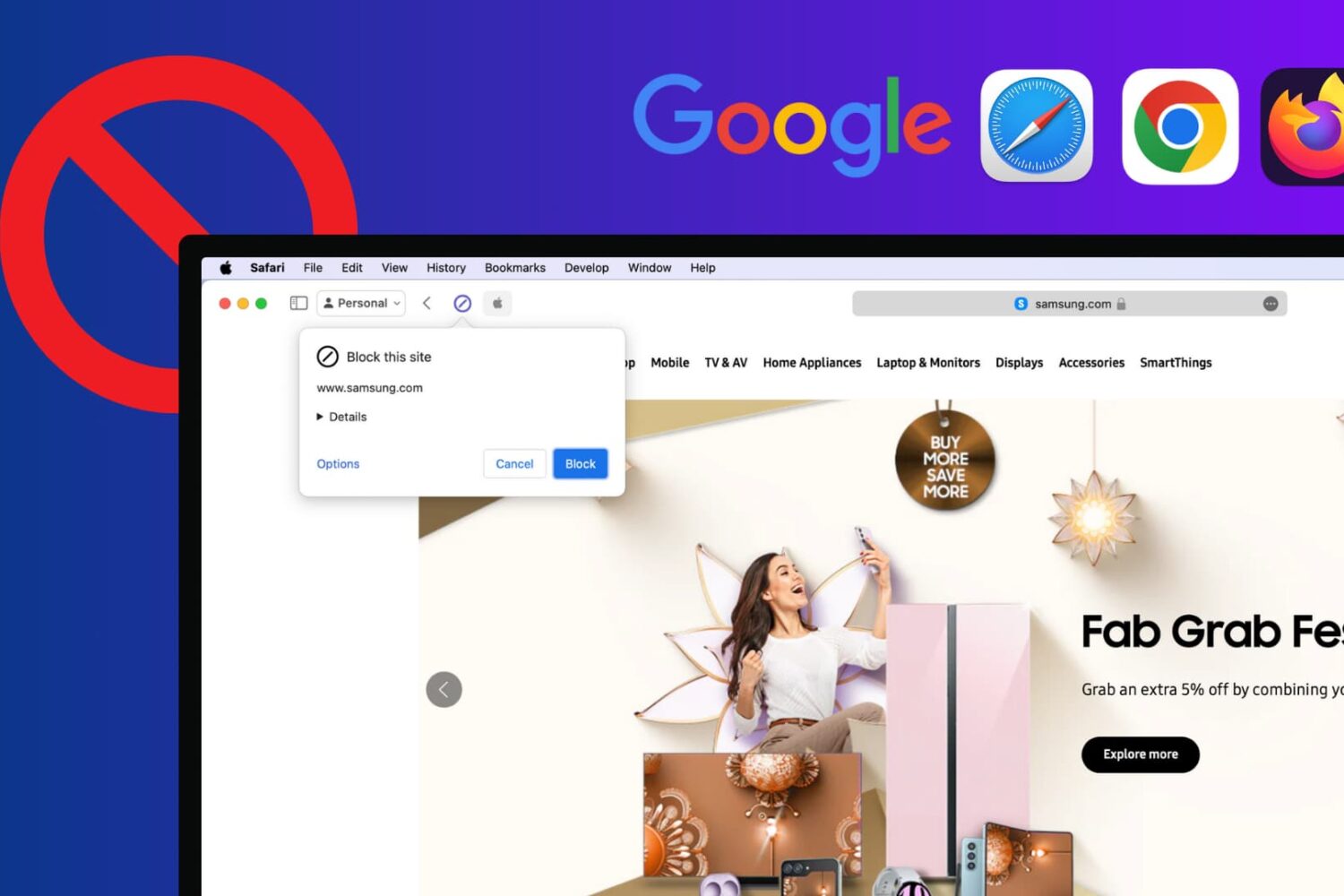
Learn how to block certain sites from showing up in Google results on Mac and Windows PC to refine your queries and improve your search experience.
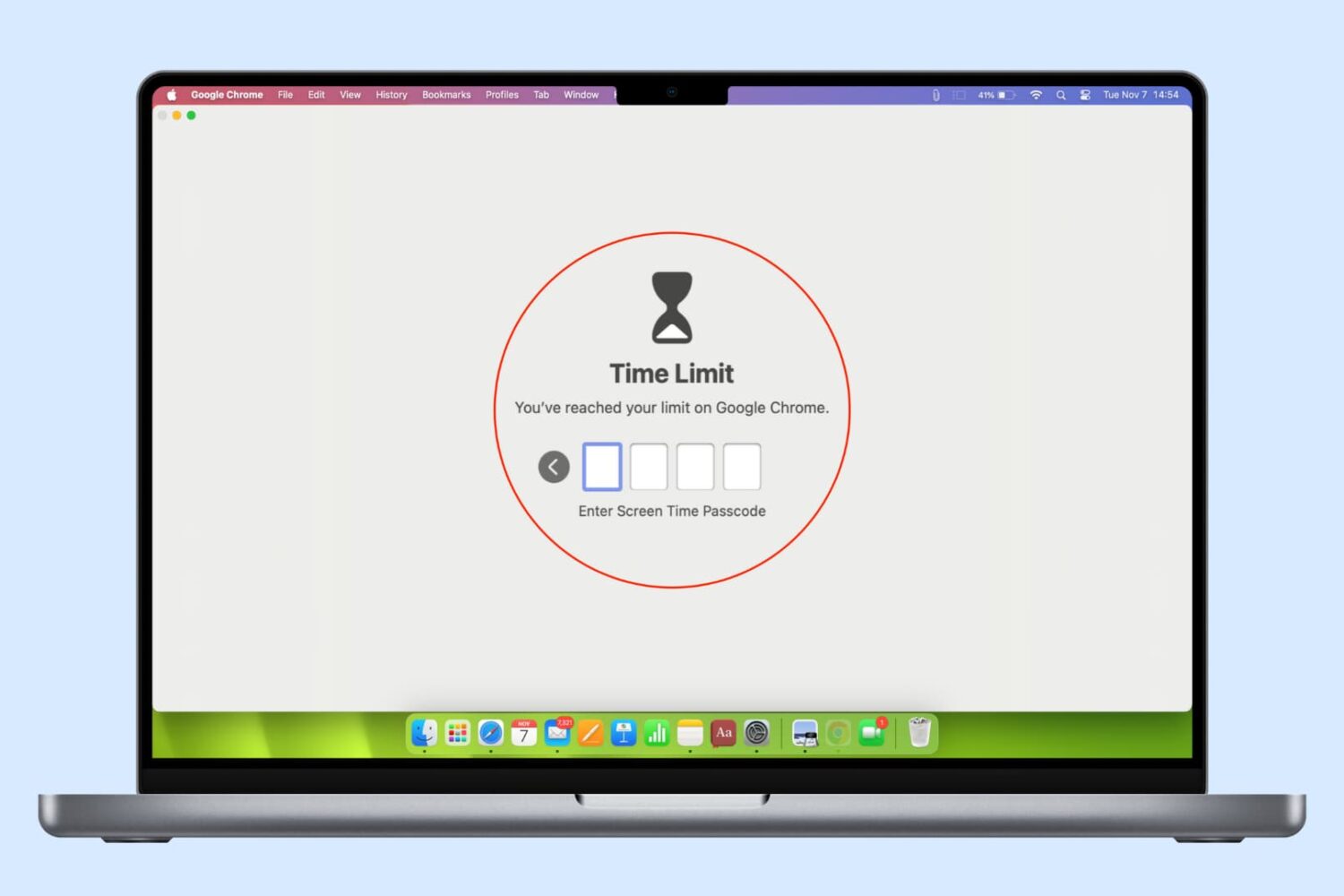
In this guide, we list several ways to keep your browser history, bookmarks, reading lists, passwords, and other sensitive data private by locking Google Chrome, Safari, or other web browsers on your computer.
In this guide, we show you three simple ways to add multiple Google accounts in a single web browser on your Mac or Windows PC and switch between them.

One of the best ways to avoid giving your credit or bank card information directly to a merchant and then risking the possibility of a data breach is to pay by proxy — that’s the premise behind a popular service called Privacy.com.