Learn how to restrict all websites except for a few specific ones of your choosing on your or your child’s iPhone and iPad.
How to allow access only to specific websites on iPhone and iPad
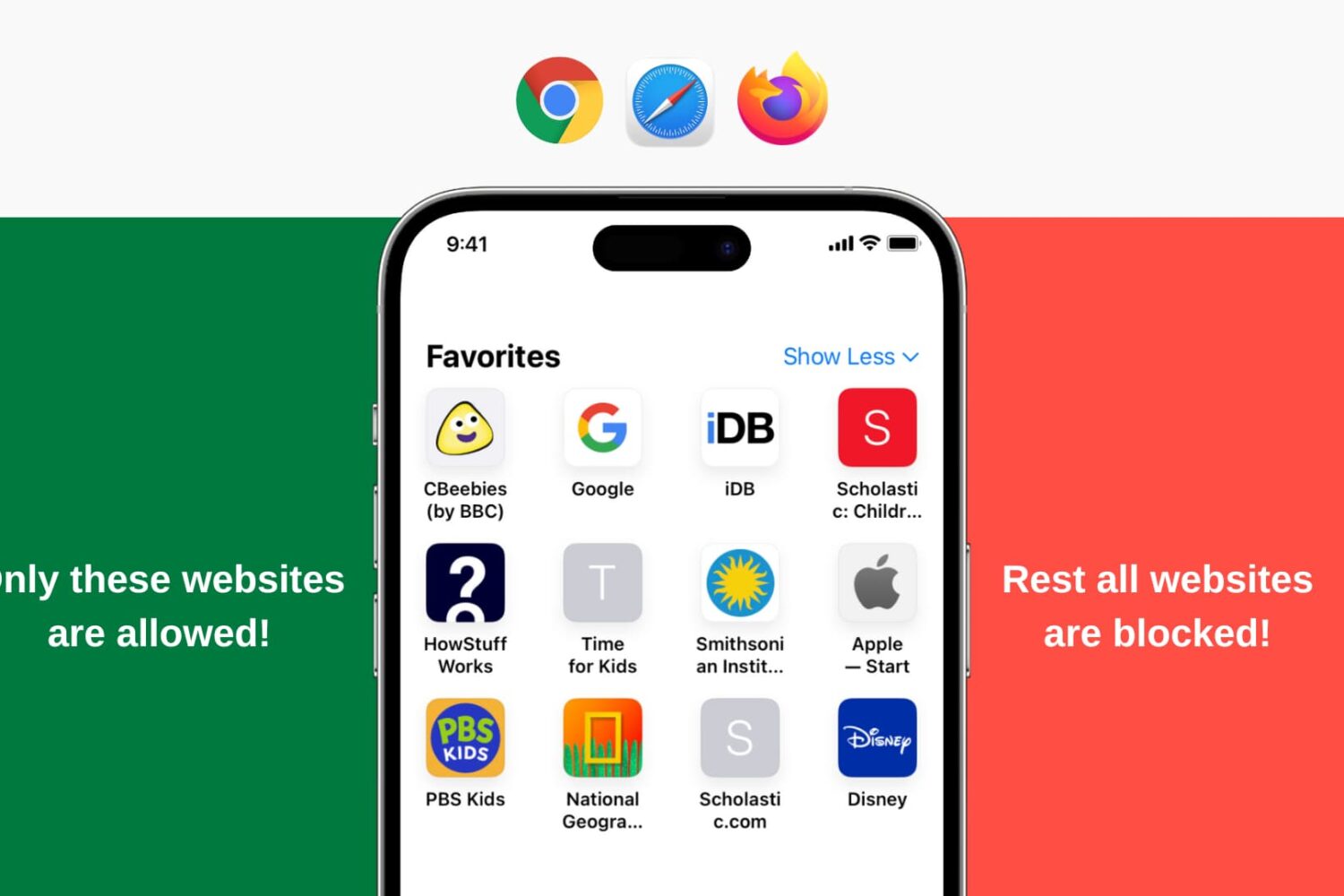
Learn how to restrict all websites except for a few specific ones of your choosing on your or your child’s iPhone and iPad.

When you visit a website on your computer, such as iDownloadBlog or Google, you're using domain name system (DNS) protocol to exchange information between your computer and the server providing you with that website.
Depending on the DNS server you're using on your Mac or iOS device; you might not be experiencing the best speeds and web securities that you could be.
In this piece, we'll tell you why you may want to consider switching to a new DNS and show you how to use a custom DNS on your Mac, iPhone, or iPad.
SafariHistory is a handy new jailbreak tweak that is now available for free in Cydia and it will give Safari users that don't use Private Browsing mode an easier way to delete their Safari history in bulk.
Although Safari on your iPhone and iPad includes a 'Clear' button to quickly delete all of your browsing history, the only way to delete individual history items is to swipe to the left on them to reveal the red "Delete" button, and this can take forever.
SafariHistory instead makes it easier to remove individual items in bulk without clearing your entire Safari browsing history, as you're about to see in this review.

From accessing online resources to resolving network issues, this guide will show you how to use Safari when you enter macOS Recovery or Internet Recovery Mode on your Mac.

In addition to finding all occurrences of a word within any webpage, Apple's Safari browser for the iPhone, iPod touch, iPad and Mac includes a nifty little feature called Quick Website Search which lets you get your answers from within a specific website as long as you've used its search box before.
Safari keeps tracks of the webpages as you surf the web so you can later find anything within a previously visited website, right from the Smart Search field.
In this tutorial, you'll learn how to leverage Safari's Quick Website Search feature to search within a website.

Learn how to change the default Safari search engine on your iPhone, iPad, or Mac from Google to Bing, Yahoo, DuckDuckGo, or Ecosia.
If you're tired of always having to log in, Safari will happily save web passwords in your keychain. Even better, the browser can automatically fill in your user names and passwords the next time you visit your favorite websites.
And with the iCloud Keychain feature, your saved passwords can be synchronized across devices in a safe, secure manner. In this tutorial, you're going to learn how to search saved Safari passwords without needing to visit their websites, view your saved logins, as well as add, delete and manage saved passwords.

Learn how to hide the Favorites section in Safari for more privacy and a cleaner Start Page without these website bookmarks.
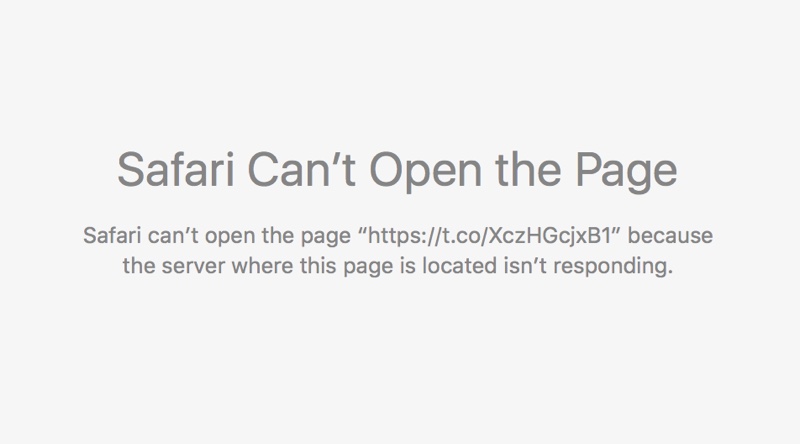
An annoying issue pertaining to broken Twitter links, which has persisted in Safari for Mac since November 2015, has been fixed in the third beta of the forthcoming OS X 10.11.4 El Capitan software update, according to user reports on the Apple Support Communities forums.
The “Safari can’t open the page because the server where this page is located is not responding” error page no longer appears when clicking shortened “t.co” Twitter links with the secure HTTPS protocol in Safari and third-party apps like Tweetbot.

A virtual private network, commonly referred to as a VPN, is a type of connection you can use over the internet that helps to secure your identity as you surf the web.
Often times, they're used to improve your security and privacy on public Wi-Fi networks, but they're also used for a wide variety of other reasons. If you've been considering using a VPN on your iOS device(s) or Mac(s), then you've come to the right place. We're going to tell you all about why you should consider using one and how to use a VPN on iPhone, iPad, or Mac to your advantage.

Safari Smart Search Field lets you type in either an URL to visit or a search query to send to the default search engine. It's also a place where search suggestions automatically pop up as you type. With this cool feature, you can type just the first few letters of a query and rely on the search engine (Google, Bing, Yahoo, etc.) to help you complete the search term without needing to type out the rest of your query. But, certain users may not be fond of this feature for privacy reasons.
If you're among them, use the step-by-step instructions provided in this tutorial to turn off suggested search terms in Safari for iPhone, iPad, and Mac.

One of my pet peeves with YouTube is how after completing a video, the service shoves a new video down your throat with a feature called "Up Next," which gives you a 15-second time frame to click the "X" button at the top right of the video before the next video starts to play.
Sounds familiar? If you feel the same way, then you've stumbled upon the right tutorial, because we're going to be showing you how you can disable this feature right from the YouTube website without installing any plug-ins, hacks, or other crazy stuff.