With all the apps out there that like to pry at your device’s location all the time, it’s no wonder that jailbreakers take their handset’s location service usage very seriously.
Some of the best jailbreak tweaks for location services on iOS 14

With all the apps out there that like to pry at your device’s location all the time, it’s no wonder that jailbreakers take their handset’s location service usage very seriously.
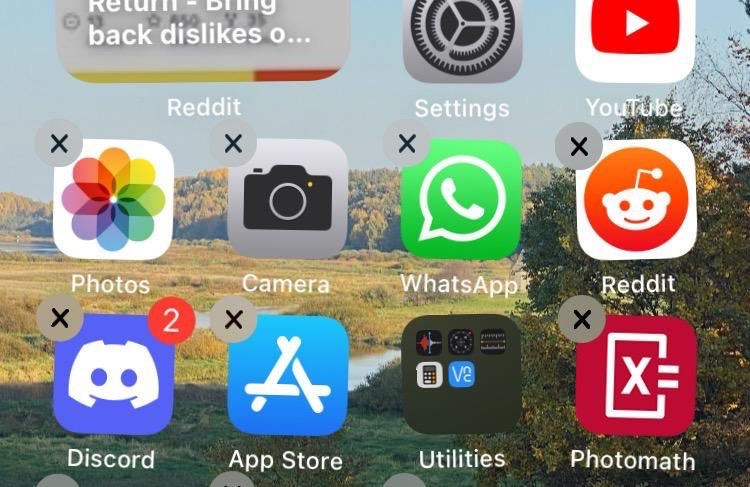
The process of deleting apps from your iPhone or iPad’s Home Screen has changed slightly over the years, as the user must now navigate a Haptic Touch menu before entering ‘jiggle’ mode to reveal the app deletion buttons.

You might’ve caught wind recently about YouTube changing how the Dislike button works on its platform. In fact, the changes are already live for users.
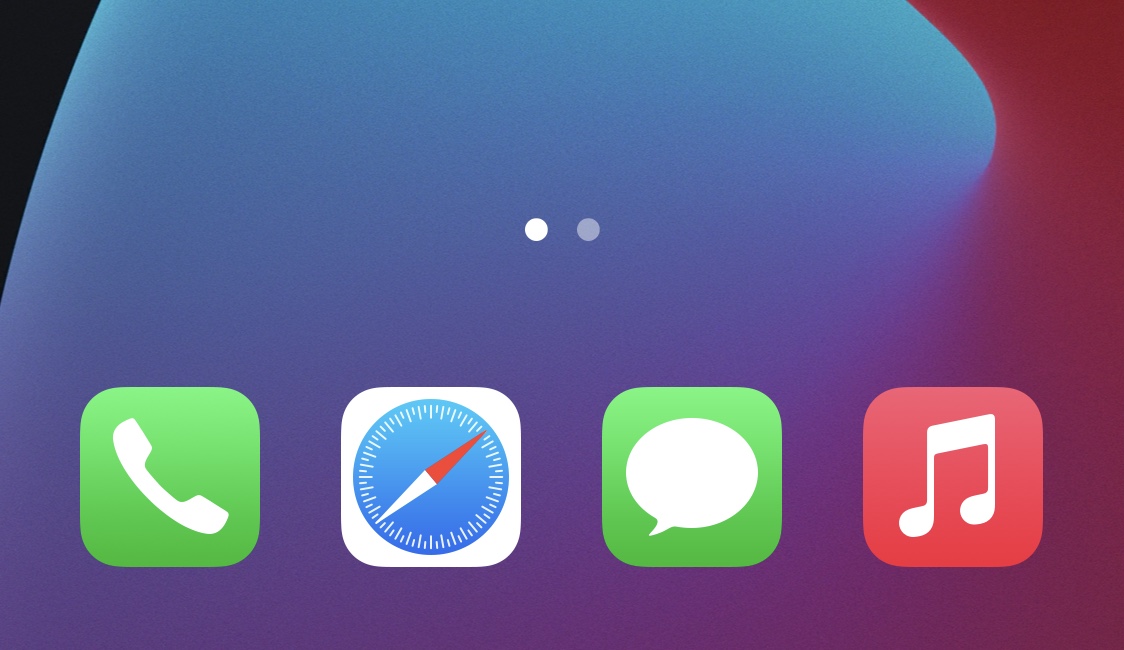
While I’ve always enjoyed having a background behind my iPhone’s Home Screen Dock, the fact remains that there are a substantial number of jailbreakers that partake in even more extreme forms of minimalism than me.

Looking for fun and exciting things to do with your jailbroken or soon-to-be jailbroken handset? Don’t worry, because your friends at iDownloadBlog have you covered!
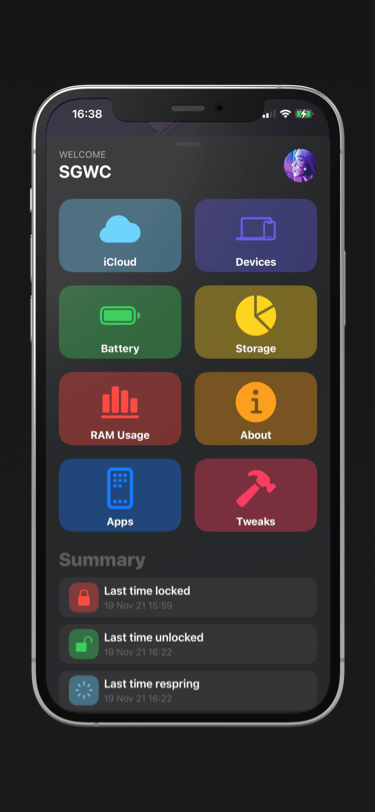
You can find most types of information specific to your iPhone or iPad in the native Settings app, but some tidbits of information are expressly hidden from users because Apple simply thinks it’s better that way.
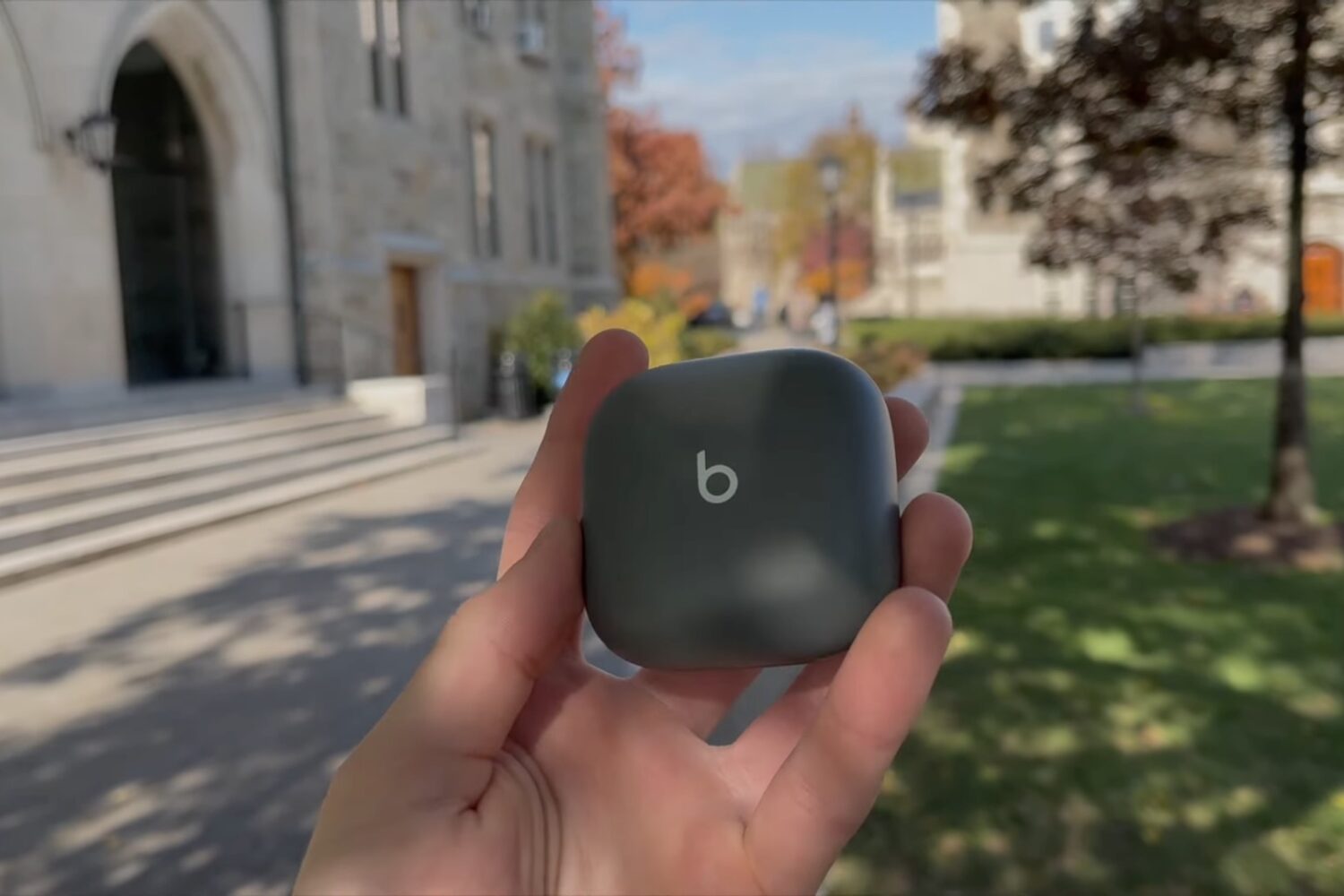
In this quick video review, we compare the $199 Beats Fit Pro wireless headphones to the $249 AirPods Pro. Which ones are a better buy? Our comparison video offers the answer.

One thing I’ve always liked about jailbreaking is that I could improve the accessibility of outdoor weather condition information. Popular tweaks I’ve used in the past include Forecast and Meteor, but newer iterations of iOS most certainly call for newer solutions.
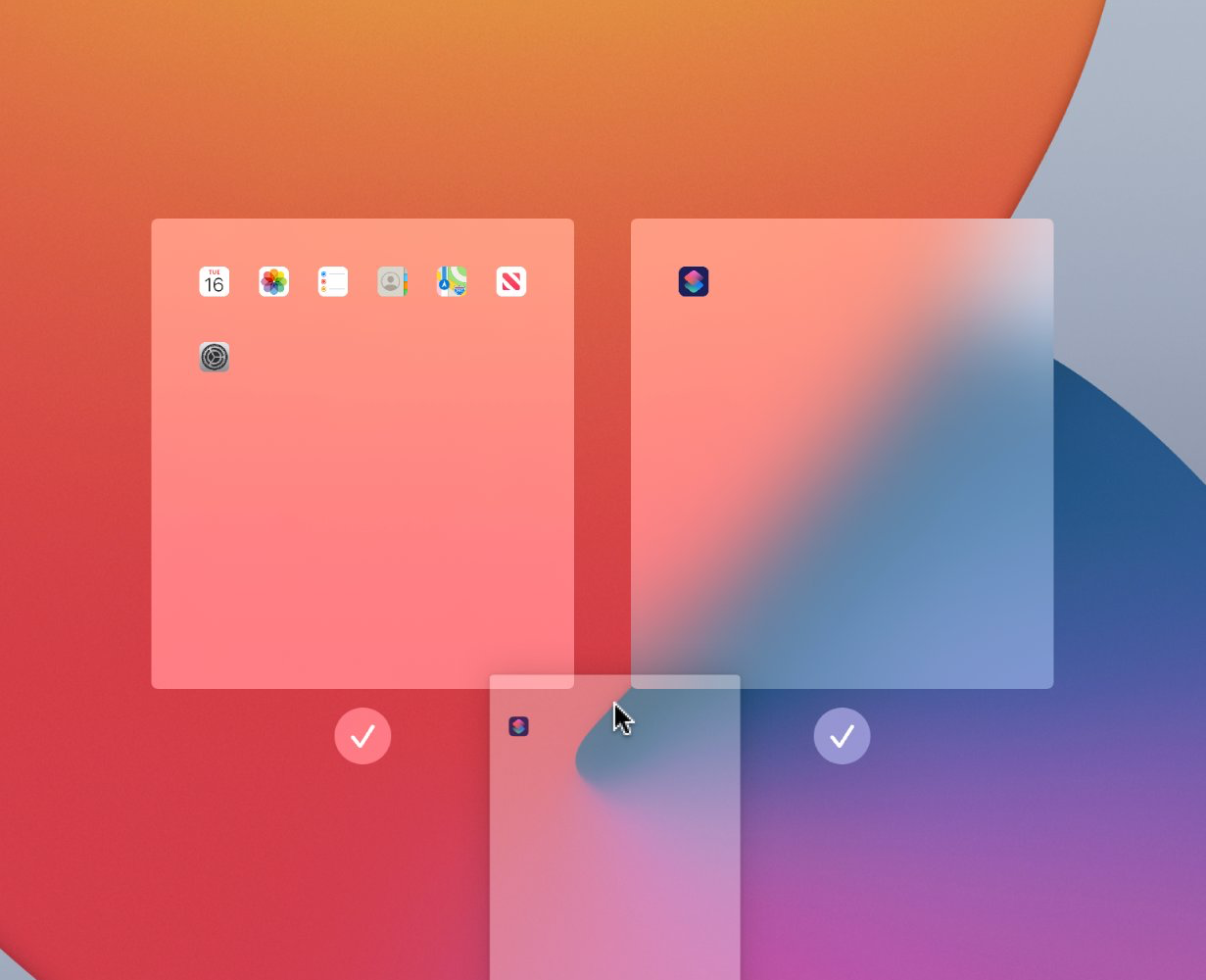
Starting with iPadOS 15, iPad users can do a whole lot more with their Home Screens than they could in iPadOS 14. That’s because Apple provided users with a more advanced Home Screen editing interface.
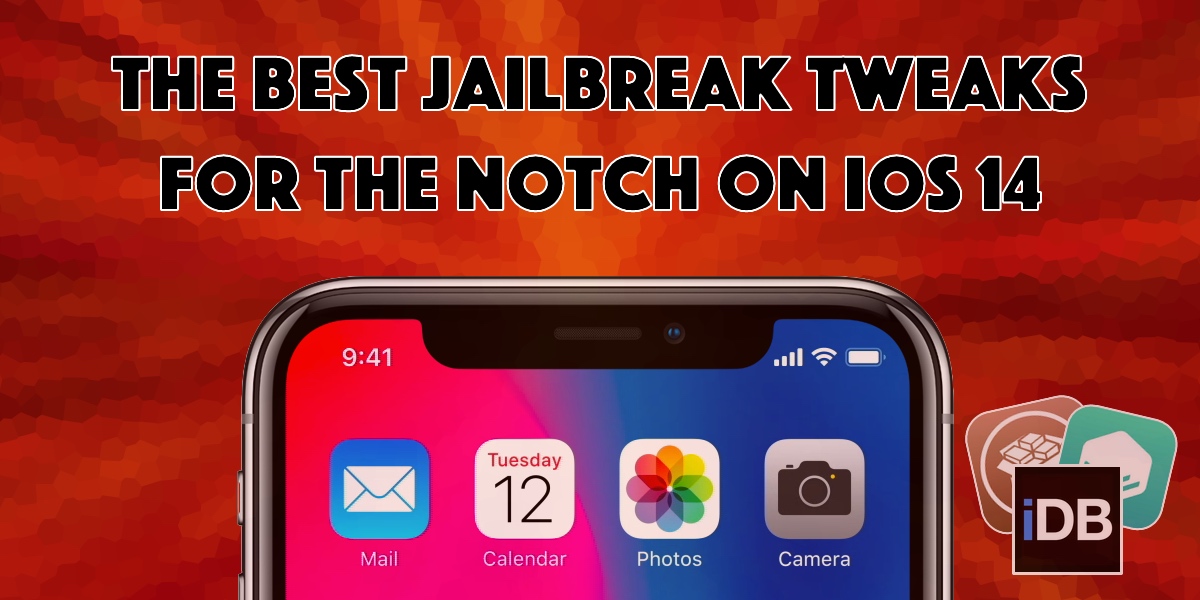
The notch has received both praise and criticism from avid iPhone users over the years. While some consider it an intriguing curvature in the display for housing the TrueDepth camera system, others find it a nuisance that hinders their display experience.

iOS 15 added a new feature that lets iPhone users rearrange their existing Home Screen pages to their heart’s content. While iOS 14 users can access the same editing interface from their Home Screen, they’ll notice that the rearrangement feature is notably missing.
It’s an exciting time to be a jailbreaker, whether you’re following Linus Henze’s Fugu14 untether development and what it spells out for existing iOS 14-centric jailbreak tools, or you’re hopeful of what becomes of all the latest kernel exploit teasers.