Having a passcode on your iPhone or iPad is a great thing because it protects your information from bad actors who may come in contact with your device.
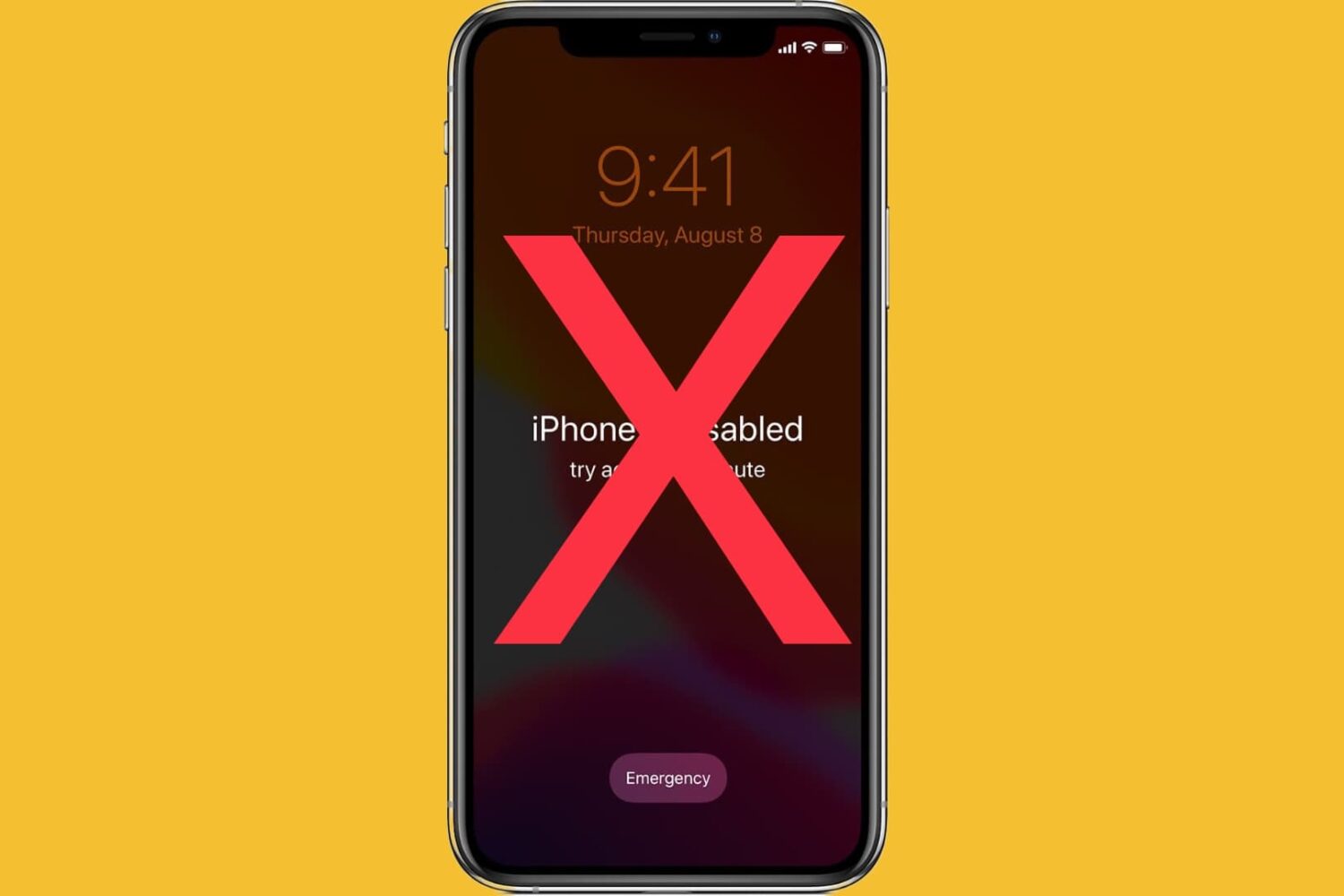
Having a passcode on your iPhone or iPad is a great thing because it protects your information from bad actors who may come in contact with your device.
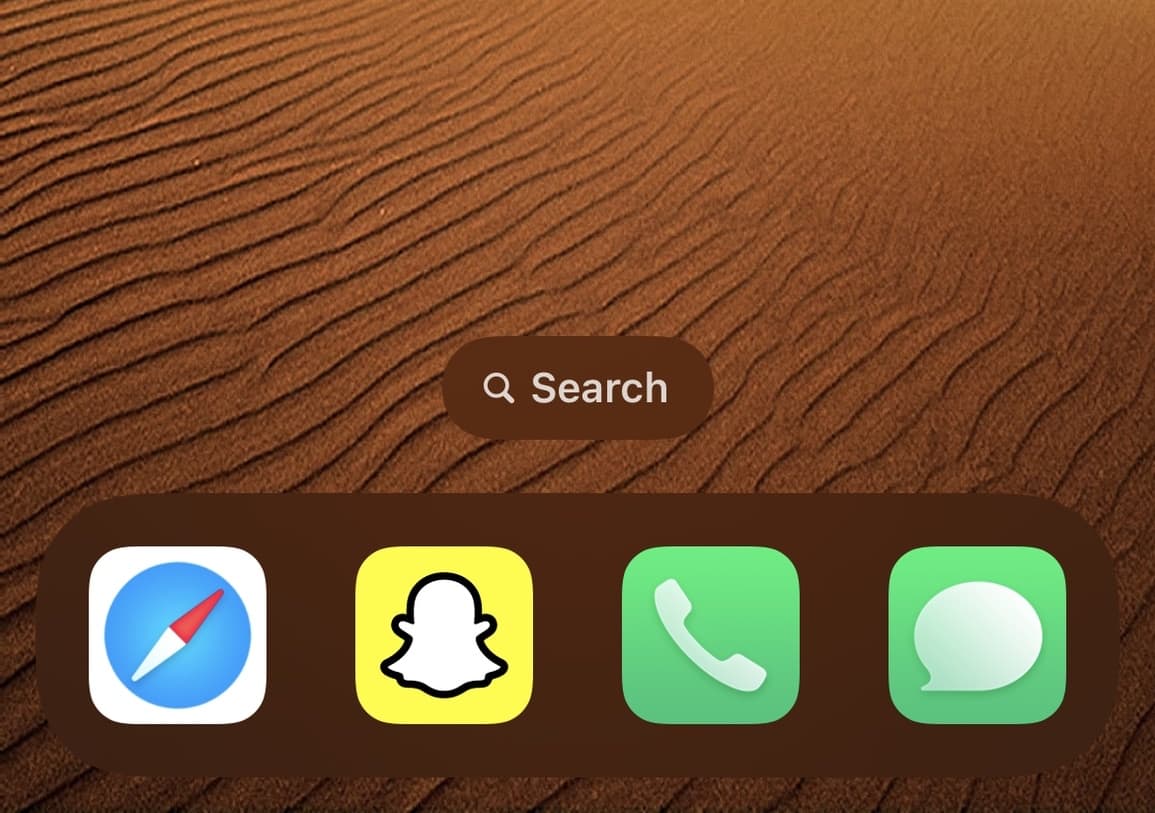
One of the neat new features in iOS & iPadOS 16 is the ability to access Spotlight search from your Home Screen by tapping on the little search pill at the bottom of your Home Screen where the page dots would ordinarily be.
At iDB, it’s our goal to keep our readers apprised of the latest jailbreak tweak releases and news as it breaks. But we also know that our readers have lives and can’t hawk-eye the news every waking moment of their lives.

If you’re interested in an add-on that can do away with some of the unsightlier UI elements for your device that has been jailbroken by way of Dopamine or palera1n-c in a rootless fashion, then a new and free jailbreak tweak called iSmooth by iOS developer maxiwee might be of interest you.
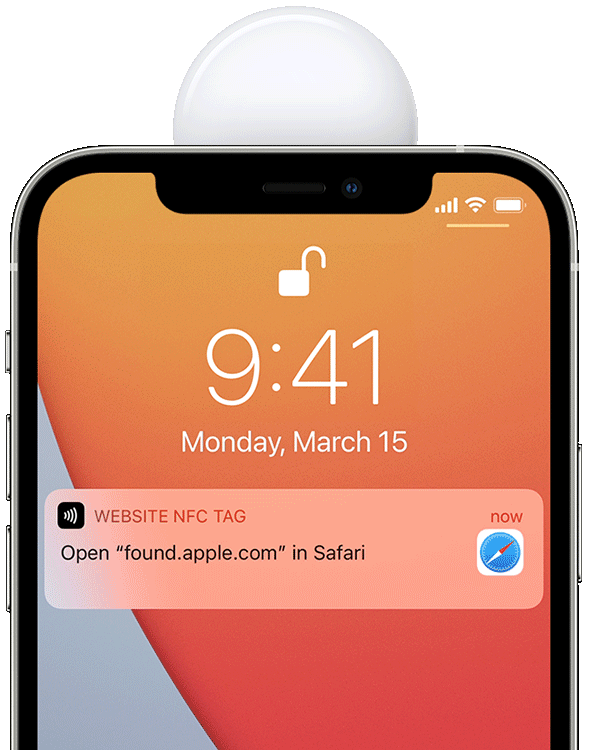
When you get a notification on your iPhone, you will receive a banner with a preview of the contents of your notification either at the top of your screen or on the Lock Screen.
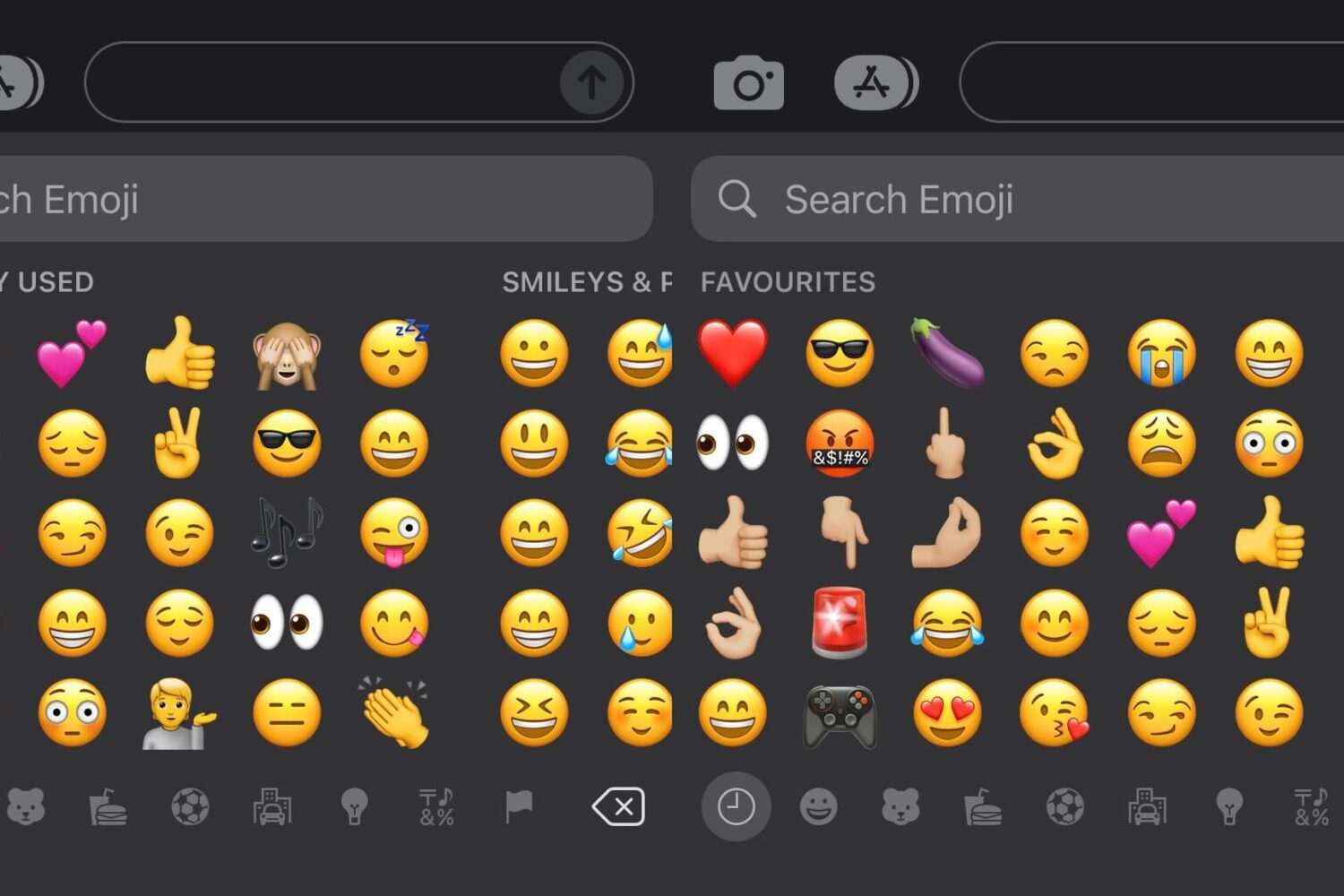
Emojis are a fun way to express yourself in text messages or on social media, but when you go to input the Emoji you want, you might find yourself being presented with suggested Emojis in the ‘Favorites’ section of the Emoji keyboardthat you don’t really want to use.
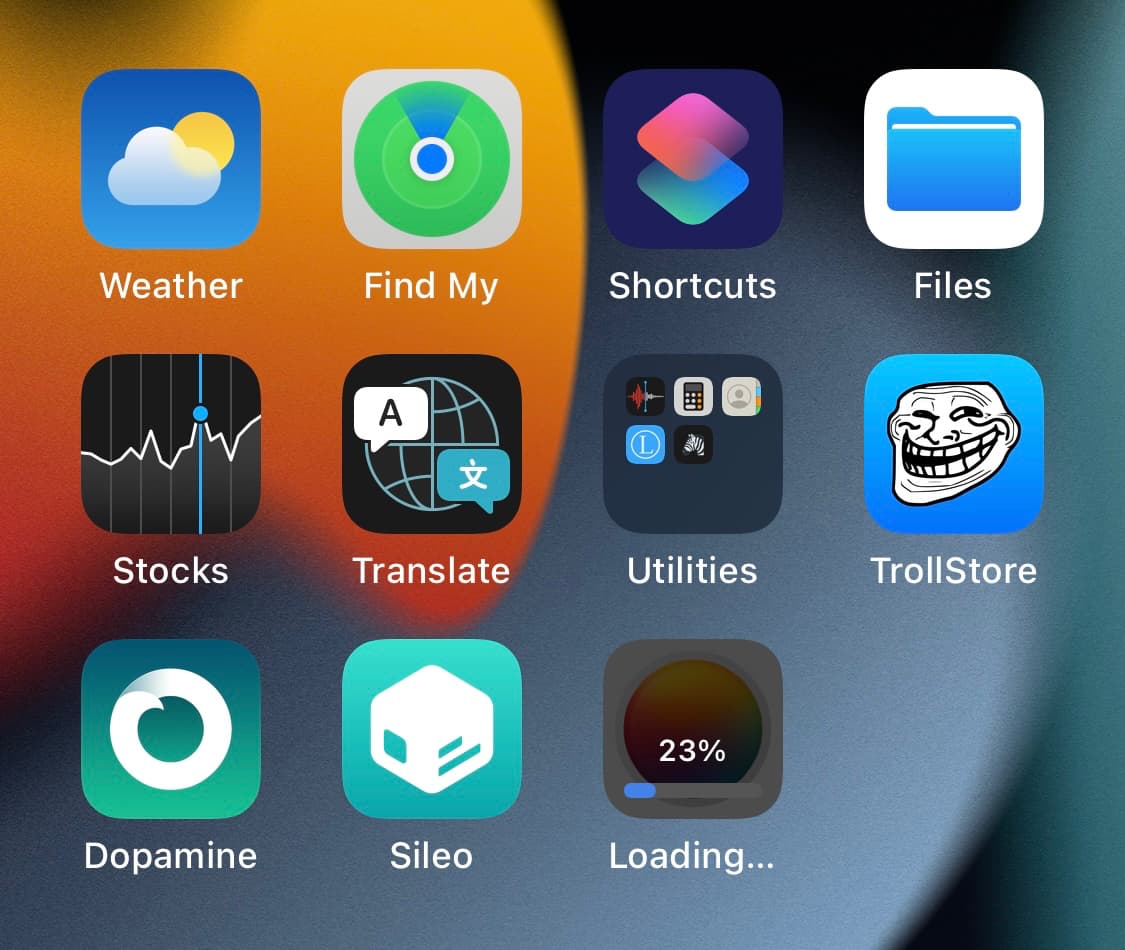
When you download apps from the App Store, you’re going to see a pie graph-style progress indicator that depicts the stage of the app’s download and install completion in real time.
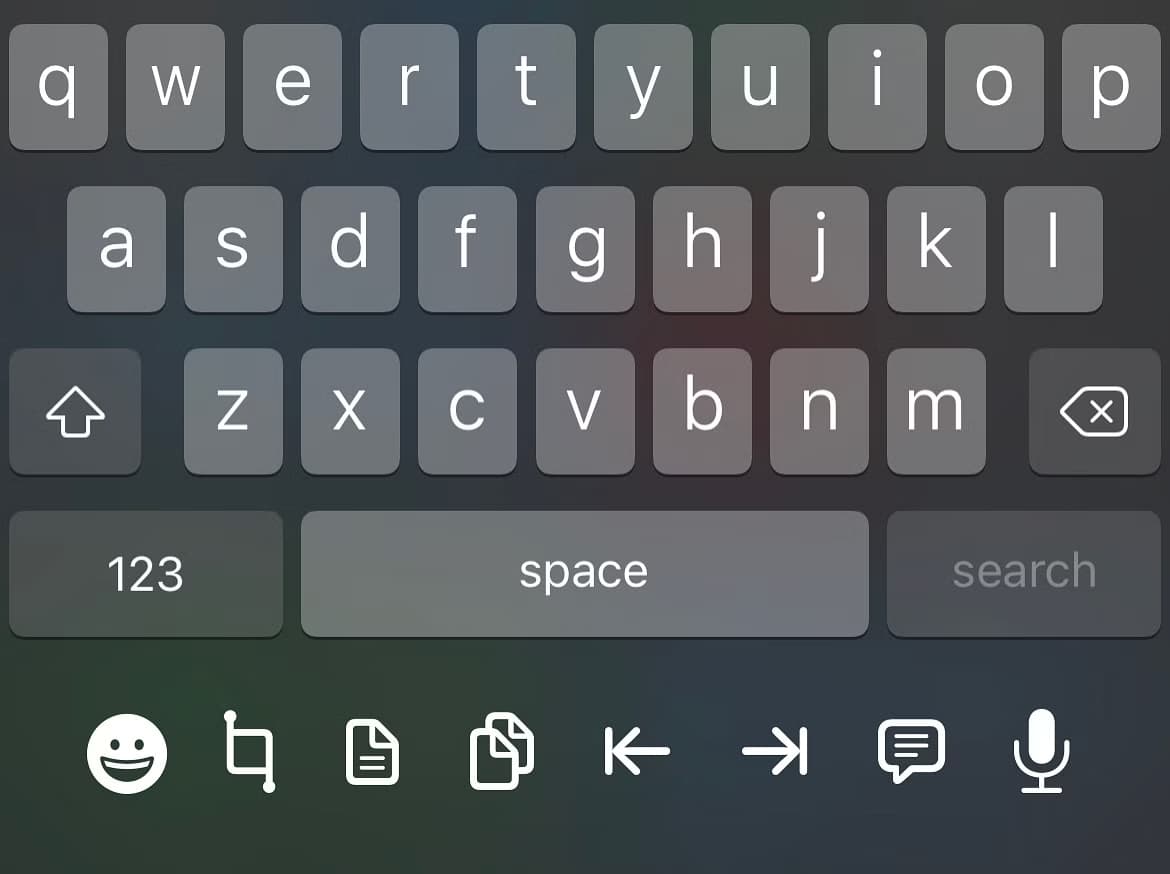
Anyone who does a substantial amount of typing on their iPhone could probably benefit from the likes of a newly released jailbreak tweak called UnderDock by iOS developer p2kdev, as it makes better use of the blank space under the keyboard on notched iPhones by providing handy workflow-enhancing shortcuts there.

One thing that on-the-go videographers seem to swear by is a quality gimbal. These devices keep your camera steady as you move so that video footage comes out smooth and jitter-free. While some cameras feature built-in image and video stabilization features, a physical gimbal does the job much better and yields impressive results.
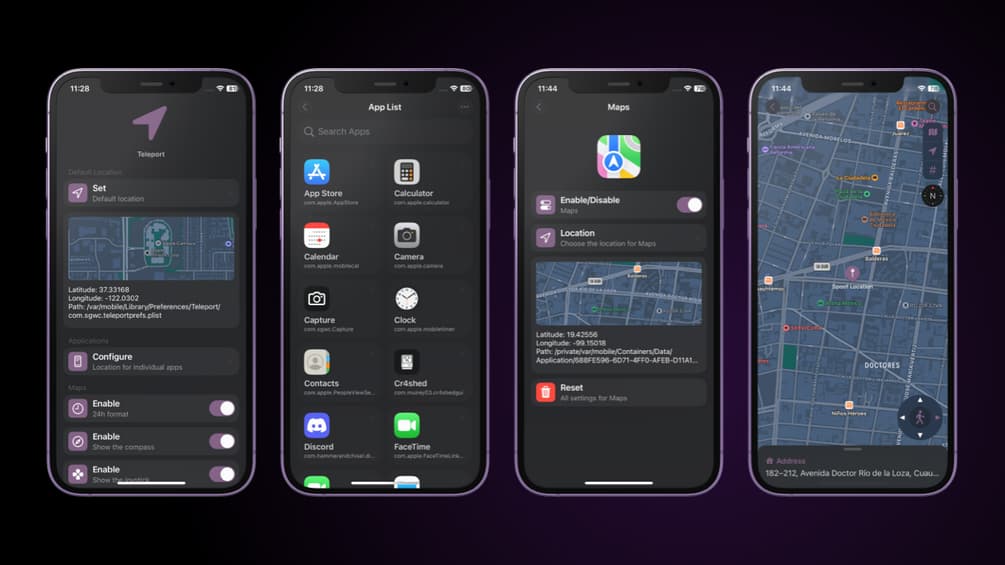
Almost everyone can relate to a situation where they might have wanted to spoof their iPhone’s true GPS location. After all, doing so can get you around certain app restrictions and unlock capabilities that aren’t available in your region or provide an advantage in certain location-based games.
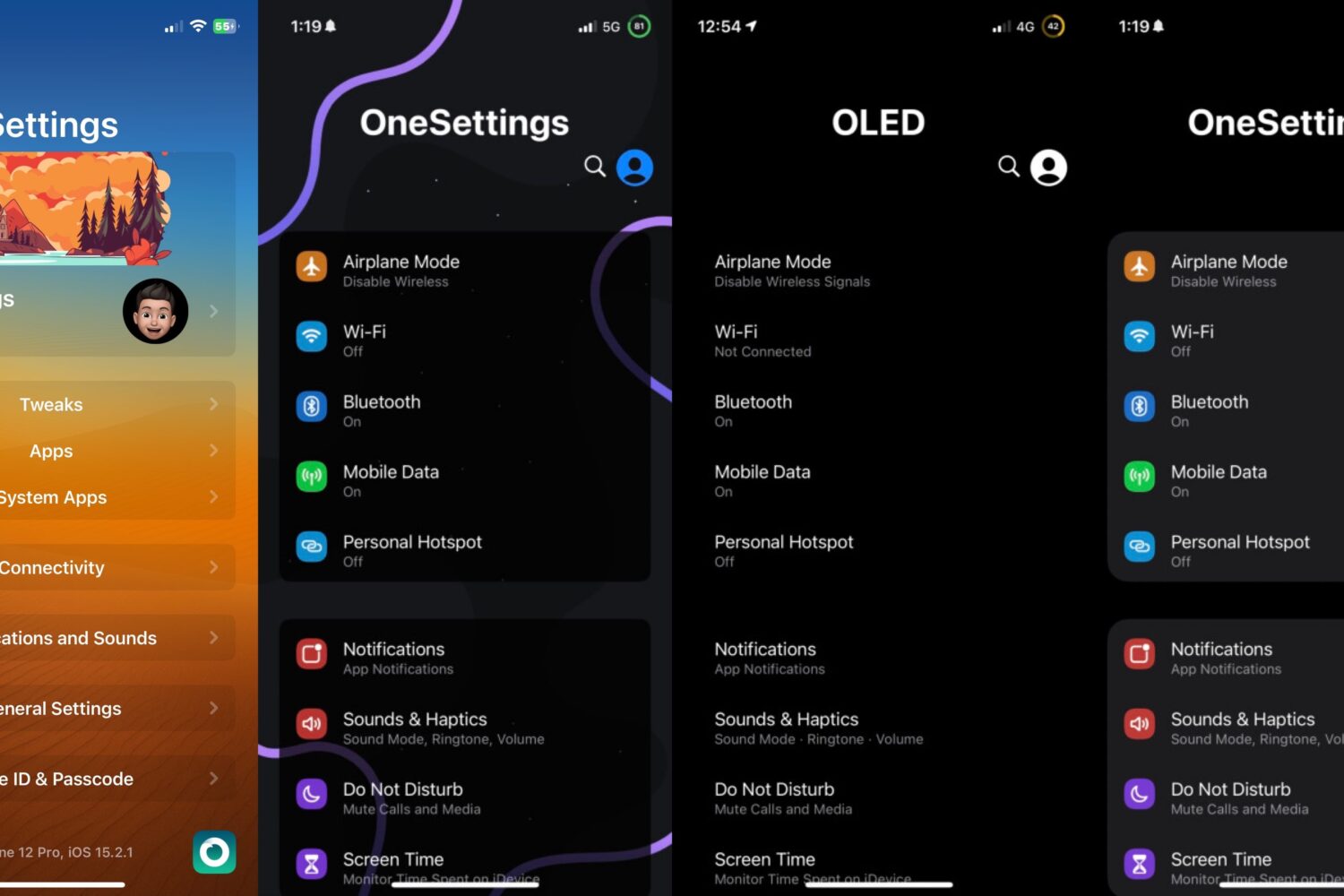
Just a couple of years ago, we showed you a jailbreak tweak called OneSettings by iOS developer Nightwind that could mimic the Settings layout of Samsung’s OneUI on the iPhone.