Review

Jailbreak tweaks of the week: PreferenceTag3 & more…

Every Sunday we come at you with a roundup of all the jailbreak tweaks that get released in Cydia, and this week will be no different.

This week we haven't had any groundbreaking new tweak releases, but there have been some worth talking about. We'll go over our favorites first and then give you an outline of the other new releases.

Postman: manually check for new emails from anywhere [jailbreak]

Normally, when you want to check to see if you have any new emails, you have to launch the Mail app and pull down to refresh the email inbox of your choice.

If you're already in the middle of something, stopping what you're doing to check to see if you have any emails is obtrusive. It would be so much better if you could just refresh your email from anywhere without leaving what you are currently doing in another app.

That's exactly what a new free jailbreak tweak called Postman is going to allow you to do, and it works with a key ingredient that most jailbreakers are already familiar with.

PaperGram sets your wallpaper to pictures from any Instagram feed

Wallpapers are one of those things that we often like to change up on our iPhones every so often, and it can be difficult to choose the right one at times.

A new free jailbreak tweak called PaperGram eliminates the process of having to choose a wallpaper yourself by automatically setting your wallpaper to something different at time increments of your choice. What's more is it sources the wallpaper images from Instagram, whether you're an Instagram user or not.

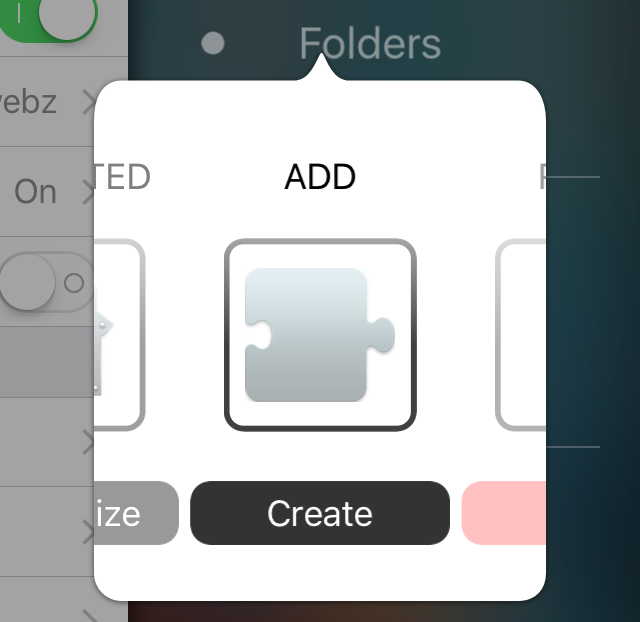
PreferenceTag3 lets you organize the iOS Settings app your own way

If you're like me, then you don't use every single setting that your iPhone comes with, and it would make life easier in the organization department if you could move around your Settings app's preference cells and hide the ones you don't use.

If this functionality sounds useful to you, then PreferenceTag3, which is a jailbreak tweak you can grab from Cydia for $1.99, is going to be your new best friend because it'll let your organize your Settings app exactly how you like it.

In this review, we'll show you what PreferenceTag3 is all about and how it works.

SafariHistory lets you quickly and selectively delete Safari history on your iPhone

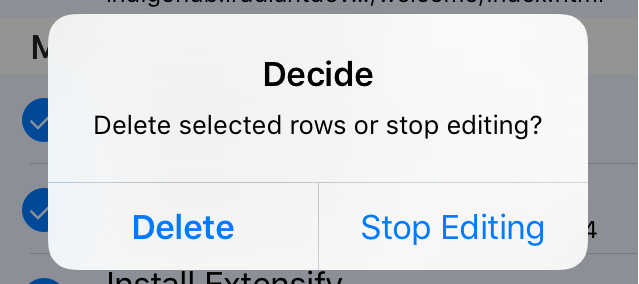
SafariHistory is a handy new jailbreak tweak that is now available for free in Cydia and it will give Safari users that don't use Private Browsing mode an easier way to delete their Safari history in bulk.

Although Safari on your iPhone and iPad includes a 'Clear' button to quickly delete all of your browsing history, the only way to delete individual history items is to swipe to the left on them to reveal the red "Delete" button, and this can take forever.

SafariHistory instead makes it easier to remove individual items in bulk without clearing your entire Safari browsing history, as you're about to see in this review.

Using your iPhone to diagnose your car’s check engine light

All the do-it-yourself mechanics out there love being able to troubleshoot their own check engine light (CEL) to see what's going on under the hood of their own cars. Typically, doing so requires an expensive OBD II scanner tool that plugs into the OBD II port underneath the dash.

But, with an app on your iPhone and a tiny accessory that plugs into the OBD II port, you could save some money and you'll still have access to a lot of the information the scan tool would give you. In fact, because of how advanced your iPhone is, you may even get more information than a lot of the scan tools will offer.

In this review, we'll be taking a look at the LELink Bluetooth Low Energy OBD II car diagnostic tool, which can be had for about $35 on Amazon, as well as the $9.99 OBD Fusion app, which can be had from the iOS App Store.

Hound voice assistant launches in the App Store, but how does it compare to Siri?

There are numerous companies competing to be the top dog in voice assistant software, but the makers of sound-tagging service SoundHound have made another alternative called Hound that promises an excellent voice assistant experience. Many initial reports suggest it's even more capable than the voice assistants you're used to using already, such as Siri, Google Now, and Cortana.

So just how capable is Hound? In this piece, we'll walk you through the new free-to-download Hound voice assistant for iOS and find out if it's as good as everyone says.

Jailbreak tweaks of the week: SpringInvaders, Seeker, & more…

Happy Sunday everyone! – And on that note, it's time for another roundup of the tweaks that we've shown you and have been released in Cydia this week.

It has been a slow but interesting week in terms of new jailbreak tweak releases, but without a jailbreak for more recent iOS firmware versions, the Changes tab in Cydia is feeling a wee bit dry.

Nevertheless, we'll go over this week's tweak releases so you're up to date on everything that went on this week.

EasyClear: the only 3D Touch notification clearing tweak you’ll ever need

Those rocking a jailbreak that have been looking for the perfect all-in-one 3D Touch notification-clearing tweak for their iOS device(s) need not look any further than a new jailbreak tweak release called EasyClear, which is now available in Cydia's BigBoss repository for $1.49.

This tweak makes use of the 3D Touch display on the iPhone 6s and iPhone 6s Plus to let you dismiss notifications universally throughout iOS. Whether it be a badge on an app icon from the Home screen, or one or more notifications from Notification Center.

‘Seeker’ is a feature-filled extension of Apple’s native audio scrubbing

The music controls from the Lock screen and Control Center leave a lot to be desired, which is why iOS jailbreak tweak developer Ron Thakrar has launched an excellent extension for the music controls.

Dubbed Seeker, this extension for jailbroken devices brings an array of new features to the music controls in the aforementioned interfaces and can be had from Cydia's BigBoss repository for the price of $2.99.

Quiver 3: a digital notebook built for developers

Without fail, anytime I settle down to work on a programming project, a large chunk of my time is devoted to searching Google and StackOverflow for the best ways to tackle a given coding issue. Even if I haven't run into a problem per se, looking for the most efficient approach to a function or finding a snippet of code that carries out a specific purpose are just a couple reasons why I'm continuously researching whatever language with which I'm working. That's why Quiver is such a huge help to me.

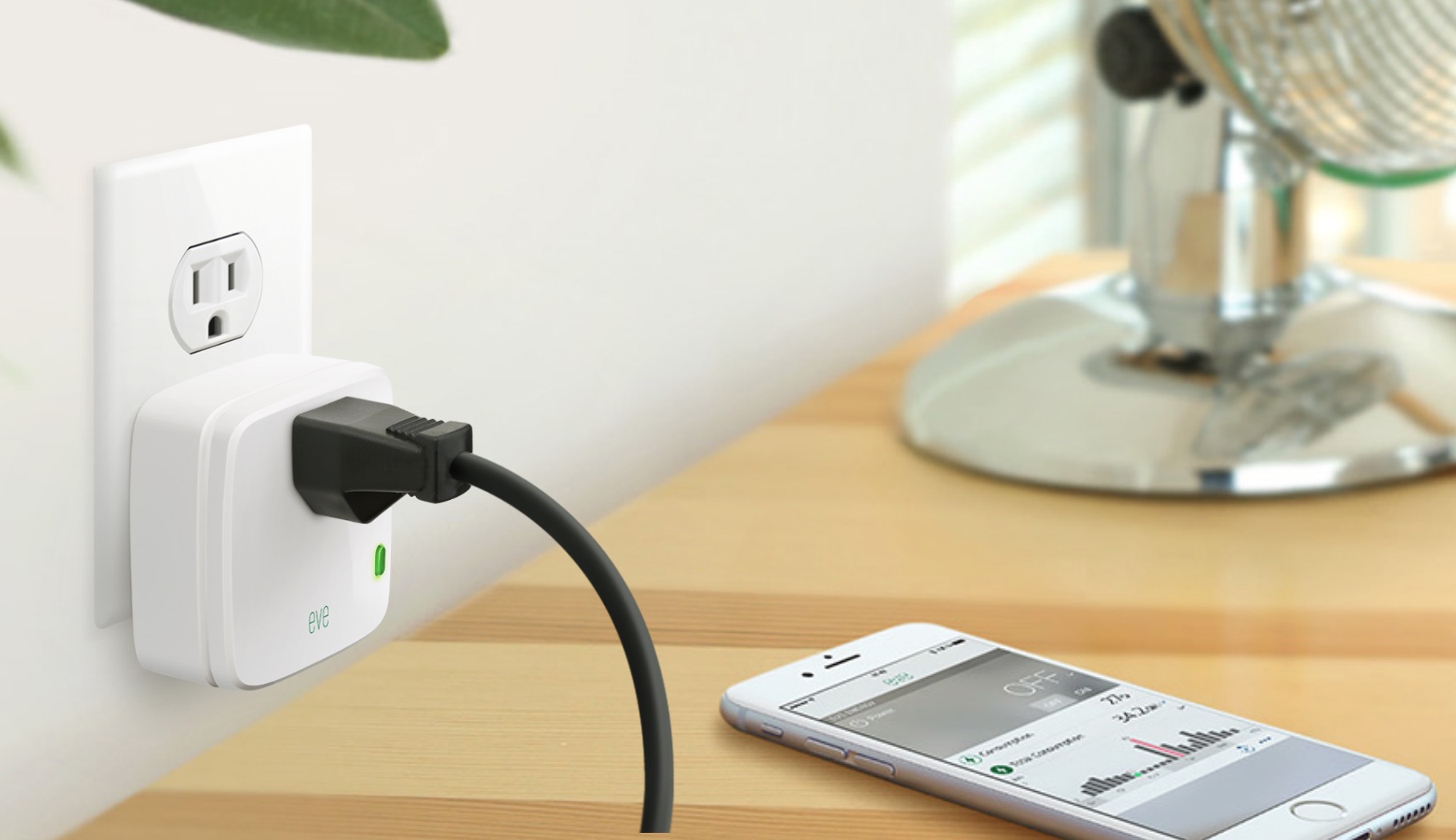
Elgato Eve Energy review: a HomeKit-enabled wireless sensor & switch

Apple’s HomeKit has had a bit of a rocky start. The home automation platform that was meant to tie all of your smart home devices together was plagued by delays from Apple, as well as manufacturers. Devices started to hit the market in the middle of last year, and this year at CES, we saw many new options that are slowly starting to trickle out. Today, we are going to take a look at one of those devices, Eve Energy from Elgato. It is a simple solutions for those who want to start or grow their smart home, without breaking the bank.