Productivity

Cannonball email app now available on iPhone

Last week, we gave you a list of our favorite email apps for iPad. Most of the apps on the list are universally available for all iOS devices. However, there is one on the list that, until now was only available on the iPad.

Cannonball received a big update this week that makes the third-party email app available on both the iPad and the iPhone. Now, you can keep your email activities the same across all devices…
The best email apps for iPad

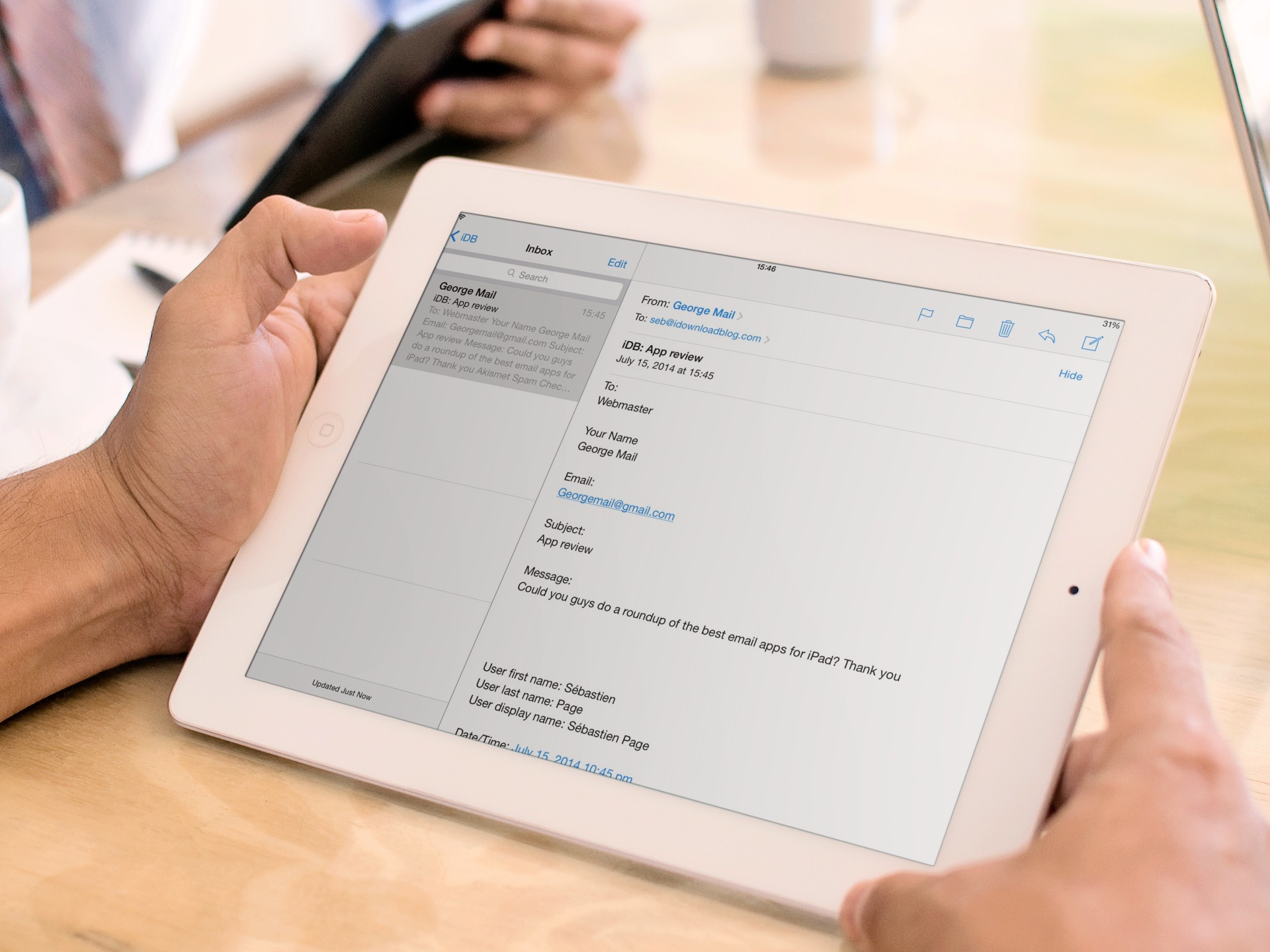
Just like when we gave you a list of our favorite calendar apps for both iPhone and iPad separately, we decided to add a list of our favorite email apps for iPad. Sure, some of the same apps below are also on the iPhone list, but there are other apps that work better on one device than the other and we’ve separated them for your convenience.

If you have an iPhone and an iPad, you have probably already discovered that the screen’s size makes a big difference with different app features. Check out our list below of what we think are the best email apps for the iPad…

Week Calendar for iPhone goes free for two days

We recently published a list of our favorite calendar apps for the iPad. After the list was published, some of our readers suggested that Week Calendar was worthy of the “Best Of” nomenclature, to which we agreed and updated the list accordingly.

The very next day, the app’s developer sent me an email to let me know that the iPhone version of Week Calendar is going to be free for a special promotion on July 15 and 16 only. If you haven’t already, be sure to grab this amazing app on the iPhone before it goes back up to full price…

Searchr is like Spotlight on steroids

Spotlight on iOS is my savior. When I want to find an app and don’t remember which folder I’ve stored it in, I simply pull down on my Home screen to access the Spotlight search bar and type in what I’m looking for.

Searchr is a search function for the iPhone that allows you to find content you are looking for, just like Spotlight. However, this app also includes a few additional features that let you perform a variety of actions without having to switch to another app…

The best iPad calendar apps (2014 edition)

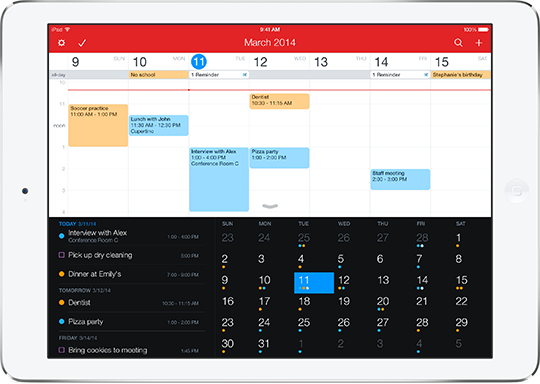
A few months ago, we shared our favorite calendar apps for the iPhone. We are big on making lists, organizing, and planning out our lives around here. One list is just not enough, especially if you use your iPad and iPhone for very different things.

This time around, we compiled a list of what we think are the best calendar apps for iPad in the App Store. Check out our list below and feel free to let us know what your favorites are in the comment section…

Appoint is a smart calendar that works the way you want it to

There are so many calendar apps in the App Store it will make your head spin. There are quite a few really good ones, too. When someone asks me to recommend the best calendar app, it is hard to choose a favorite.

Appoint is another great new calendar app that has everything you need to customize your schedule the way you want it. Whether you want dark or light themes, daily or monthly views, or would rather see your events as a list, this app has what you need...

Tinker app will make sure you stay productive

I’m the kind of person who needs constant self-supervision. I don’t work in an office and I am surrounded by my playthings. I regularly need to remind myself to get back to work because there is no one looking over my shoulder telling me to do so.

Tinker - Tweak Your Productivity is a goal minded productivity app that makes it possible for you to be on task, every minute of the day. Instead of creating long lists of things to do and trying to prioritize them, this app has you create duration-based goals that help you stay on track until your time is up. Read on for our app review of Tinker…

Weekly helps you keep track of tasks and goals

There are some tasks that need to be taken care of only once. Those can easily be listed in any format, including the good old-fashioned pencil and paper method. Other tasks are meant to be done every day. They are more like goals than tasks. Nonetheless, they still need to be tracked.

Weekly is a task tracker that makes it incredibly simple for you to add content, update activities, and see your progress at a glance. We’ve got an app review of Weekly for you today to see if it is something you’d be interested in…

Slides app arriving to iOS in the coming weeks, says Google

Back in April, Google finally decided to release standalone Docs and Sheets apps for the iPhone and iPad, the former a text editor and the latter a spreadsheet app.

But Google's mobile productivity efforts are comprised of a trio of apps - Docs, Sheets and Slides, a presentation software. Today at Google I/O, the search company has rounded out the trio with a new Slides for Android app that will be available on iOS "in the coming weeks"...

Inky Mail makes email distractions a thing of the past

I receive dozens of emails during my workday. Some of them are important, but don’t require my immediate attention. Some must be addressed as soon as possible. Some are just advertisements for a sale that I can’t resist and will end up spending money on something I don’t need. Email is distracting.

Inky Mail hopes to curb some of those distractions with time saving features and simple organization tools that will help you address what you need to and leave alone what you don’t. Combine all of your various email accounts into one straightforward app and keep your correspondences from getting in the way of your work…

Readdle updates PDF Expert 5, now a universal app

Readdle has just launched an update to its popular PDF management app, PDF Expert 5 that includes support for iPhone and iPad in one. Now, you can read, edit, and share your PDF files on any device with one convenient app.

Version 5.1 also includes updates specifically designed for the smaller screen. Freehand draw, add figures and manage pages all on your iPhone. All this, and the update is free if you are already using PDF Expert 5 for the iPad…

Boximize review: turn your notes into personal databases

When I think of note taking apps, I assume that their main function is to allow you to jot down important information so you can easily access it later. Good note taking apps let you organize entries by date or category. Everything else is just gravy.

Boximize turns the whole note-taking production and turns it on its head. Now, you can organize notes into collections with customizable fields so your thoughts and ideas become a complex database. We have a detailed Boximize review for you below…