Learn about 3 simple, free techniques to remove the background of a photo on Mac and take your visual content to the next level.
How to remove the background of an image on Mac for free
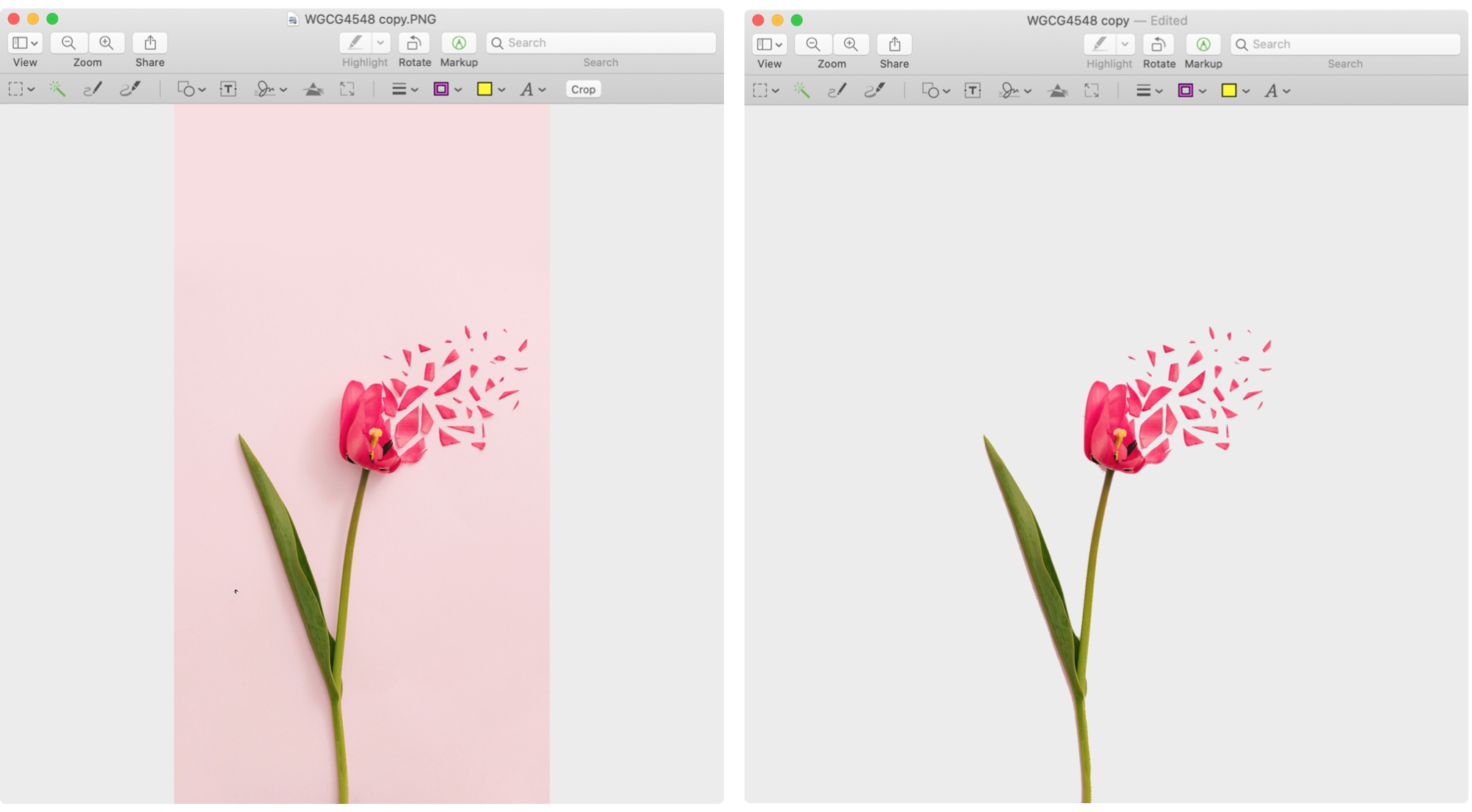
Learn about 3 simple, free techniques to remove the background of a photo on Mac and take your visual content to the next level.

Discover essential tips for effectively searching and saving searches in Mail on Mac, boosting your productivity and email management.
Need to export photos, videos, or slideshows? Here’s how to change the format, pick the quality, and export media from the Photos app on Mac.
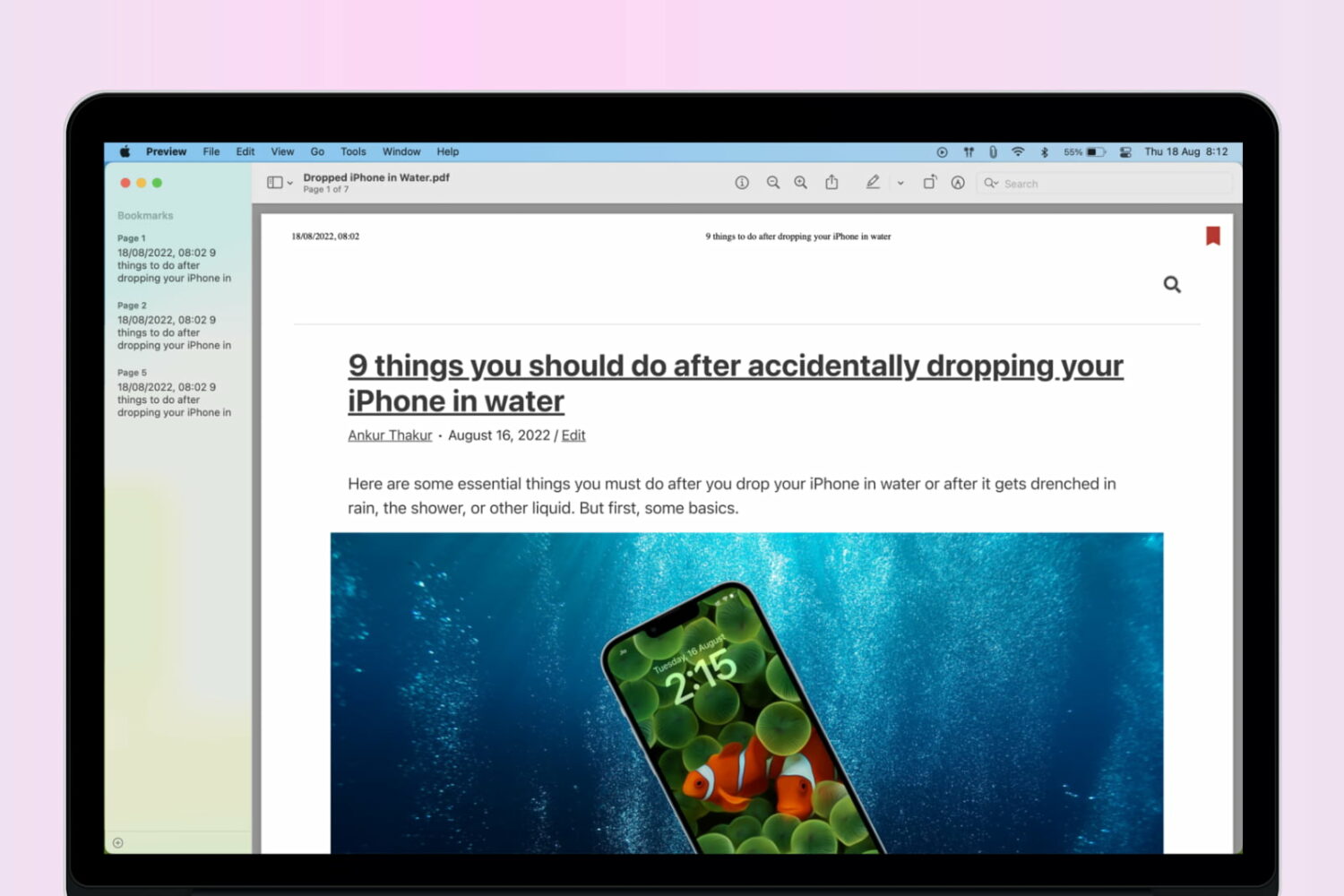
Learn how to add bookmarks in a PDF using the built-in Apple Preview app on your Mac to easily reference sections of a lengthy document.
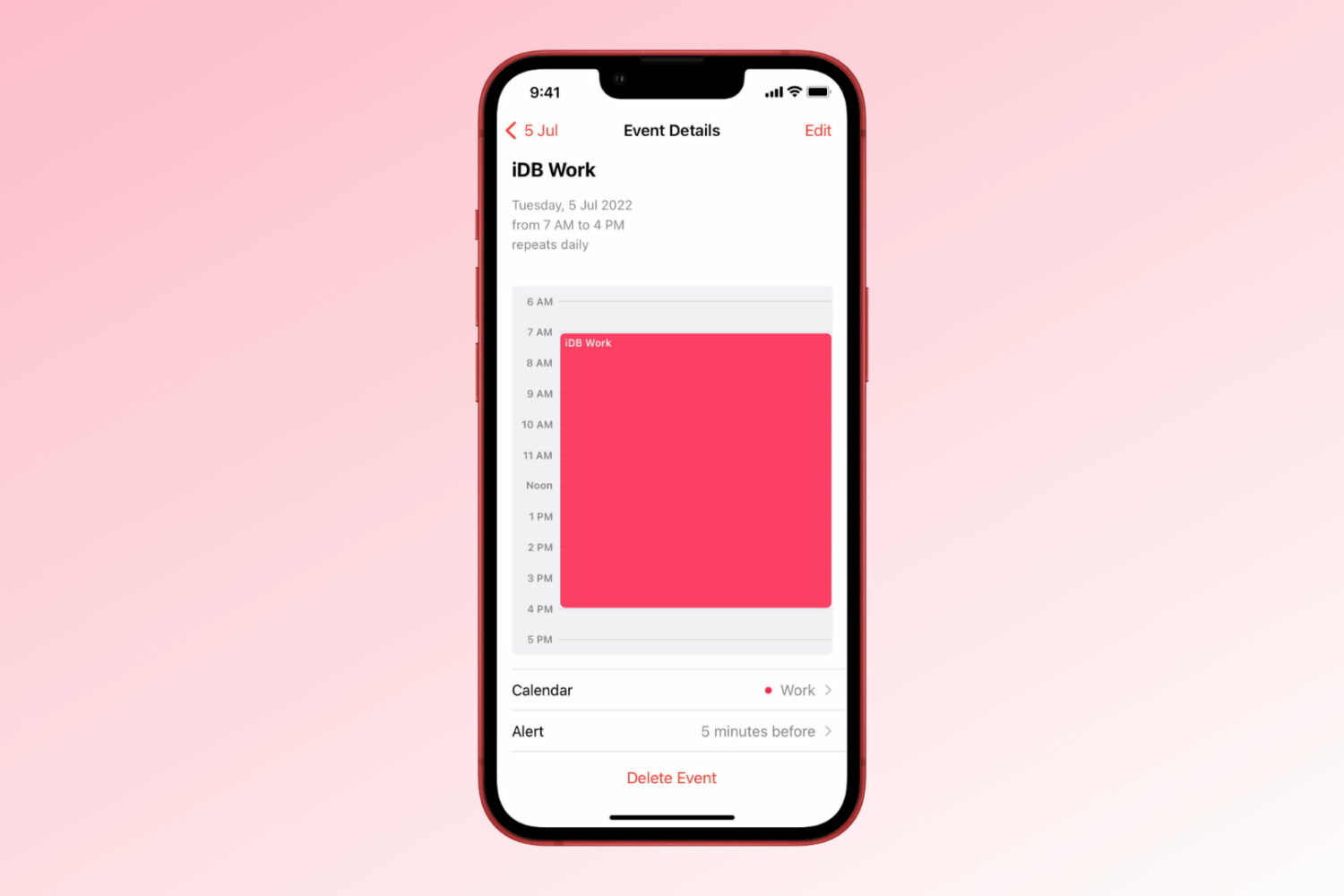
Learn how to create repeating events in the Apple Calendar app on iPhone, iPad, and Mac to get alerted of important events that occur regularly.

Google yesterday announced a set of changes and new features that are coming to or are already available in its mobile word processor Docs, spreadsheet app Sheets and presentation software Slides, including support for the system-wide Dark Mode on the iPhone and iPad.
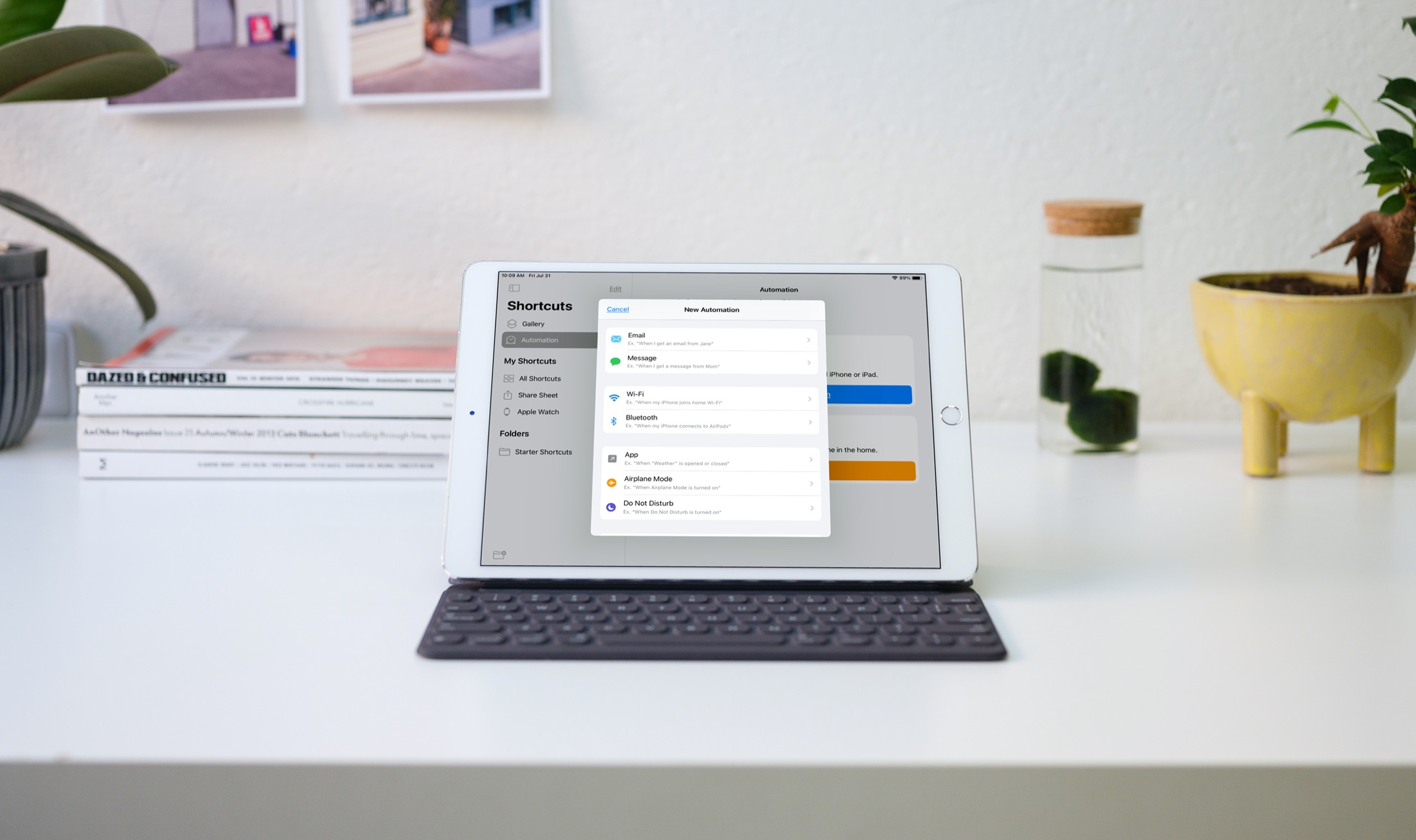
Automations in the Shortcuts app give you awesome ways to make tasks simpler. With automations, you can do things like open an app, play music, or make a phone call, all automatically based on triggers you set up.
The Shortcuts app offers both personal and home automations to make your life a little easier. And with iOS 14 and iPadOS 14, you have even more triggers available. Here, we’ll show you how to use some of these new personal automation triggers in Shortcuts.
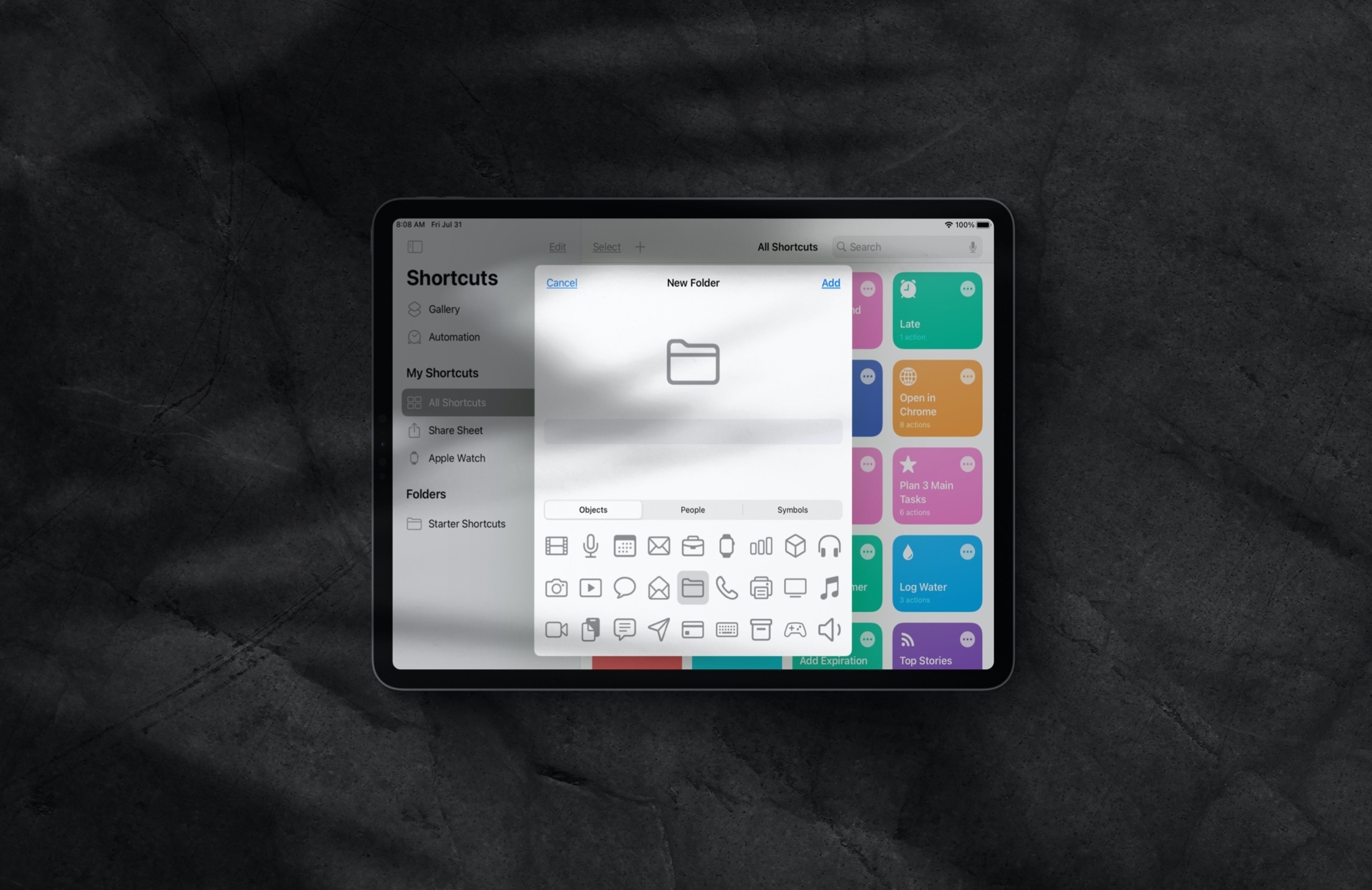
Manage folders inside the Shortcuts app on iPhone and iPad to keep your iOS shortcuts neatly grouped and organized.
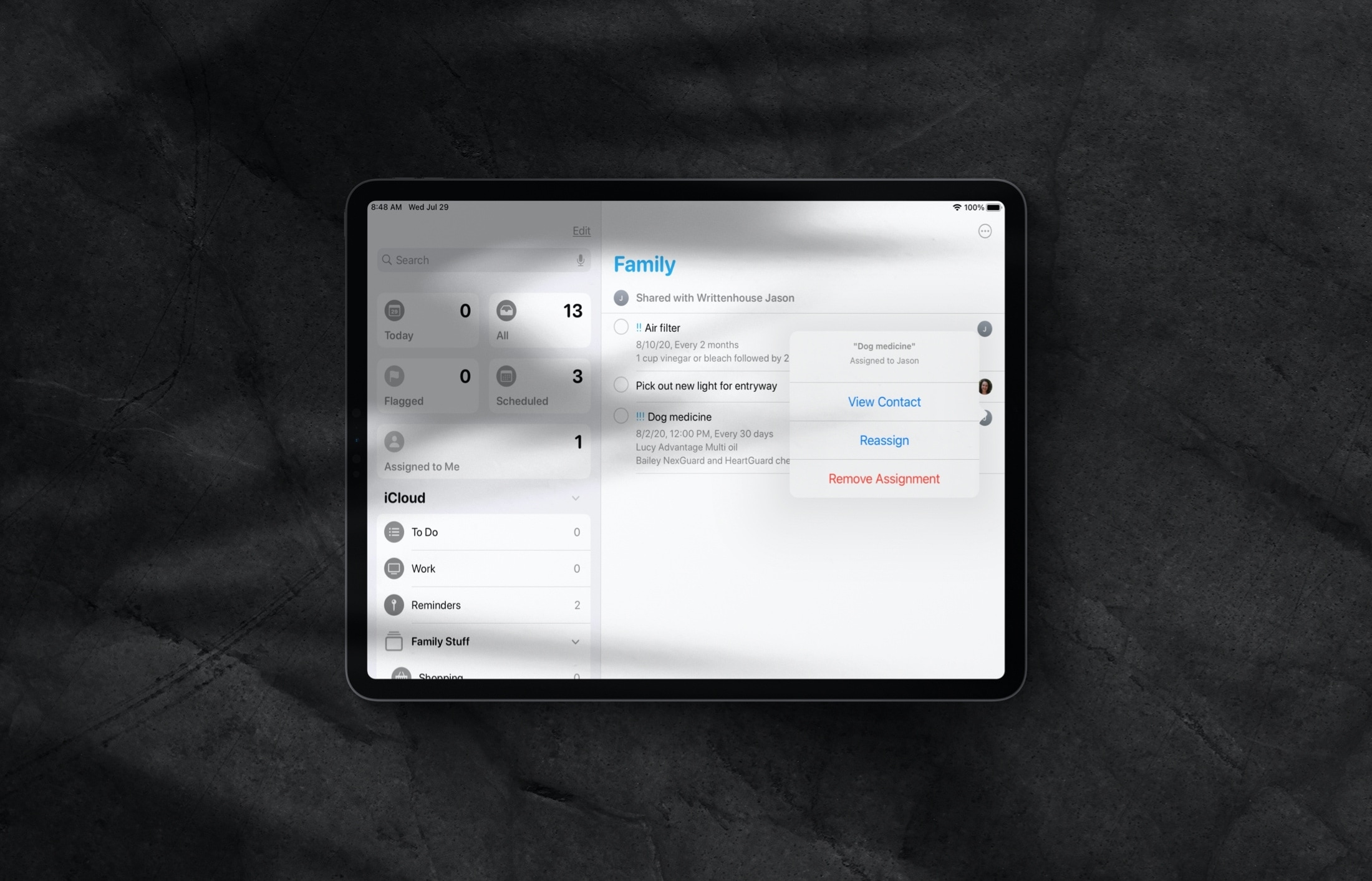
Learn how to assign reminders to different people in a shared Reminders list on iPhone and iPad so everything gets done on time by the right individuals.
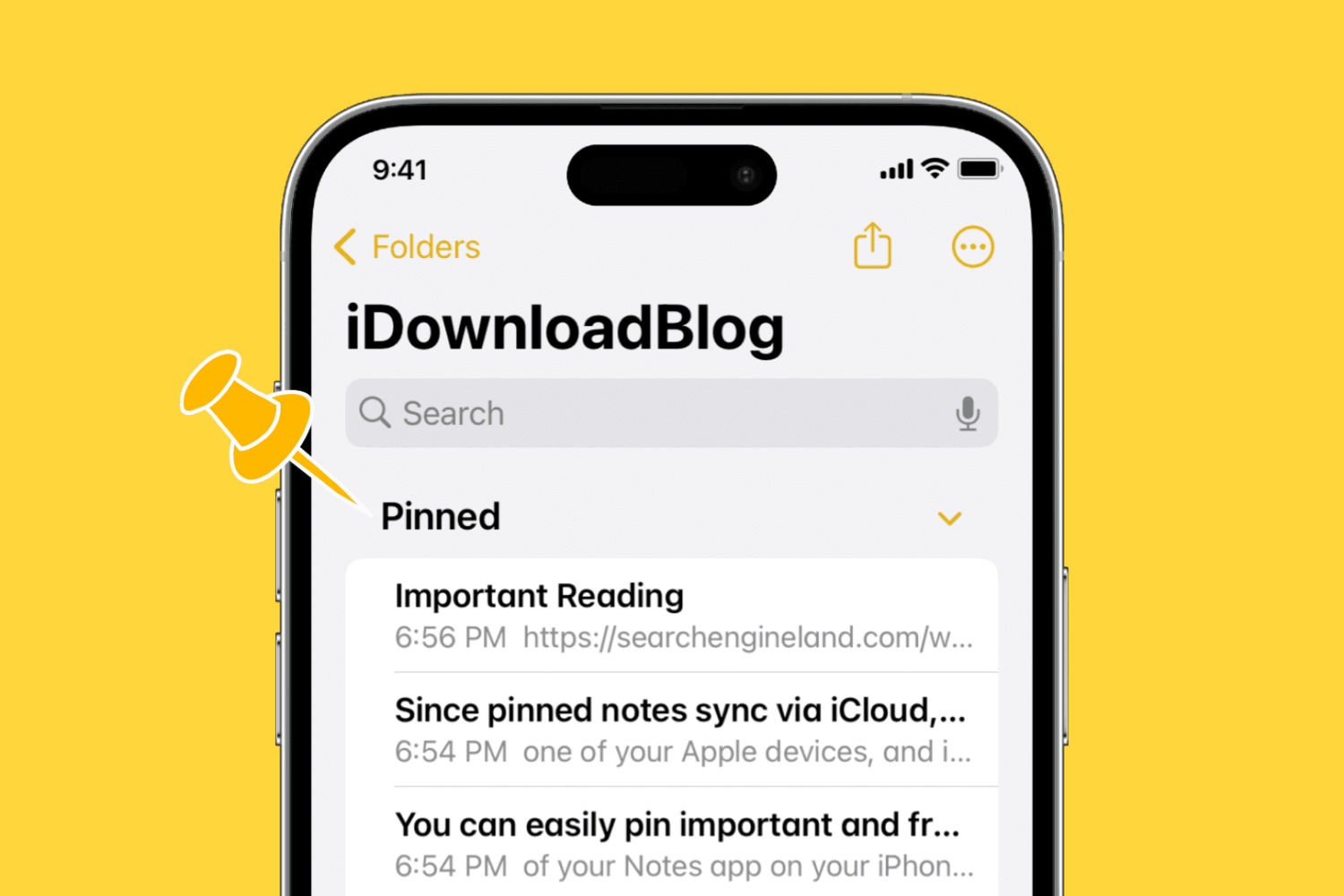
Learn how to pin notes in the Apple Notes app on your iPhone, iPad, and Mac to keep your most important entries easy to access.
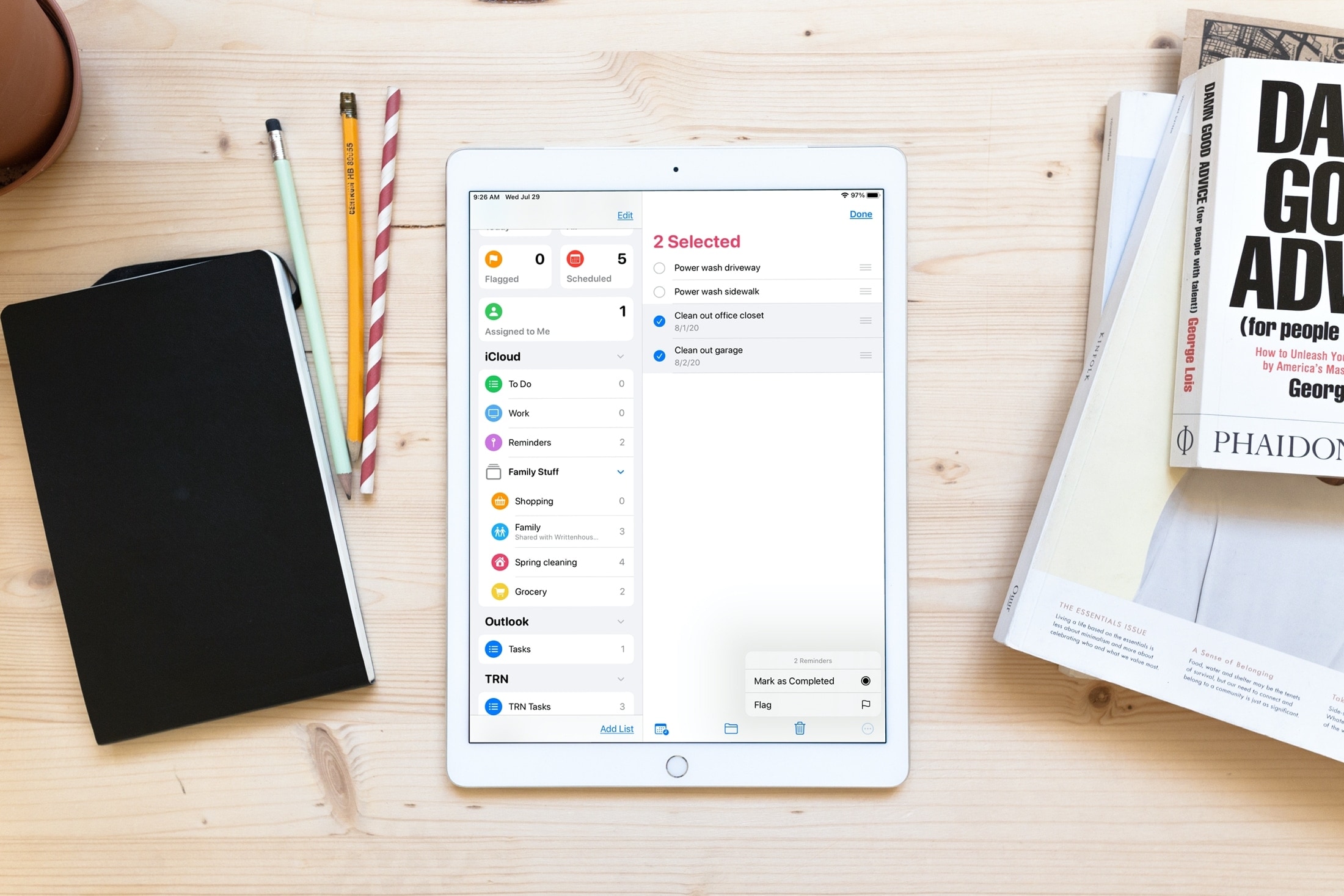
Save time and increase productivity by editing multiple reminders at once, including marking them as done or revising their due date.

Get quick and easy access to the most common actions of the iOS Notes app by learning how to use the handy actions menu for an individual note, folder, or sub-folder.