Label specific audio recordings as favorites in the Voice Memos app on your iPhone, iPad, and Mac so you can quickly access those important voice clips when needed.
How to mark recordings as favorites in Apple Voice Memos
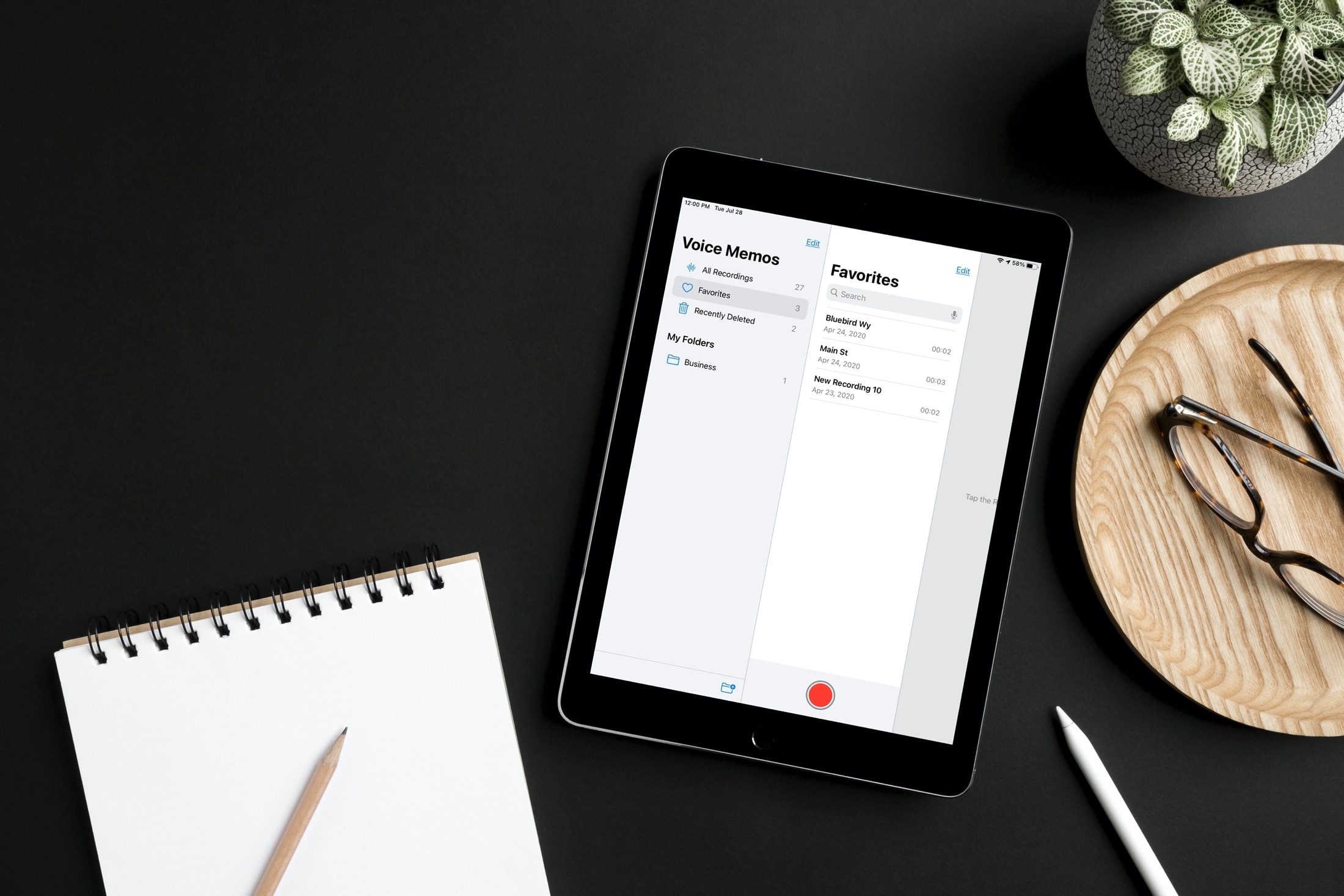
Label specific audio recordings as favorites in the Voice Memos app on your iPhone, iPad, and Mac so you can quickly access those important voice clips when needed.
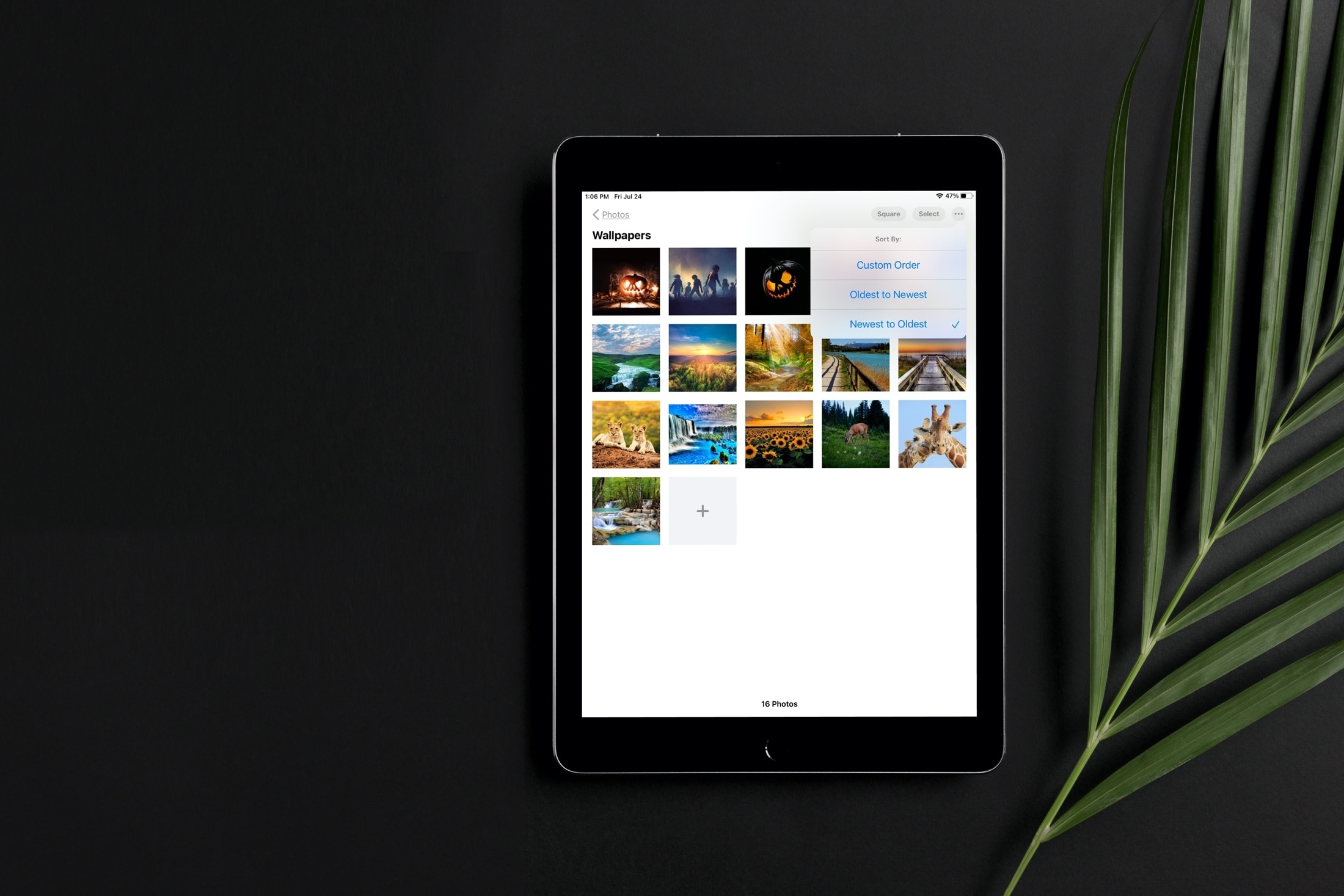
Learn how to sort images and videos in the built-in Photos app on your iPhone or iPad by date or custom order to organize your library.
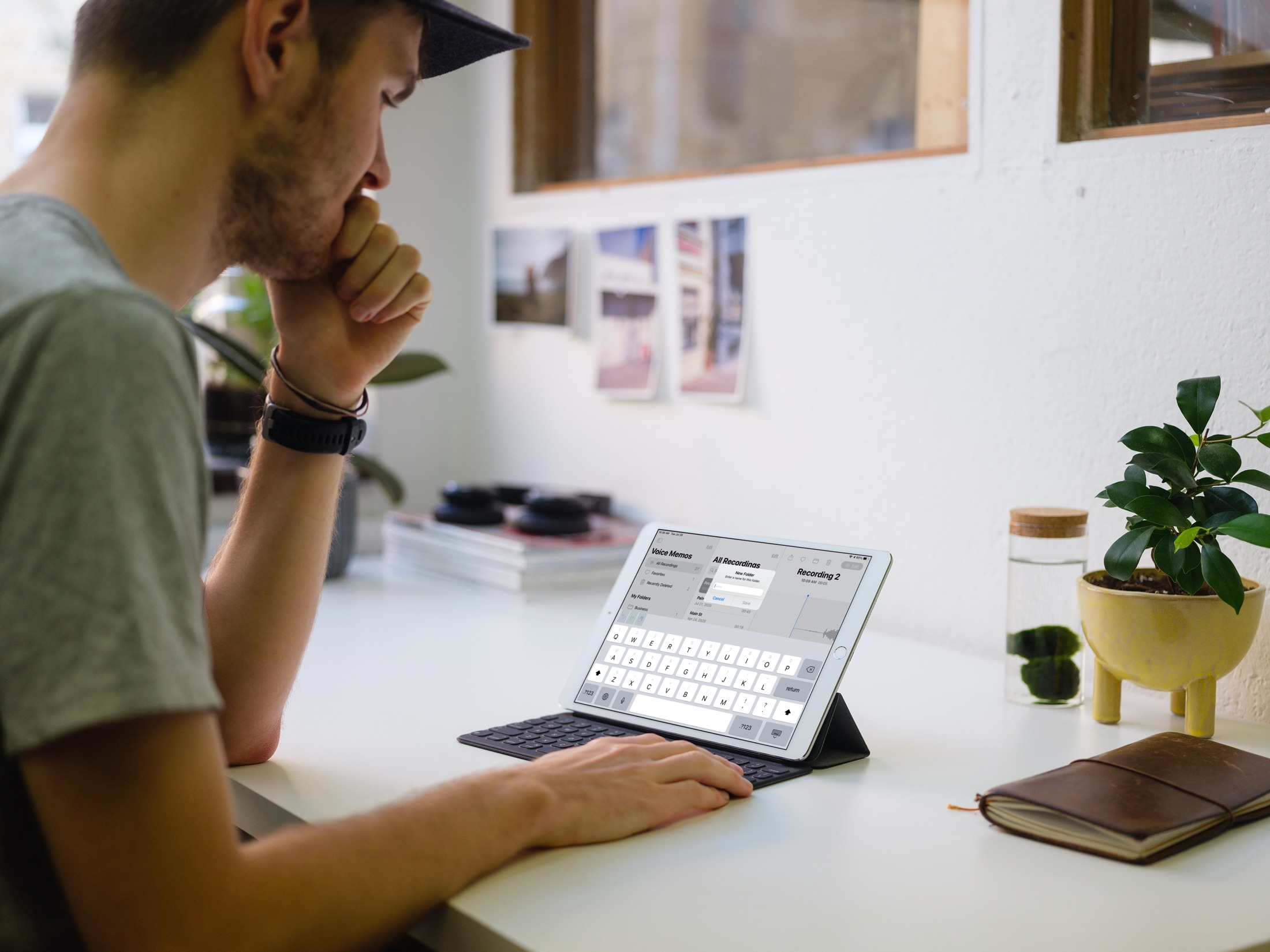
Check out the easy steps to create, use, and manage folders in the Voice Memos app on iPhone, iPad, and Mac to better organize your voice recordings.
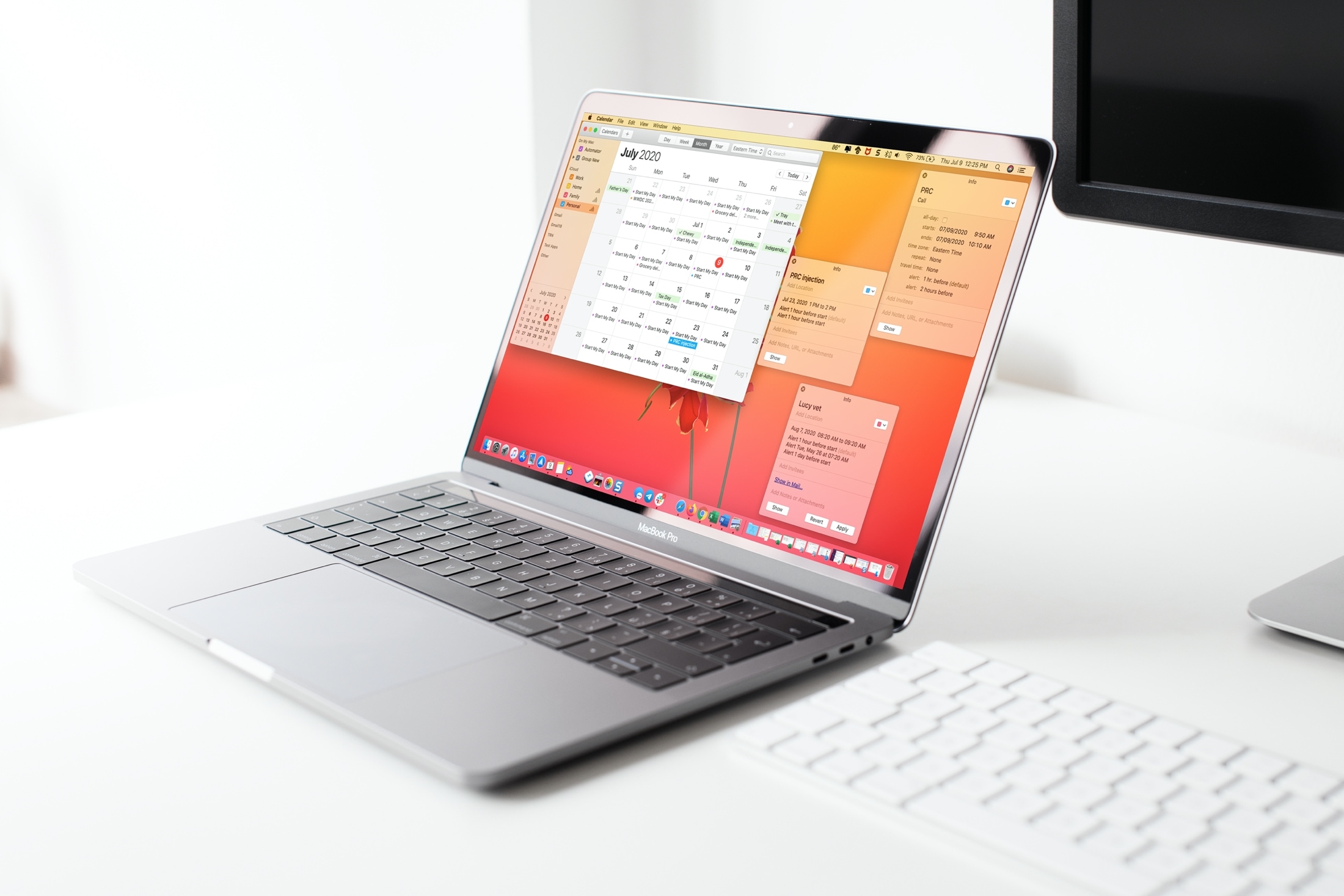
Learn two simple ways to open your Calendar events in their own windows on Mac, so you can place them anywhere on the screen or easily compare multiple events.
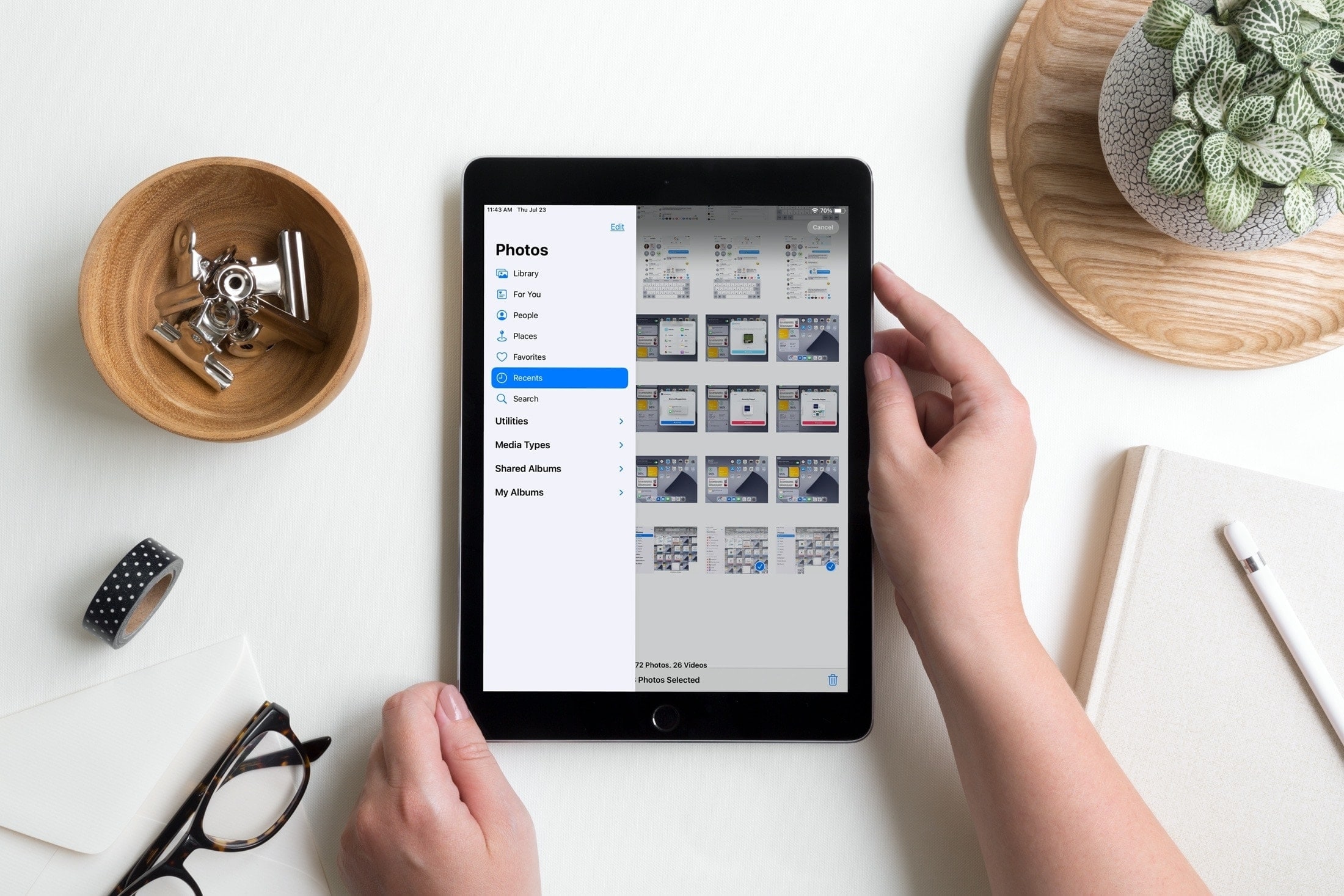
Learn how to use the sidebar in the Photos app on your iPad to easily access and navigate your image library, shared albums, specific media types, and more.
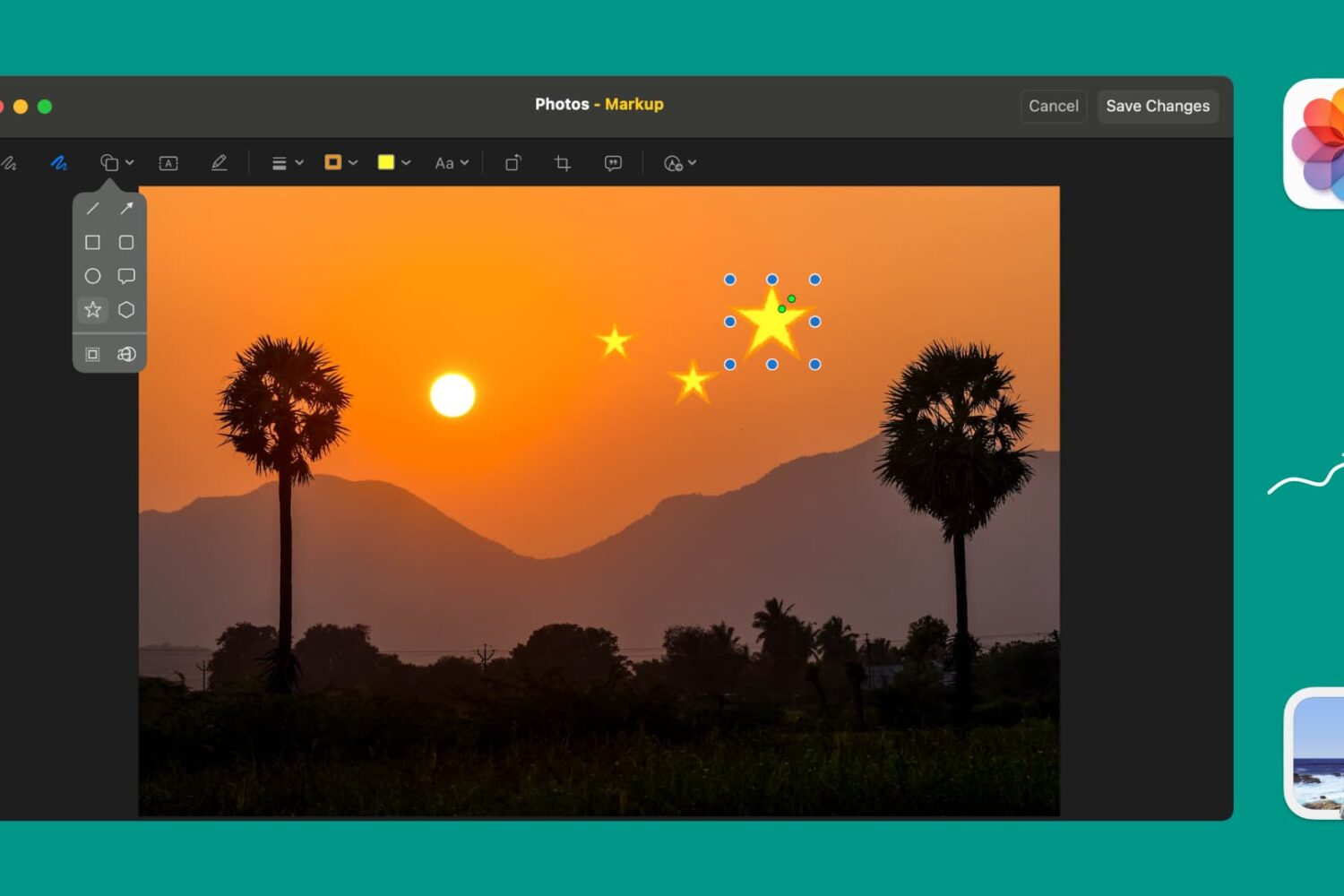
Learn how to use Markup tools in the Preview and Photos apps to annotate, highlight, add shapes, or draw on images without needing third-party apps.
Learn how to use a lesser-known setting in the Preview app on your Mac if using the ‘Go to Page’ feature takes you to the wrong page in the PDF.
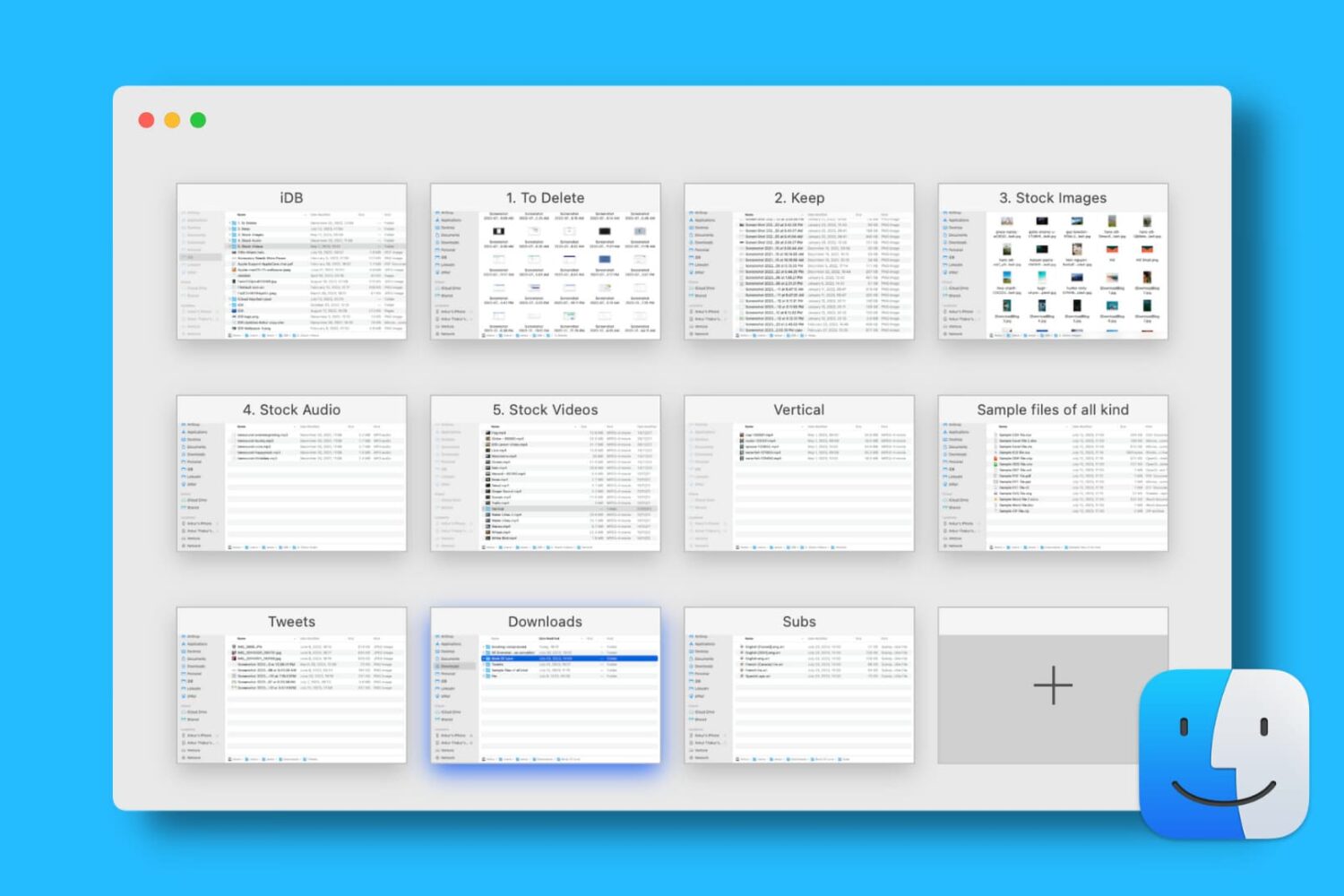
Find out how to open, use, navigate, rearrange, and close tabs in Finder on your Mac so you can work with multiple folders in just one window and keep your desktop uncluttered.
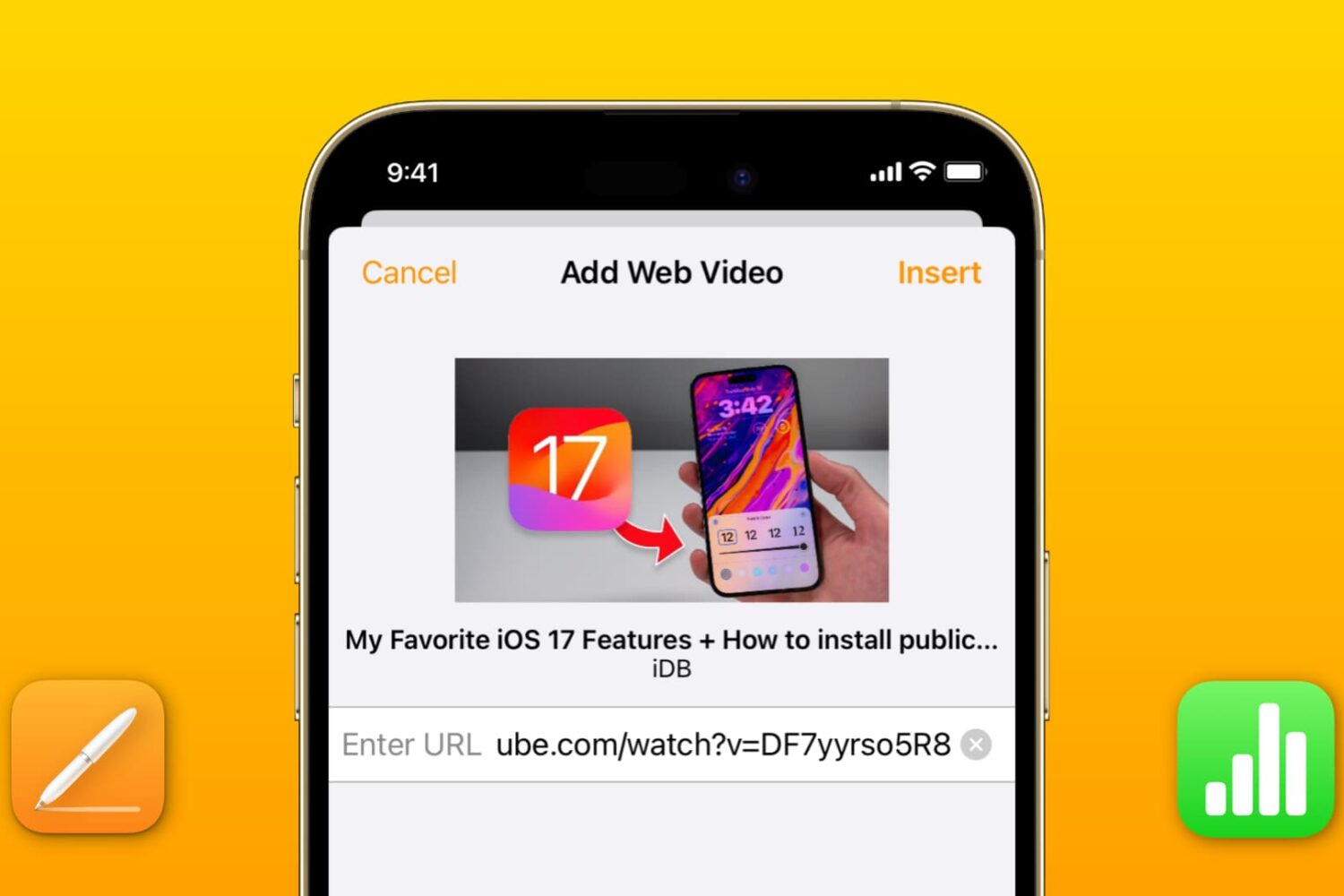
Learn how to add a YouTube or Vimeo video to your Pages or Numbers projects on an iPhone, iPad, and Mac to boost your documents and spreadsheets with media.
Learn how to preview or play Keynote presentations in a smaller window instead of the full screen so you can use other apps simultaneously on the screen.
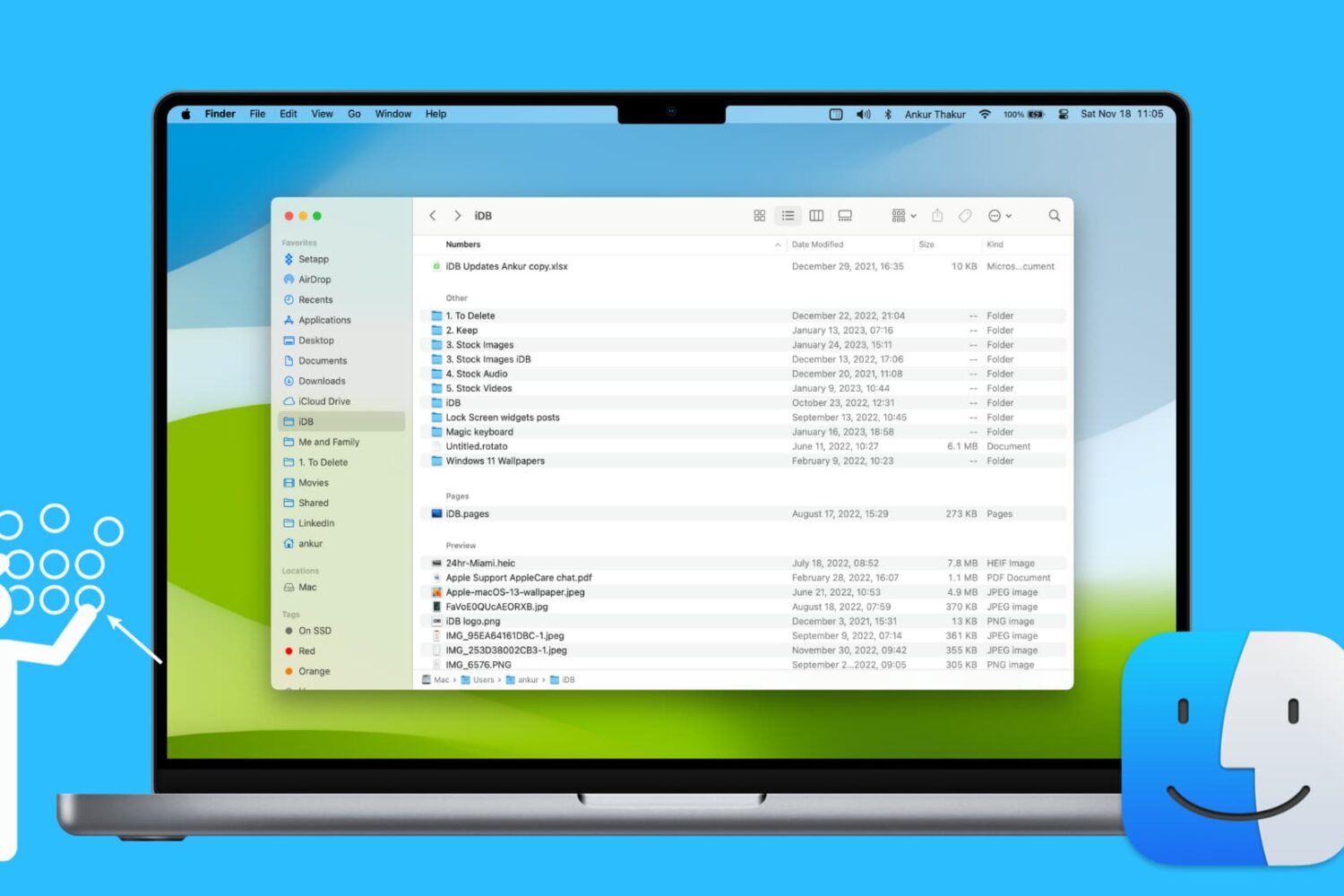
Learn how to use groups in Finder on your Mac to easily sort and manage files for a more streamlined and efficient experience.