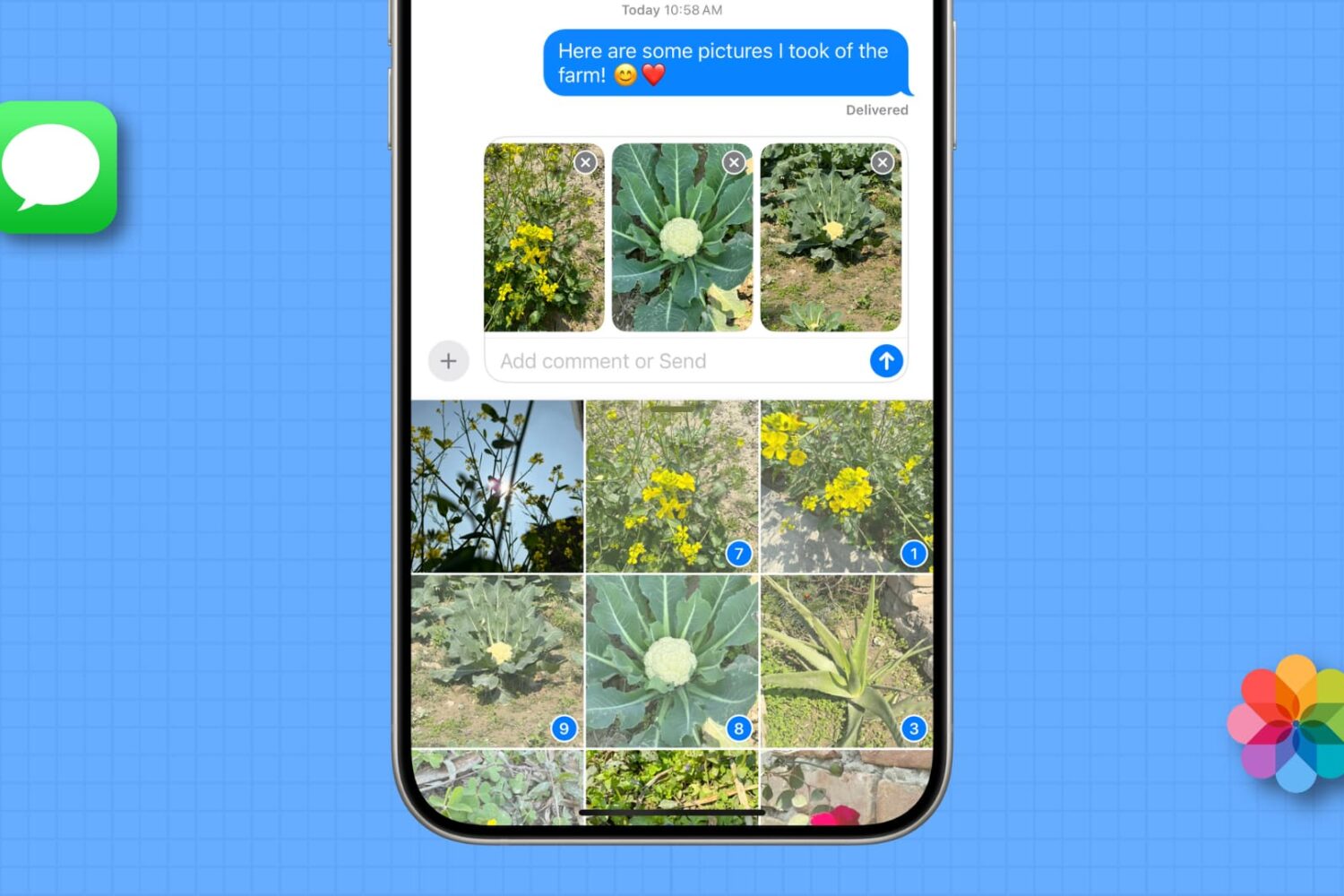
Learn how to easily strip GPS data from your photos on Mac, ensuring your personal whereabouts remain confidential and secure.
How to remove the GPS location from photos on Mac

Learn how to easily strip GPS data from your photos on Mac, ensuring your personal whereabouts remain confidential and secure.
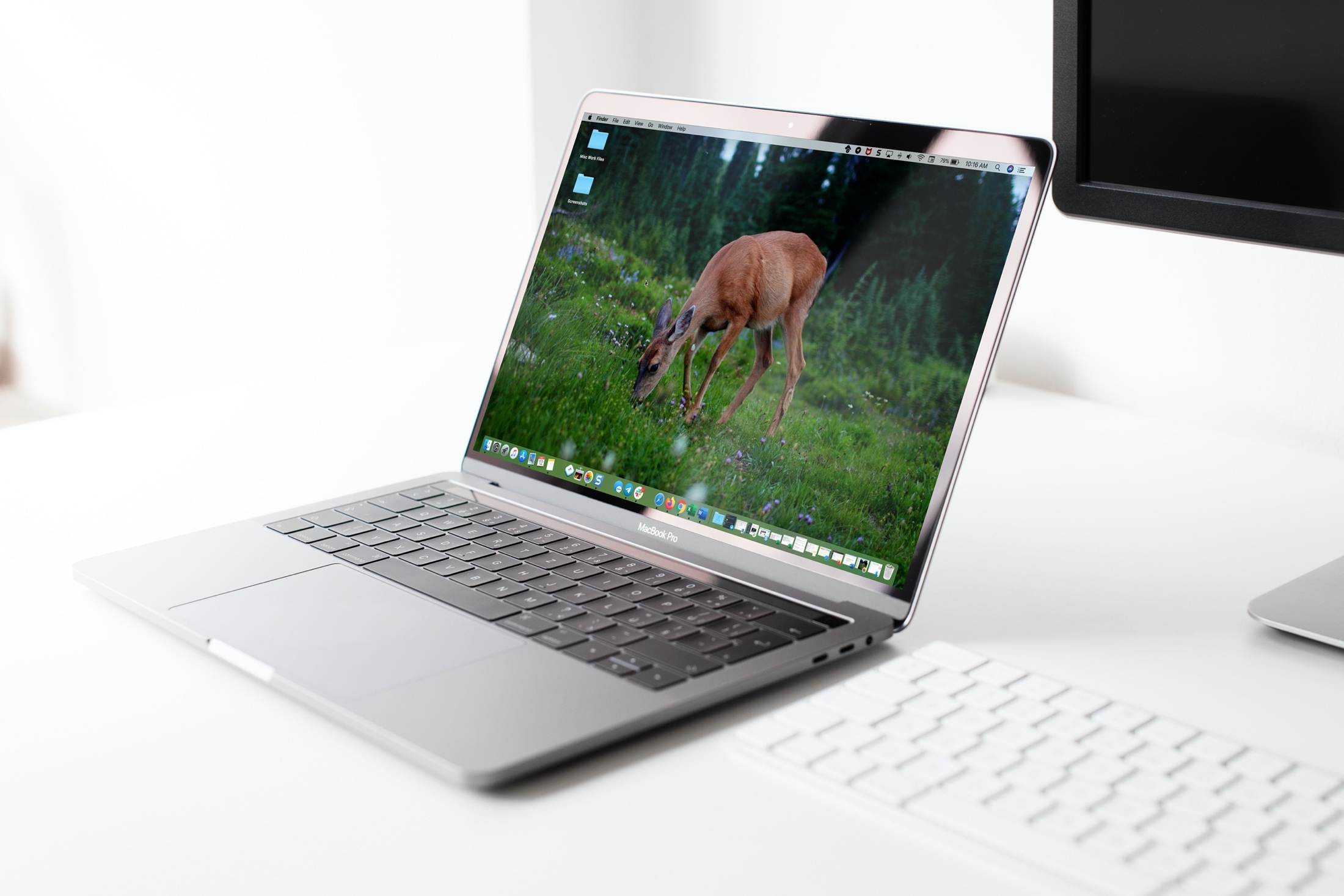
Looking for a quick way to set a picture as the wallpaper on your iPhone, iPad, or Mac? We’ll show you how to do that right from iOS Photos or macOS Finder without going into Settings.
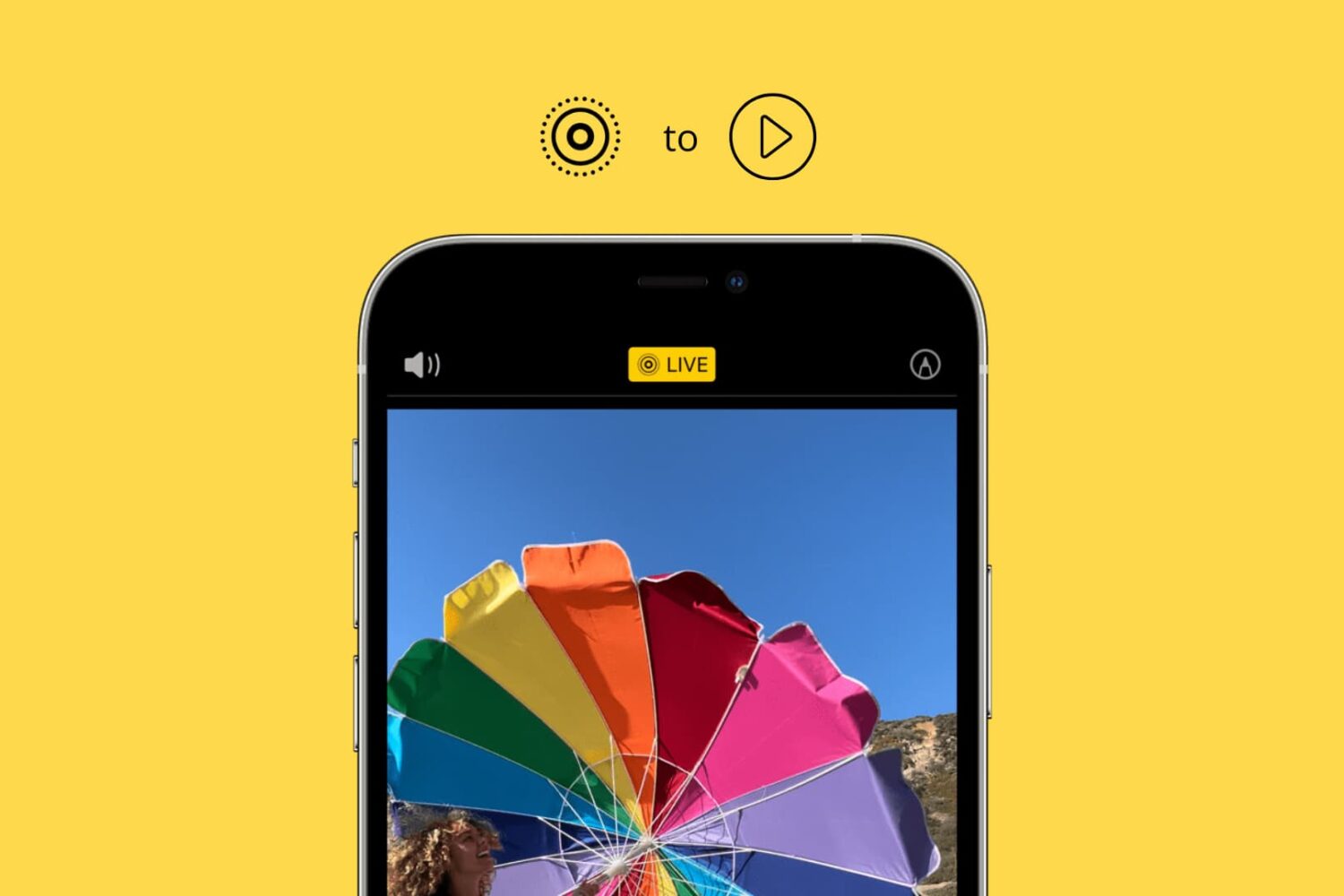
Learn how to convert one or multiple Live Photos into a video on your iPhone and iPad without using third-party apps, websites, or shortcuts.
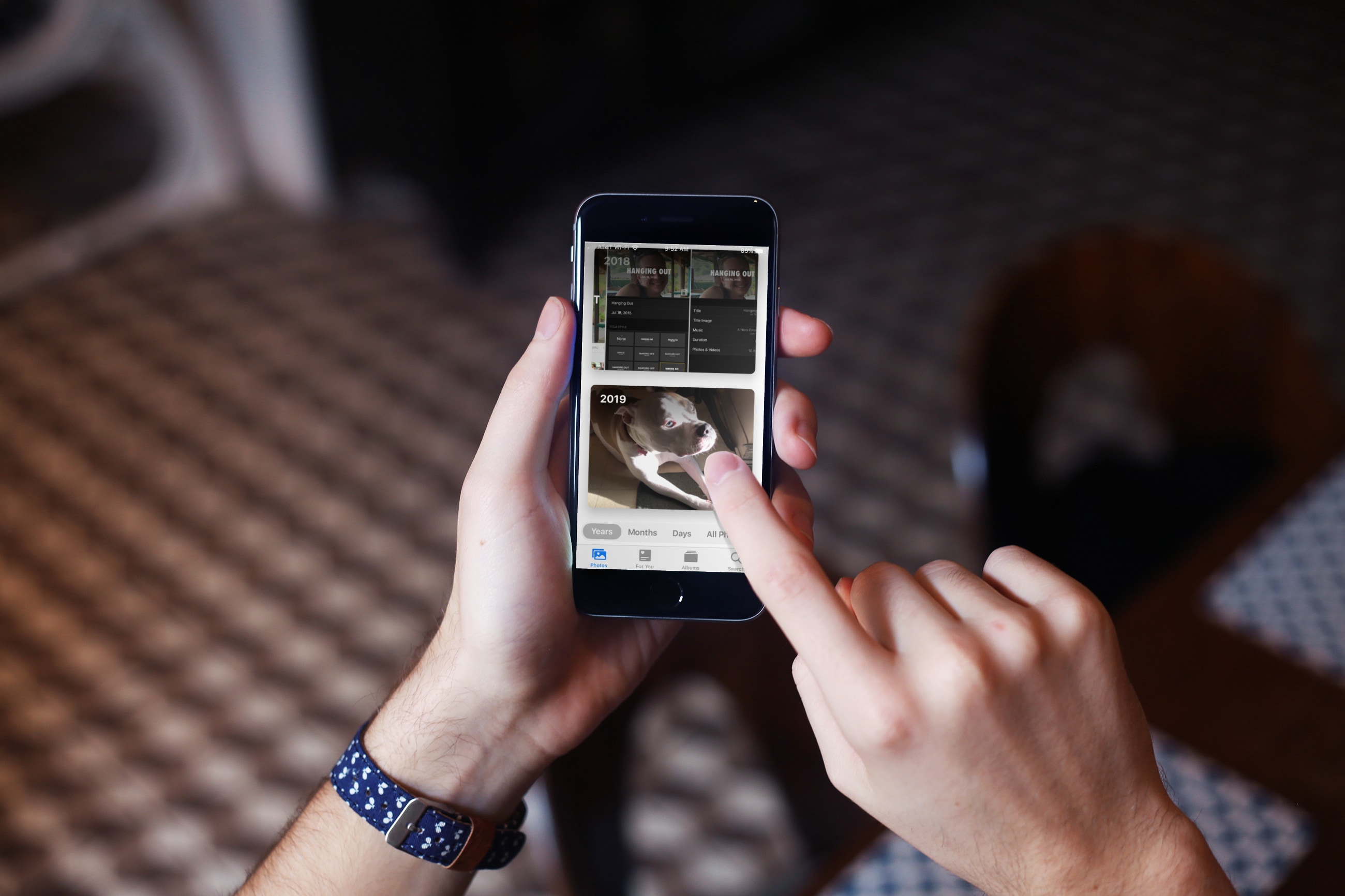
The Photos app provides thoughtful ways to browse your pictures and videos. This short walkthrough shows you what you can do to make it easier and more enjoyable to relive those great moments on your iPhone and iPad.

Learn how to resize a video directly on your iPhone or iPad to save space on your device or simply shrink its dimensions.
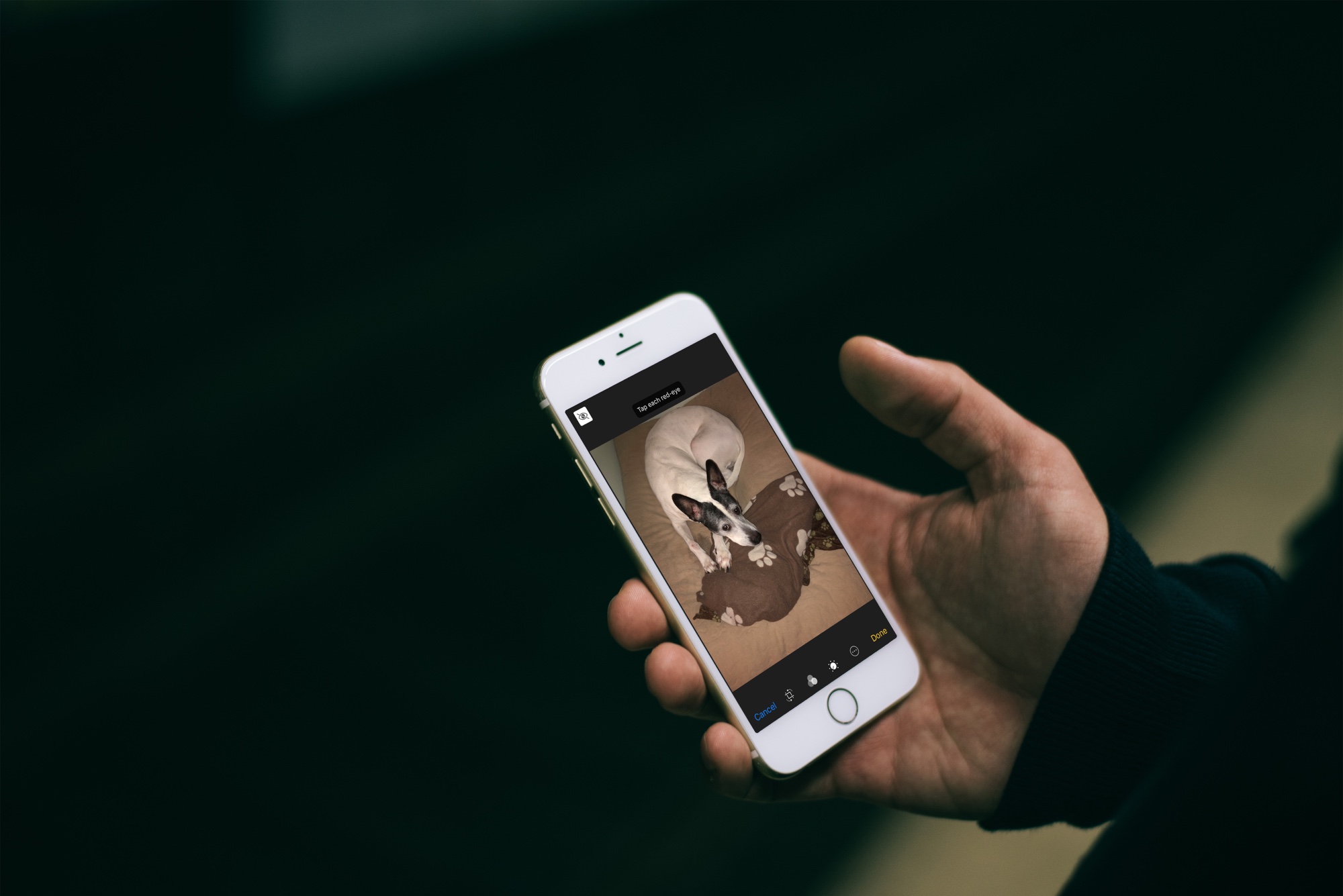
Learn how to easily fix and remove red eyes from your iPhone photos in just a few taps without relying on third-party apps.

In this tutorial, we’ll show you how to download all or selected Flickr photos and videos, which can be helpful if you have decided to move away from Flickr or simply want to back up your items to your computer or another cloud storage.
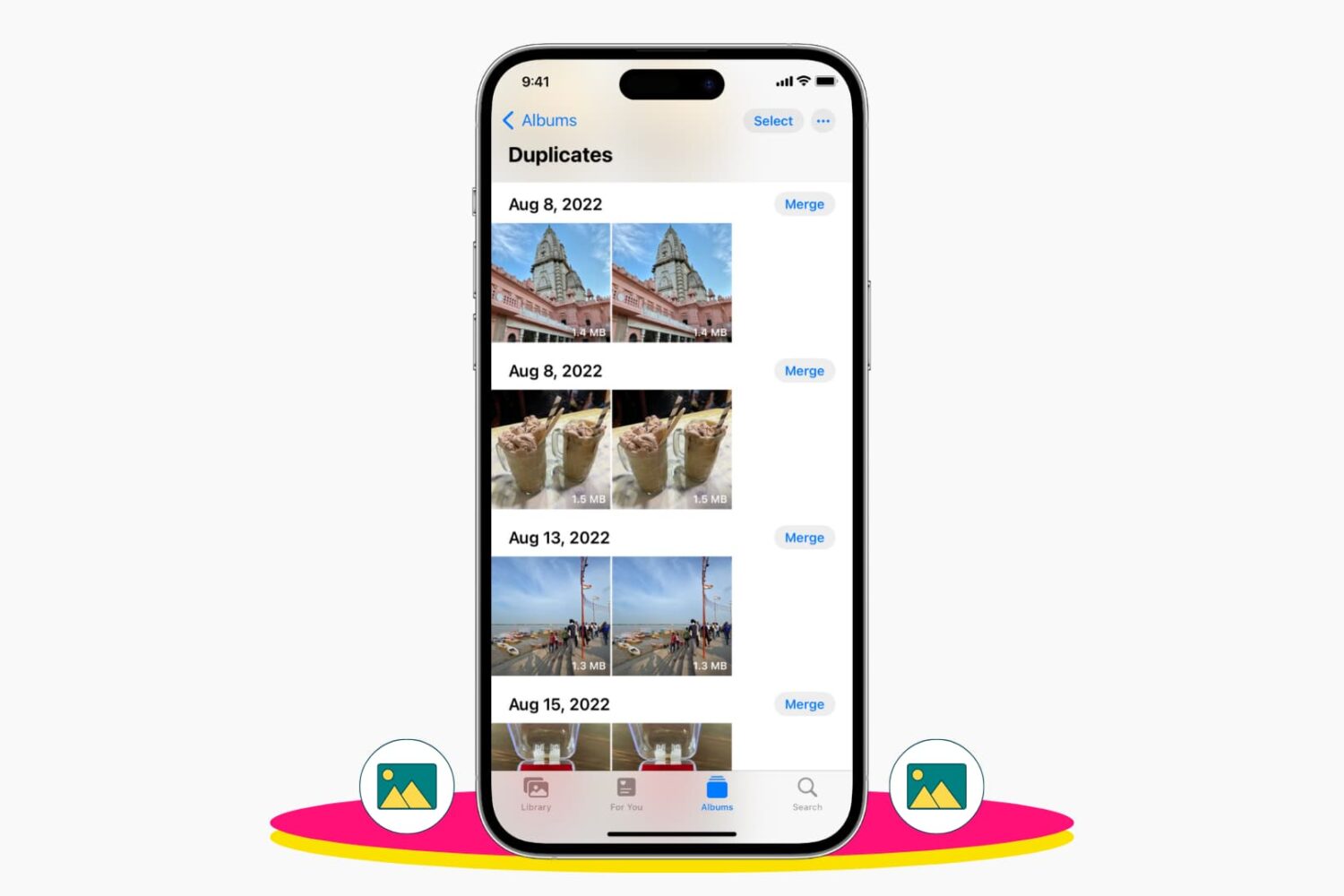
Check out 3 easy ways to delete duplicate photos and videos from your iPhone library to remove clutter and save space.
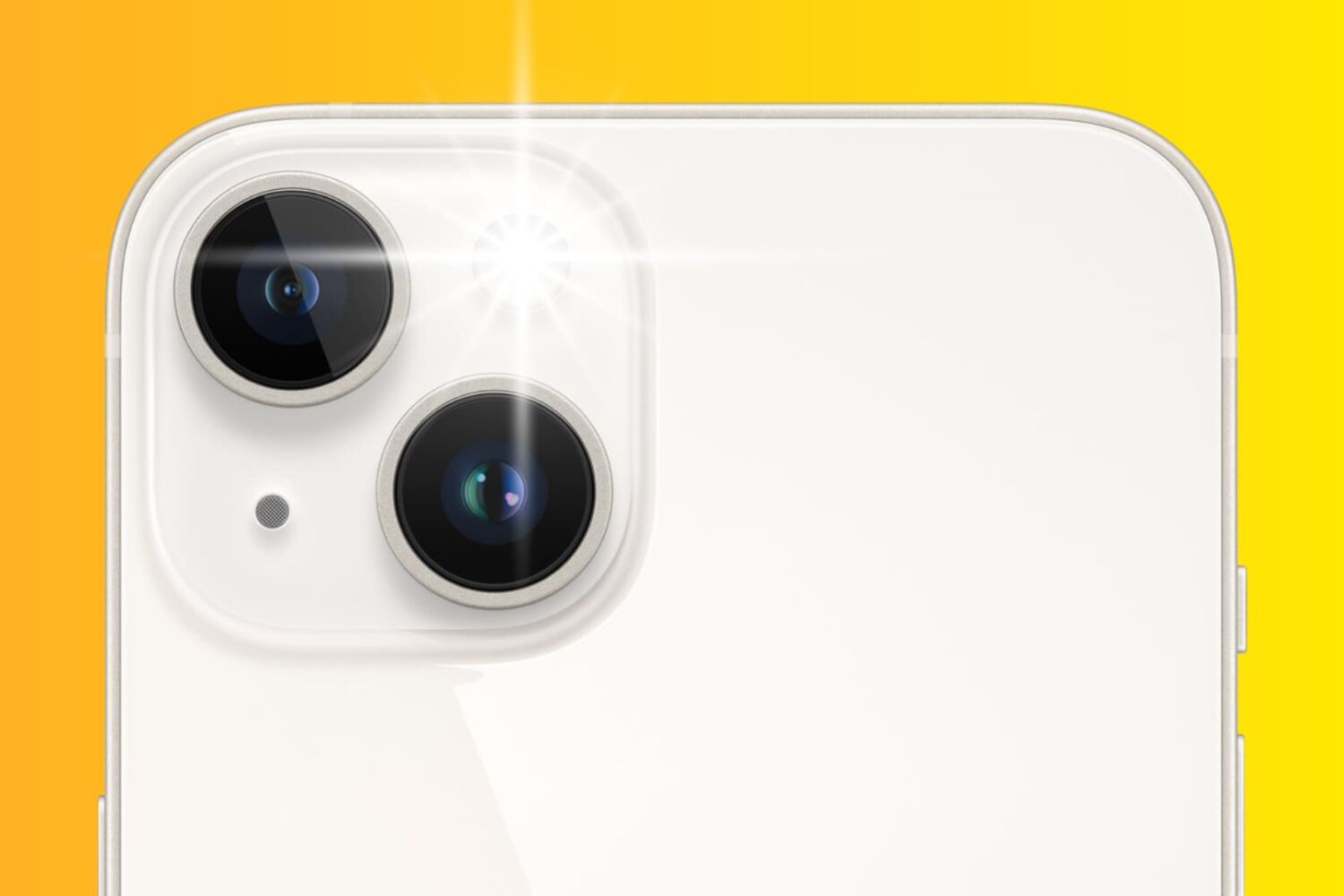
Learn how using the flash during the day can bring vibrancy to your iPhone photography in this insightful guide.

Learn how to change the camera settings on your iPhone or iPad to take pictures in the universally compatible JPEG format instead of HEIF/HEIC.
In this tutorial, we’ll show you how to use referenced library mode in Mac’s Photos app to stop it from making copies of your media and help save space.