Photography

Matter will turn your photos into geometric artwork

The makers of Tangent and Fragment are back with their newest geometric overlay app. If you have a soft spot for prismatic photo effects that integrate right in with the subject matter, Pixite’s latest submission to the genre is right up your alley.

Matters is a geometric overlay photo effects app that lets you create stunning pieces of photographic art that can be turned into moving pictures. We’ve got a hands-on app review of Matter for you here…

Afterlight is an iPhoneographer’s dream app

After moving to the city from the suburbs, I've become a total sucker for photography apps. It seems like every time I unlock my bike at a coffee shop, there's a new photo opportunity awaiting my iPhone's tiny sensor -- an opportunity that would look even better with a filter applied to it.

Because of this recent obsession, I've been on the hunt for the best photo apps that offer the great core editing, classy filters, and clean camera interface. My most recent find is Afterlight, a relatively new player in the photo editing game that offers a huge library of filters and a ton of interesting editing features I've yet to see in other photo apps.

However, does this feature-packed photo editing app live up to the uses of a wannabe urban photographer? Read on for a full Afterlight review...

Photos for Mac won’t be dumbed down, says Apple

Apple's surprise announcement that it will cease development of its Aperture app in favor of Photos for OS X Yosemite has left watchers scratching their head. There's also the problem of prosumers and iPhone photography enthusiasts, many of whom have grown dependent on Aperture workflows.

The problem is even more pronounced given concerns that any feature-parity between Photos on iOS 8 and the upcoming Photos for OS X Yosemite Macs would inevitably lead to significant dumbing down compared to Aperture's feature set.

Case in point: the iWork for iCloud effect.

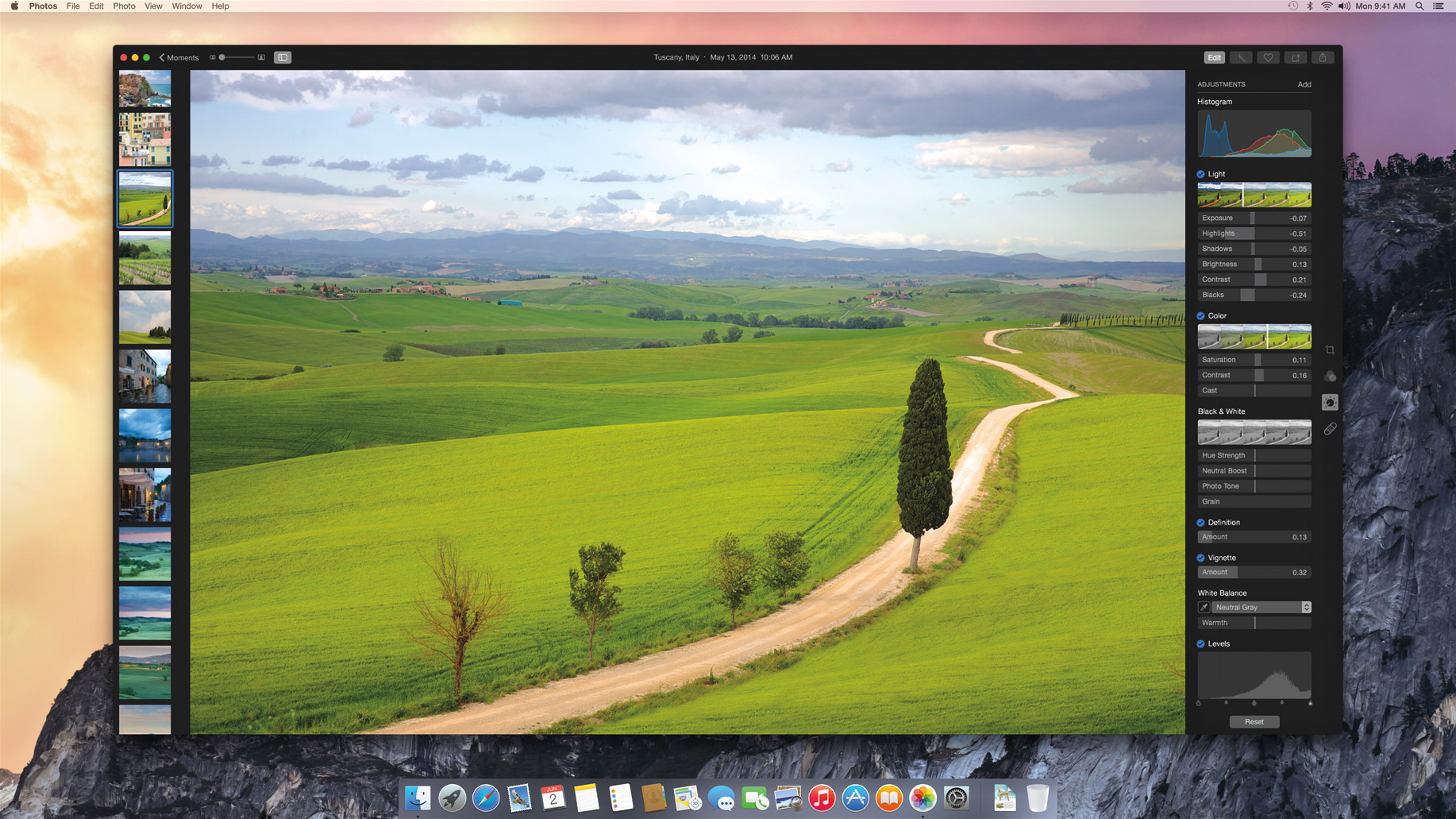
Anyway, Apple has now official confirmed via a written statement that Photos for Mac will include certain pro-grade features such as photo editing, image search and third-party effects and plugins...

The best apps for taking selfies

I actually hate the word “selfie.” It is one of those trendy words that has stuck around much longer than it was supposed to. It caught on, like a virus, and spread across the world. Even the President of the United States uses it.

I have to admit defeat here, and use the word to describe this list. We know you love to take pictures of yourself with a new outfit, a funny hat, or while eating a burrito. So, here is our list of best apps to take selfies.

Shutter stores every photo you take in the cloud for free

We’ve all been there. We are on vacation or at an event, snapping pictures or shooting video clips of our kids doing something funny, when we run out of storage space on our iPhone. There are plenty of options for saving pictures on social networking sites or in iCloud. However, we don’t necessarily want to share hundreds of pictures of the 5K we just ran on Facebook and Apple’s free iCloud storage is limited. Even Dropbox limits your free storage to 2GB.

Shutter by StreamNation aims to solve our storage needs by allowing users to take photos and video from within the app and automatically store content in an unlimited free cloud-based service…

Photography apps can now tap the full range of manual camera controls in iOS 8

Don't you hate it when your favorite camera app from the App Store is unable to provide the full range of manual controls supported by your iOS device's camera hardware?

Responding to developer feedback, Apple has now addressed that particular customer pain point by opening up manual camera controls in iOS 8.

That's right, developers of photography apps such as Instagram, ProCamera and Camera+, to name a few, can finally implement the full assortment of camera controls in their apps using the official iOS 8 SDK APIs...

Adobe unveils Ink stylus, Slide ruler, Lightroom for iPhone and Mix iPad app

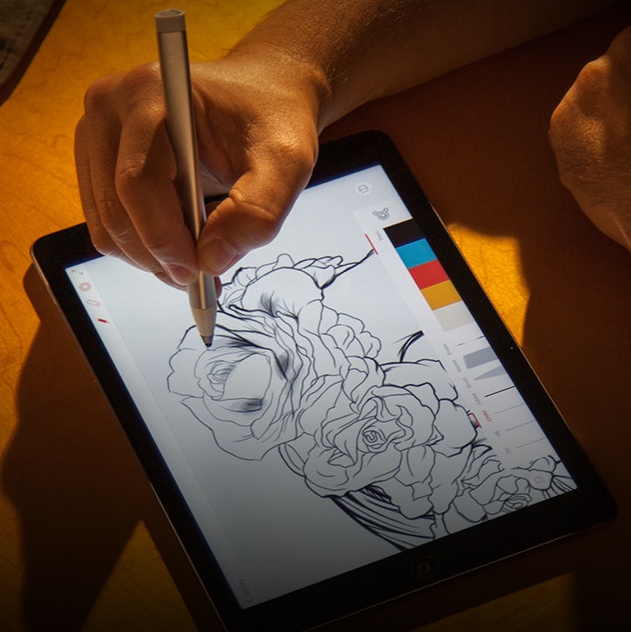
Earlier today, Adobe made a flurry of product announcements and updates, starting with the official unveiling of two long-rumored accessories: the aluminum Ink stylus for iPads running iOS 7.0 or later and the Slide.

Billed as an Ink companion and "a category-defining digital ruler", the Slide wirelessly connects to an iPad and has been designed for precision sketching of straight lines, perfect circles and balanced shapes.

In other Adobe news, the firm has launched Lightroom for iPhone, introduced brand new iPad apps - Mix, Sketch and Line - added major new features across the whole Creative Cloud desktop suite of apps and reshuffled the Creative Cloud tiers by adding a new Photography Plan.

Don't worry, I've distilled the announcements to a couple easily digestible highlights so hit the jump to learn more...

Camera+ maker launches no-frills photography app, MagiCam

Camera+ is still my favorite go-to photo editing software on both the iPhone and iPad so you could imagine me jumping with joy learning that Taptaptap, the Camera+ developer, has just released a brand new photography software.

Framed as a bold, new experience in iPhone photography, MagiCam is focused on snapping photos and transforming them into gorgeous, eye-catching shots with little or no effort on your part.

You can grab it for just 99 cents in the App Store and I have a video of it in action right after the break...

Flickr app updated with new sharing and tagging options

Yahoo's Flickr has updated its iOS client this morning, bringing the app to version 3.1. The update brings about a handful of useful additions, including new options for sharing, tagging and describing your photo albums.

As for the new sharing options, users can now send their albums to Tumblr, Facebook and Twitter, as well as Mail and SMS. They can also now add and edit both tags and descriptions for their photos from within the app...

Macphun Bundle offers $260 worth of pro photo-editing Mac software for just $99.99

San Diego, California based developer MacPhun is kicking off the summer with an attractive bundle which appeals to your inner photography buff.

The prolific developer is responsible for some of the top-rated photo-editing software on iOS and OS X platforms and you could imagine I've gotten pretty excited about their new promotion. Beginning Tuesday, June 10 and through Sunday, June 22, you can get a $260 worth of Mac software for just $99.99.

That's a cool $160 saving right off the bat. The MacPhun Bundle includes Creative Kit Plus which is comprised of Intensify Pro, Snapheal Pro and Focus 2 Pro apps. They're also throwing in a ViewBig Premium membership and a free copy of a brand new app, when it ships later in the summer...

Video: time-lapse photography in iOS 8

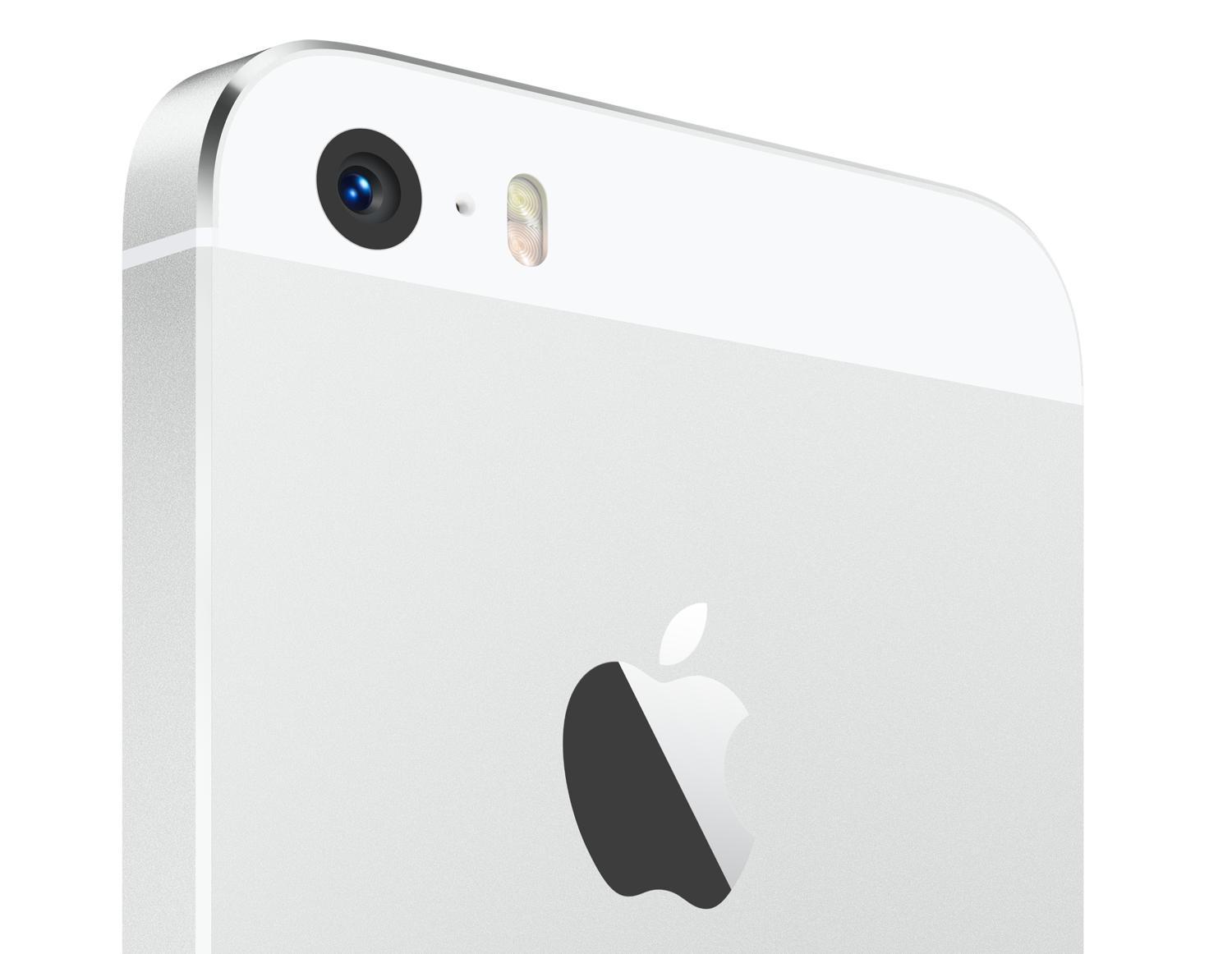
The world's top camera on Flickr will get a lot better when iOS 8 drops this Fall. As Apple executives outlined during the WWDC keynote talk, the stock Camera application in iOS 8 introduces a new shooting mode: time-lapse photography.

This lets you leave your iPhone automatically taking pictures every few seconds over a predetermined amount of time. iOS 8 then stitches the individual frames together to form gorgeous time-lapse videos.

Time-lapse photography is great for shooting changes that occur over longer periods of time, such as the clouds moving across the sky, skyscrapers being built, blossoming flowers, sunset/sunrise scenes and more. Here's an example time-lapse video shot using an iPhone 5s running a beta of iOS 8...

Instagram 6.0 rolls out with 10 new photo editing tools and other features

iPhone photography buffs, pay notice: Facebook-owned Instagram is rolling out a major version 6.0 update to its mobile apps. Available free in the App Store, Instagram's iPhone app now comes with ten new tools making photo editing before posting a lot easier.

There are also other features in this update, including more efficient video sharing, an improved design and bug fixes. Jump past the fold for details...