OS X

Quick review: Keycard unlocks your Mac when you’re nearby, but…

http://vimeo.com/52132178

Keycard from Appuous is a nifty new app which keeps your Mac secure by locking your OS X user account automatically when you're not around. It does this by using your Bluetooth connection to check for your iPhone or iPad's presence, thereby detecting when you've stepped away from your computer or returned to it. Of course, unless you remember to take the paired device with you, Keycard won't be up for the task.

On the surface, the idea seems pretty useful as the app turns your iOS device into a personal 'keycard' of sorts. However, it isn't without pitfalls and the flashy promo video doesn't mention the fine print. I installed the program and after spending a few minutes with it immediately noticed a couple issues you should be aware of...

Transloader: download files remotely to your Mac via iOS

Transloader is a new Mac app available on the Mac App Store, which allows you to remotely download files to your Mac via an iOS app. The two apps speak to each other via iCloud, with the iOS app acting as a means to forward a download URL for the listening client running on the Mac.

If you're like me and always on the go, Transloader is a great way to save time by downloading files while away from the home or office. Take a look at our video walkthrough inside for a glance into how it works.

Apple wins trademarks for the Retina moniker and the Game Center icon design

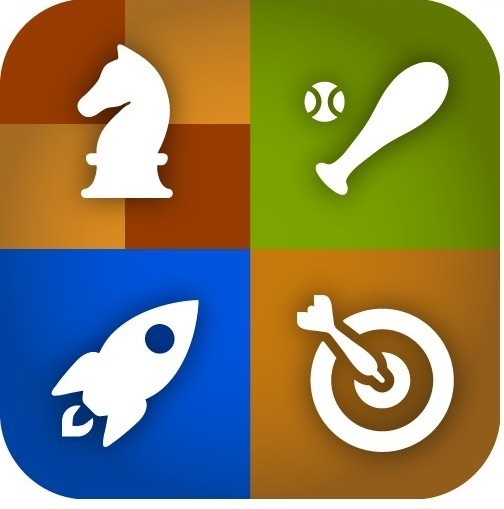
Apple today received two interesting trademark grants seeking to protect the Game Center icon design and the Apple-coined Retina moniker. The former describes a rounded icon divided into four quadrants, each sporting a distinct combination of colors and shapes. It was originally filed in June 2012 under international classes that cover multiplayer games, scoring and tracking game performance and "providing an online portal for social networking through virtual communities".

More important than the Game Center icon is the widely used Retina name, now a registered trademark of Apple, Inc.

Combiform wants to change the way you view console gaming

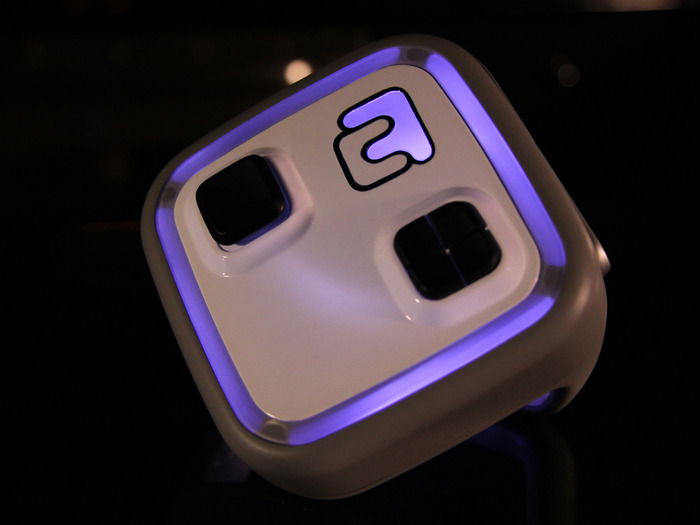
Traditional console gaming never truly engages those participating in the game. Those playing the game on any given console, even a Wii, never actively work together or play a game in a given space away from the couch. Combiform looks to shatter conventional gaming with its new handheld-console system that even interacts with iPhone. The system, which is a unique patented technology, encourages multimodal interaction because it is not only a toy, but also a video game accessory with exciting possibilities...

Apple granted 36 patents covering Siri mic icon design, Lightning, widgets and more

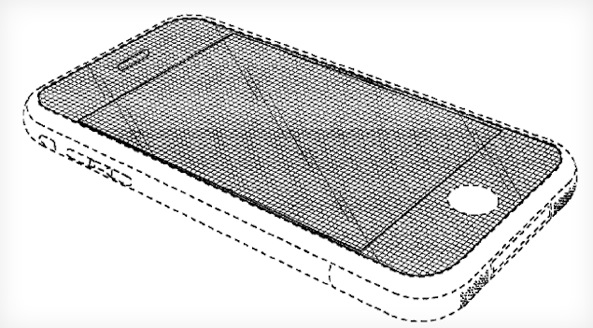
Apple this morning has received patents covering more than three dozen different technologies, ranging from the obvious to the obscure. The company's patent filings as of late are even inspiring parody treatments like the Apple alphabet patent. Among today's grants are the filings describing ways to interface sports equipment with your iPhone, iPad or iPod, patents for Mac OS X dashboards and the MacBook keyboard and others seeking to protect icons and designs of popular software features.

Most people know of Apple's long-time association with Nike and the Nike+ app that records your running routine. Earlier this year, the Cupertino, California company filed a patent to go one step farther, interfacing your iPhone with a treadmill, or other workout machine at the local gym. Now it appears that patent was granted. But, wait, there's plenty more gadgets and gizmos Apple wants protected...

Why Apple is just plain mediocre in web services

Recently, a pattern has begun taking shape that I fear signals something worryingly awful is afoot as excellence takes a back seat at Apple in favor of mediocre web services. It's always been that way, critics might add. Indeed, here we are, at the end of 2012, and yet weekly outages of key iCloud services such as iMessage and FaceTime are still a norm rather than a rare exception.

While iCloud storm is raining on users, Apple seemingly struggles in figuring out how to sprinkle its magic dust on Internet software. With over half a billion iOS and Mac devices straining its data centers, something clearly had to give. The iPhone maker isn't an isolated example: competitors experience outages, too. But Apple's different in that its online woes are symptomatic of a much larger set of problems the company faces.

Cupertino's infrastructure is lacking. For all the computational power its array of super data centers provide, Apple's software underpinnings are outdated and increasingly incapable of handling high load. Software shortcomings are putting Apple at risk at a time when competitors like Google tap their massive scale and expertise to successfully marry hardware to Internet software in ways Apple cannot...

Rumor: Apple Maps and Siri coming to the Mac with OS X 10.9 next year

OS X 10.9, the next major revision to Apple's desktop operating system, will contain Siri and Apple Maps, the two headline capabilities currently exclusively available on newer iPhones, iPads and iPod touches. According to a new report this morning, early builds of OS X 10.9 that were previously spotted in web logs include Siri and Maps integration. Both features are purportedly in the early testing stages so it has yet to be determined if they will be ready for prime time when OS X 10.9 ships some time next year...

Ive and Forstall were ‘rarely in the same room’

That SVP and iOS chief Scott Forstall fell out of favor with Apple CEO Tim Cook and other vice presidents because of his abrasive and divisive style is no secret. Forstall, 44, was Apple's youngest vice president. He was also the brains behind OS X since 2006 and the architect of your iPhone's software. The executive was especially at odds with Apple's famed industrial design guru Jony Ive over software design. According to a new report by Bloomberg, bad blood ran so deep that Forstall wouldn't even participate in Ive's meetings where crucial software and hardware design aspects had been discussed...

Shake ups and shufflings: some thoughts on the new Apple

If there's one thing that really came as a surprise this month, it's certainly not the iPad mini, or any other product announcement, but the executives shake up and shuffling at Apple. SVP of Retail John Browett is gone, and that's a good thing, and really, hardly a surprise. The biggest surprise was that he was hired in the first place. The real bombshell in yesterday's abrupt announcement is the departure of SVP of iOS Software, Scott Forstall.

Although it was the biggest kick, Apple's press release also told us that Ive would now be in charge of Human Interface (aka everything design), iOS and OS X groups are now one, Maps and Siri are now part of the Internet Services unit, and Mansfield will lead the new Technologies group.

Now that we've gathered a little more information about the news and that I've had time to really soak it in, I'd like to share my thoughts on the situation, and what it all means for the new Apple...

Shared Reminders go live at iCloud.com

Apple unveiled the iPhone 5 on September 12 and the following day updated the iCloud.com web interface by dropping the Beta flag and introducing the new Notes and Reminders web apps with cloud notifications enabled. Today, club Cupertino improves upon its cloud-based suite of services by adding shared reminders to the Reminders web app on iCloud.com.

You were able to set up shared reminders using Reminders on OS X (not via the stock iOS Reminders app, though), but those wouldn't sync with the web interface. Today's update is a minor but important one as it finally provides for a more seamless sync of reminders across devices, though not yet perfect...

How to hide Newsstand on the iPhone, iPad, and iPod touch, no jailbreak required

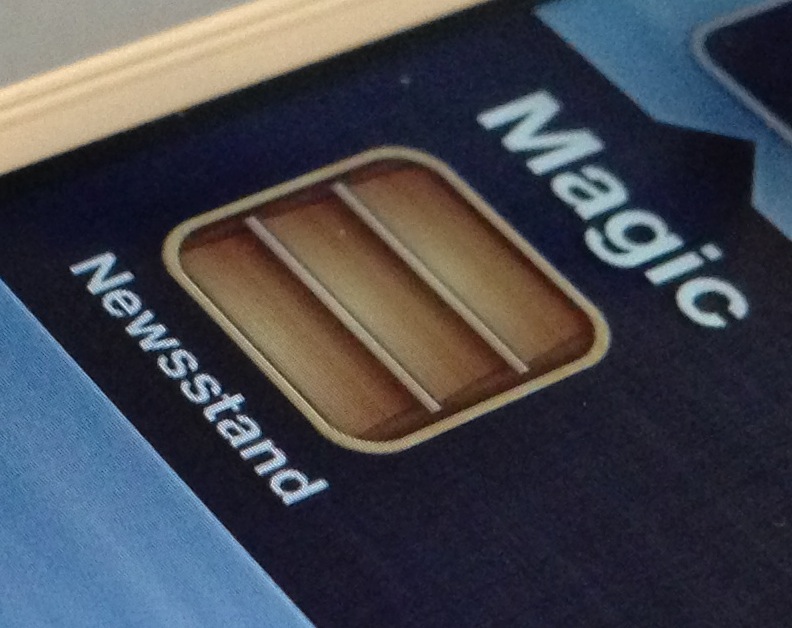
Although I occasionally use Newsstand, I can plainly see why many deem it to be worthless. Almost all of my friends have Newsstand apps that look just like the screenshot above — empty. With that in mind, wouldn't it be great if Apple didn't force the app upon you?

I mean, it's not even really an app after all, it's a folder, yet Apple forces you to keep it on your Home screen with no way to hide it. Most people who really hate the app, and don't have the luxury of a jailbreak, relegate Newsstand to the last page of their Home screen, but this latest Mac app one-ups that solution.

Like previous tricks that allowed you to place Newsstand in a folder, Filippo Bigarella's StifleStand does something similar. StifleStand, though, is much more easy to execute, because it doesn't require any special timing on your part.

The best thing about StifleStand is that it doesn't require a jailbreak, which makes it entirely possible to hide the Newsstand app on the iPhone 5, or any other iOS device for that matter. Take a look inside as I show off the easy to follow process on video...

Google enables better iOS contact sync via CardDAV protocol

If you wanted to sync your iOS Contacts with Google with changes instantly reflected across devices, Microsoft's Exchange ActiveSync used to be your only option. As of today, Google announced that “we’re adding CardDAV to that list”, allowing for seamless contact syncing between your Google Account and third-party apps, including iOS devices running iOS 5 or later...