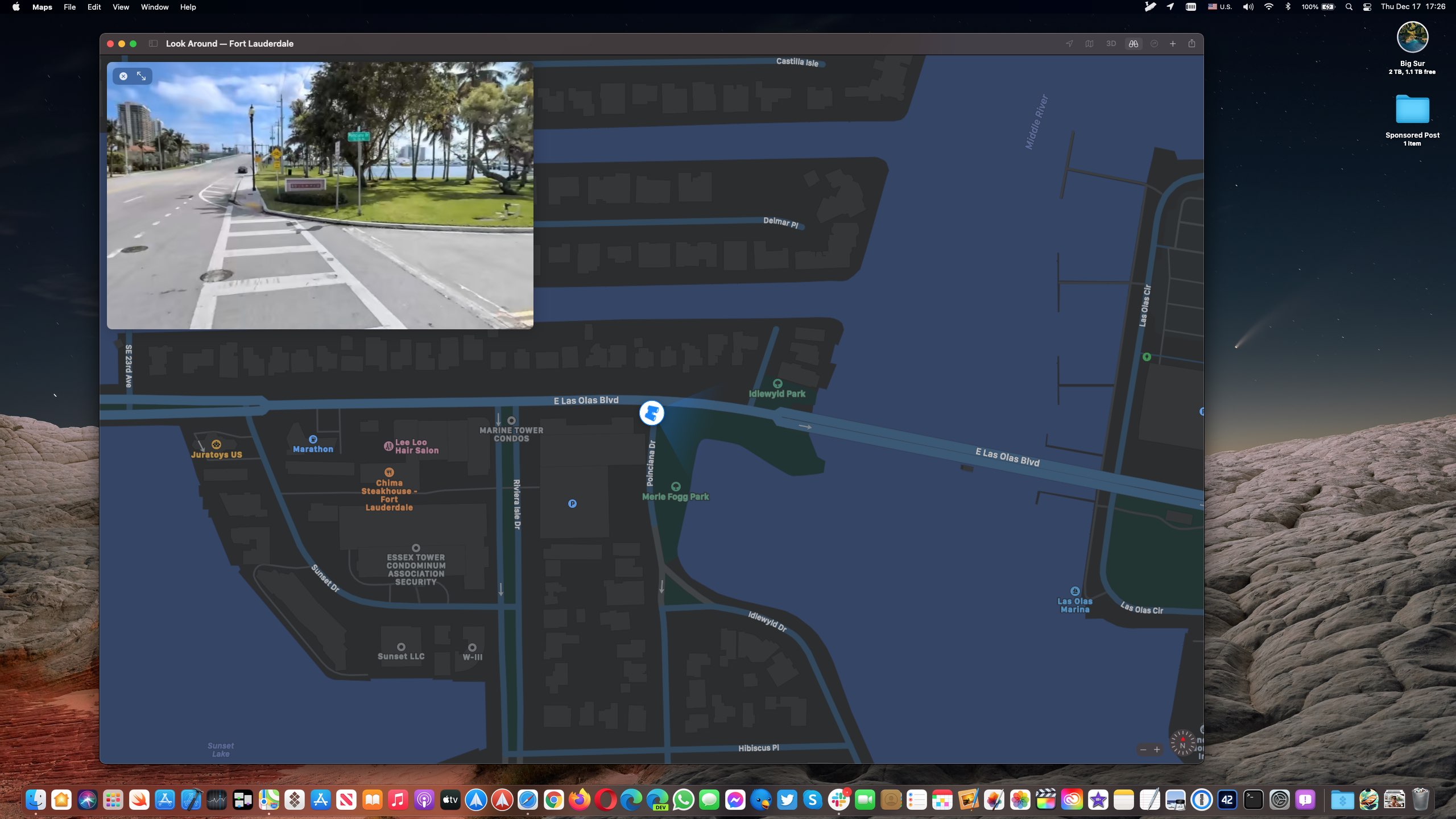
The Look Around feature in Apple Maps is now available in a few more major cities in the United States, including Denver, Detroit, Fort Lauderdale and Miami.
If you live in a city that has street imagery available, invoking Look Around will let you pan high-resolution street photos 360 degrees and move through the streets with smooth transitions.
This high-resolution, interactive 3D experience in Maps was implemented on the iPhone and iPad with the September 2019 release of the iOS and iPadOS 13 software updates.
Aside from Denver, Detroit, Fort Lauderdale and Miami, the Look Around feature is also available in t he following cities, according to Apple's iOS and iPadOS Feature Availability page.
Boston, MA
Chicago, IL
Dublin, Ireland
Edinburgh, Scotland
Houston, TX
Las Vegas, NV
London, United Kingdom
Los Angeles, CA
Nagoya, Japan
New York, NY
Oahu, HI
Osaka, Japan
Philadelphia, PA
San Francisco Bay Area, CA
Seattle, WA
Tokyo, Japan
Washington, DC
On the Mac, Look Around requires macOS 11 Big Sur or later.
How to use Look Around in Maps
To use the Look Around feature, open the Maps app on your iPhone, iPad or Mac and enter the name of a supported city like San Francisco into the search box you (on mobile, swipe up from the bottom to reveal the search field).
If that location has Look Around available, you should see a Look Around icon in the location thumbnail available in the location details screen. Tapping the icon zooms the current map into a gorgeous street-level view. Use your finger to move the screen left or right for a full 360-degree picture. To see where Apple is collecting imagery for this feature, head over to the Apple Maps Image Collection page.