Tom Hanks has already starred in a major film for Apple TV+, the World War II thriller Greyhound, and now he's heading back to the streaming service. So to speak.
Tom Hanks set to star in sci-fi film ‘Finch’ coming soon to Apple TV+
Tom Hanks has already starred in a major film for Apple TV+, the World War II thriller Greyhound, and now he's heading back to the streaming service. So to speak.
Apple launched the latest major update to iOS 14 in late April. Now, the company is issuing another update, this one focused on one aspect of the latest software.
With the start of Epic Games vs. Apple, a public conference call was opened up. This allowed for anyone interested to call into the proceedings and, essentially, let out their grievances (or aspirations!) in a public forum. As one might expect, chaos ensued.

Apple refreshed the MacBook Air and MacBook Pro late last year, but only under the hood. But a more hardware-focused refresh is still in the works, and at least one supplier for that future product is seeing improvements in that regard.
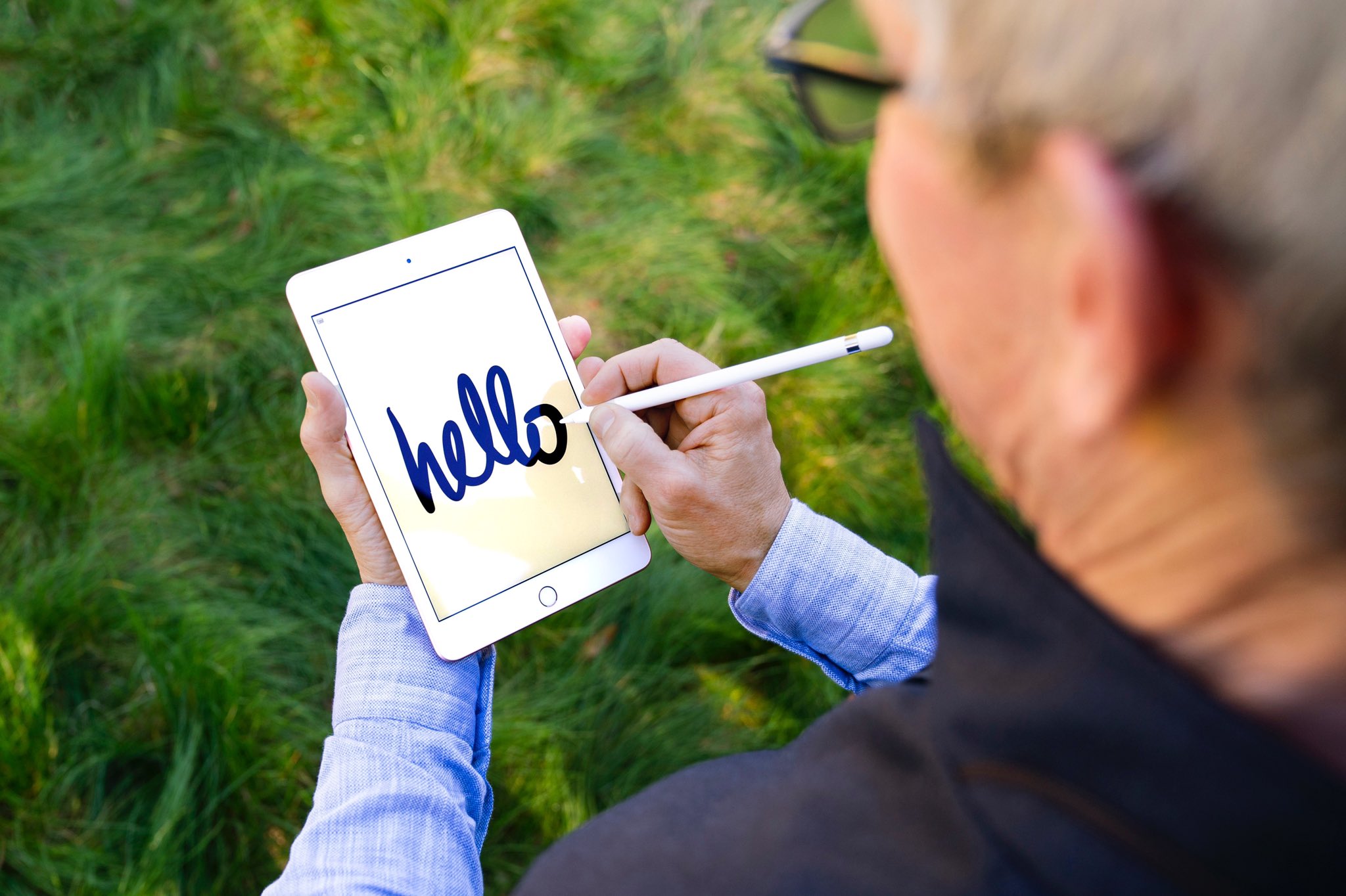
Apple launched some new hardware back in April, but there's always more on the horizon. The new iPad mini is one of them, along with the oft-rumored foldable iPhone.
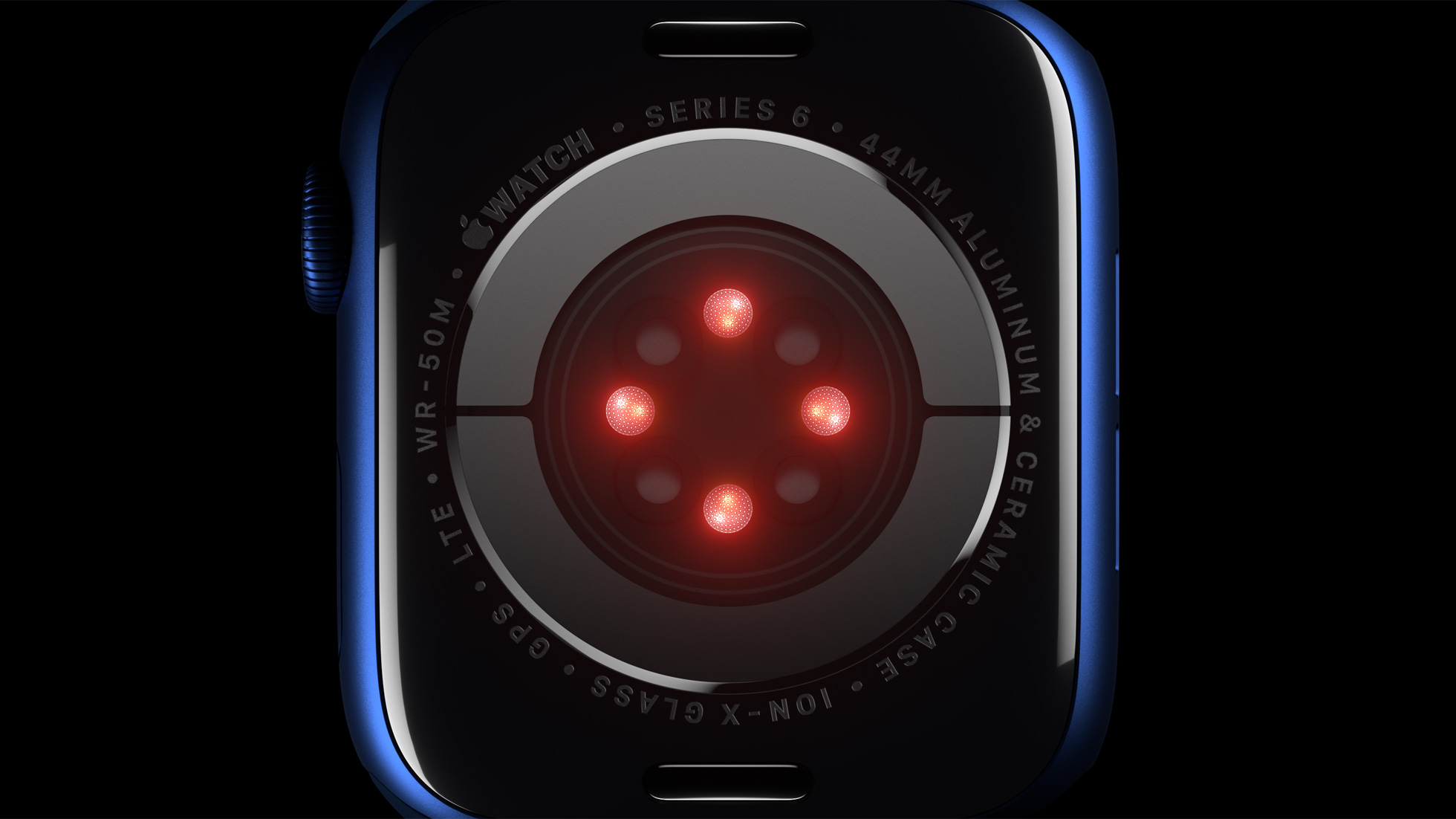
The Apple Watch is a powerful tool already, especially when it comes to health and fitness. And telling the time! But there's still more Apple would probably like to add, and the company is probably working towards that reality right now.

It wasn’t long ago that I shared my personal experience with using the Google Fi cellular service as a secondary carrier on my iPhone. But my curiosity pertaining to a dual carrier setup on my iPhone led to me to research several other Mobile Virtual Network Operators (MVNOs), and you can probably take a few accurate guesses as to where that rabbit hole took me.
Upon being blown away by Google Fi’s cellular reception and data speeds, I decided to drop AT&T as my primary carrier and switch over to T-Mobile. To those asking why – the T-Mobile network powers Google Fi in my region, and the un-carrier provided an enticing offer after announcing its new truly unlimited Magenta MAX plan earlier this year for a fraction of what I was paying AT&T.
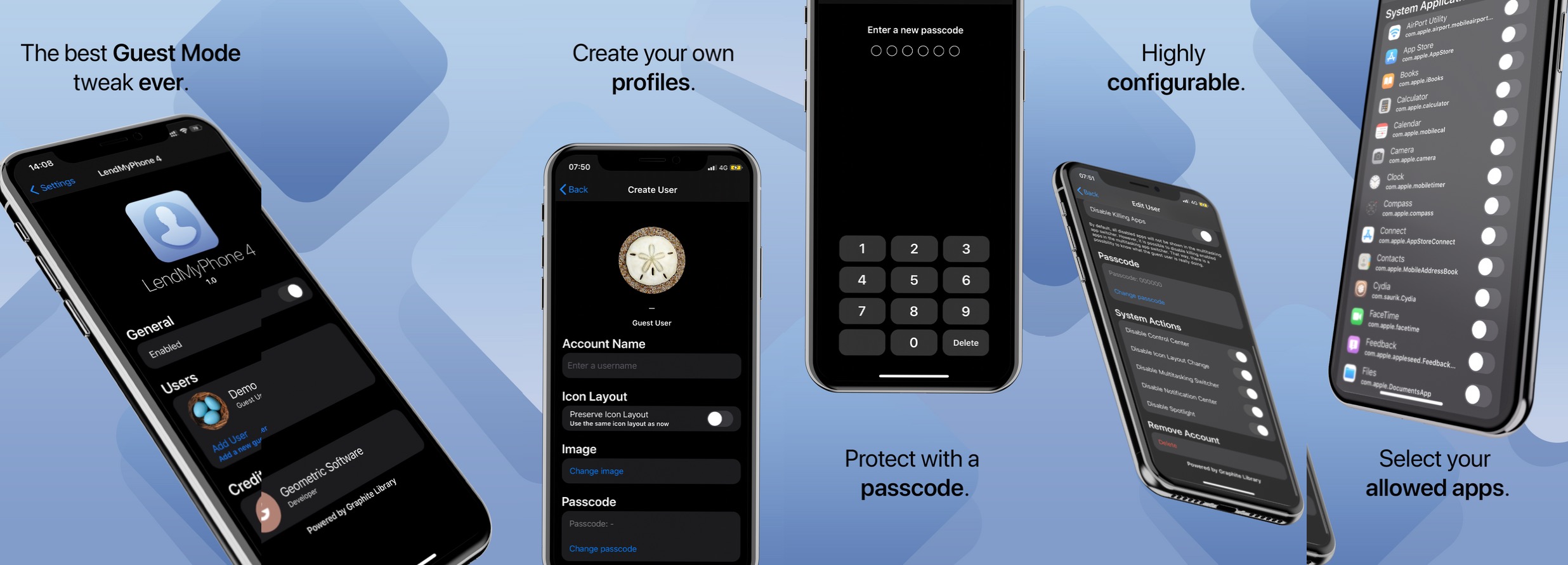
One of the things offered on a Mac that isn’t currently available on the iPhone or iPad out of the box is Guest Mode. This feature allows friends or strangers to log into your device using a separate user account, which means they can take care of what they need to without accessing any of your account’s private and personal files and information.
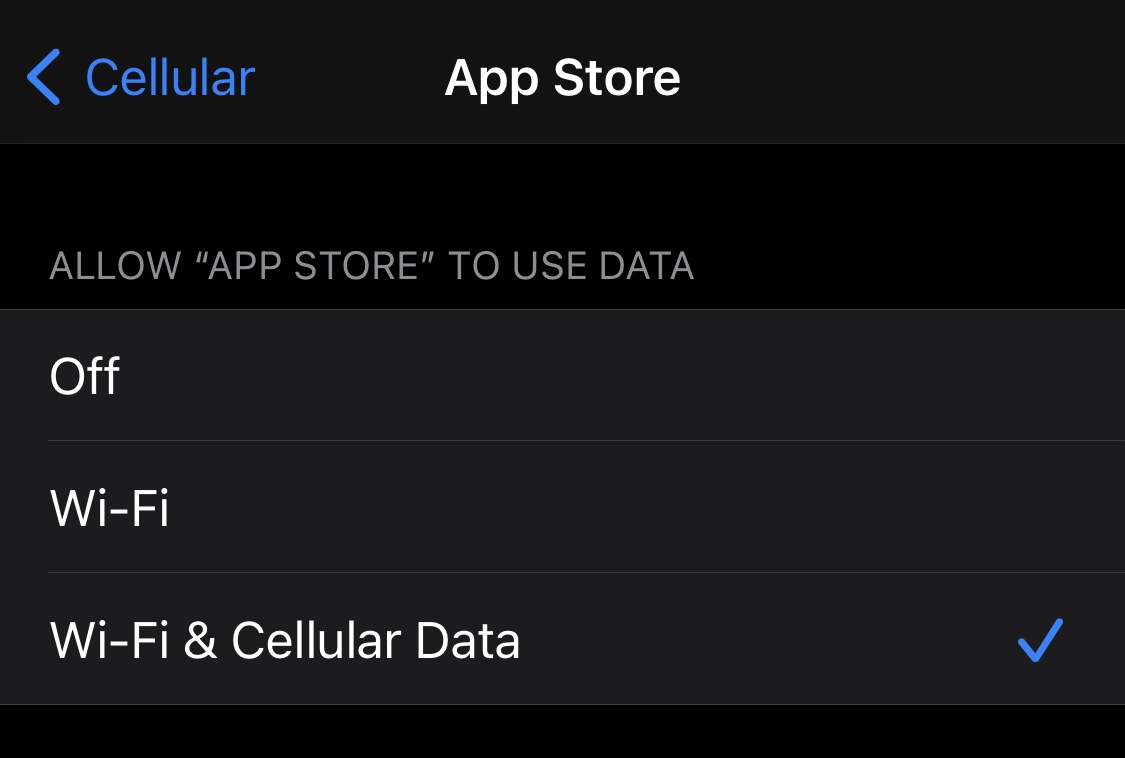
Right out of the box, iPhone and iPad users are able to choose which apps can and can’t use cellular data. This can be particularly helpful for those who might be subscribed to capped data plans with their cellular providers since it’s easy to blow through a couple of gigabytes with certain apps.
Oddly enough, neither of the aforementioned devices offer a way to choose which apps can and can’t use Wi-Fi networks, which seems like a no-brainer given that even some home Wi-Fi plans have data caps. With that in mind, a newly released and free jailbreak tweak called Conditional by iOS developer daniel seems like it could be useful for anyone under this umbrella.

Those sporting jailbroken iPhones and iPads generally embark on a continuous adventure to find the best and latest jailbreak tweaks to trick out their handset. Whether it’s improving a feature, adding a missing feature, or making the device look different, these add-ons offer a plethora of benefits.
Since it can be a daunting experience to try and find all the best or latest jailbreak tweaks for yourself, we at iDownloadBlog cover all the latest releases as they happen and come at you with an easy-to-digest roundup every Sunday that encompasses all of them. This Sunday is no exception.
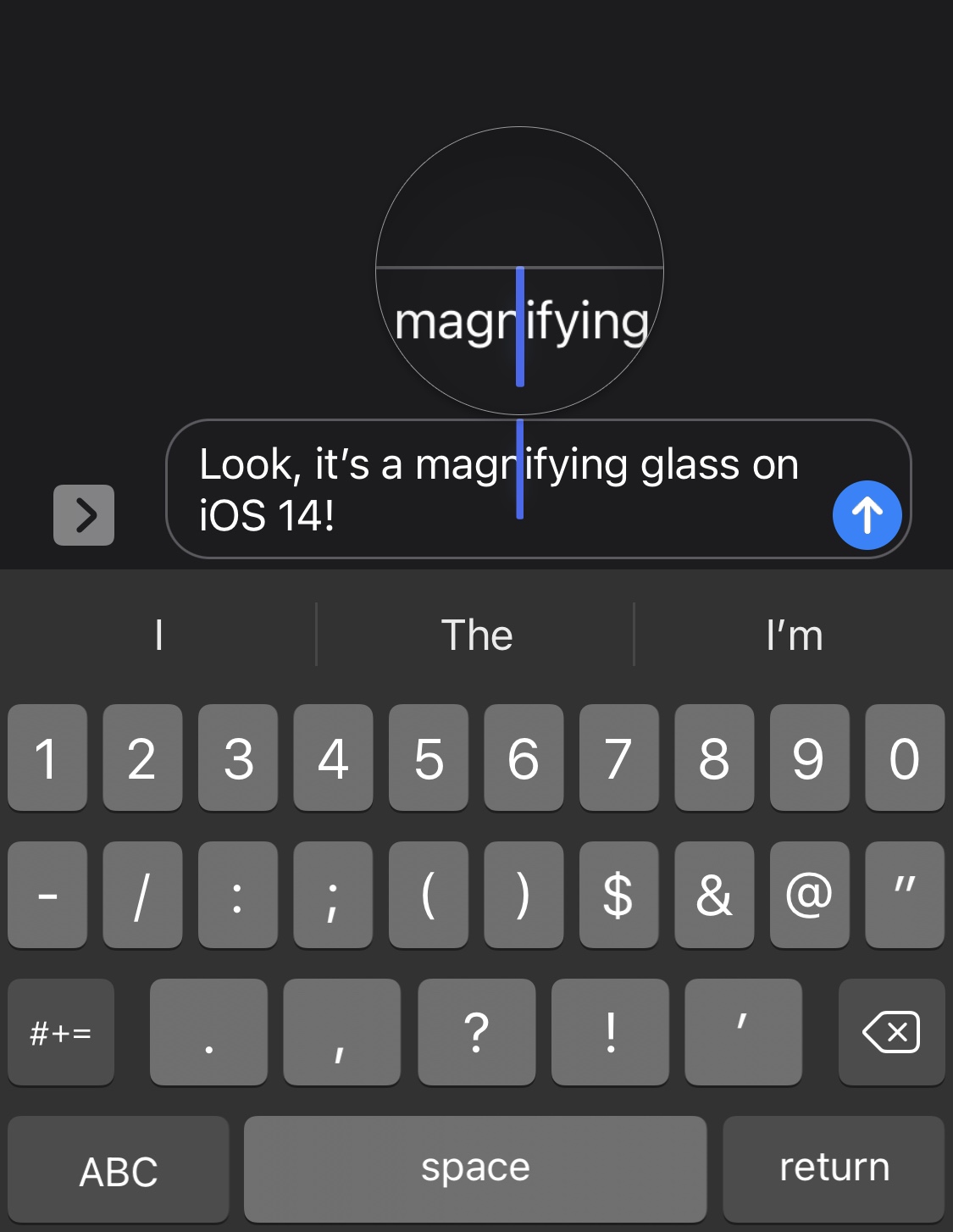
Anyone that does any capacity of text editing on their iPhone, whether it’s writing a document in Microsoft Word, modifying something drafted out in the Messages app’s text field, or some other form of the matter, may have noticed that the magnifying glass no longer appears when moving the cursor somewhere specific in the body of text.
Apple made this change because you can now pan the cursor across your body of text by tapping and dragging on the keyboard. But that hasn’t stopped a growing number of nostalgic iPhone users from wishing that the classic magnifying glass was still a thing. Said nostalgia is only amplified by the fact that the magnifying glass still exists on the iPad in the latest versions of iPadOS 14.
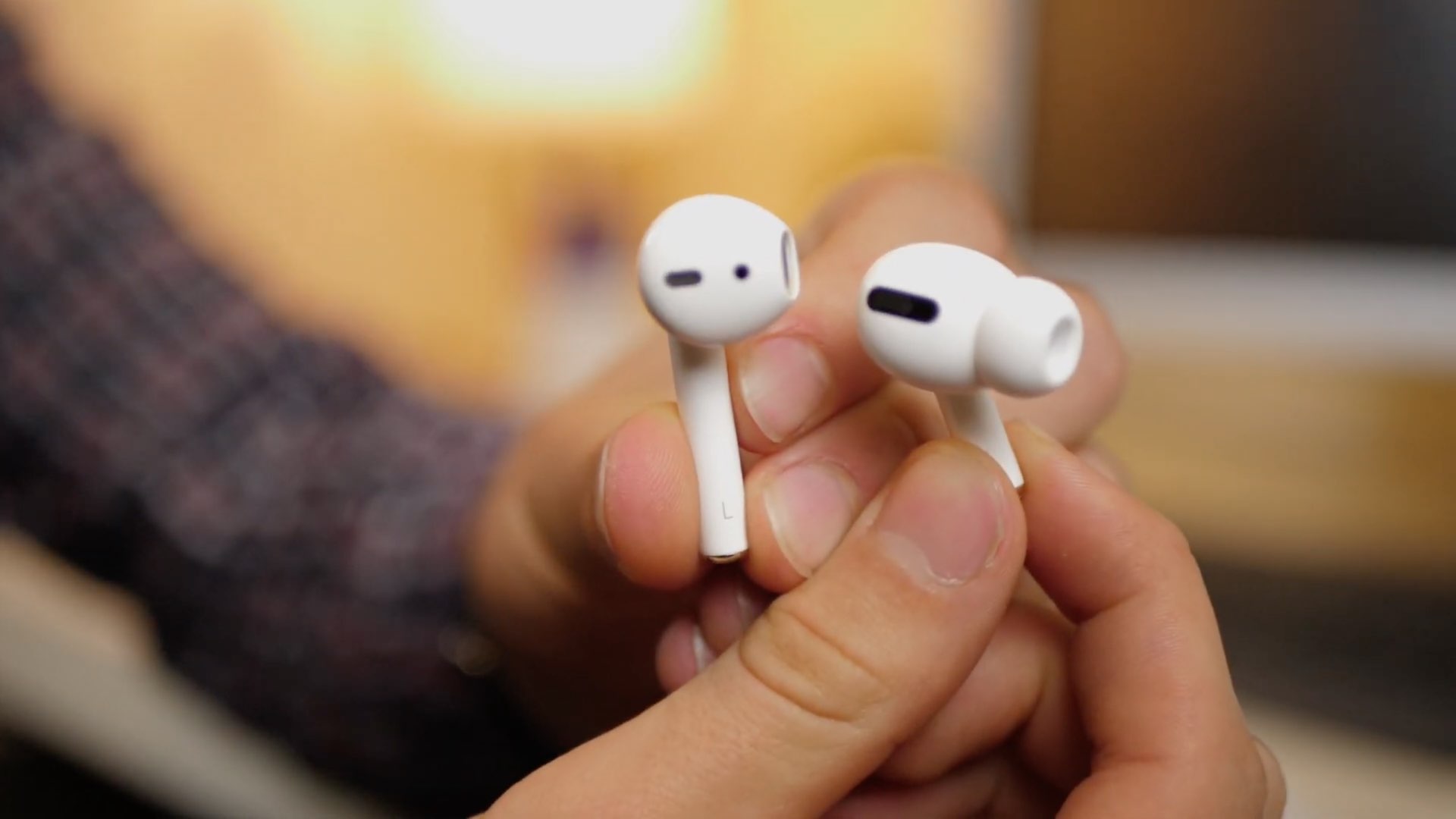
We've been hearing rumors about the third-generation AirPods for quite some time now. And while expectations had the truly wireless headphones launching in March, that obviously didn't pan out. And we didn't see them at the Spring Loaded event in April, either. But maybe May has something in store for us.