Mail App

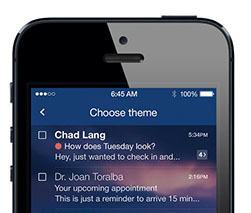
Yahoo totally revamps Mail, now with 1TB of free storage

Yahoo's beleaguered Mail has long given up its leadership position to Gmail although many people would agree that Yahoo's web-mail service is far more elegant, sophisticated and streamlined compared to Google's Gmail, which often times looks very much like work in progress. Taking another crack at dethroning Google, Yahoo today started rolling out a significant Mail makeover across the web, mobile and desktop.

Further sweetening the deal, the company has raised the storage cap so everyone now gets one terabyte of free storage. The new design looks absolutely gorgeous, jump past the fold for the full reveal...

Gmail iOS update brings Google apps integration, full screen image attachments

Wow, you have to give it to Google for trying to take over the experience by creating a nice little ecosystem right inside Apple's iOS.

See, the Internet giant has been quite diligent about integrating its popular iPhone and iPad apps to work seamlessly together.

Take Gmail, for example.

Not only has today's update enabled a prettier attachment experience, but it's also brought out tight integration with Google apps. This is quite handy as links in email messages to Google Drive and Google+ content can now go directly to Google's native iOS apps, if installed...

Yahoo Mail iOS app gets folder management, improved attachment handling

The struggling Internet giant Yahoo released its native Mail app for the iPhone last December, but it fell on deff ear.

Fourth months later, a revamped version with native iPad support has arrived and Yahoo has since enhanced the experience by adding a couple improvements, including the useful business-focused support for multiple personal and Business Mail accounts.

As part of the sweeping streamlining announced on its blog this morning, Yahoo has pushed an incremental update to its iPhone, iPod touch and iPad client, the new version now allowing you to open attachments in other apps and manage multiple folders with ease...

New in iOS 7: smart ‘send from’ in Mail

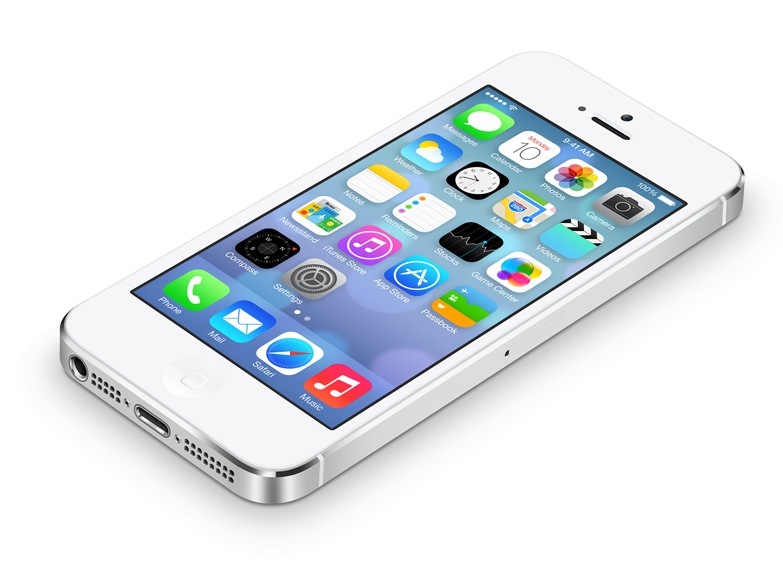
Just a quick note regarding a nice little feature discovery in Apple's stock Mail app in iOS 7 that I haven't seen reported on thus far.

Prior to iOS 7, creating a new message in the stock Mail app would normally default to your 'send from' email address specified in the Settings app. iOS 7 has changed this behavior, for the better.

You see, Mail in iOS 7 is smart enough to over time learn who you're emailing and changes the 'send from' value accordingly to match the recipient's domain. I've included screenshots and the full description right after the break...

Dropbox-owned Mailbox gets Dropbox attachment integration

Dropbox, the popular cloud-storage startup, kicked off DBX today, its first-ever developer conference. Dropbox is now 175 million users strong, way up from the 75 million users registered just last November.

The new APIs the team introduced today at DBX promise to make it easier for app developers to integrate Dropbox data synch. Now, iOS developers are expected to take advantage of these new frameworks pretty soon.

Yahoo, for example, has immediately added support for Dropbox attachments to its Android client (it is coming soon to the iOS  edition of Yahoo Mail). As Dropbox acquired Mailbox in March, we're not surprised the team just pushed a Mailbox update which lets you send attachments from Dropbox, even if the files don't physically reside on your device.

Better yet, you can now attach any file type you can think of, regardless of whether or not your device understands it. This has got to be the awesome news for fans of cloud productivity (count me excited!) and regular users who could only attach Camera roll images prior to this update...

Yahoo! Mail app now supports multiple personal and Business Mail accounts

Yahoo may have been buying popular iPhone apps lately, but that doesn't mean it's not giving Apple's platform some love. Quite the contrary, in the past few weeks the original Internet giant has released a stunning Weather app, updated Flickr with Instagram-y filters, overhauled News and re-released the native Mail software.

And in today's update, they've added two major features appealing to enterprise and power users.

First up, the application now lets you set up multiple Yahoo Mail accounts on your iPhone, iPod touch or iPad and quickly switch between them without ever signing out...

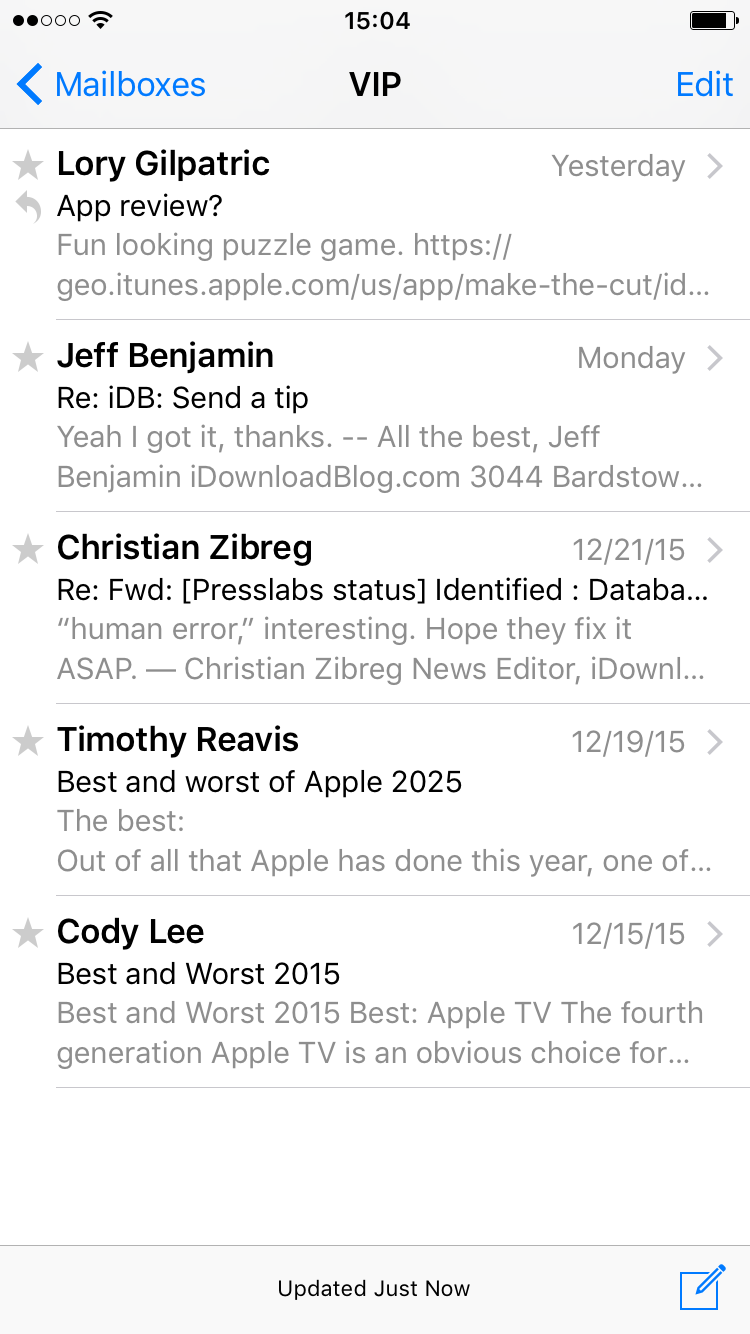
How to hide the stock Mail app’s VIP folder

The stock Mail app features a VIP folder that lets you to designate specific contacts as VIPs. This allows you to separate important email from all of the rest. But not everyone uses the VIP feature, and there's no way to disable the feature within the Mail app's settings. That's where NoVIP steps in to save the day. It's a free jailbreak tweak that allows you to outright hide the Mail App's VIP folder. Check inside for a video demonstration of.

‘Overview’ allows you to manage mail, reminders, and events in one place

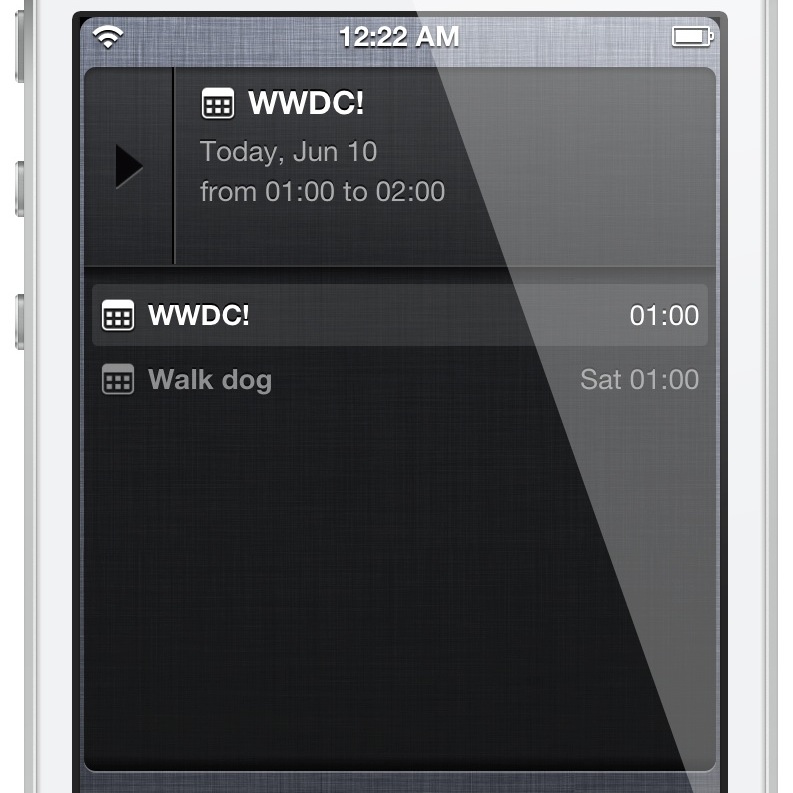
Overview is a brand new jailbreak tweak that provides a Notification Center widget containing email, reminders and calendar events. All of these items can be viewed directly via Notification Center. As you'll see, it's a really awesome design and concept, and it's from the same developer that brought us Tap to Widgets: Alan Yip.

You can easily scroll through all of the events, reminders, and email via the Overview widget. By tapping and holding on any of the items, you'll be taken directly to that item's full app. For example, if you tap and hold on an email within the widget, you'll be taken directly to the individual email message within the Mail app.

I've been testing out Overview for a few days now, and I'm confident that you'll like what you find, especially if you liked Tap to Widgets. Want to see how it looks in motion? If so, check out my full video walkthrough after the break...

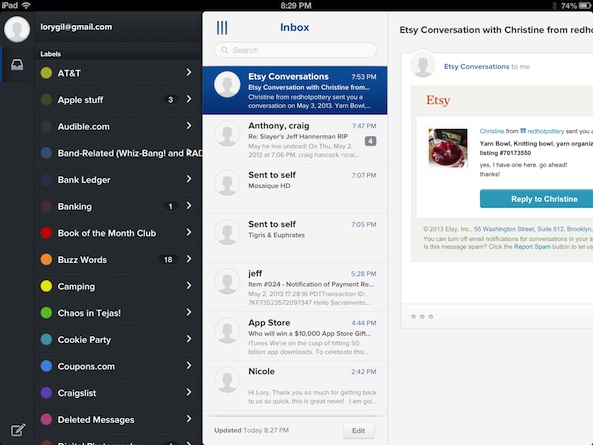
Evomail review: a modern email app for your iPad

Mail clients are becoming a big deal in the App Store. Only a few weeks ago, Orchestra launched their popular Mailbox app to much fanfare. Before this, Twitter clients were trending, before that, RSS readers. Mail clients are likely to be the next wave of iOS apps for the months ahead.

Evomail is another mail client for the iPad to recently hit the App Store. This Gmail-specific app lets users access, organize, and respond to their mail in a way that incorporates Gmail’s interactions with Apple’s native Mail app…

How to set up email VIP lists

When Apple inveiled iOS 6 way back, one of the new Mail features was the addition of a “VIP” inbox. I’m sure you’ve seen it. Some of you may have already started using the VIP feature. For those of you who have an Aunt Linda in your ear, asking what this VIP “doo-hickey” is all about, send them our way and let us guide them through the steps to setting up VIP contacts.

By setting up VIP contacts in your Mail app inbox, you will have a separate folder for your important email correspondences with certain people. If you get dozens (even hundreds) of emails every day, it may be difficult to weed through the garbage to find the important ones. The VIP contacts feature automatically sends all emails from your selected contacts to a separate folder so their correspondences are much easier to find.

In this post, we will show you to use setup a VIP email inbox on your iPhone or iPad.

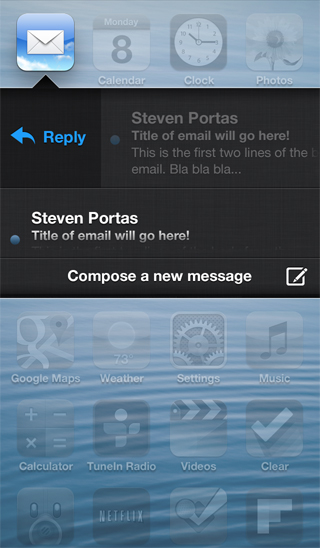
Here’s how Velox will interface with the Mail app

A few new screenshots were posted on Apex Tweaks' official site, and one of them shows the way that Velox will interface with the Mail app. This is significant, because this wasn't available in the preview version that I demoed a few days ago.

The screenshot shows the typical Velox view, with what appear to be scrollable messages with titles and a two line preview of the message. It looks, judging from the screenshot, that a swipe gesture, or a tap of the email, may allow you to reply directly to messages from Velox's enhanced email folder.

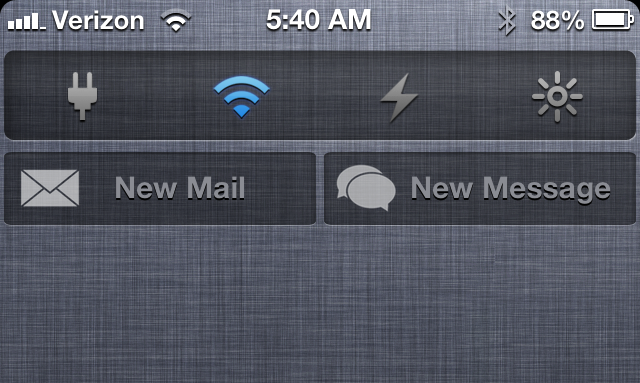
‘Compose’ adds new Mail and Message shortcuts to Notification Center

Looking for a quick and easy way to compose new messages and emails via Notification Center? Then perhaps Compose — a new jailbreak tweak that places shortcuts to each respective app in Notification Center — will suit your fancy.

Compose follows the same visual template that Apple created with its Facebook and Twitter Notification Center shortcuts, but it doesn't work exactly the same. Instead of opening up a small pop-up box to type in any content you wish to share, Compose works more like a shortcut to each respective app. More details inside...