Learn how to temporarily reveal the hidden Library folder on your Mac or make it visible permanently if you want to access it regularly.
How to access the hidden ~/Library folder on your Mac

Learn how to temporarily reveal the hidden Library folder on your Mac or make it visible permanently if you want to access it regularly.

This article goes over the differences between minimizing and hiding apps on Mac. By understanding the unique capabilities of each action, you’ll learn how to optimize your app management and streamline your productivity.

Learn how to close all open Finder windows on your Mac in one fell swoop and save time instead of closing them one by one.

I have to admit that I'm not a huge user of Notification Center, and this applies to both iOS and the Mac. One of the reasons that I'm turned off by Notification Center is the disarray that I see when viewing it.
By default, Notification Center is set to sort manually, which means that you can go into its preferences, and sort each app by hand. That's fine and all, but it makes for a less than ideal experience when trying to find the most relevant notifications based on time of arrival.
For me, this results in a less than ideal experience when opening Notification Center. If you have a lot of apps enabled for Notifications, it can be overwhelming, because there's no real logical order to the way they're sorted. To remedy this issue, try this simple tip, and sort your notifications by time of arrival instead.
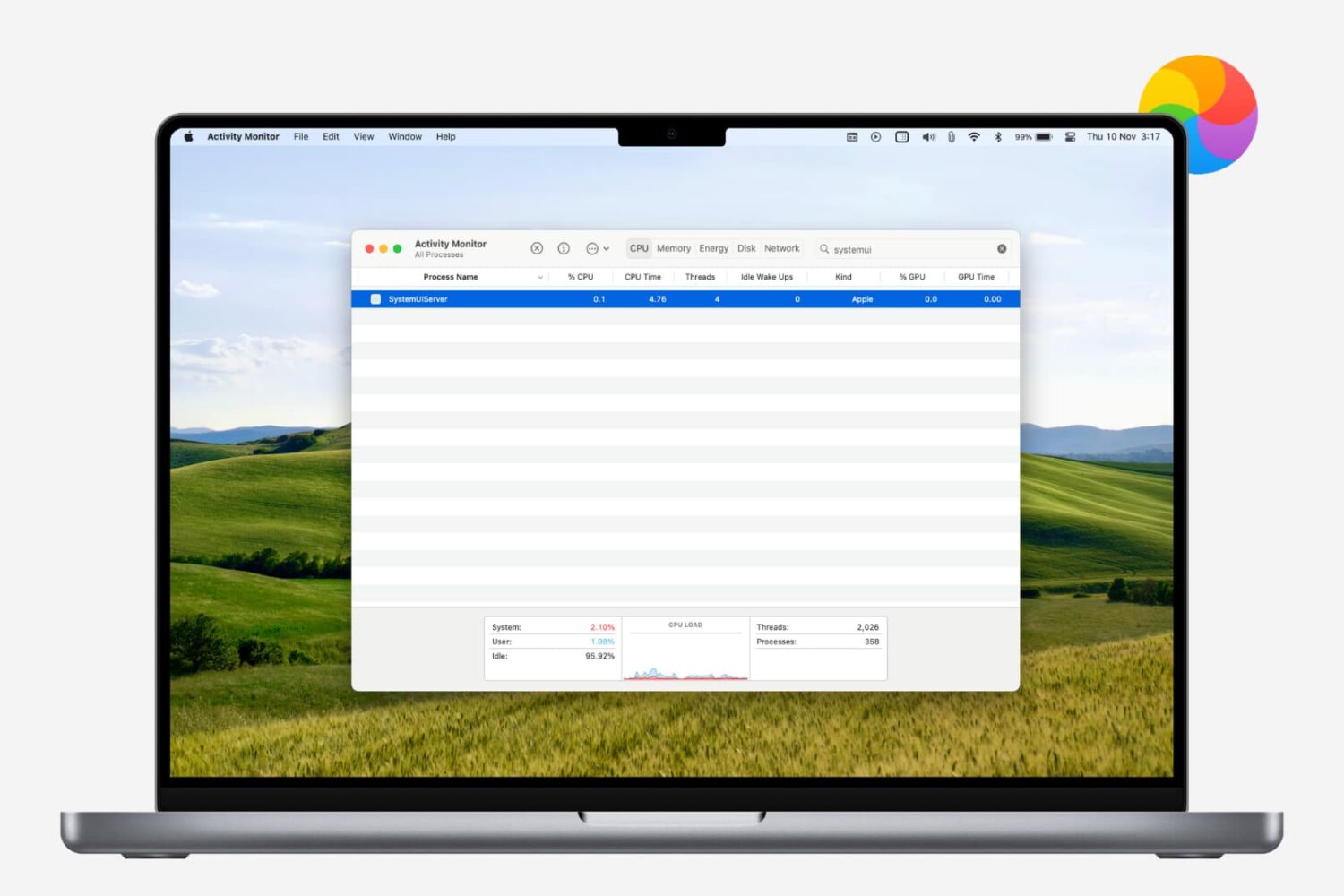
Learn how to restart the menu bar on your Mac if it’s frozen, unresponsive, or malfunctioning, and clicking the icons doesn’t trigger the intended action.

Learn how to change the default Finder folder on your Mac to streamline your workflow and enhance productivity.

Every Mac that Apple ships, sans the Mac mini, comes with an iSight camera embedded in the bezel at the top of the display. If my memory serves me correctly, Apple's computers were one of the first to really popularize the standardization of built-in cameras.
I'm probably not alone when I say that I rarely, if ever, use my MacBook Pro's iSight camera. In fact, it's become more of a worry to me when thinking about the potential hacking and privacy concerns. I'm far from a tin foil hat wearer, but I have to be honest and admit that the thought has crossed my mind before... you know, the one where hackers view my iSight camera unbeknown to me.
With all of that said, wouldn't it be nice if you could disable your Mac camera with a simple software tweak? Inside, I'll show you how to do just that.

Learn about three ways to restart or relaunch Finder on your Mac in case it hangs, stops responding, or fails to refresh your files with the latest changes.
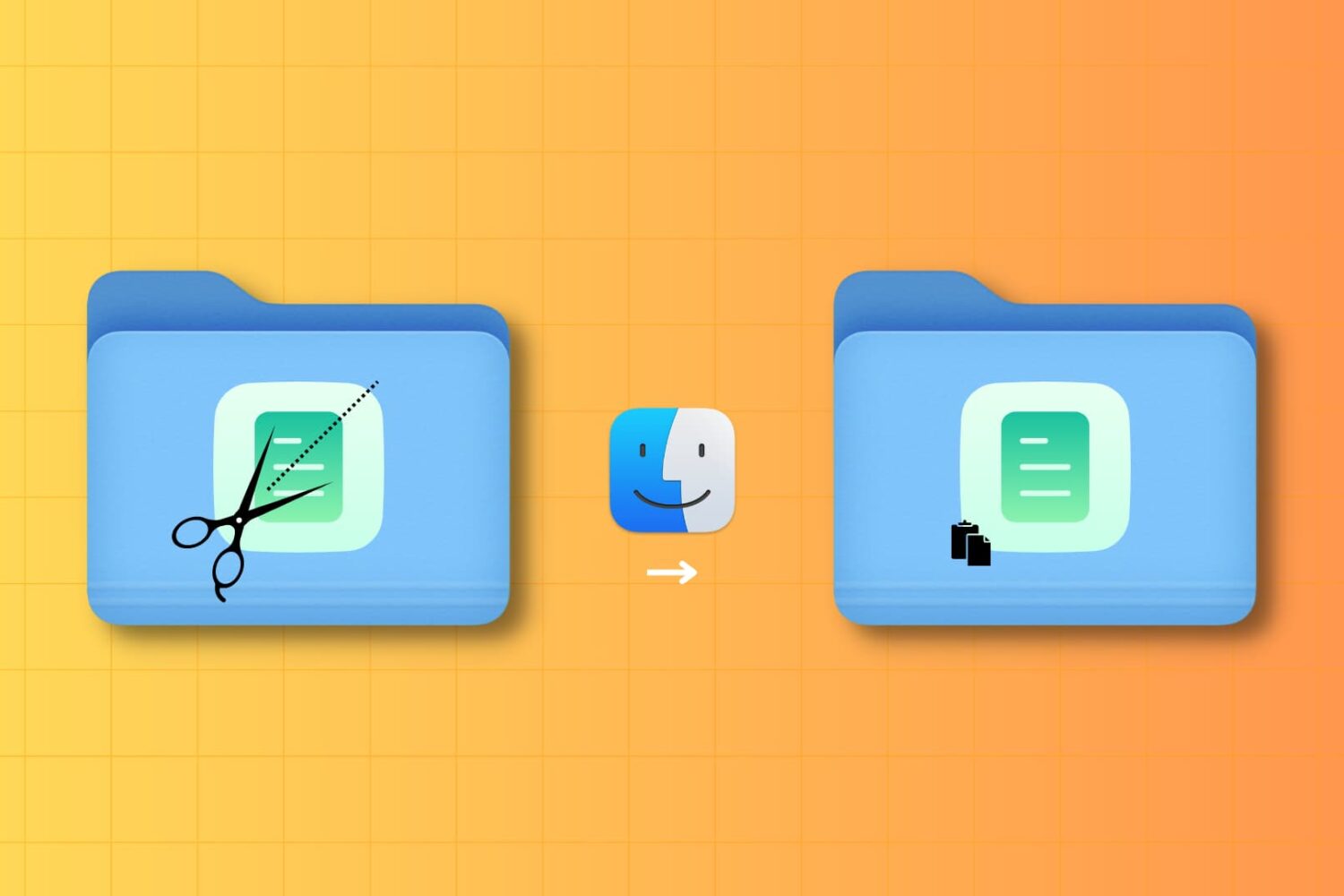
It may not be obvious, but your Mac has the option to cut a file and paste it to a new location in Finder. In this tutorial, we’ll show you four different ways to use cut and paste files on a Mac.

Use this simple trick to make your Mac’s Dock hide and show instantly without any delay or system animation.
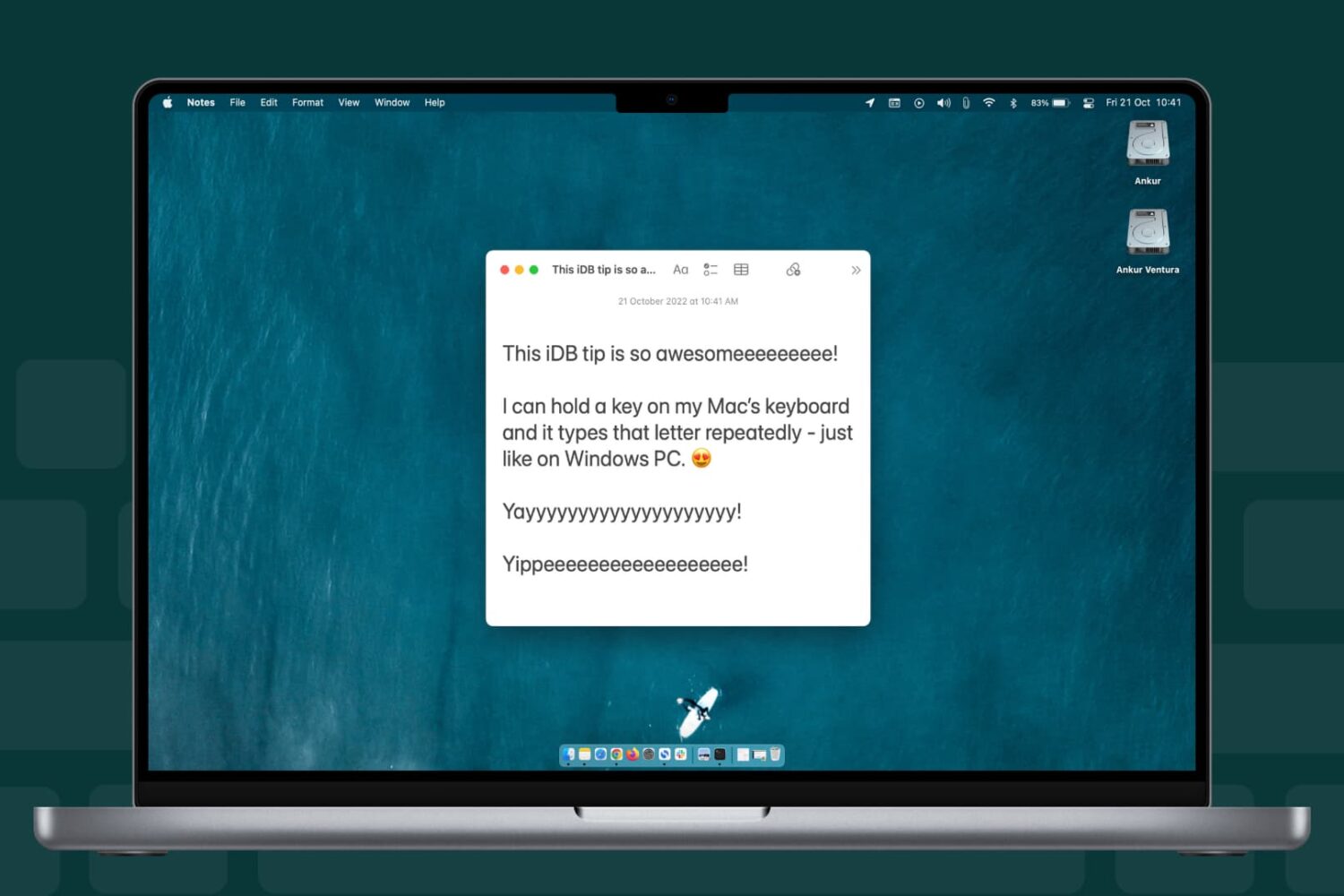
Learn how to change whether the character typed in a text area on your Mac repeats faster or slower when holding down a keyboard key.

Learn how to stop your Mac from requesting the login password or authenticating with Touch ID when you wake it from sleep or the screen saver begins.