Learn how to view hidden files and folders in Finder on your Mac using simple Terminal commands or a keyboard shortcut to access hidden system data.
How to show hidden files and folders on Mac
Learn how to view hidden files and folders in Finder on your Mac using simple Terminal commands or a keyboard shortcut to access hidden system data.
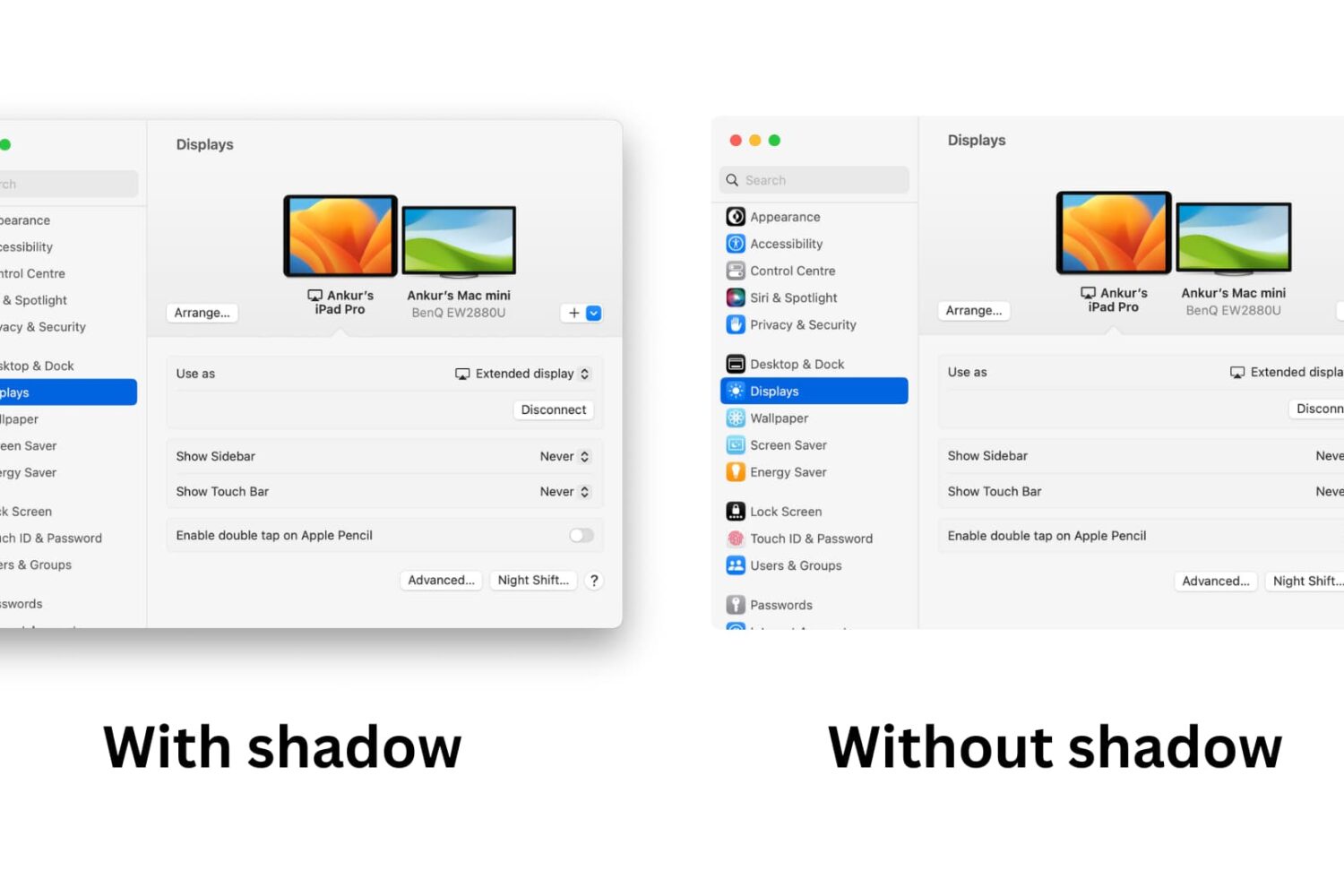
Learn how to take window screenshots on your Mac without the drop shadow effect which creates distracting extra space and white borders, resulting in a cleaner look.
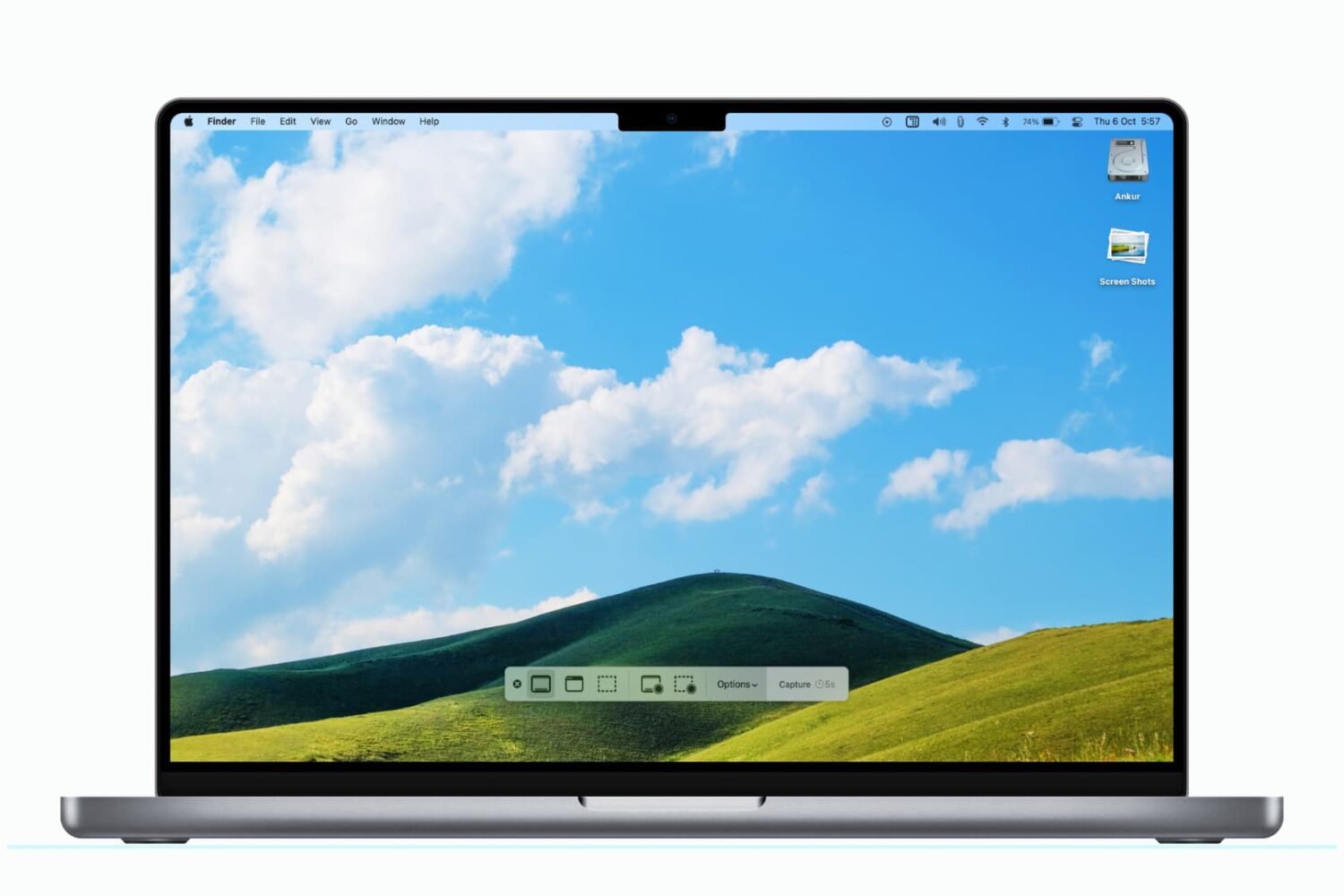
Learn how to change the default Mac screenshot file format in macOS from PNG to JPG or similar to save storage space and avoid manual image conversion.
Learn how to change the default location where macOS saves your screenshots to any folder on your Mac instead of piling them up on the desktop.
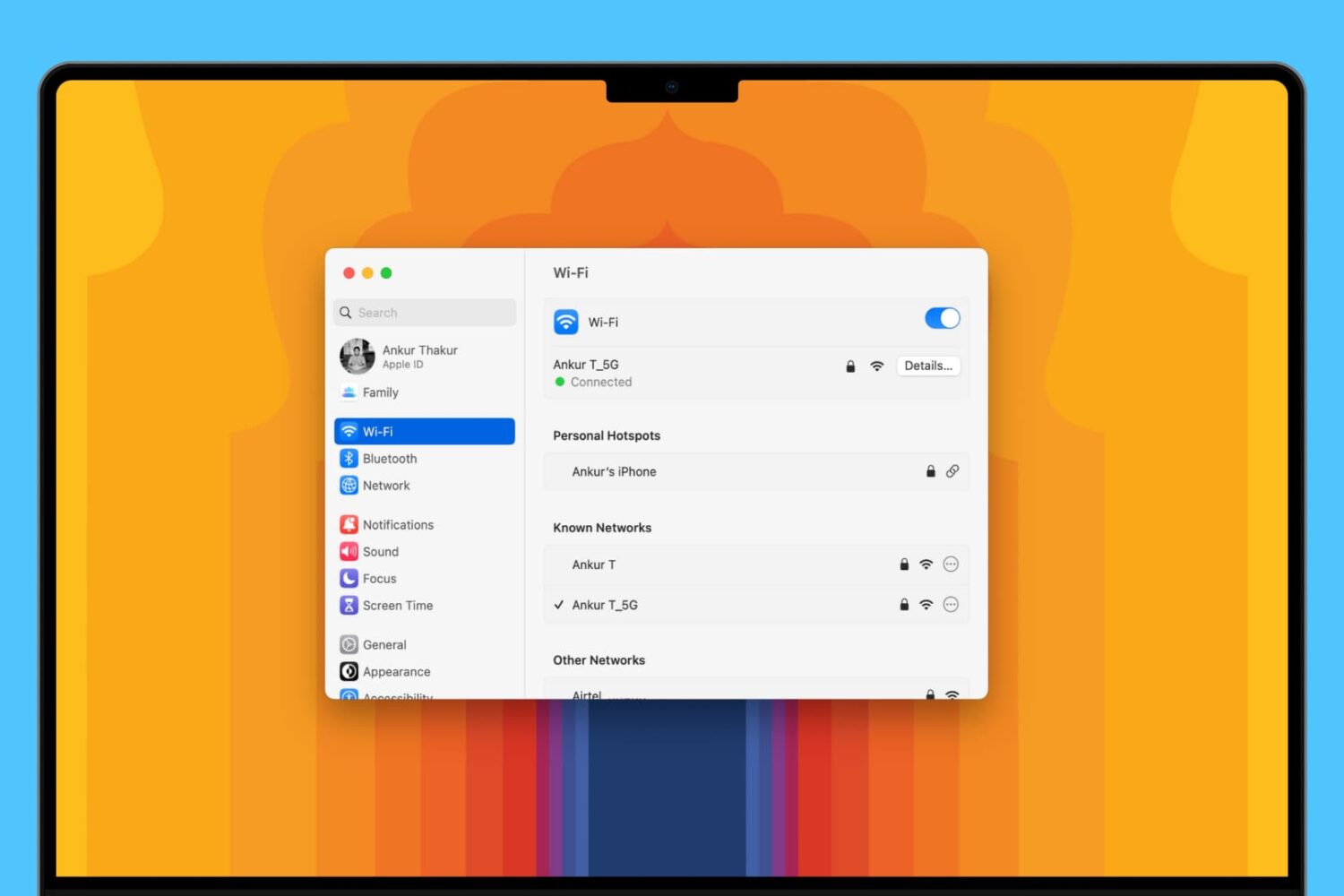
Learn about 5 quick ways to see the saved Wi-Fi passwords on your Mac if you need to connect a new device or simply want to share the password with someone else.
Creating a group email can be a real time saver as you don't have to manually enter each recipient's email address. Instead, you can quickly type in the name of a group of contacts that you want to send an email to and have the "to:" field of your email client populated for you automatically.
In this post, we will show you how to send group emails from your Mac. As you will soon be able to verify, sending messages to a group from your Mac is a fairly simple and quick process.
Are you unable to download some images from a web page? Check out these two free Google Chrome extensions to save any or all images of a web page to your Mac or Windows PC.
Bartender is a Mac app that helps users declutter their menu bar by allowing them to easily hide, rearrange, and manage menu bar icons according to their preferences.
Have you ever used a specific menu command in an app and wondered to yourself, "Why is there no keyboard shortcut assigned to this command?" Or "why can't I change that shortcut to something else?" I think we've all been there before. Fortunately, fixing the issue requires little more than a few minutes of your time. Inside, we'll show you how easy it is to quickly create a keyboard shortcut for your favorite apps.
Learn how to resize multiple photos of different sizes at once on your Mac without downloading additional third-party apps or extensions.