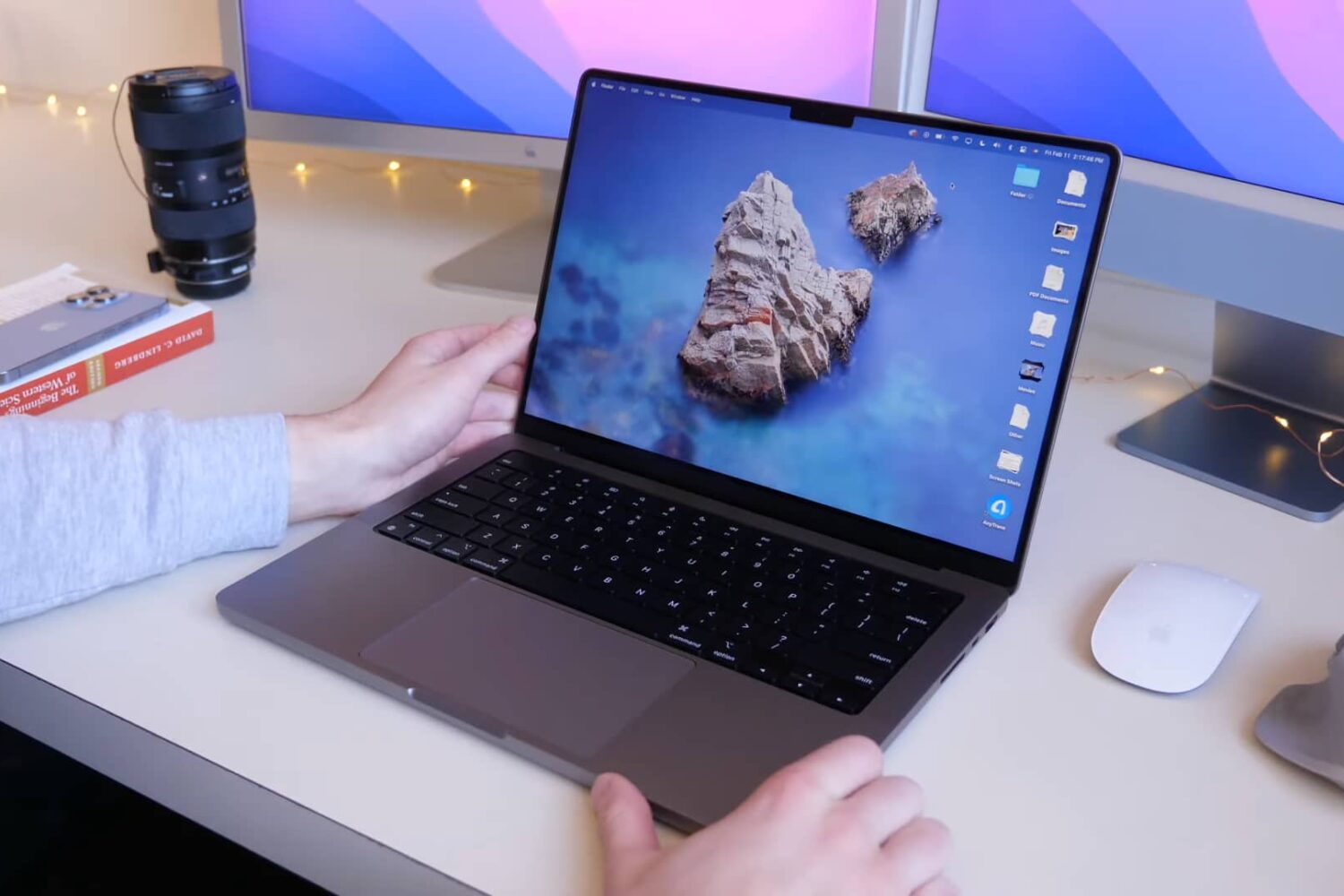
In this guide, I go over a list of over 40+ things I always do to ensure the best user experience after setting up a new or erased Mac.
43 things to do after setting up a Mac
Stay up-to-date on the latest Mac news, and tutorials. Get expert tips and tricks to optimize your Mac’s performance and learn about the latest Apple products and software updates. Discover the best Mac apps and accessories to enhance your user experience.
In this guide, I go over a list of over 40+ things I always do to ensure the best user experience after setting up a new or erased Mac.
A new industry rumor makes claims that Apple's upcoming update to its 27-inch iMac desktop won't include mini-LED display backlighting as previously speculated.
The privacy-first search engine DuckDuckGo is developing a DuckDuckGo browser for desktop platforms with robust privacy protections that work by default.
Apple Maps now shows 3D landmarks in Philadelphia, allowing iPhone, iPad and Mac users to view custom 3D objects when exploring such locations as One Liberty Place.
Learn how to AirPlay photos, videos, and music, or mirror your iPhone, iPad, or Mac screen to another Mac.
Learn what to do if you’re annoyed by repetitive popups and notifications asking you to enter your Apple Account password on your iPhone, iPad, or Mac.
The macOS version of AltServer received an important update Wednesday afternoon, officially bringing the popular sideloading platform for iPhones and iPads up to version 1.4.8.
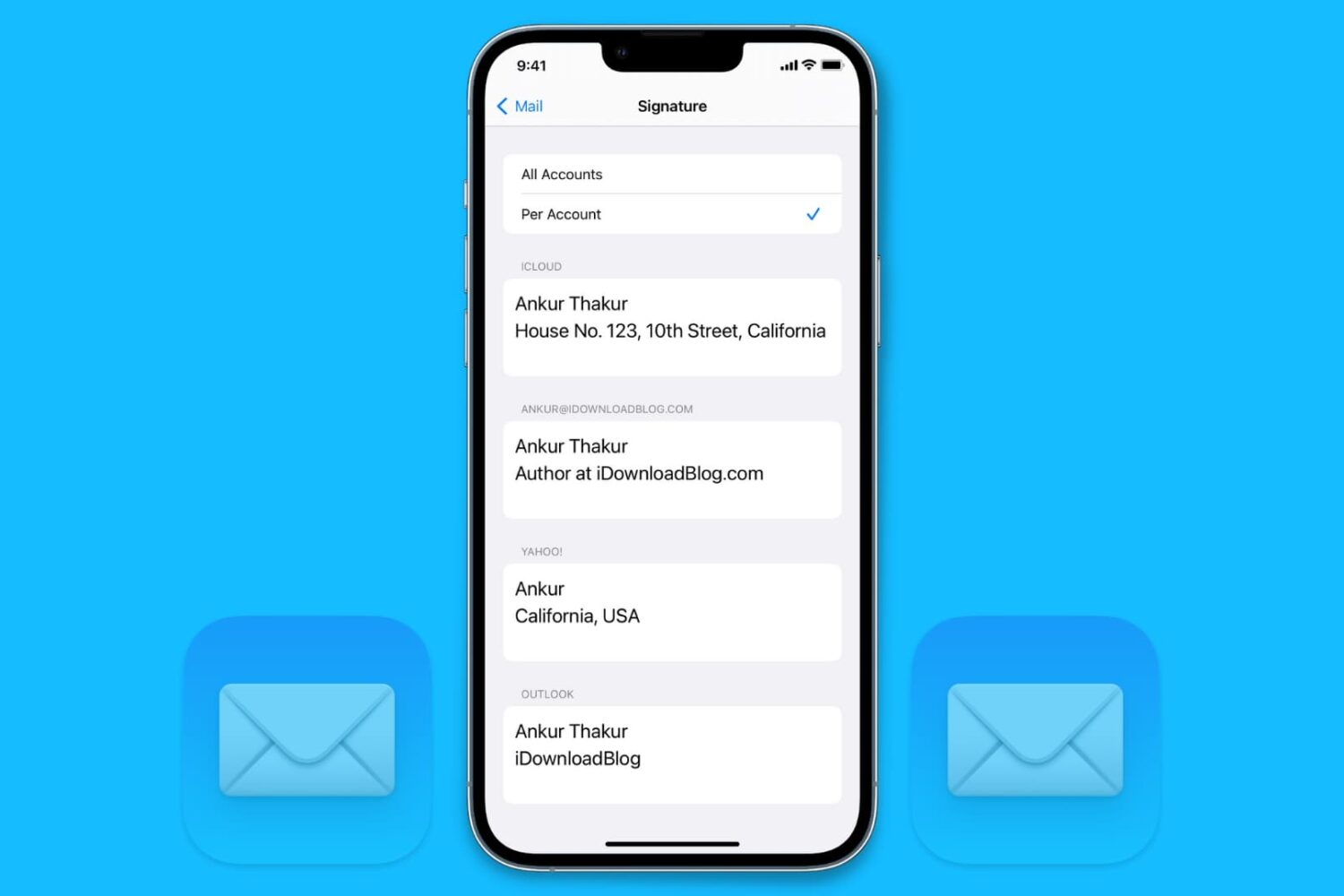
Want to write to Siri instead of speaking to it? In this tutorial, we’ll show you how to type to Siri instead of speaking, making it easier to communicate discreetly with Apple’s virtual assistant on iPhone, iPad, Mac, Apple Watch, and Apple TV.
Siri is the default built-in voice assistant on Apple devices. It lets you set alarms, answer questions, and do almost everything voice assistants do. This quick tutorial shows you how to call Siri on iPhone, iPod touch, iPad, Apple Watch, AirPods, Mac, HomePod, Apple TV, and supported cars.
Learn how to set up and use Do Not Disturb (DND) on your iPhone, iPad, Mac, and Apple Watch to minimize distractions and stay focused while working, driving, or resting.
Don't like the current cover image of a photo album? Check out these quick steps to use any other picture or video as the cover photo or "Key Photo" for an album on your iPhone, iPad, or Mac.
AltServer is one of the most convenient ways to effortlessly sideload apps on your iPhone or iPad, and it’s also one of the easiest ways to install jailbreak apps like Odyssey, Taurine, and unc0ver. But perhaps not if you've installed today’s macOS Monterey 12.1 software update…