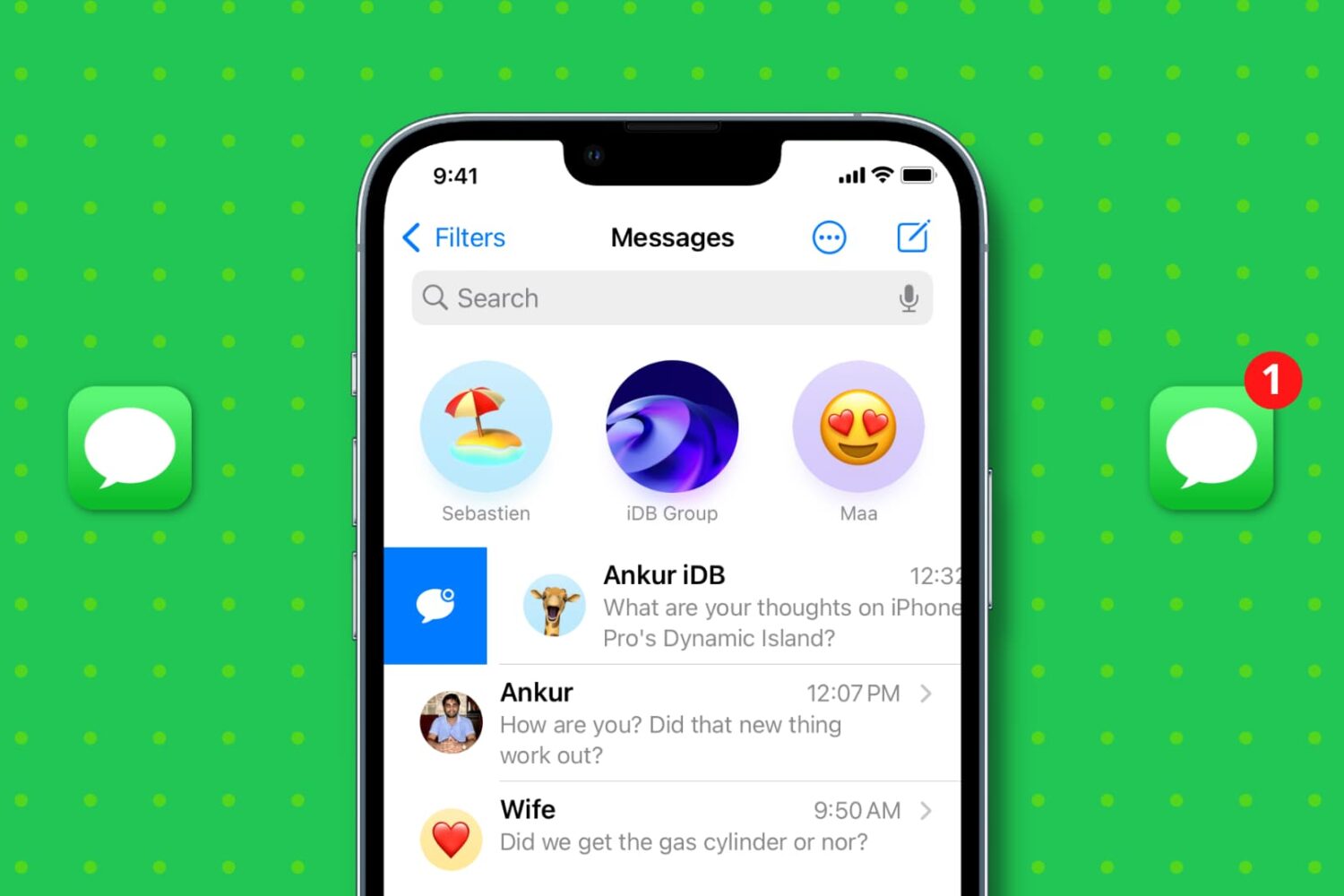
Learn about various ways to mark read SMS and iMessages as unread on iPhone, iPad, Mac, and Apple Watch if you want to attend to a particular message later.
How to mark a message as unread on iPhone, iPad, Mac
Stay up-to-date on the latest Mac news, and tutorials. Get expert tips and tricks to optimize your Mac’s performance and learn about the latest Apple products and software updates. Discover the best Mac apps and accessories to enhance your user experience.
Learn about various ways to mark read SMS and iMessages as unread on iPhone, iPad, Mac, and Apple Watch if you want to attend to a particular message later.
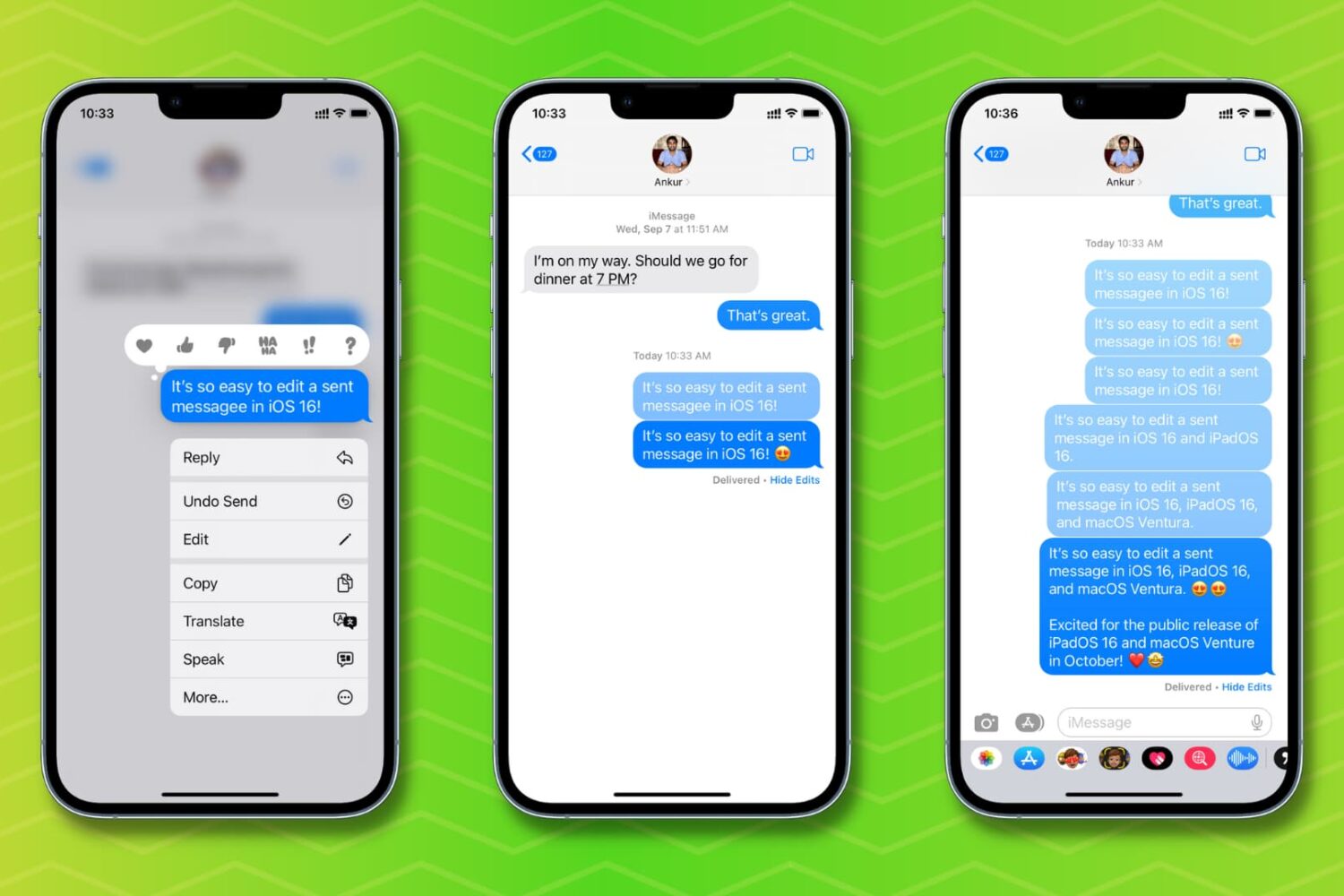
Check out how to edit a sent message on your iPhone, iPad, Mac, and Apple Watch if you need to fix a typo or correct something, without having to delete and resend the text.
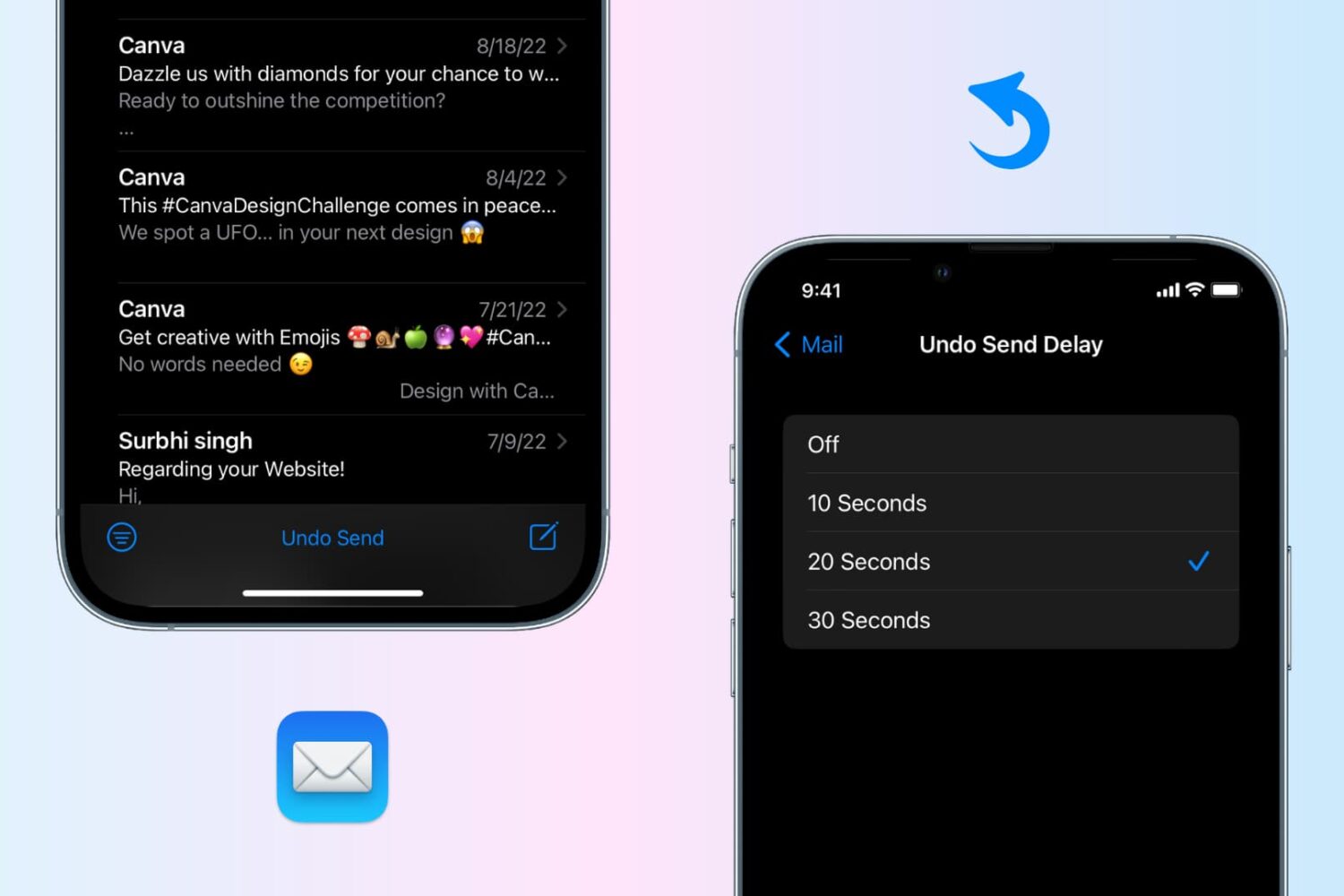
Undo send an email in the Apple Mail app on your iPhone, iPad, or Mac to recall the sent email before it reaches the recipient’s inbox.
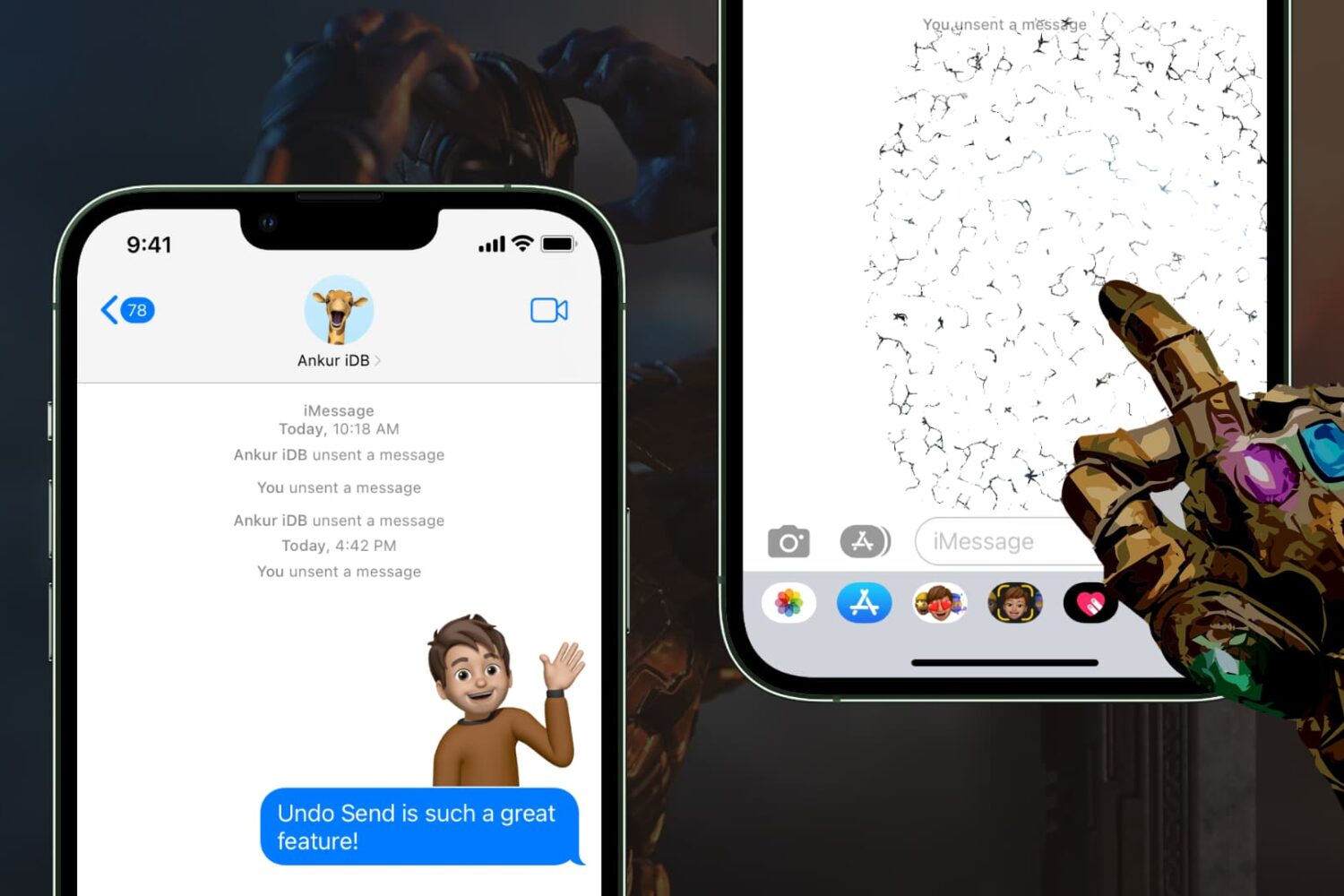
Learn how to unsend messages on iPhone, iPad, and Mac in just a few steps to retract texts before they are seen.
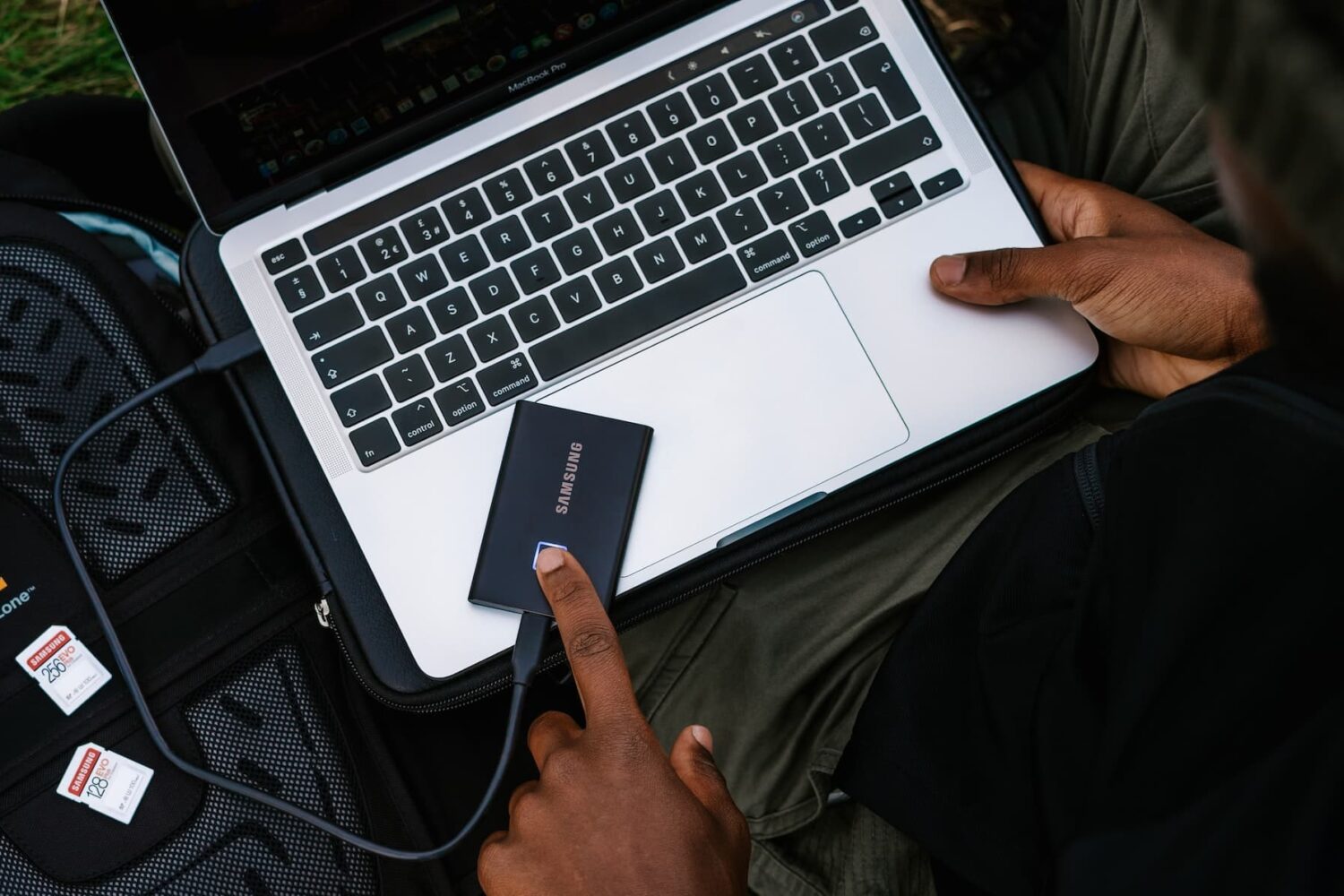
Learn what to do if your external hard disk, SSD, thumb drive, or other USB device is not connecting to your Mac and you can’t use it as expected.

In September, Apple Arcade brings a trivia game narrated by Tom Hanks, a remix of an App Store racing game, a relaxing interactive puzzle and more.

Go through these useful iPhone and Mac tips to help you stay healthy and productive while working from home.
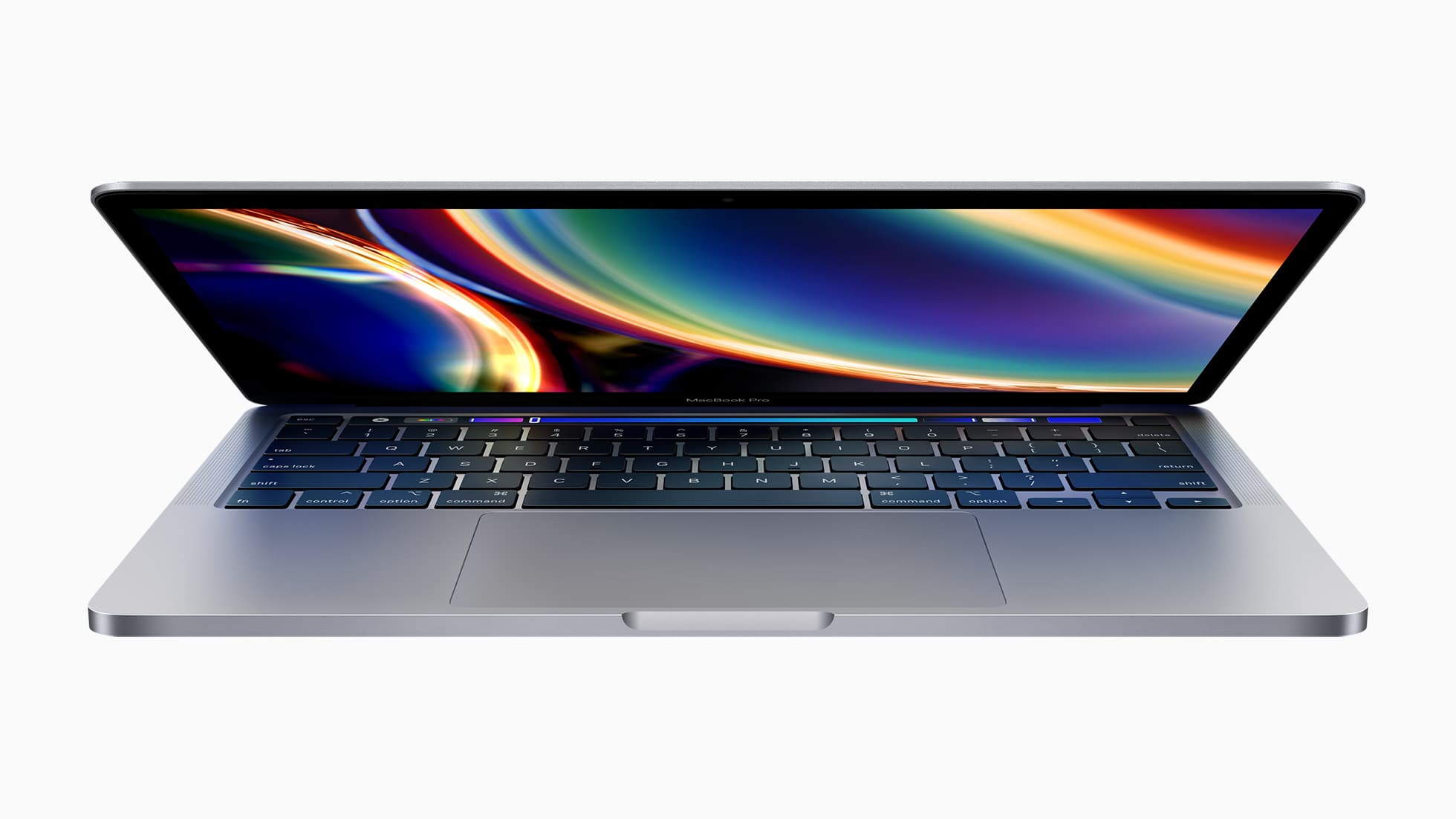
Here's a heads up for those of you in the market for a new Apple product or accessory: a number of current-gen Apple products have been discounted ahead of their anticipated fall refreshes. We have Apple TVs starting at $120, Apple Watches at $209, iPads at $280, and much more. Check out our full roundup below.
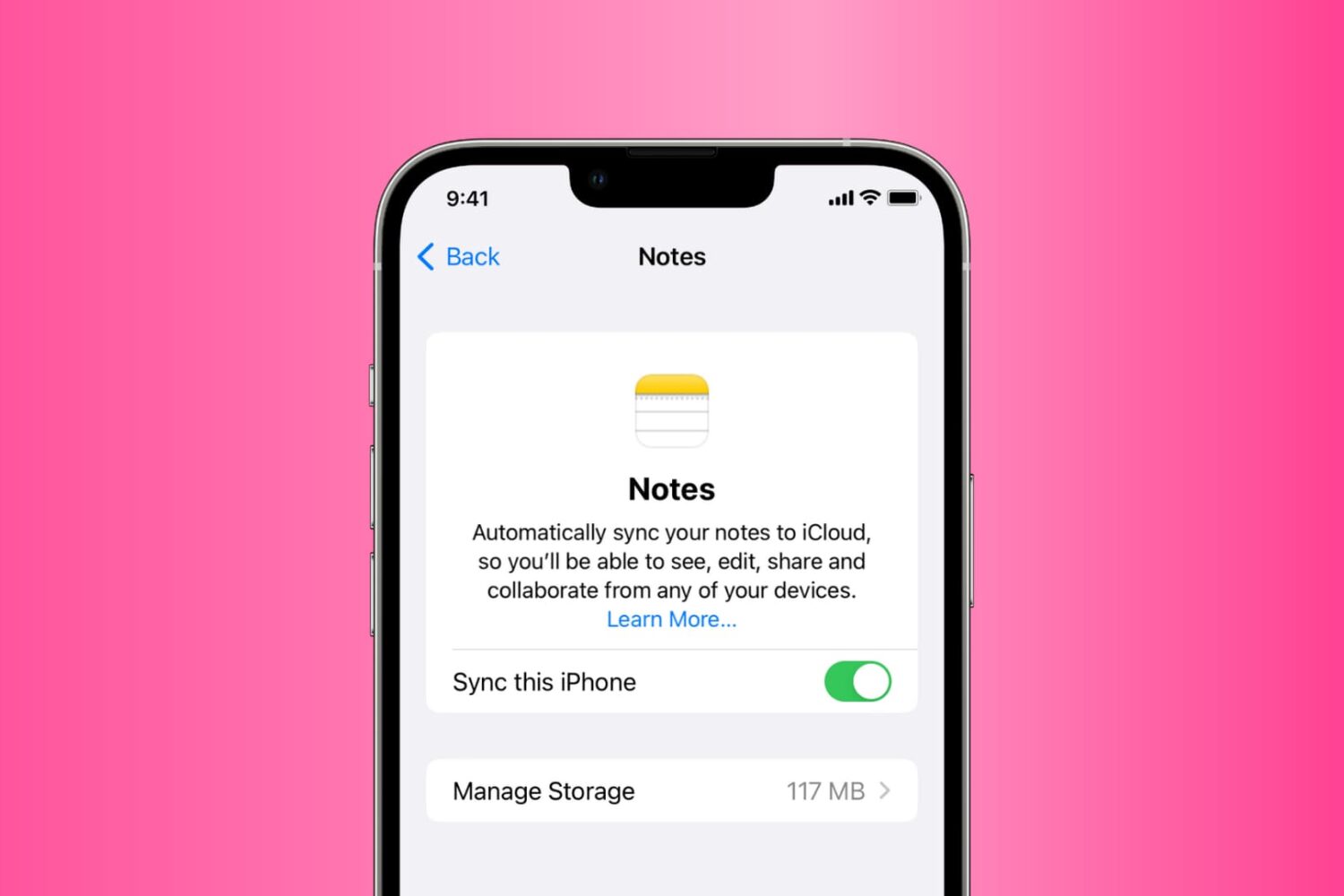
Go through these solutions to fix the Notes app not working, opening, freezing, crashing, or not displaying your notes on iPhone, iPad, and Mac.
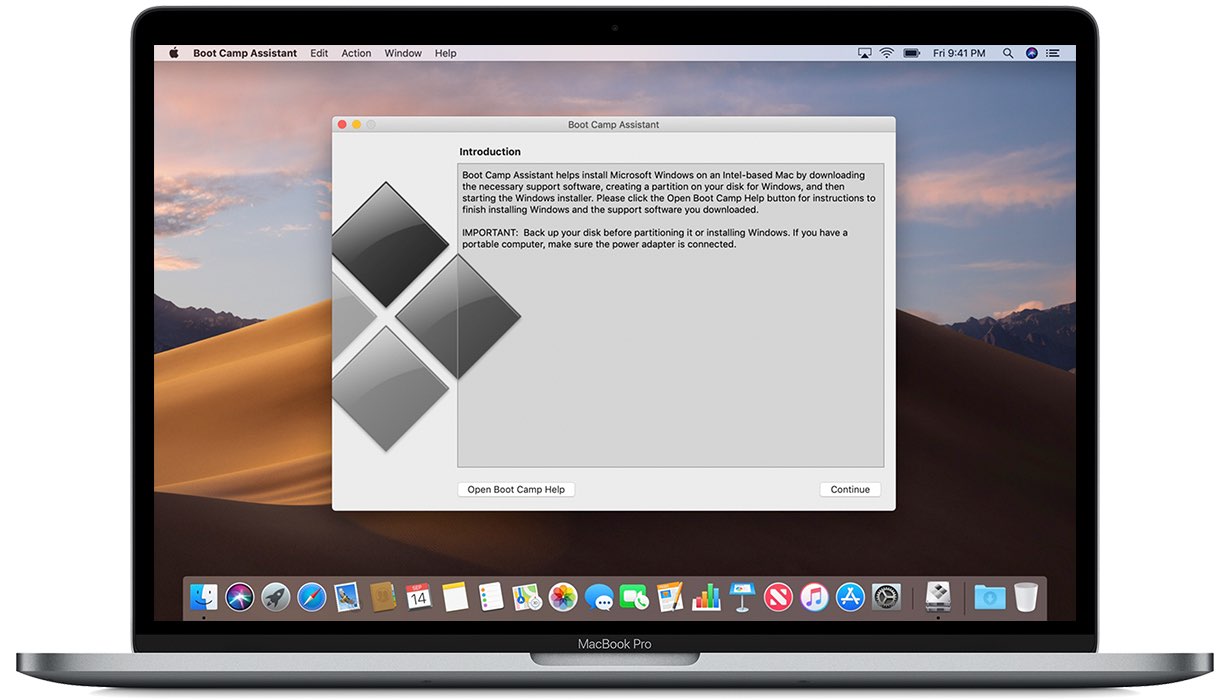
Apple has updated its Boot Camp software with support for the WPA3 protocol for Wi-Fi connections. It also contains a fix for issues with the Bluetooth driver.
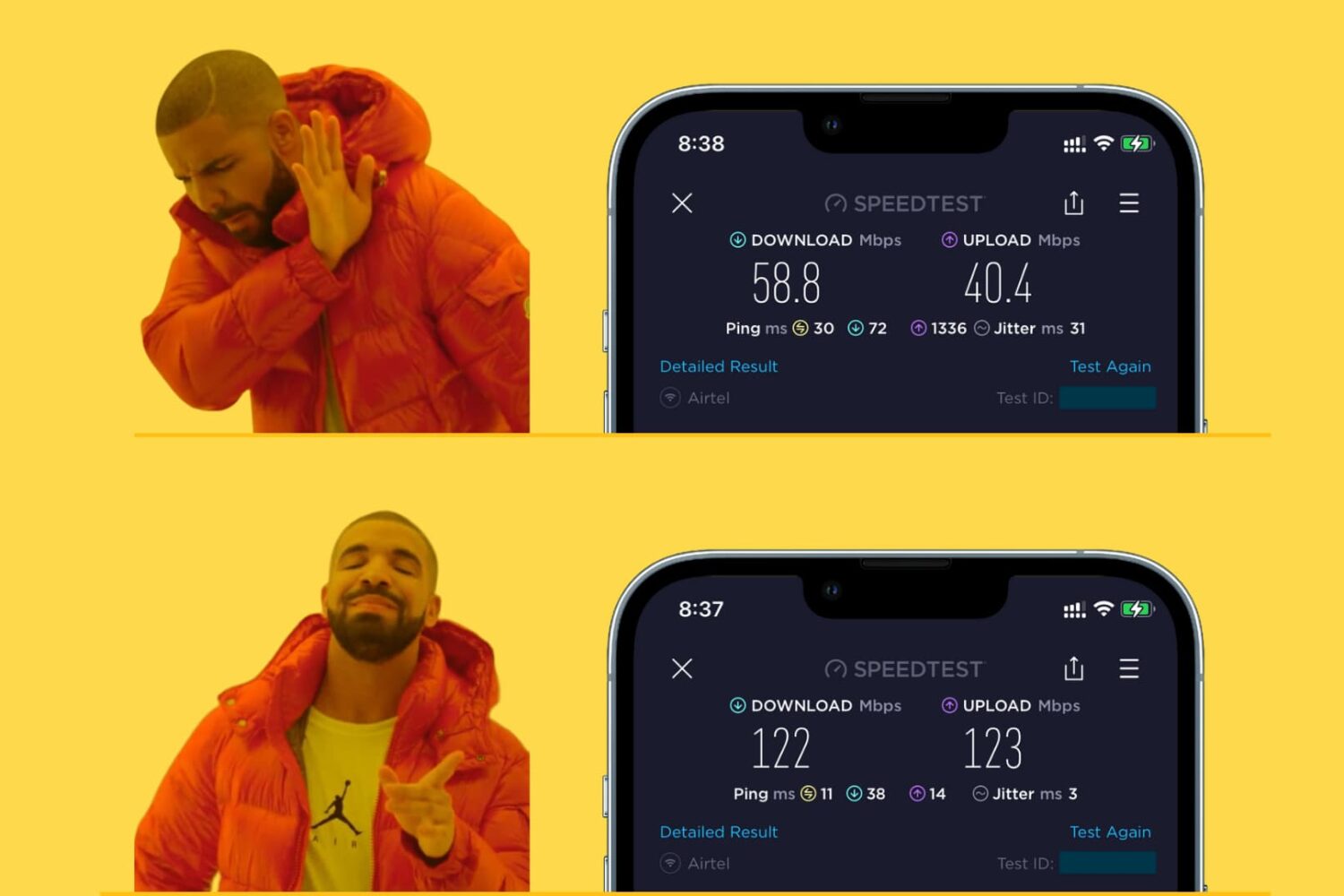
Learn how to make your iPhone, iPad, Mac, or Apple Watch join the faster Wi-Fi network and ignore the slower ones, so you get the best internet speeds.
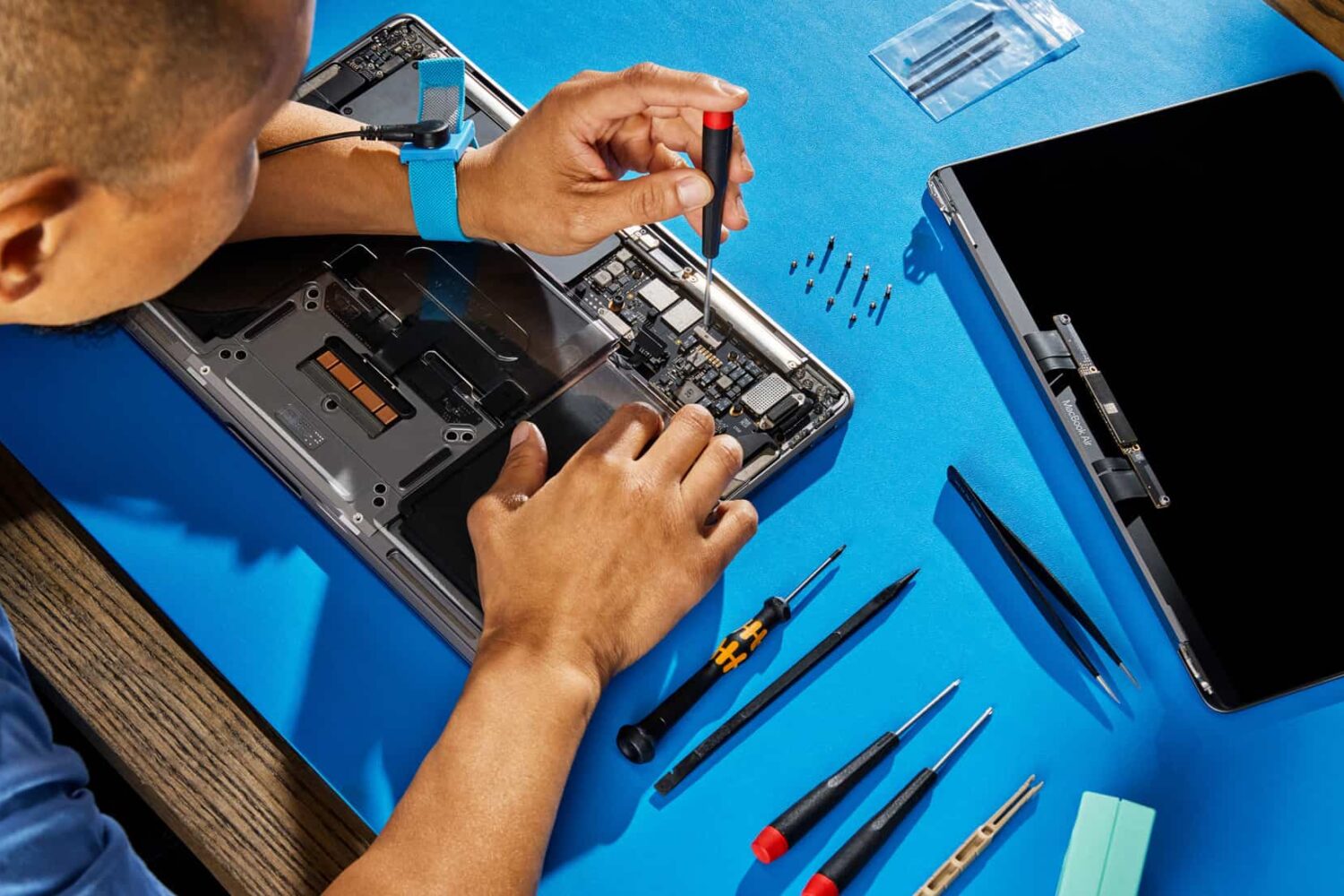
Aside from the iPhone, Apple's self-service program now provides genuine parts and manuals for those wishing to repair a broken MacBook Air or Pro on their own.