Mac

Stay up-to-date on the latest Mac news, and tutorials. Get expert tips and tricks to optimize your Mac’s performance and learn about the latest Apple products and software updates. Discover the best Mac apps and accessories to enhance your user experience.

The ultimate guide to protecting your private information in Notes from the prying eyes

According to Apple, Notes is one of the most popular and most-frequently used stock applications on the iPhone, iPod touch and iPad.

People use Notes for everything from memorizing recipes to keeping track of errands, creating shopping lists, storing inspirational quotes and even passwords, codes and medical data.

Not all notes contain sensitive information, but many do. Beginning with iOS 9.3 and OS X El Capitan 10.11.4, you can protect your notes with a password or Touch ID.

In this tutorial, you'll learn how to set up Notes protection, secure items on a note-by-note basis so no one can view their contents and more.

DigiTimes: ultra-thin 13 and 15-inch MacBooks coming this summer

DigiTimes, a hit-and-miss Taiwanese trade publication, cited upstream supply chain sources in a report this morning as saying that Apple will ship a pair of all-new “ultra-thin” MacBook models with thirteen and fifteen-inch screens at the end of the second quarter of this year.

If true, Apple could allocate some stage time to these new MacBooks at its summer conference for developers, which is yet to be formally announced. According to the report, the new 13 and 15-inch MacBooks share a design similar to the existing 12-inch MacBook and are “thinner than the existing MacBook Air”.

OS X El Capitan 10.11.4 is out with full Live Photos sharing, password-protected Notes and more

After spending more than two months in beta, OS X 10.11.4, a fourth major update to OS X El Capitan, today released for public consumption. The software update is now available and recommended for all OS X El Capitan users.

Even though it comes with a few noticeable outward-facing changes, OS X 10.11.4 does pack in some newsworthy improvements—namely in stock Messages, Notes and Photos apps. Full sharing of Live Photos via iMessages has been implemented throughout the system, too. Like other major OS X releases, 10.11.4 includes a handful of under-the-hood changes and tons of bug fixes and performance optimizations.

Chrome Handoff: a new tweak that enables Handoff for Chrome

Google Chrome fans that enjoy using Handoff to create a seamless experience between their iOS device and their Mac have been long disappointed in the third-party web browser's inability to support such a feature.

Fortunately, those sporting a device with a jailbreak can now take advantage of a new free jailbreak tweak called Chrome Handoff, which will enable Handoff for Chrome between your iOS device(s) and Mac. In this piece, we'll show you how it works!

Apple seeds OS X El Capitan 10.11.4 beta 7 to developers

Just 24 hours after seeding iOS 9.3 beta 7 to developers and public testers, Apple on Tuesday released a seventh beta of the forthcoming OS X El Capitan 10.11.4 software update.

The new version with a build number of 15E64a is available as an over-the-air update through the Mac App Store's Purchased tab on Macs authorized for software development through the Apple Developer Program and on computers enrolled into the Apple Beta Software Program.

How to turn off auto-correct on Mac for one or all apps

Turn off auto-correct on Mac

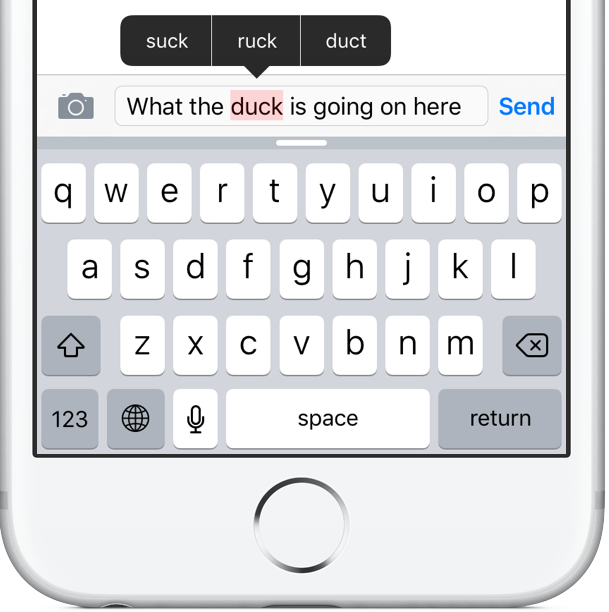
Like your iPhone or iPad, your Mac sports an auto-correction feature that automatically corrects any misspelled words in your chats, documents, emails, and other documents that work with the system-level auto-correction feature.

In many macOS apps, mistakes are automatically corrected as you type. Native speakers who know their way around the grammar and spelling rules may want to reverse this behavior, and we’ll show you how.

Understanding how iOS and macOS calculate storage capacity

One of the questions I hear a lot about storage space on Macs and iOS devices is why when you purchase a 256GB Mac you only get about 230GB of space to play with, or why when you get a 16GB iPhone, you only get about 12.6GB to use for yourself.

The fact of the matter is, your storage space is used by more than just what you put on your own computer or device, and in this piece, we'll explain how Apple calculates all that storage space that you can never seem to claim on your devices.