Learn how to change the email address that’s used to start new iMessages conversations on your iPhone, iPad, or Mac for privacy and other reasons.
How to change the email address your iMessages are sent from

Stay up-to-date on the latest Mac news, and tutorials. Get expert tips and tricks to optimize your Mac’s performance and learn about the latest Apple products and software updates. Discover the best Mac apps and accessories to enhance your user experience.
Learn how to change the email address that’s used to start new iMessages conversations on your iPhone, iPad, or Mac for privacy and other reasons.
Like the iPhone, iPad and iPod touch, the Mac supports third-party extensions inside Apple's stock Photos app.
This potentially powerful capability makes it simple for Mac owners to touch up their photographs using compatible third-party filters without leaving Photos.
Filters, a new app from California-based MacPhun, boosts your photography with as many as thirty artistic and creative filters.
You can use Filters either as a Photos extension or run the software standalone in case you prefer to edit your images outside of Photos.
Apple today launched a third update for Safari Technology Preview, an experimental version of the desktop Safari browser for developers to try and test out upcoming web technologies. Safari Technology Preview Release 3 includes a long list of bug fixes and tweaks for various web technologies, including JavaScript, CSS, Web APIs, Web Inspector, Accessibility, Rendering, Media and Networking.

The succession of vulnerabilities found in Adobe's Flash Player shows no signs of dying down: not a month goes by without Adobe releasing another yet emergency update for Flash to patch a bunch of newly discovered vulnerabilities (measuring in the dozens).
Some of them can be pretty nasty as they introduce new attack vectors for spyware, ransomware, trojans and other malicious applications that you don't want anywhere near your computer.
A few years ago, Flash Player was impossible to avoid because a bulk of web video was encoded in Adobe's proprietary Flash format, but not anymore: YouTube, Vimeo, Facebook and many other popular web services now use HTML5-based video players that work in any modern browser.
While Apple does block older, vulnerable versions of Flash in the Safari browser on macOS, you should do yourself a favor and remove Flash Player from your Mac using step-by-step instructions provided in this tutorial.

Popular cloud-storage startup Dropbox said today at the Dropbox Open London conference that it's working to let you access your files through the Finder as you normally would, but without taking up storage space on a Mac until they're actually needed—no matter how small your hard disk, no matter how much stuff's in your Dropbox.
Code-named Project Infinite, the initiative will let you decide which files in your Dropbox will be instantly downloaded and which ones will be referenced.

macOS users can take advantage of Automatic Downloads, which allows your Mac to automatically download apps, movies, music, and other media that were downloaded on other Apple devices you own.
Unfortunately, some users may not want this. Some apps and media take up a lot of storage space, and there's no reason to sop up all of your individual devices' storage space to keep home to one specific app.
In this tutorial, we'll show you how you can configure automatic downloads on your Mac so you have better control over the content that is downloaded to your machine.

There come times when you need to know not only what version of macOS that you're running, but also where you may want to know the actual build number.
This information usually comes mostly in handy when you're running betas, but sometimes when filing bug reports with Apple, they might ask you to provide them with what version of macOS you are running on your Mac and the build number it shows.
In this tutorial, we'll show you not only how to find out what version of macOS you're running, but also where to find the build number of the version of macOS you have installed.
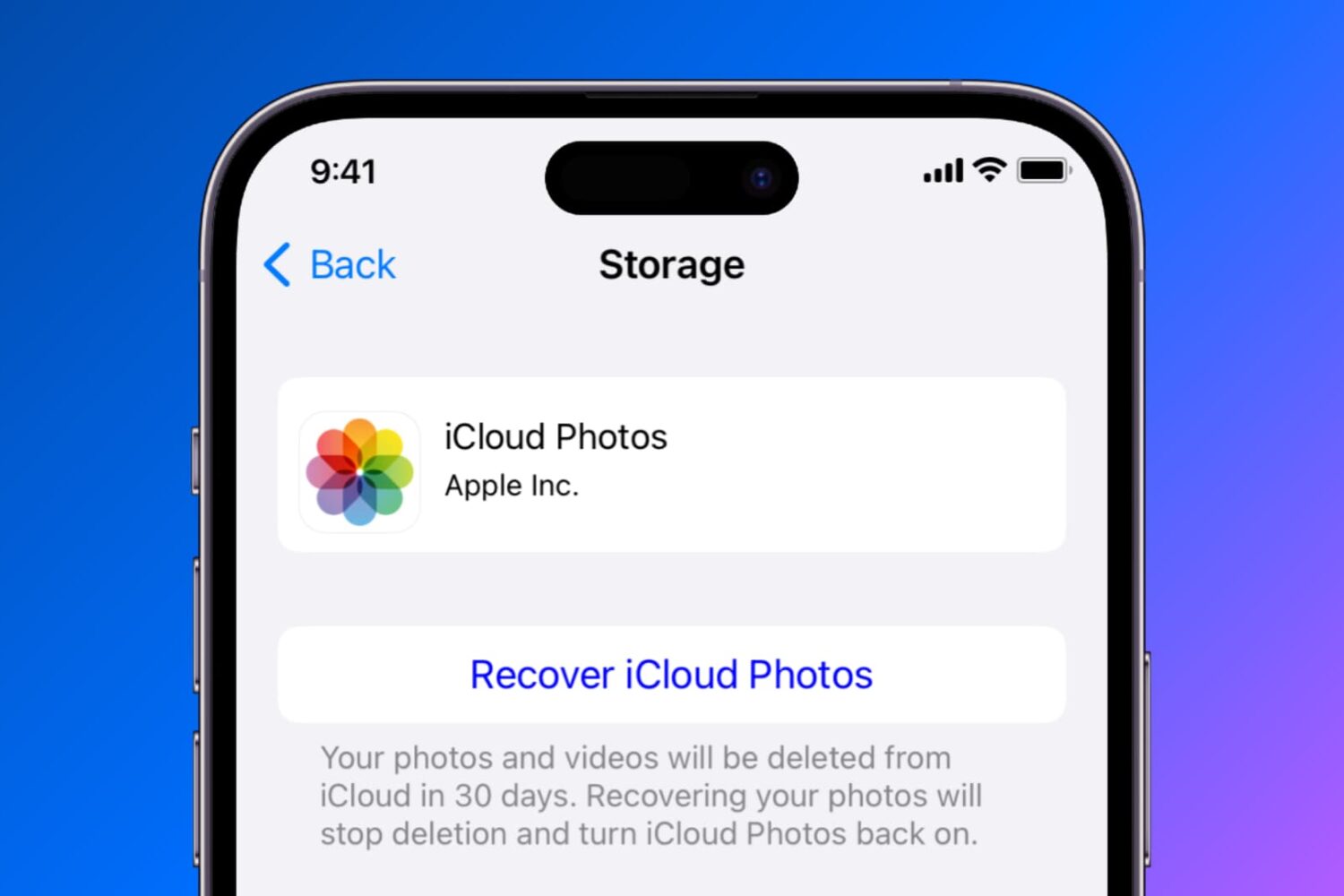
Find out how to temporarily disable or permanently delete iCloud Photos on your iPhone, iPad, Mac, Apple TV, and Windows PC if you no longer want to back up your pictures and videos to Apple’s cloud storage.
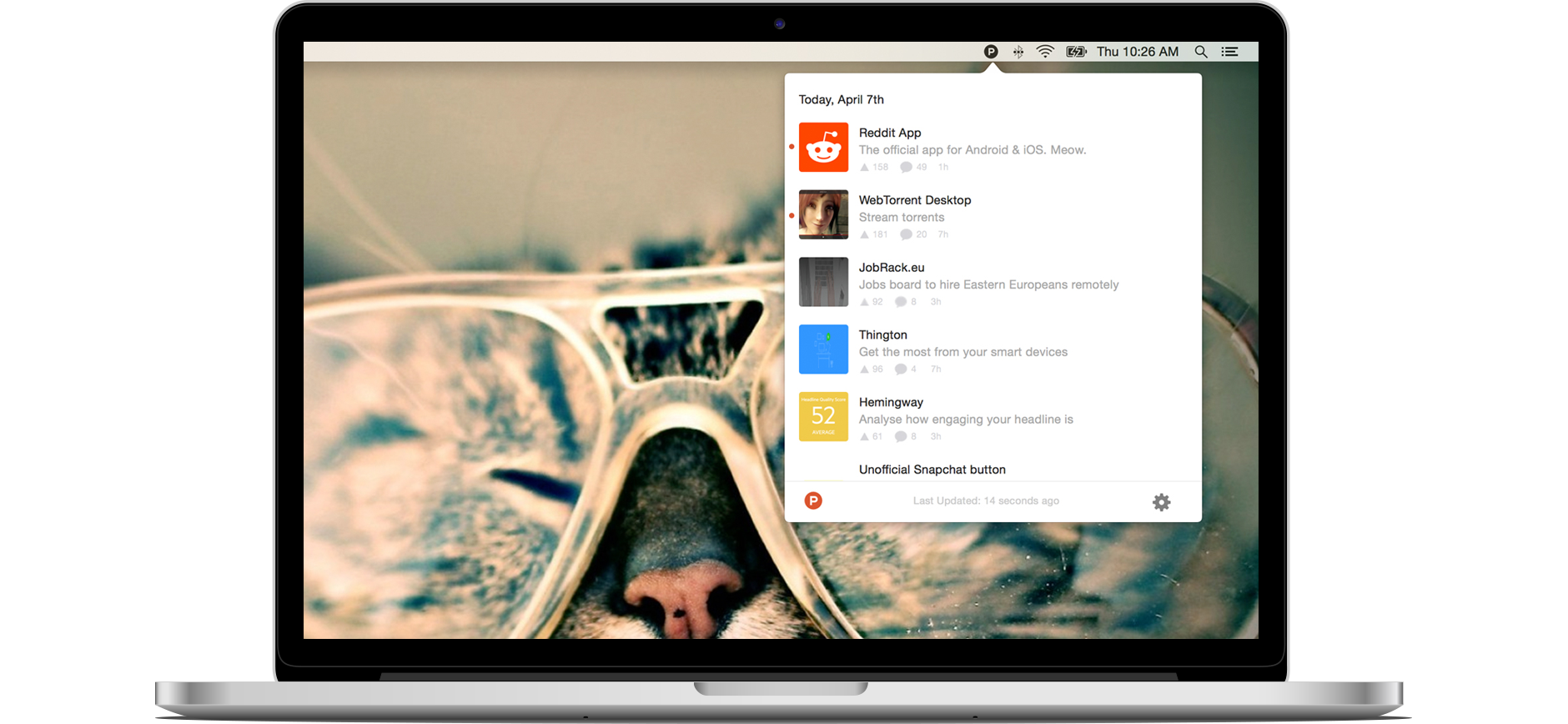
Product Hunt, the popular Y Combinator-backed service that lets users share and discover new products, earlier this month unveiled a thoroughly revamped iPhone and iPad application that puts fun back into product discovery.
It's a gorgeously done app that I use every day and it's made me want that experience on my Mac. Lo and behold, Product Hunt for Mac. A tiny, official client for OS X, this app puts Product Hunt's familiar round “P” icon right into your Mac's menu bar, where it sits and dutifully awaits a click of the mouse to present you with the latest popular products, games, books and podcasts on Product Hunt.
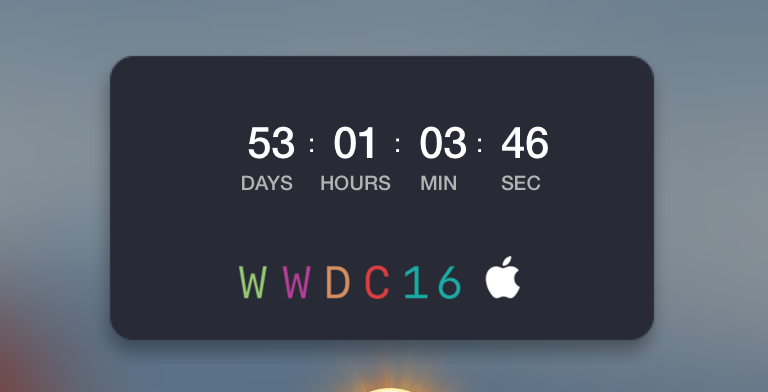
If you're waiting patiently for WWDC 2016 to see what Apple has in store for iOS and OS X this year, then you've probably marked your calendars, or you may even be attending the event in person.
Those of you looking forward to the event can now add a countdown widget to your Mac's Dashboard that counts down to the day of WWDC 2016.
In this tutorial, we'll show you how to get the widget and how to install it.
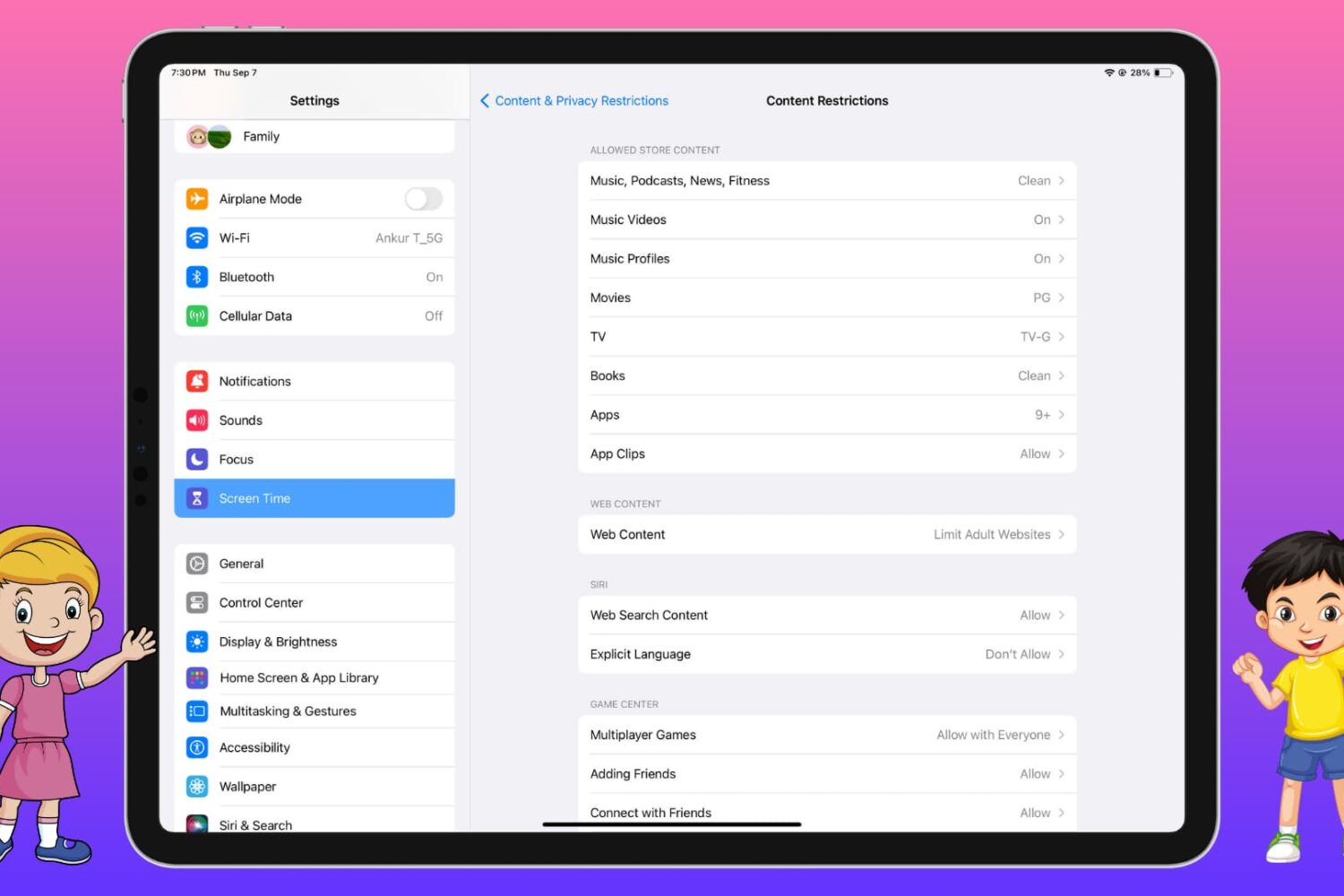
Are you worried that your child may download an app, watch a movie/TV show, play a song, see a news story, or read a book that is not suitable for them? Learn how to block your kid’s access to explicit, vulgar, gambling, violent, or inappropriate apps and media on their iPhone, iPad, Mac, and Apple TV.
After seeding iOS 9.3.2 beta 2 to its registered developers this morning, Apple has also released new betas for its other forthcoming operating system updates: watchOS 2.2.1 and OS X 10.11.5 El Capitan. You can download watchOS 2.2.1 beta 2 (build 13V420) and OS X 10.11.5 beta 2 (build 15F24b) through Apple's Developer Center, which requires a paid account for full access, or apply them on the devices themselves through the Software Update mechanism on devices running a beta OS.