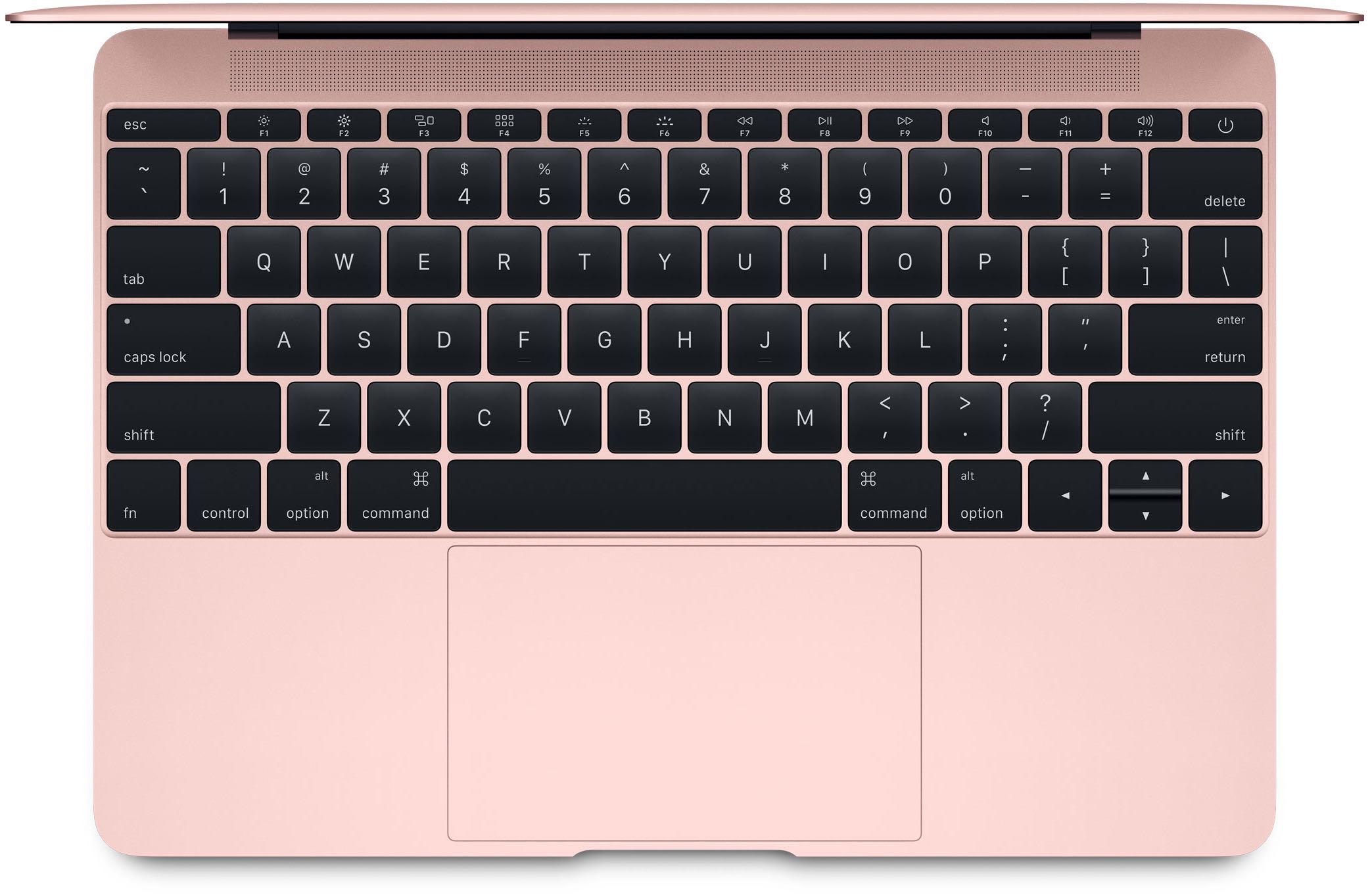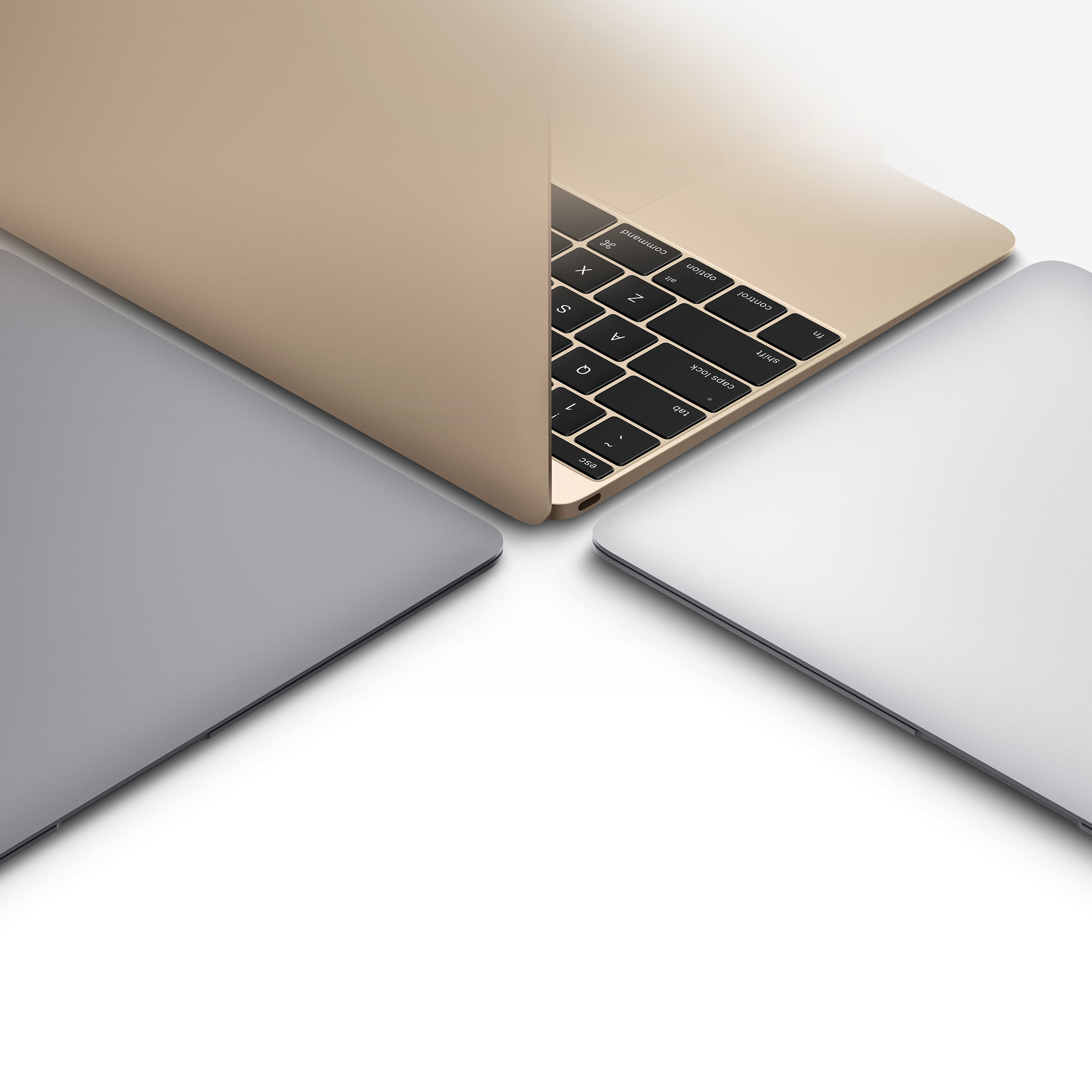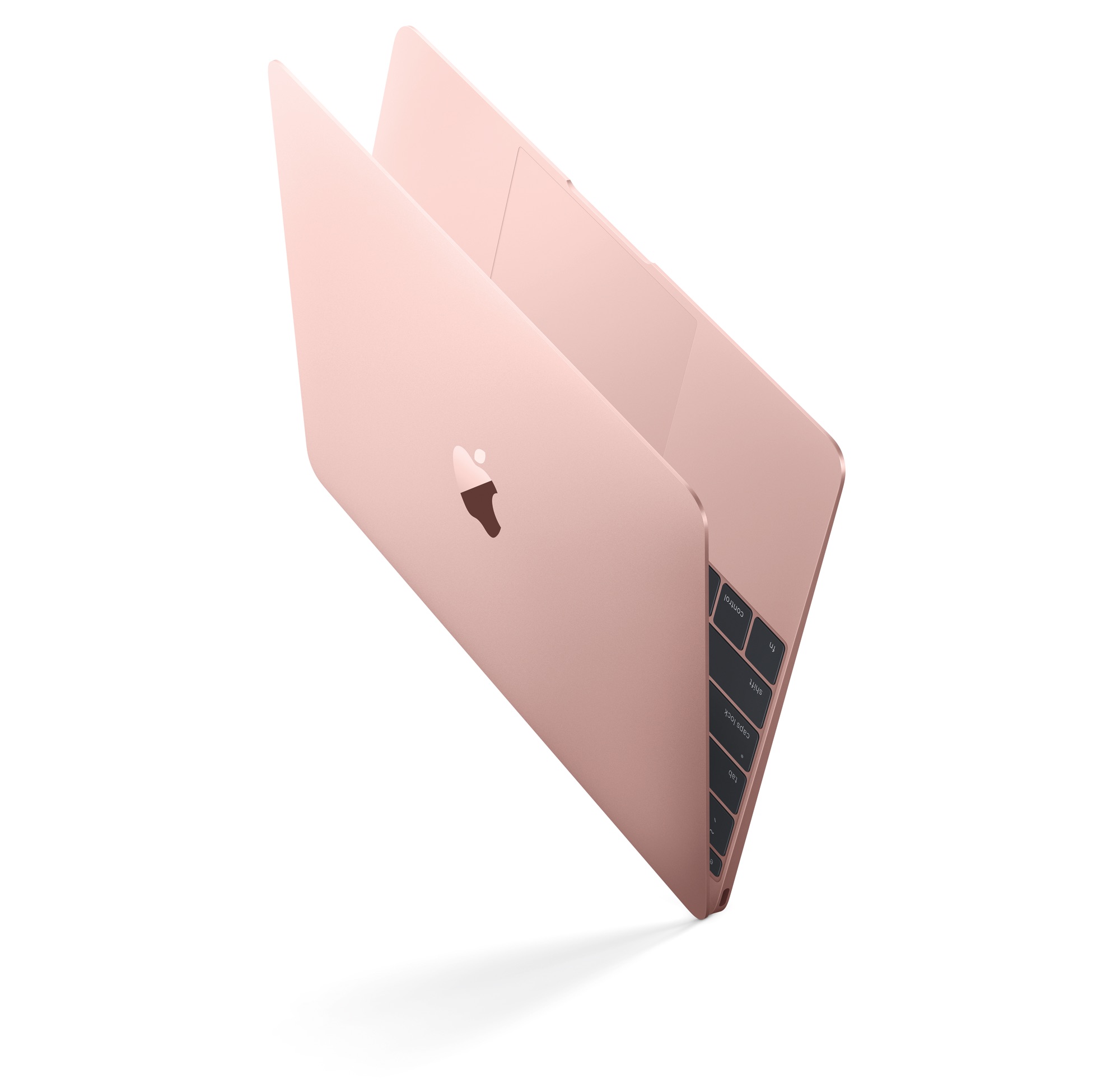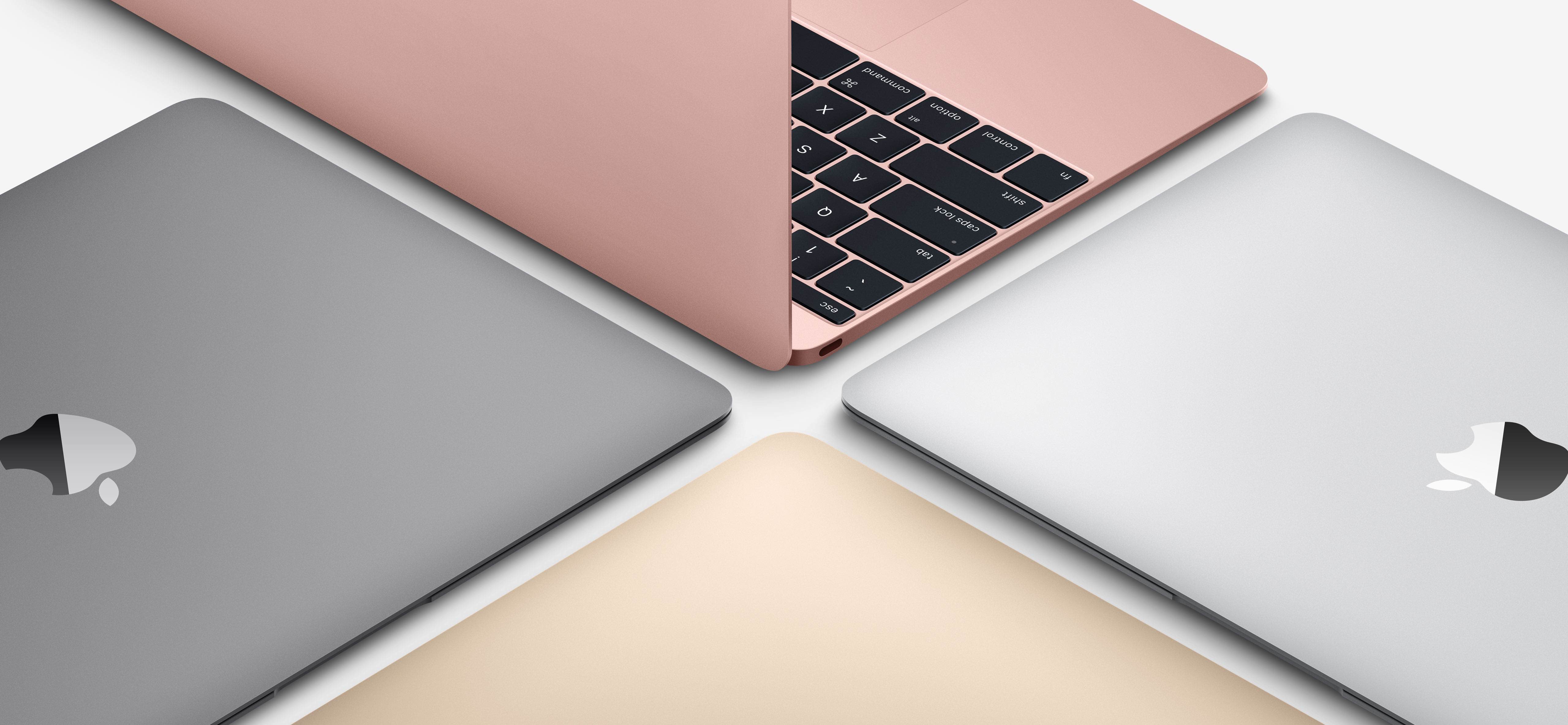
Apple today announced a second-generation twelve-inch MacBook which brings speed increases across the board thanks to the use of Intel's latest Skylake chip platform, PCIe-based flash storage and a speedier 1,866MHz RAM.
The Verge took the new machines briefly for a spin. Having put the new MacBook through its paces in Primate Labs' $0.99 Geekbench 3 benchmarking app to measure the performance of the new Intel CPU and using the free Blackmagic Disk Speed Test app for benchmarking disk I/O operations, the publication was able to determine just how performant the updated flash storage and Intel's new Skylake CPU are.