Mac

Stay up-to-date on the latest Mac news, and tutorials. Get expert tips and tricks to optimize your Mac’s performance and learn about the latest Apple products and software updates. Discover the best Mac apps and accessories to enhance your user experience.

‘Ask to Buy’ lets you control what your kids buy in iTunes, iBooks, or App Store

After a period of Apple being under fire because kids were running up their parents' credit card bills with App Store and in-app purchases, Apple decided to do something about it. Apple's answer was to create a parental control system for the App Store so parents could approve or deny purchases that would otherwise have an impact on their credit card.

This parental control system is known as 'Ask to Buy' and it's available on both iOS and OS X in the latest releases of the operating systems, and in this tutorial, we'll tell you a little bit about how to configure and use Ask to Buy.

How to recycle your old tech with Apple’s Recycling Program

If you have old tech sitting in your closet or attic that you don't use anymore because you've got something better, Apple will gladly make sure that tech is recycled properly free of cost via the Apple Recycling Program. In some instances, the company will even give you an Apple Store gift card as credit towards a new Apple device or accessories.

The Apple Recycling Program has been around for ages, but is often overlooked as an option. Although better deals can often be had elsewhere, the urge to trade in your device can come at inopportune times, and when you want quick money for your old Apple devices, or a quick and easy way to get rid of your junk tech, Apple can come in handy in a pinch.

In this tutorial, we'll show you how you can use the Apple Recycling Program to make better use of your unused tech.

Microsoft fires another salvo at Apple’s Mac with new Surface Book ads

Microsoft is back at it with new commercials that build up to the “I can't do that on my Mac” tagline.

The Windows giant kicked off the new theme with commercials for Windows 10 that highlight some of the things “Macs can't do” such as its built-in Cortana personal digital assistant, support for inking and drawing on notebooks with built-in touchscreens and the ability to log in to Windows with your face.

Yesterday, Satya Nadella & Co. posted new commercials for its Surface Book, a device marketed as “the ultimate laptop” because it's performant and versatile. The commercials, first spotted by The Loop, gush over Surface Book features such as a high-resolution screen and the responsiveness and precision of its stylus.

OWC launches SSD Upgrades for Mid-2013 and later Mac Notebooks

Other World Computing (OWC) has announced on Tuesday a major new step forward in upgrading the flash storage of your 2013 or later MacBook Air or MacBook Pro with Retina display.

Now available are the OWC Aura solid state drives (SSD), which come in flavors of 480GB and 1TB. These storage drive upgrades are direct PCI-e drop-ins for any of the supported computers.

Apple Maps adds 23 new Flyover locations

Apple continues to expand availability of the Flyover feature in its mapping service with today's backend update having enabled a total of 23 new landmark locations all over the world where three-dimensional Flyover view is available.

Select new cities in the United States, the United Kingdom, Australia, Belgium, Canada, France, Italy, Mexico, Spain and Taiwan have gained support for Flyover, such as Spain's A Coruña, Australia's Newcastle, England's Nottingham and more.

My 5 favorite accessories to use with my MacBook Pro

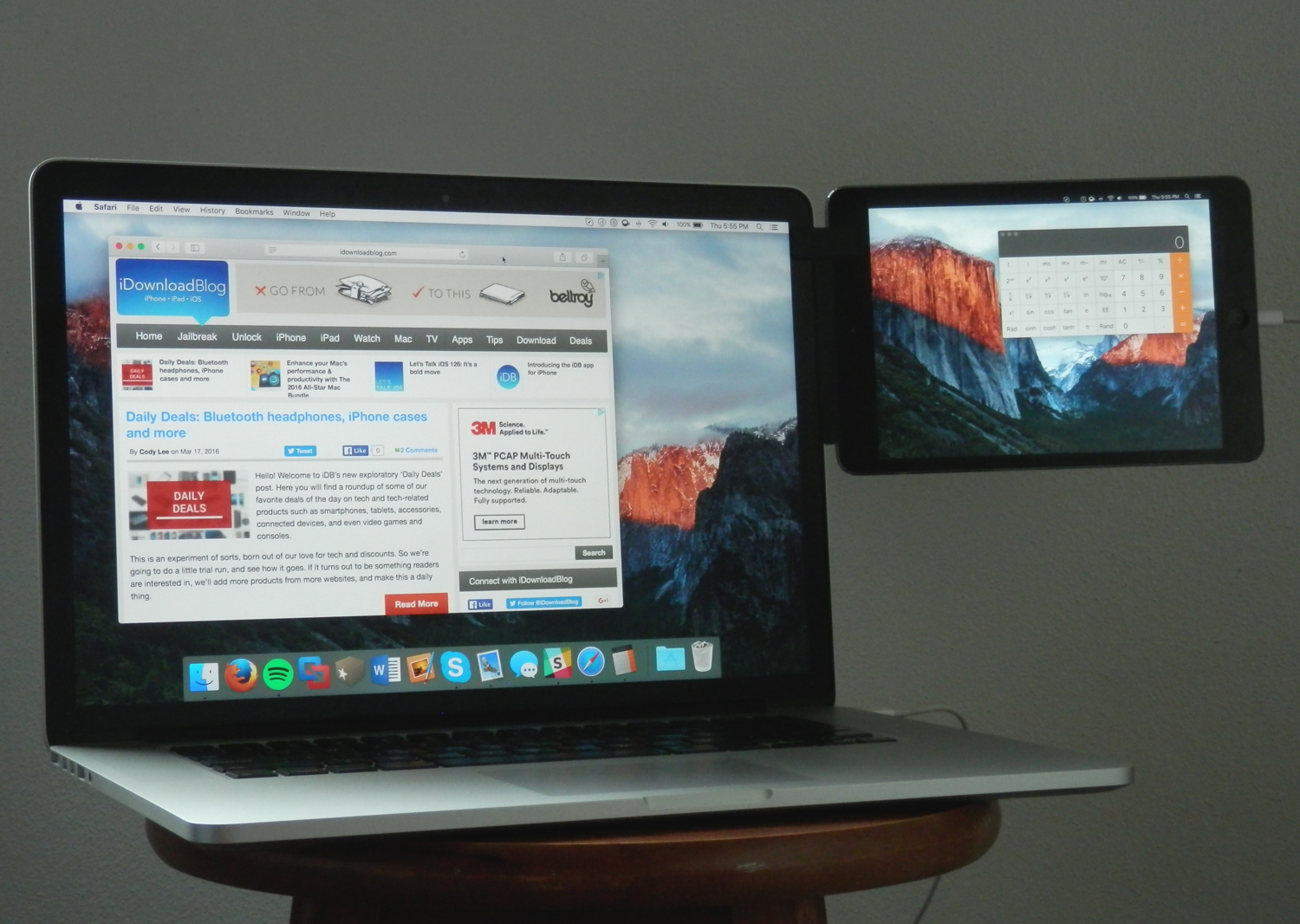
Whenever I'm using my MacBook Pro, there are a number of third-party accessories I like to use to glorify my user experience based on what I may be using it for. In this piece, I'll share with you my five favorite accessories that I use with my 15-inch MacBook Pro with Retina display regularly.

How to start up your Mac in Apple Diagnostics or Apple Hardware Test mode

Apple gives you a number of options if you need to troubleshoot software and hardware issues that might be plaguing your Mac. If you cannot determine the root cause of your problem by isolating issues in macOS, your first port of call should be macOS' built-in recovery tools.

But that may not be necessarily enough and Recovery Mode may be unable to help you get your Mac back to working order.

As the last option, you can boot your Mac in a hardware diagnostics mode, which on newer Macs is called Apple Diagnostics or Apple Hardware Test on older models. In this tutorial, we'll show you how to enter Apple Diagnostics or Apple Hardware Test mode to identify the potential source of a hardware issue.

OS X El Capitan 10.11.4 beta 6 now available

In addition to releasing new betas of the forthcoming iOS 9.3 and watchOS 2.2 software updates, Apple on Monday seeded a sixth beta of OS X El Capitan 10.11.4 (build number 15E61b) to members of the Apple Developer and Apple Beta Software program.

The new beta is available through the Updates tab in the Mac App Store on Macs with a prior El Capitan beta installed while a standalone installer will appear shortly on Apple's portal for developers.

How Apple secures its products and services

Apple's security and privacy features that come standard on every iOS device, such as end-to-end encryption and Activation Lock, are getting all the talk around the internet as of late as the Apple vs. FBI case continues to escalate.

What can be learned from this case is not only does Apple want to protect your privacy, but the a large number of American people also want to have their privacy. The FBI, on the other hand, wants a quick way to get into any iPhone they deem "suspicious" so long as they can get a court order to search it.

So just how secure is your Apple data, and what protection standards does Apple have in place for you? That's just what we're going to talk about in this piece.