Learn how to take advantage of Apple’s True Tone technology that makes images on your Mac’s Retina display (and even the Touch Bar on supported models) appear more natural.
How to use True Tone on Mac to reduce eyestrain
Stay up-to-date on the latest Mac news, and tutorials. Get expert tips and tricks to optimize your Mac’s performance and learn about the latest Apple products and software updates. Discover the best Mac apps and accessories to enhance your user experience.
Learn how to take advantage of Apple’s True Tone technology that makes images on your Mac’s Retina display (and even the Touch Bar on supported models) appear more natural.
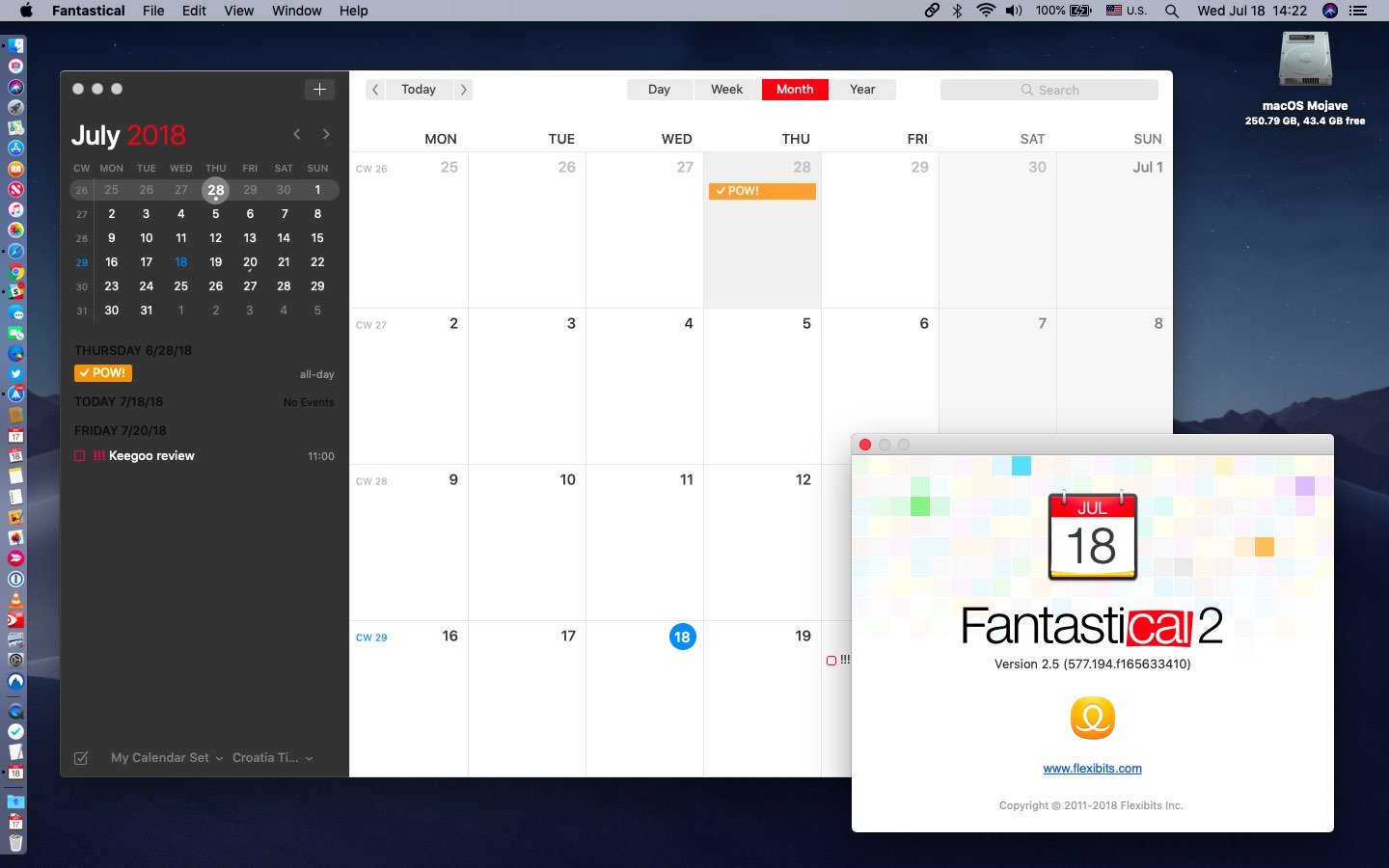
Developer Flexibits Wednesday released Fantastical 2.5 for Mac with new features like time proposals and Meetup.com support, plus improvements like a better Exchange invitation experience, enhanced timed events and other perks.

Just a quick reminder that Feral recently confirmed that Total War: Warhammer II, the second installment of its epic fantasy strategy series, is coming to macOS and Linux later this year.
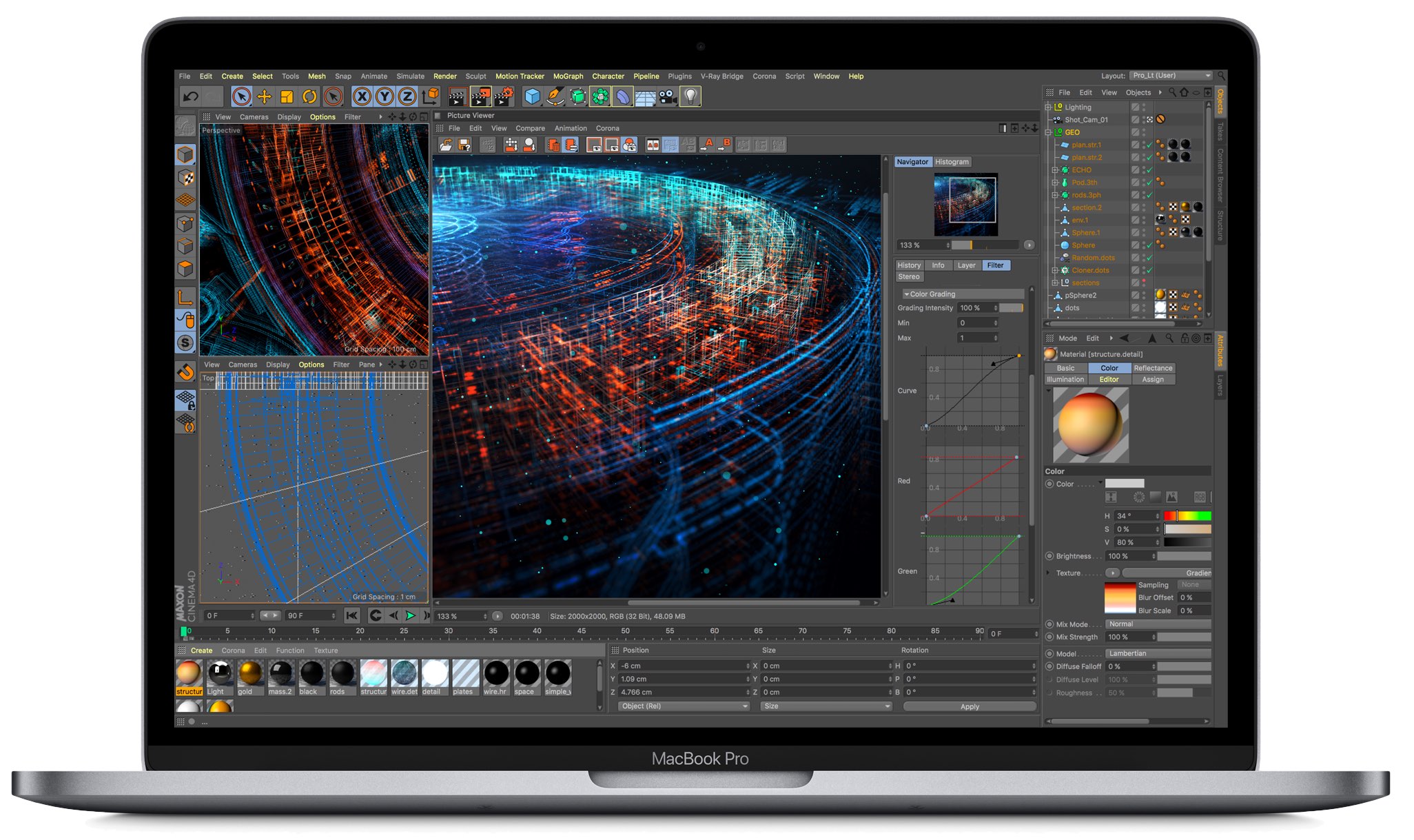
Apple's True Tone technology debuted in 2016's 9.7-inch iPad Pro before it got subsequently added to the latest iPhones and pro notebooks. True Tone on 2018's MacBook Pros takes advantage of a multi-channel ambient light sensor found next to the built-in FaceTime camera.

Apple Beta Software Program members can now download macOS Mojave public beta 3. The update arrives just a day after the latest macOS developer beta launched.
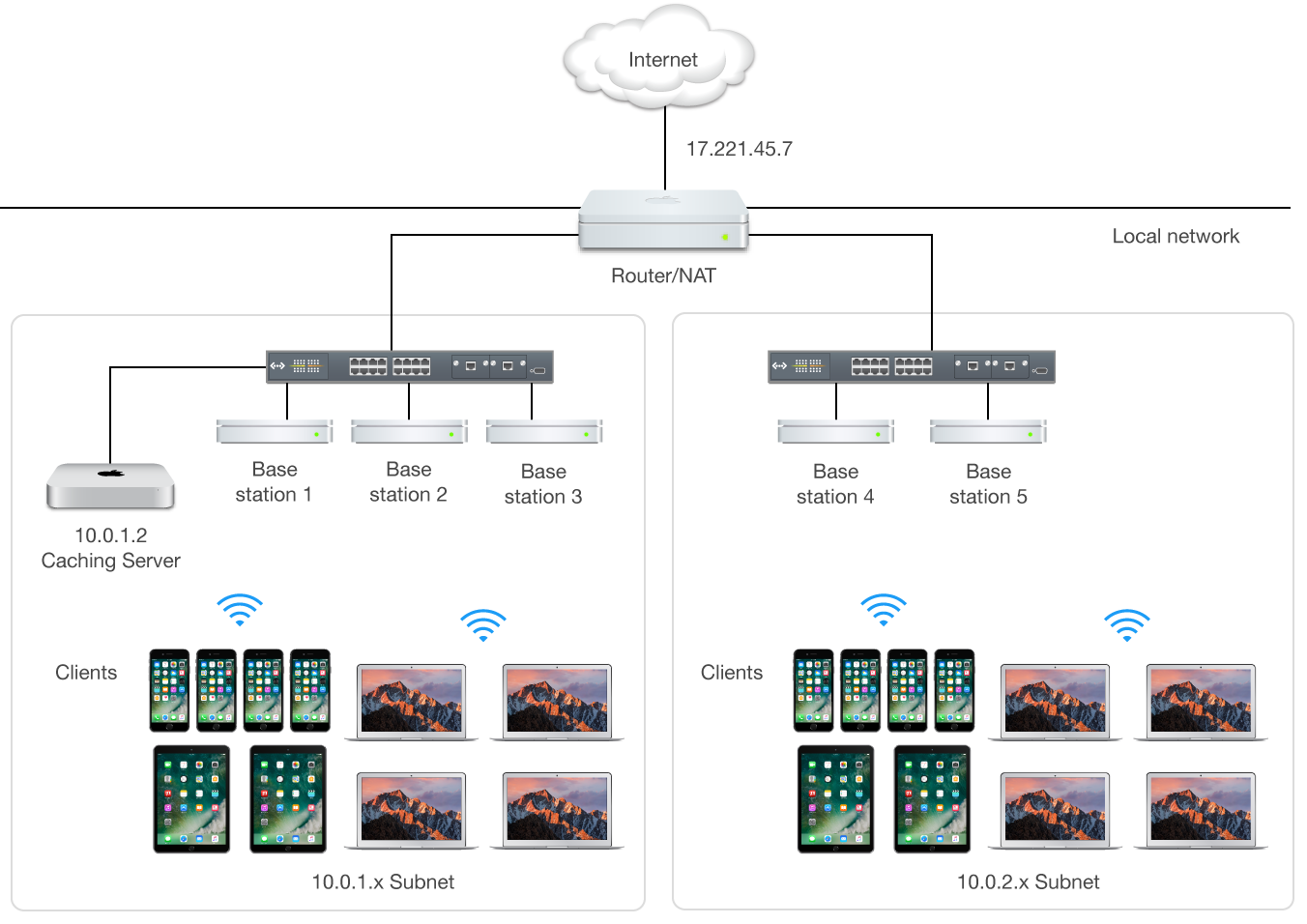
Mac content caching cuts down your Internet data usage and accelerates downloads on iPhone, iPad, Mac, Apple Watch and Apple TV dramatically. Here's how to set up and use this feature to avoid repeated downloads and reduce bandwidth usage.
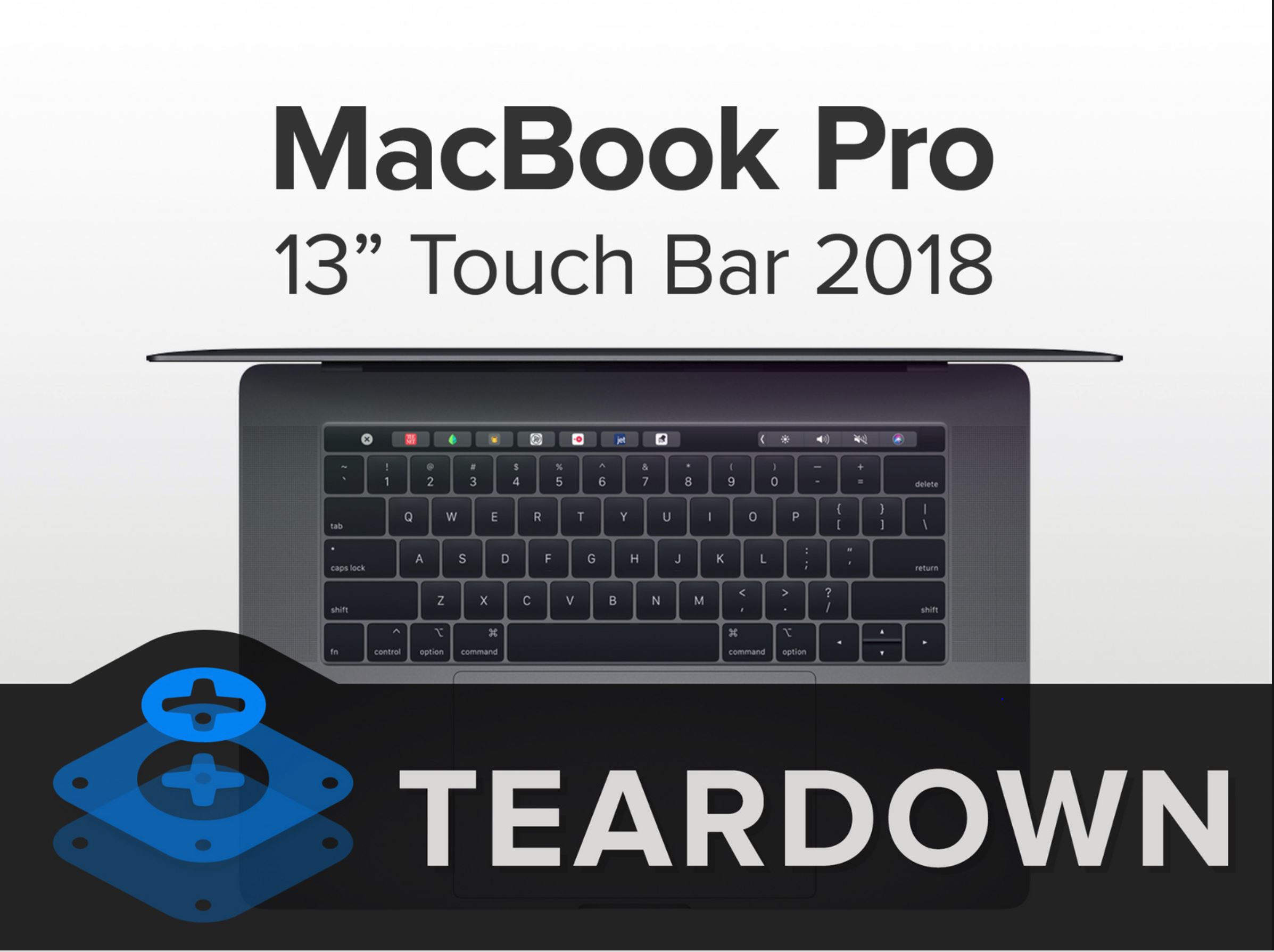
After teasing it over the weekend, iFixit is out with the results of its full teardown of the recently introduced 2018 MacBook Pro. The new laptop is noted for its larger battery, all-new custom T2 chip, and more.
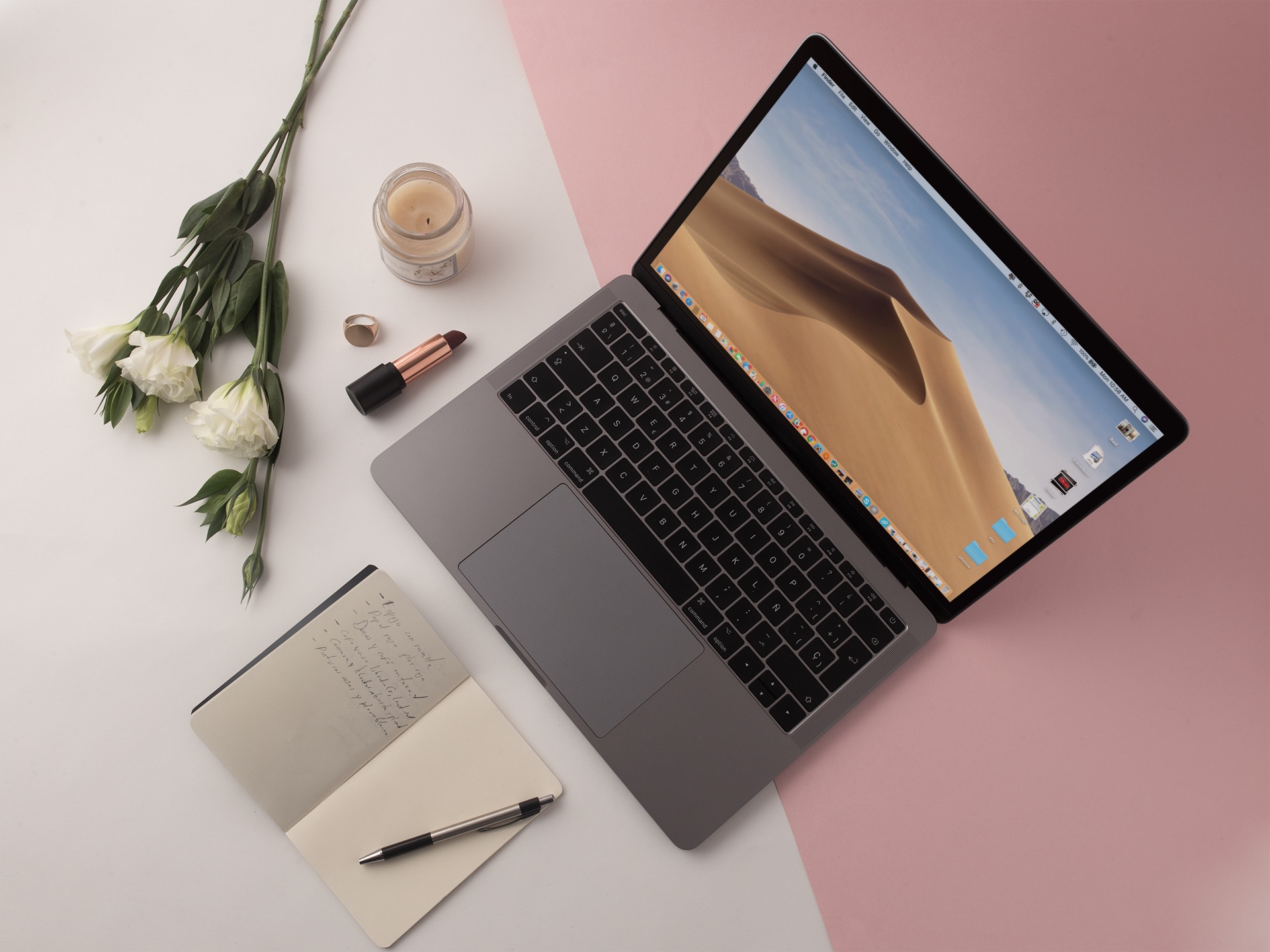
On Monday, Apple released the fourth macOS Mojave beta to developers.

The folks over at iFixit have determined that the keys found on the recently released 2018 MacBook Pro are surrounded by a "thin, silicone barrier." This discovery suggests Apple's third-generation "butterfly switch" keyboard wasn't necessarily designed to be "quieter," like Apple has claimed. Instead, it could have been designed to make it less prone to exposure to dust and other small particles.
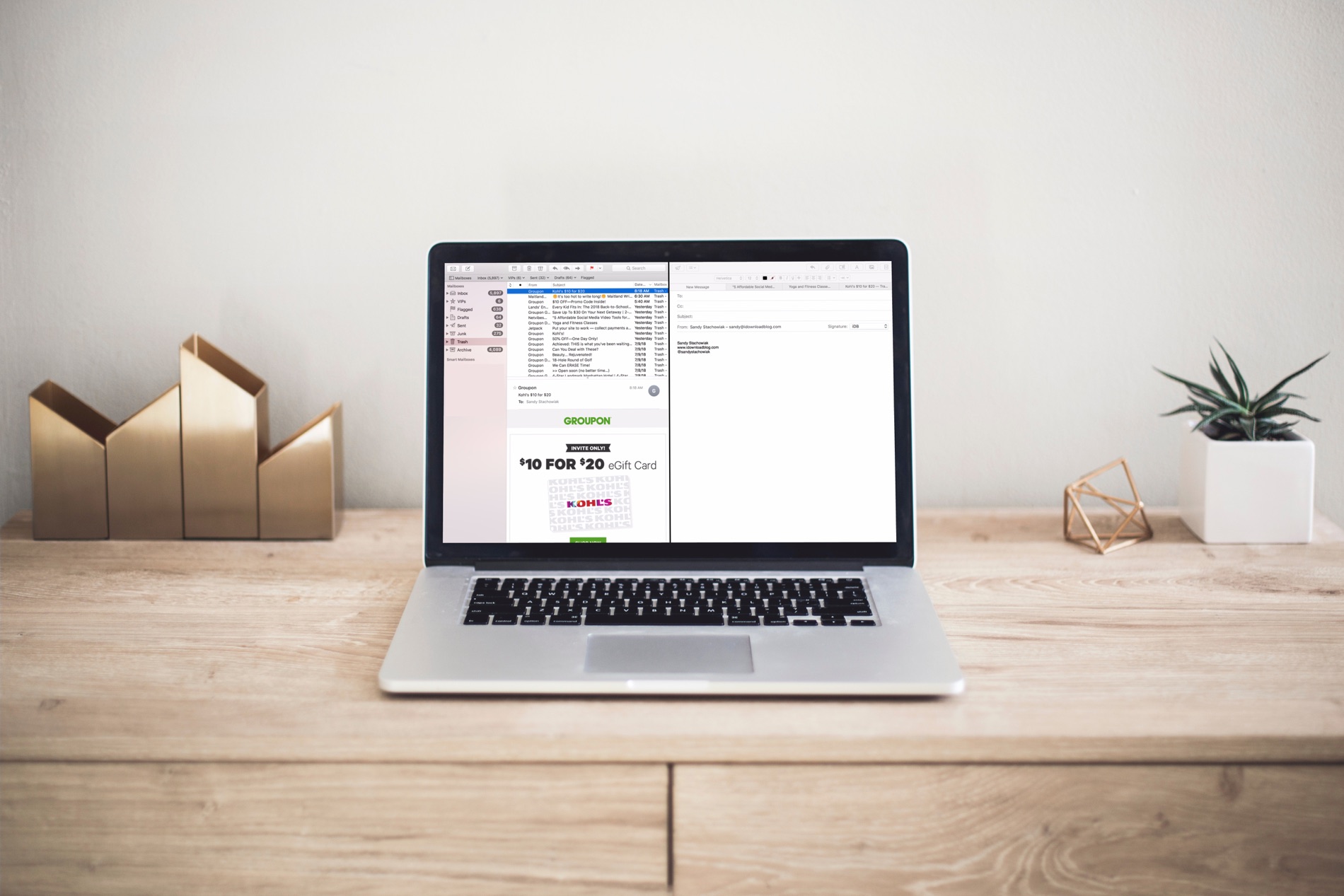
Discover a quick tip that lets you use the Mac Mail app in split view and work with multiple emails at once for increased productivity.
If you recently bought a new MacBook Pro, you might wonder whether you should pay extra for AppleCare+ or not. This guide will help you decide by telling you more about AppleCare Protection Plan and AppleCare+. We will also go over the cost and why you might consider spending extra for AppleCare+ coverage.
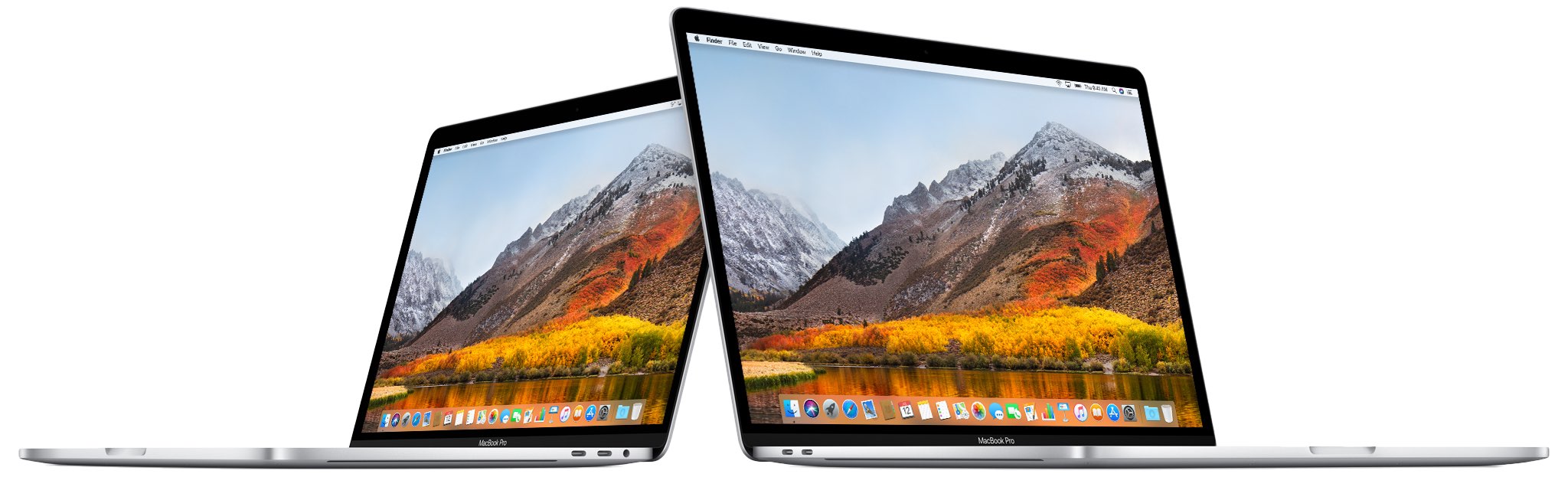
Earlier today, July 12, Apple introduced an all-new MacBook Pro. In addition to offering a better processor and up to 32GB of RAM, the new tablet also comes with a "quieter" keyboard. Whether this is a better keyboard remains to be seen.