Mac

Stay up-to-date on the latest Mac news, and tutorials. Get expert tips and tricks to optimize your Mac’s performance and learn about the latest Apple products and software updates. Discover the best Mac apps and accessories to enhance your user experience.

How to customize the card template for your Contacts on Mac

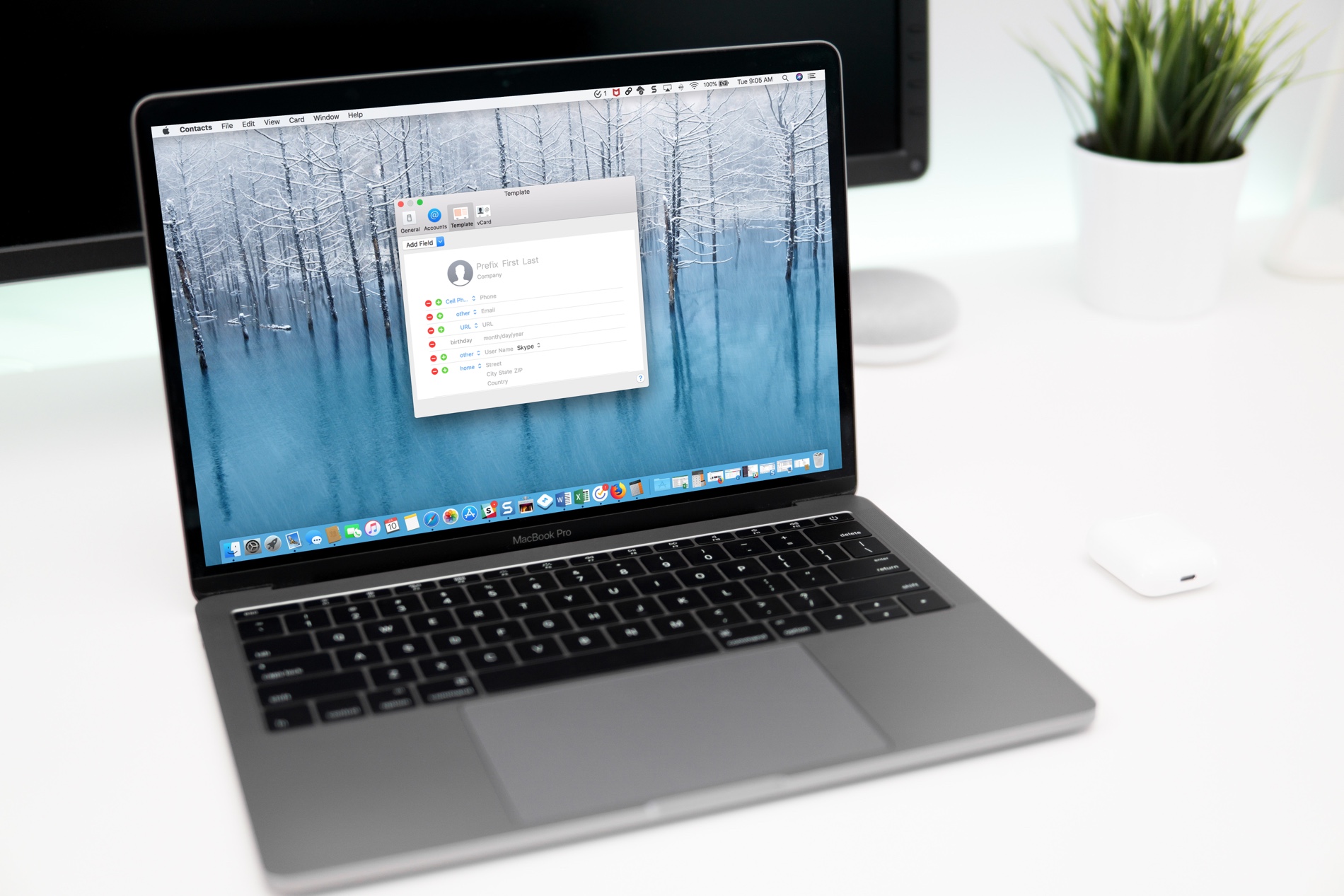
Contacts Template on Mac

If you use the Contacts app, you’ve likely noticed by now that the cards for your contacts contain certain information by default. Each one has mobile phone, birthday, and a few email fields. But what if you want something different?

You can customize the card template for your Contacts app on Mac to add fields, remove fields, and have just the details you want.

How to set up email rules in the Mail app on Mac

Mail Rules on Mac

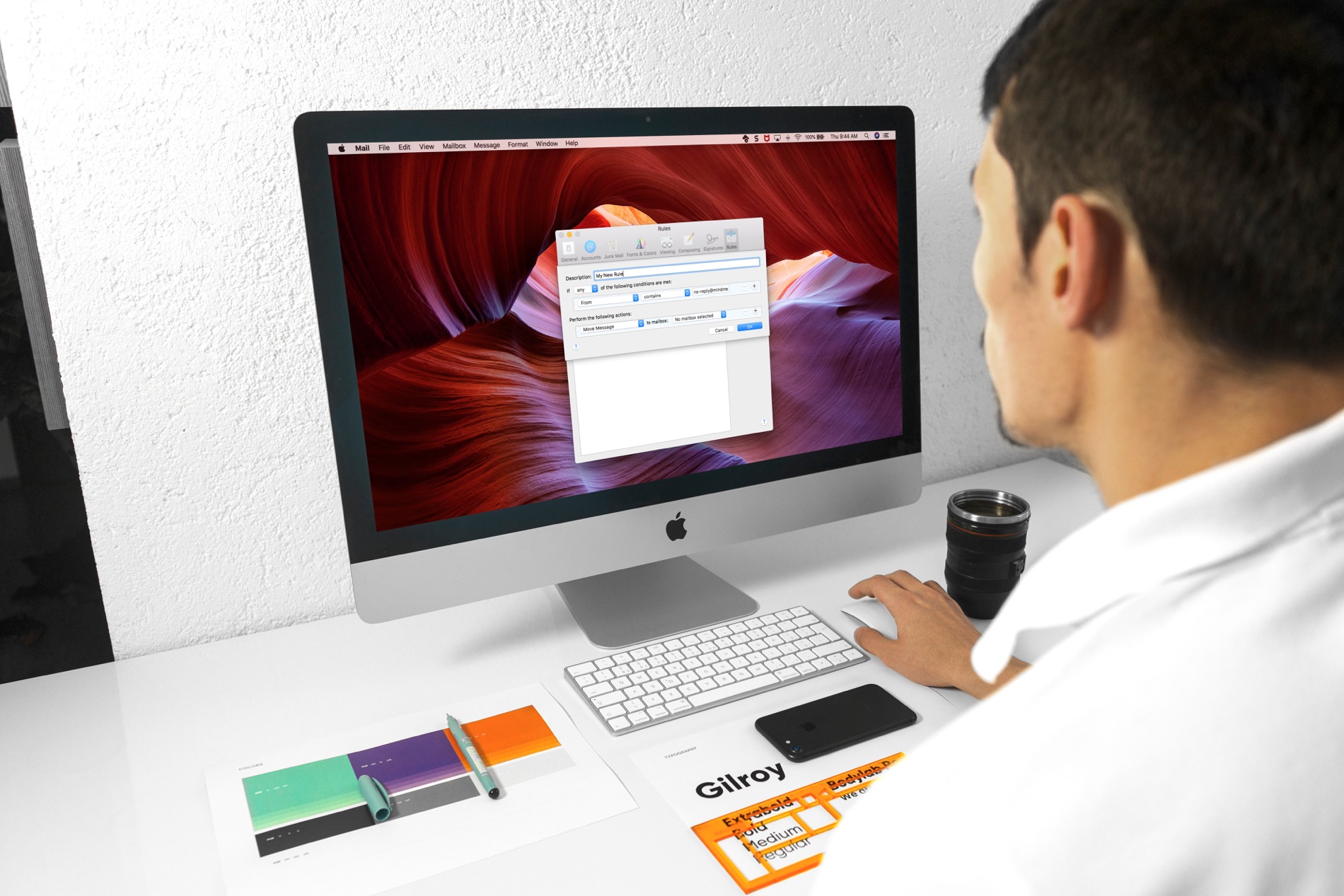
Managing your inbox can be a daunting task these days. From those important emails, you must see to those that just get in the way, it can be tedious to organize it all to see what you want to see.

If you use the Mail app on your Mac, you can set up email rules that help you manage it all. Direct emails as they arrive, mark them, so they’re easier to spot, and clean up your inbox easily; here’s how.

How to send cool emails from the Mail app with Stationery

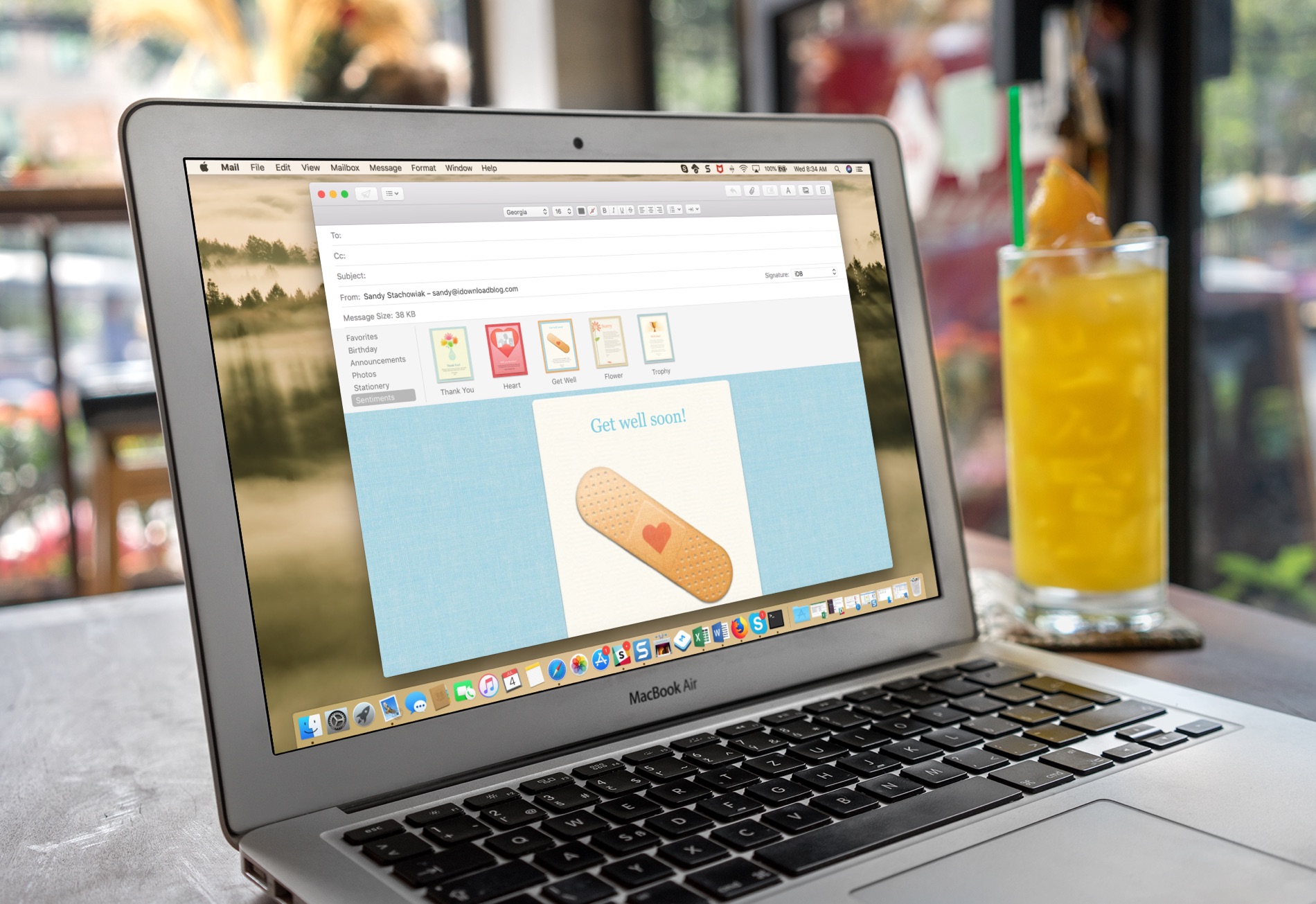
Create Stationery Message Mac Mail

When you want to send a nice message to someone, maybe for a birthday, thank you, or get well soon, you might use one of those ecard apps. There are some great ones out there with cards for every occasion. But, did you know that the Mail app on Mac offers these types of messages too?

NOTE: This feature has been removed from the Mail app since the release of macOS Mojave in 2018.

If you want to send a card-like email, check out the Stationery options instead. The feature in your Mail app on Mac is easy to use, gives you cool cards to pick from, and lets you say exactly what you want to say.