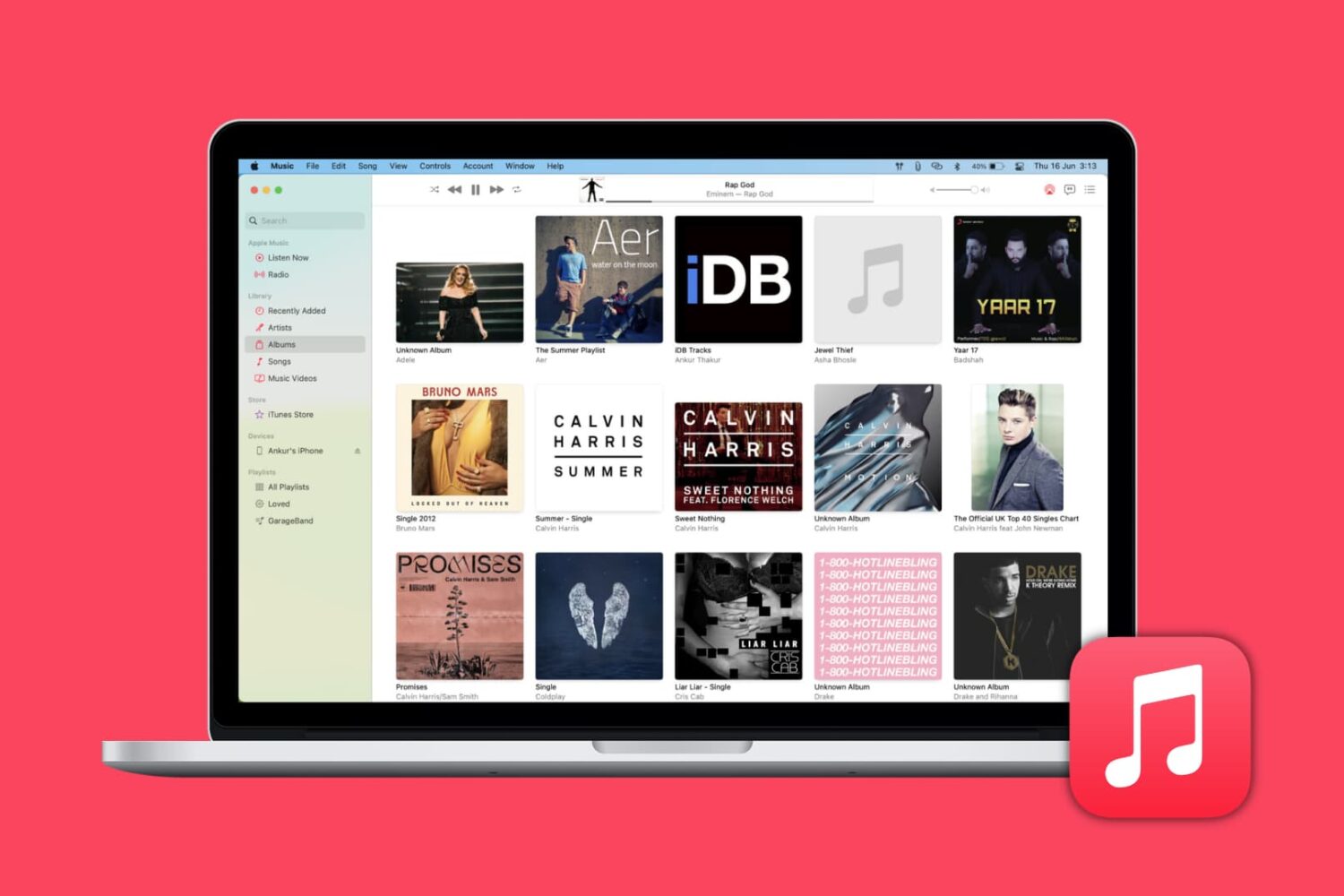
Learn how to automatically download missing album artwork from Apple or upload custom cover art in the Apple Music app on your Mac or Windows PC.
How to add missing album artwork in Music app on Mac or PC
Stay up-to-date on the latest Mac news, and tutorials. Get expert tips and tricks to optimize your Mac’s performance and learn about the latest Apple products and software updates. Discover the best Mac apps and accessories to enhance your user experience.
Learn how to automatically download missing album artwork from Apple or upload custom cover art in the Apple Music app on your Mac or Windows PC.
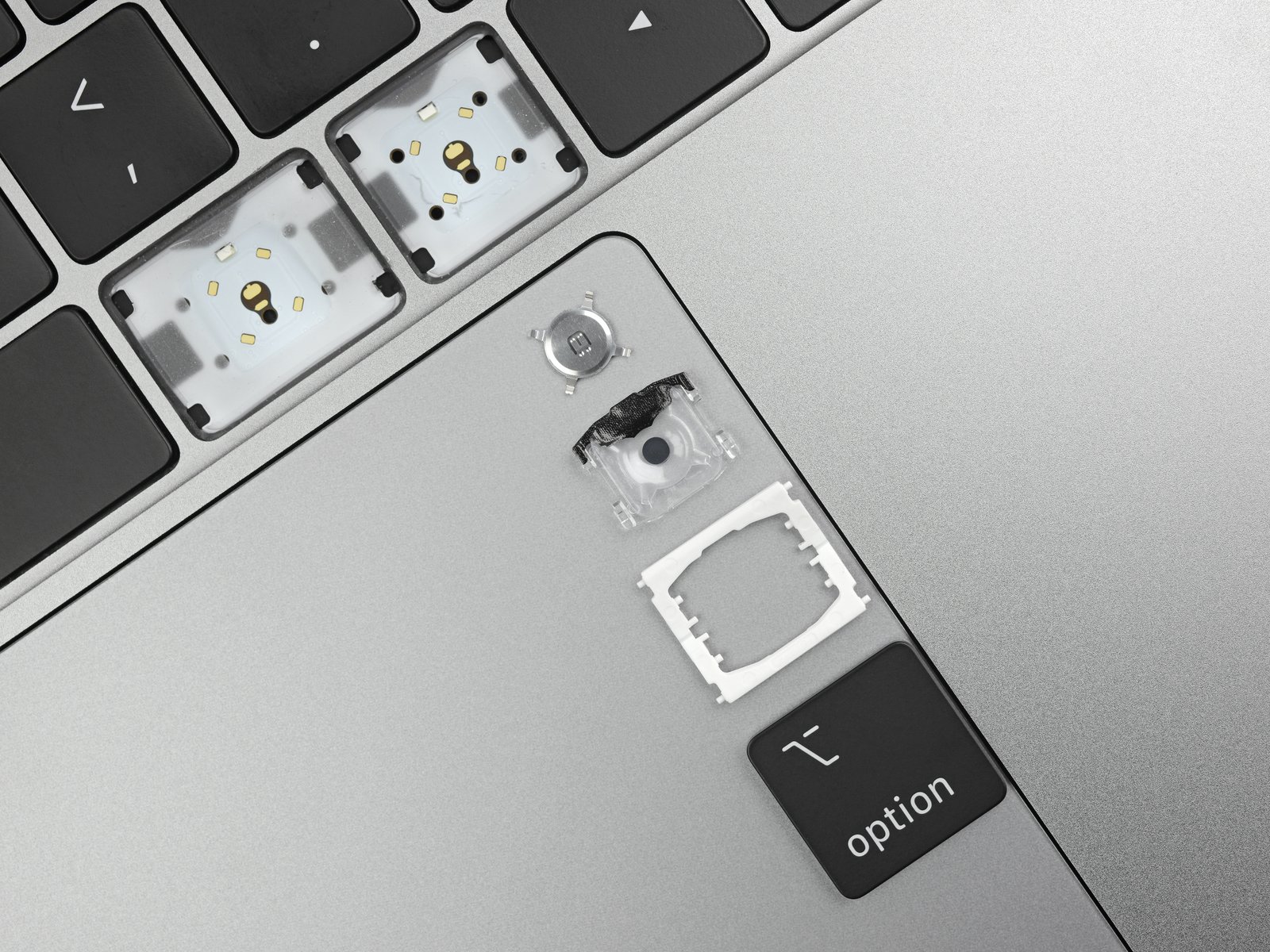
This year’s Mac keyboards were immediately added to Apple's newly expanded keyboard repair program following the speedy 8-core MacBook Pro models that dropped Tuesday.

Find out how to quickly remove Gmail, Outlook, Yahoo, or other email accounts from the Apple Mail app on your Mac or iOS device to declutter and streamline your inbox.

Shooting 4K video is guaranteed to eat up your iPhone storage space in no time. MacX Video Converter Pro helps solve your storage headaches by letting you compress large-size videos, fast. But the app is more than that: you can also transform any unsupported video files to iOS-friendly formats that will work perfectly on all your Apple devices.
Contract manufacturer Pegatron is allegedly set to soon move iPad and MacBook manufacturing out of China amid an escalating trade war between the US and China.

Today, Aspyr Interactive announced that the historical strategy game Total War: Three Kingdoms is now available for Mac and Linux systems.

You may buy items in the Music app, TV app, or iTunes that you want to keep to yourself from time to time, especially if you use Family Sharing. It could be a movie, song, album, TV show, or audiobook. You can hide purchases and keep them hidden on all devices that use the same Apple ID.
If you need to keep something you buy away from prying eyes, here’s how to hide and unhide your purchased media on Mac.
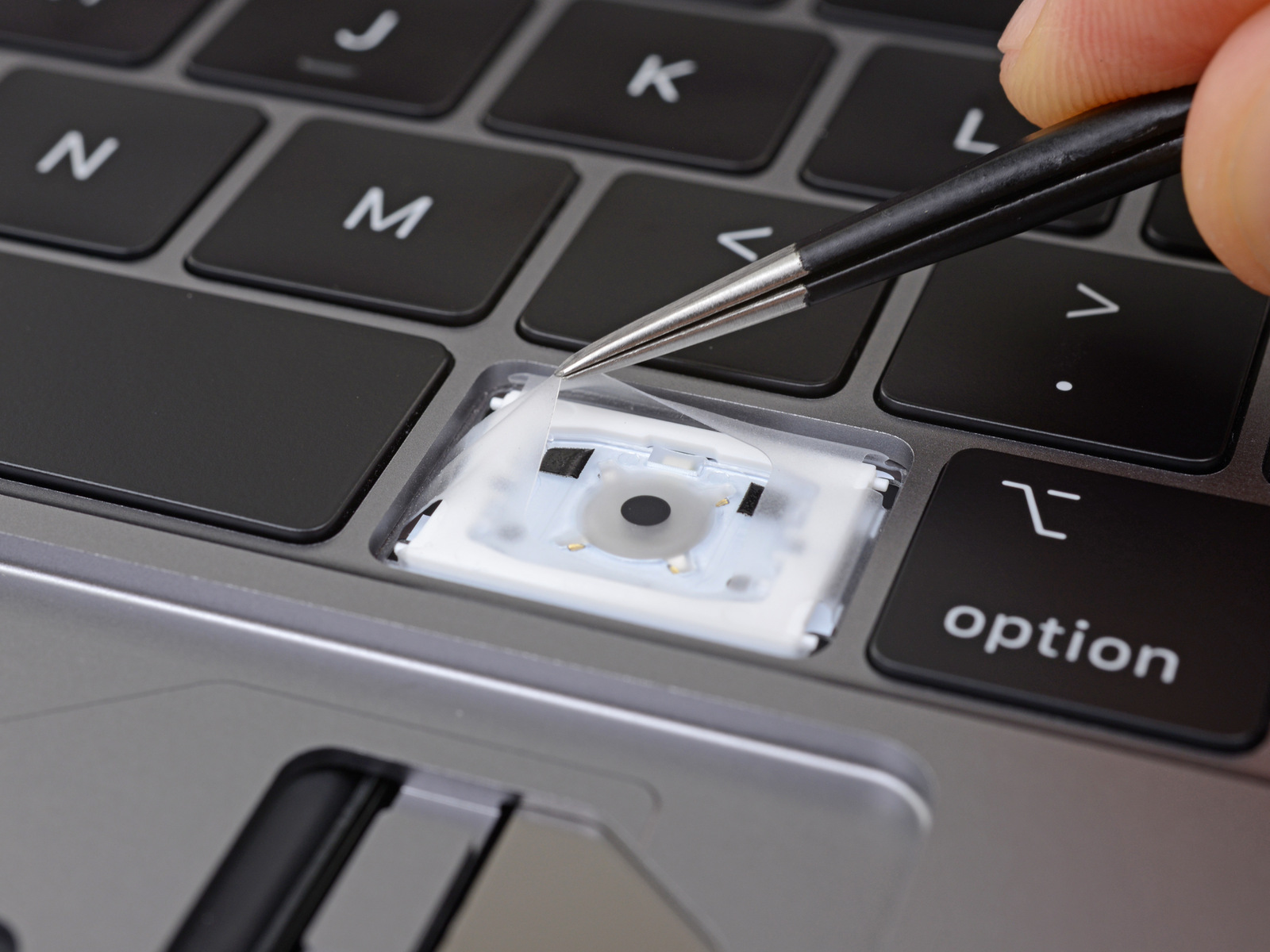
Apple launched a Keyboard Service Program in 2018, meant to help those afflicted with issues with the butterfly keyboard in select models. However, despite launching last year, the program didn't include any 2018 model Mac notebooks for service coverage, even by the time 2019 rolled around. But that's finally changing.
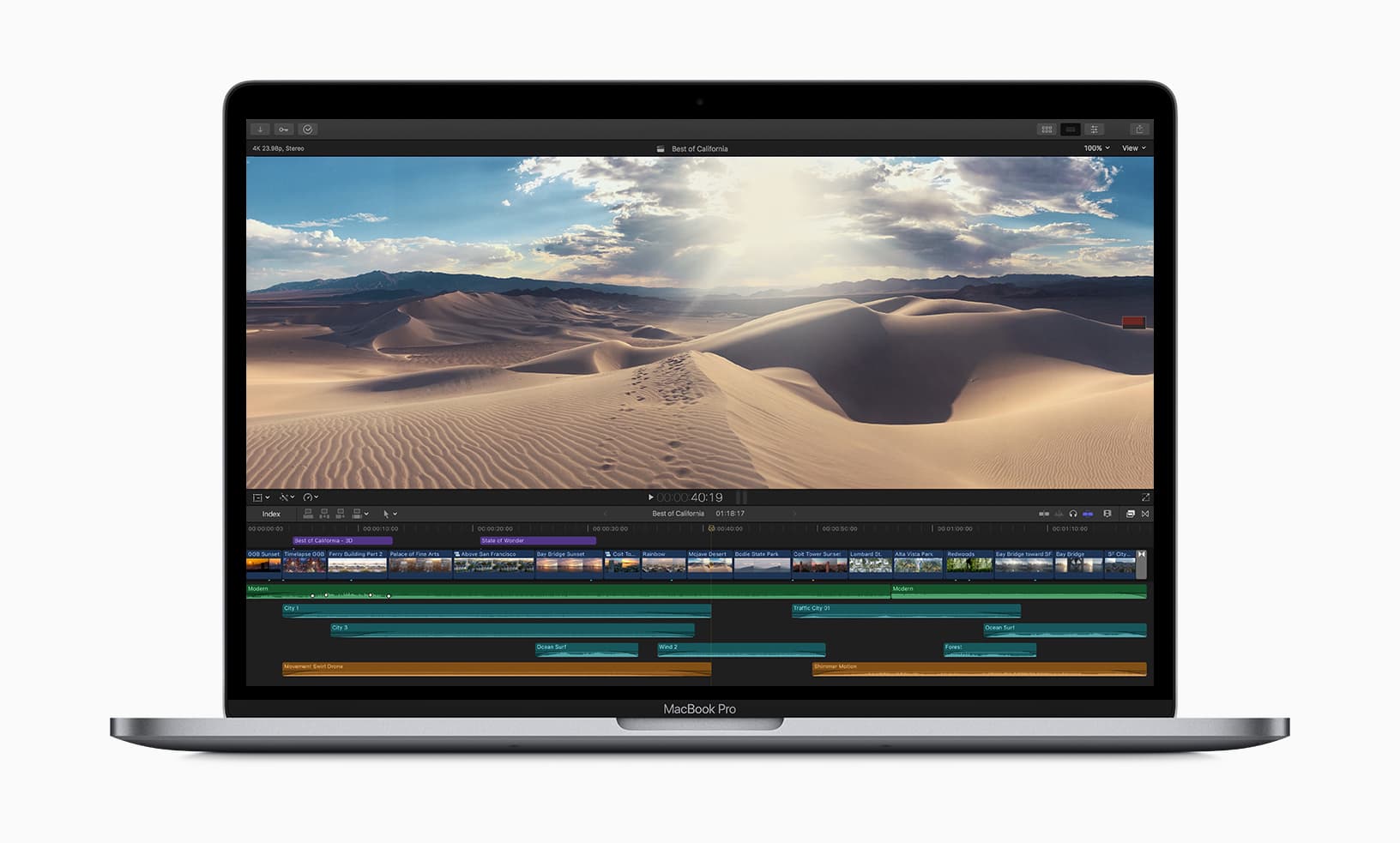
Apple has updated the MacBook Pro this week, adding in the newest eighth- and ninth-generation Intel-branded processors to speed up its machines.

Learn how to efficiently organize your emails by automatically color-coding them using the built-in rules feature in the Apple Mail app on Mac.
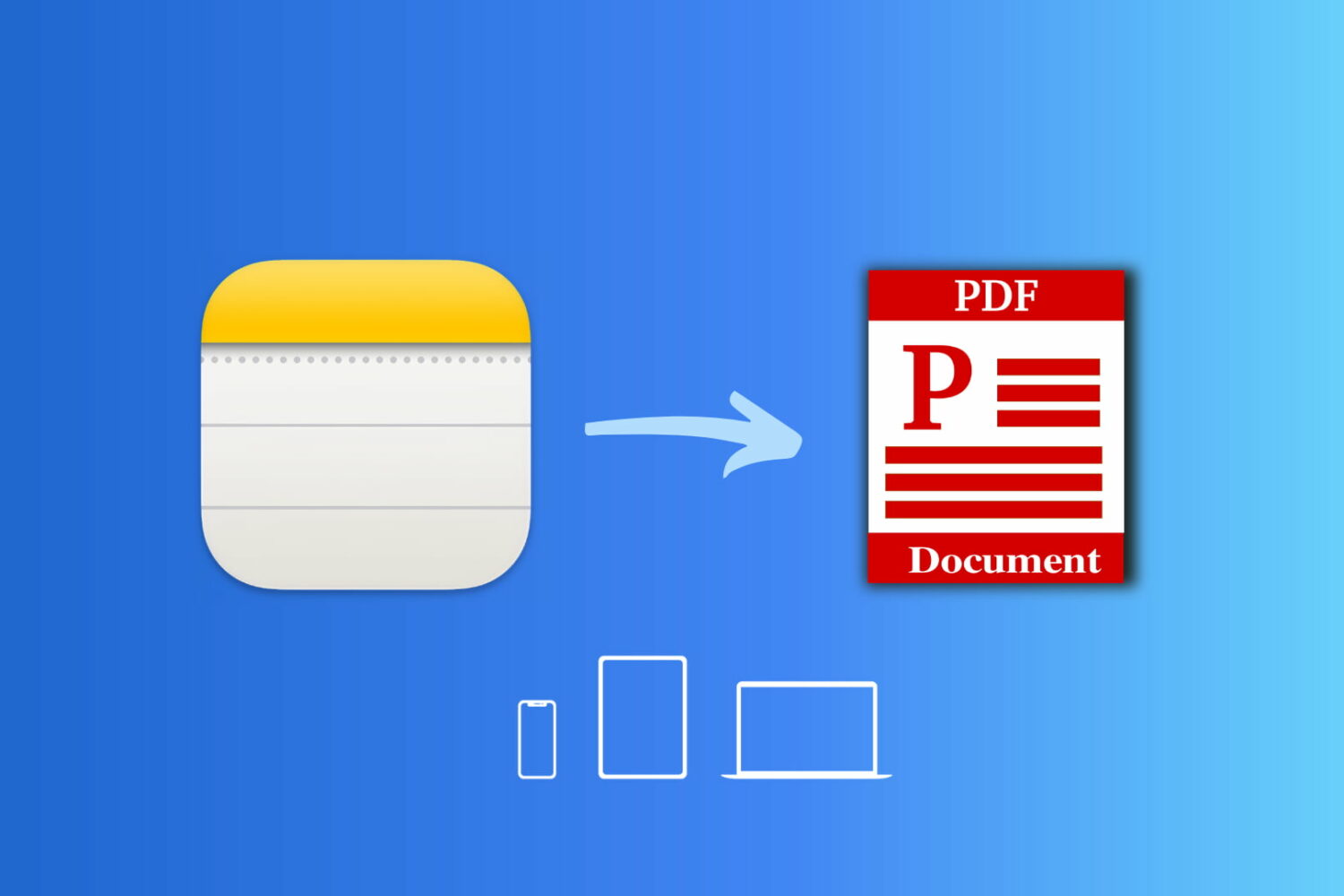
Learn how to save a note as a PDF on your iPhone, iPad, or Mac without having to use a third-party app.

Today, Apple United Kingdom on its YouTube channel published a short but sweet video, part of the company's "Behind the Mac" campaign, that focuses on music-making on the Mac.