This tutorial shows you how to customize the sound quality in the Music app or iTunes so that your favorite songs sound spectacular when you play them on your Mac.
How to customize the sound quality in the Music app on Mac
Stay up-to-date on the latest Mac news, and tutorials. Get expert tips and tricks to optimize your Mac’s performance and learn about the latest Apple products and software updates. Discover the best Mac apps and accessories to enhance your user experience.
This tutorial shows you how to customize the sound quality in the Music app or iTunes so that your favorite songs sound spectacular when you play them on your Mac.

Don’t want to read news stories from a specific channel or topic? The Apple News app on iPhone, iPad, and Mac gives you the option to block them, and we’ll show you how.

Learn how to set a default email account on iPhone, iPad, and Mac, so you don’t send emails from the wrong account.
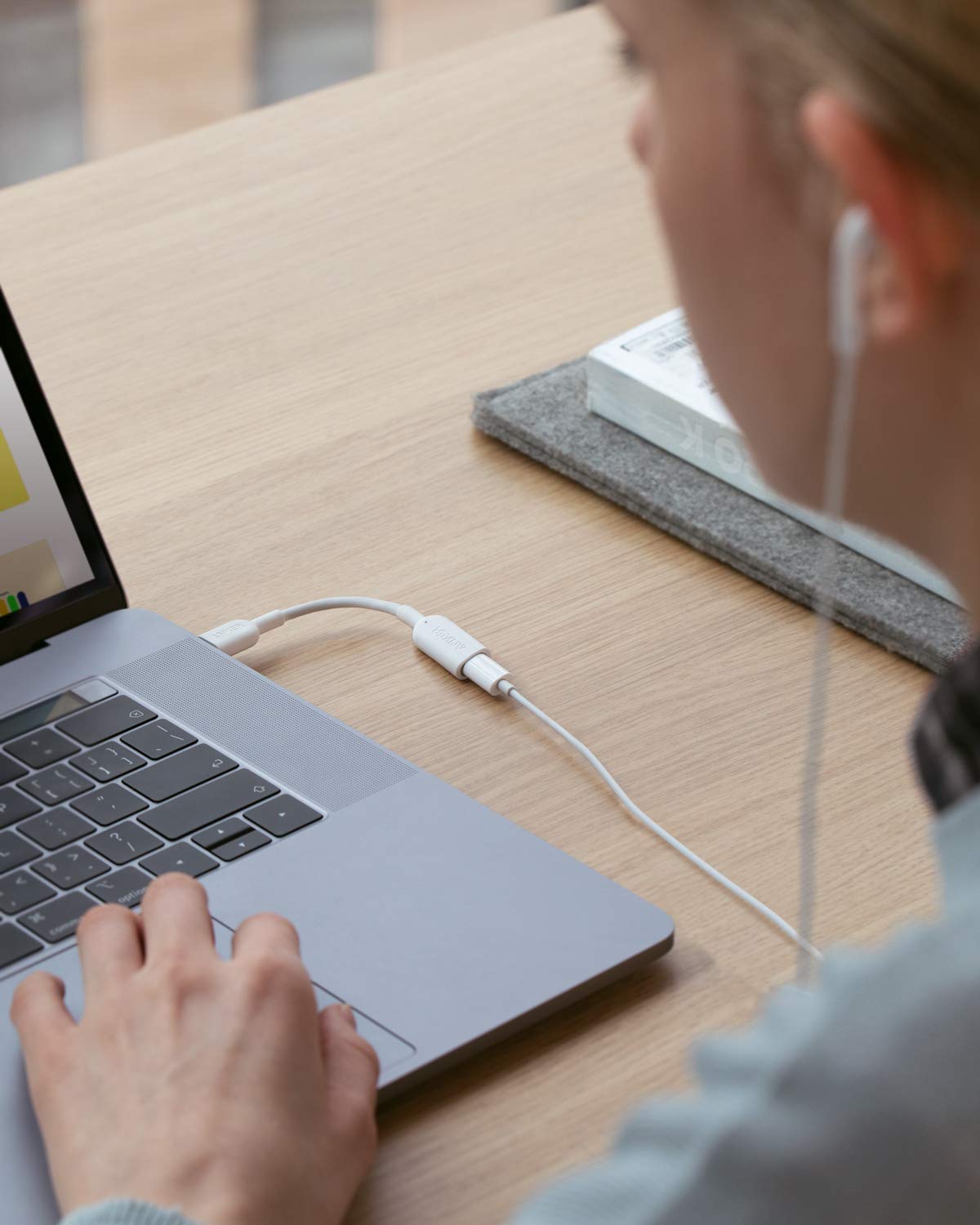
Since iPhone 7, Apple smartphones have been shipping with wired EarPods that connect to the Lightning port, but that prevents you from using them with your USB-C based Mac or 2018 iPad Pro without a special adapter, like this little new dongle from accessory maker Anker.
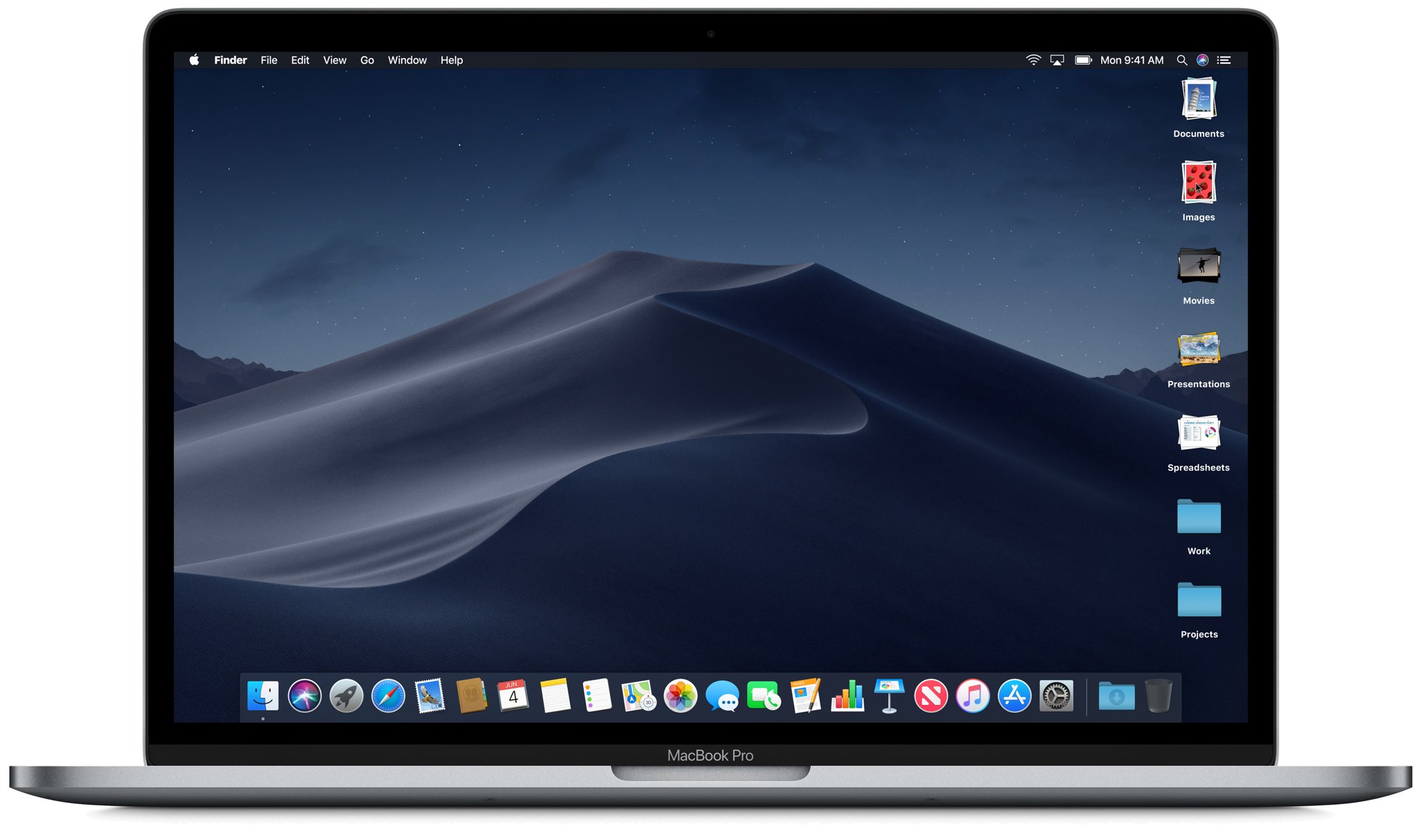
Rounding up today's updates, Apple also made the macOS Mojave 10.14.5 software update available for public consumption, bringing support for AirPlay 2 so people could beam their favorite shows to their smart TVs and other devices.
Apple will probably preview its next-generation modular Mac Pro along with a standalone 6K display at the upcoming WWDC 2019 on June 3. Today, someone leaked a supposed slide from allegedly internal documents for the upcoming machine. However, eagle-eyed folks have already spotted a number of inconsistencies making us question this supposed leak.
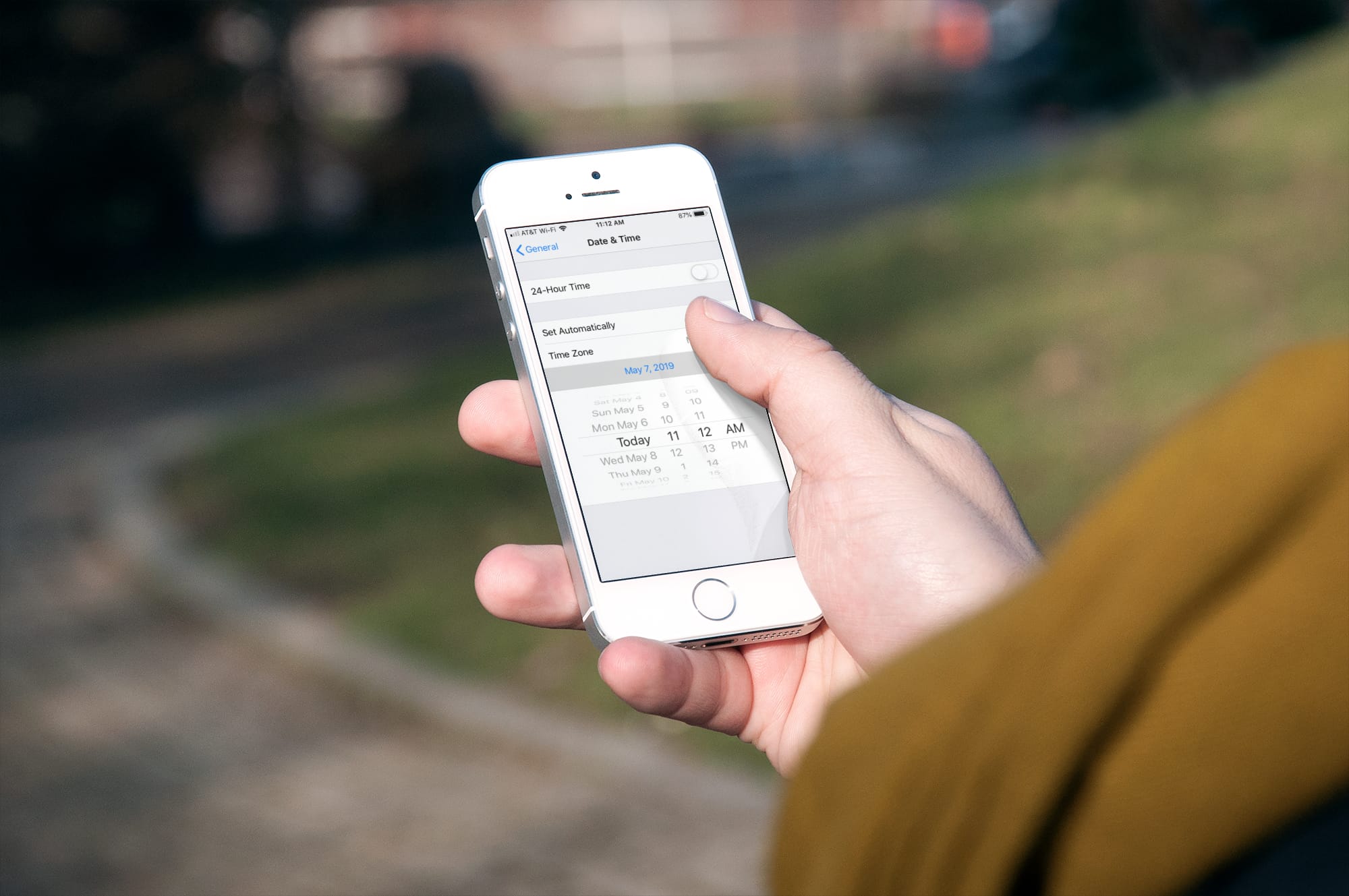
Learn how to stop your iPhone, iPad, or Mac from automatically changing time zones on its own and take back control of date and time into your own hands.
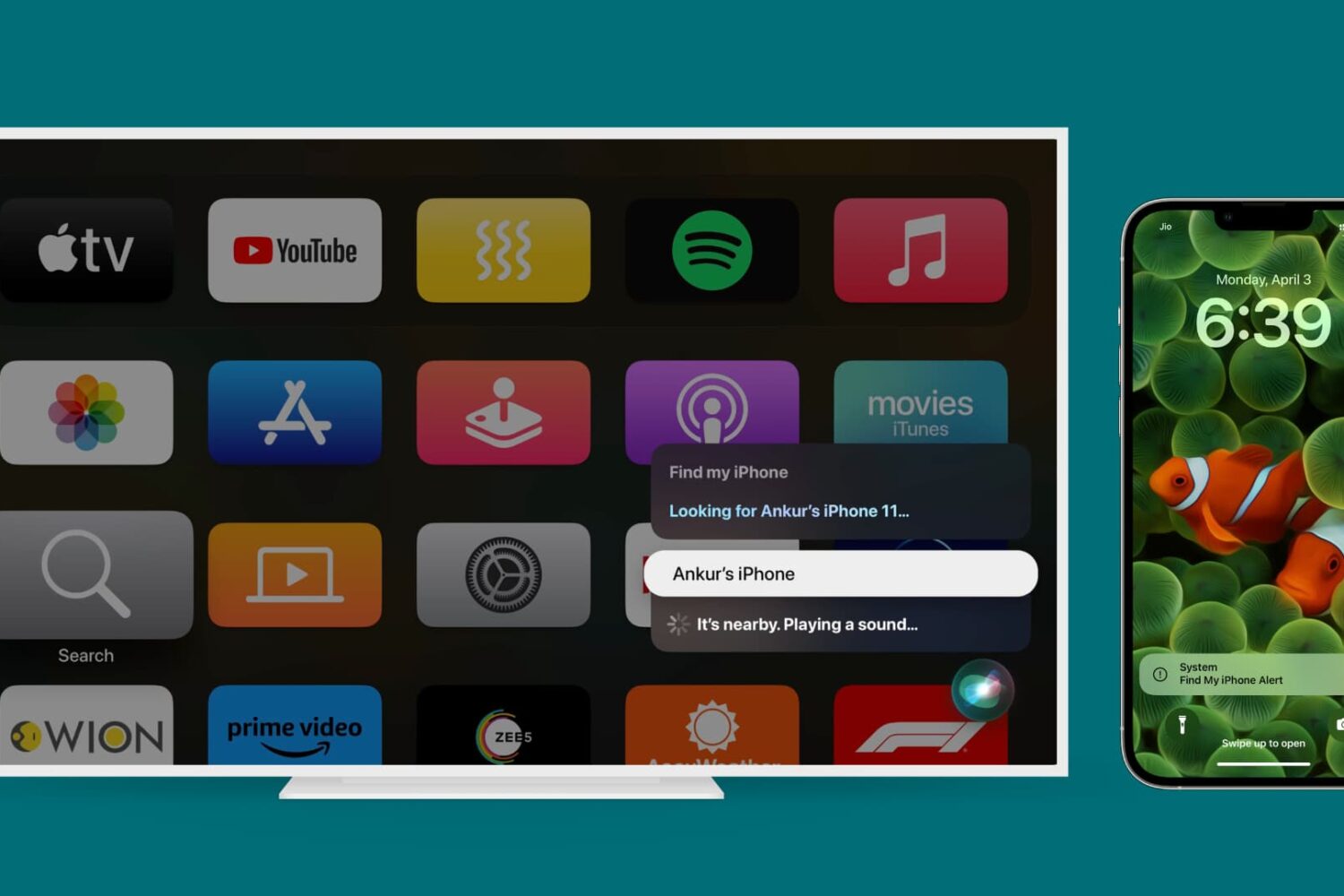
Learn how to find a missing iPhone, iPad, or Mac with your Apple TV. You can use your voice to locate a nearby device and play a sound to track it faster.
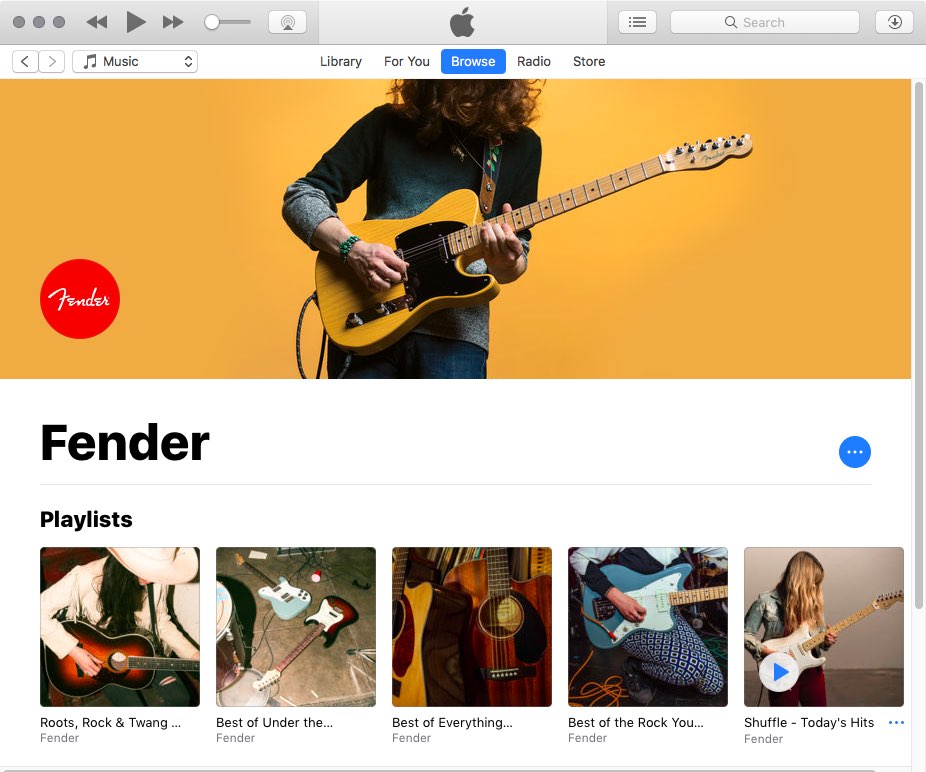
The next macOS version to be previewed at WWDC 2019 on June 3 will bring a standalone Music app (and other ported iOS apps). A source has learned that Music for Mac won't be a sub-par Marzipan app in the same way that Stocks and News are—quite the contrary it will have many of the advanced features iTunes users are accustomed to.
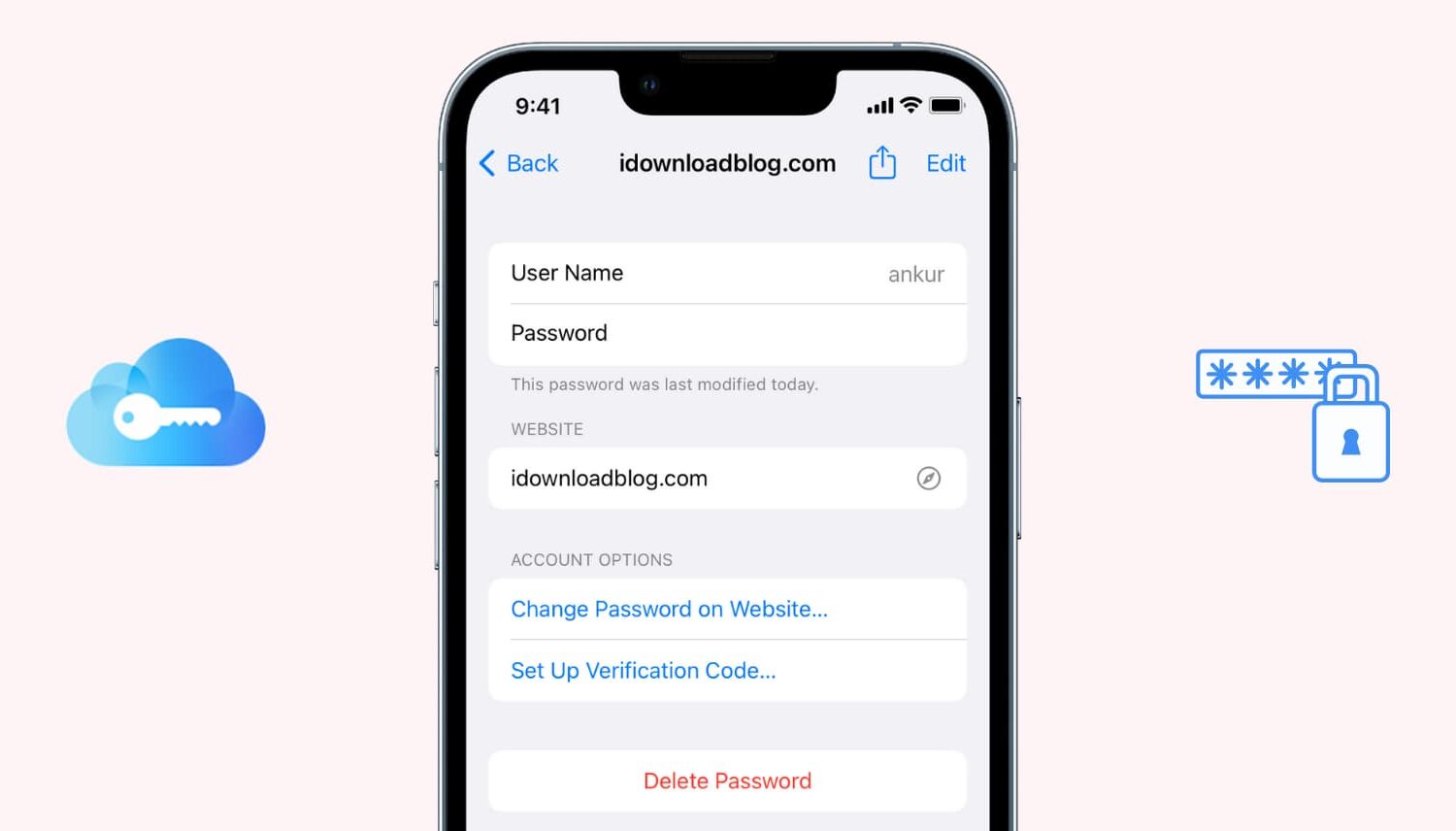
If you use iCloud Keychain to store and remember passwords, there may come a time when you want to view a particular password. Maybe you need it to log in on another device that doesn't have iCloud Keychain, or perhaps you are setting up a new password manager and need those details. Whatever the case, here's how to access iCloud Keychain passwords on iPhone, iPad, and Mac.

Bloomberg today released a detailed report outlining some of the previously mentioned features coming to Apple platforms at WWDC 2019, including previously unknown enhancements like a dedicated Calculator app for Apple Watch and revamped Reminders and Health apps in iOS 13.