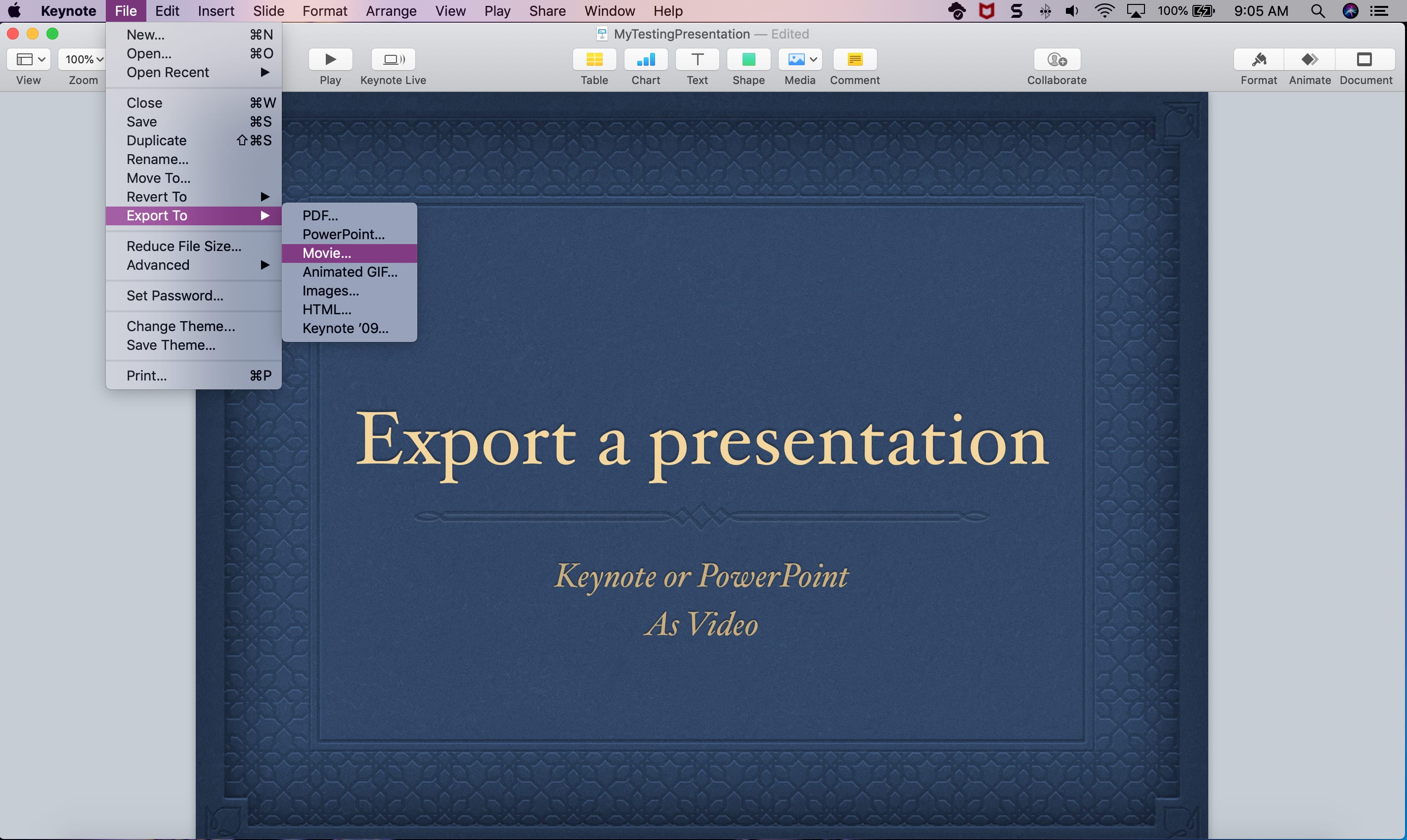
Learn how to convert Keynote or PowerPoint presentations into videos on your Mac using these simple step-by-step instructions.
How to export a presentation in Keynote or PowerPoint as a video on Mac
Stay up-to-date on the latest Mac news, and tutorials. Get expert tips and tricks to optimize your Mac’s performance and learn about the latest Apple products and software updates. Discover the best Mac apps and accessories to enhance your user experience.
Learn how to convert Keynote or PowerPoint presentations into videos on your Mac using these simple step-by-step instructions.
In this tutorial, we show you which hidden system folders to look for on your Mac to find the default desktop wallpapers that come preinstalled with macOS.
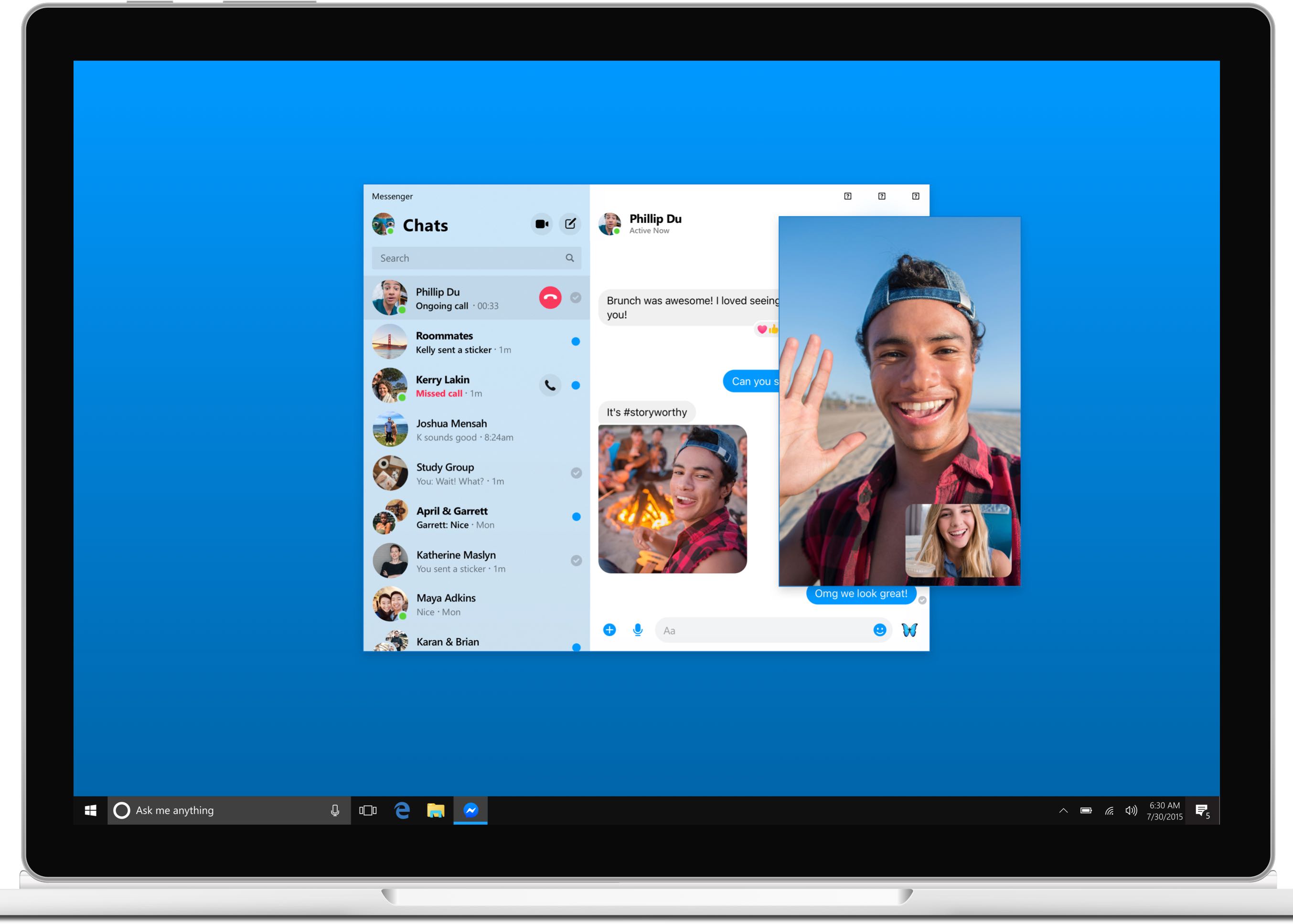
Solid evidence surfaced today regarding the native Facebook Messenger app that will be hitting the Mac platform later this year, with leaked images and videos depicting a user interface that looks like a cross between the Skype app and Apple's Messages software.
Apple yesterday acknowledged that its photo management and editing software Aperture for Mac will not run in future macOS version after macOS Mojave.
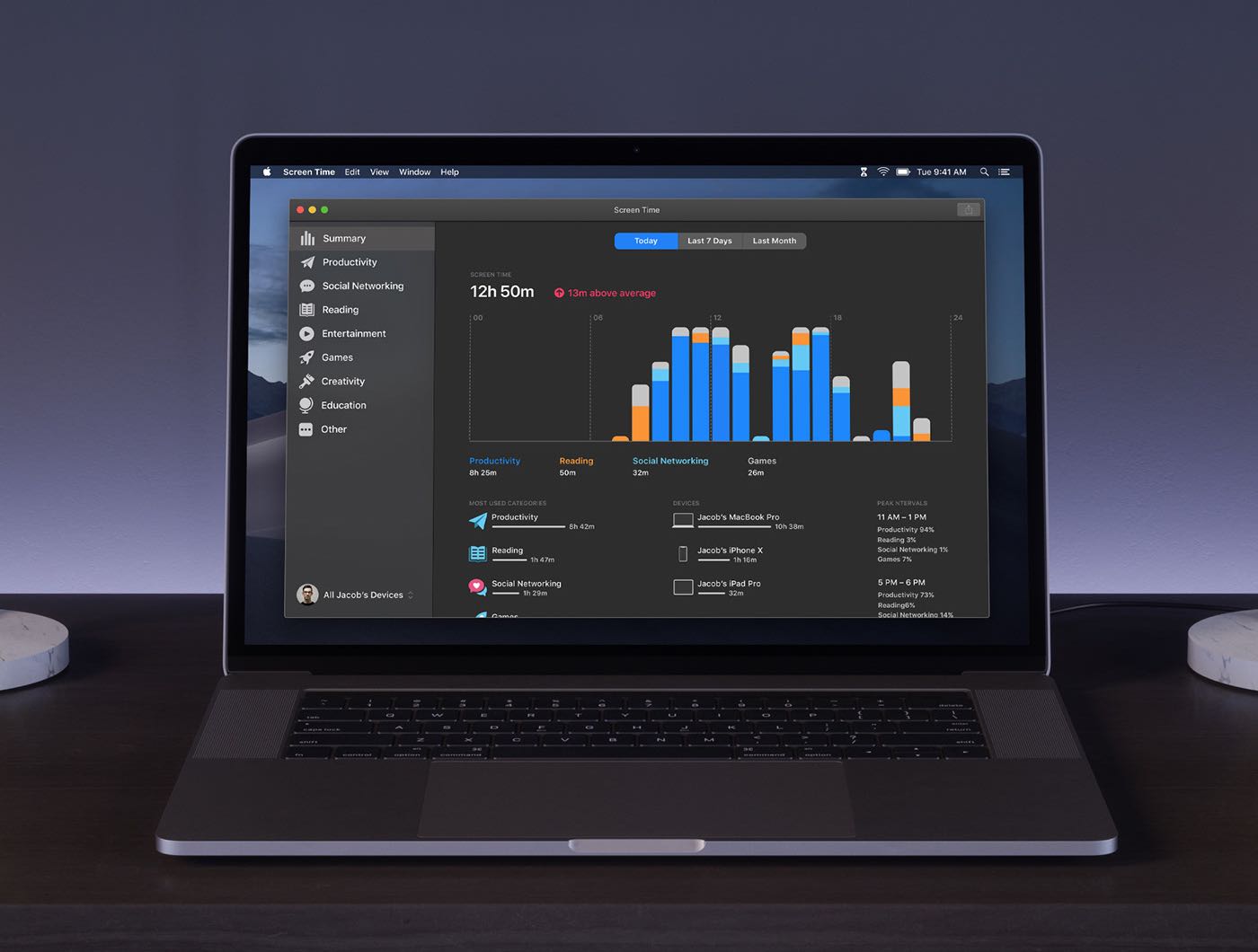
A recent report claimed Apple will port the iOS Screen Time feature over to the desktop so folks could see how their computing time is spent (or wasted, depending on your point of view). The upcoming macOS 10.15 feature will probably use the company's Marzipan framework that helps developers create cross-platform apps across iPhone, iPad and Mac.
Learn how to use the Sound Check feature in the Apple Music app on your iPhone, iPad, and Mac to play different songs at a consistent volume level.
Learn how to use the widow and orphan control to stop paragraphs from breaking in the wrong spot in Apple Pages and Microsoft Word apps on Mac.
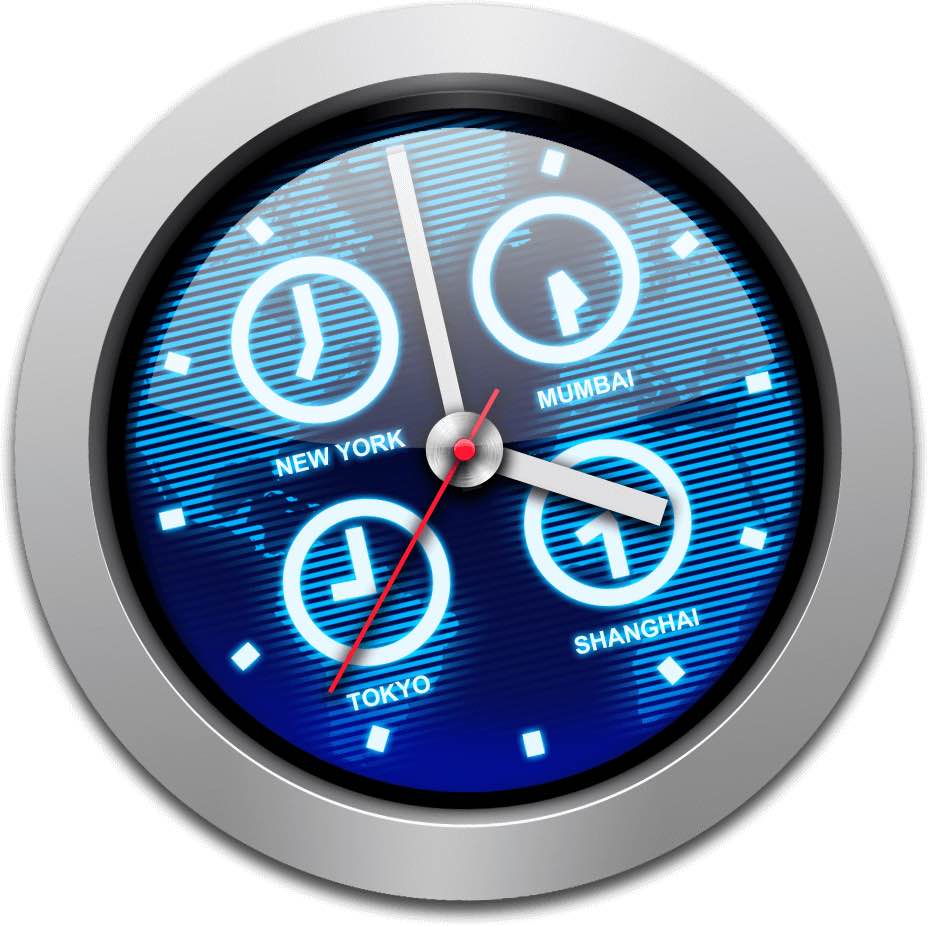
iClock, one of the oldest Mac apps, has been completely rewritten from the ground up and updated for macOS Mojave 10.14.4. With its modern, productivity-boosting time management tools, iClock is more than a suitable replacement for Apple's spartan clock in macOS.
Just like using folders on your Mac can keep your files organized, you can use folders in the Notes app to keep everything nice and neat. Rather than just having lists of notes, you can create folders and subfolders to keep related notes together. This makes finding the notes you need much easier.
Here’s how to organize your Apple Notes with folders on Mac.

Learn how to hide the email address using the “Bcc” feature in the Apple Mail app to copy someone on an email you’re sending, but don’t want your recipient to see it.
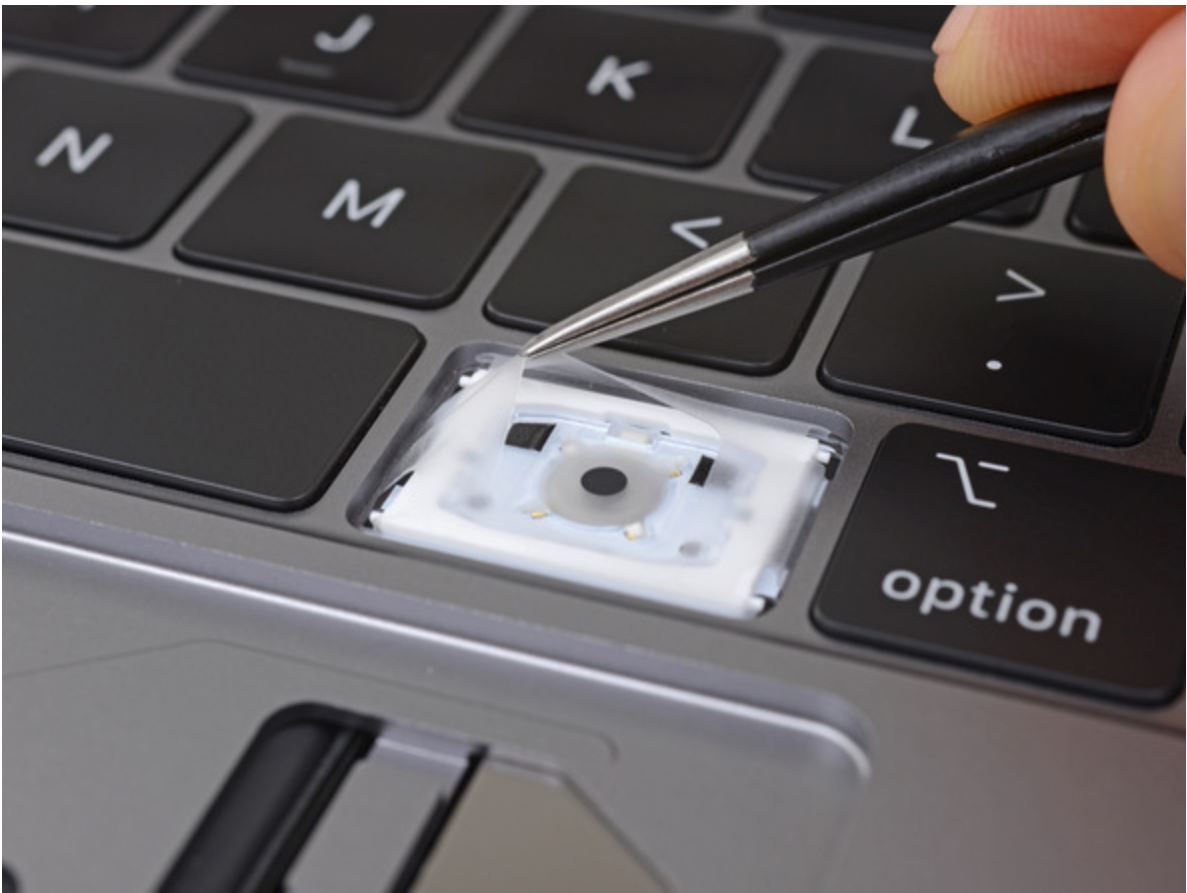
In order to make dealing with the dreaded MacBook keyboard problem a tad easier, the Cupertino technology company will now complete any keyboard-related MacBook or MacBook Pro repairs at its stores instead of shipping broken computers to off-site repair centers.

Learn how to highlight text in the Apple Mail app on Mac to emphasize what you’re writing and make certain words and sentences of your email stand out from the rest.