Have a slideshow that’s a tutorial or one that you just want to spend time explaining as you play it? Learn how to record and add a voiceover narration to your slides in Keynote on Mac.
How to record narration in your Keynote presentation
Stay up-to-date on the latest Mac news, and tutorials. Get expert tips and tricks to optimize your Mac’s performance and learn about the latest Apple products and software updates. Discover the best Mac apps and accessories to enhance your user experience.
Have a slideshow that’s a tutorial or one that you just want to spend time explaining as you play it? Learn how to record and add a voiceover narration to your slides in Keynote on Mac.
Save yourself a little time when creating documents in the Apple Pages app by making a custom template to streamline your workflow and maintain a consistent document style.
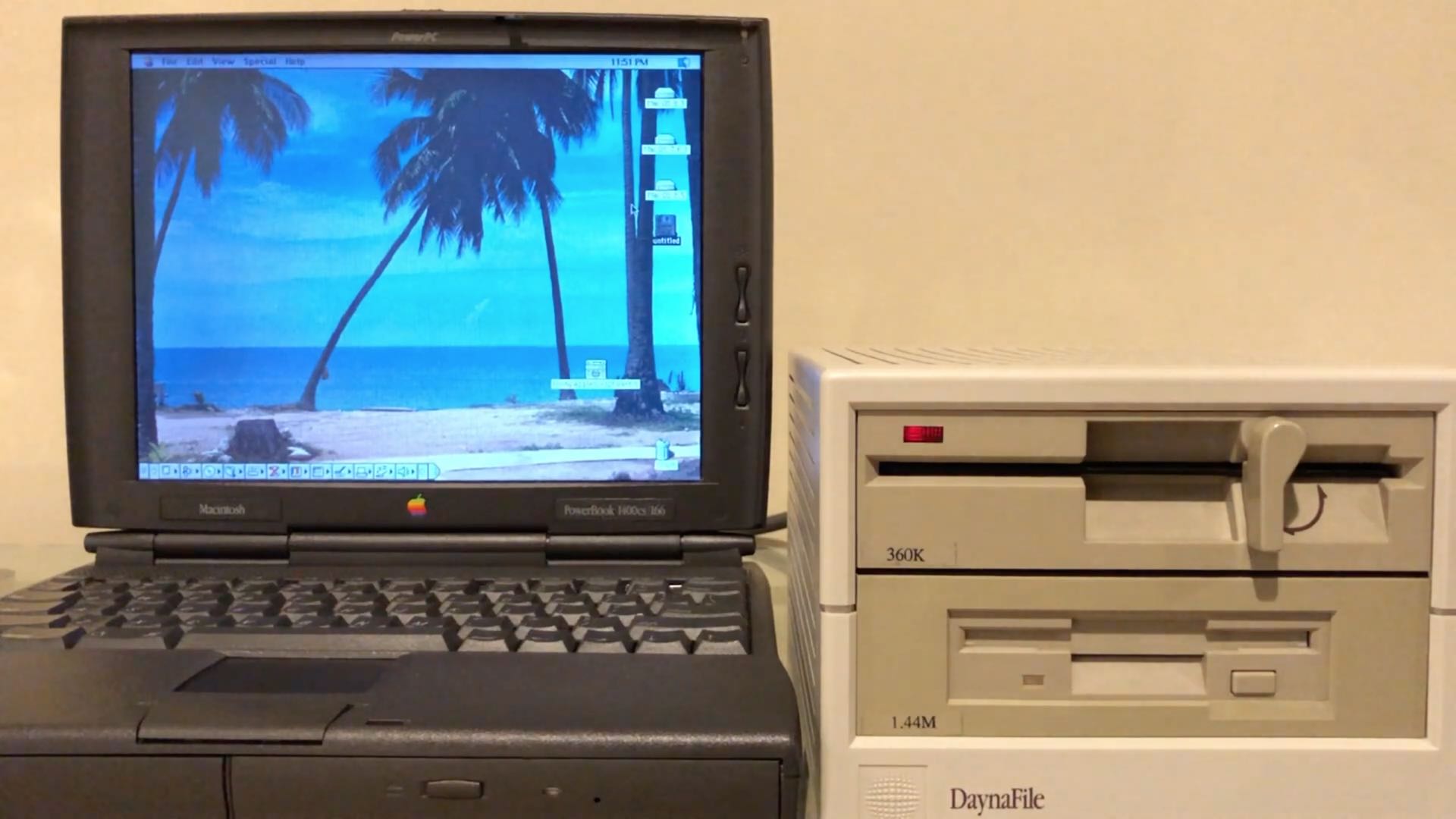
Thirty-six years ago today, Steve Jobs unveiled the Mac. Looking back on it, the original Macintosh seems at once to be both anachronistic and totally modern. One this is certain: With the release of Macintosh, Apple forever changed the world of personal computing.
Apple's latest Safari Technology Preview has dropped support for Flash, signaling that support for Adobe's technology will likely be removed from Safari's next stable version.
Learn how to insert a table in Apple Mail on Mac to create and format your email with clear, structured data.
Find out how to always allow downloads in Safari on Mac from sites you trust, so you don’t have to deal with pop-ups asking for your permission every time you want to save something from these websites.
Find out how to import or export mailboxes in the Apple Mail app on your Mac to back up your emails or transfer them to a new device.
In this quick tutorial, we show you a couple of easy ways to see all the songs you have marked as your favorite in the Apple Music app on your iPhone, iPad, and Mac.
Happy Friday, everyone! Here's something wonderful you don't get to see every day...
Dark Mode is a wonderful tool for easing eye strain at night on your devices. It replaces that bright screen with one that’s more soothing. So if you use the Books app to read at night, Dark Mode is ideal.
Along with the darkest mode, you can pick from a couple of other options. This is great if you simply enjoy reading with a dimmer background. Here’s how to turn on Dark Mode in the Books app on iPhone, iPad, and Mac.
Learn how to mark up PDF documents and images on your Mac by using Apple Pencil or your finger on a nearby iPhone or iPad.
We’ve been sharing a lot of iMovie how-tos over the past few months. So now it’s time to help you with something you’re sure to find useful: iMovie keyboard shortcuts.
Taking action any app on your Mac can be much quicker and easier with a keyboard shortcut. And when it comes to iMovie, there are plenty of them. Many you’ll remember and many you won’t, but this helpful guide gives you the most common ones.