For all of you note-takers, we’ve compiled a list of keyboard shortcuts for the built-in Notes app on your Mac so you can format text, use tables and more like a pro.
55+ best keyboard shortcuts for the Notes app on Mac
Stay up-to-date on the latest Mac news, and tutorials. Get expert tips and tricks to optimize your Mac’s performance and learn about the latest Apple products and software updates. Discover the best Mac apps and accessories to enhance your user experience.
For all of you note-takers, we’ve compiled a list of keyboard shortcuts for the built-in Notes app on your Mac so you can format text, use tables and more like a pro.
Using multiple monitors with your computer can increase your workspace and your productivity. Although you can easily use the Split View on your MacBook, you can actually quadruple that view with a second monitor.
If you’ve invested in a second display and have it connected and ready to go, here are some tips for managing your external displays on Mac.

Learn how to use the Finder’s file inspector to get a summary of multiple Mac items in a single floating window on macOS that dynamically refreshes as your selection changes.
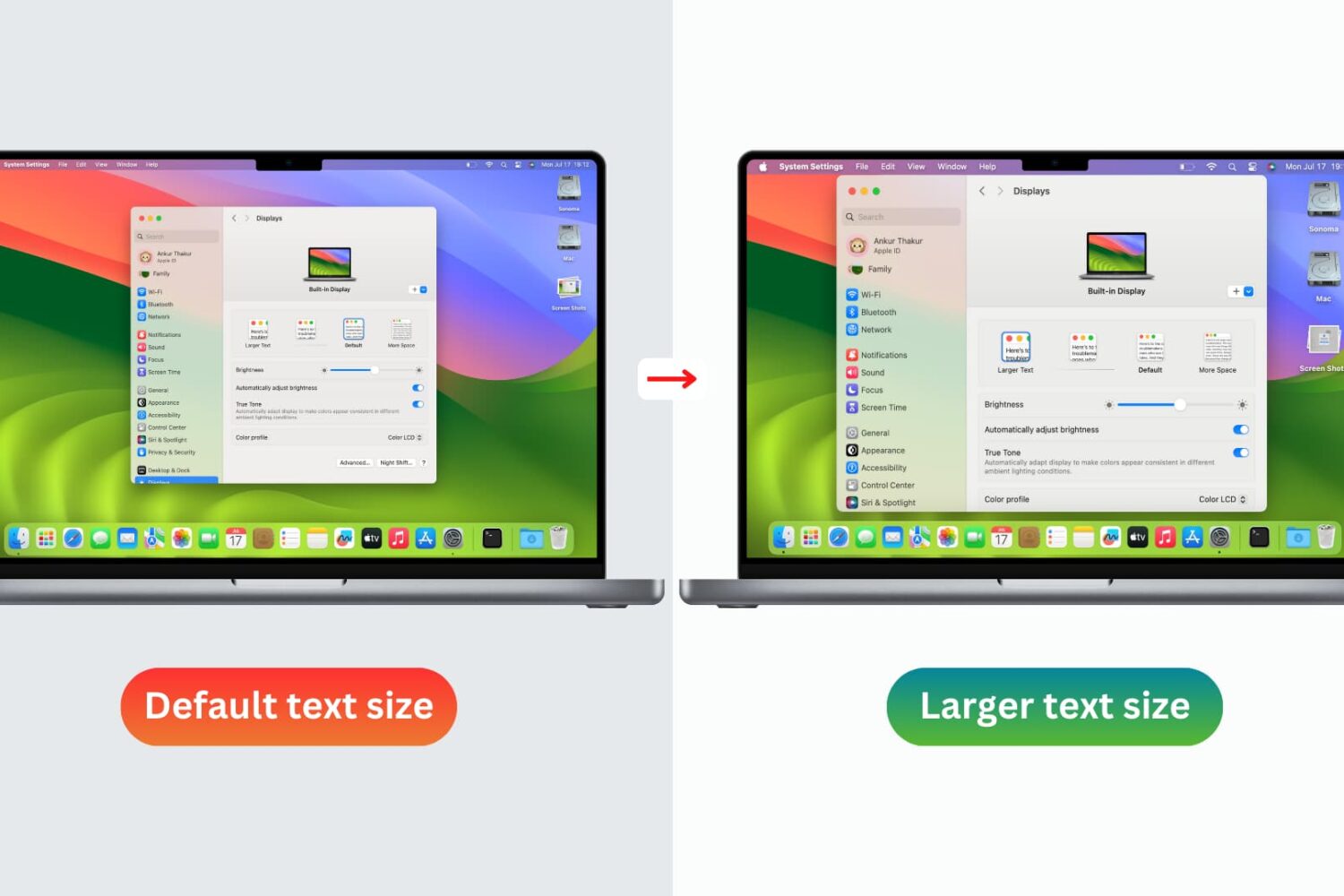
You don’t need to strain your eyes or grab your reading glasses to see items on your screen more clearly. Use these built-in options to increase the font size on your Mac and enjoy a more comfortable computing experience.
Check out these three quick ways to get rid of image metadata on your Mac to boost your privacy.
The iconic Mac startup chime played when you power up your computer had been around since 1998, but Apple disabled it in 2016 beginning with that year's MacBook Pro refresh. Thanks to a newly discovered Terminal command, you can re-enable the Mac startup chord sound on macOS Catalina and earlier, and our step-by-step tutorial shows you how.
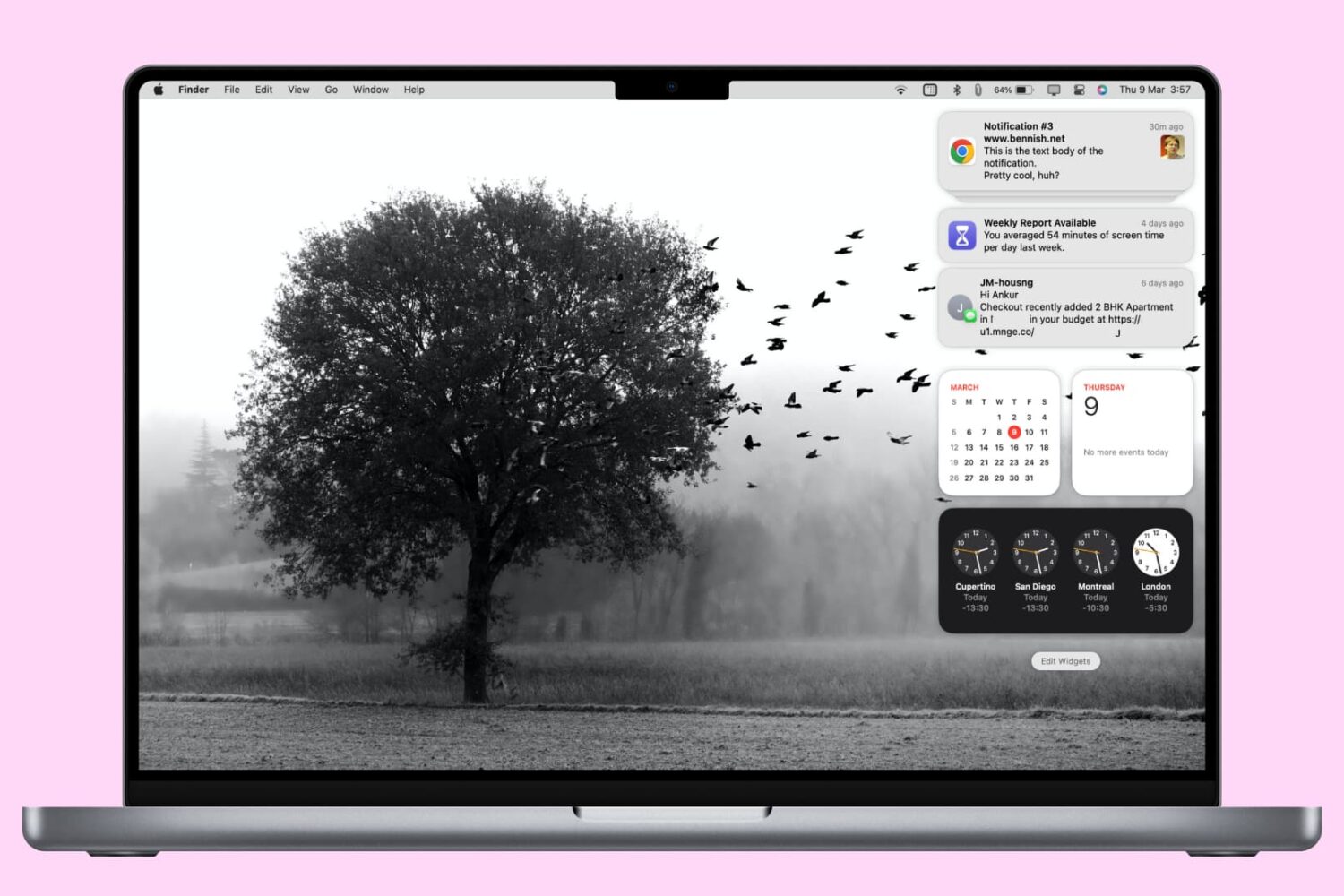
In this tutorial, we'll show you how to access and manage notifications on your Mac. We'll also provide quick steps to disable or temporarily pause alerts for apps with unhelpful notifications.
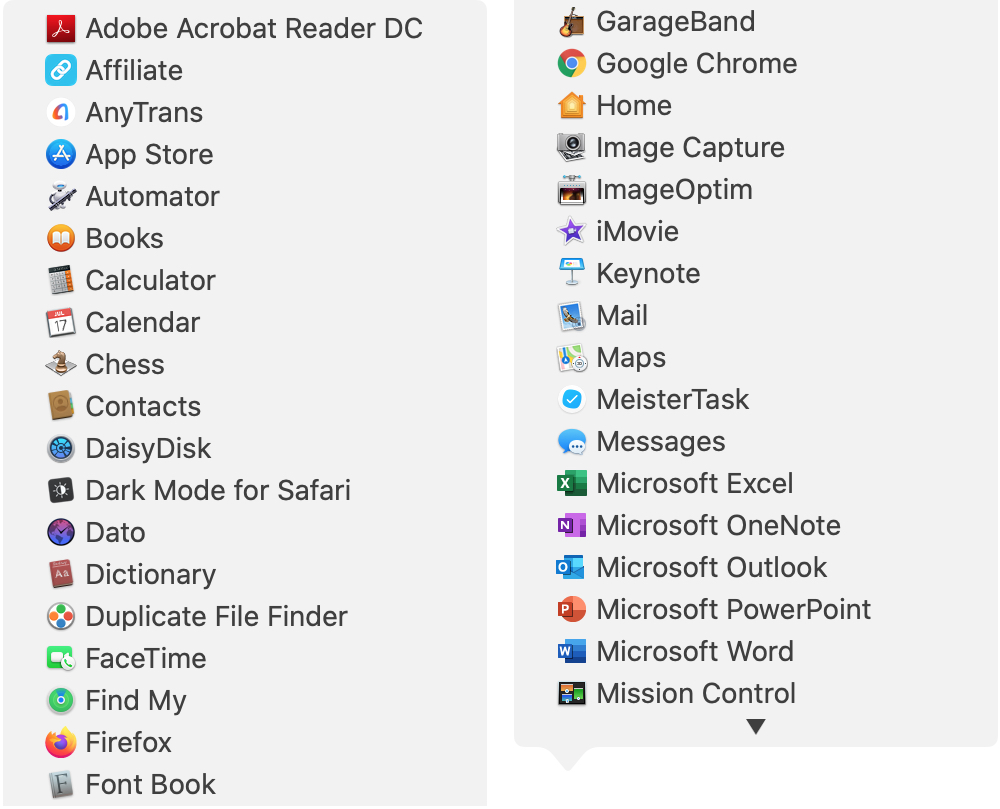
There are all sorts of ways to use shortcuts on your Mac. From tons of common keyboard shortcuts to those that help you navigate webpages faster; you have plenty of options.
Along with some useful keyboard shortcuts for your Dock are additional ways your Dock can help you do things faster. And especially for those new to macOS, you might not realize they exist. Here’s how you can navigate your Mac quicker with Dock icon shortcuts.
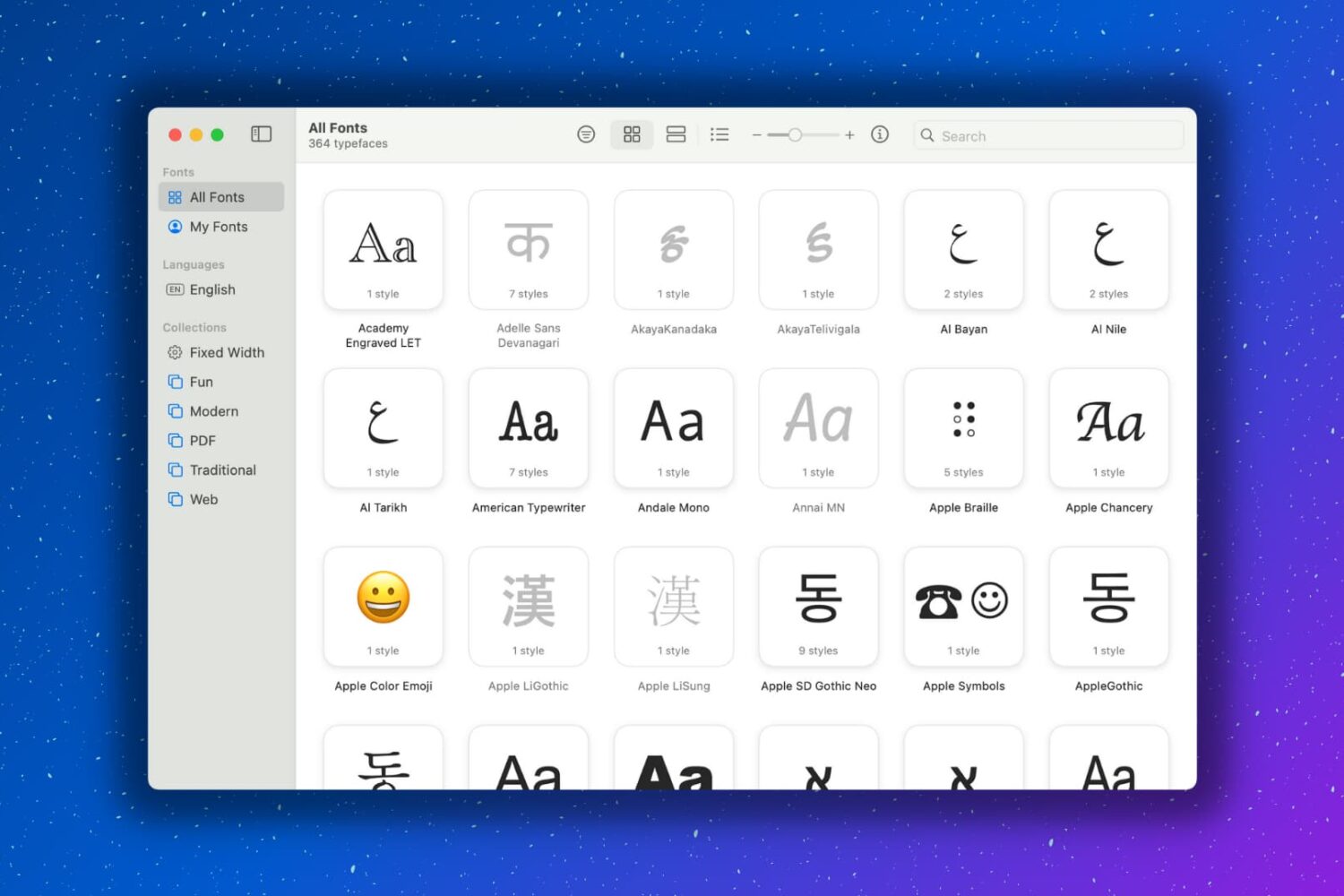
Having extra fonts available on your Mac is awesome. You might be composing a document that you want to have a special look. Or maybe you like using unique font styles for taking notes. Whatever the case may be, you can certainly find fonts on the internet and install them, which is super easy. But you might not realize that your Mac has cool fonts tucked away that you can use.
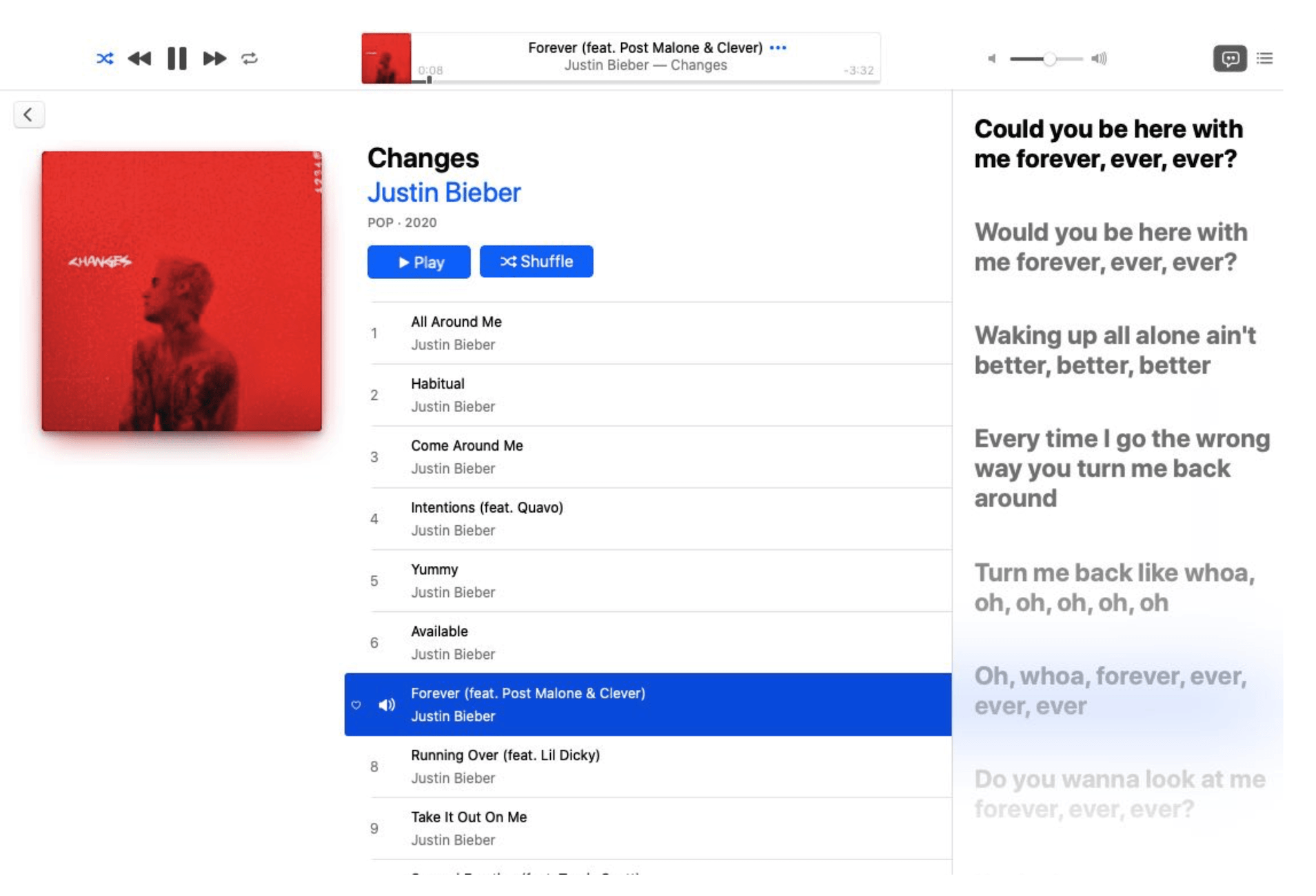
Beta 2 of the upcoming macOS Catalina 10.15.4 update that dropped yesterday has brought the fun time-synced lyrics feature which debuted on iOS 13 to the Mac platform.
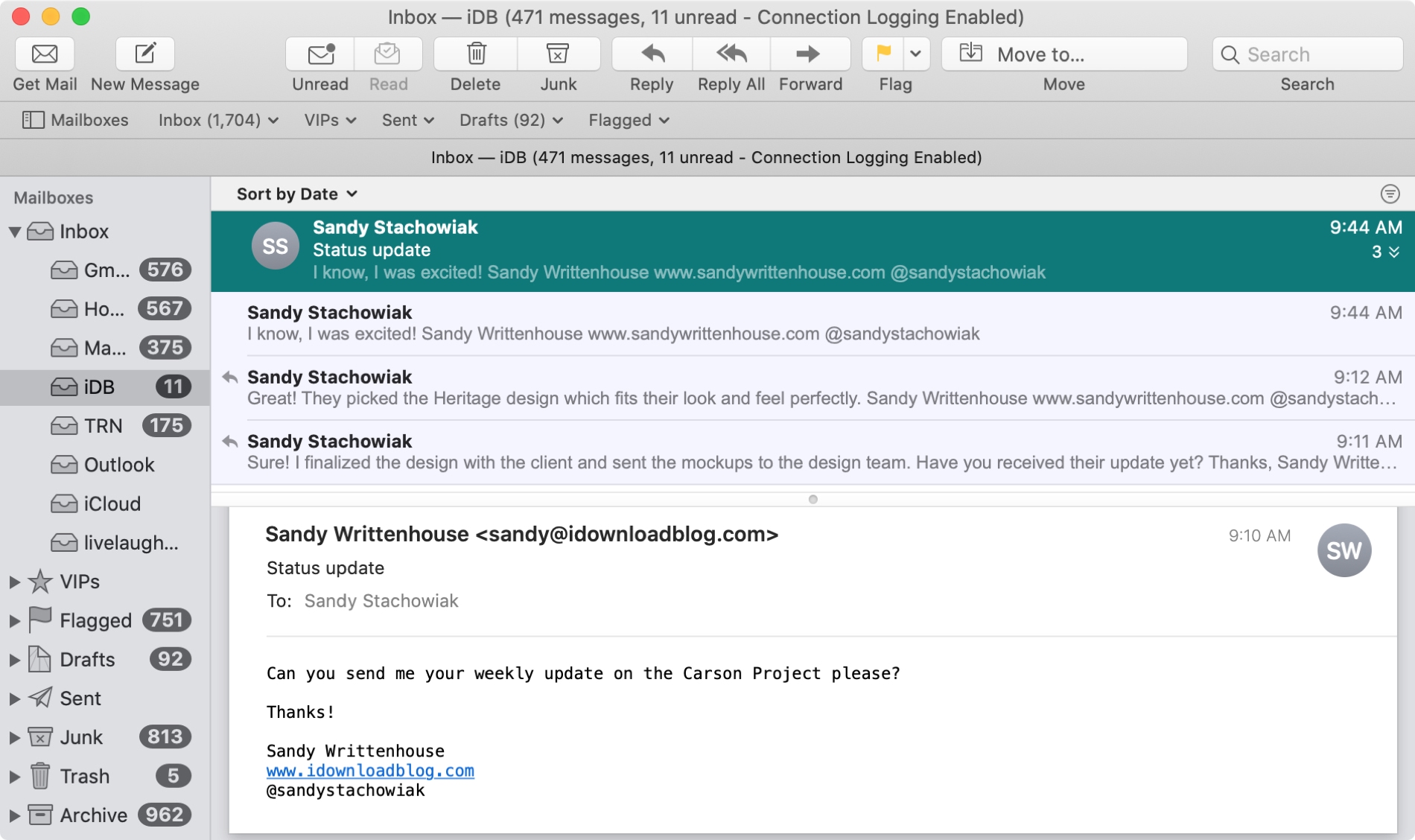
The Mail app uses what are called Conversations to group your emails together. This is handy when you and your recipient are emailing back and forth on the same subject because all of those communications will be in the same thread.
And you can do a few things with conversations in the Mail app like highlight, expand and collapse, or disable them all. If the conversations in the Mail app on Mac are new to you, here’s how to work with them.