One of the things that makes the checkra1n jailbreak unique is that it’s bootrom-based, which means that it’s able to jailbreak any hardware vulnerable to the checkm8 bootrom exploit. This includes iPhones, iPads, Apple TVs, and even the T2 chip that many modern Mac computers now come equipped with from the factory.
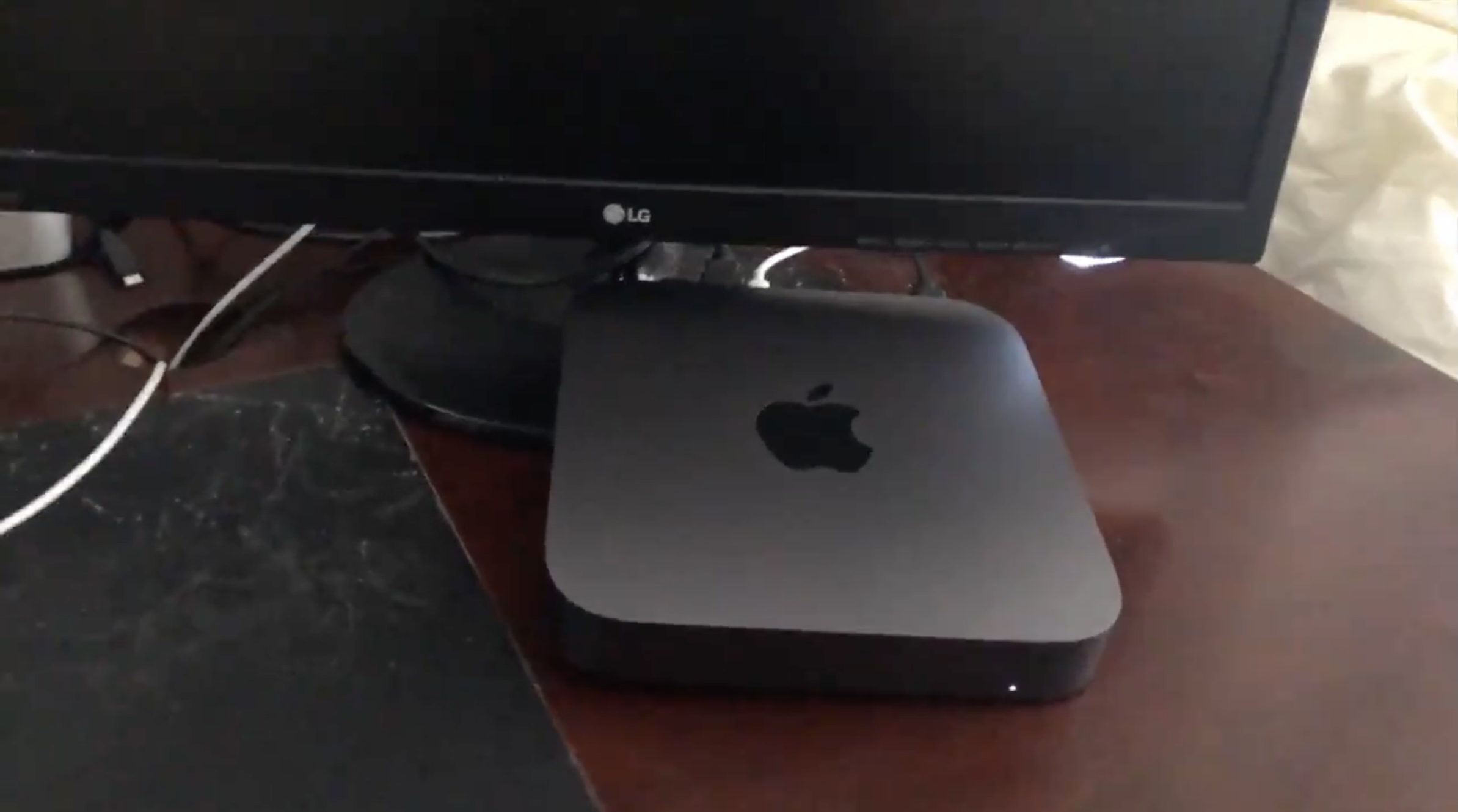
It wasn’t long ago that the checkra1n team baked official support for the T2 chip into their jailbreak tool, and as such, it may come as no surprise that some of the first T2-based hacks are beginning to trickle in. One of the latest of such hacks apparently involves modifying a T2 chip-equipped Mac Mini to play the infamous THX sound during boot-up: