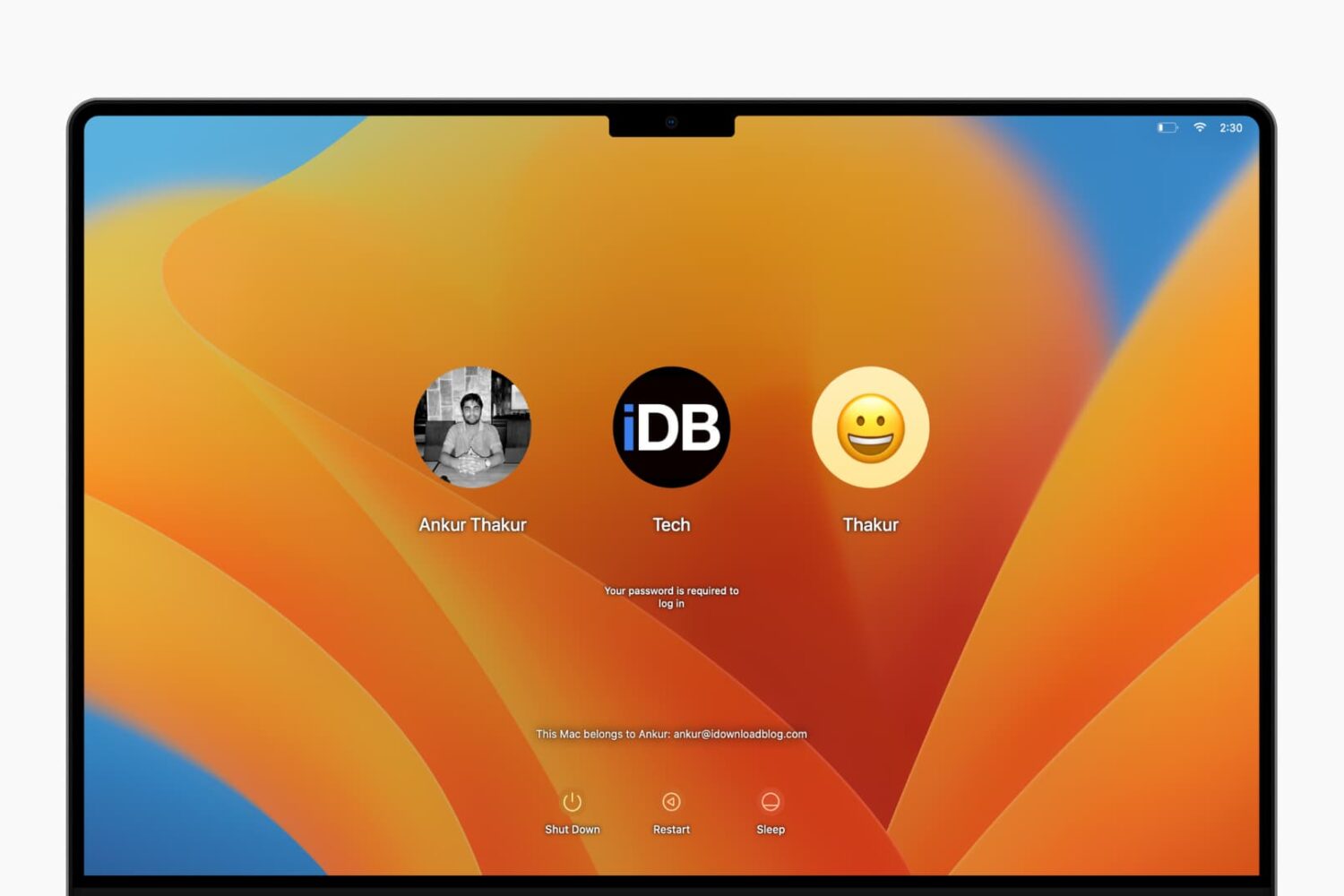
With a simple modification, you can display a custom message on your Mac's lock screen or login window. This tutorial shows you how to do that.
How to add custom text to a Mac login screen
Stay up-to-date on the latest Mac news, and tutorials. Get expert tips and tricks to optimize your Mac’s performance and learn about the latest Apple products and software updates. Discover the best Mac apps and accessories to enhance your user experience.
With a simple modification, you can display a custom message on your Mac's lock screen or login window. This tutorial shows you how to do that.

Ever wanted to go through your Contacts app and remove all those that you no longer associate with? In this guide, we’ll show you how to delete multiple contacts at once on your Mac, which will also remove them from your iPhone and iPad.

In this brief tutorial, we’ll show you how to adjust the search scope for Finder on your Mac. You can set it to search the entire drive (which is the default), search the current folder you are in, or use the search scope you last specified.

Most of our readers will be familiar by now with Apple's Continuity suite, a slew of features which were introduced with iOS 8 and OS X Yosemite. These features include Instant Hotspot, a new AirDrop, SMS/Phone calls from Mac, and Handoff. With macOS Sierra and iOS 10, they added Auto Unlock and Universal Clipboard to the group.
The catch is of course that making use of these features requires certain hardware. Therefore, Macs from before about 2010/11 appear not to support some or all of the new functionality. However, it turns out there is a way to enable Continuity on your older hardware. In this guide we'll go through how to do it.
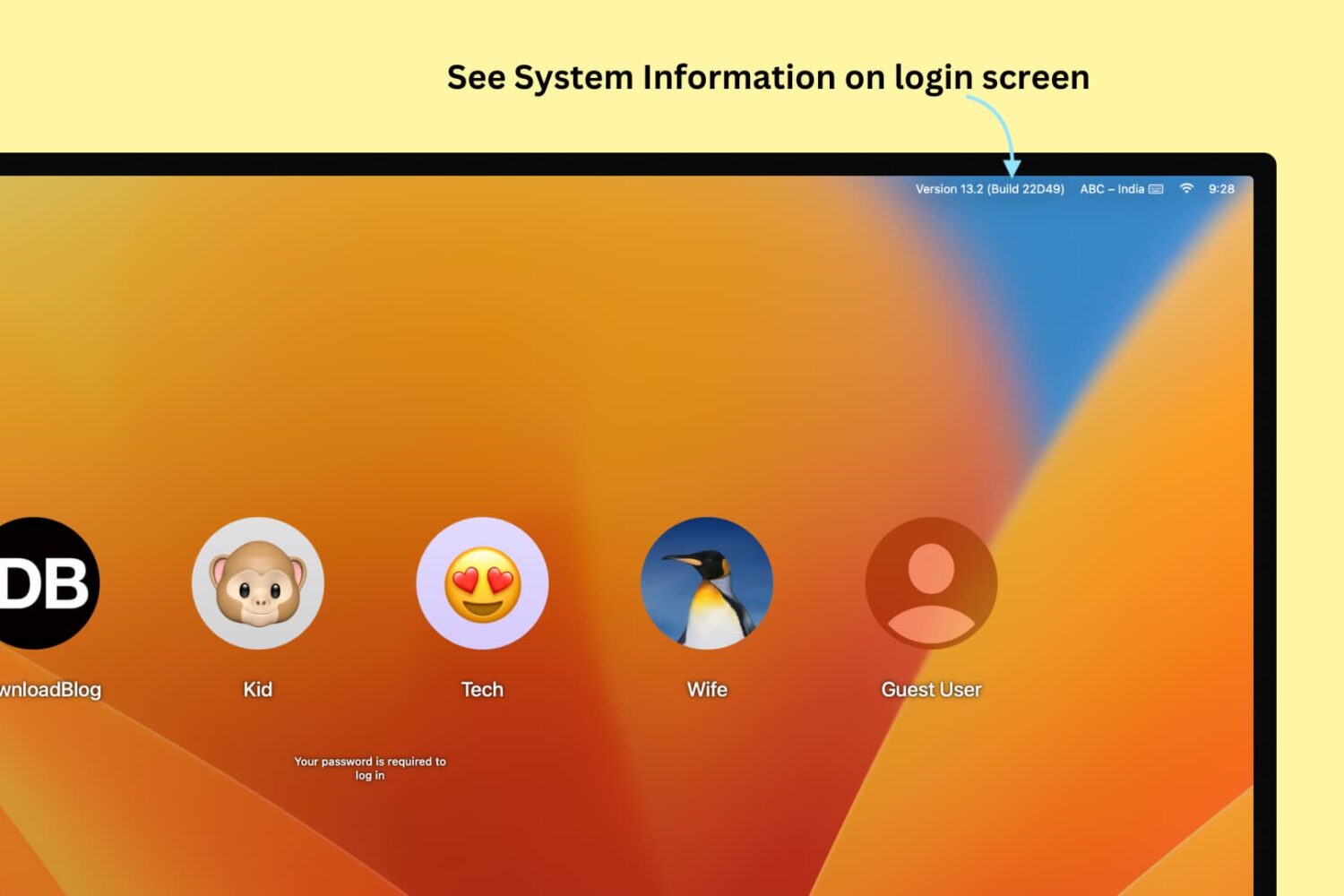
If you're one of those who love to tweak every little facet of their Mac experience, then this guide is for you. It brings some system information items, such as your computer name, your current IP address, and your macOS version, right to your login screen where they can be easily referenced. For this modification, all you need is the Terminal application and a few minutes.
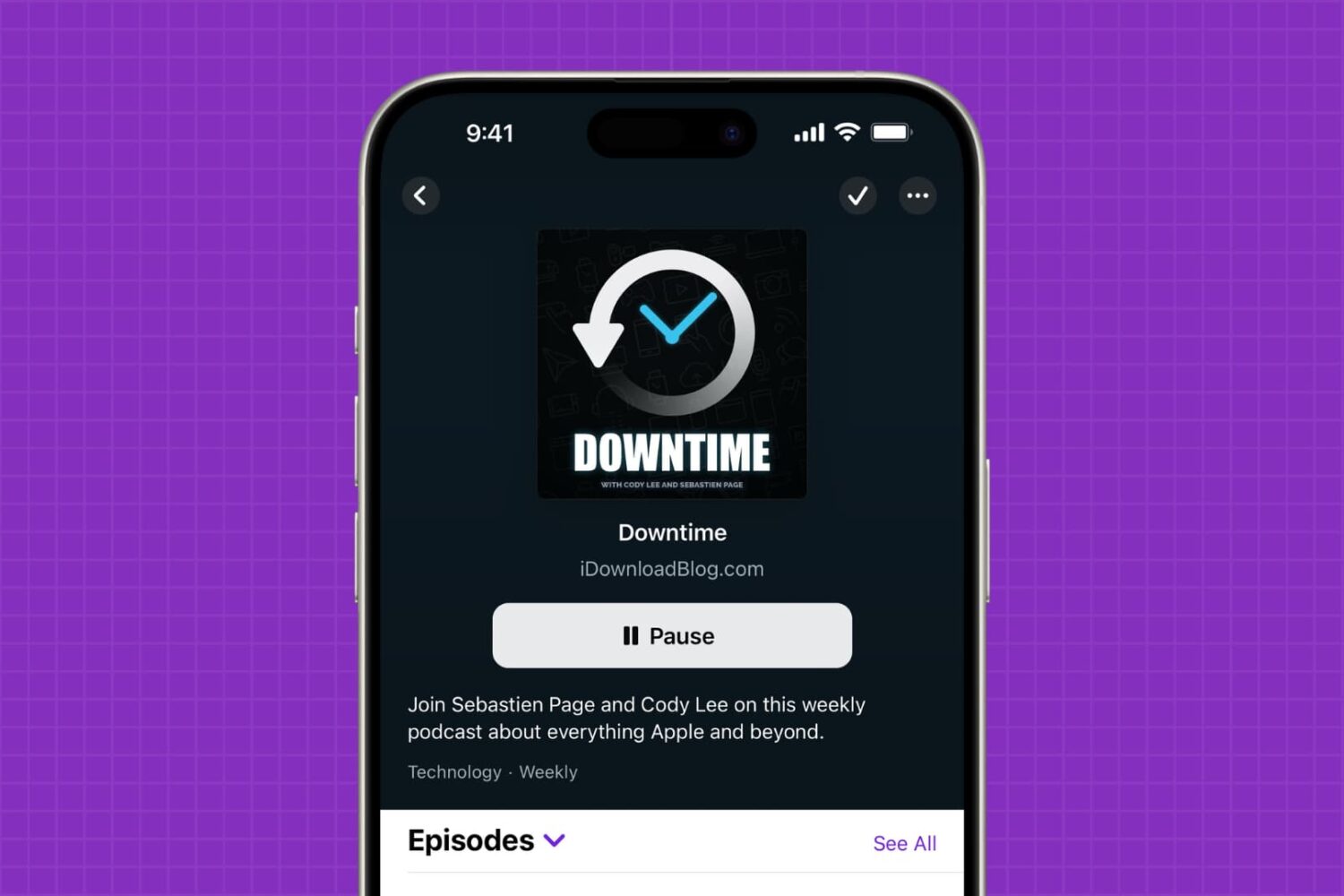
Getting too many podcast notifications on your iPhone, iPad, or Mac? Learn how to turn off alerts for specific podcast shows without unfollowing or unsubscribing from them. We’ll also explain how to turn off all notifications for the entire Podcasts app and share what to do if you rely on third-party apps.

By default, the behaviour of macOS upon saving a file is to open a simple dialog window, with only a single drop-down menu showing possible save locations. These locations can vary based on the program settings, your most-used save location, or your last-used save location.
Although this is fine for quickly saving documents to common folders such as Documents or Downloads, it is cumbersome to use the drop-down menu when saving regularly to multiple hard drives and previously unused nested folders. Luckily, there is a way to always show a full file browser in the save dialog for more granular control.

Learn how to manually update the Spotify app on your Mac to ensure you have the latest available version with the newest features and bug fixes.
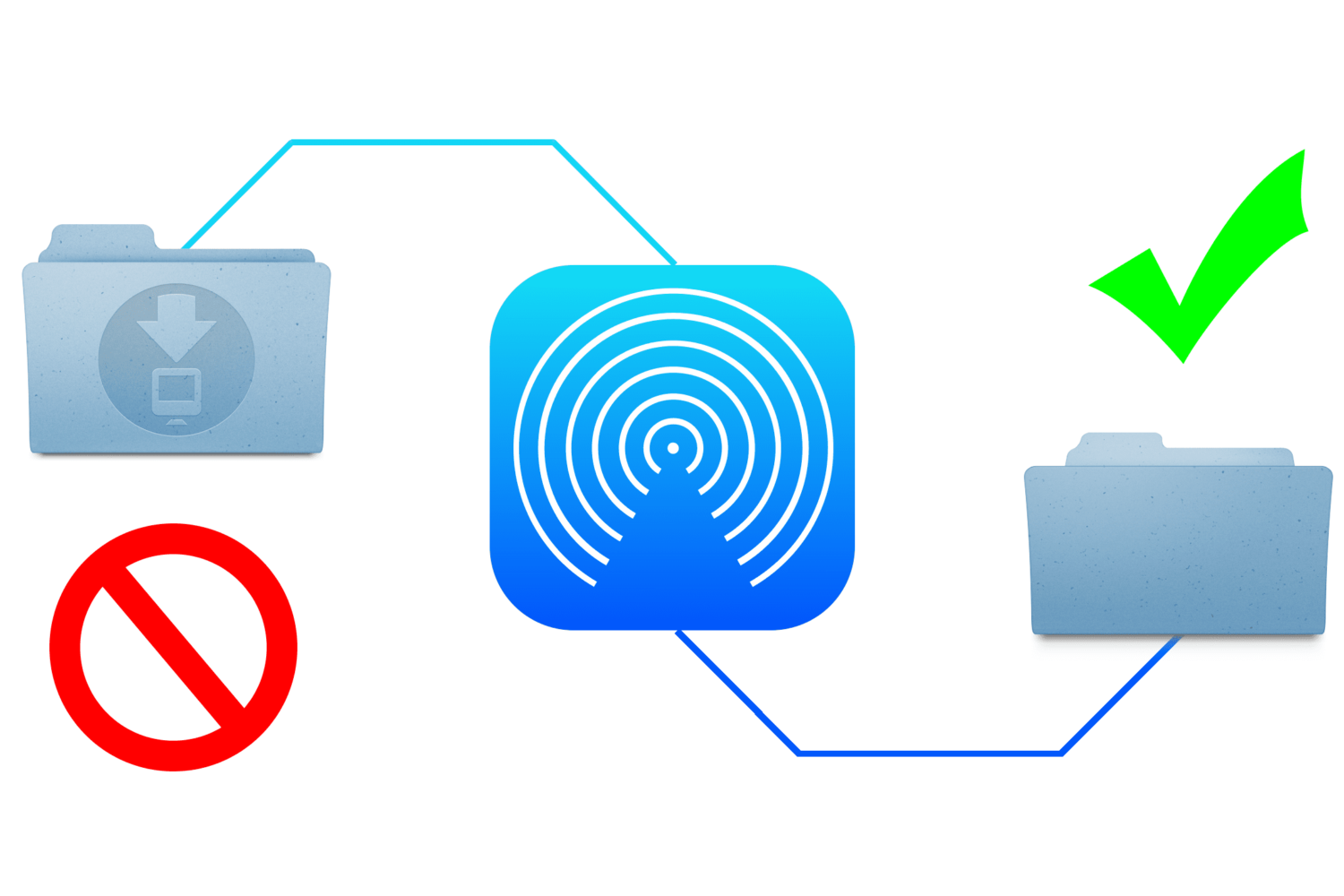
When you send files to your Mac via AirDrop, the received files are automatically saved to the Downloads folder. While this is a logical place for them to go, it's non-configurable and lumps them in with your Mail attachments and Safari downloads.
This approach is not granular enough for some users who may wish to designate a specific folder for AirDrop files to be saved to. Although macOS does not allow this out of the box, it's possible with some straightforward steps.
In this guide, we show you how to change the save location of files you receive via AirDrop on your Mac.

Whether you’re a parent trying to filter explicit content from the limitless Google searches your child could be searching on the web, or you’re simply trying to figure out why it seems like certain images or web results are being filtered from your Google search queries, chances are Google SafeSearch is the answer.
In this tutorial, we’ll show you how you can toggle Google SafeSearch on or off, depending on whether you need to start filtering explicit search results from your queries or stop doing so when the feature is already enabled.

Learn how to enhance visibility and ease of use on your Mac by adjusting the mouse or trackpad cursor size.
Use a simple Terminal command to find out when macOS was last reinstalled on your Mac.