Learn how to seamlessly integrate your iPhone calls with your iPad and Mac, ensuring you never miss a call across devices.
How to get iPhone calls on your iPad and Mac

Stay up-to-date on the latest Mac news, and tutorials. Get expert tips and tricks to optimize your Mac’s performance and learn about the latest Apple products and software updates. Discover the best Mac apps and accessories to enhance your user experience.
Learn how to seamlessly integrate your iPhone calls with your iPad and Mac, ensuring you never miss a call across devices.

Have you noticed that your iPhone or Mac is showing an alert to join new Wi-Fi networks?
By turning off one simple setting, you can prevent this from happening, and this short tutorial shows you how to do that.
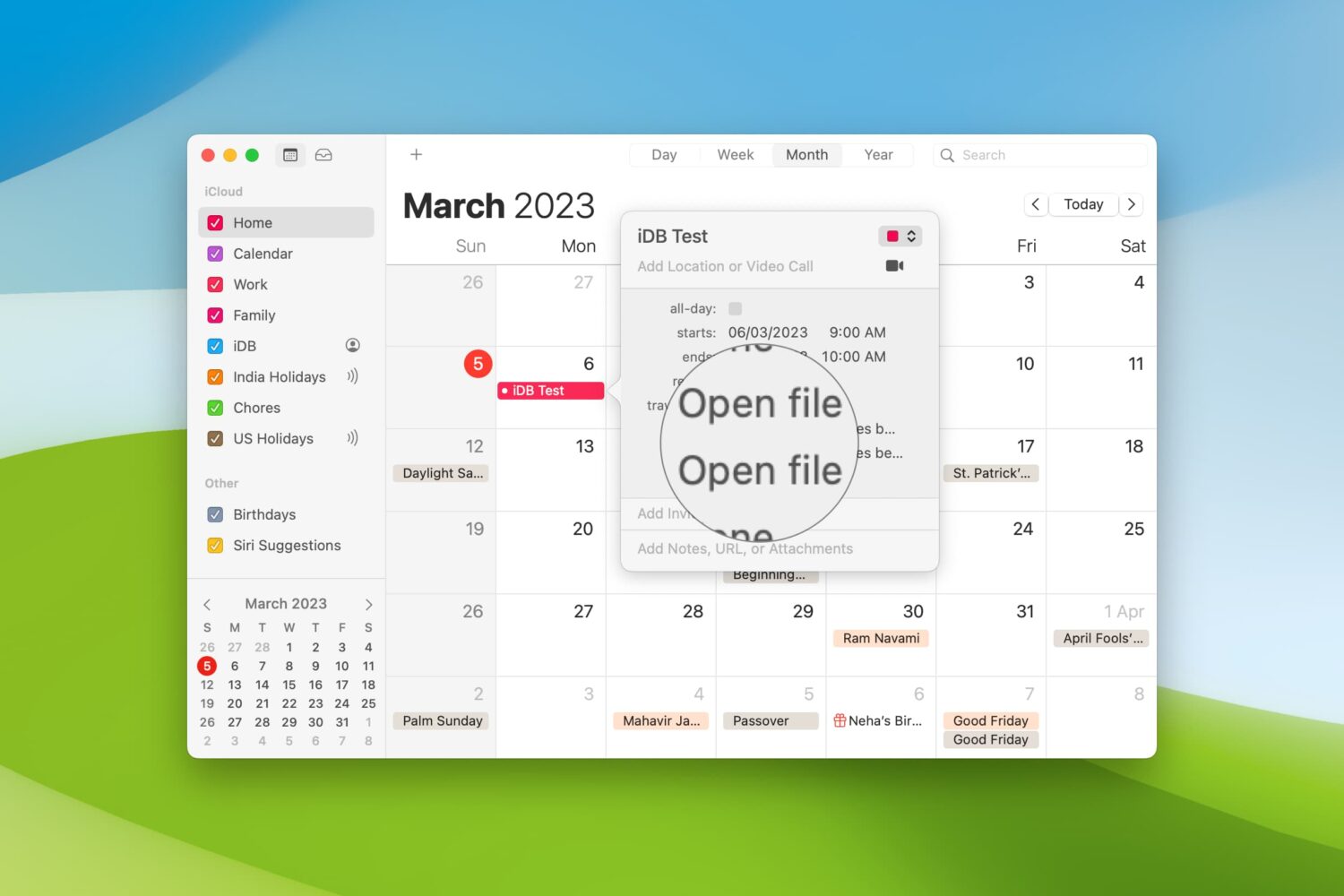
When you’re getting ready to join a meeting, whether it’s a web conference, conference call, or in-person meeting, you often have at least one file you need for it.
One way to ensure you don’t forget that important document is by including it with the event on your Calendar. This can help ensure you have all the necessary documents or notes in front of you and minimize the chance of forgetting something important.
Here’s how to set your Mac Calendar app to open that file right before your meeting.

Learn how to hide the floating thumbnail preview of screenshots you take on your Mac so it doesn't appear on any subsequent screenshots you take seconds later.

Learn how to quickly convert rows to columns or vice versa in your spreadsheet in the Apple Numbers app on iOS and macOS if you want to format the table differently.
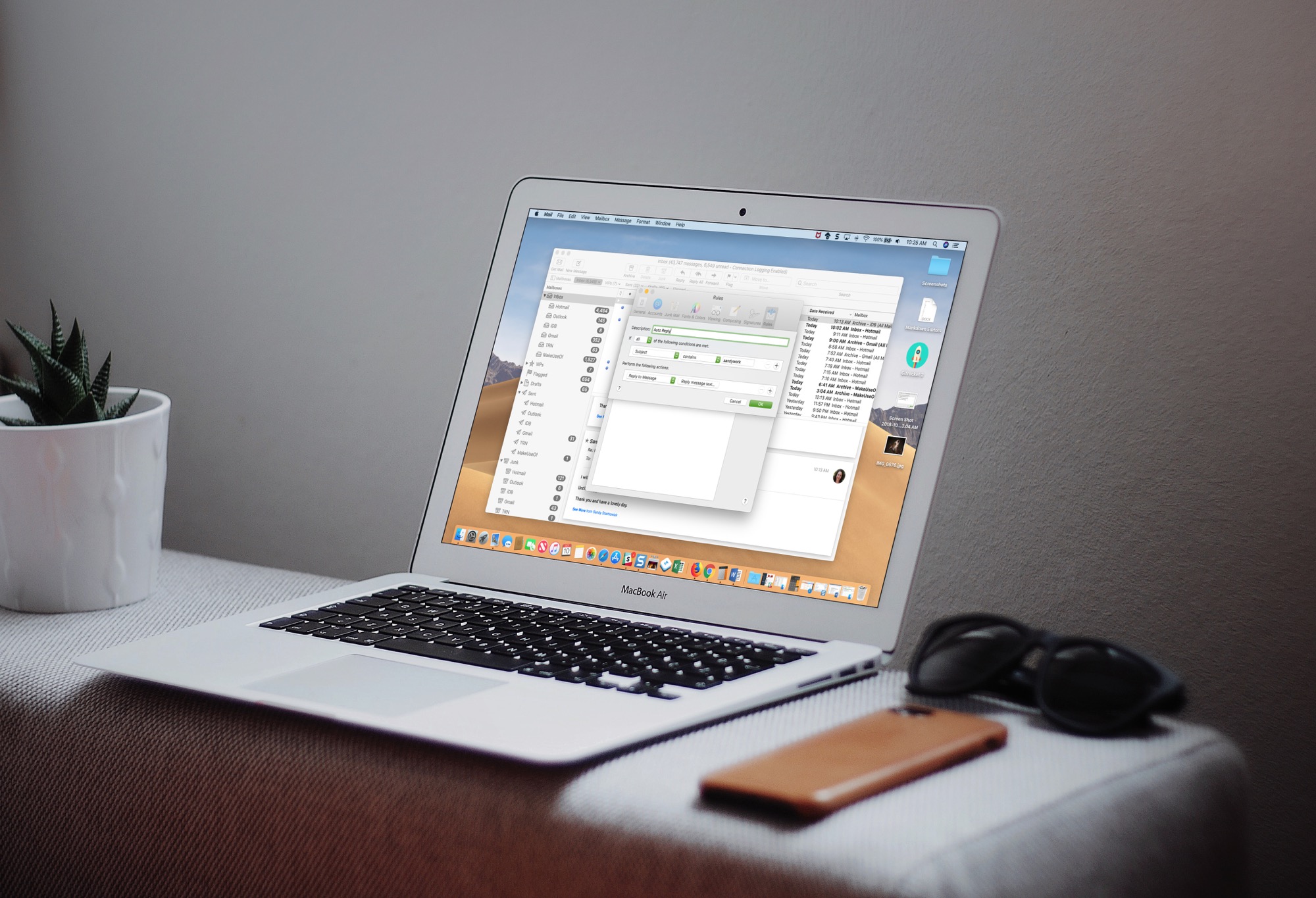
Learn how to set up an automatic email reply in the Apple Mail app on Mac to keep your contacts in the loop, even when you’re away from your computer.
Do you have a hard time finding a folder on your Mac? Do you wish there was an easier way to access your data? A simple feature of macOS makes it simple to keep folders on top of your Desktop or Finder windows. Here's how to do it.

Learn how to loop YouTube videos on your iPhone, iPad, computer, or Android-powered phone or tablet to replay the favorite part of a clip over and over again.
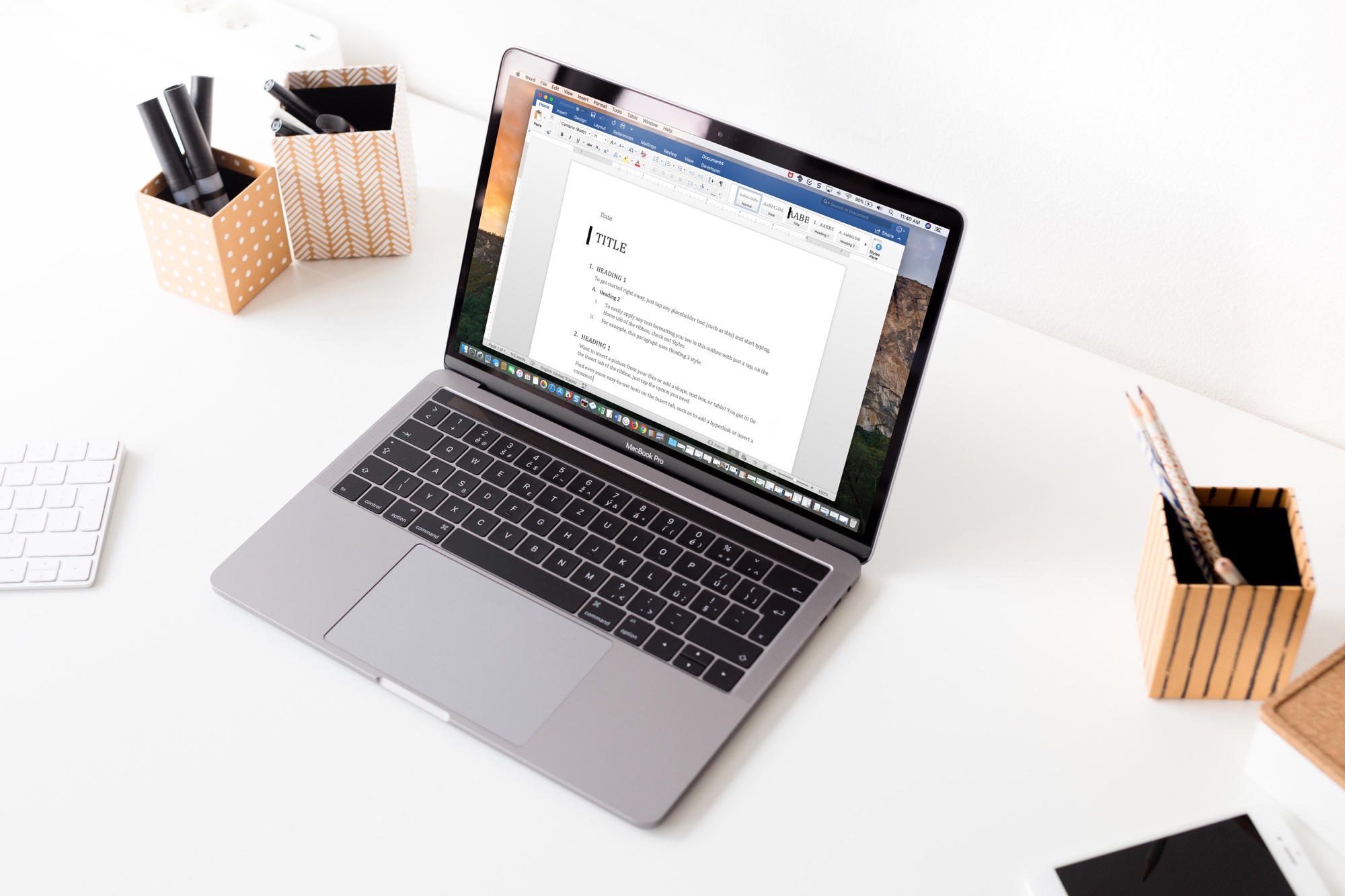
As with customizing your Quick Access Toolbar or Ribbon buttons when you use Microsoft Word on Mac, you can also adjust the tabs. By default, you should see tabs like Home, Insert, Layout, and View across the top. But, you can change these to fit your needs.
Here’s how to change the tabs you see in Microsoft Word on your Mac.

If you own an Apple computer, especially a modern one, then you’ve probably come to notice how particularly thin these machines have become. Despite that, most Macs still sport internal cooling fans to keep the CPU and GPU temperatures in check.
By default, Apple’s internal cooling fans run as silently as possible for a quiet user experience, but this isn’t without its caveats. Thinner machines like the MacBook Pro are more susceptible to heat soak because the cooling capabilities of such a compact chassis are limited; this is something you’ve undoubtedly felt while the machine sits on your lap during intensive tasks.
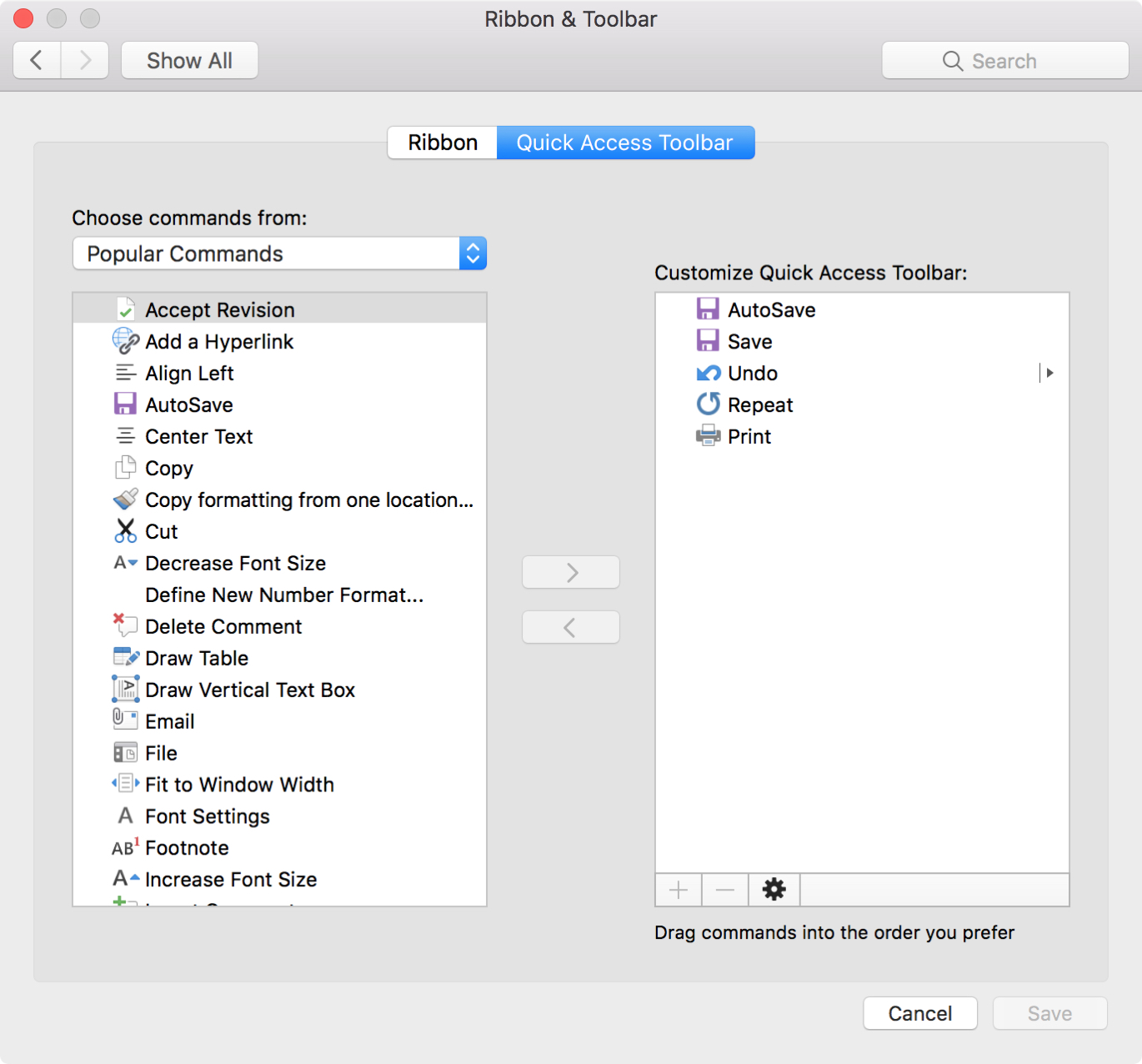
One nice thing about working with Microsoft applications like Word and Excel is that you can customize your tools. From the status bar at the bottom to the ribbon at the top, you can remove and add exactly what you need.
Another area you can customize is the Quick Access Toolbar. This is the small toolbar above your ribbon on the top left of the window. The point of this toolbar, as its name implies, is for quick access to tools you use most.
To help you make the most out of this area, this tutorial explains how to customize the Quick Access Toolbar to suit your specific needs.
Are you switching from Evernote to the Notes app, or just want to move a note or two? You can easily import notes from Evernote to Notes.
Start by checking out our tutorial on how to export notes from Evernote. Then, once you have the files you need, follow this tutorial to import those notes into your Notes app.