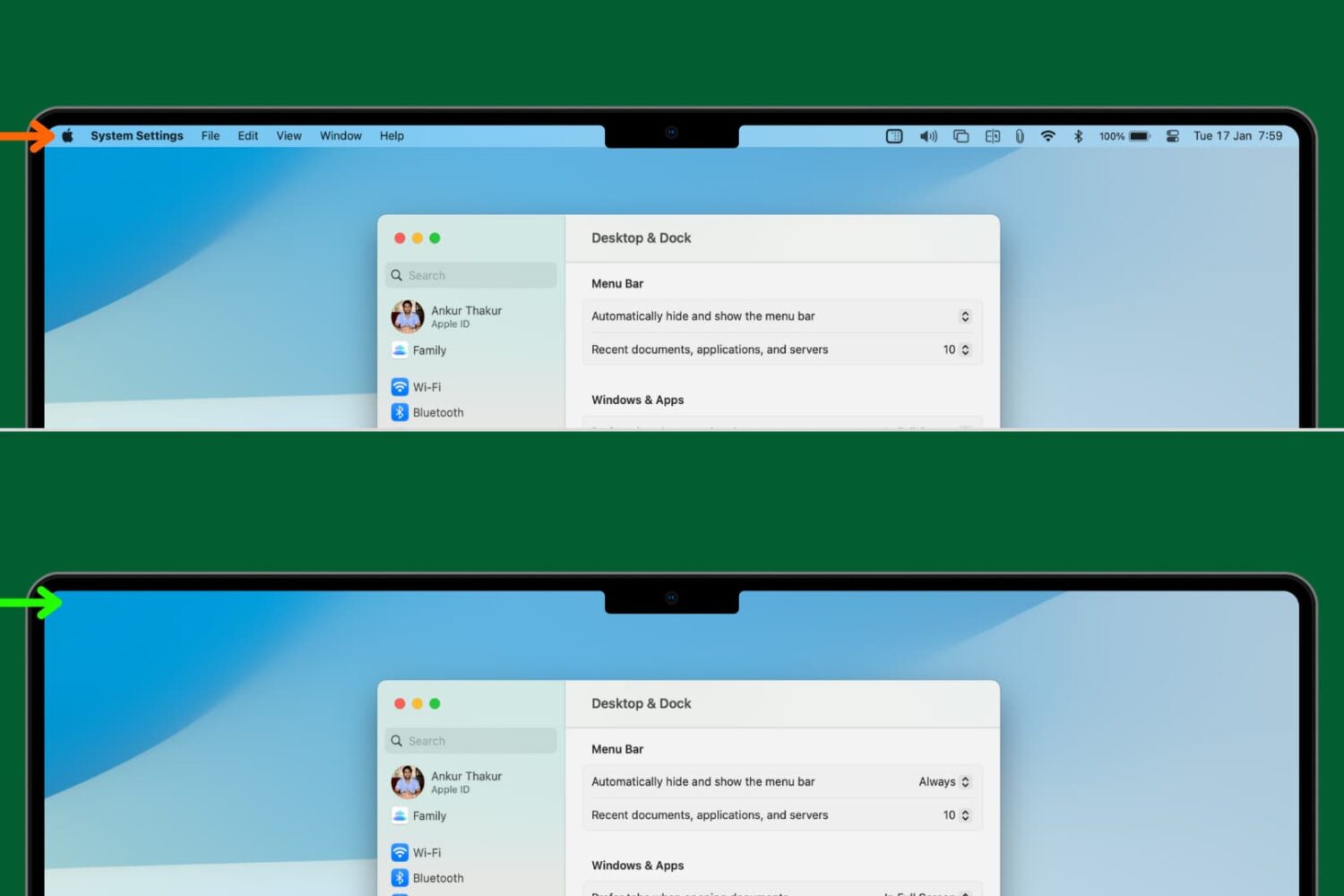
Learn how to set your Mac to automatically hide and show the menu bar, making a little more space for your apps and windows.
How to automatically hide (and show) Mac’s top menu bar
Stay up-to-date on the latest Mac news, and tutorials. Get expert tips and tricks to optimize your Mac’s performance and learn about the latest Apple products and software updates. Discover the best Mac apps and accessories to enhance your user experience.
Learn how to set your Mac to automatically hide and show the menu bar, making a little more space for your apps and windows.
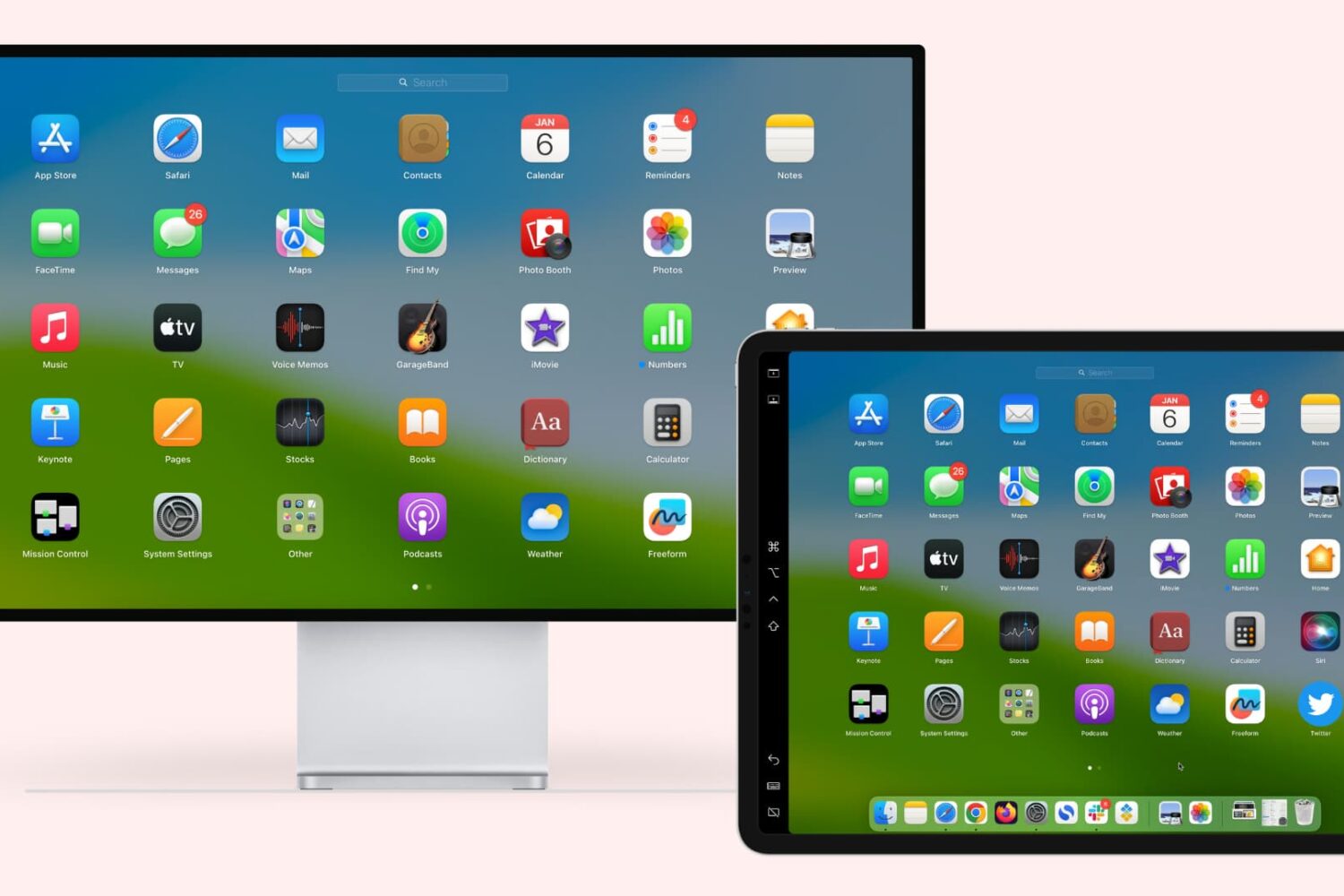
Learn how to extend or mirror your Mac’s display to your iPad wirelessly or via USB, without requiring third-party apps!
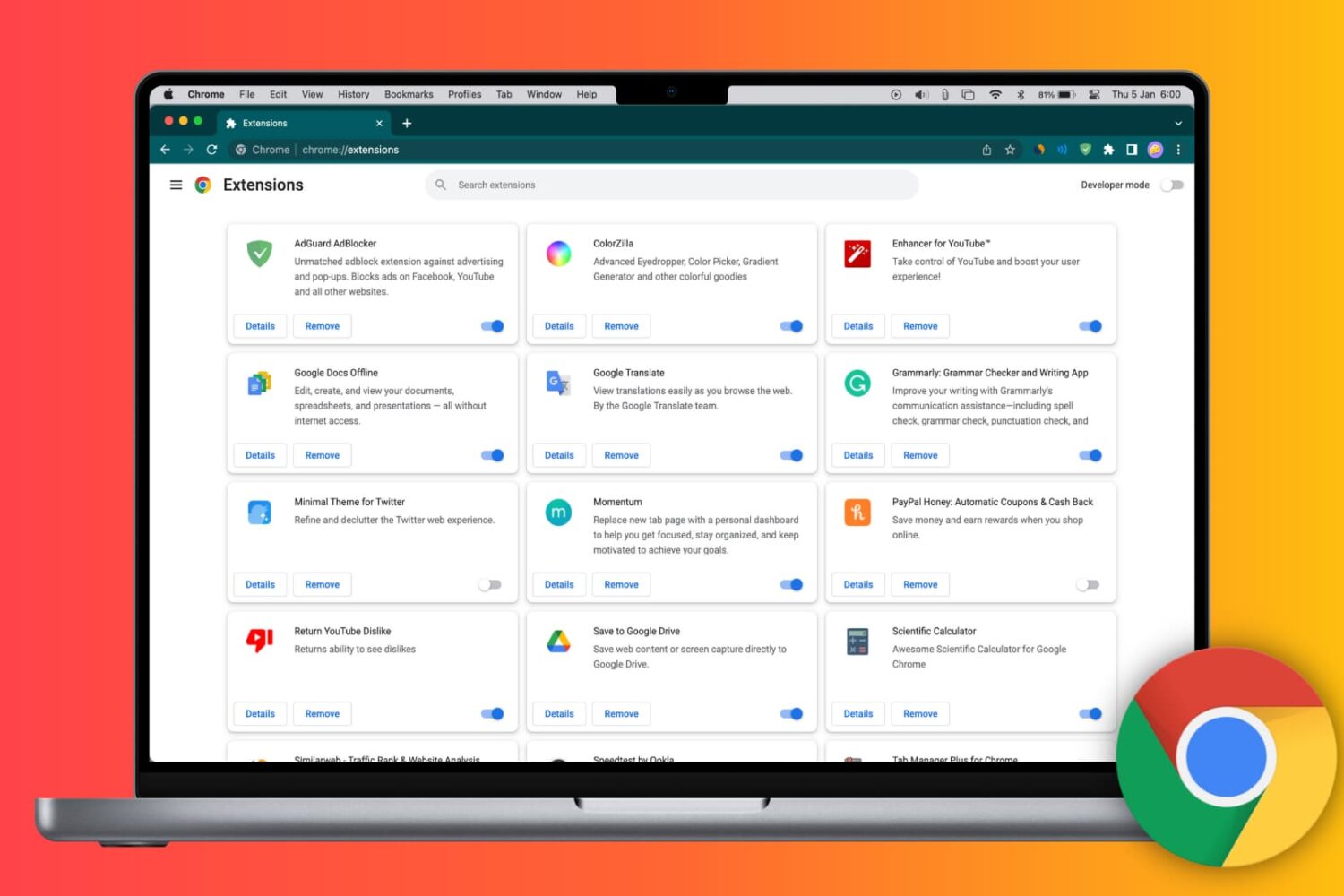
Learn how to install Google Chrome extensions on your Mac or Windows PC to get extra features, as well as manage, update, or remove them.
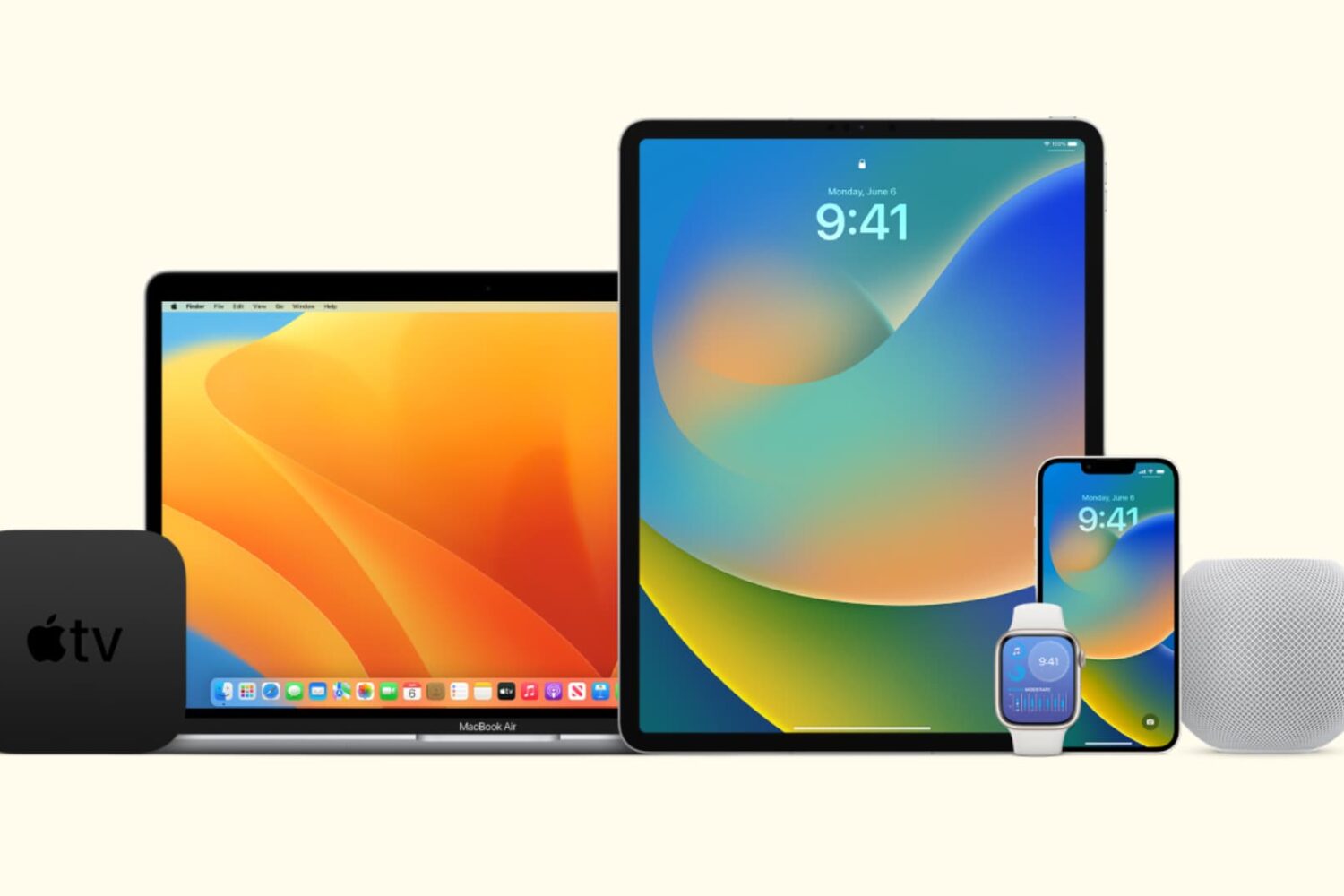
In this tutorial, we’ll show you how to stop all your Apple devices (iPhone, iPad, Mac, Apple Watch, HomePod, Apple TV, and Vision Pro) from automatically downloading and installing software updates.
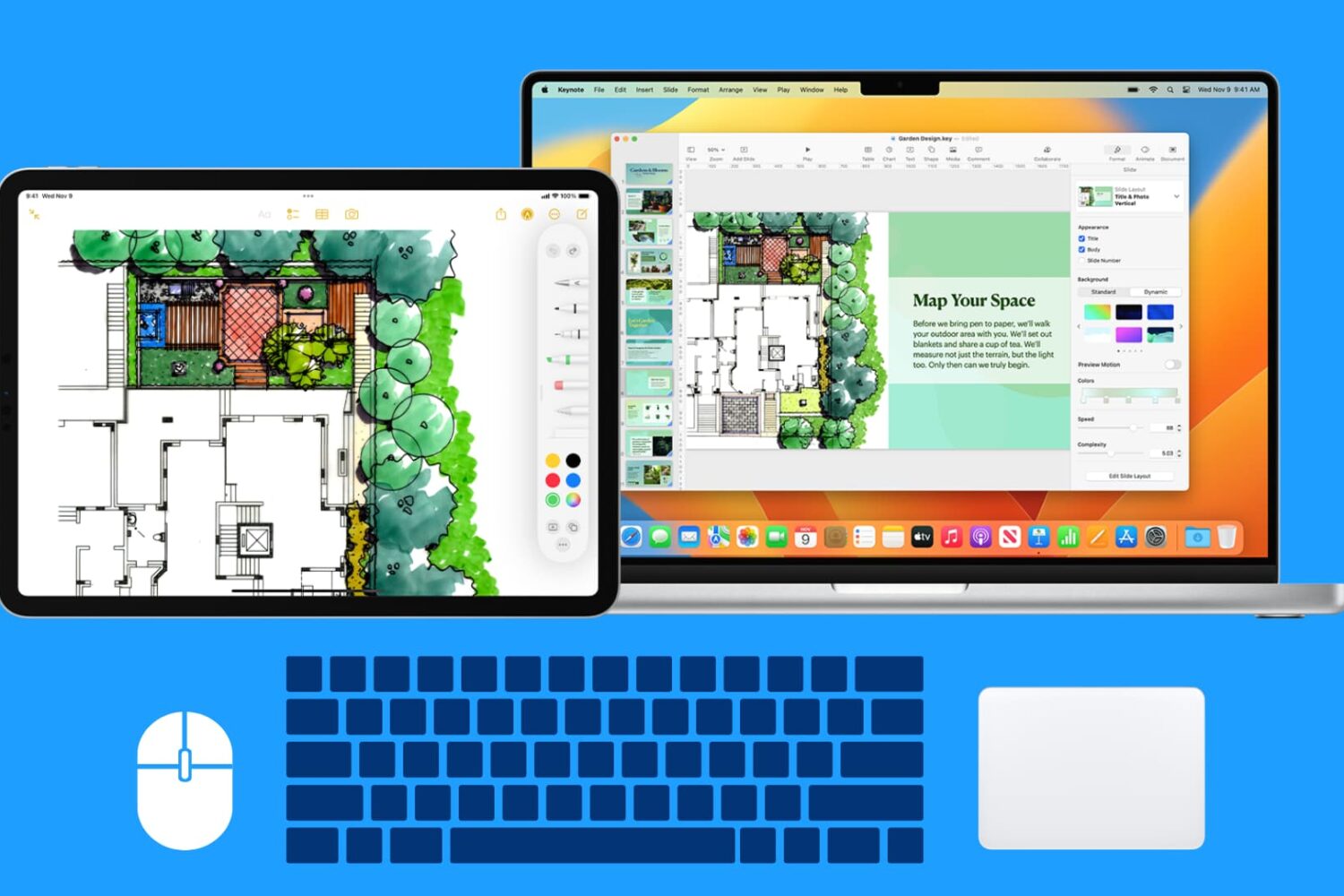
Learn how to use your Mac’s wireless or wired mouse, trackpad, and keyboard with your iPad at the same time, thanks to the Universal Control Continuity feature.
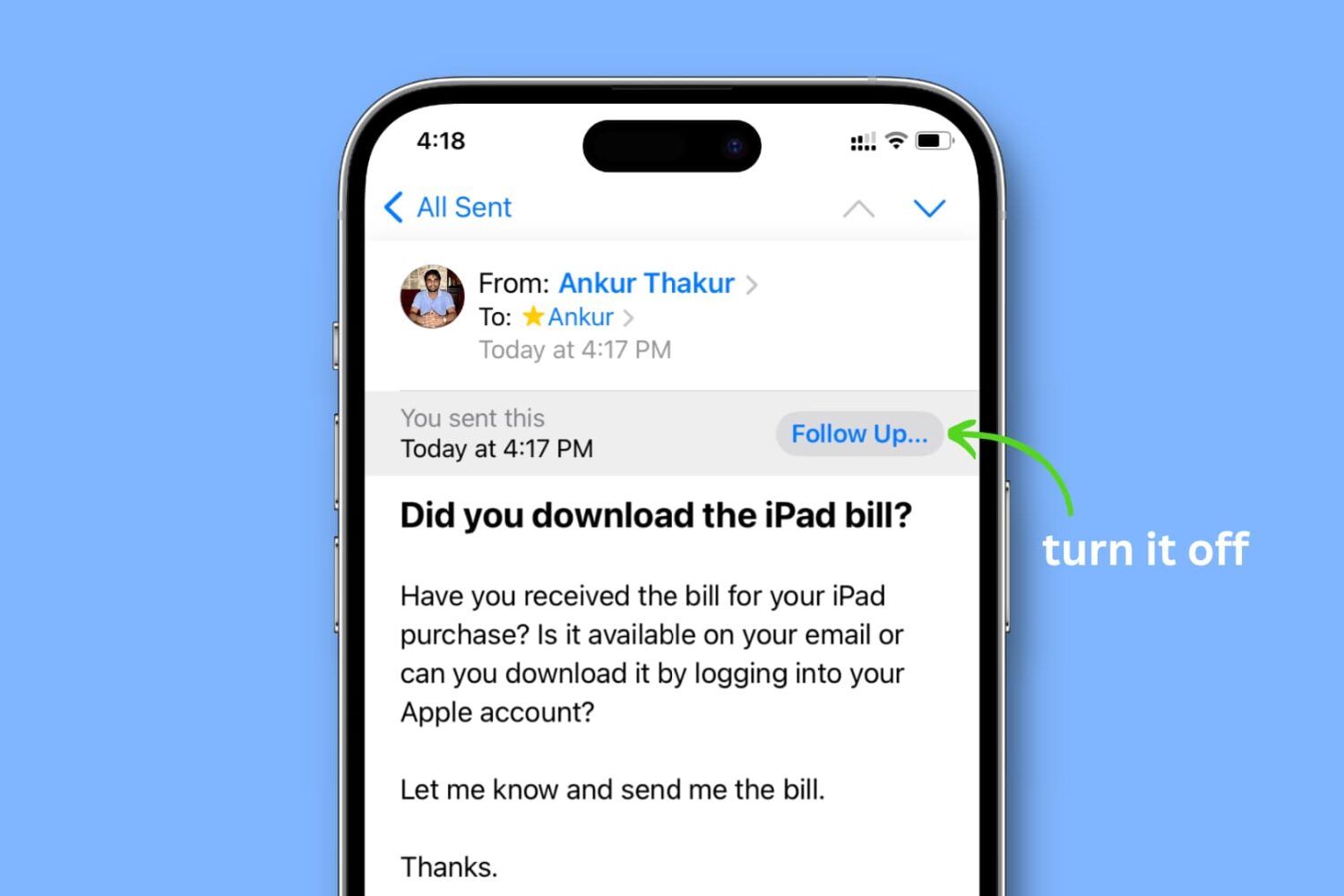
Learn how to turn off the ‘Follow Up...’ banner for emails you’ve sent in the Apple Mail app on your iPhone, iPad, and Mac.
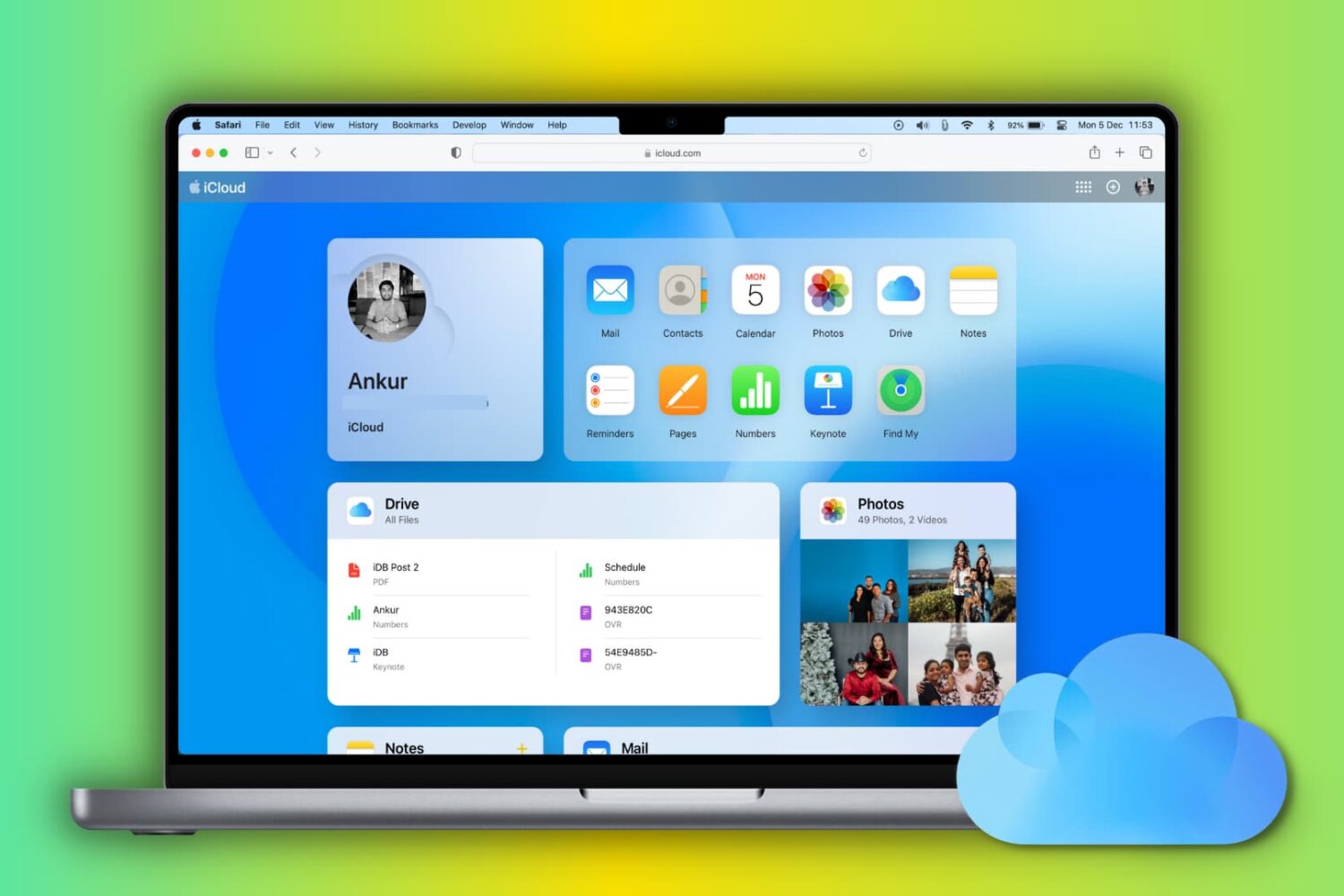
Learn how to set up and use iCloud and iCloud Drive on your Mac to store and sync data across your various Apple devices.
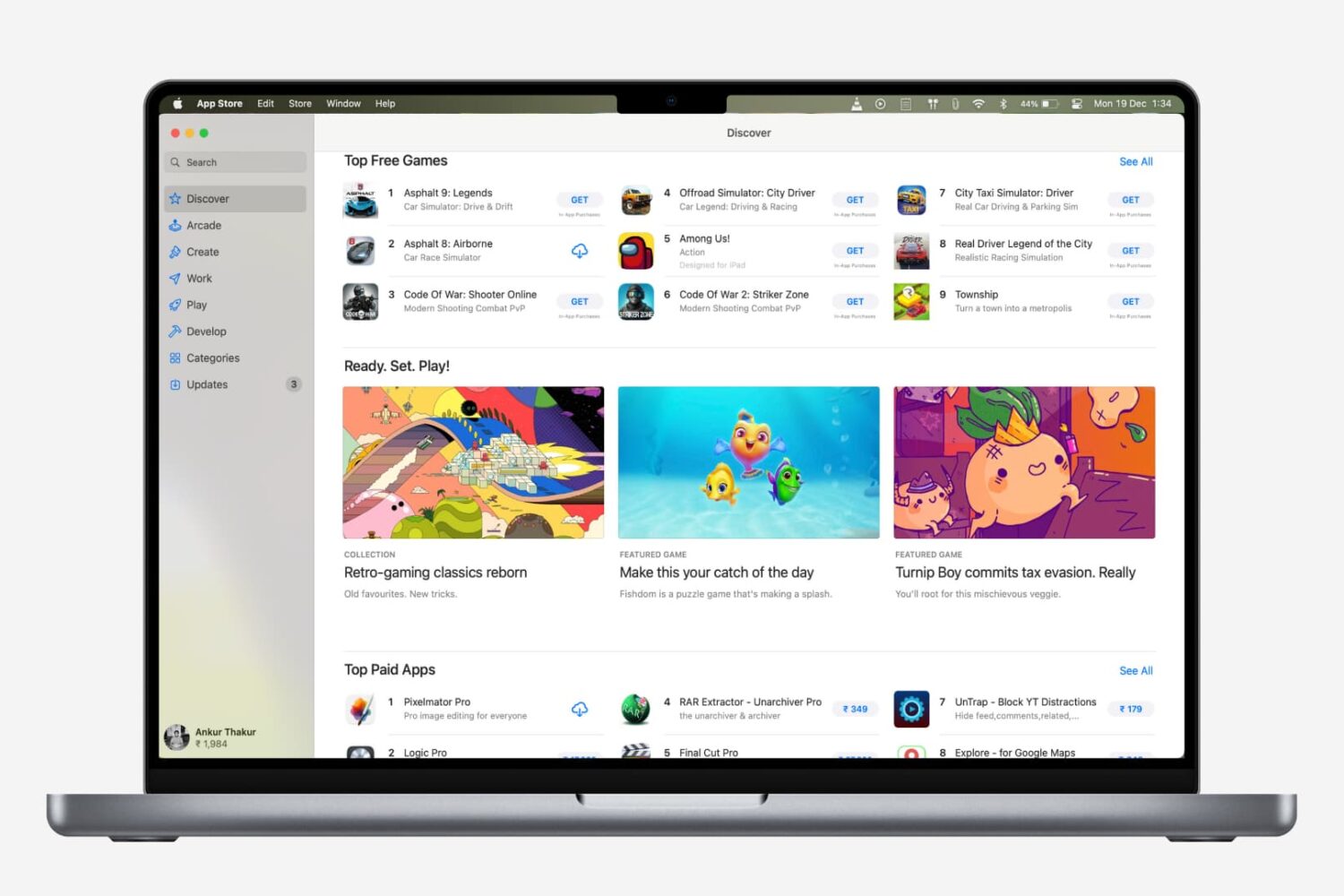
Are you new to a Mac? Check out all the ways to update apps on your Mac, regardless of where you downloaded them from.

Check out some quick tips to boost file download speeds on your Mac, so you can avoid slow downloads and save time, all while increasing your productivity.
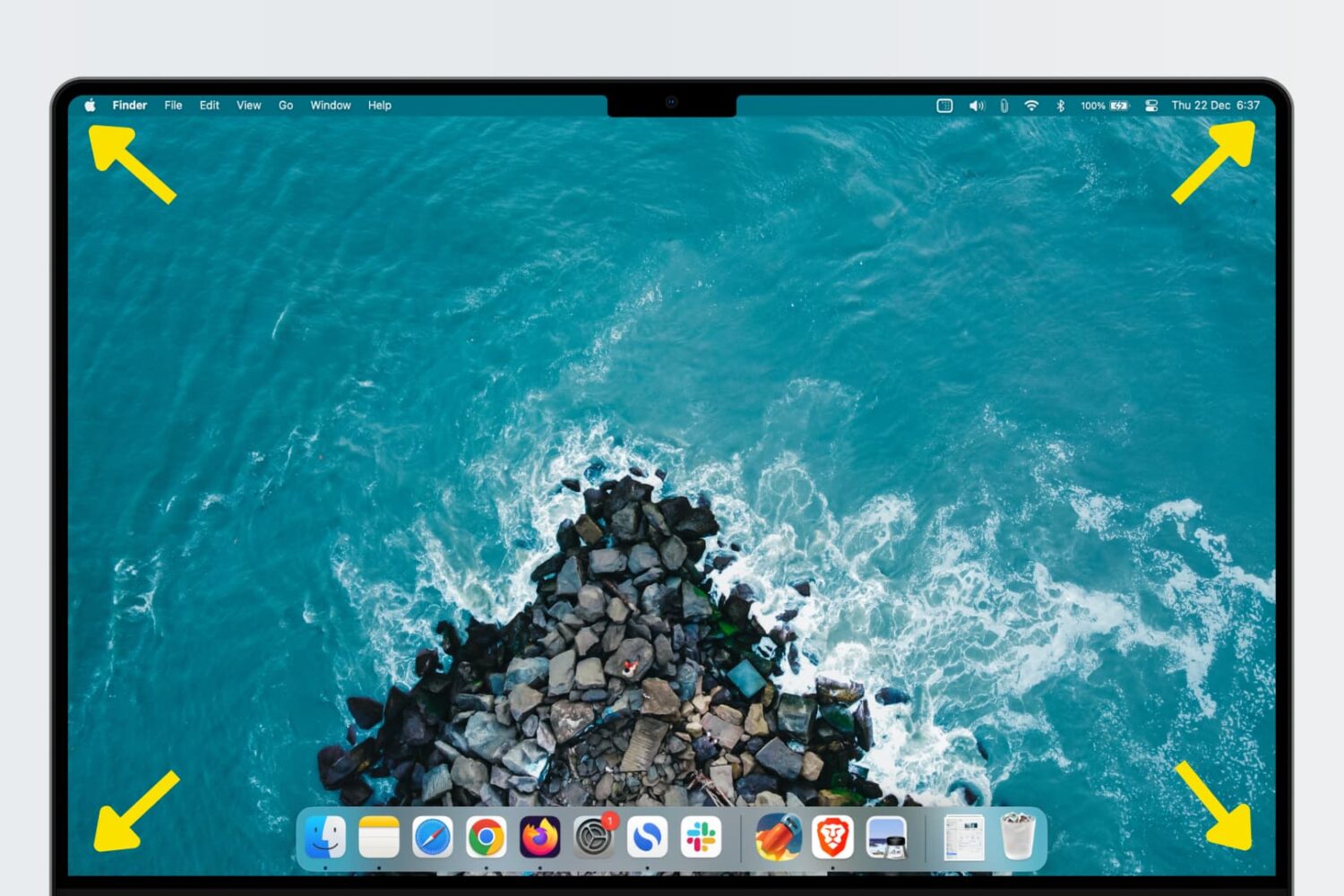
Learn how to use Hot Corners, a feature that allows you to trigger specific actions quickly by moving the mouse/trackpad cursor to any of the four corners of your Mac’s display.
Learn how to turn your iPhone or iPad into a wired or wireless thumb drive to store and transfer files between your Mac or Windows PC.
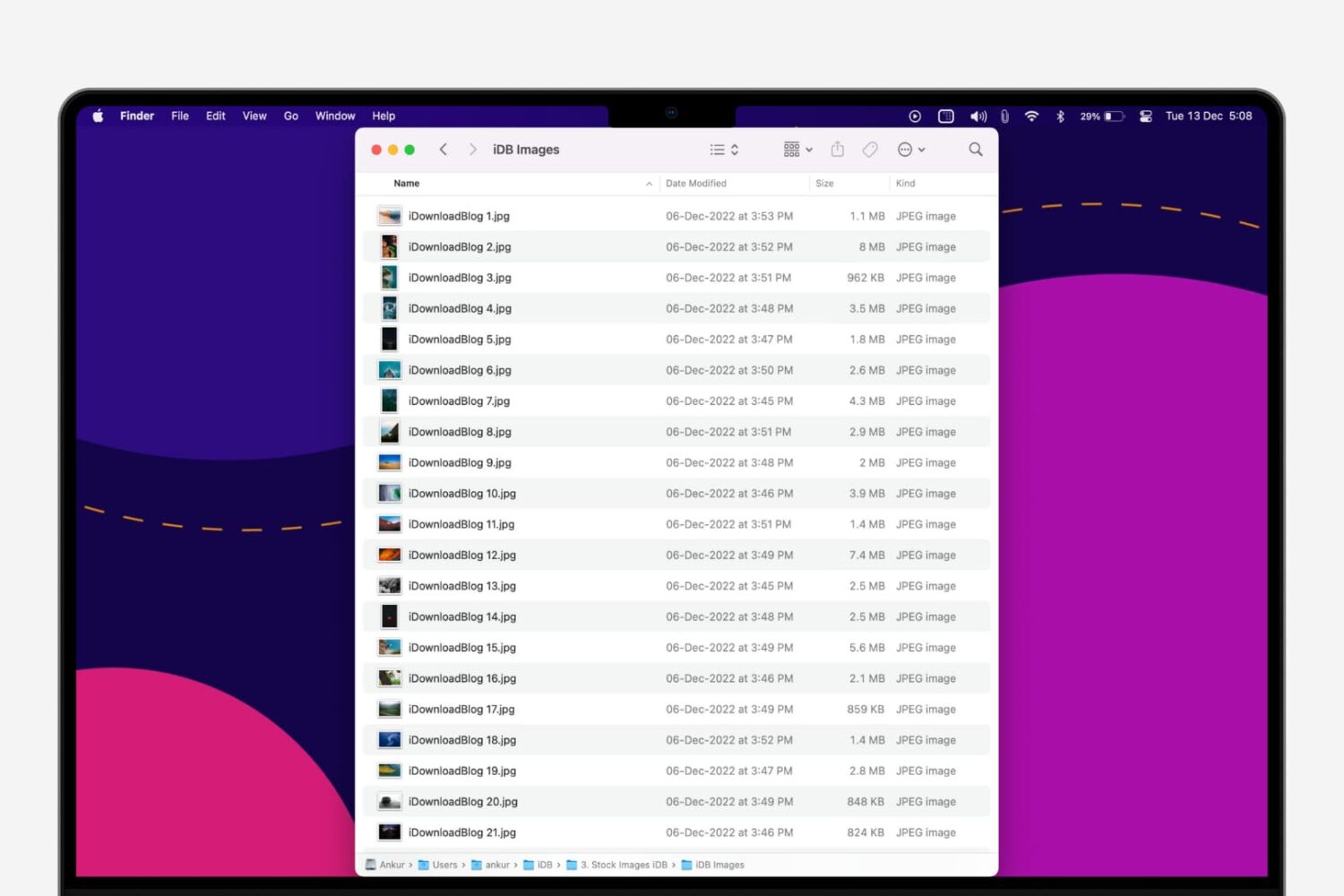
In this step-by-step tutorial, we’ll show you how to quickly rename multiple files at once on a Mac without having to download a third-party app.