Check out these 15 features you can use from your iPhone or iPad Lock Screen, even when your device is locked.
15 features you can use from iPhone or iPad Lock Screen
Check out these 15 features you can use from your iPhone or iPad Lock Screen, even when your device is locked.
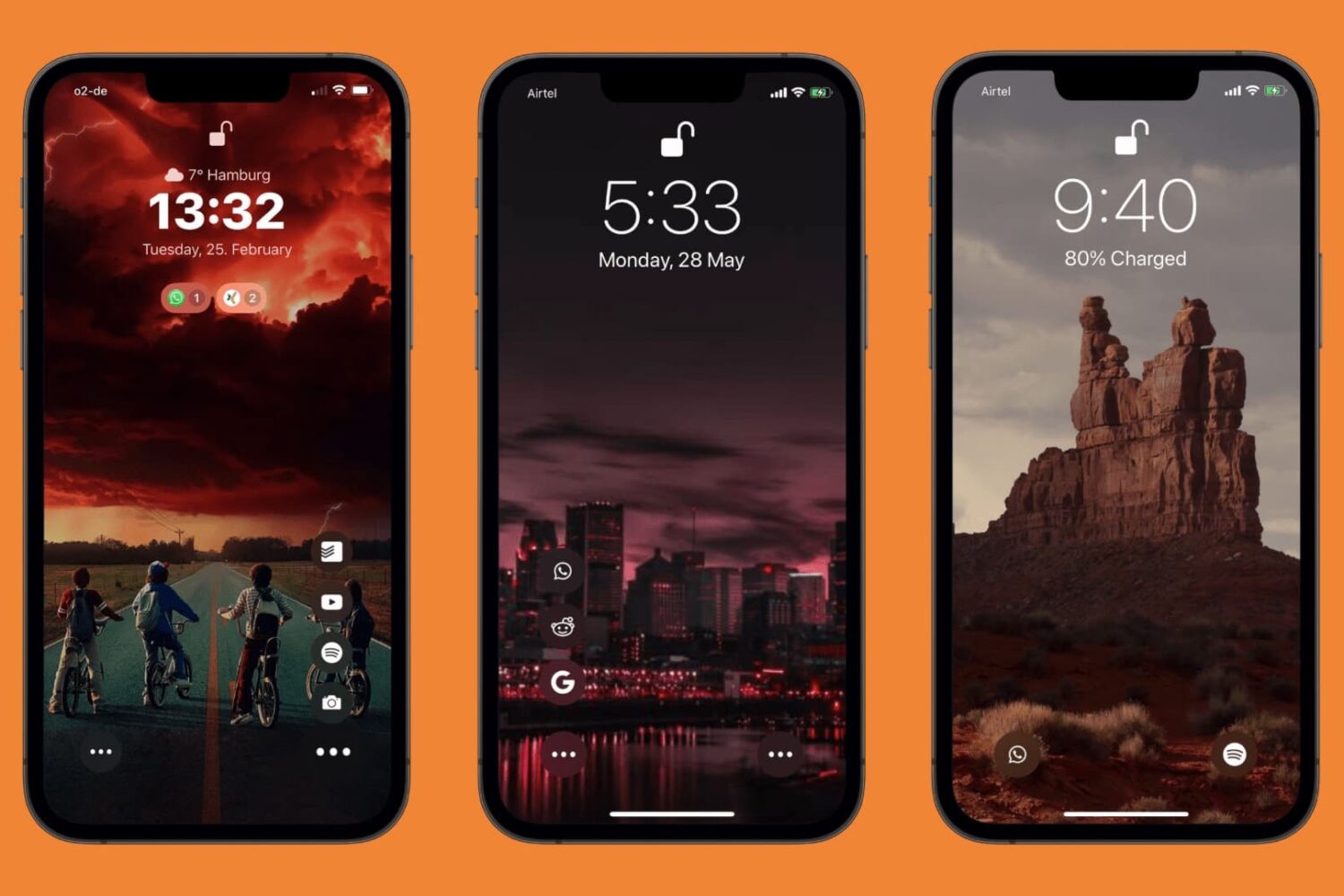
A few years back, we wrote about a jailbreak tweak called Jumper by iOS developer neoish that not only added configurable app shortcuts to the Lock Screen for ease of access but designed them in such a way that they didn’t add unwanted clutter to the interface because they collapse into a smaller space when not in use.
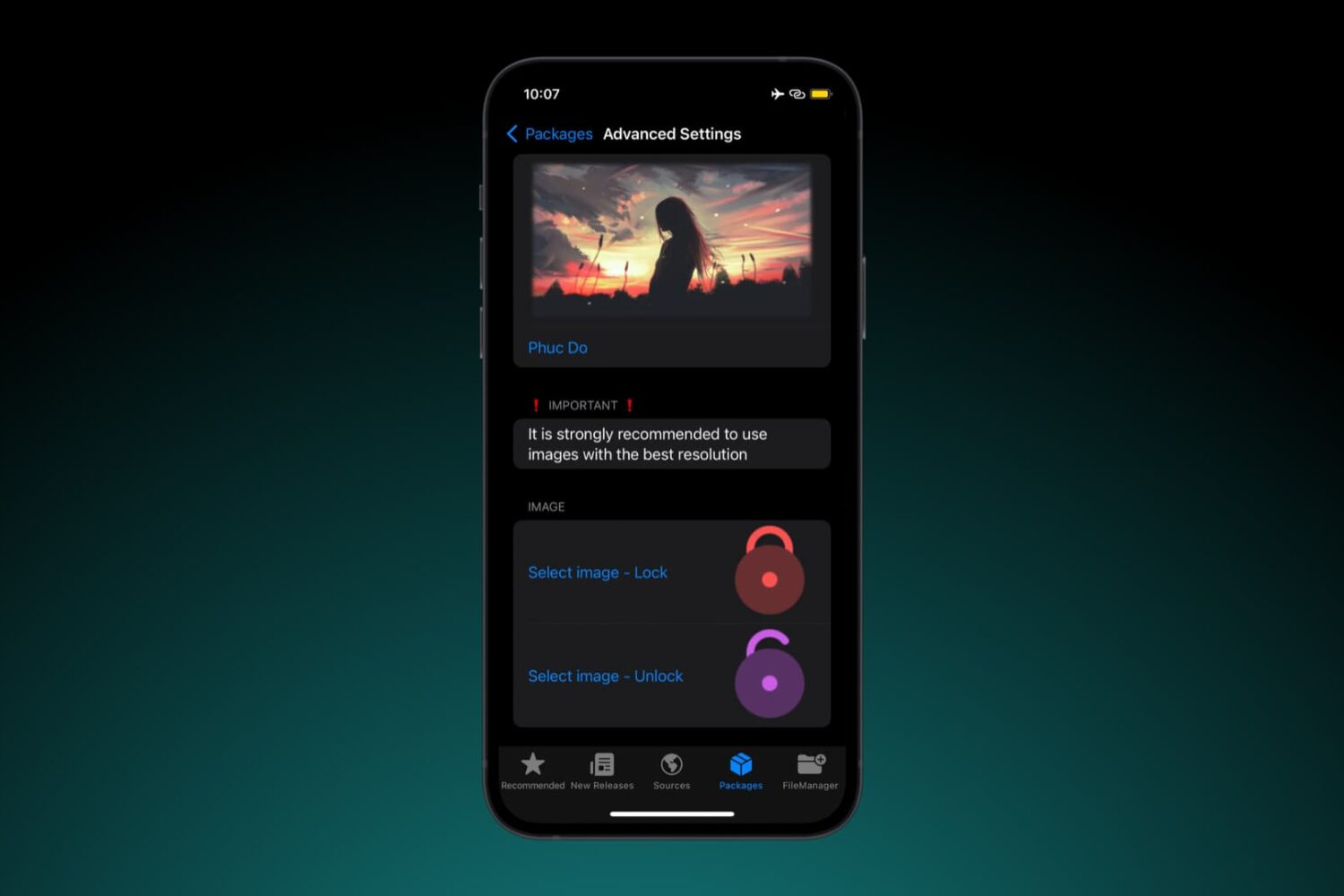
The Lock Screen on Face ID-equipped iPhones displays an animated padlock glyph to indicate when your device is locked or unlocked, but many people have become burnt out from seeing the same glyph over the years, prompting the desire for themes that can make it look different.
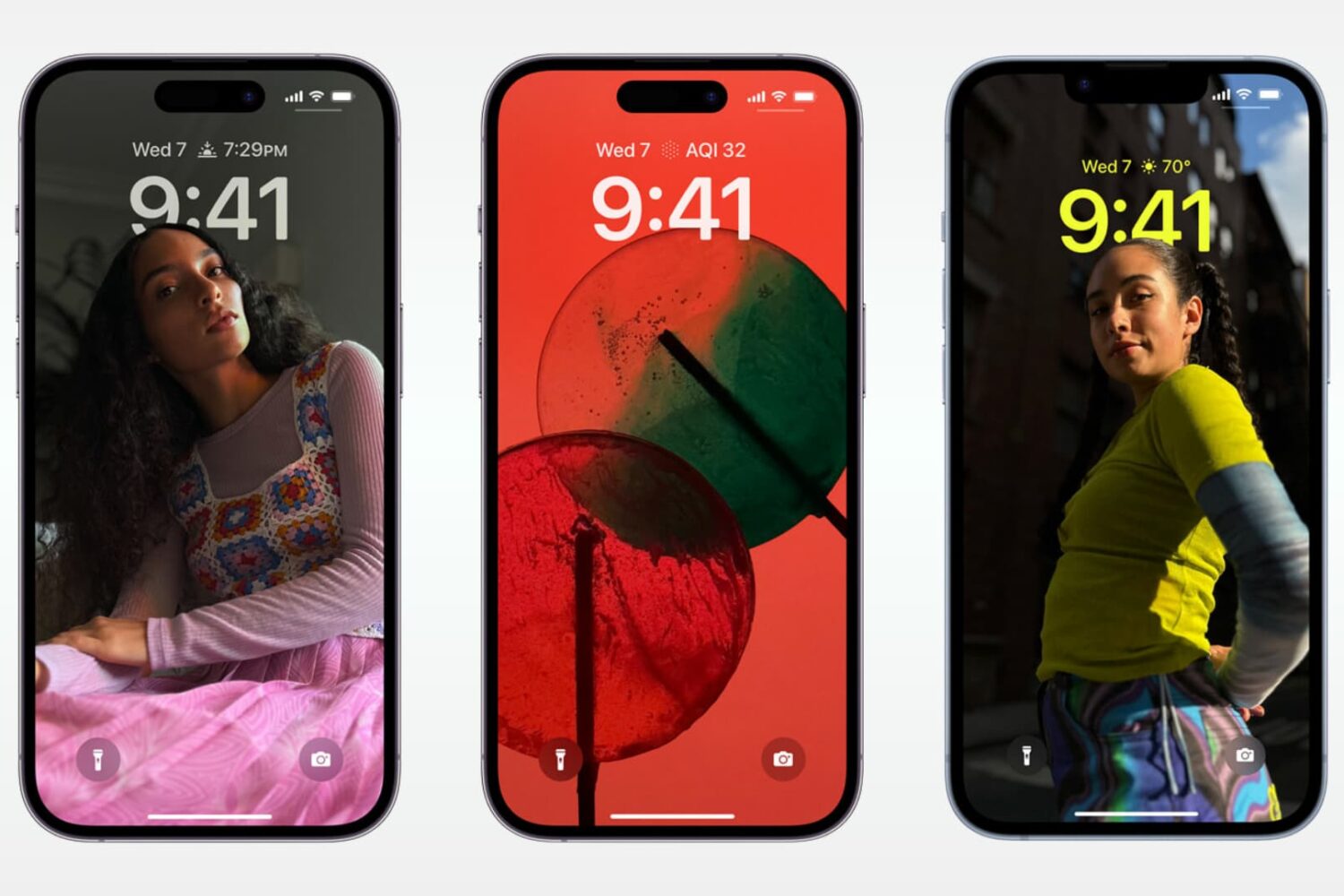
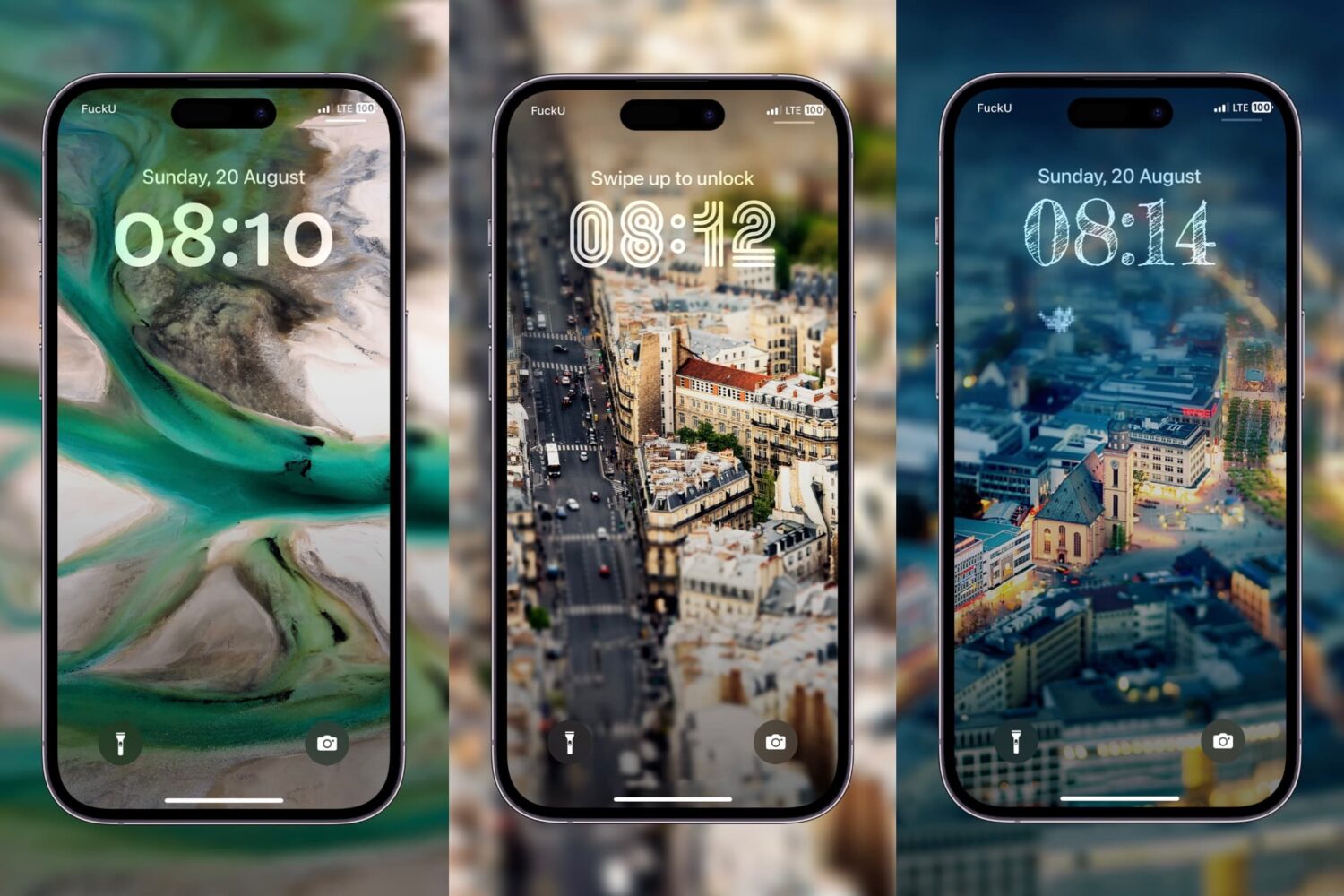
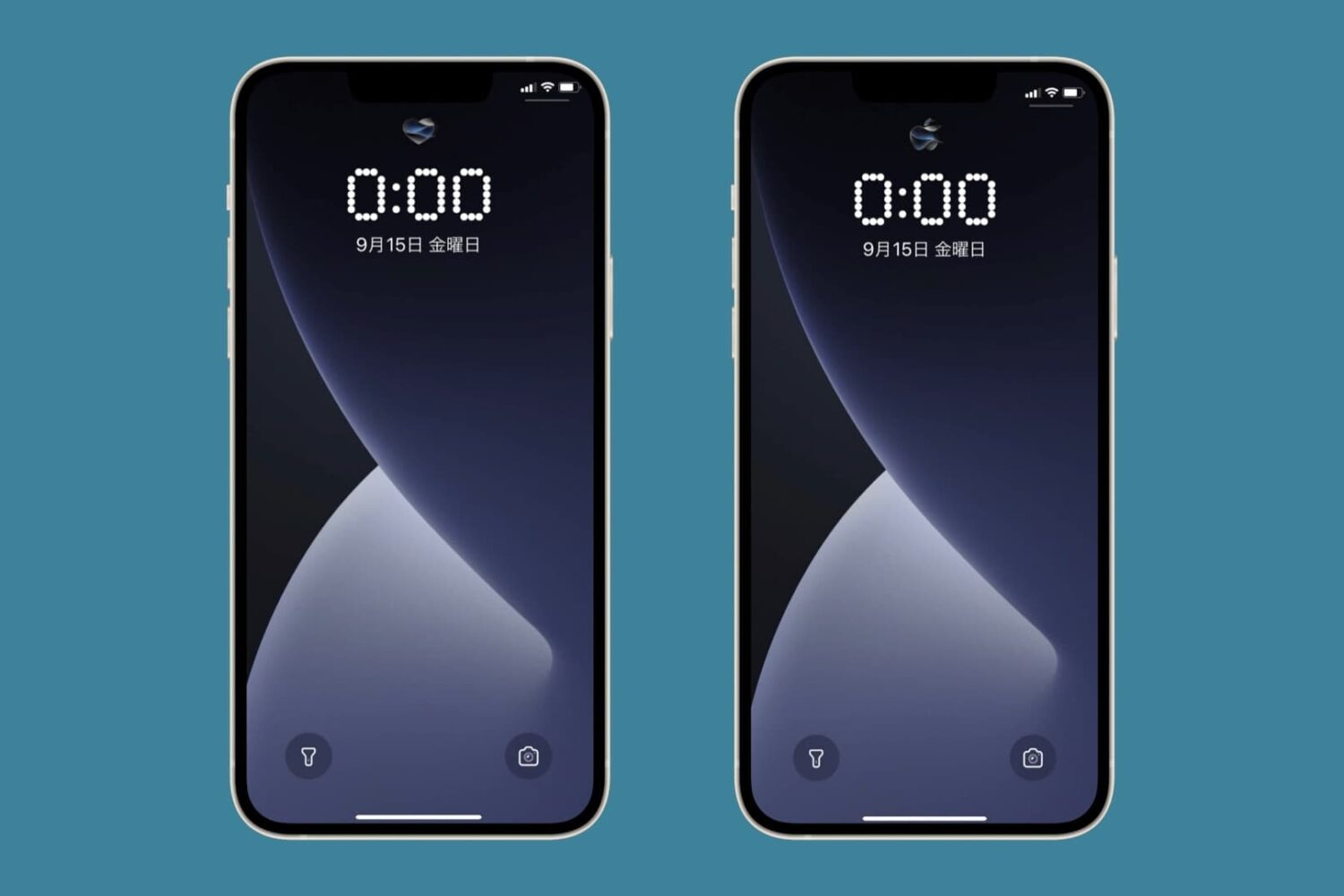
One of the things you can do with the latest Lock Screen customization features in iOS is change the clock display’s font, but you’re limited in terms of the number of fonts you can pick from out do the box.
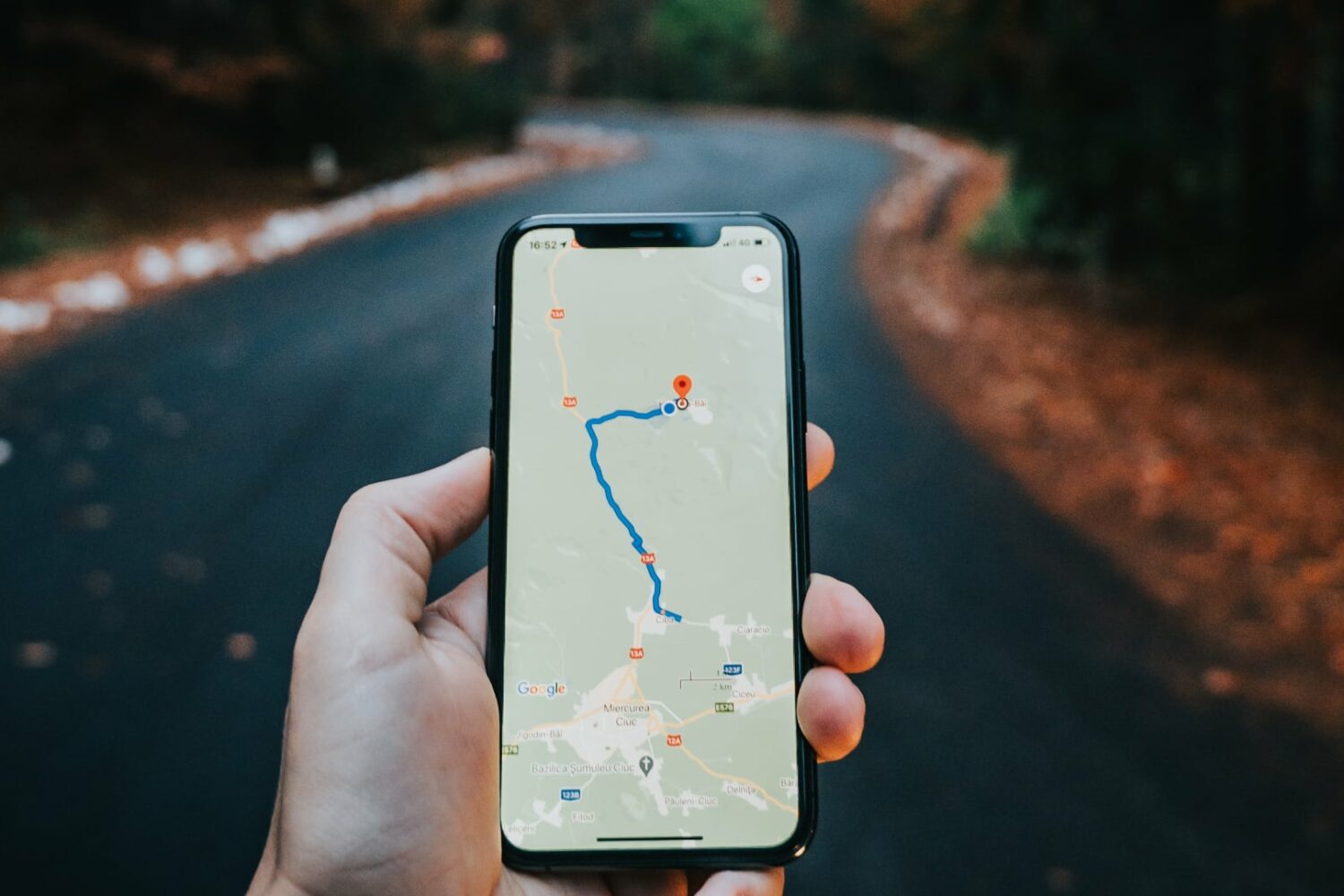
Google Maps is testing a new navigation experience with turn-by-turn directions via Live Activities on the iPhone's Lock Screen and in the Dynamic Island.
If you’re interested in leveling up your Lock Screen’s customization options, then you might want to take a closer look at a new jailbreak tweak called Souvenir by iOS developer eliofeghali.
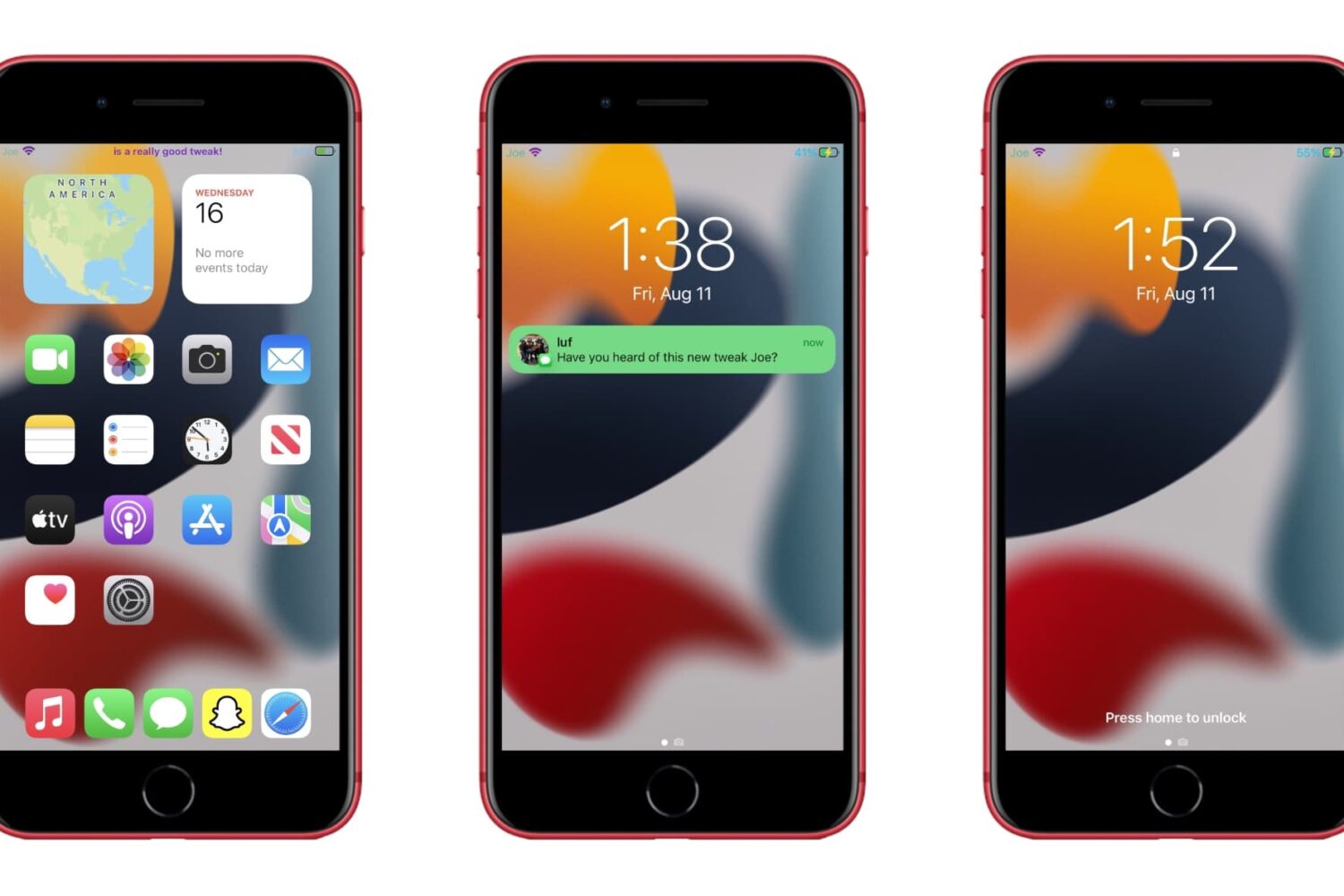
If you’re into those types of jailbreak tweaks that can seemingly do everything, then you’re absolutely going to love a newly released add-on dubbed Joe by iOS developer luf.
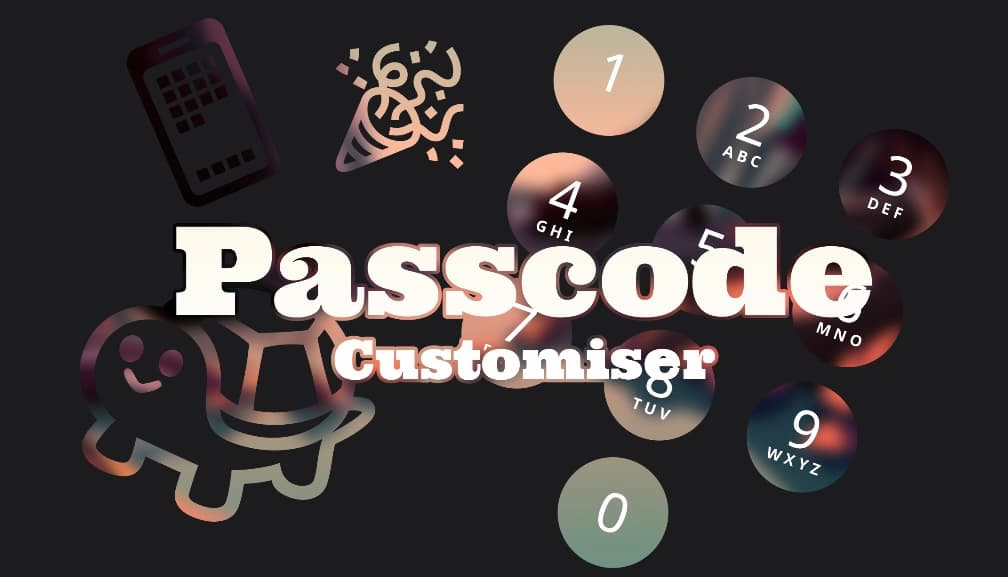
One of the neat things you can do with the MacDirtyCow exploit for iOS 15.0-16.1.2 or the kfd exploit for iOS 16.2-16.5 is change the aesthetics of the passcode buttons on your Lock Screen.
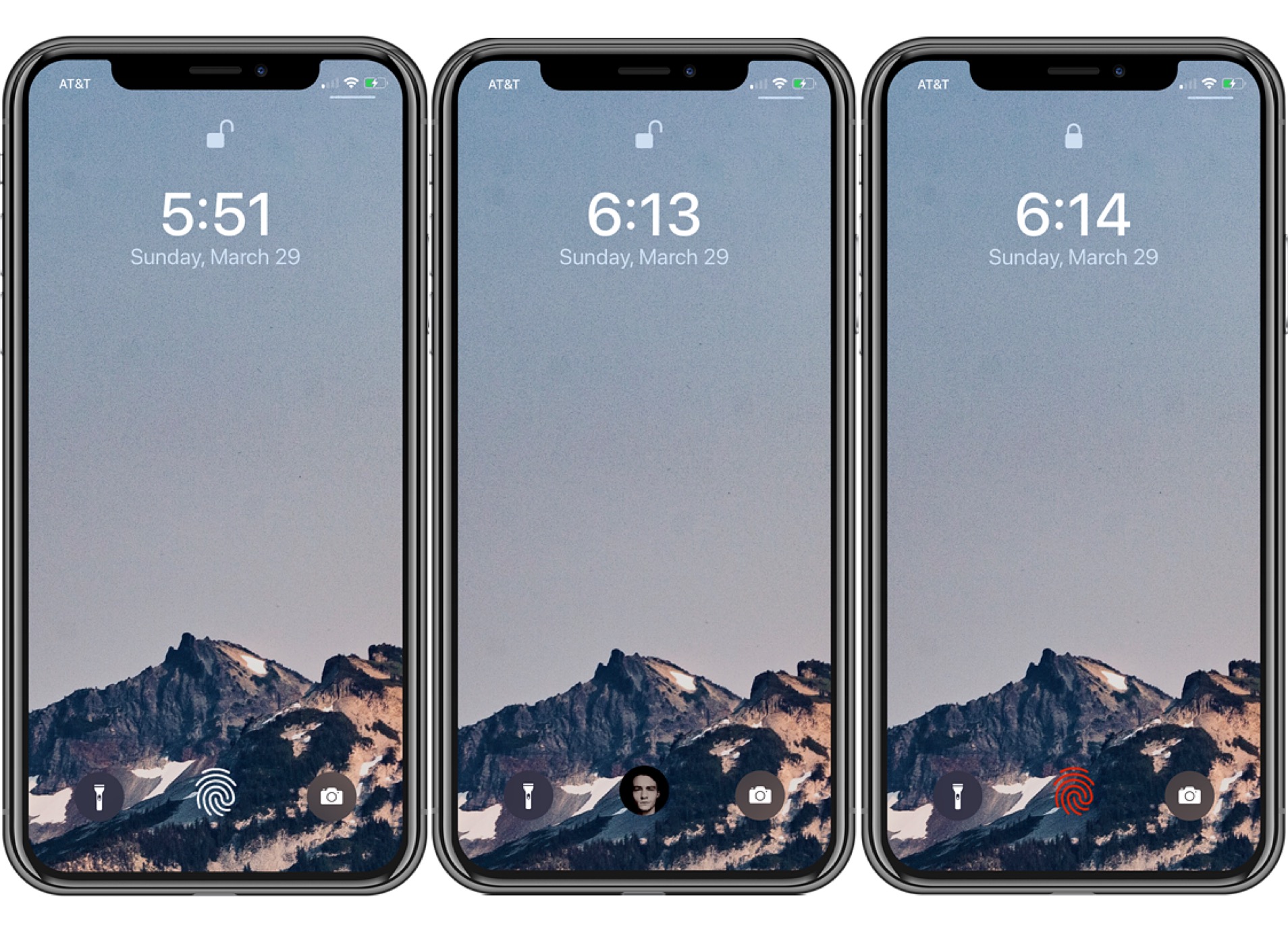
FingerLock, a popular jailbreak tweak by iOS developer MTAC, has been updated this week to version 3.0.2 with support for the latest rootless iOS 15 & 16 jailbreaks including Dopamine and palera1n.
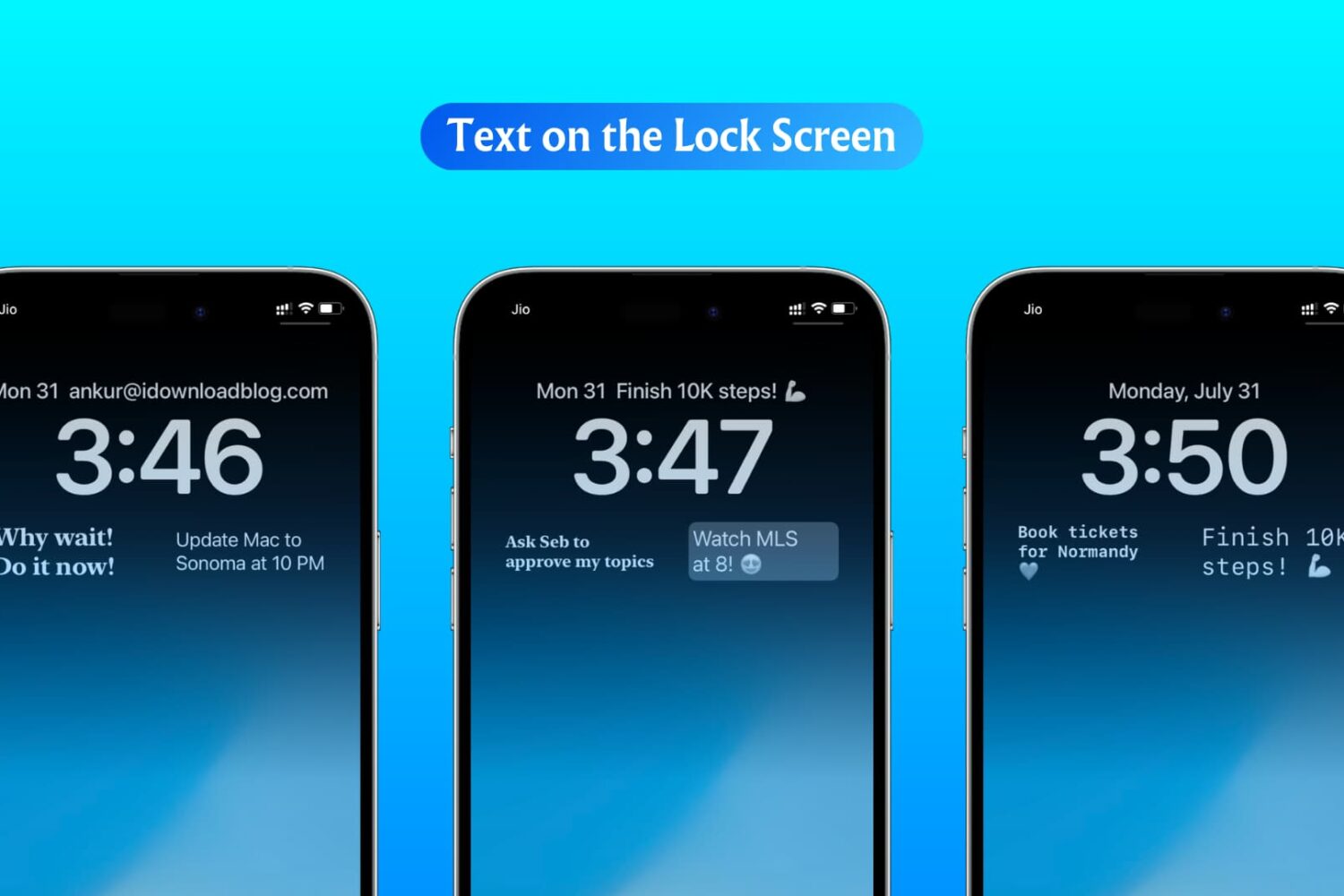
Learn how to show custom text like an inspirational quote or an important fact to remember right on the Lock Screen of your iPhone or iPad.
Anyone that has a Face ID-equipped iPhone and runs a MacDirtyCow-susceptible firmware between iOS 15.0-16.1.2 can take advantage of a checkra1n-inspired Face ID glyph animation that replaces the traditional animated Face ID padlock when authenticating themselves.
iPhone users are typically accustomed to their apps and user interfaces being designed for portrait orientation use. Occasionally, some iPhone apps may even support landscape orientation. But what if you could force most apps and user interfaces into landscape orientation?