Lockscreen

TimeMover offers creative tools for moving and rotating your Lock screen clock

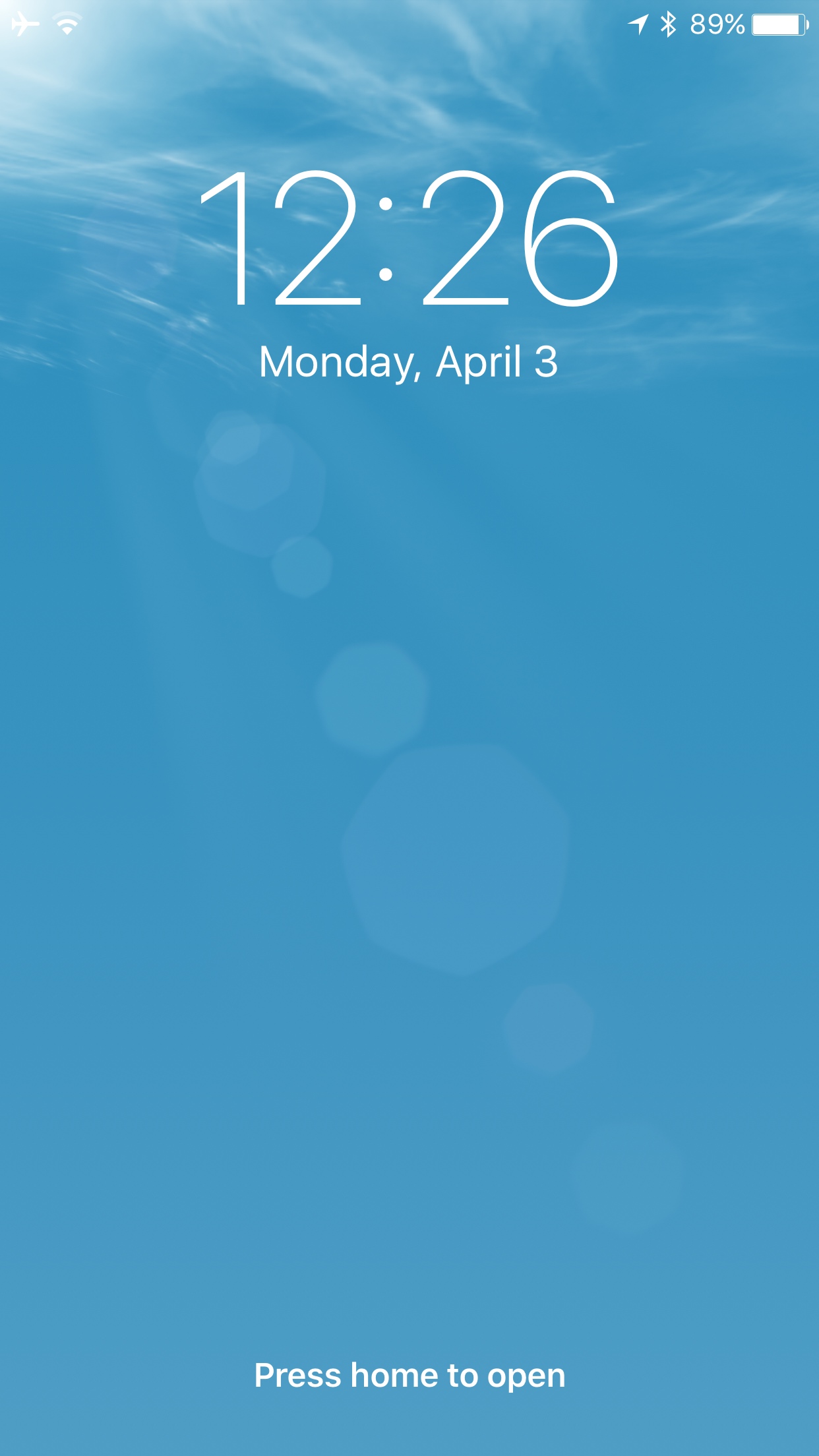
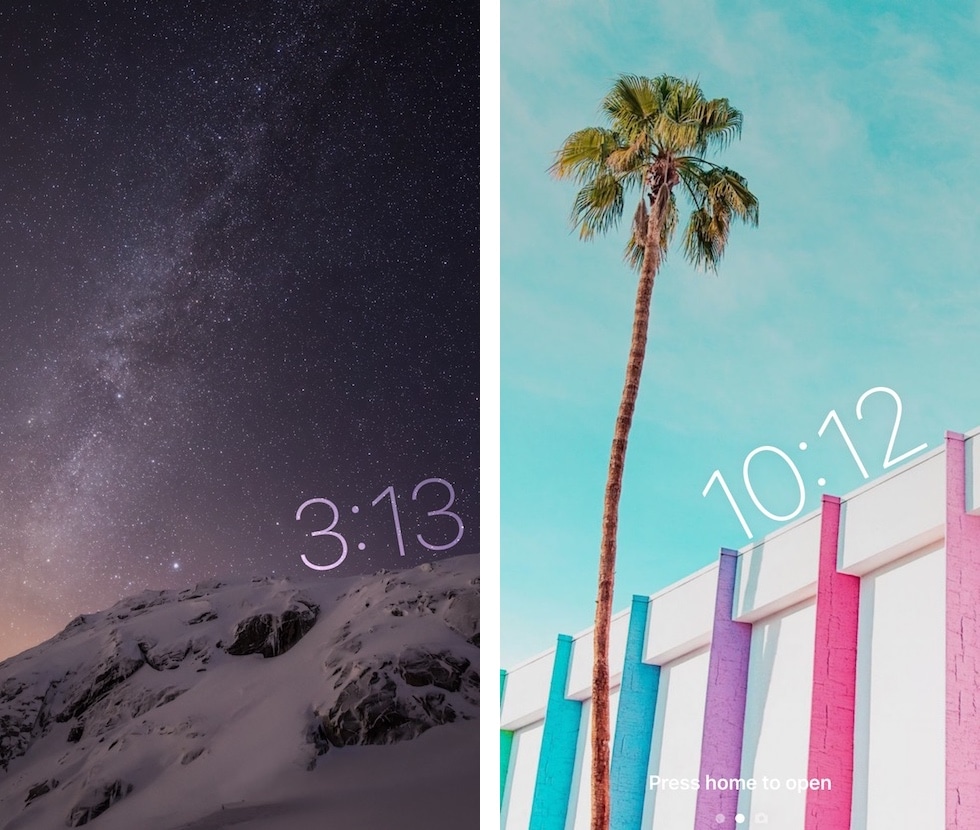
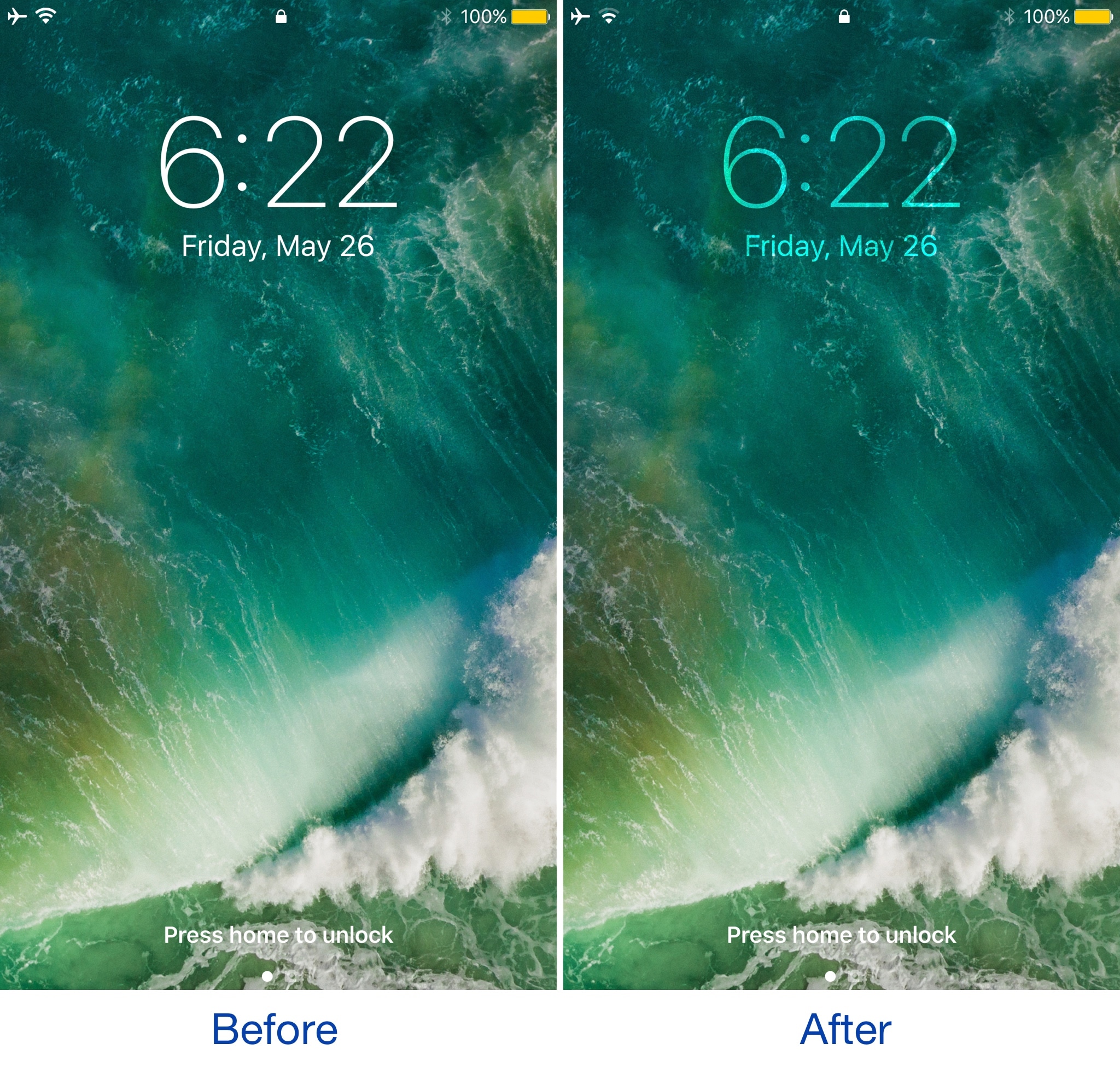
Depending on what kind of wallpaper you’re using on your Lock screen, a new jailbreak tweak dubbed TimeMover by iOS developer NeinZedd9 can help you re-orient your Lock screen clock to better match it.

Whether you want to move the time up or down or side-to-side slightly, or rotate it to follow the lines or effects appearing in your wallpaper, TimeMover has an intuitive tap and drag-based user interface for fine-tuning your Lock screen clock to match your unique setup.
Revamp your Lock screen’s battery charging display with Charge

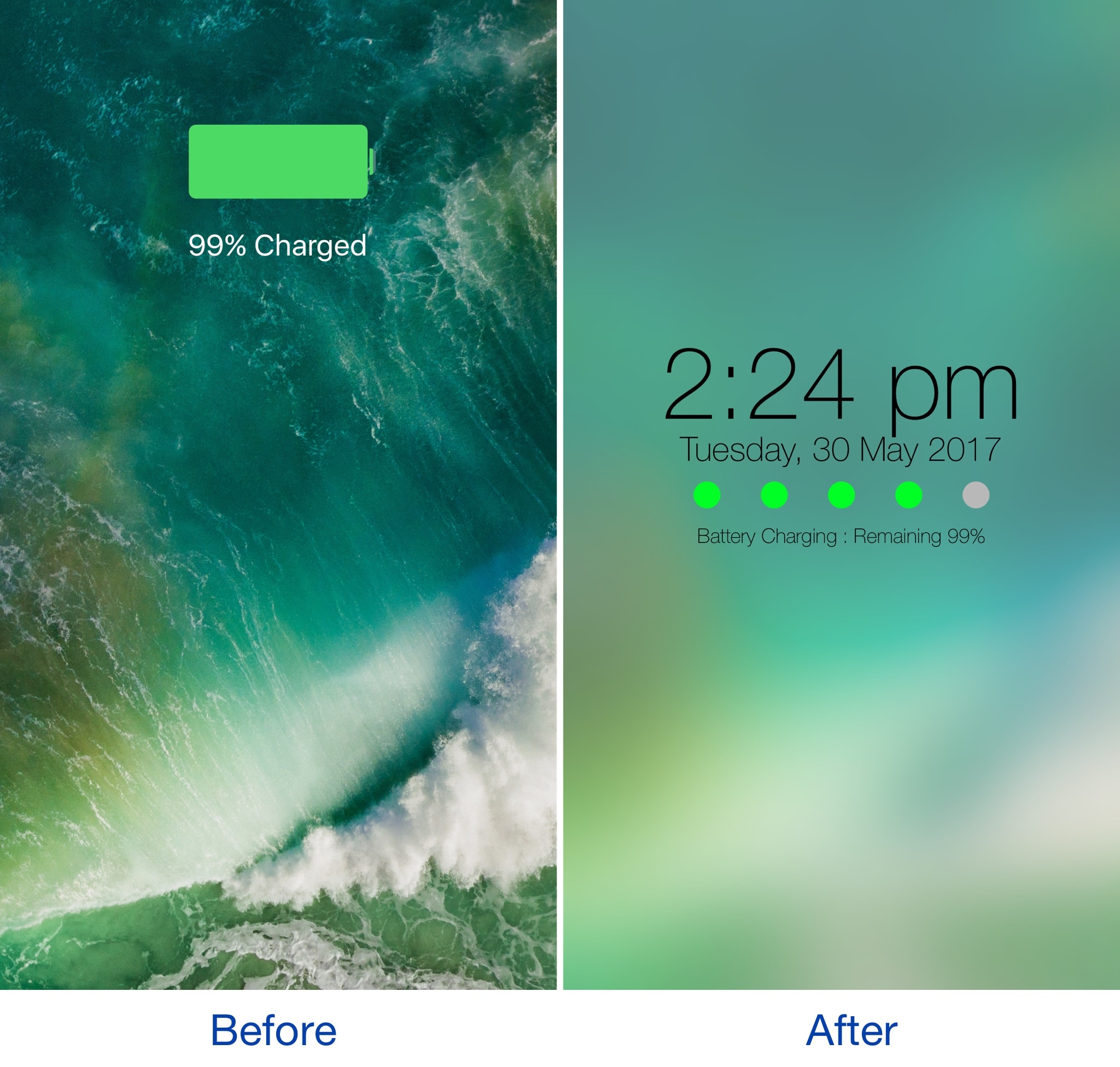
Any time you plug your locked iOS device into a power source, a full-screen charging view with a large battery icon and the percentage you have remaining appears. It’s a simple UI, but one jailbreak developer thought they could do better.

A new jailbreak tweak dubbed Charge by iOS developer Mr Smith, supercharges your Lock screen’s charging view with a bevy of aesthetically-pleasing features. Not only does it provide a dreamy interface for minimalists, but it offers more information at a glance than the stock interface does.

Vibrancy makes your Lock screen clock subtler

Given just how often people use their Lock screen clock to see what time it is, it’s a shame that Apple doesn’t give users visual customization options to tailor its looks around the user's personality.

Nevertheless, those with a jailbreak can use a new free jailbreak tweak dubbed Vibrancy (iOS 10) by iOS developer NeinZedd9 to make the Lock screen clock text subtler, giving the illusion that the time is fading away into the wallpaper.

Masq lets you customize the Now Playing interface

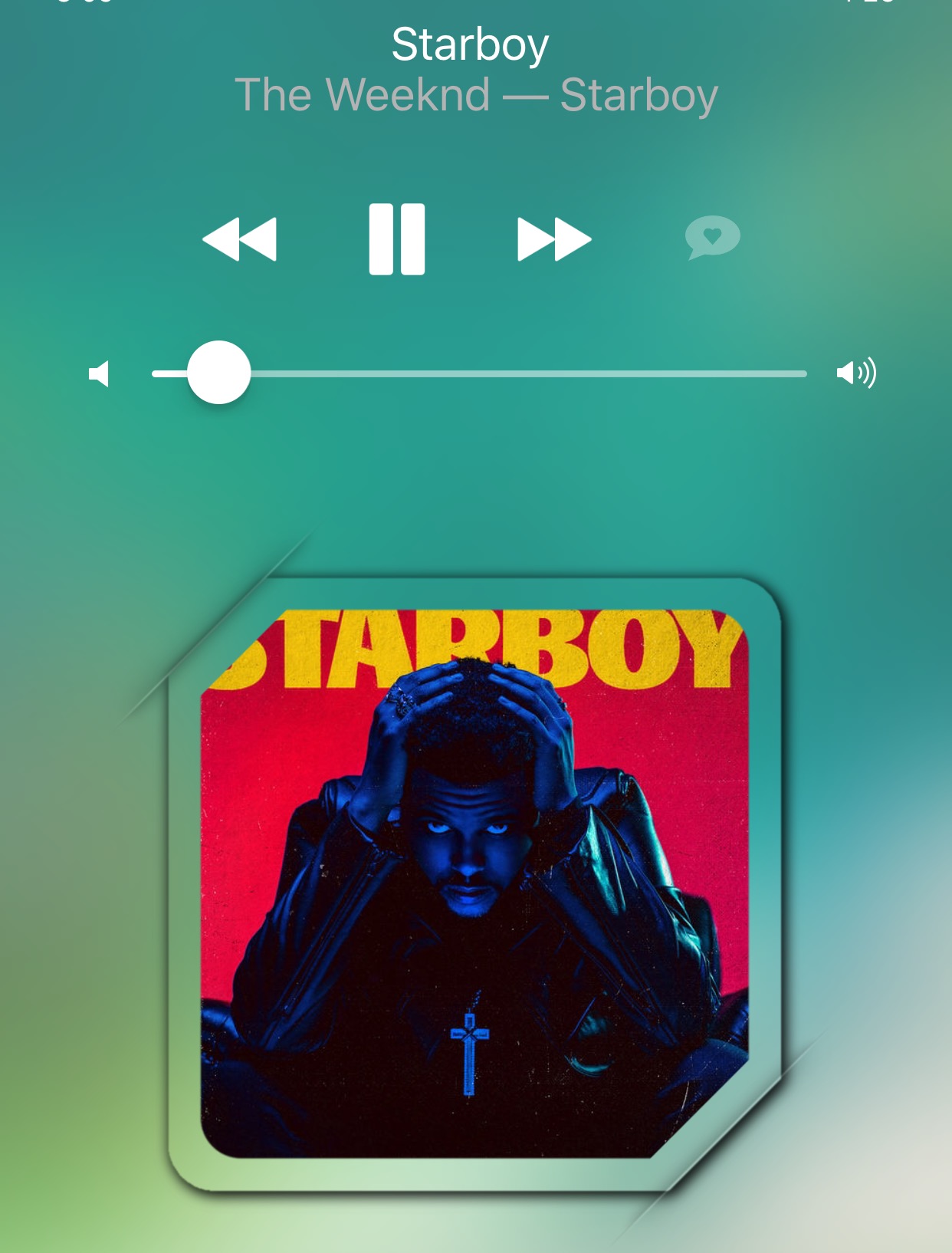
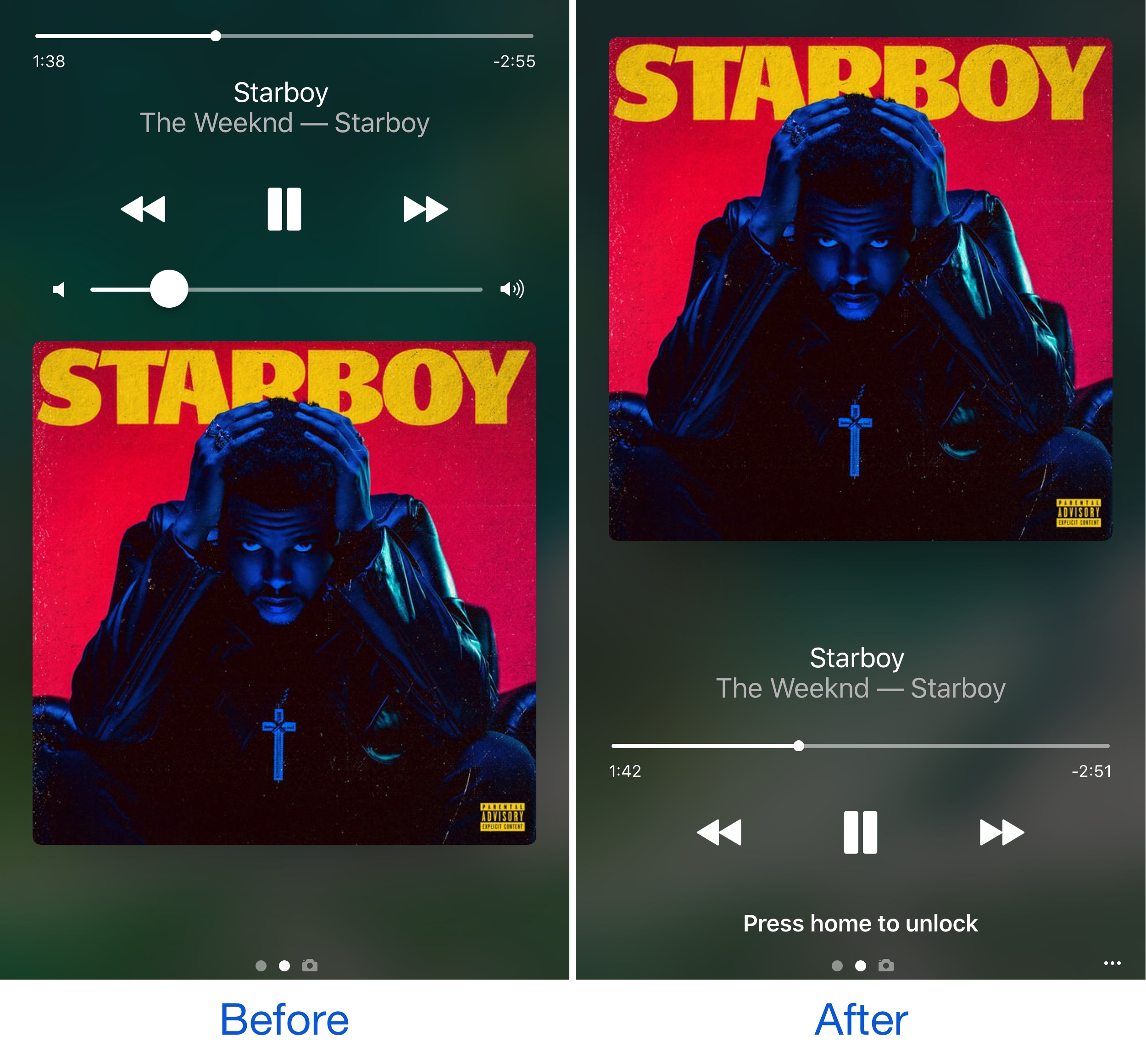
The Now Playing interface found both on the Lock screen and in Control Center when you're listening to music is the main focus of a new jailbreak tweak dubbed Masq by iOS developer candoizo.

The tweak lets you spice up the look of each interface independently with themes and a trough of aesthetic options. Tailored for the creative mind, Masq is a great addition to themed devices and stock-looking devices alike.

LockGlyphX puts a nice twist on your Touch ID unlocking experience

If you’ve ever used Apple Pay before, then you’re likely familiar with the visually-appealing Touch ID animation that appears on the Lock screen when accessing it.

Now if you've ever thought to yourself that this animation would be nice to look at when unlocking your device, then a new free jailbreak tweak called LockGlyphX by evilgoldfish is just what you've been looking for.

ColorBanners 2 adds a splash of color to your notification banners

When iOS 10 launched, there was quite a bit of gasping at the appearance of the new notification banner style throughout the operating system, including those that appear in apps, on the Lock screen, and in Notification Center.

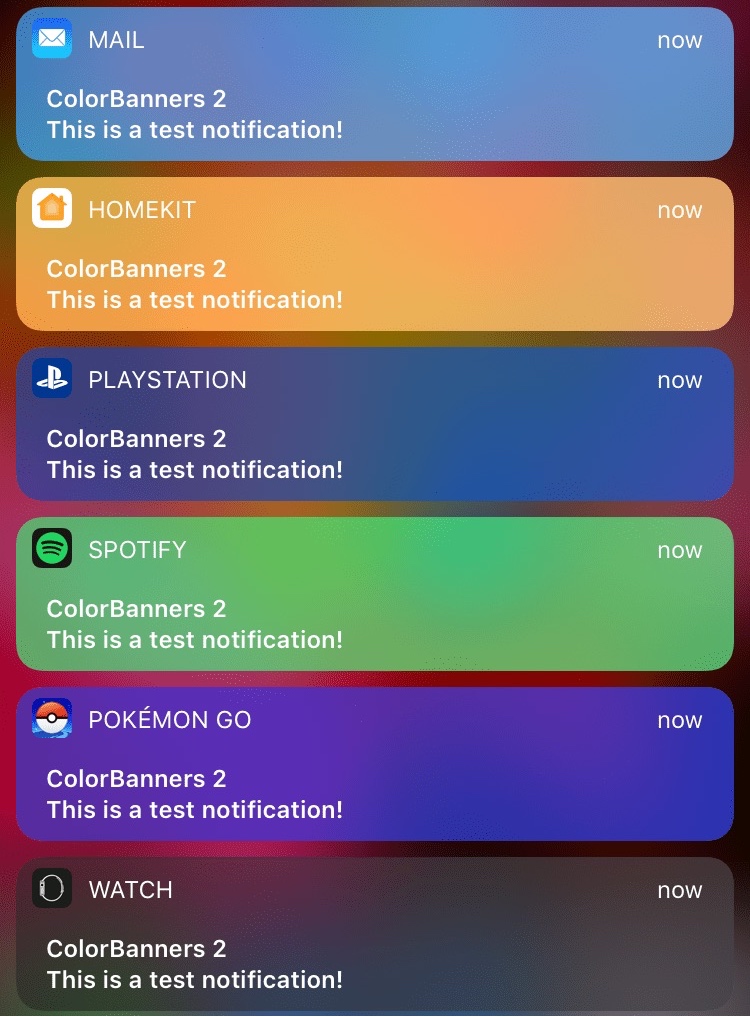
Fortunately, a jailbreak tweak called ColorBanners 2 by David Goldman can help you to make your notifications a little easier to look at, as it lets you to colorize them in nearly any way you’d like.

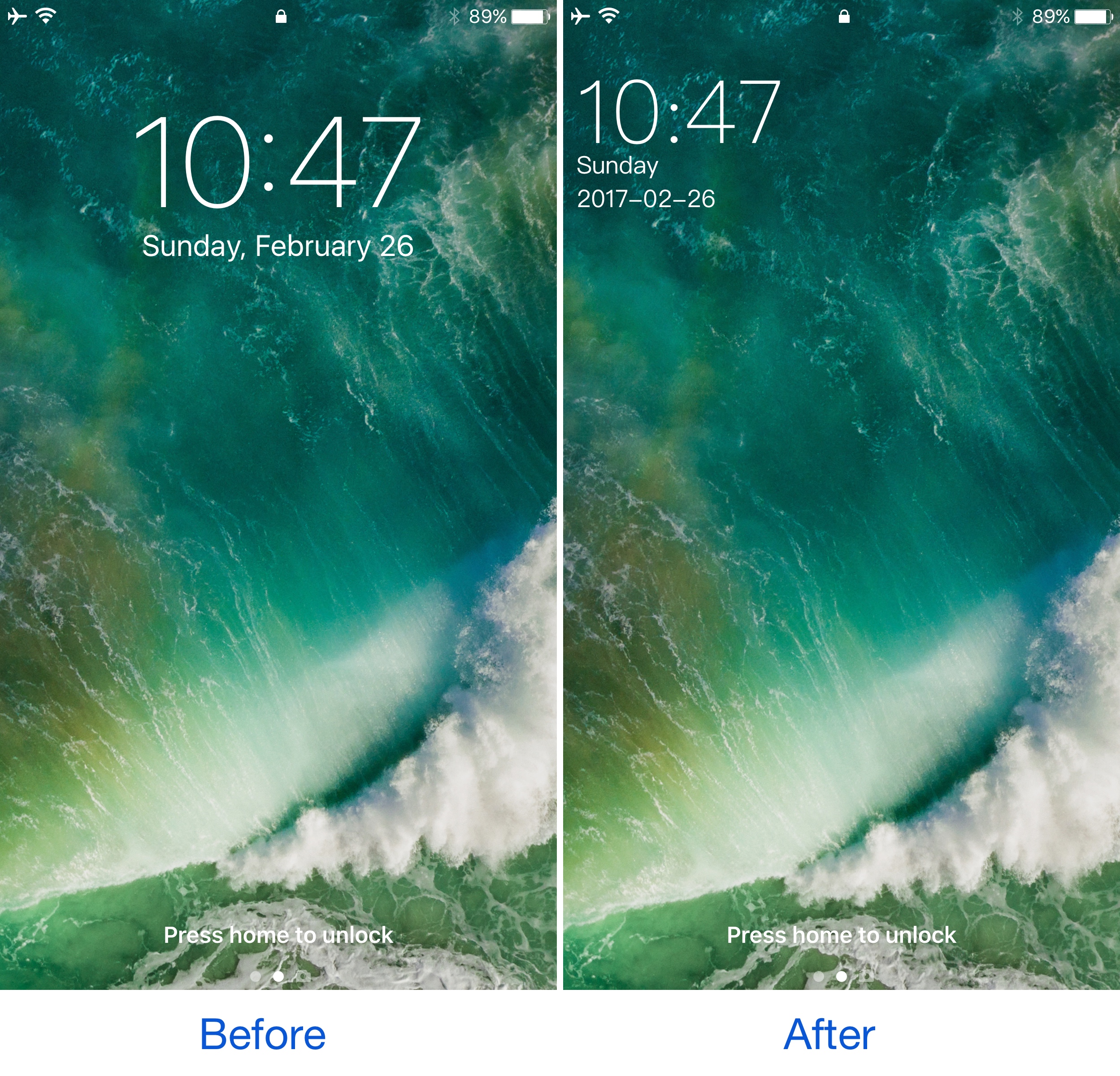
This tweak shrinks and relocates the Lock screen’s date and time indicator

A few years ago, a popular jailbreak tweak called SubtleLock rearranged some of the Lock screen’s information pieces to reduce their visual footprint and put more emphasis on the wallpaper you’ve chosen. Unfortunately, despite its popularity, it hasn’t been updated for iOS 10.

Despite the lacking support for those who have recently jailbroken iOS 10 with Yalu, users can now flock to an alternative: a jailbreak tweak called SimpleLSiOS10 by XCXiao. This tweak carries on the minimalist legacy SubtleLock started and never finished.

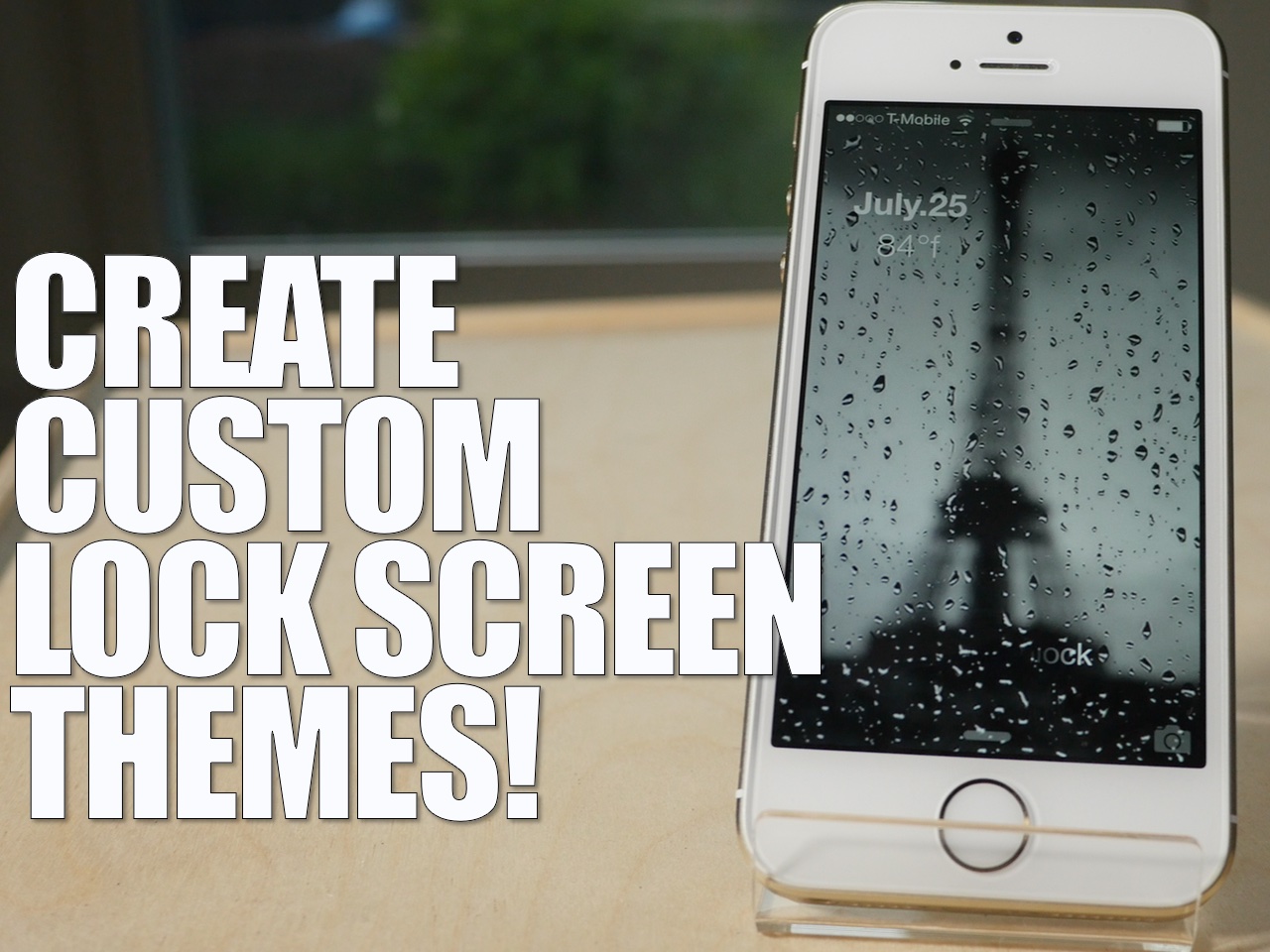
LockPlus: an upcoming WYSIWYG Lock screen theme maker

One of the most difficult things that jailbreakers can do is put together a decent looking theme. Sure, all in one themes like Ayeris make it easy, but building a fully themed iPhone piece-by-piece is a little more challenging.

And then there's the fact that there are so many type of themes. There's SpringBoard themes, Lock screen themes, app-specific themes, etc. There's really a lot to plan out and think about when it comes to successfully theming a jailbroken iPhone.

Well, a new theming solution is aiming to change this—at least when it comes to theming the Lock screen. LockPlus is a soon-to-be-released theming solution created by @JunesiPhone and based on Cydget. It allows you to create full Lock screen themes using a simple WYSIWYG web editor.

Aeuria LS is a beautiful Lock screen tweak for iOS

Great standout tweaks seem to be few and far between as of late, but the developer of Aeuria LS obviously has other thoughts about the matter. Aeuria LS is an original and wonderful-looking Lock screen tweak for jailbroken devices, that presents the current time in a unique manner.

Conceptualized by Zach Williams and programmed by Bryce Pauken, Aeuria LS is one of the best looking jailbreak tweaks that I've seen in a while. It brings a Lock screen clock interface to the iPhone that features customizations by clock type, time format, clock face font, color, blur, and more.

It's a simple looking tweak that you'll find to be incredibly deep, and a technical work of art once you delve into its preferences. Have a look at our video overview of Aeuria LS for more details.

Hexaclock is a Lock screen theme featuring a stylized clock

Looking for a way to spice up your iPhone's Lock screen? If so, have a look at Hexaclock, a Lock screen theme that uses the GroovyLock theming platform.

Hexaclock brings a fully-stylized working clock to the Lock screen, and it can replace the stock Lock screen clock. We've taken Hexaclock for a spin on video in order to showcase it to you in action...