Jailbreak

Check out the most comprehensive jailbreaking coverage on the internet, including the latest news, apps, tweaks, and detailed tutorials about everything jailbreak.

Cydia Ready to Go for iOS 4.2

Last week we gave you a quick preview of a page on the new Cydia. At the time, Chpwn, who's working with Saurik to update Cydia, said that this was all he had done so far. That wasn't much and to be honest, it was kinda disappointing.

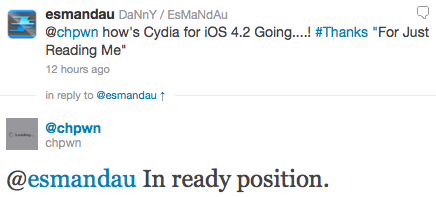
The good folks at Redmond Pie found out on Twitter that Cydia might now be ready for iOS 4.2. According to a tweet from Chpwn, Cydia for iOS 4.2 is "in ready position"...
Tutorial: The Easiest Way to Enable HD Video Recording on the iPhone 3GS

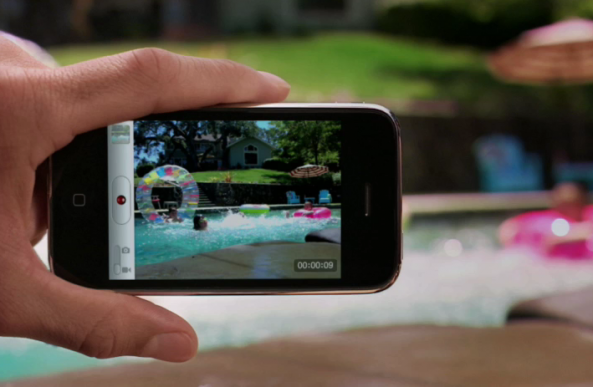
We recently linked to a Cydia app that was rumored to enable HD video recording on the iPhone 3GS. Apparently, that app didn't work. There is, however, an easy way to enable HD recording through some file modifications on your iPhone 3GS.

The 3GS has had the ability to shoot in HD since it was released. Apple, for whatever reason, places a software limitation on the 3GS video recording capabilities. The ARM Cortext processor inside the 3GS is more than capable of handling 720p video encoding. I'm going to walk you through the easiest way to enable HD video recording on your 3GS...

Obsessively Check Your Data Usage with New SBSettings Toggle

If you're a new iPhone adopter in the U.S., chances are you're on the limited 2GB data plan. To keep track of your data usage, you have two options: Navigate to Settings > General > Usage, OR log into your AT&T account via the MyWireless app or online. Neither option is quick or easy.

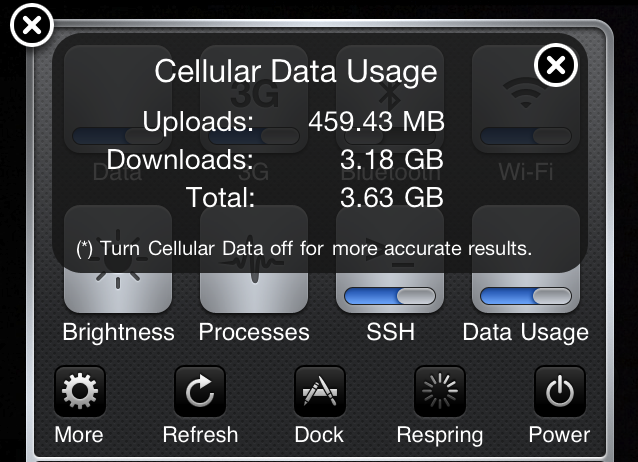
This simple add-on for jailbroken iPhones changes that. The Data Usage SBSettings tweak adds a toggle to your SBSettings menu that lets you see your total upload, download, and combined data usage. So now you can get quick and easy access to your monthly data usage (provided you're manually resetting the counter every month)...

Update About the iPhone iOS 4.2 Jailbreak & Unlock

With iOS 4.2 release day right around the corner, there are a few things that you need to be reminded of. Most jailbreak veterans out there probably know this by now, but I'm worried that the jailbreak novices will make mistakes they might regret sooner rather than later.

The Dev Team just posted an update on their blog about what to expect, and most importantly about what to do and what not to do. Here is a quick summary...

Saurik’s TED Talk, “Even Software Should Have Screws”

Jay Freeman, better known as saurik, recently gave a TED talk on the philosophy of mobile software. He compared the iPhone's App Store and the jailbreak mentality to how consumers buy and modify cars. He made the case for what he has based his career on: that consumers do not want the software limitations that Apple maintains on iOS.

The first half of saurik's TED talk explains the state of the car industry, and the consumer approach to buying and modifying cars. His comparison is interesting, and it definitely merits his point about Apple's App Store philosophy...

More Info About the iOS 4.2 Jailbreak

With the release of iOS 4.2 just around the corner, everyone is wondering when and what kind of jailbreak we'll be getting. Even though LimeRa1n and GreenPois0n can't supposedly be patched without hardware modification, the risk of getting a tethered jailbreak still remains.

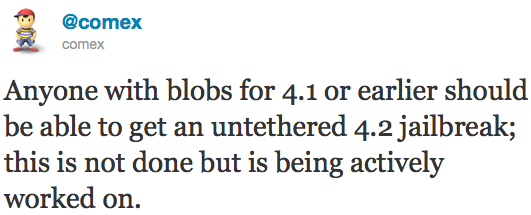
Comex brought up a bit of clarification about the iOS 4.2 jailbreak in a series of tweets. There is some good and some bad news...

iOS 4.2 GM Can Be Jailbroken with RedSn0w

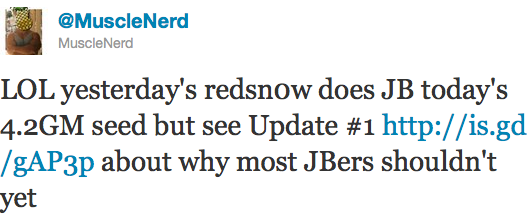
Apple released iOS 4.2 GM a few hours ago, and the word on the street is that you can already jailbreak it using the latest RedSn0w update. Like MuscleNerd suggested, unless you're a jailbreak app developer or unless you know exactly what you're doing, it might be a good idea to stay away from it.

Remember that updating your iPhone to iOS 4.2 GM might prevent you from unlocking your iPhone forever (most likely not, but you never know)...

PwnageTool iPhone Jailbreak for Windows Coming Soon?

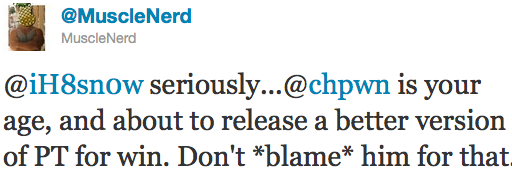
According to a tweet from MuscleNerd, iPhone jailbreak developer Chpwn will soon start working on a Windows version of the PwnageTool jailbreak. To date, PwnageTool is a Mac only jailbreak that allows you to update your iPhone to a jailbroken firmware while preserving the baseband so you can unlock your iPhone.

The news about PwnageTool for Windows came from an argument between MuscleNerd and iH8Sn0w on Twitter. I've never been a huge fan of iH8Sn0w and his Sn0wBreeze tool, and it seems that the Dev Team isn't either...

RedSn0w 0.9.6b2 Jailbreak for All Devices Now Available

The Dev Team just released RedSn0w 0.9.6b2, a new version of their famous jailbreak tool for Mac and Windows. What's new in RedSn0w 0.9.6b2? The most interesting news is that RedSn0w will now jailbreak all devices on iOS 4.1: iPhone 3G, iPhone 3GS, iPhone 4, iPad, iPod Touch 3G, iPod Touch 4G, and Apple TV.

Also new is the ability to have custom bootlogos on the iPhone 3G/3GS and iPod Touch 2G. Perhaps the most interesting new feature is the option that implements the DFU button in PwnageTool...

iOS 4.2 Jailbroken on Arrival

When Apple releases the final version of iOS 4.2 to the public next month, you shouldn't have to wait long before a jailbreak is released. The jailbreak might even be released on the same day that Apple makes iOS 4.2 available to the masses.

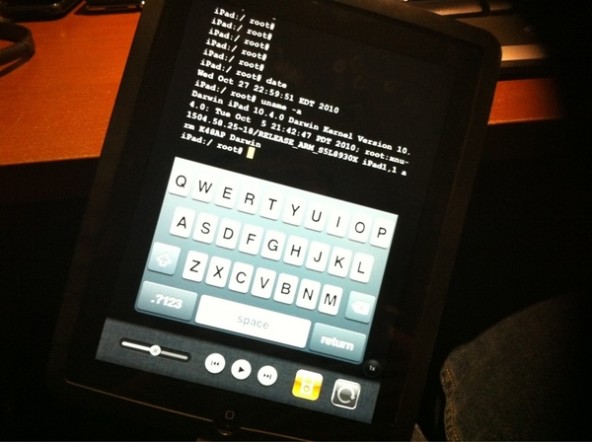
A couple of days ago, iOS hacker iH8sn0w posted an image of an iPad, one obviously on firmware iOS 4.2, running the jailbreak only mobile terminal app. As we reported earlier, due to the nature of the jailbreak, the quick turnaround time should be something we should see going forward, because one of the exploits is a hardware exploit that, according to hackers, can't be patched...

Can’t Quit Apps with the Home Button? This Might Be Why.

Everything was pretty smooth for a while on my 4.1 jailbroken device, but then it happened. I tapped the Home button to quit an app and nothing happened. I double tapped it, and the switcher popped up. Another double tap and it retreated. Another single tap, but my open app stayed open.

If this happened to you, most likely the problem is with the latest version of Notified Pro.  I did some research, and uninstalled Notified Pro via Cydia. After a reboot, the problem was gone. Just in case, I re-installed it. Within half an hour, the problem was back, and I couldn't quit apps without using the SBSettings Close Button.

I removed Notified Pro again, and problem solved. If you can't live without Notified Pro, check this out. Hope this helps some of you out there.  Anyone else experience the same issue?

Glasklart HD Theme for iPhone 4: Simple and Elegant

Since the release of the iPhone 4 and its brilliant Retina Display, the amount of available themes for jailbreakers has been greatly diminished. First, the jailbreak for iOS 4 took some time, and once it happened it seemed no one was quick to convert their existing themes to match the stunning Retina Display quality. A few have started to crop up, now that the jailbreak for iPhone 4 seems permanent.

Themes seemed like a lot of fun when I first jailbroke my iPhone, but they quickly lost their novelty as they were often battery hogs and well, just plain tacky. But sometimes I like to change it up, and now I know the simpler the theme, the better. (Hey, kind of like Apple's design... imagine that!) Enter the Glasklart HD theme, designed especially for iPhone 4.