Jailbreak

Check out the most comprehensive jailbreaking coverage on the internet, including the latest news, apps, tweaks, and detailed tutorials about everything jailbreak.

Download RedSn0w to Jailbreak iPhone 4.2.1

The Dev Team just updated RedSn0w to version 0.9.6b4, which will jailbreak iOS 4.2.1. As we explained yesterday, thanks to a combination of pwnage2 exploit, the arm7_go exploit, 24kpwn, and LimeRa1n, you will get an untethered jailbreak for iPhone 3G, older iPhone 3GS, and non-MC iPod touch 2G.

Unfortunately, other devices will get a tethered jailbreak, which means you will have to plug your iPhone in and launch RedSn0w every time you reboot...

GreenPois0n Jailbreak for iPhone iOS 4.2.1 Released in a Few Days

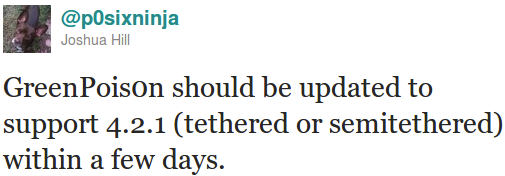
iPhone hacker P0sixNinja just posted an update on Twitter saying his GreenPois0n jailbreak should be updated to support the recently released iOS 4.2.1 within a few days. According to his words, the jailbreak will be tethered or semitethered, whatever that means.

Earlier today, the Dev Team also gave us an update about the iOS 4.2.1 jailbreak and unlock saying they were working hard on it. Things look pretty good and it seems everyone will be able to get a jailbreak relatively soon. Older devices like the iPhone 3G and 3GS will most likely even be untethered and unlockable...

Dev Team Gives Us an Update About the iPhone 4.2.1 Jailbreak & Unlock

Earlier today, Apple released iOS 4.2, or more precisely 4.2.1. Every time we have a new software update, the questions come back. When can we get a jailbreak? For what models? Tethered? Untethered? Can I unlock? You know the drill.

The Dev Team wrote a blog post a few minutes ago updating us about the status of the jailbreak and unlock for iOS 4.2.1. Here are the most important points:

Download iOS 4.2 for iPhone Now [Jailbreakers Beware]

As we reported earlier today, iOS 4.2 for iPhone is now available for download. To get iOS 4.2 on your iPhone, simply make sure your have updated iTunes to the latest version available (version 10.1), then plug your iPhone in.

iTunes should tell you that a newer software is available for download and prompt you to update. If iTunes doesn't tell you anything, click "check for updates". If you still can't see anything, try again later as iOS 4.2 might not be available in your area just yet, as it takes time to propagate throughout the servers...

iOS 4.2 Available Today with Free Find My iPhone in Tow

Finally, it's here...almost.  According to a press release ushered in from Apple, the long awaited iOS 4.2 will be released today. Reports point to 10am PST as the time when the download will go live, so set your stopwatches.

The big winners here are iPad owners, who finally receive multitasking capabilities on their tablets. But iPhone owners have a lot to be happy about as well, with features like AirPlay, and AirPrint making their debut...

RedSn0w Gets an Update to Jailbreak iOS 4.2.1 GM

PwnageTool is not the only jailbreak to get an update today. The Dev Team also updated RedSn0w to version 0.9.6b3 to jailbreak iOS 4.2.1 GM which was released earlier this week.

It's important to note that this version of RedSn0w is mostly for developers. If you aren't much of a technical person, I'd suggest staying away from it. If you plan to unlock using UltraSn0w, you must absolutely stay away from it...

PwnageTool Jailbreak Updated to Version 4.1.2

A quick note to let you know that PwnageTool, the jailbreak for Mac OSX has been updated to version 4.1.2. PwnageTool is a jailbreak that lets you update your iPhone to the latest jailbroken iOS while preserving the baseband to make sure you can unlock.

According to the Dev Team, this newer version of PwnageTool should fix any issues that OSX 10.5.x users were encountering. If you used PwnageTool to jailbreak and didn't notice any Cydia issues, you do not need to do anything else...

How to Jailbreak iOS 4.2.1 GM with RedSn0w

Apple released iOS 4.2.1 GM to developers a couple days ago, and this new build can already be jailbroken using RedSn0w, as confirmed by Redmond Pie.

Even though the jailbreak process of iOS 4.2.1 GM is successful, it won't take you too far as Cydia doesn't work properly with iOS 4.2.1 and will crash at launch. If you know your way around the iPhone files, you can however SSH into your iPhone to manually install jailbreak applications.

Installing and jailbreaking iOS 4.2.1 GM is fairly easy, but it's worth noting you should stay away from it if you rely on an unlock for your iPhone. iOS 4.2.1 GM will update your baseband, and most likely make it impossible for you to unlock for a while.

This being said, here is how to jailbreak iOS 4.2.1 GM with RedSn0w...

Tip: How to Quickly Respring your iPhone

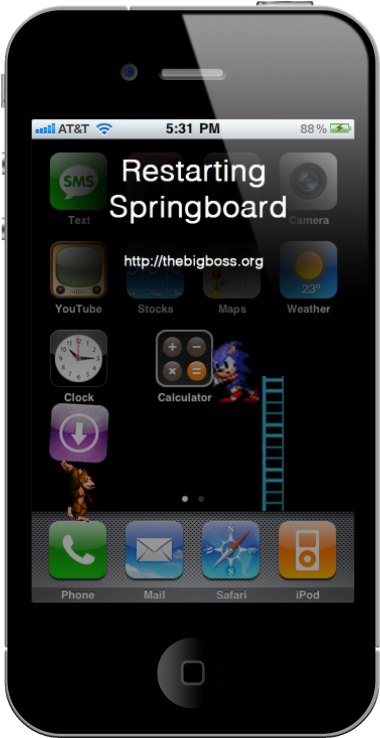
Many of us jailbreakers know how frustrating it can be to debug the modifications we make to iOS. When installing an app in Cydia, if the app requires it, Cydia gives you a prompt to restart your springboard.

There are two types of restarts you can have on your iPhone: a hardware restart and a software restart. A hardware restart takes considerably longer, and it is when you see the Apple boot logo (or your own, modded logo). A simple software restart usually does the trick for installing new packages on your iPhone, and it also helps with ironing out the bugs you may be experiencing...

Sn0wBreeze Jailbreak for iOS 4.1 is Out

iH8Sn0w, the developer of Sn0wBreeze recently announced on Twitter that he had released an updated version to his infamous jailbreak tool. This new version of Sn0wBreeze supposedly works with every device on iOS 4.1, including the iPad iOS 3.2.2.

Sn0wBreeze is like PwnageTool for Windows. It allows you to create a custom firmware while preserving the baseband and hacktivating the phone, thus making it possible for you to unlock using UltraSn0w. But how reliable is Sn0wBreeze?

Cleaning Up Your iPhone App Management with MultiCleaner

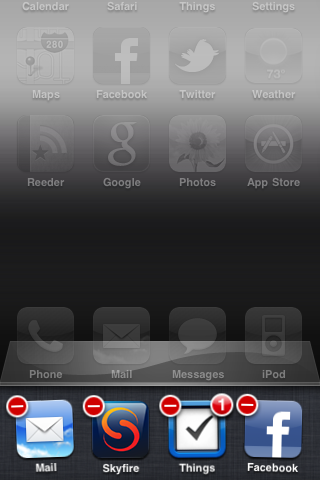
Do you hate how your iPhone leaves app icons in the multitasking bar even though they aren't running anymore? How about when you have to go through that tedious process to exit an app; click the home button twice, tap and hold an icon in the multitasking bar, wait for it to jiggle, and then click that tiny red delete button to quit.

Luckily, there are other people that feel the same way. MultiCleaner is a jailbreak app that relieves the cumbersomeness of managing your multitasking apps. In fact, the app's tagline is quite simple, "Because iOS 4 multitasking sucks..."

IncarcerApp “Locks Up” Current App, Disables Home Button

So your 10 year old nephew wants to look through your iPhone photos, but you're afraid to hand over the phone completely, lest he starts tapping away, deleting emails, sending prank text messages, and wreaking havoc on your homescreen. It'd be nice if you could limit him to the Photos app, right? There's a jailbreak app that'll let you do just that!

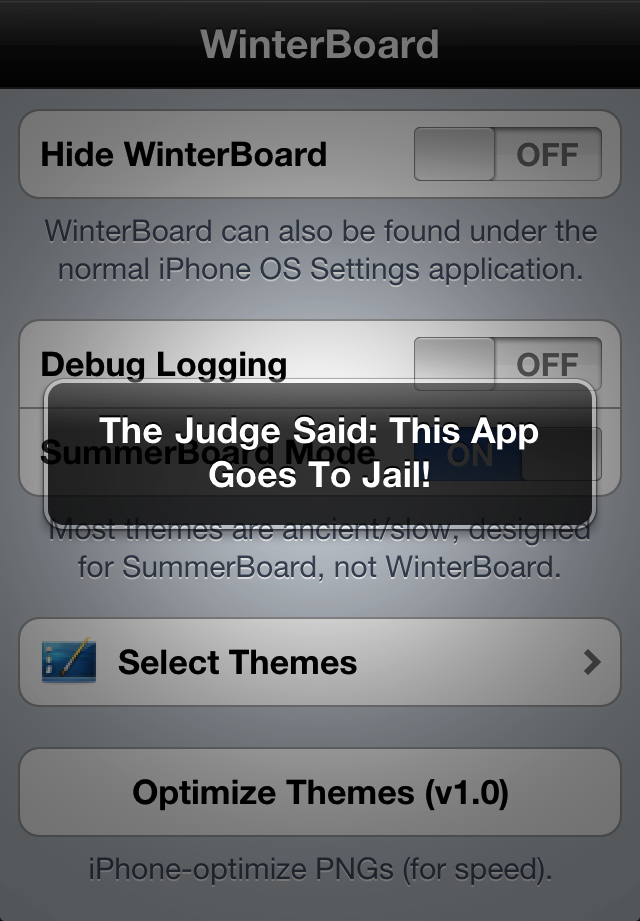
IncarcerApp for jailbroken iPhones will allow you to "lock up" the current app, leaving it fully functional but disabling the home button. With a quick gesture chosen by you through Activator, you can hand over your iPhone with no worries of them exiting the app and playing around elsewhere on the phone.

It's a simple but useful tweak if you have curious friends, family, or kids eager to play with an app or watch YouTube without you having to worry about sensitive data elsewhere on your phone.

Once you download the app in Cydia, you'll find there's some flexible options to choose from to make full use of the app...