Jailbreak

Check out the most comprehensive jailbreaking coverage on the internet, including the latest news, apps, tweaks, and detailed tutorials about everything jailbreak.

iPod Memos: Turn Your Voice Memo Recordings into iPod Tracks

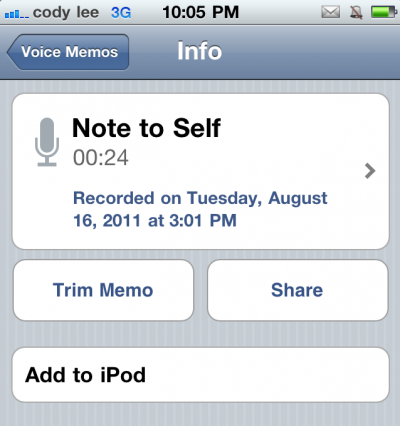
How often do you use the built-in Voice Memos app on your iDevice? I don't use it much, but I'm sure others find it very handy. And if you happen to be one of those people, you'll love this next jailbreak tweak.

iPod Memos is a simple utility that allows you to quickly add recorded Voice Memos to your iPod library. This way if you record a lecture or a train of thought, you can listen to it later from within the iPod app...
Sleipnizer Might Just be Mobile Safari’s Best Friend

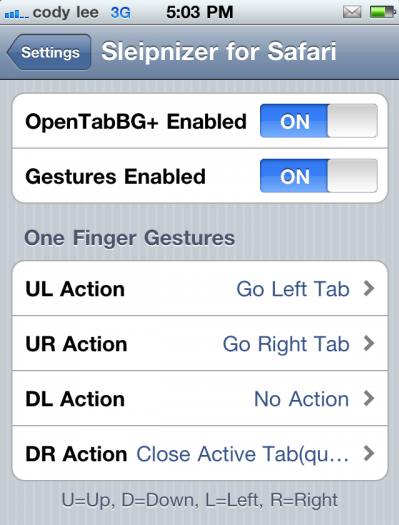
We've discussed several jailbreak utilities for Safari over the last few years, but Sleipnizer could be its new best friend. The package adds two major features to the option-starved browser.

Sleipnizer borrows its peculiar title and feature-set from a Japanse browser named Sleipnir. It installs into the native Safari application in iOS, and makes surfing the web with the native browser a little bit more fun...

Double At: Insert Your Email Adress by Double Tapping the “@” Key

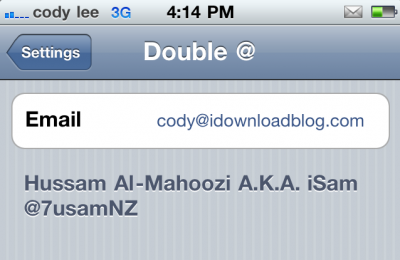
And the onslaught of jailbreak utilities continues, with this new release from iSam. The package will allow you to automatically insert your email address into a text field upon double tapping the "@" key.

While you could accomplish this with an app like Xpandr, Double At is much more simple. This utility is for power users who are constantly sending out their email address from their iDevice...

IconCommands: Make Your Icon Tapping More Productive

We've seen a flurry of jailbreak tweaks surface over the last few days, and it doesn't look like it's slowing down. Multiple packages turned up in Cydia today, but the one we're going to cover in this post is IconCommands.

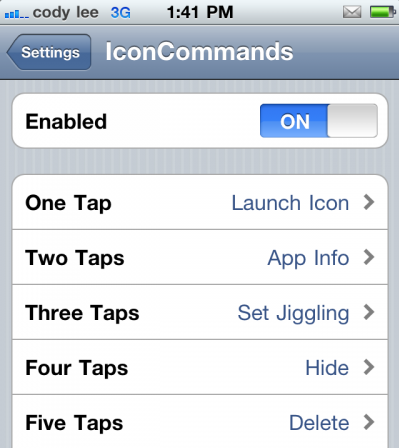
The utility allows you to set customized actions for when you tap on an app icon. For example, you can set applications to launch on a single tap, hide once double tapped, and delete after 3 taps. I know it sounds similar to Apptivator, but it's actually very different...

Copic: Add Contact Photos to your Call Lists, Contact Lists, and Text Messages

I love jailbreak utilities that add contact photos to stock iOS apps. It makes your contacts seem more like real people, rather than pieces of data.

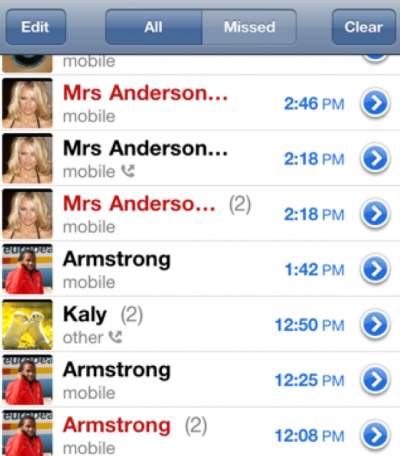
Cydia provides a couple of options to pull this off. SMSEnhancer adds contact photos to the Messages app, and IPicMyContacts does the same for your contact list. And then there's Copic, which actually does what the other two tweaks do, and more....

SleepDepriver: Prevents Your iDevice from Going to Sleep

As an iDB writer, I spend a lot of time downloading and installing Cydia packages on my iPhone. The problem is that I don't want my device locking in the middle of my work, and toggling off the autolock feature is a 5 step process.

Naturally, I turned to Cydia for a utility to solve my problem. There were a couple of good options available, but I really liked SleepDepriver. Unlike the other jailbreak tweaks, SleepDepriver disables your screen from dimming...

NoSearchCorrect: Disable Autocorrect in Safari Search Field [Updated]

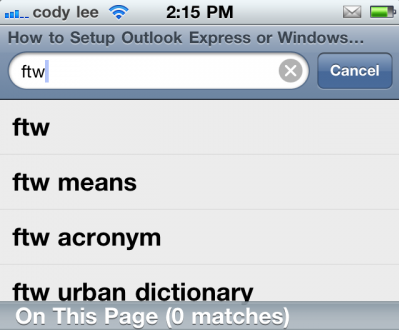
The autocorrect feature in iOS is pretty annoying. Where is it the most annoying? The Safari search bar. Everyone knows the search field is much better at predicting what you're typing than Apple's autocorrect.

And for that reason, Filippo Bigarella created NoSearchCorrect. This simple utility disables the frustrating feature when performing searches in mobile Safari...

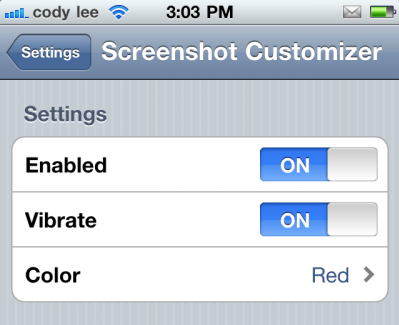
Screenshot Customizer: Add Colors and Patterns to Your Screenshot Flash

Jailbreaking your iDevice gives you the ability to customize it beyond your wildest dreams. Not only are there themes and icon packages that can change the look and feel of iOS, there are also tweaks available.

And if you really have an appetite for customizing, this next utility might just make your day. Now you can personalize something I'm willing to bet you would have never thought of, your screenshots...

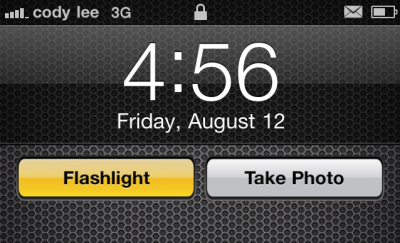
FlashCam is Two Jailbreak Tweaks in One: Flashlight and Camera Access From the Lockscreen

The empty lockscreen in iOS makes for an interesting place to deploy jailbreak tweaks. In fact, it seems like we've seen an excess of them since Apple unveiled the lockscreen-based camera shortcut in their upcoming iOS 5.

The feature has inspired tweaks like CameraLock and FlashLock, which allow you to access the camera and its flash respectively, without having to unlock the device. Now there's a utility available that combines both tweaks into one package...

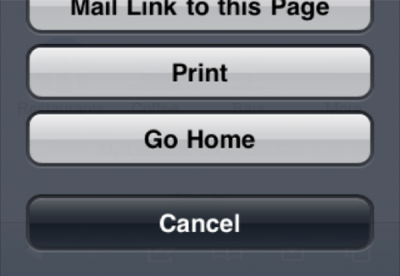
Add a Homepage Button in Mobile Safari with This Tweak

I'll be the first to admit that Safari's mobile browser in iOS isn't the greatest. It's lacking some serious features that you'll only find in third-party applications. However, it is the stock browser, and for that reason alone it's the most popular.

Luckily, the jailbreak community is really good at tweaking stock iOS apps to make up for missing options. Such is the case with this next tweak, which adds a homepage button to the feature-starved browser...

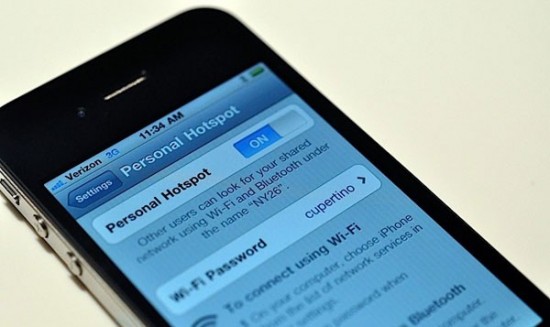
Verizon Allegedly Starts Blocking Jailbreak Tethering

TiPB passes on a report from Forbes that Verizon is rolling out a system to prevent jailbreak utilities like MyWi from working on its network. And according to the article, the free-tethering ban starts today.

This information correlates with previous reports that Big Red had started blocking rooted (same thing as jailbroken) Android users from tethering their devices, but we weren't sure when the 'official ban on unofficial tethering' would start...

Jailbreak iOS 5 Beta 5 With RedSn0w

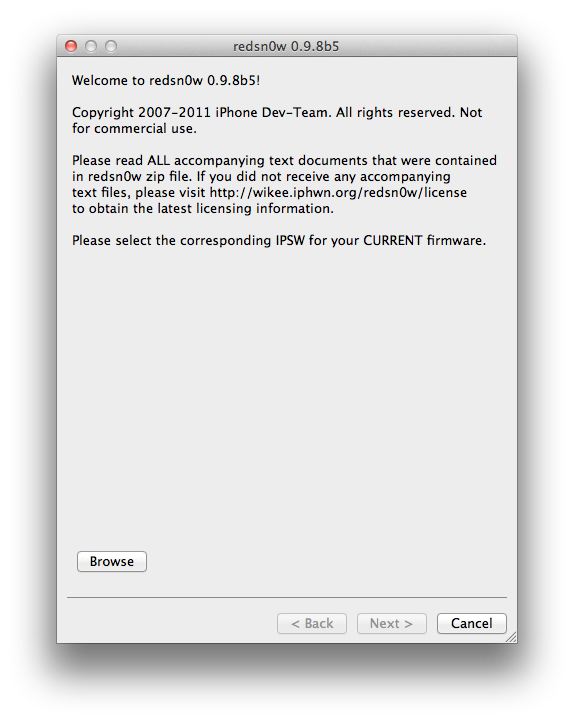
As usual, that didn't take long. Hot of the heels of the Beta 5 release of iOS 5, the iPhone Dev Team has released RedSn0w 0.9.8b5, which, of course, allows you to jailbreak Apple's bleeding edge firmware.

Per the norm, this is a tethered jailbreak, meaning you'll have to be near a computer to perform a tethered boot if you have to restart your device for any reason.

This latest version of RedSn0w is available for both Mac and Windows users. Check inside for more details...