Jailbreak

Check out the most comprehensive jailbreaking coverage on the internet, including the latest news, apps, tweaks, and detailed tutorials about everything jailbreak.

MiniPlayer 2.3 adds new ‘Play Next’ and share features

In case you haven't noticed, I'm quite fond of MiniPlayer. It's an app that started off a little homely looking, but has transformed itself into one of the better jailbreak tweaks that you'll find on iOS.

The dynamic duo behind the tweak — Surenix and MPow — have been obsessively refining MiniPlayer over the last few weeks; so much so that I'm beginning to worry about them a bit. Guys, it's really okay if you want to take a break. Remember, deep breathes.

At any rate, the end users have reaped the benefit of the development team's obsessive level of detail and thought. I once said that MiniPlayer 2.2 was the defining moment of the tweak, but let me restate that, MiniPlayer 2.3 is the defining moment of the tweak. That is, of course, until MiniPlayer 2.4 appears with lasers and its own built-in coffee bean grinder.

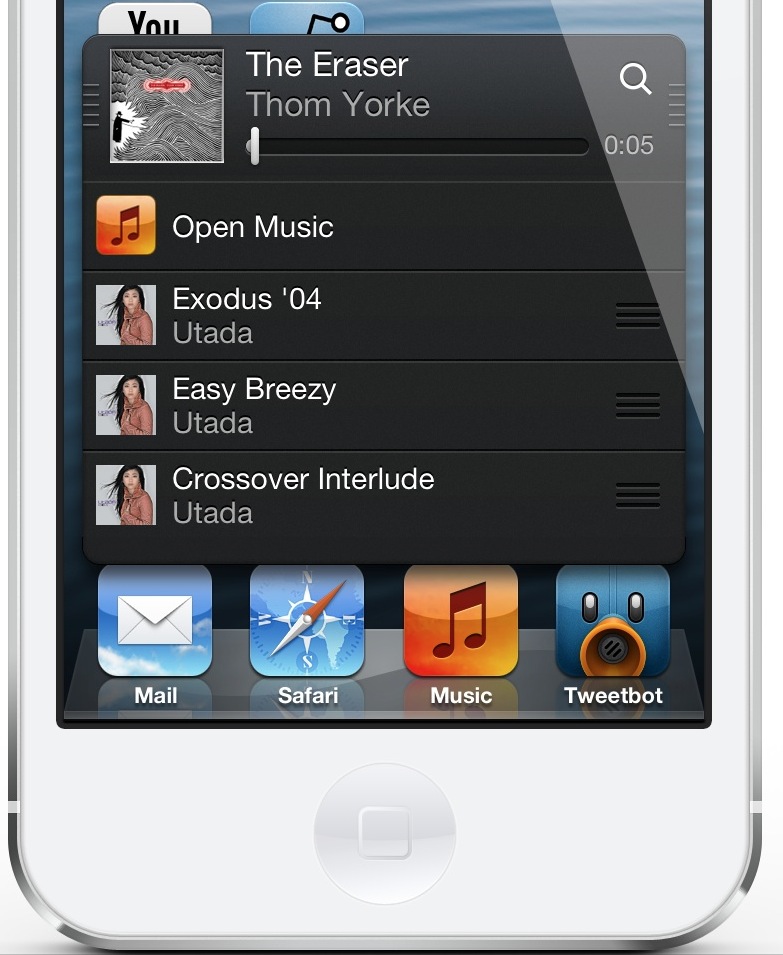
But seriously, MiniPlayer 2.3 brings quite a few new (and quite useful) features to the proverbial table. For starters, there's a new tap gesture to reveal repeat options, sharing options, and shuffling. There's also a great new addition that allows you to add an iTunes inspired 'Up Next' (here dubbed Play Next) track, along with the ability to rearrange the playing order of the tracks in your MiniPlayer queue.

Take a peek inside, as I step through a few of the most outstanding new MiniPlayer features in our video walkthrough.
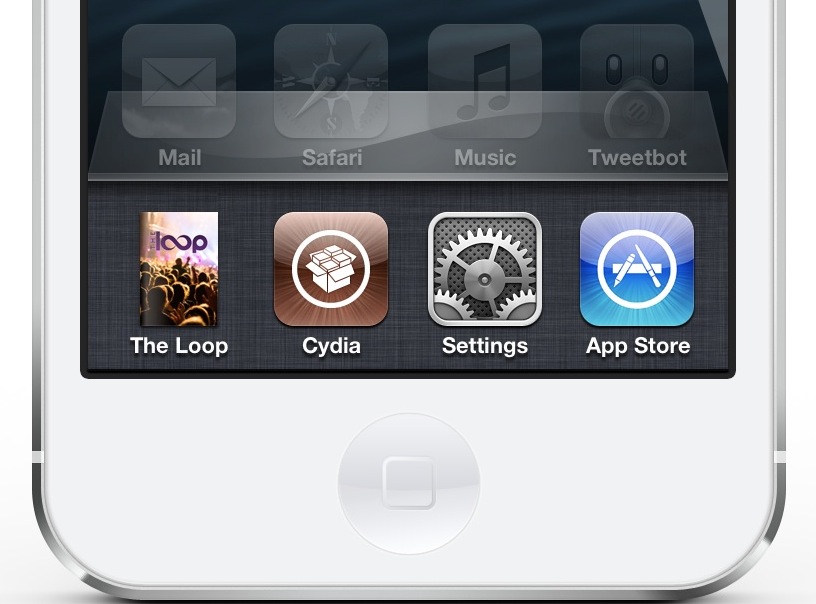
SemiRestore brings an easy one-click restore to jailbroken iOS devices

SemiRestore is a restore solution for jailbroken iOS devices. It allows you to restore your device to almost stock levels, removing everything from settings to jailbreak apps and tweaks, to even App Store apps. It's probably as close as you can get to a stock iOS device without actually restoring using iTunes.

We've reviewed an early version of SemiRestore before, and while it showed promised, we had mixed feelings about it. This was namely because the app forced you to go through a lot of steps in order to achieve the desired result — a clean iOS device that allows you to maintain the current firmware and jailbreak.

But we've got some very good news: SemiRestore has come a long way since that early preview. In fact, on the beta 4 version that I tested, it's a true one-click solution. Yes, literally, all you have to do is plug in your iOS device, open the SemiRestore app, and click the SemiRestore button.

I once praised iLEX RAT for its ease of use, but this is probably about as easy as it gets. Check inside for our very own video walkthrough of SemiRestore beta 4 in action.

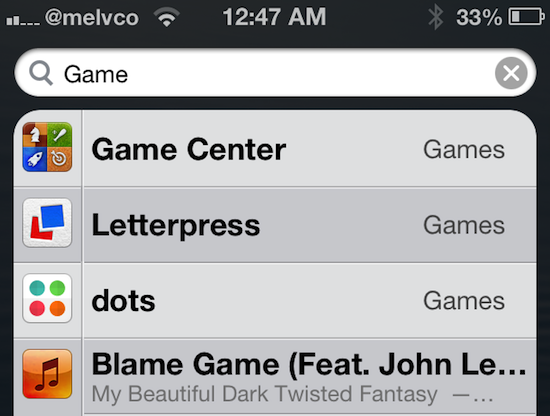
OpenOnSearch makes Spotlight a little more useful

I don't use Spotlight much. The page, which sits to the left of the main Home screen in iOS, lets you do some really useful things like search for stuff on your device and the web. But honestly, most of the time I forget it's there.

But jailbreak developers are looking to change that. We've seen a number of tweaks designed to enhance the Spotlight page, like SpotEnhancer and SLEnhancerSearch, and today we've got a new one to show you. Here's OpenOnSearch...

LockToggle adds handy settings toggles to your Lock screen

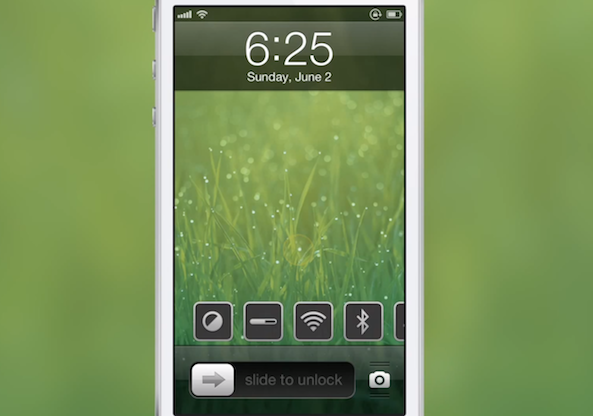
Folks who have yet to find a Lock screen-settings-toggle tweak that suits their needs will be happy to know that another one has been added to the pile this weekend. LockToggle, by developer Haifisch, gives you quick, one-touch access to some of the most common iOS settings, without you having to unlock your device...

How I created my clean iPhone 5 Home and Lock screens

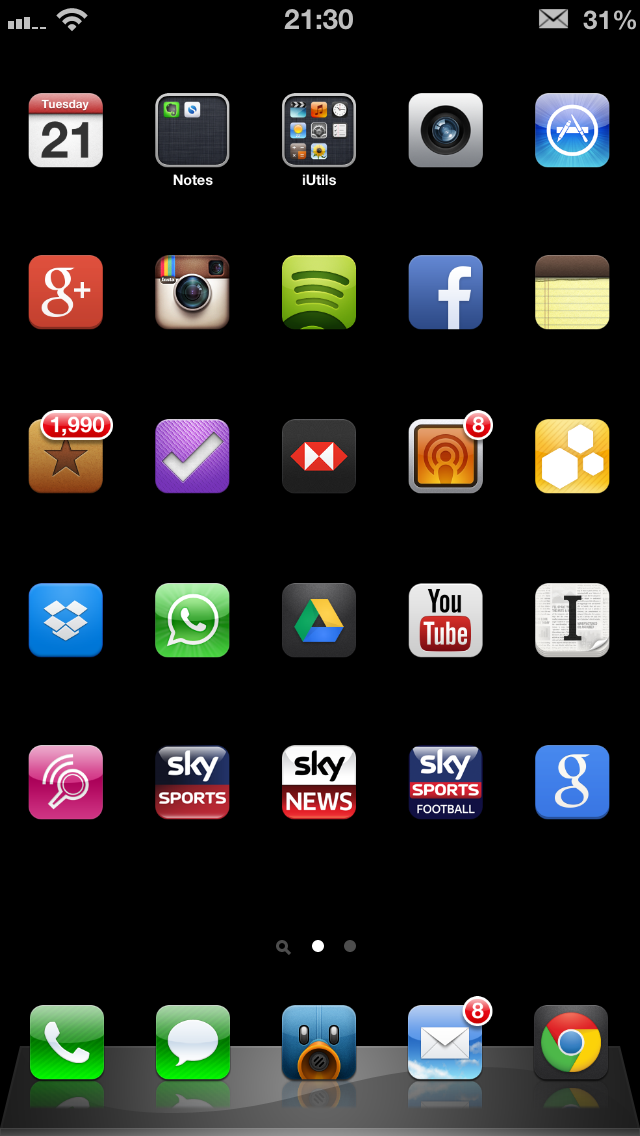
It seems like every time I post a screenshot of my Lock or Home screen, I'm inundated with tweets, Facebook messages and even the odd Google+ message asking how I created the minimalist, clean effect. It looks very different to the stock iOS experience, and offers some features that Apple refuses to offer, and I rather like it!

After the most recent flurry of questions I thought it best to put together a short blog post together detailing what apps or tweaks I used, along with the important settings required to recreate my Home or Lock screen.

So, without further delay, let's get started...

PadClock makes it easier to set alarms on iPhone

I can't be the only one that despises the date picker found within the Clock app's alarm settings. I find that it requires too much thought to set an alarm, especially in the wee hours of the morning when you can just barely open your eyes.

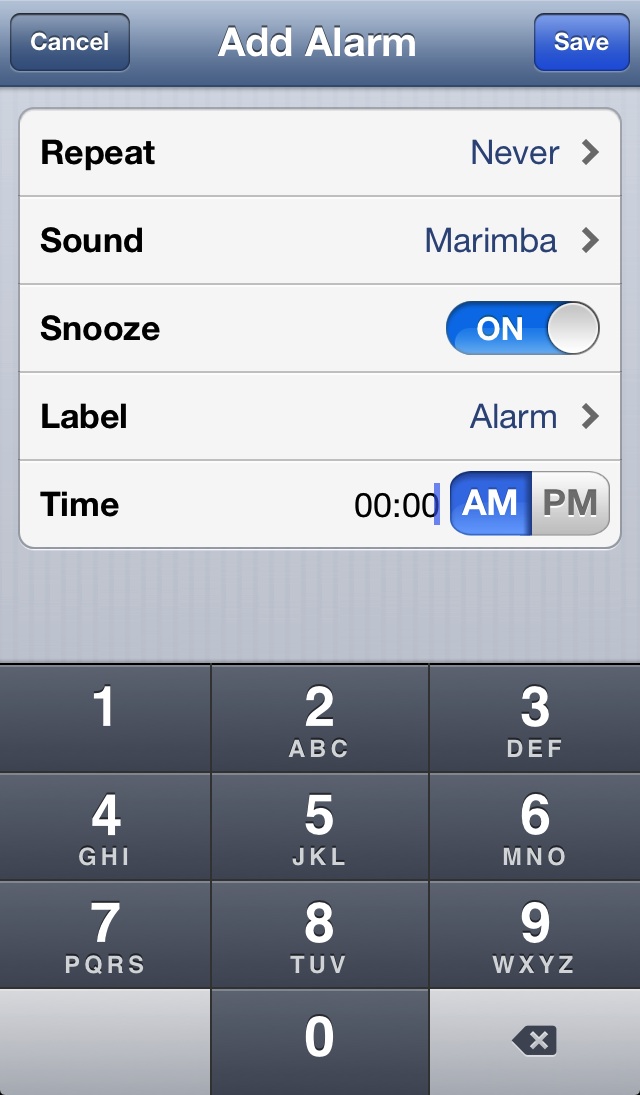
PadClock is a new jailbreak tweak that fixes the cumbersome setup found inside the stock alarm clock. It does so by replacing the original date picker with an easy to use number pad.

Good deal: $10 off FireCore’s aTV Flash (black)

Folks with a jailbroken 1st or 2nd generation Apple TV should check out this sweet little deal going on over Stack Social. The deal site has the popular ATV software suite aTV Flash (black) on sale right now for under $20.

For those unfamiliar with Flash (black), it's a popular software package that extends the capabilities of your Apple TV with tools like a web browser and a weather app, and it can play a wide range of media file types...

Auxo for iPad is coming in 6 days

Ladies and gentlemen, boys and girls, the wait is almost over. Yes, indeed, Auxo for iPad is coming to a jailbroken iPad near you in less than one week. In six days, according to a new teaser image on the tweak's official site, Auxo for iPad will go live.

The tweak, widely regarded as the best jailbreak release of 2012, has been baking in the oven for quite some time. Many have complained about the long wait, but you can be rest assured that the wait is almost over. We will, of course, be back with a full review of Auxo for iPad.

AltKeyboard: a better way to input alternate keys

Do you find it inconvenient to have to tap the little '123' button on your iPhone's keyboard to bring up the numerical keys? Wouldn't it be better if you could employ a simple swipe gesture to input alternate keys?

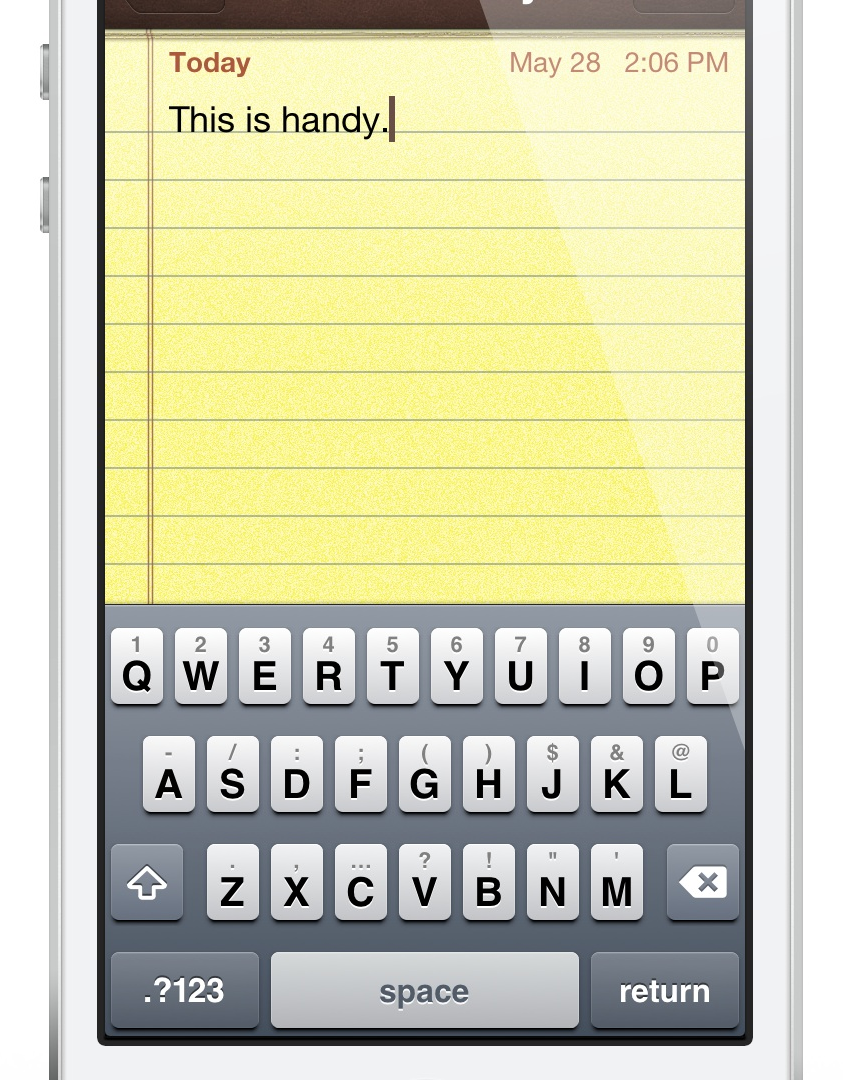
That's the exact thinking behind the just released AltKeyboard. It's a collaboration between Sentry — known for Auxo — and Alan Yip — known for Tap to Widgets. In usage, AltKeyboard is a very simple tweak, but its development and design were likely significant undertakings. I say that because AltKeyboard is extremely well thought out and well designed. It provides a feature that many will find useful in their day-to-day routine.

Like we always do for tweaks of this nature, we've gone hands-on to provide you with a full in-depth video walkthrough. Will AltKeyboard be of benefit to your typing habits? Check inside for the full analysis...

Change the way you ‘slide to unlock’ with FXOSLock

Are you getting tired of the old 'slide to unlock' bar on your iPhone's Lock screen? Tough. It's been like that since Apple unveiled the original handset back in 2007, and I doubt it's going to be changing it anytime soon.

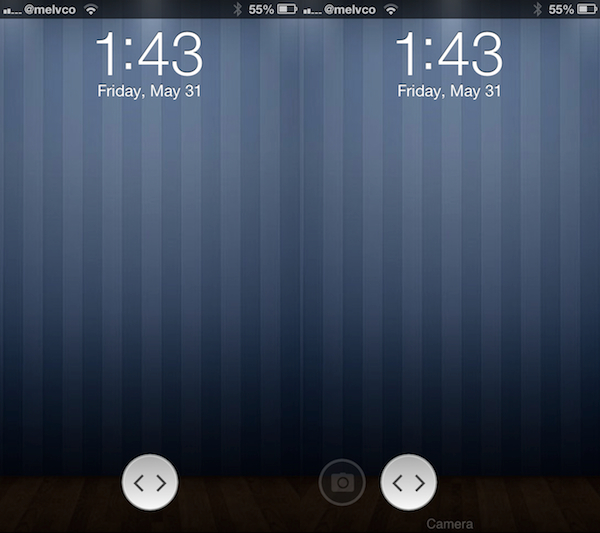
But the good news is, if your iPhone is jailbroken, Cydia has hundreds of slider replacements to choose from. In fact, a new one just recently hit the store called FXOSLock that completely changes the way the slider looks...

Apple Web OS: a theme that mimics Apple’s online store

If pressed, I would say that I consider myself an Apple fan. I love my iPhone, and my iPad, and I'm typing right now on a MacBook Pro. But even I cringed a bit when I first laid eyes on this new DreamBoard theme called Apple Web OS.

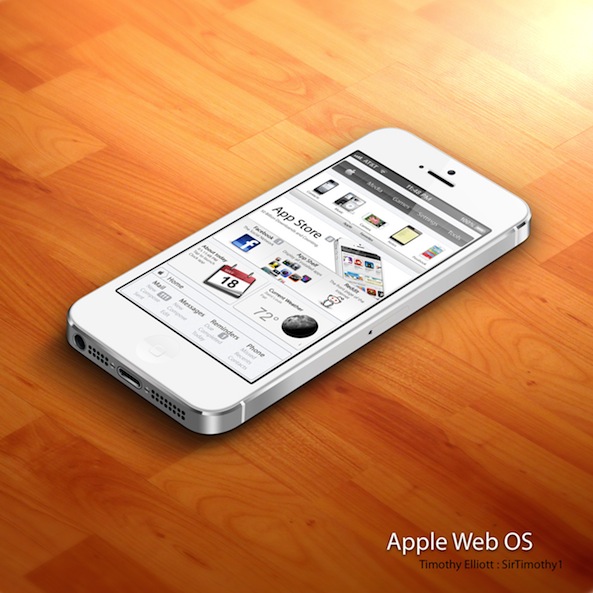
As the title states, Apple Web OS essentially gives your iPhone a complete 'Apple web store' makeover. Instead of icons it has product photos, and instead of pages it has tabs. It's actually very authentic, which can either be a good thing or a bad thing...