Jailbreak

Check out the most comprehensive jailbreaking coverage on the internet, including the latest news, apps, tweaks, and detailed tutorials about everything jailbreak.

Let’s Talk Jailbreak 24: Sebastien’s back

Sebastien is back from his vacation and he joins both Cody and Jeff for a jam packed episode of Let's Talk Jailbreak. This week, the trio discusses the upcoming gold iPhone 5S, the budget iPhone 5C, Apple's upcoming September 10th event, and much, much more. Jailbreak tweaks are also a hot topic of discussion as the guys tackle Anemo, AppSwiper, AutoOK, CodeScrambler, and Reminisce. Of course, Sebastien fills us in on what he's been up to for the past month and a half, and provides us all with an update on the state of the podcast.

ReturnDismiss: easily dismiss the keyboard in iOS

There's now a super easy way to dismiss the keyboard from within any app in iOS. ReturnDismiss, a new jailbreak tweak released for free on Cydia's BigBoss repo, makes it possible for jailbroken users to easily hide the stock iOS keyboard using a simple tap and hold gesture.

ReturnDismiss even works when the app you're in doesn't normally support the ability to dismiss the keyboard. Take a look at our brief video walkthrough inside for all of the goods...

‘AutoOK’ makes complex passcodes work like normal passcodes

In theory, "complex" word-based passcodes are more secure than the standard 4-digit passcodes that the majority of us tend to use, but they do come with a caveat. It might not sound like a big deal, but with complex passcodes, you have to tap the 'OK' button after entering the passcode in order to unlock your device. With standard passcodes, simply entering in all four digits is enough to prompt the device to unlock.

AutoOK is a new jailbreak tweak that serves as a workaround for this problem. It will automatically submit your complex passcode and unlock your device without needing to tap the OK button. Have a look at our video walkthrough inside to see how it works.

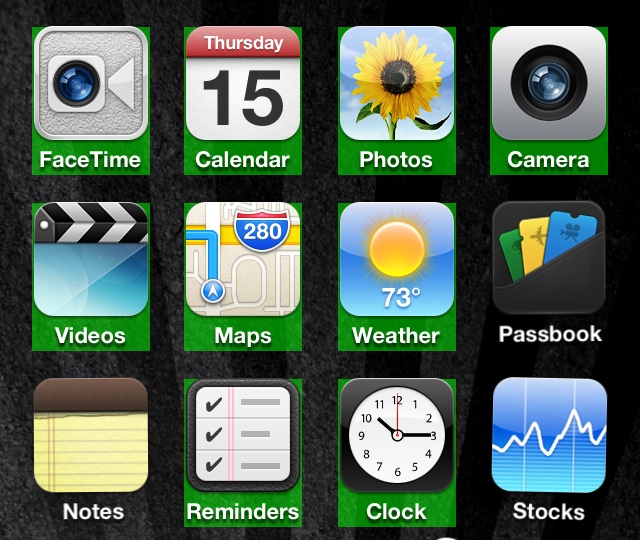
AppSwiper: swipe up to kill apps on the Home screen

AppSwiper is a brand new jailbreak tweak that allows you to kill running apps with a simple swipe gesture. The gesture, which is performed on app icons situated on the Home screen, invokes a pop-up window displaying the amount of RAM that the application is currently using.

Along with the RAM readout, you're greeted with two buttons — cancel, and kill. The cancel button takes you back to the Home screen without performing any actions, and the kill button stops the app from running.

AppSwiper is a great jailbreak tweak for those of you who like to micromanage running apps. Have a look at our video walkthrough inside for all of the details.

Preview: Anemo

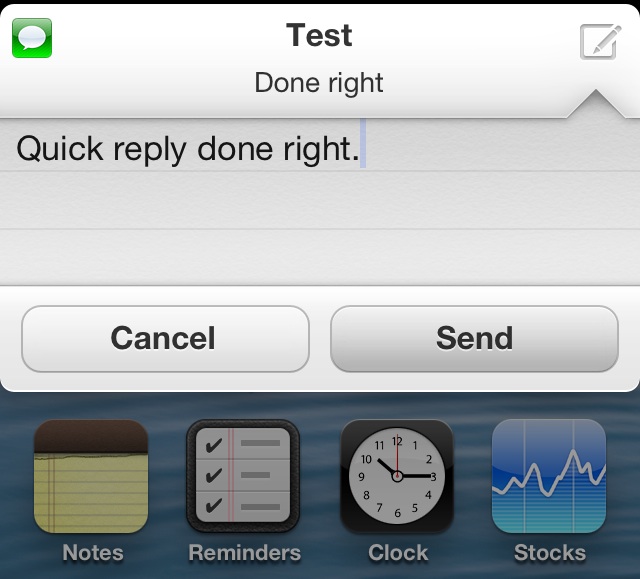
Anemo is an upcoming tweak that brings a sleek looking Quick Reply feature to the stock Messages app. The tweak, which has been in its conceptual stages for quite some time, is a collaboration between iOS developer, John Corbett, and renowned iOS designer, Sentry.

Anemo was initially featured by Sentry in its conceptual stages via a post on The Verge's forums. Afterwards, it quickly rose to popularity, amassing over 200 comments from interested users.

Today, I was able to go hands-on with a real working beta copy of Anemo. What I found was a tweak that lived up to its initial concept laid out almost a year earlier. Check inside for my first hands-on demo with Anemo.

‘CamRotate’ adds iPad styled rotation to the stock Camera app

CamRotate is a new jailbreak tweak that allows users to have more control over the Camera's in-app rotation options. CamRotate allows users to lock rotation in one of four orientations, sync rotation with the rest of iOS, and emulate an iPad-style rotation method.

A tweak like CamRotate won't appeal to everyone, but if you're an avid iPhone photographer, then it's something that may be worth your time. Have a look at our full video walkthrough inside for all of the details.

How to quickly move app icons with ‘EasyIconEdit’

When it comes to moving icons around on your iPhone in a quick and efficient manner, you have a few options. The first and most obvious option is to use iTunes' built in app icon management tools. This allows you to efficiently rearrange the location of your app icons, and you don't have to be jailbroken to do so.

The second, and arguably easier and more desirable method, is to use Lance Fetters' MultiIconMover. This is a tweak that allows you to quickly select batches of icons to quickly move them from one place to another. We've already covered MultiIconMover before; check it out for more information.

Recently, a new challenger has entered into the ring — a new jailbreak tweak entitled EasyIconEdit. Like MultiIconMover, it requires users to be jailbroken, and like MultiIconMover, it uses the same tap to select method for selecting groups of icons simultaneously.

The question is this: How does EasyIconEdit compare with the competition? Have a look past the break and we'll show you.

How to find how much space you’ll save when uninstalling apps

I love having a 32GB iPhone, because it means that I rarely have to worry about being cramped for space. Back in the days when I used to opt for the iPhone with less storage, I constantly found myself having to manage space.

If you still find yourself in that unfortunate predicament, first of all, I feel for you. Secondly, you should probably consider downloading Uninstall Application Size. This is a recently released jailbreak tweak that will let you know how much space you'll save when uninstalling any specific app. Have a look inside to see what I mean...

‘CodeScrambler’ adds more security to the stock iPhone passcode

Looking to add some additional security to your iPhone? Worried about someone spying out your Lock screen passcode? If you answered affirmatively to those questions, then perhaps you'd benefit from CodeScrambler.

CodeScrambler is a brand new jailbreak tweak that scrambles the Lock screen passcode in a different order each time you attempt to unlock your iPhone. This makes it more difficult for would-be passcode thieves to memorize your passcode based on the location of your taps on the screen.

Have a look inside, as we showcase how CodeScrambler works on video...

How to get iOS 7 styled parallax wallpaper on your iPhone

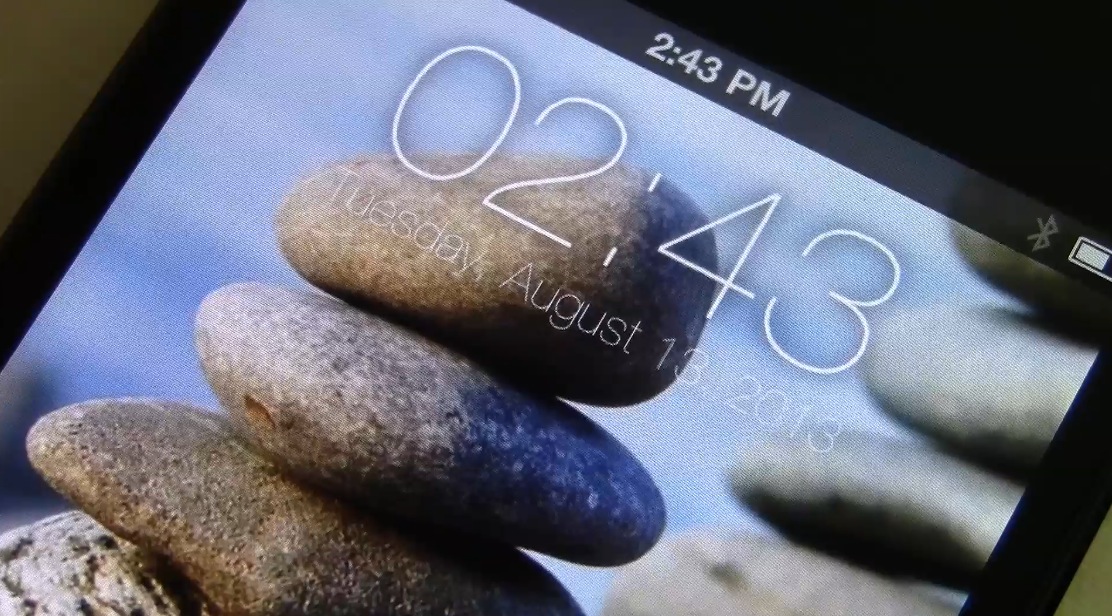
We've got an extremely cool new Lock screen theme to show you guys and it's called iOS 7 Accelerometer Slideshow Lockscreens. This is a new WinterBoard theme that recently appeared on Cydia, and it completely transforms the iOS Lock screen.

The download includes 5 different theme packs that work well with both 4" iOS devices, and smaller 3.5" devices. Each theme pack features well over a dozen different wallpapers that all move around as you move your device.

Like the Parallax effect found in iOS 7, these new themes allow you to harness the device's built-in accelerometer for a similar stylized effect. It's something that really needs to be seen to full appreciate.

Have a look inside as we showcase iOS 7 Accelerometer Slideshow Lockscreens on video.

Preview: Reminisce

Reminisce is an awesome upcoming recent app launcher. It makes launching recently used apps an extremely quick exercise in finger dexterity.

I've seen a lot of jailbreak tweaks over the years, and many of them make the iPhone a more efficient device to use. With that said, you'd be hard pressed to find another tweak that makes launching recent apps as efficient as Reminisce, and that's just with the preview version.

Interested? We've got the goods. Have a look at our hands-on video inside.

Let’s Talk Jailbreak 23: Jailbreak news always follows

It's been quite an exciting week full of Apple news, with the upcoming September 10th event, and the prospect of new iPhone hardware. Inside, Cody and Jeff discuss the long rumored budget iPhone, the iPhone 5S, iPads, and getting warranty coverage while running iOS 7. The duo also talks about the legitimacy of the Unthreaded jailbreak along with who might be behind it, and this week's top tweaks.