Jailbreak

Check out the most comprehensive jailbreaking coverage on the internet, including the latest news, apps, tweaks, and detailed tutorials about everything jailbreak.

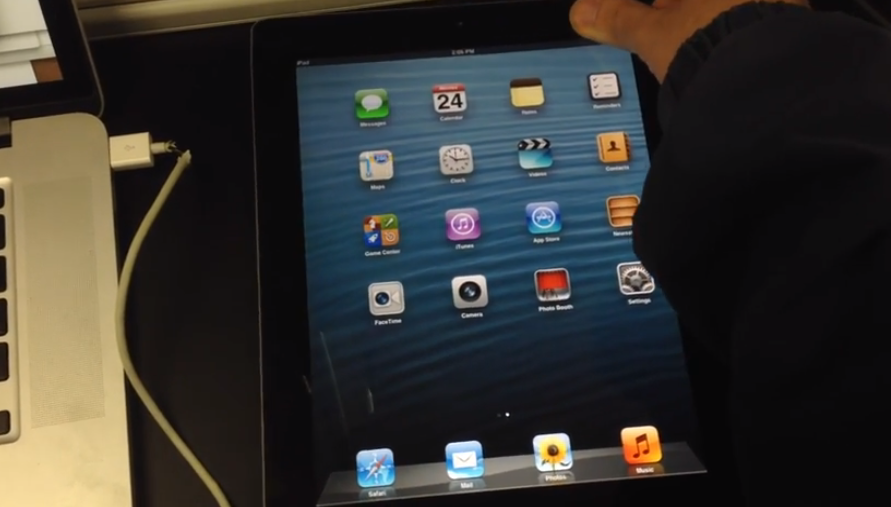
Winocm shows off iPad triple-booting iOS 5.1, 6.1.3 and 7.0.6

This is pretty interesting. Hacker winocm has posted a new video of his iPad triple-booting into multiple versions of iOS. The clip shows his hacked tablet booting up and running in iOS 5.1, and then its ability to quickly switch to iOS 6.1.3 and iOS 7.0.6.

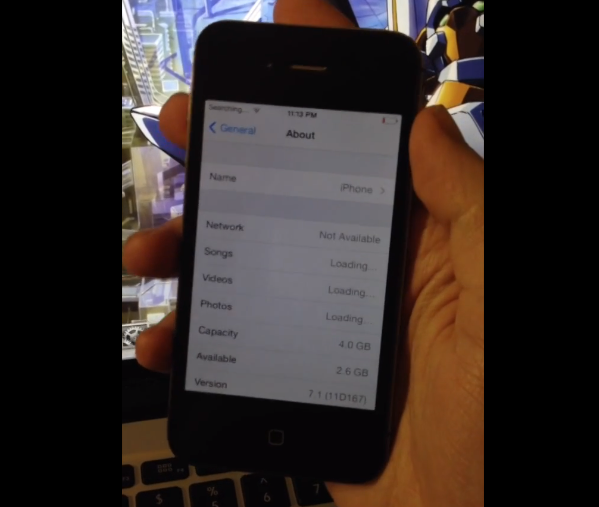
Winocm has made quite the name for himself around the jailbreak community as both a hacker and a tinkerer. Last week he posted a video of his jailbroken (untethered) iPhone 4 running iOS 7.1, and don't forget he helped iH8sn0w create p0sixspwn...
How to add a color keyboard to iOS 7

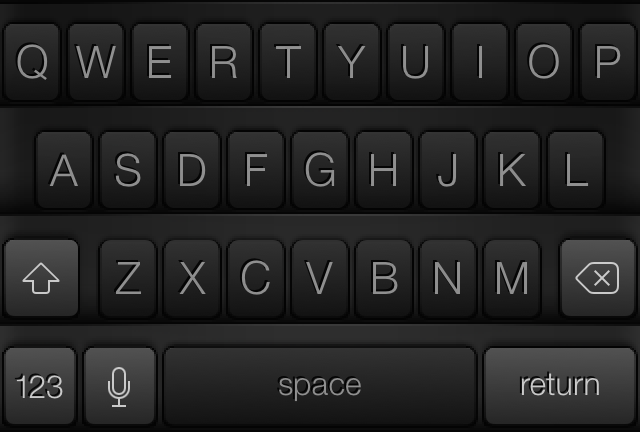
Sometimes you just want to switch up the look and feel of things, and that is what Color Keyboard for iOS 7 allows you to do. As you might have imagined, Color Keyboard is not new to the jailbreak scene. It's a tweak that's been available for lesser firmware, but was just recently updated to cooperate with iOS 7.

Update: with the release of iOS 8, Apple now allows third-party keyboards in the App Store. If you're looking for a different keyboard for your iPhone or iPad, make sure to check out our list of iOS 8 keyboards.

If you've used Color Keyboard in the past, then you'll be intimately familiar with the contents of the iOS 7 version of the tweak. If you want to change up the look of your keyboard, then Color Keyboard for iOS 7 is one of the best tweaks that you can use. Have a look inside as we delve into Color Keyboard for iOS 7's feature-set on video.

How to enable swipe-to-delete in the stock Clock app

I don't know about you guys, but I find it really annoying when there's not a swipe-to-delete option available in an application. One good example of this is found in the stock Clock app. On its world clock tab, you are forced to use the edit button in the upper left-hand corner in order to delete a clock.

Wouldn't it be nice if you could add swipe-to-delete functionality and cut the amount of gestures necessary to delete a clock down from three to two? That's the premise behind Edit Clocks—it makes deleting clocks found in the stock Clock app uber-intuitive and easy. Have a look at our video demonstration of the tweak in action after the break.

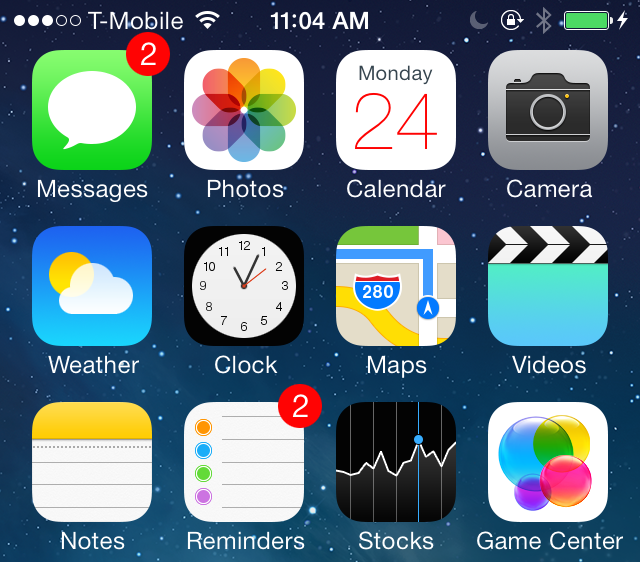
How to change the color of the Calendar icon’s text

Colendar is a brand new jailbreak tweak from developer Julian Weiss that allows you to change up the color of the text present on the stock Calendar app. The tweak, which is geared towards themers, also works with Ryan Petrich's Gregorian calendar app.

Included in Colendar's preferences are options to adjust the color of the day and date text and offset parameters for adjusting the location of the text assets as well. Have a look at our video walkthrough inside for more insight...

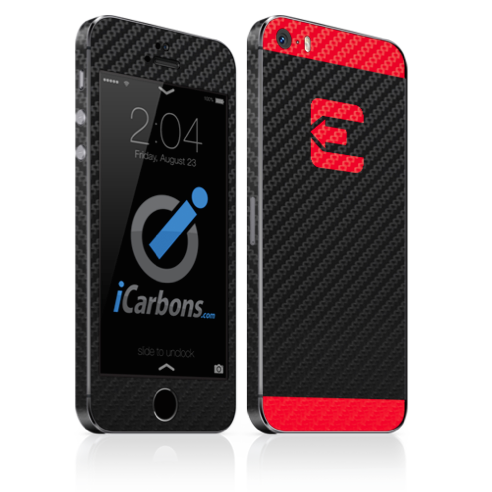
Show support for the evad3rs with the official evasi0n skin

With JailbreakCon right around the corner, it might be time for you to spice up your iPhone or iPad, not only to show support to the jailbreak community, but also to the people who brought to you evasi0n7, the jailbreak for iOS 7.

With that in mind, the fine folks at iCarbons have partnered with the evad3rs to bring you the official evasi0n skins for iPhone and iPad. Created with their legendary care and precision, these high quality vinyl skins are sure to make it clear you're on Team Jailbreak's side...

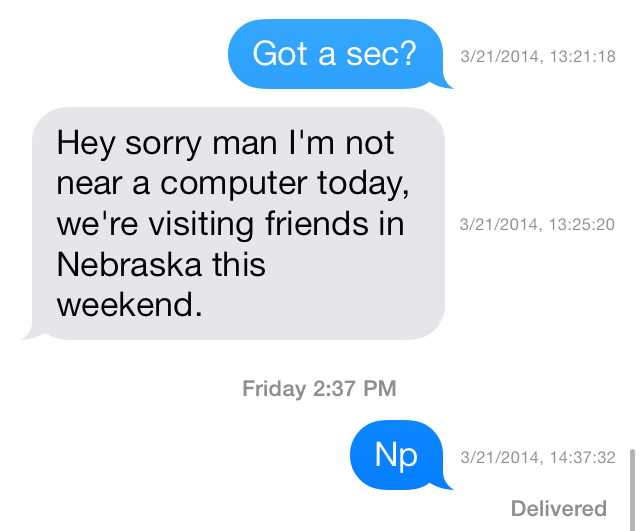
Dated: customize timestamps in the Messages app

The hidden timestamp feature that appears when you swipe from right to left while inside a Messages app thread just got customized. Dated is a new jailbreak tweak that allows its users to dynamically change the makeup of the timestamps that appear in the Messages app.

Using toggles found in the tweak's preferences, Dated users can add or remove the year, month, day, hour, minute, seconds and AM/PM indicator. All of this can be done on the fly without the need of a respring. Have a look inside as we take Dated for a spin in our hands-on video walkthrough.

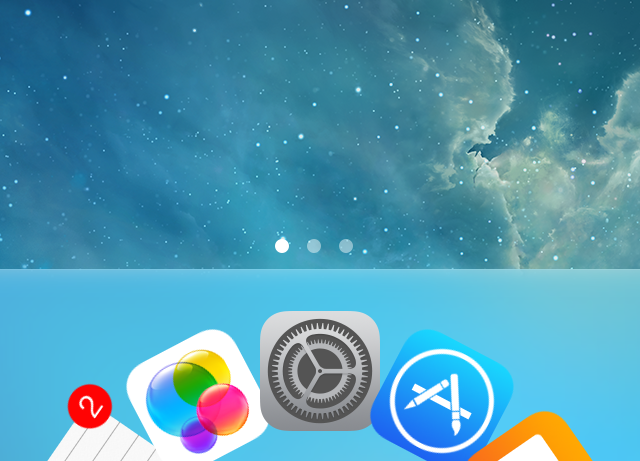
DockFlow: add Barrel-inspired animations to your dock

DockFlow is a great way to spruce up the iPhone's dock. It allows you to add Barrel-like animations to the dock in a way that genuinely works. If you're at all a fan of Barrel—the legendary jailbreak tweak by Aaron Ash—then you'll feel right at home with DockFlow.

The tweak, which is available for $1.99 on Cydia's ModMyi repo, lets users add as many app icons as they care to place into the dock. From there, you can switch between nearly a dozen different animations ranging from the tame to the not so tame. Have a look at our video walkthrough inside for a brief look at DockFlow.

Aria: a new take on the stock Music app

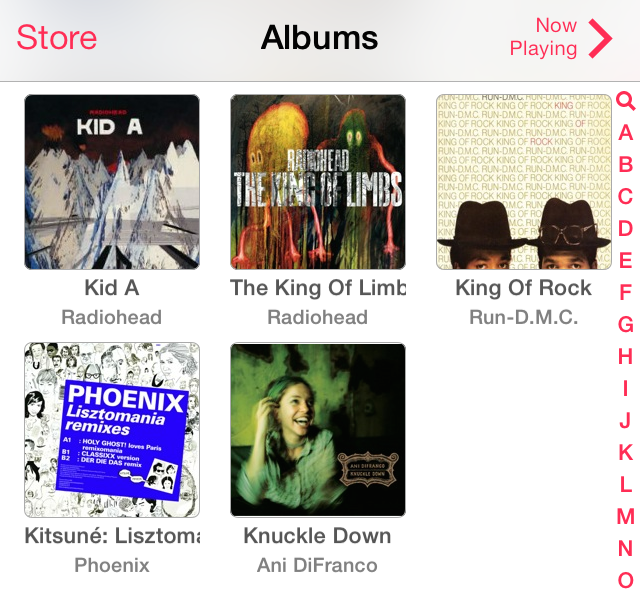
If you're looking for a way to significantly change the experience with the stock Music app, then you need to check out Aria, a new jailbreak tweak recently released on Cydia. Aria is a $1.99 release that's available on the BigBoss repo, and it allows you to use a stylish grid interface to display albums and artists.

Along with the interface changes, come more practical ideas. For example, you can add songs to your up-next queue using simple tap and hold gestures. But that's not all that Aria is capable of doing. Check out our full video walkthrough after the break for a look into what makes this tweak so interesting.

How to enable Drunk Mode on iPhone

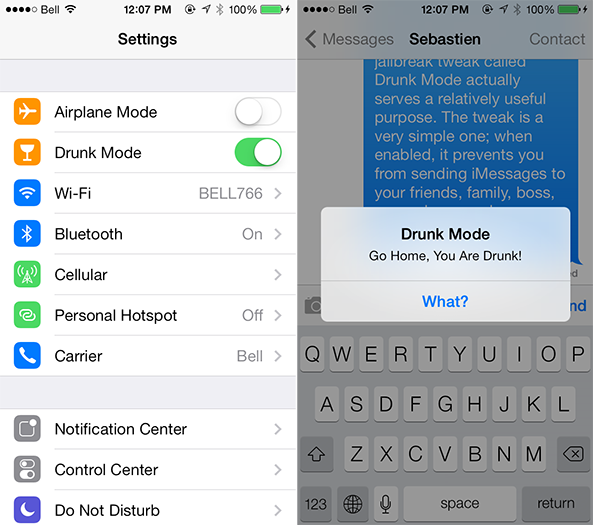
You are out for a night on the town with your friends, and perhaps you've had one too many Long Island Iced Teas or Peppermint Schnapps. We're not judging you, but others might be when you send them a misspelled text message or perhaps worse. Fortunately, if you have an iPhone, this is an easily avoidable situation.

While it might sound stupid, a jailbreak tweak called Drunk Mode actually serves a relatively useful purpose. The tweak is a very simple one; when enabled, it prevents you from sending iMessages to your friends, family, boss, co-workers or whoever else you probably shouldn't be talking to at the time. Details ahead… 

Winocm shows off untethered iOS 7.1 jailbreak on iPhone 4

Well known hacker and future Apple employee winocm posted a video demonstrating an untethered jailbreak of iOS 7.1 earlier today. The video, which he posted to YouTube, shows off what appears to be an untethered jailbreak on a Verizon iPhone 4.

In a brief tweet, winocm sent out a link to the video with the caption 'iOS 7.1 untethered boot.' Now, details regarding the clip are very scarce right now, but the fact it exists is fueling hope for folks on newer firmware wanting to jailbreak their devices...

Theme Thursday: Inversify, Ayza, VectrOS and more

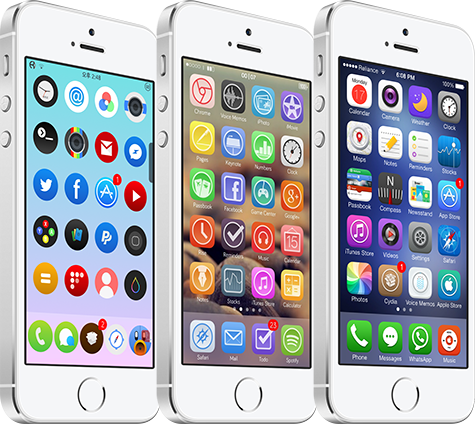
It is quite impressive that even as this eighth edition of Theme Thursday has come upon us, there are still a number of quality Winterboard themes being released each week. It is equally as impressive how collaborative the theming community is in general, as a number of iDownloadBlog readers and others continue to share themes with us that they feel are deserving of making this column. This week, we are proud to share Inversify, Ayza, Rollypop and VectrOS. Here they are…

Review: ProWidgets

One of the most highly anticipated jailbreak tweaks to surface in some time has been released on Cydia. I'm, of course, referring to ProWidgets—a brand new jailbreak tweak that we previewed extensively last week. To celebrate its release, we're bringing you our hands-on review.

ProWidgets is a release that we discussed in-depth on today's episode of Let's Talk Jailbreak as well. Be sure to have a listen to hear Sebastien, Cody's, and I talk about the pluses and minuses of the tweak.

Without further ado, step inside to read our take on the final version of ProWidgets. We'll show you what makes the tweak so compelling, and why the future is even more exciting.