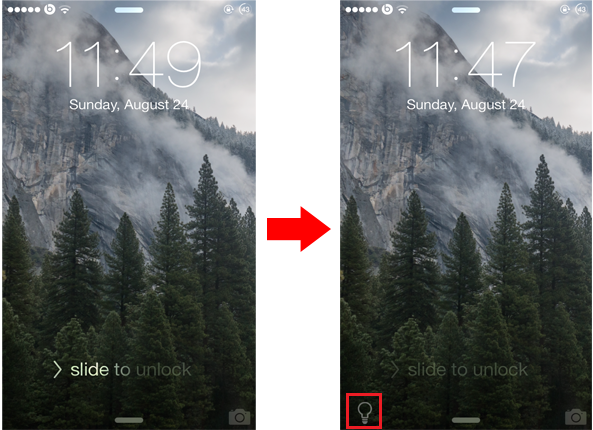
The Lock screen on iOS comes with a tiny camera grabber that is located in the bottom right corner of the screen. Swiping it up will open the camera directly from the Lock screen without requiring you to unlock your device first. If you use flashlight on your iPhone frequently, you might be interested to check out a new jailbreak tweak known as Lumos, which brings a similar feature to the Lock screen, enabling you to quickly start the flashlight.
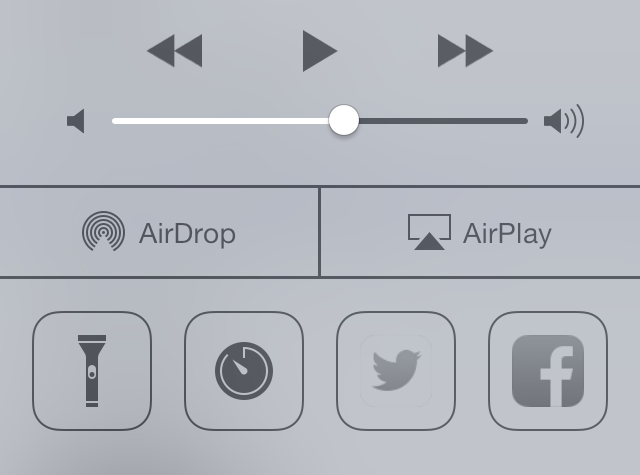
By default, the quickest way to turn on the flashlight on your iPhone is through Control Center. Lumos goes a step further and provides a much quicker way by adding a tiny icon to the bottom left corner of the Lock screen dedicated to flashlight. Unlike the camera grabber, you'll have to tap on the flashlight icon in order to turn it on, instead of swiping it up. Tapping on the icon again will switch it off.